fog light TOYOTA RAV4 2023 Owners Manual
[x] Cancel search | Manufacturer: TOYOTA, Model Year: 2023, Model line: RAV4, Model: TOYOTA RAV4 2023Pages: 574, PDF Size: 17.31 MB
Page 3 of 574
3TABLE OF CONTENTS
1
2
3
4
5
6
7
8
9
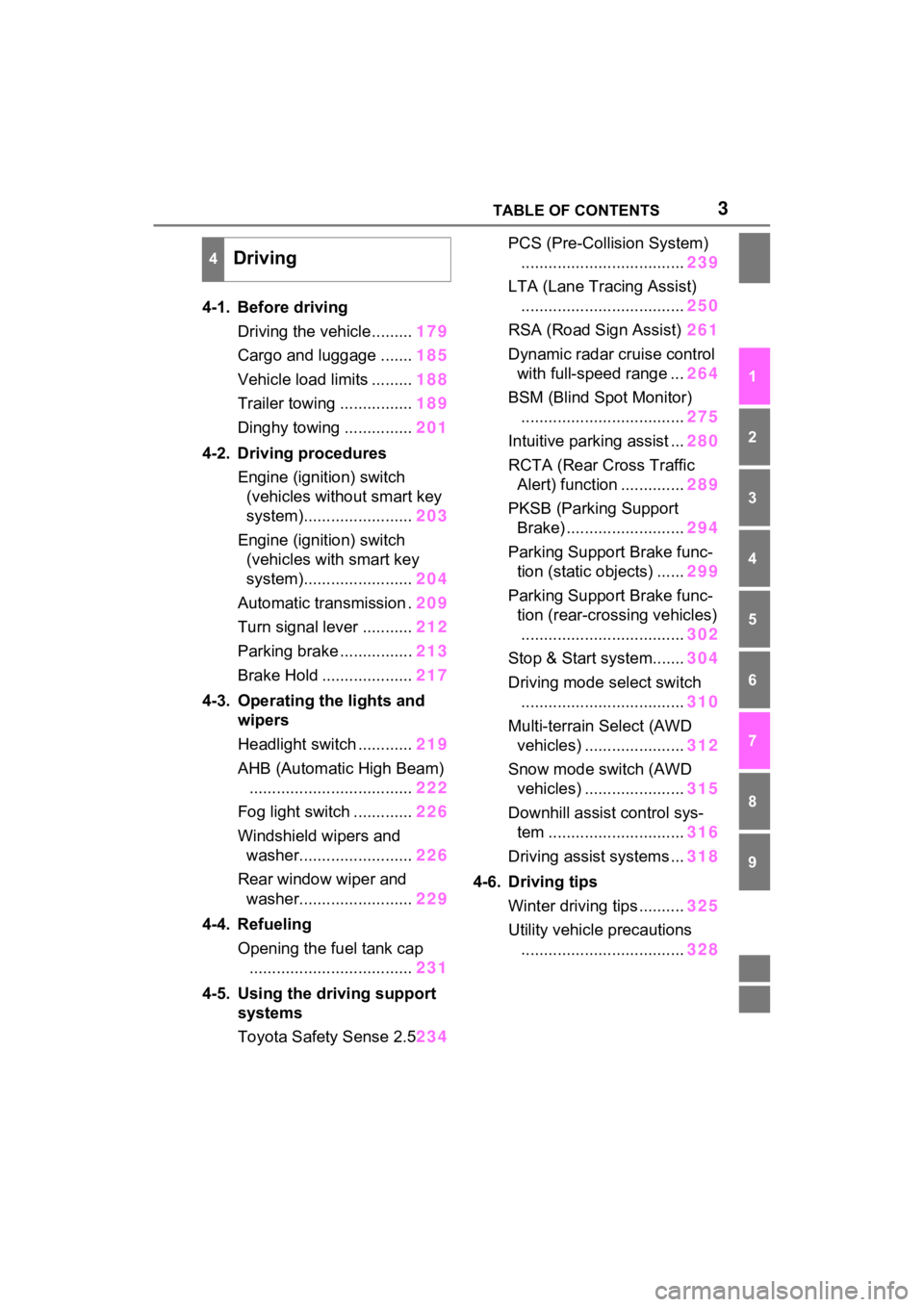
4-1. Before drivingDriving the vehicle......... 179
Cargo and luggage ....... 185
Vehicle load limits ......... 188
Trailer towing ................ 189
Dinghy towing ............... 201
4-2. Driving procedures Engine (ignition) switch (vehicles without smart key
system)........................ 203
Engine (ignition) switch (vehicles with smart key
system)........................ 204
Automatic transmission . 209
Turn signal lever ........... 212
Parking brake ................ 213
Brake Hold .................... 217
4-3. Operating the lights and wipers
Headlight switch ............ 219
AHB (Automatic High Beam) .................................... 222
Fog light switch ............. 226
Windshield wipers and washer......................... 226
Rear window wiper and washer......................... 229
4-4. Refueling Opening the fuel tank cap.................................... 231
4-5. Using the driving support
systems
Toyota Safety Sense 2.5 234PCS (Pre-Collision System)
.................................... 239
LTA (Lane Tracing Assist) .................................... 250
RSA (Road Sign Assist) 261
Dynamic radar cruise control with full-speed range ... 264
BSM (Blind Spot Monitor) .................................... 275
Intuitive parking assist ... 280
RCTA (Rear Cross Traffic Alert) function .............. 289
PKSB (Parking Support Brake) .......................... 294
Parking Support Brake func- tion (static objects) ...... 299
Parking Support Brake func- tion (rear-crossing vehicles)
.................................... 302
Stop & Start system....... 304
Driving mode s elect switch
.................................... 310
Multi-terrain Select (AWD vehicles) ...................... 312
Snow mode switch (AWD vehicles) ...................... 315
Downhill assist control sys- tem .............................. 316
Driving assist systems ... 318
4-6. Driving tips Winter driving tips .......... 325
Utility vehicle precautions .... ...
............................. 328
4Driving
Page 4 of 574
4TABLE OF CONTENTS
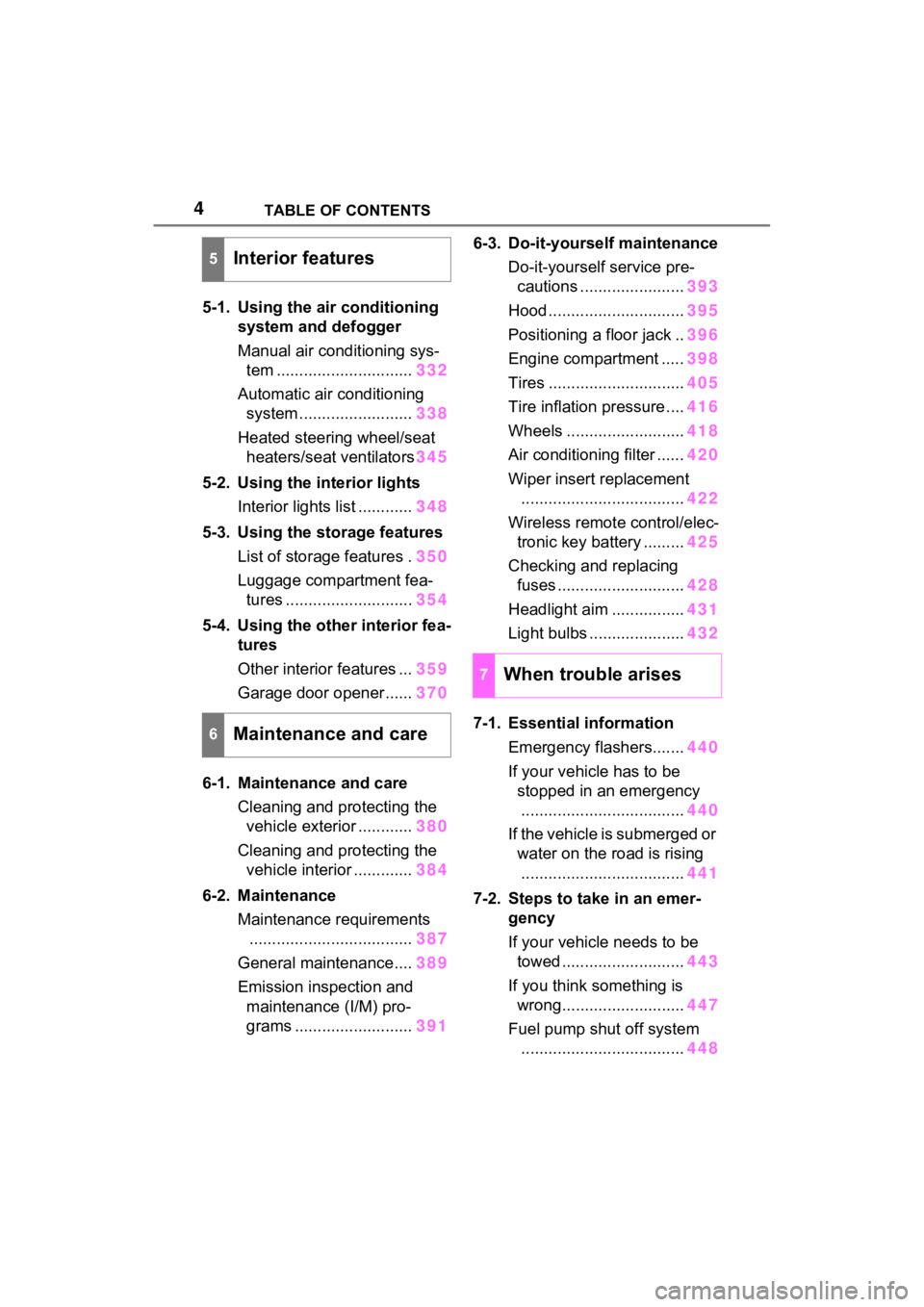
5-1. Using the air conditioning
system and defogger
Manual air conditioning sys-
tem .............................. 332
Automatic air conditioning system ......................... 338
Heated steering wheel/seat heaters/seat ventilators 345
5-2. Using the interior lights Interior lights list ............ 348
5-3. Using the storage features List of storage features . 350
Luggage compartment fea- tures ............................ 354
5-4. Using the other interior fea- tures
Other interior features ... 359
Garage door opener...... 370
6-1. Maintenance and care Cleaning and protecting the vehicle exterior ............ 380
Cleaning and protecting the vehicle interior ............. 384
6-2. Maintenance Maintenance requirements.................................... 387
General maintenance.... 389
Emission inspection and maintenance (I/M) pro-
grams .......................... 3916-3. Do-it-yourself maintenance
Do-it-yourself service pre-cautions ....................... 393
Hood .............................. 395
Positioning a floor jack .. 396
Engine compartment ..... 398
Tires .............................. 405
Tire inflation pressure .... 416
Wheels .......................... 418
Air conditioning filter ...... 420
Wiper insert replacement .................................... 422
Wireless remote control/elec- tronic key battery ......... 425
Checking and replacing fuses ............................ 428
Headlight aim ................ 431
Light bulbs ..................... 432
7-1. Essential information Emergency flashers....... 440
If your vehicle has to be stopped in an emergency
.................................... 440
If the vehicle is submerged or water on the road is rising
.................................... 441
7-2. Steps to take in an emer- gency
If your vehicle needs to be towed ........................... 443
If you think something is wrong........................... 447
Fuel pump shut off system .................................... 448
5Interior features
6Maintenance and care
7When trouble arises
Page 14 of 574
14Pictorial index
Pictorial index
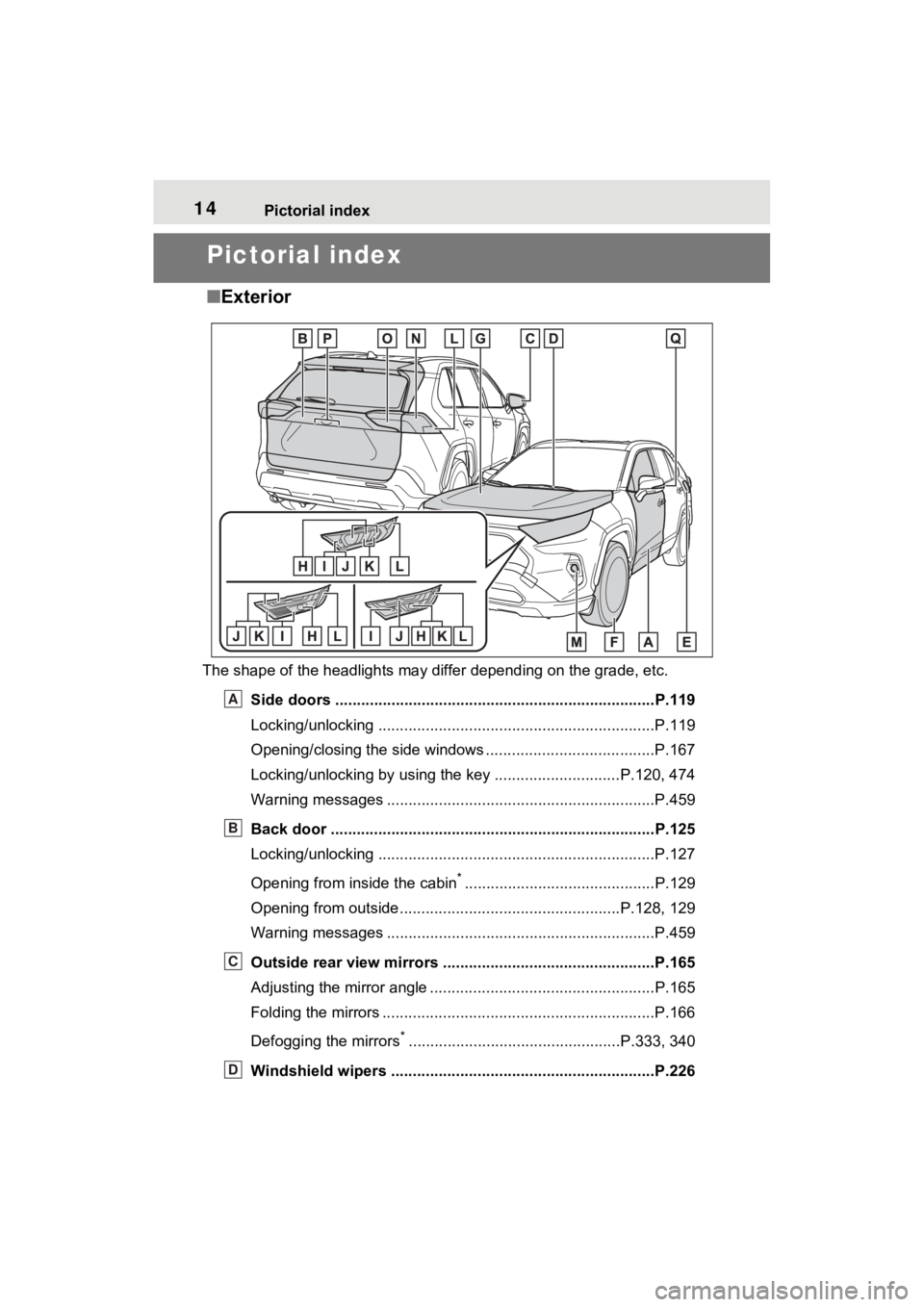
■Exterior
The shape of the headlights may differ depending on the grade, etc.
Side doors ......... ................................. ................................P.119
Locking/unlocking ................................................................P.119
Opening/closing the side windows ............................... ........P.167
Locking/unlocking by using the key ............................. P.120, 474
Warning messages ..............................................................P.459
Back door ...................................................... .....................P.125
Locking/unlocking ................................................................P.127
Opening from inside the cabin
*............................................P.129
Opening from outside........................................... ........P.128, 129
Warning messages ..............................................................P.459
Outside rear view mirrors .................................................P.165
Adjusting the mirror angle ..................................... ...............P.165
Folding the mirrors ...............................................................P.166
Defogging the mirrors
*.................................................P.333, 340
Windshield wipers .............................................. ...............P.226
A
B
C
D
Page 15 of 574
15Pictorial index
Precautions against winter season ......................................P.325
To prevent freezing (windshield wiper de-icer)
*...................P.344
Precautions against car wash (R ain-sensing windshield wipers)
*
............................................................... ..............................P.381
Replacing the wiper insert ..................................... ...............P.422
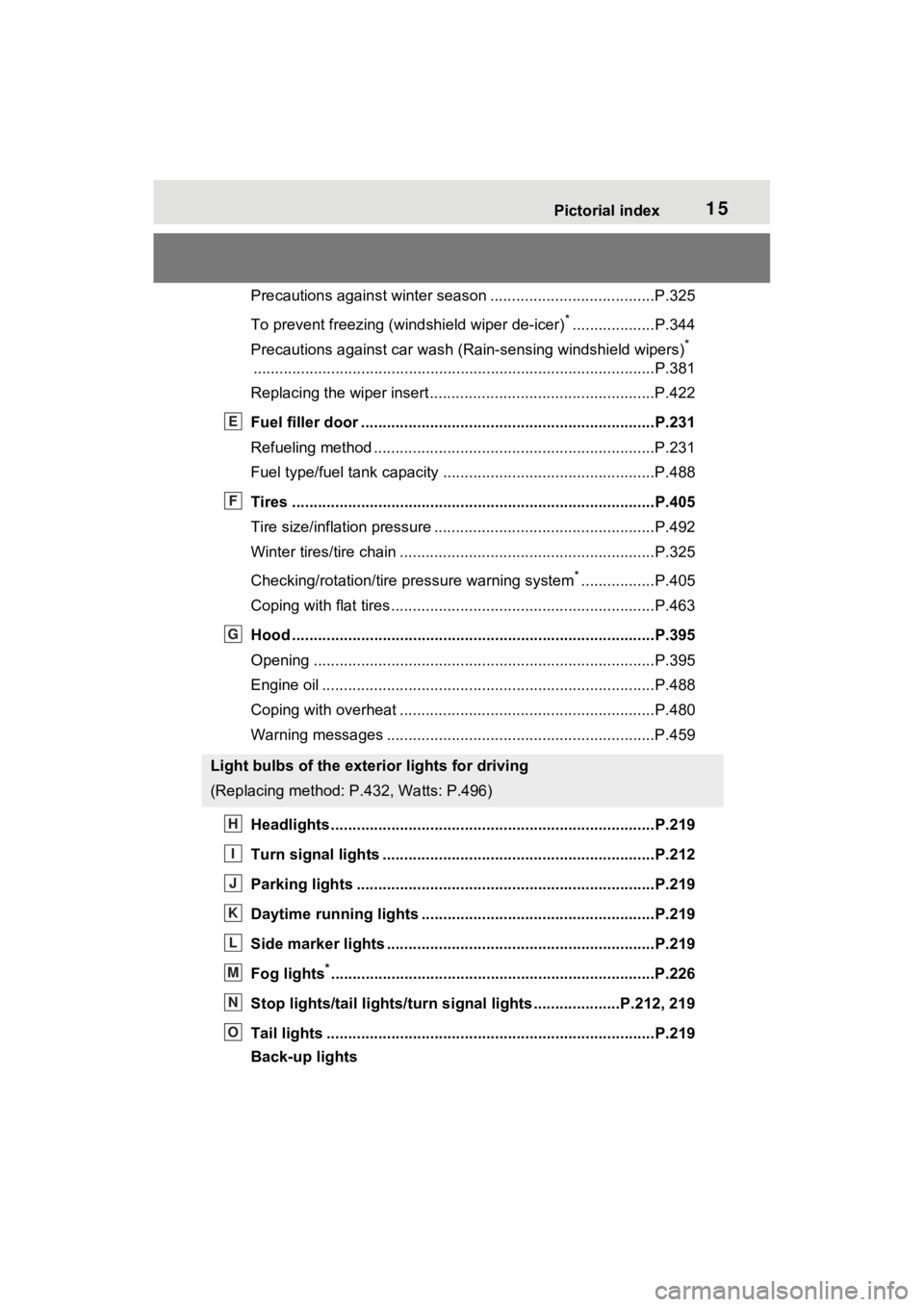
Fuel filler door ............................................... .....................P.231
Refueling method ............................................... ..................P.231
Fuel type/fuel tan k capacity .................................................P.488
Tires ....................................................................................P.405
Tire size/inflation pressure ................................... ................P.492
Winter tires/tire chain ........................................ ...................P.325
Checking/rotation/tire pressure warning system
*.................P.405
Coping with flat tires......................................... ....................P.463
Hood ....................................................................................P.395
Opening ........................................................ .......................P.395
Engine oil ..................................................... ........................P.488
Coping with overheat ........................................... ................P.480
Warning messages ..............................................................P.459
Headlights..................................................... ......................P.219
Turn signal lights ...............................................................P.212
Parking lights .....................................................................P.219
Daytime running lights .. ....................................................P.219
Side marker lights ............................................. .................P.219
Fog lights
*............................................................... ............P.226
Stop lights/tail lights/turn s ignal lights ....................P.212, 219
Tail lights .................................................... ........................P.219
Back-up lights
Light bulbs of the exterior lights for driving
(Replacing method: P .432, Watts: P.496)
E
F
G
H
I
J
K
L
M
N
O
Page 18 of 574
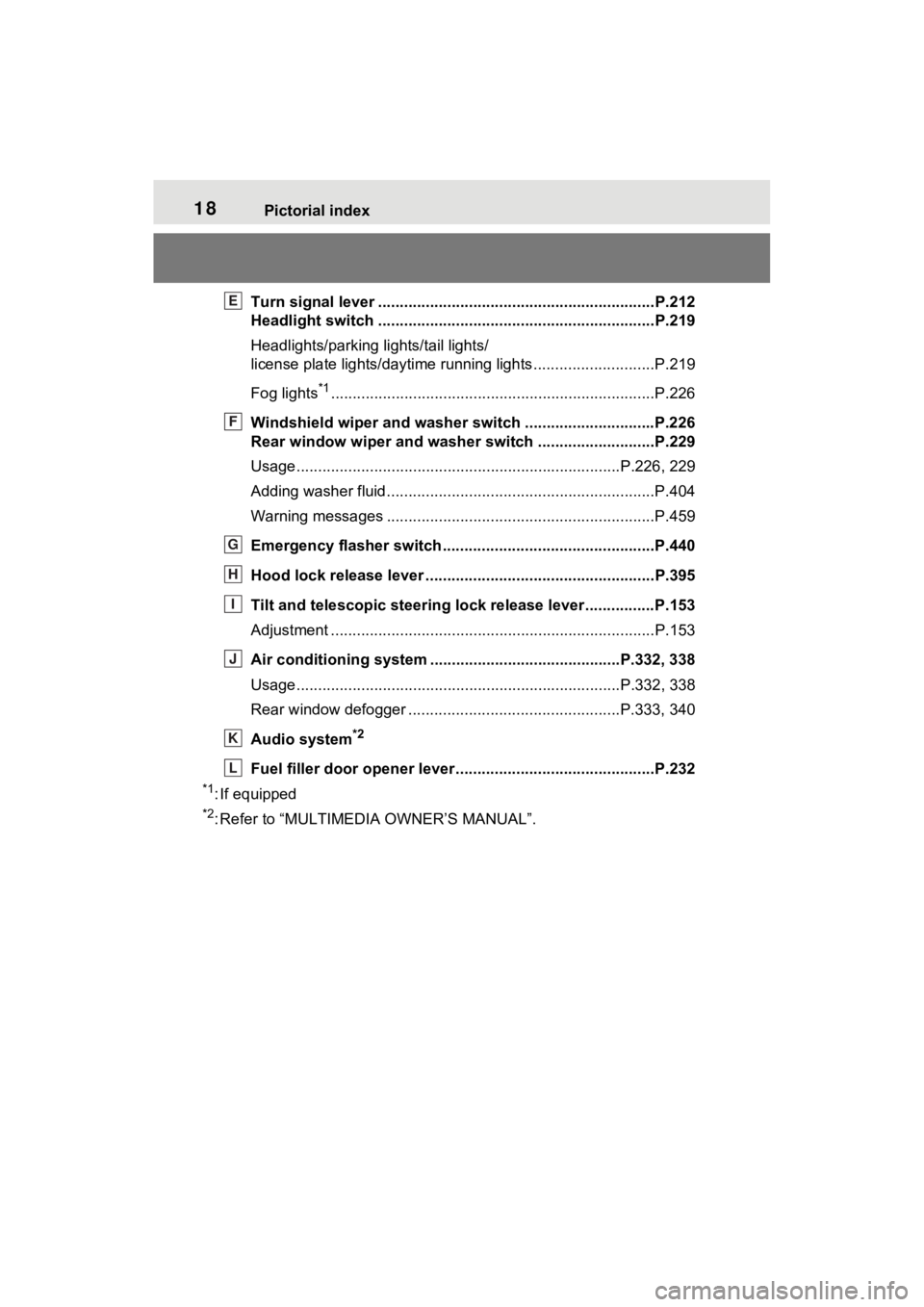
18Pictorial index
Turn signal lever ................................................................P.212
Headlight switch ................................................................P.219
Headlights/parking lights/tail lights/
license plate lights/daytime running lights ............................P.219
Fog lights
*1............................................................... ............P.226
Windshield wiper and washer switch ..............................P.226
Rear window wiper and washer switch ...........................P.229
Usage.......................................................... .................P.226, 229
Adding washer fluid ..............................................................P.404
Warning messages ..............................................................P.459
Emergency flasher switch ....................................... ..........P.440
Hood lock release lever ........................................ .............P.395
Tilt and telescopic steering lock release lever ................P.153
Adjustment ..................................................... ......................P.153
Air conditioning system ............................. ...............P.332, 338
Usage.......................................................... .................P.332, 338
Rear window defogger ........................................... ......P.333, 340
Audio system
*2
Fuel filler door opener lever .................................. ............P.232
*1: If equipped
*2: Refer to “MULTIMEDIA OWNER’S MANUAL”.
E
F
G
H
I
J
K
L
Page 80 of 574
802-1. Instrument cluster
indicate that a system check is
being performed. They will turn
off after the engine is started, or
after a few seconds. There may
be a malfunction in a system if
the light does not come on, or
turn off. Have the vehicle
inspected by your Toyota dealer.
*2: This light illuminates on the multi-informatio n display with a
message.
*3: Intuitive parking assist OFF indi- cator turns on when the engine
switch is turned to ON while the
Intuitive parking assist function is
on. It will turn off after a few sec-
onds.
*4: Vehicles with 12.3-inch multi-information display
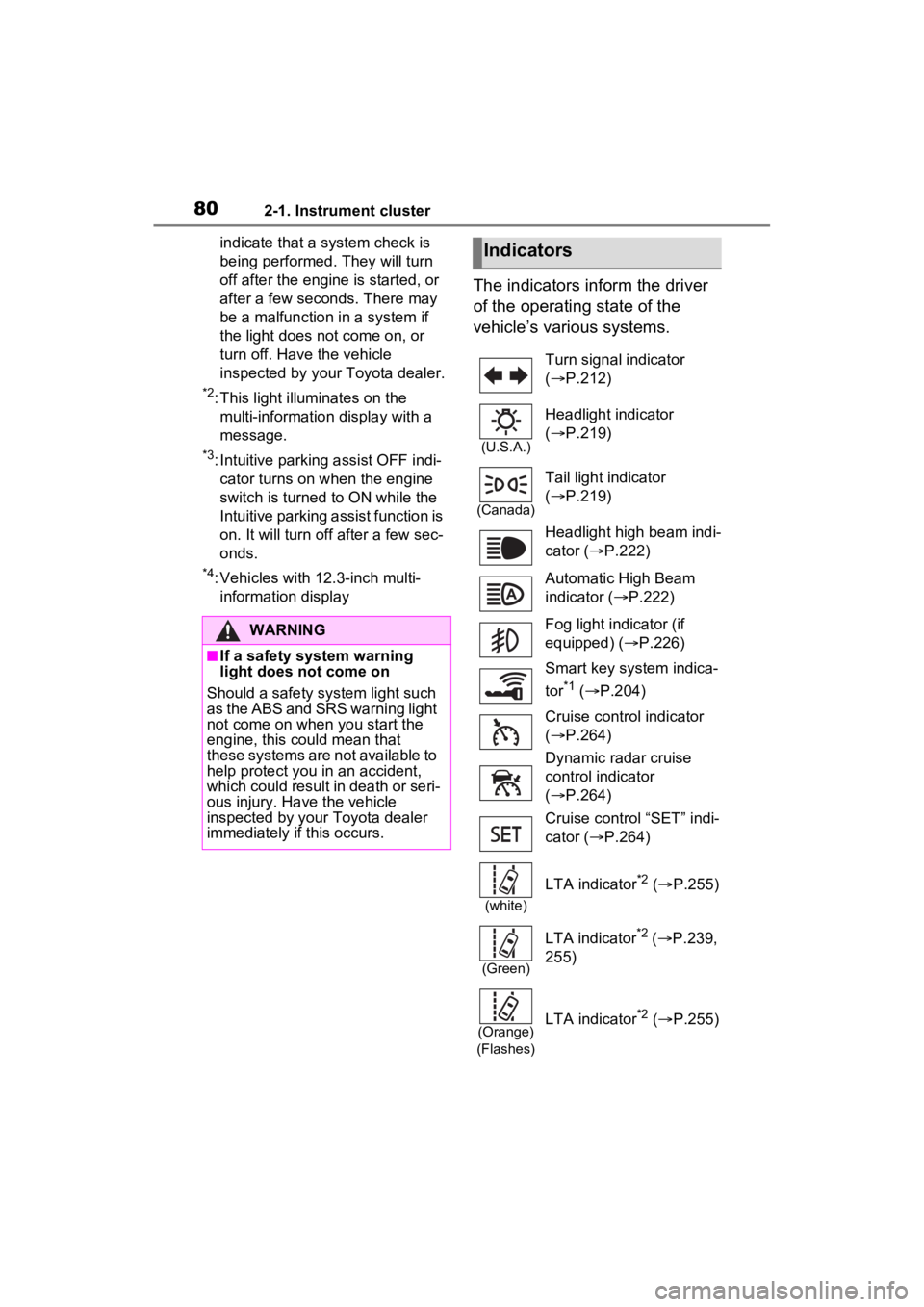
The indicators inform the driver
of the operating state of the
vehicle’s various systems.
WARNING
■If a safety system warning
light does not come on
Should a safety system light such
as the ABS and SR S warning light
not come on when you start the
engine, this could mean that
these systems are not available to
help protect you in an accident,
which could result in death or seri-
ous injury. Have the vehicle
inspected by your Toyota dealer
immediately if this occurs.
Indicators
Turn signal indicator
( P.212)
(U.S.A.)
Headlight indicator
( P.219)
(Canada)
Tail light indicator
( P.219)
Headlight high beam indi-
cator ( P.222)
Automatic High Beam
indicator ( P.222)
Fog light indicator (if
equipped) ( P.226)
Smart key system indica-
tor
*1 ( P.204)
Cruise control indicator
( P.264)
Dynamic radar cruise
control indicator
( P.264)
Cruise control “SET” indi-
cator ( P.264)
(white)
LTA indicator*2 ( P.255)
(Green)
LTA indicator*2 ( P.239,
255)
(Orange)
(Flashes)LTA indicator*2 ( P.255)
Page 177 of 574
177
4
4
Driving
Driving
4-1. Before drivingDriving the vehicle....... 179
Cargo and luggage ..... 185
Vehicle load limits ....... 188
Trailer towing .............. 189
Dinghy towing ............. 201
4-2. Driving procedures Engine (ignition) switch (vehicles without smart
key system) ............... 203
Engine (ignition) switch (vehicles with smart key
system)...................... 204
Automatic transmission 209
Turn signal lever ......... 212
Parking brake .............. 213
Brake Hold .................. 217
4-3. Operating the lights and wipers
Headlight switch .......... 219
AHB (Automatic High Beam)........................ 222
Fog light switch ........... 226
Windshield wipers and washer....................... 226
Rear window wiper and washer....................... 229
4-4. Refueling Opening the fuel tank cap.................................. 2314-5. Using the dr
iving support
systems
Toyota Safety Sense 2.5 .................................. 234
PCS (Pre-Collision System) .................................. 239
LTA (Lane Tracing Assist) .................................. 250
RSA (Road Sign Assist) .................................. 261
Dynamic radar cruise con- trol with full-speed range
.................................. 264
BSM (Blind Spot Monitor) .................................. 275
Intuitive parking assist . 280
RCTA (Rear Cross Traffic Alert) function ............ 289
PKSB (Parking Support Brake) ........................ 294
Parking Support Brake func- tion (static objects)
.................................. 299
Parking Support Brake function (rear-crossing
vehicles) .................... 302
Stop & Start system .... 304
Driving mode select switch .................................. 310
Multi-terrain Select (AWD vehicles) .................... 312
Snow mode switch (AWD vehicles) .................... 315
Page 179 of 574
1794-1. Before driving
4
Driving
4-1.Before driving
■Starting the engine
P.203, 204
■Driving
1 With the brake pedal
depressed, shift the shift
lever to D. ( P.209)
2 Release the parking brake.
( P.213)
If the parking brake is in automatic
mode, the parkin g brake will be
released automatically. ( P.215)
3 Gradually release the brake
pedal and gently depress the
accelerator pedal to acceler-
ate the vehicle.
■Stopping
1 With the shift lever in D,
depress the brake pedal.
2 If necessary, set the parking
brake. ( P.213)
If the vehicle is to be stopped for an
extended period of time, shift the
shift lever to P. ( P.209)
■Parking the vehicle
1 With the shift lever in D,
depress the brake pedal.
2 Set the parking brake.
( P.213)
Make sure the parking brake indi-
cator light is on.
3Shift the shift lever to P
( P.209).
4 Turn the engine switch to
OFF to stop the engine.
Do not press the shift release but-
ton after shifting the shift position to
P.
5Lock the door, making sure
that you have the key on your
person.
If parking on a hill, block the wheels
as needed.
■Starting off on a steep
uphill
1 With the brake pedal
depressed, shift the shift
lever to D. ( P.209)
2 Pull the parking brake switch
and parking brake is set
manually. ( P.213)
3 Release the brake pedal and
gently depress the accelera-
tor pedal to accelerate the
vehicle.
Parking brake automatic release
function ( P.215)
■When starting off on a uphill
The hill-start assist control will acti-
vate. ( P.319)
■Driving in the rain
●Drive carefully whe n it is raining,
because visibility will be reduced,
the windows may become fogged-
up, and the road could be slip-
pery.
●Drive carefully whe n it starts to
rain, as the road surface could be
especially slippery.
●Refrain from hig h speeds when
driving on an expressway in the
Driving the vehicle
The following procedures
should be observed to
ensure safe driving:
Driving procedure
Page 223 of 574
2234-3. Operating the lights and wipers
4
Driving
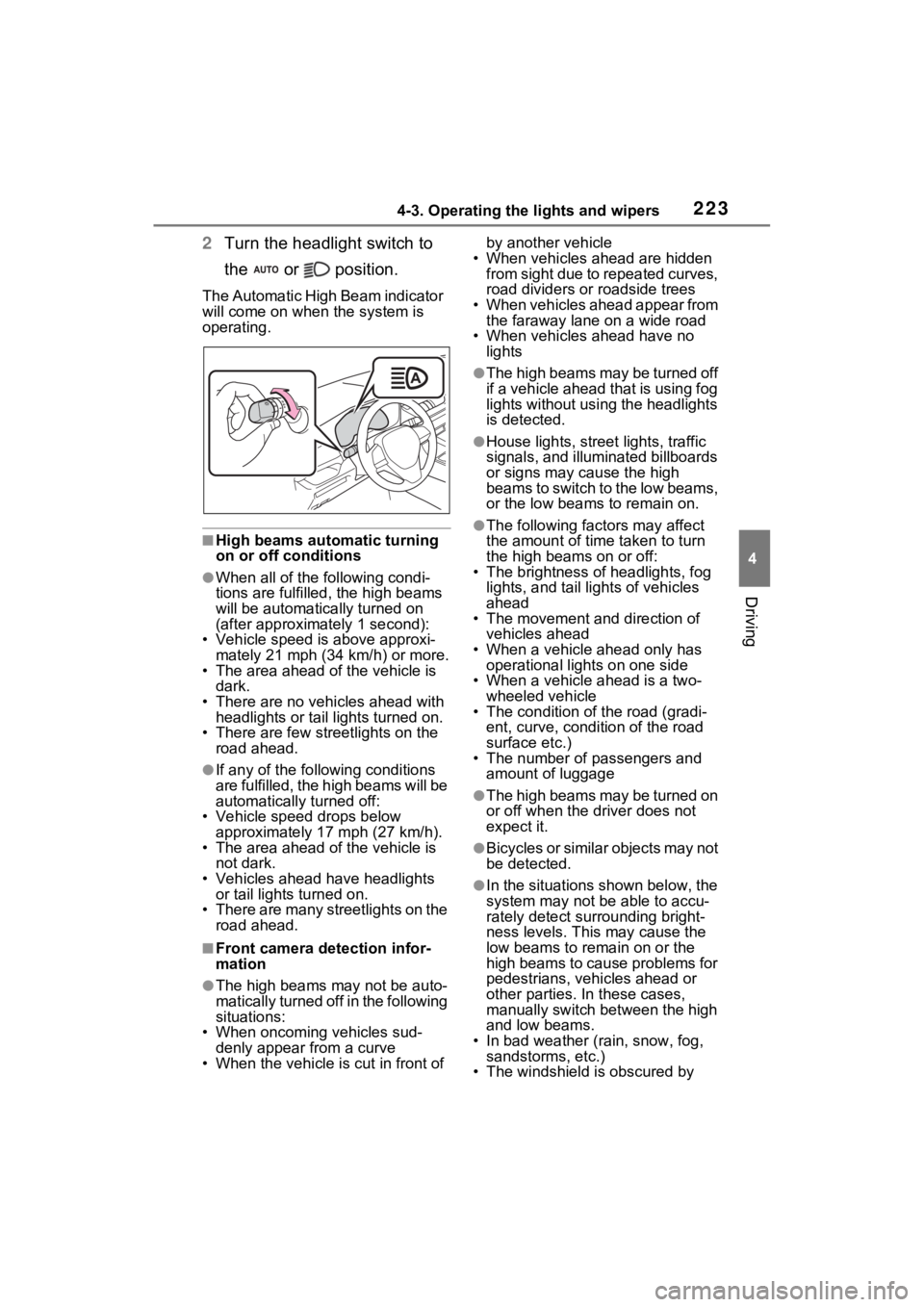
2Turn the headlight switch to
the or position.
The Automatic High Beam indicator
will come on when the system is
operating.
■High beams automatic turning
on or off conditions
●When all of the following condi-
tions are fulfilled , the high beams
will be automatica lly turned on
(after approximately 1 second):
• Vehicle speed is above approxi-
mately 21 mph (34 km/h) or more.
• The area ahead of the vehicle is dark.
• There are no vehicles ahead with headlights or tail lights turned on.
• There are few streetlights on the
road ahead.
●If any of the following conditions
are fulfilled, the high beams will be
automatically turned off:
• Vehicle speed drops below
approximately 17 mph (27 km/h).
• The area ahead of the vehicle is not dark.
• Vehicles ahead have headlights or tail lights turned on.
• There are many streetlights on the
road ahead.
■Front camera detection infor-
mation
●The high beams may not be auto-
matically turned off in the following
situations:
• When oncoming vehicles sud-
denly appear from a curve
• When the vehicle is cut in front of by another vehicle
• When vehicles ahead are hidden from sight due to repeated curves,
road dividers or roadside trees
• When vehicles ahead appear from the faraway lane on a wide road
• When vehicles ahead have no lights
●The high beams may be turned off
if a vehicle ahead that is using fog
lights without using the headlights
is detected.
●House lights, street lights, traffic
signals, and illuminated billboards
or signs may cause the high
beams to switch to the low beams,
or the low beams to remain on.
●The following fact ors may affect
the amount of time taken to turn
the high beams on or off:
• The brightness of headlights, fog
lights, and tail lig hts of vehicles
ahead
• The movement and direction of
vehicles ahead
• When a vehicle ahead only has
operational lights on one side
• When a vehicle ahead is a two- wheeled vehicle
• The condition of the road (gradi-
ent, curve, condition of the road
surface etc.)
• The number of passengers and
amount of luggage
●The high beams may be turned on
or off when the d river does not
expect it.
●Bicycles or similar objects may not
be detected.
●In the situations shown below, the
system may not be able to accu-
rately detect surrounding bright-
ness levels. This may cause the
low beams to remain on or the
high beams to cause problems for
pedestrians, vehicles ahead or
other parties. In these cases,
manually switch between the high
and low beams.
• In bad weather (rain, snow, fog, sandstorms, etc.)
• The windshield is obscured by
Page 224 of 574
2244-3. Operating the lights and wipers
fog, mist, ice, dirt, etc.
• The windshield is cracked or dam- aged
• The front camera is deformed or
dirty
• When the temperature of the front
camera is extremely high
• Surrounding brightness levels are equal to those of h eadlights, tail
lights or fog lights
• When headlights or tail lights of vehicles ahead are turned off,
dirty, changing color, or not aimed
properly
• When the vehicle is hit by water,
snow, dust, etc. fr om a preceding
vehicle
• When driving thr ough an area of
intermittently changing brightness
and darkness
• When frequently and repeatedly
driving ascending/descending
roads, or roads with rough, bumpy
or uneven surfaces (such as
stone-paved roads, gravel roads,
etc.)
• When frequently and repeatedly
taking curves or driving on a wind-
ing road
• There is a highly reflective object
ahead of the vehicle, such as a
sign or mirror
• The back of a vehicle ahead is
highly reflective, such as a con-
tainer on a truck
• The vehicle’s headlights are dam-
aged or dirty, or are not aimed
properly
• The vehicle is listing or tilting due
to a flat tire, a trailer being towed,
etc.
• The high beams and low beams
are repeatedly being switched
between in an abnormal manner
• The driver believes that the high
beams may be causing problems
or distress to other drivers or
pedestrians nearby
■If “Headlight System Malfunc-
tion Visit Your D ealer” is dis-
played on the multi-information
display
The system may be malfunctioning. Have the vehicle inspected by your
Toyota dealer.
■Temporarily lowering sensor
sensitivity
The sensitivity of the sensor can be
temporarily lowered.
1 Turn the engine switch to OFF
while the following conditions are
met.
●The headlight switch is in or
position.
●The headlight switch lever is in
high beam position.
●Automatic High Beam switch is
on.
2 Turn the engine switch to ON.
3 Within 60 second s after step 2,
repeat pulling the headlight
switch lever to the original posi-
tion then pushing it to the high
beam position qui ckly 10 times,
then leave the lever in the origi-
nal position.
4 If the sensitivity is changed, the
Automatic High Beam indicator
is turn on and off 3 times.
Automatic High Beam (headlights)
may turn on even when the vehicle
is stopped.
■Switching to the high
beams
Push the lever away from you.
The Automatic High Beam indicator
will turn off and the headlight high
beam indicator will turn on.
Pull the lever to its original position
to activate Automatic High Beam
system again.
Turning the high beams
on/off manually