reset TOYOTA RAV4 EV 2012 1.G User Guide
[x] Cancel search | Manufacturer: TOYOTA, Model Year: 2012, Model line: RAV4 EV, Model: TOYOTA RAV4 EV 2012 1.GPages: 520, PDF Size: 8.29 MB
Page 230 of 520
230 2-2. Instrument cluster
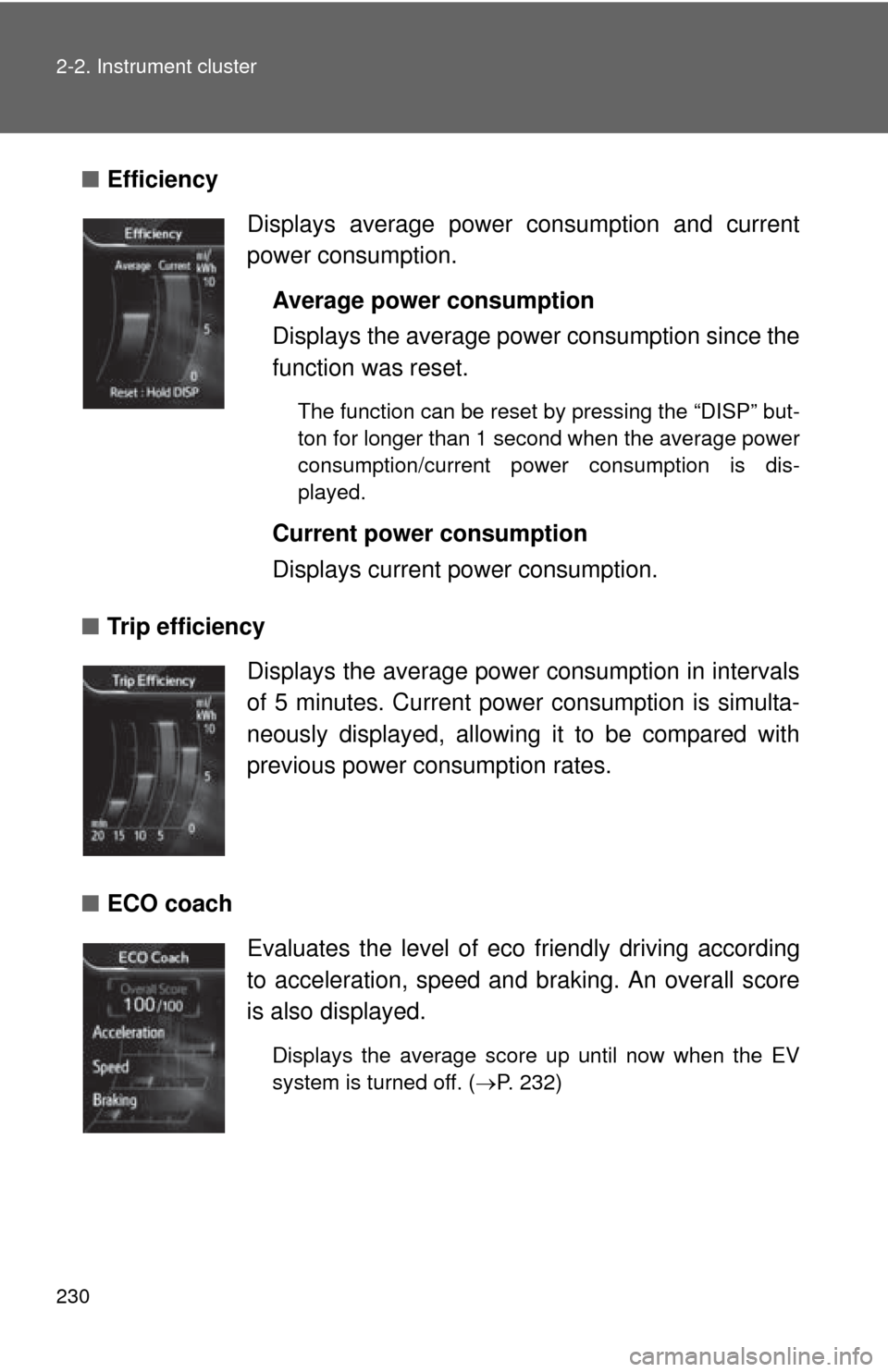
■Efficiency
■ Trip efficiency
■ ECO coach Displays average power consumption and current
power consumption.
Average power consumption
Displays the average power consumption since the
function was reset.
The function can be reset by pressing the “DISP” but-
ton for longer than 1 second when the average power
consumption/current power consumption is dis-
played.
Current power consumption
Displays current power consumption.
Displays the average power consumption in intervals
of 5 minutes. Current powe r consumption is simulta-
neously displayed, allowing it to be compared with
previous power consumption rates.
Evaluates the level of eco friendly driving according
to acceleration, speed and braking. An overall score
is also displayed.
Displays the average score up until now when the EV
system is turned off. ( P. 232)
Page 231 of 520
231
2-2. Instrument cluster
2
When driving
■
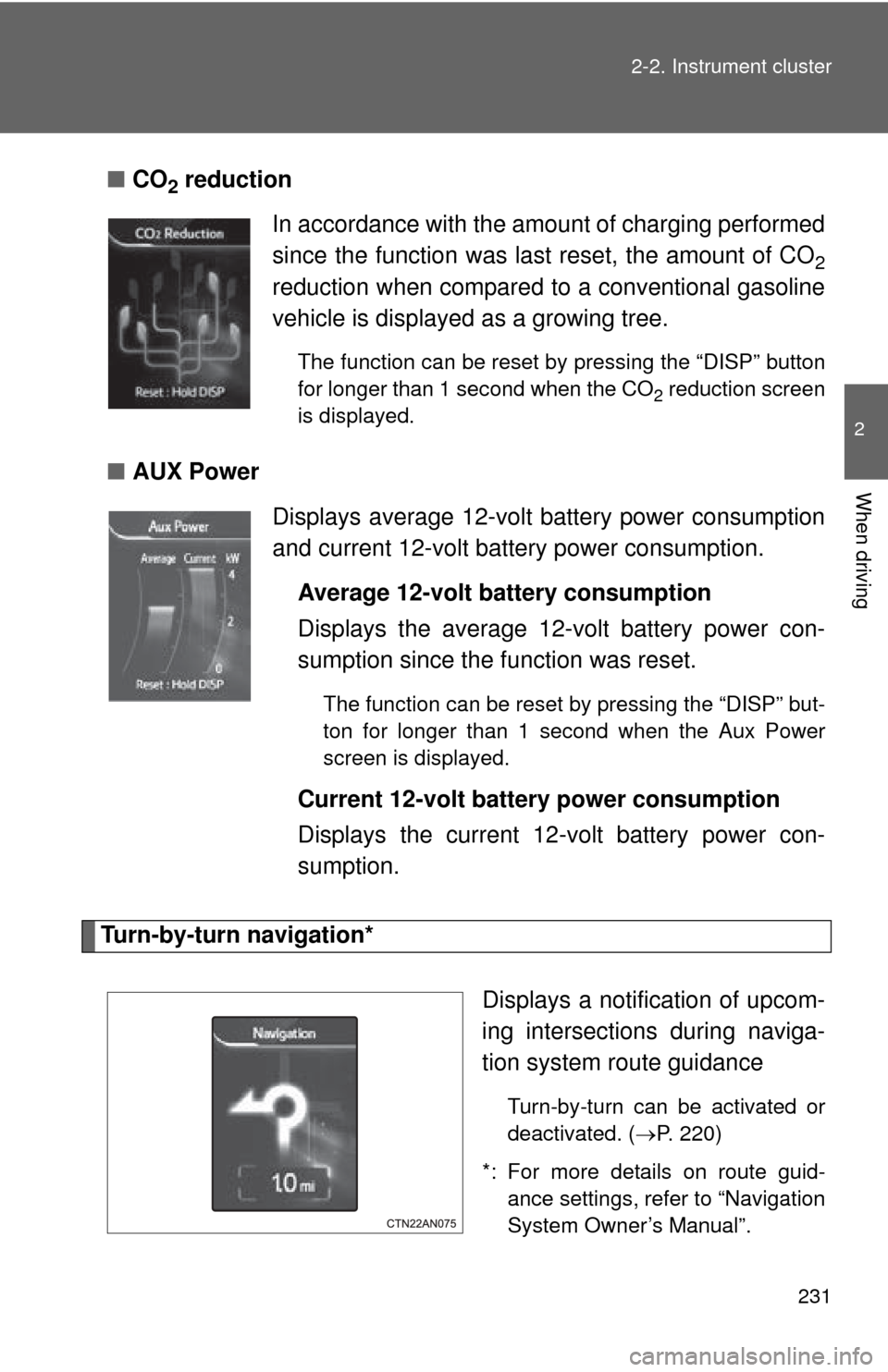
CO2 reduction
■ AUX Power
Turn-by-turn navigation*
Displays a notification of upcom-
ing intersections during naviga-
tion system route guidance
Turn-by-turn can be activated or
deactivated. (P. 220)
*: For more details on route guid- ance settings, refer to “Navigation
System Owner’s Manual”.
In accordance with the amount of charging performed
since the function was last reset, the amount of CO
2
reduction when compared to a conventional gasoline
vehicle is displayed as a growing tree.
The function can be reset by pressing the “DISP” button
for longer than 1 second when the CO
2 reduction screen
is displayed.
Displays average 12-volt battery power consumption
and current 12-volt battery power consumption.
Average 12-volt battery consumption
Displays the average 12-volt battery power con-
sumption since the function was reset.
The function can be reset by pressing the “DISP” but-
ton for longer than 1 second when the Aux Power
screen is displayed.
Current 12-volt battery power consumption
Displays the current 12-volt battery power con-
sumption.
Page 245 of 520
245
2-4. Using other
driving systems
2
When driving
■Cruise control can be set when
●The shift position is in D.
● Vehicle speed is above approximately 25 mph (40 km/h) and below the
maximum vehicle speed.
Maximum vehicle speed differs according to driving mode. (P. 208)
■ Accelerating after setting the vehicle speed
●The vehicle can be accelerated normally. After acceleration, the set
speed resumes.
● Even without canceling the cruise control, the set speed can be
increased by first accelerating the vehicle to the desired speed and then
pushing the lever down to set the new speed.
■ Automatic cruise control cancelation
Cruise control will stop maintaining the vehicle speed in any of the following
situations.
●Actual vehicle speed falls more than approximately 10 mph (16 km/h)
below the preset vehicle speed.
At this time, the memorized set speed is not retained.
● Actual vehicle speed is below approximately 25 mph (40 km/h).
● VSC is activated.
■ If the cruise control indicator light flashes and “Check Cruise Control
System” is shown on the multi-information display
There may be a malfunction in the cruise control system. Have the vehicle
inspected by your Toyota dealer.
Page 446 of 520
446 5-2. Steps to take in an emergency
* For more information regarding safety systems, see page 88.
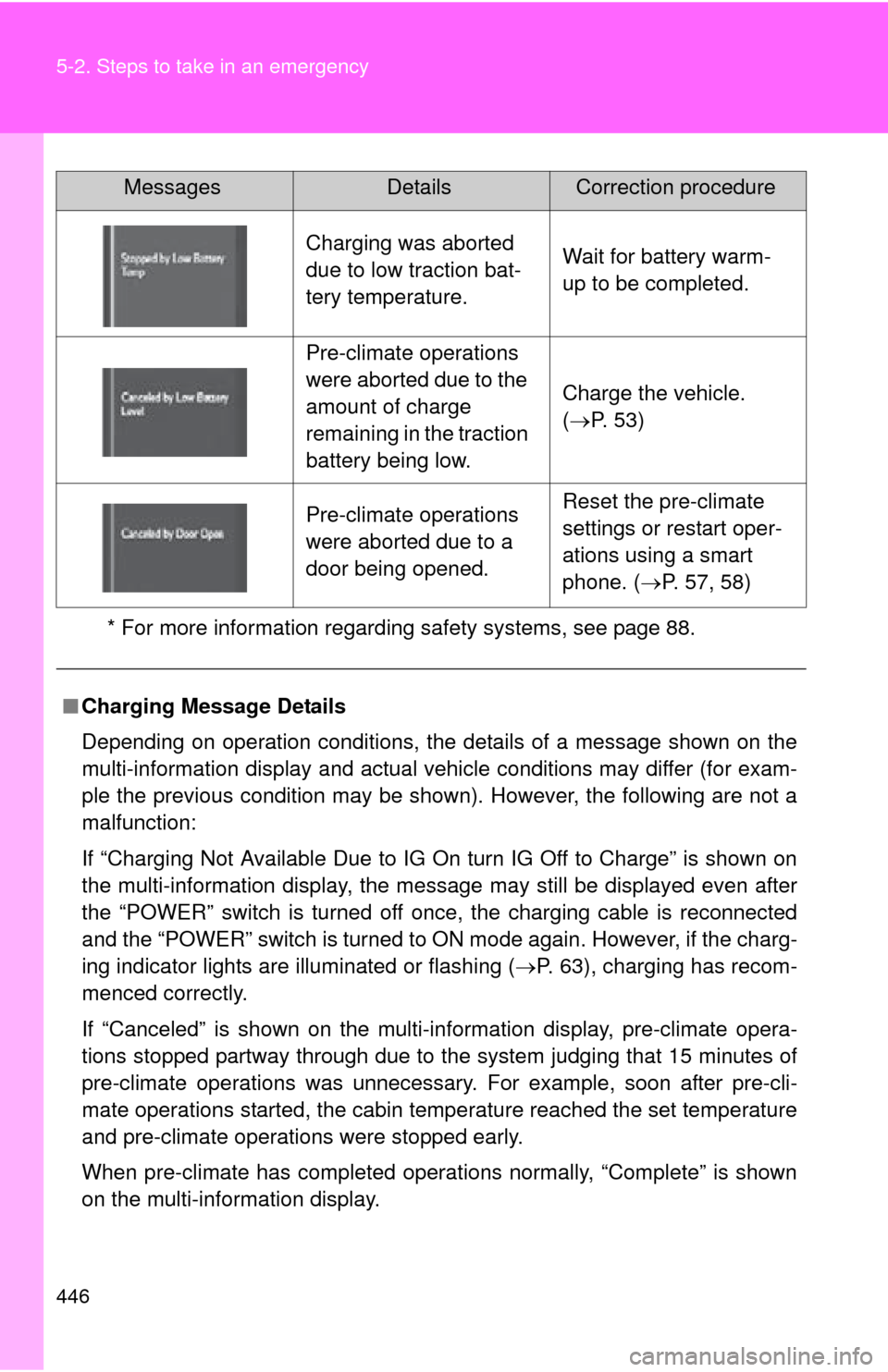
Charging was aborted
due to low traction bat-
tery temperature.Wait for battery warm-
up to be completed.
Pre-climate operations
were aborted due to the
amount of charge
remaining in the traction
battery being low.
Charge the vehicle.
(P. 53)
Pre-climate operations
were aborted due to a
door being opened.Reset the pre-climate
settings or restart oper-
ations using a smart
phone. ( P. 57, 58)
■ Charging Message Details
Depending on operation conditions, the details of a message shown on the
multi-information display and actual vehicle conditions may differ (for exam-
ple the previous condition may be shown). However, the following are not a
malfunction:
If “Charging Not Available Due to IG On turn IG Off to Charge” is shown on
the multi-information display, the message may still be displayed even after
the “POWER” switch is turned off once, the charging cable is reconnected
and the “POWER” switch is turned to ON mode again. However, if the charg-
ing indicator lights are illuminated or flashing ( P. 63), charging has recom-
menced correctly.
If “Canceled” is shown on the multi-in formation display, pre-climate opera-
tions stopped partway through due to the system judging that 15 minutes of
pre-climate operations was unnecessary . For example, soon after pre-cli-
mate operations started, the cabin temperature reached the set temperature
and pre-climate operations were stopped early.
When pre-climate has completed operations normally, “Complete” is shown
on the multi-information display.
MessagesDetailsCorrection procedure