bluetooth TOYOTA RAV4 HYBRID 2021 (in English) Repair Manual
[x] Cancel search | Manufacturer: TOYOTA, Model Year: 2021, Model line: RAV4 HYBRID, Model: TOYOTA RAV4 HYBRID 2021Pages: 752, PDF Size: 31.15 MB
Page 512 of 752
5125-17. Connected Services overview
data.
■Settings required to use
Toyota mobile application
Perform the settings in the fol-
lowing order.
1 Download the Toyota mobile
application to your smart-
phone.
2 Open the Toyota mobile
application on your smart
phone and follow instruc-
tions. Bluetooth
® Pairing is
required.
In order to use Toyota mobile appli-
cation, the following must first be
performed:
Register a Bluetooth® phone
with the hands-free system.
( P.402)
●Applications can only be used
when the Toyota mobile applica-
tion has been downloaded to your
smartphone, and the application is
running.
●Toyota mobile app lication opera-
tional procedures can also be con-
firmed by visiting
http://www.toyota.com/
connected-servicesin the United States.
●If a Toyota mobile application is
used while iPod audio/video is
being played back, system opera-
tion may become unstable.
*: Vehicles equipped with DCM
■Subscription
After you have signed the
Telematics Subscription Ser-
vice Agreement and are
enrolled, you can begin
receiving services. A variety
of subscription terms are
available. Contact your
Preparation before using
Toyota mobile application
Type B: Function
achieved by using
DCM and the system
*
The functionality of Wi-Fi®
Hotspot is made possible
through the shared work of
the DCM and the system.
These are subscription-
based telematics services
that use Global Positioning
System (GPS) data and
embedded cellular technol-
ogy to provide safety and
security as well as conve-
nience features.
These services are available
by subscription on select,
telematics hardware-
equipped vehicles and sup-
ported by the Toyota
response center, which
operates 24 hours a day, 7
days a week.
For details about Wi-Fi
®
Hotspot: P.414
Before using the function
Page 519 of 752
5195-18. Connected Services operation
5
Audio
“Download in Background”: Select
to operate other functions while
downloading.
“Cancel”: Select to cancel updating.
3Check that downloading is
complete.
“Later”: Select to install later. When
this screen button is selected, the
screen will re turn to the last dis-
played screen. To install the update
data: ( P.519)
“See Detail”: Select to display
detailed information on the update
data.
“Install”: Select to install the update
data. Follow the steps in “Installing
the update data” from step 2.
( P.519)
■Installing the update data
After the downloading is com-
plete, “Update” will be changed
to “Install”.
1 Select “Install” on the appli-
cation screen. ( P.518)
2 Select “Continue”.
“Later”: Select to postpone the
installation of the update data and
go back to the previous screen.
3Check that installing is
started.
“Install in Background”: Select to
operate other functions while
installing.
4Select “OK” after the install-
ing is complete.
●The Toyota Apps cannot be oper-
ated while installing.
When problems occur with start- ing the application player, a
message will appear on the
screen. Referring to the table
below, identify the problem and
take the suggested corrective
action.
“When it is safe and legal to
do so, please ensure your
Toyota mobile application is
running and logged in on your
phone.”
The Toyota mobile application can-
not be connected to Bluetooth
®
SPP.
Refer to http:// www.toyota.com/
connected-services
in the United State s, to confirm if
the phone is Bluetooth
® SPP com-
patible or not, and then activate the
Toyota mobile application.
“Installation failed, please try
again”
Installation can be attempted again
by changing to the application
screen and pressing the “Install”
switch.
“Application download error.
Please try again later.”
Downloading can be attempted
again by checking the communica-
tion status, changing to the applica-
tion screen and pressing the
“Download” switch again.
“Download error, some
Toyota mobile application
functions may not work as
expected. Please reinitiate
the download process.”
The Toyota mobile application can-
If a message appears on
the screen
Page 520 of 752
5205-18. Connected Services operation
not be connected to Bluetooth®
SPP.
Refer to http://www.toyota.com/
connected-services
in the United States, to confirm if
the phone is Bluetooth
® SPP com-
patible or not, and then activate the
Toyota mobile application.
Please ensure your Toyota mobile
application is running and logged in
on your phone while vehicle is not
moving.
“To use the services, Toyota
mobile application needs to
be running on your phone.
For more information, please
visit toyota.com or call 1-800-
331-4331 in the United
States.”
The Toyota mobile application can-
not be connected to Bluetooth
®
SPP.
Refer to http://www.toyota.com/
connected-services
in the United States, to confirm if
the phone is Bluetooth
® SPP com-
patible or not, and then activate the
Toyota mobile application.
“Communication unsuccess-
ful. Please try again.”
Communication was disconnected.
After a few moments, retry the
operation.
A keyword can be entered to an
application by the software key-
board or voice recognition func- tion. For details about the
functions and services provided
by each application, refer to
http://www.toyota.com/
connected-services
in the United States.
The keyboard layout can be
changed. ( P.426)
1 Display the application
screen. ( P.518)
2 Select the desired application
screen button.
3 Select the character entering
space.
4 Enter a search term, and
then select “OK”.
5 Entering characters will be
reflected on the character
entering space.
For details on operating the
keyboard: P.397
1 Display the application
screen. ( P.518)
2 Select the desired application
screen button.
3 Press the talk switch.
( P.470)
4 Say the desired keyword.
Completion of the keyword
Entering keyword opera-
tion
Entering a keyword using
the software keyboard
Entering a keyword using
the voice recognition func-
tion
Page 736 of 752

736Alphabetical Index
........................................... 433
Audio button (Menu screen).. 389
Audio button (Setup screen) ....................................... 392, 456
AUDIO button.......................... 387
Audio buttons overview......... 387
Audio settings ........................ 456
Automatic air conditioning sys- tem ......................................... 524Air conditioning filter ............. 609
Eco air conditioning mode .... 525
Automatic headlight leveling system ................................... 231
Automatic High Beam ............ 232
Automatic light control system ............................................... 230
Auxiliary boxes ....................... 539
Average fuel consumption .... 115
Average fuel economy ........... 105
Average vehicle speed .. 108, 115
B
Back door ................................ 133 Hands Free Power Back Door........................................... 138
Power back door .................. 137
Wireless remote control ....... 137
Back-up lights Replacing light bulbs ............ 624
Wattage ................................ 692
Battery (12-volt battery) ......... 588 If the 12-volt battery is dis-charged .............................. 672
Preparing and c hecking before
winter.................................. 378
Replacing ............................. 674
Warning light ........................ 642
Battery (traction battery) ......... 76
Blind Spot Monitor (BSM) ...... 282 Blind Spot Monitor function .. 286
Rear Cross Traffic Alert function........................................... 288 Bluetooth
® button (Setup
screen) ...................................392
Bluetooth
® details settings ...406
Bluetooth
® setup screen.......407
Connecting a Bluetooth
® device
...........................................407
Deleting a Bluetooth
® device409
Detailed settings screen .......411
Displaying the Bluetooth
® setup
screen.................................406
Editing the Bluetooth
® device
information..........................410
Registering a Bluetooth
® device
...........................................409
Bluetooth
® device information
...............................................410
Bluetooth
® hands-free system
...............................................479
Bluetooth
® phone message func-
tion .........................................490 Calling the message sender .493
Checking received messages ...........................................491
Displaying the message screen ...........................................490
Receiving a mess age ...........491
Replying to a message (dictation reply) ..................................492
Replying to a message (quick reply) ..................................493
Bottle holders .........................539
Brake Brake Hold ............................227
Fluid......................................586
Parking brake .......................224
Regenerative braking .............73
Warning light ........................642
Brake assist ............................369
Brake Hold...............................227
Break-in tips ............................190
Page 744 of 752

744Alphabetical Index
Operation ............................. 182
Warning message ................ 184
Panoramic view monitor ........ 334 Camera switch ..................... 336
Checking around the vehicle 339
Checking the front and around the vehicle .......................... 340
Checking the rear and around the vehicle .......................... 345
Checking the sides of the vehicle ........................................... 342
Customizing the panoramic view monitor ............................... 353
Display ................................. 336
Driving precautions .............. 334
How to switch the display ..... 337
Magnifying function .............. 353
Panoramic view monitor precau- tions.................................... 354
Things you should know....... 363
When folding the outside rear view mirrors ........................ 352
Parking assist sensors (intuitive
parking assist) ...................... 291
Parking brake Operation ............................. 224
Parking brake engaged warning buzzer ................................ 226
Warning light ........................ 648
Warning message ................ 225
Parking lights Light switch .......................... 229
Replacing light bulbs ............ 624
Wattage ................................ 692
Parking Support Brake (PKSB) ............................................... 298Indicator ................................. 91
Parking Support Brake function (rear-crossing vehicles) ...... 309
Parking Support Brake function (static objects) .................... 303
Warning light ........................ 646 Warning message .
...............302
PCS (Pre-Collision System) Enabling/disabling the pre-colli-sion system ........................252
Function................................250
Warning light ........................645
Warning messag e ........248, 656
Personal lights ........................535 Switch ...................................535
Wattage ................................692
Phone............ ......................... ..482
About the contacts in the contact list .......................................483
Phone screen operation .......479
Registering/Connecting a
Bluetooth
® phone ...............481
Some basics .........................480
Troubleshooting....................505
Voice command system .......483
When selling or disposing of the vehicle ................................483
Phone button (Menu screen) .389
Phone button (Setup screen) 392
Phone button ........ ..................482
Phone settings ...... ..................495
Contacts/Call history settings497
Message settings .................503
Notifications/display settings 496
Sounds settings ....................495
PKSB (Parking Support Brake) ...............................................298Indicator..................................91
Parking Support Brake function (rear-crossing vehicles) ......309
Parking Support Brake function (static objects) ....................303
Warning light ........................646
Warning message . ...............302
Placing a call using the
Bluetooth
® hands-free system
...............................................484 By call history .......................484
Page 745 of 752
Alphabetical Index745
By contacts list ..................... 485
By favorites list ..................... 485
By home screen ................... 487
By keypad ............................ 486
Power back door switch 137, 138
Power outlets .......................... 546
Power steering (Electric Power Steering system) .................. 370Warning light ........................ 644
Power switch .................. 210, 212 Auto power off function ........ 216
Changing the power switch modes ........................ 211, 216
Starting the hybrid system ................................... 210, 212
POWER VOLUME knob .......... 433
Power windows Door lock linked window opera-tion ..................................... 177
Jam protection function ........ 176
Operation ............................. 176
Window lock switch .............. 178
Pre-Collision System (PCS)
Enabling/disabling the pre-colli-sion system ........................ 252
Function ............................... 250
Warning light ........................ 645
Warning message ........ 248, 656
Projection button (Menu screen) ............................................... 389
R
Radar cruise control Dynamic radar cruise control with full-speed range .......... 271
Radiator ................................... 585
Radio ....................................... 437
RCTA (Rear Cross Traffic Alert) RCTA Function............. 282, 288
Warning message ................ 284
Rear Cross Traffic Alert (RCTA) ............................................... 282 Rear passengers’ seat belt
reminder light........................650
Rear seat Folding down the rear seatbacks...........................................155
Head restraints .....................159
Rear side marker lights Light switch...........................229
Replacing light bulbs ............624
Rear turn signal lights Replacing light bulbs ............624
Turn signal lever . ..................223
Wattage ................................692
Rear view mirror Digital Rear-view Mirror ........165
Inside rear view mirror ..........163
Outside rear view mirrors .....174
Rear view monitor system .....313 Driving precautions ...............313
Rear view monitor system pre-cautions ..............................315
Screen description................314
Things you should know .......319
Rear window defogger ...........526
Rear window wiper .................239
Receiving a call using the
Bluetooth
® hands-free system
...............................................487
Refueling ............ .....................241
Capacity ...............................685
Fuel types .....................685, 694
If the fuel filler door cannot be opened ...............................669
Opening the fuel tank cap ....242
Regenerative braking ...............73
Registering/Connecting a
Bluetooth
® device ................402
Profiles .................................405
Registering a Bluetooth
® audio
player for the first time ........404
Registering a Bluetooth
® phone
Page 748 of 752
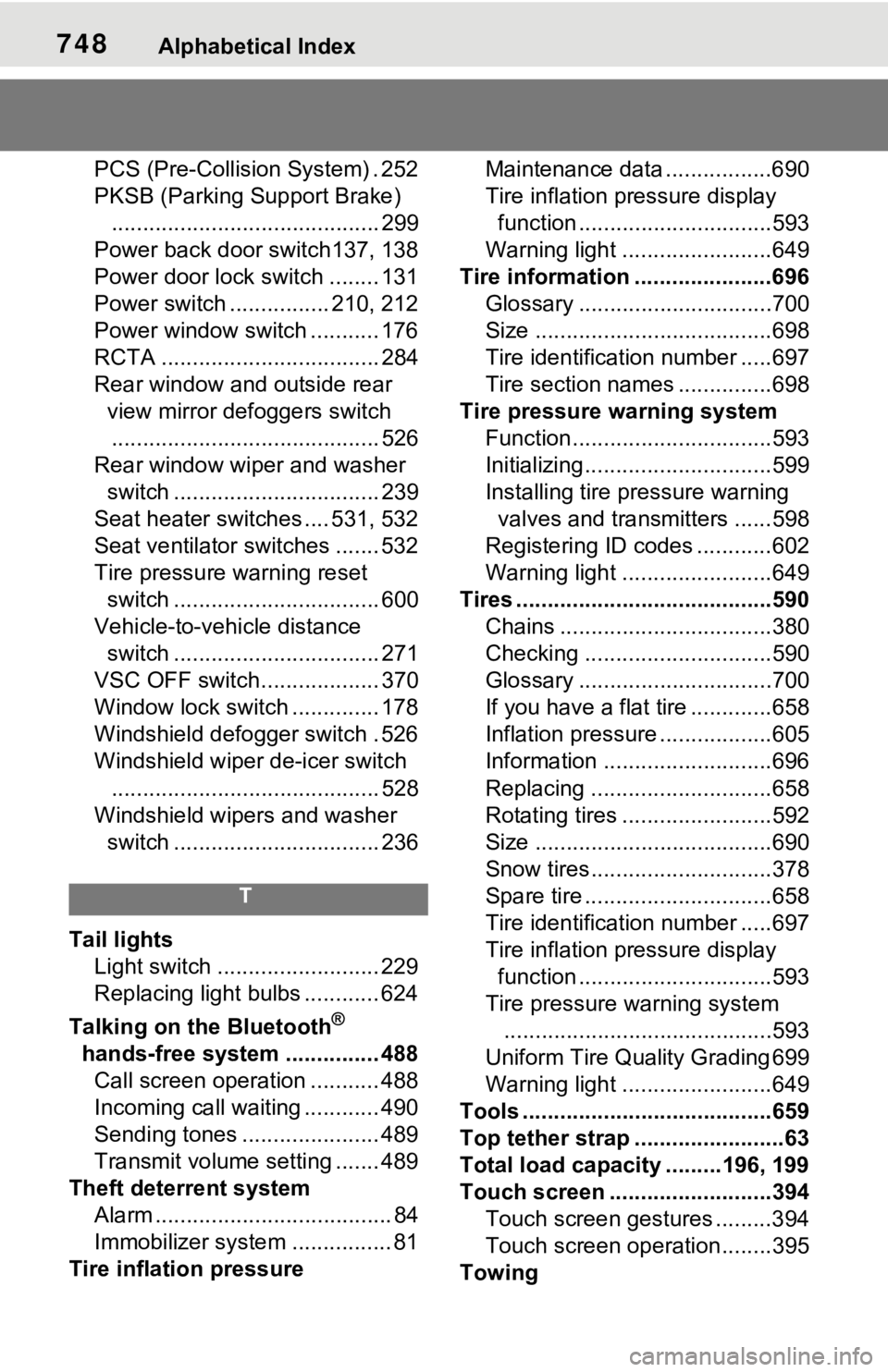
748Alphabetical Index
PCS (Pre-Collision System) . 252
PKSB (Parking Support Brake)........................................... 299
Power back door switch137, 138
Power door lock switch ........ 131
Power switch ................ 210, 212
Power window switch ........... 176
RCTA ................................... 284
Rear window and outside rear view mirror defoggers switch........................................... 526
Rear window wipe r and washer
switch ................................. 239
Seat heater switches .... 531, 532
Seat ventilator switches ....... 532
Tire pressure warning reset switch ................................. 600
Vehicle-to-vehicle distance switch ................................. 271
VSC OFF switch................... 370
Window lock switch .............. 178
Windshield defogger switch . 526
Windshield wiper de-icer switch
........................................... 528
Windshield wipers and washer switch ................................. 236
T
Tail lights Light switch .......................... 229
Replacing light bulbs ............ 624
Talking on the Bluetooth
®
hands-free system ............... 488 Call screen operation ........... 488
Incoming call waiting ............ 490
Sending tones ...................... 489
Transmit volume setting ....... 489
Theft deterrent system Alarm ...................................... 84
Immobilizer system ................ 81
Tire inflati on pressure Maintenance data .................690
Tire inflation pressure display
function ...............................593
Warning light ........................649
Tire information ......................696 Glossary ...............................700
Size ......................................698
Tire identification number .....697
Tire section names ...............698
Tire pressure warning system Function................................593
Initializing..............................599
Installing tire p ressure warning
valves and transmitters ......598
Registering ID codes ............602
Warning light ........................649
Tires .........................................590 Chains ..................................380
Checking ..............................590
Glossary ...............................700
If you have a flat tire .............658
Inflation pressure ..................605
Information ......... ..................696
Replacing .............................658
Rotating tires ........................592
Size ......................................690
Snow tires.............................378
Spare tire ..............................658
Tire identification number .....697
Tire inflation pressure display function ...............................593
Tire pressure warning system ...........................................593
Uniform Tire Qua lity Grading 699
Warning light ........................649
Tools ........................................659
Top tether strap ........................63
Total load capacity .........196, 199
Touch screen ..........................394 Touch screen gestures .........394
Touch screen operation........395
Towing
Page 749 of 752
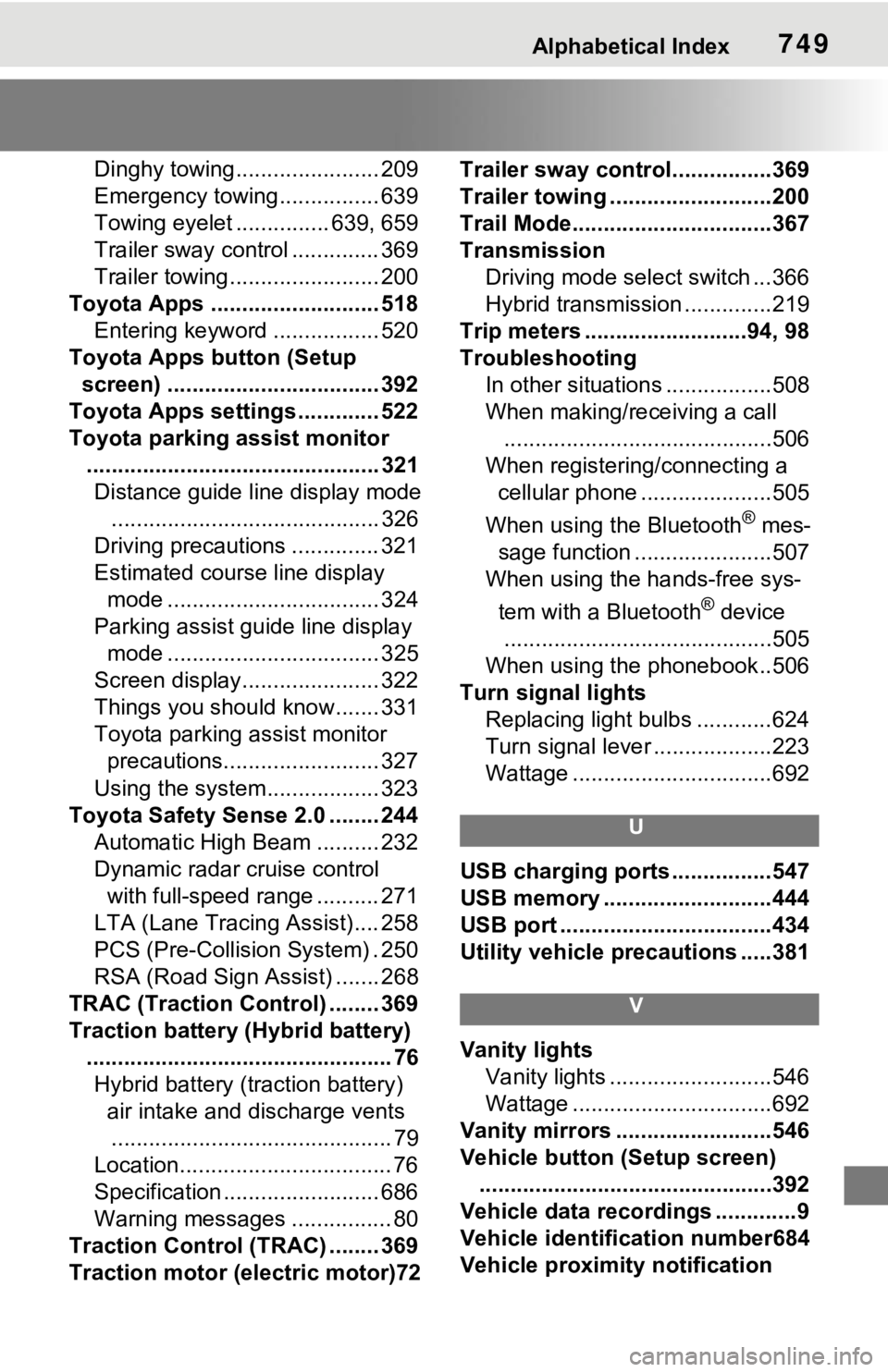
Alphabetical Index749
Dinghy towing....................... 209
Emergency towing................ 639
Towing eyelet ............... 639, 659
Trailer sway control .............. 369
Trailer towing........................ 200
Toyota Apps ........................... 518 Entering keyword ................. 520
Toyota Apps button (Setup screen) .................................. 392
Toyota Apps settings ............. 522
Toyota parking assist monitor ............................................... 321Distance guide line display mode ........................................... 326
Driving precautions .............. 321
Estimated course line display mode .................................. 324
Parking assist gui de line display
mode .................................. 325
Screen display...................... 322
Things you should know....... 331
Toyota parking assist monitor precautions......................... 327
Using the system.................. 323
Toyota Safety Sen se 2.0 ........ 244
Automatic High Beam .......... 232
Dynamic radar cruise control with full-speed range .......... 271
LTA (Lane Tracing Assist).... 258
PCS (Pre-Collision System) . 250
RSA (Road Sign Assist) ....... 268
TRAC (Traction Control) ........ 369
Traction battery (Hybrid battery) ................................................. 76Hybrid battery (traction battery) air intake and discharge vents............................................. 79
Location.................................. 76
Specification ......................... 686
Warning messages ................ 80
Traction Control (TRAC) ........ 369
Traction motor (e lectric motor)72 Trailer sway contro
l................369
Trailer towing ..........................200
Trail Mode................................367
Transmission Driving mode select switch ...366
Hybrid transmission ..............219
Trip meters ..........................94, 98
Troubleshooting In other situations .................508
When making/receiving a call ...........................................506
When registering/connecting a cellular phone .....................505
When using the Bluetooth
® mes-
sage function ......................507
When using the hands-free sys-
tem with a Bluetooth
® device
...........................................505
When using the phonebook..506
Turn signal lights Replacing light bulbs ............624
Turn signal lever . ..................223
Wattage ................................692
U
USB charging ports ................547
USB memory ...........................444
USB port ..................................434
Utility vehicle pre cautions .....381
V
Vanity lights
Vanity lights ..........................546
Wattage ................................692
Vanity mirrors .........................546
Vehicle button (Setup screen) ...............................................392
Vehicle data recordings .............9
Vehicle identification number684
Vehicle proximity notification