Safety features TOYOTA RAV4 HYBRID 2023 Owners Manual
[x] Cancel search | Manufacturer: TOYOTA, Model Year: 2023, Model line: RAV4 HYBRID, Model: TOYOTA RAV4 HYBRID 2023Pages: 586, PDF Size: 17.55 MB
Page 1 of 586
RAV4 HEV_OM_OM0R102U_(U)
1
2
3
4
5
6
7
8
9
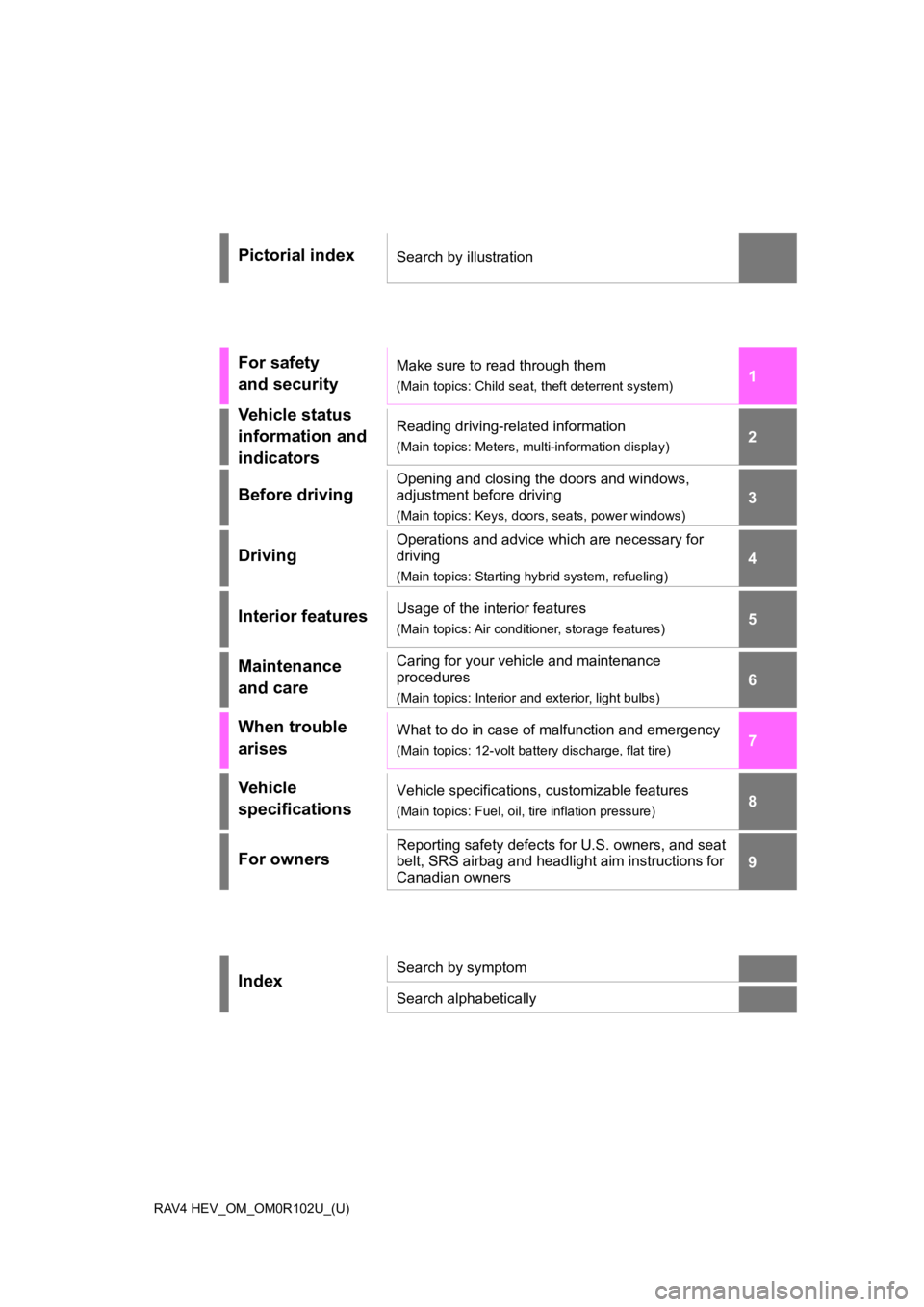
Pictorial indexSearch by illustration
For safety
and securityMake sure to read through them
(Main topics: Child seat, theft deterrent system)
Vehicle status
information and
indicatorsReading driving-related information
(Main topics: Meters, multi-information display)
Before driving
Opening and closing the doors and windows,
adjustment before driving
(Main topics: Keys, doors, seats, power windows)
Driving
Operations and advice which are necessary for
driving
(Main topics: Starting hybrid system, refueling)
Interior featuresUsage of the interior features
(Main topics: Air conditioner, storage features)
Maintenance
and careCaring for your vehicle and maintenance
procedures
(Main topics: Interior and exterior, light bulbs)
When trouble
arisesWhat to do in case of malfunction and emergency
(Main topics: 12-volt battery discharge, flat tire)
Vehicle
specificationsVehicle specifications, customizable features
(Main topics: Fuel, oil, tire inflation pressure)
For ownersReporting safety defects for U.S. owners, and seat
belt, SRS airbag and headlight aim instructions for
Canadian owners
IndexSearch by symptom
Search alphabetically
Page 2 of 586
2TABLE OF CONTENTS
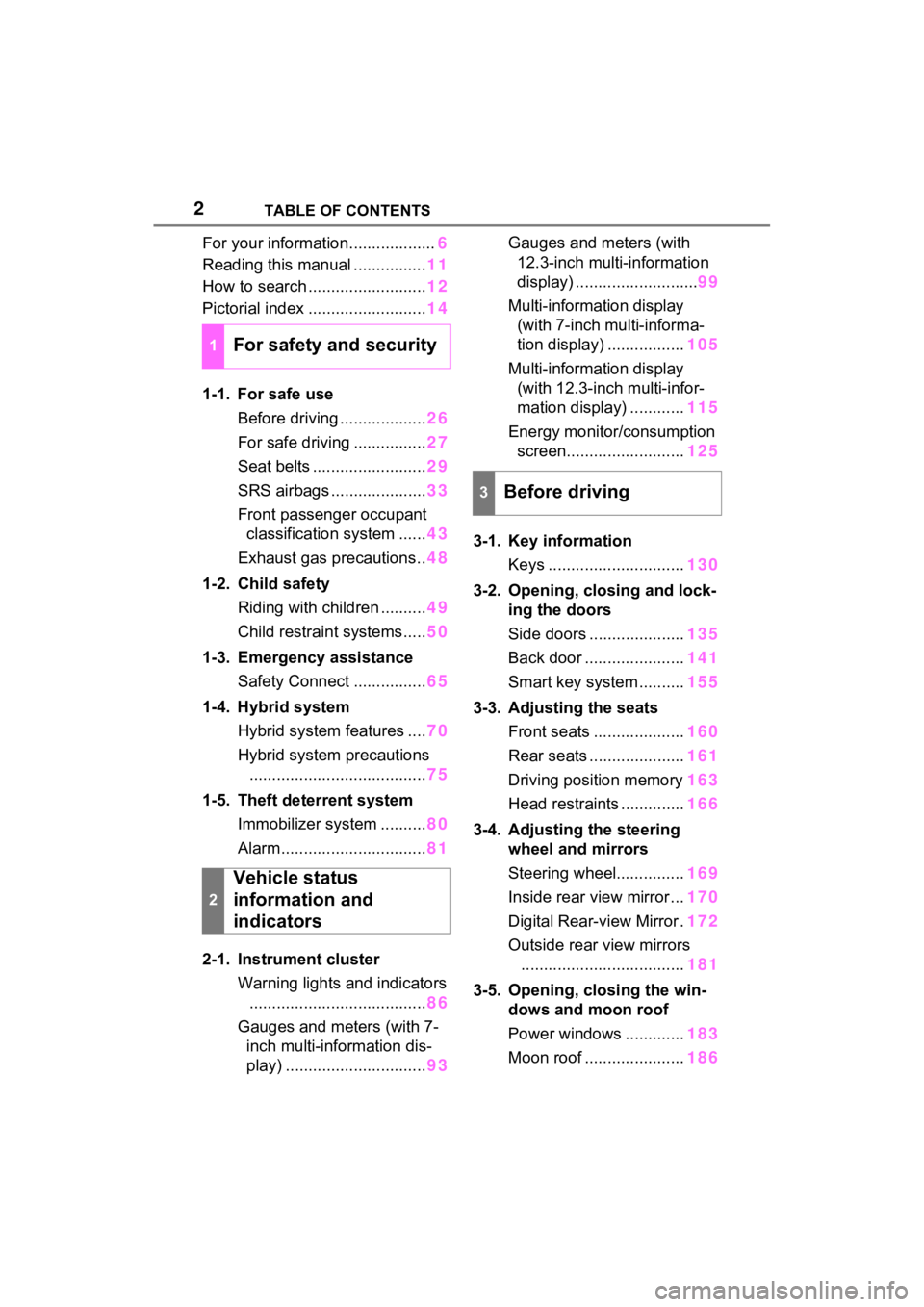
For your information...................6
Reading this manual ................ 11
How to search .......................... 12
Pictorial index .......................... 14
1-1. For safe use Before driving ................... 26
For safe driving ................ 27
Seat belts ......................... 29
SRS airbags ..................... 33
Front passenger occupant classification system ...... 43
Exhaust gas precautions.. 48
1-2. Child safety Riding with children .......... 49
Child restraint systems..... 50
1-3. Emergency assistance Safety Connect ................ 65
1-4. Hybrid system Hybrid system features .... 70
Hybrid system precautions ....................................... 75
1-5. Theft deterrent system Immobilizer system .......... 80
Alarm................................ 81
2-1. Instrument cluster Warning lights and indicators....................................... 86
Gauges and meters (with 7- inch multi-information dis-
play) ............................... 93Gauges and meters (with
12.3-inch multi-information
display) ........................... 99
Multi-information display (with 7-inch multi-informa-
tion display) ................. 105
Multi-information display (with 12.3-inch multi-infor-
mation display) ............ 115
Energy monitor/consumption screen.......................... 125
3-1. Key information Keys .............................. 130
3-2. Opening, closing and lock- ing the doors
Side doors ..................... 135
Back door ...................... 141
Smart key system .......... 155
3-3. Adjusting the seats Front seats .................... 160
Rear seats ..................... 161
Driving position memory 163
Head restraints .............. 166
3-4. Adjusting the steering wheel and mirrors
Steering wheel............... 169
Inside rear view mirror ... 170
Digital Rear-view Mirror . 172
Outside rear view mirrors .................................... 181
3-5. Opening, closing the win- dows and moon roof
Power windows ............. 183
Moon roof ...................... 186
1For safety and security
2
Vehicle status
information and
indicators
3Before driving
Page 5 of 586
5TABLE OF CONTENTS
1
2
3
4
5
6
7
8
9
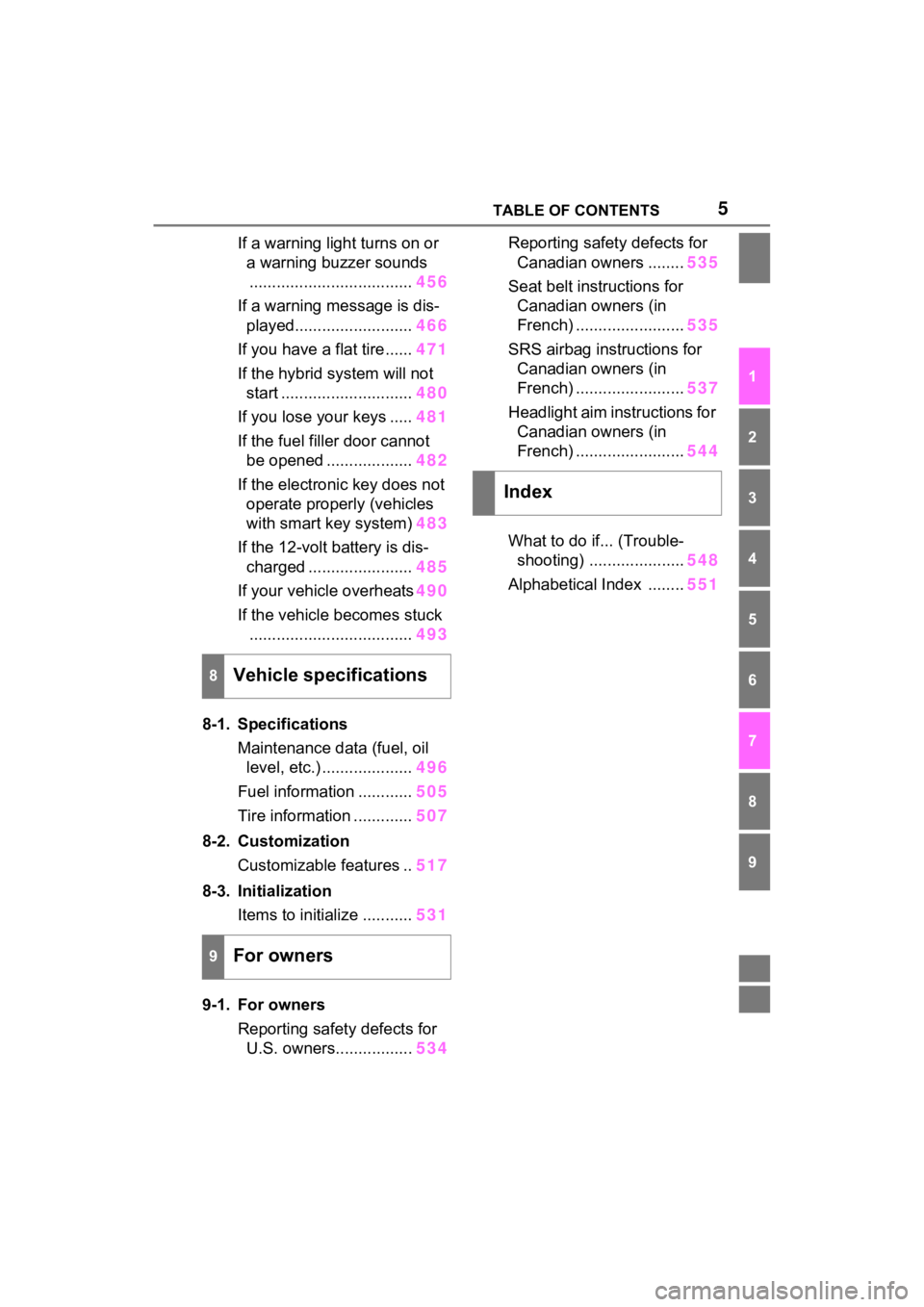
If a warning light turns on or a warning buzzer sounds.................................... 456
If a warning message is dis- played.......................... 466
If you have a flat tire...... 471
If the hybrid system will not start ............................. 480
If you lose your keys ..... 481
If the fuel filler door cannot be opened ................... 482
If the electronic key does not operate properly (vehicles
with smart key system) 483
If the 12-volt battery is dis- charged ....................... 485
If your vehicle overheats 490
If the vehicle becomes stuck .................................... 493
8-1. Specifications Maintenance data (fuel, oil level, etc.) .................... 496
Fuel information ............ 505
Tire information ............. 507
8-2. Customization Customizable features .. 517
8-3. Initialization Items to initialize ........... 531
9-1. For owners Reporting safety defects for U.S. owners................. 534Reporting safet
y defects for
Canadian owners ........ 535
Seat belt instructions for Canadian owners (in
French) ........................ 535
SRS airbag instructions for Canadian owners (in
French) ........................ 537
Headlight aim instructions for Canadian owners (in
French) ........................ 544
What to do if... (Trouble- shooting) ..................... 548
Alphabetical Index ........ 551
8Vehicle specifications
9For owners
Index
Page 10 of 586
10
The word “QR Code” is regis-
tered trademark of DENSO
WAVE INCORPORATED in
Japan and other countries.
“QR Code”
WARNING
■General precautions while
driving
Driving under the influence: Never
drive your vehicle when under the
influence of alcohol or drugs that
have impaired your ability to oper-
ate your vehicle. Alcohol and cer-
tain drugs delay reaction time,
impair judgment and reduce coor-
dination, which could lead to an
accident that could result in death
or serious injury.
Defensive drivin g: Always drive
defensively. Anticipate mistakes
that other drivers or pedestrians
might make and be ready to avoid
accidents.
Driver distraction: Always give
your full attention to driving. Any-
thing that distracts the driver,
such as adjusting controls, talking
on a cellular phone or reading can
result in a collision with resulting
death or serious injury to you,
your occupant s or others.
■General precaution regarding
children’s safety
Never leave children unattended
in the vehicle, and never allow
children to have or use the key.
Children may be able to start the
vehicle or shift the vehicle into
neutral. There is also a danger
that children ma y injure them-
selves by playing with the side
windows, the moon roof or the
panoramic moon roof, or other
features of the vehicle. In addi-
tion, heat build-up or extremely
cold temperatures inside the vehi-
cle can be fatal to children.
Page 25 of 586

25
1
1
For safety and security
For safety and security
1-1. For safe useBefore driving ................. 26
For safe driving .............. 27
Seat belts ....................... 29
SRS airbags ................... 33
Front passenger occupant classification system .... 43
Exhaust gas precautions 48
1-2. Child safety Riding with children ........ 49
Child restraint systems... 50
1-3. Emergency assistance Safety Connect .............. 65
1-4. Hybrid system Hybrid system features .. 70
Hybrid system precautions ..................................... 75
1-5. Theft deterrent system Immobilizer sys tem ........80
Alarm.............................. 81
Page 49 of 586
491-2. Child safety
1
For safety and security
1-2.Child safety
Riding with children
Observe the following pre-
cautions when children are
in the vehicle.
Use a child restraint system
appropriate for the child,
until the child becomes
large enough to properly
wear the vehicle’s seat belt.
It is recommended that chil-
dren sit in the rear seats to
avoid accidental contact
with the shift lever, wiper
switch, etc.
Use the rear door child-pro-
tector lock or the window
lock switch to avoid children
opening the door while driv-
ing or operating the power
window accidentally.
( P.140, 185)
Do not let small children
operate equipment which
may catch or pinch body
parts, such as the power
window, hood, back door,
seats, etc.
WARNING
■When children are in the vehi-
cle
Never leave children unattended
in the vehicle, and never allow
children to have or use the key.
Children may be able to start the
vehicle or shift the vehicle into
neutral. There is also a danger
that children ma y injure them-
selves by playing with the side
windows, the moon roof (if
equipped), the panoramic moon
roof (if equipped) or other features
of the vehicle. In addition, heat
build-up or extremely cold tem-
peratures inside the vehicle can
be fatal to children.
Page 65 of 586
651-3. Emergency assistance
1
For safety and security
1-3.Emergency assistance
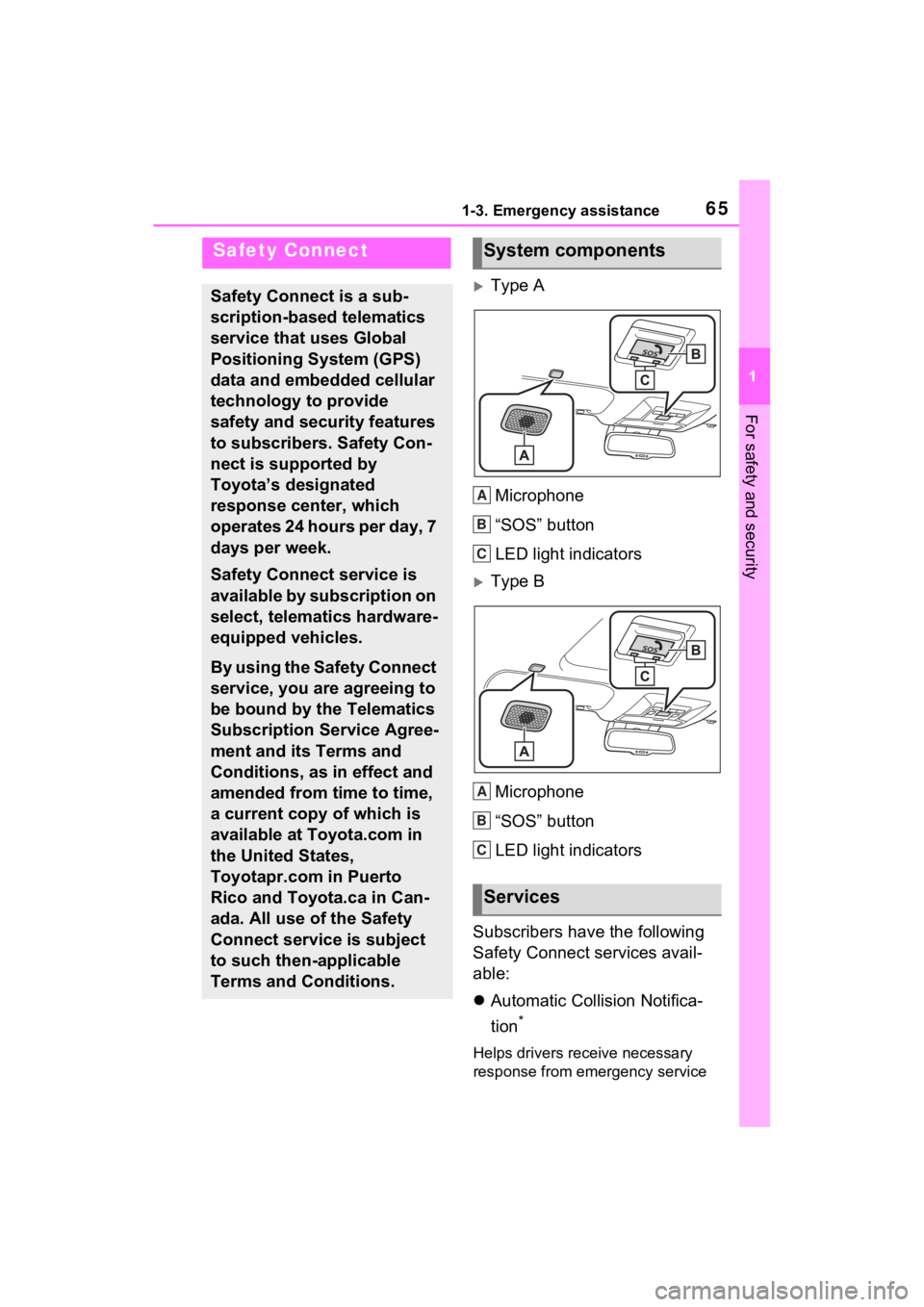
Type AMicrophone
“SOS” button
LED light indicators
Type BMicrophone
“SOS” button
LED light indicators
Subscribers have the following
Safety Connect services avail-
able:
Automatic Collision Notifica-
tion
*
Helps drivers receive necessary
response from emergency service
Safety Connect
Safety Connect is a sub-
scription-based telematics
service that uses Global
Positioning System (GPS)
data and embedded cellular
technology to provide
safety and security features
to subscribers. Safety Con-
nect is supported by
Toyota’s designated
response center, which
operates 24 hours per day, 7
days per week.
Safety Connect service is
available by subscription on
select, telematics hardware-
equipped vehicles.
By using the Safety Connect
service, you are agreeing to
be bound by the Telematics
Subscription Service Agree-
ment and its Terms and
Conditions, as in effect and
amended from time to time,
a current copy of which is
available at Toyota.com in
the United States,
Toyotapr.com in Puerto
Rico and Toyota.ca in Can-
ada. All use of the Safety
Connect service is subject
to such then-applicable
Terms and Conditions.
System components
Services
A
B
C
A
B
C
Page 83 of 586
831-5. Theft deterrent system
1
For safety and security
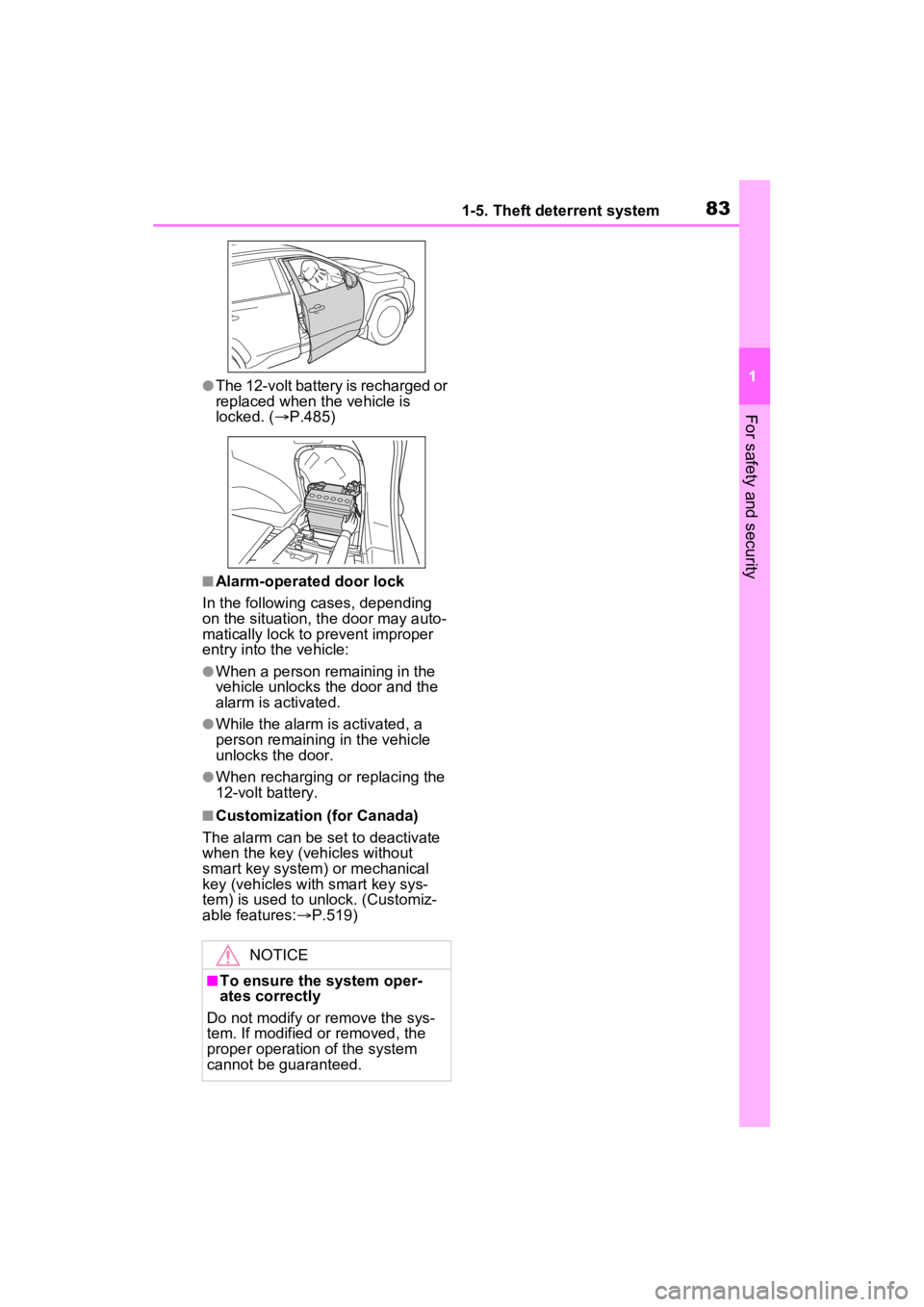
●The 12-volt battery is recharged or
replaced when the vehicle is
locked. (P.485)
■Alarm-operated door lock
In the following cases, depending
on the situation, th e door may auto-
matically lock to p revent improper
entry into the vehicle:
●When a person remaining in the
vehicle unlocks the door and the
alarm is activated.
●While the alarm is activated, a
person remaining in the vehicle
unlocks the door.
●When recharging or replacing the
12-volt battery.
■Customization (for Canada)
The alarm can be set to deactivate
when the key (vehicles without
smart key system) or mechanical
key (vehicles with smart key sys-
tem) is used to unlock. (Customiz-
able features: P.519)
NOTICE
■To ensure the system oper-
ates correctly
Do not modify or remove the sys-
tem. If modified or removed, the
proper operation of the system
cannot be guaranteed.
Page 153 of 586
1513-2. Opening, closing and locking the doors
3
Before driving
5When installing, reverse the
steps listed.
■Customization
Settings (e.g. power back door
opening angle) can be changed.
(Customizable features: P.524)
WARNING
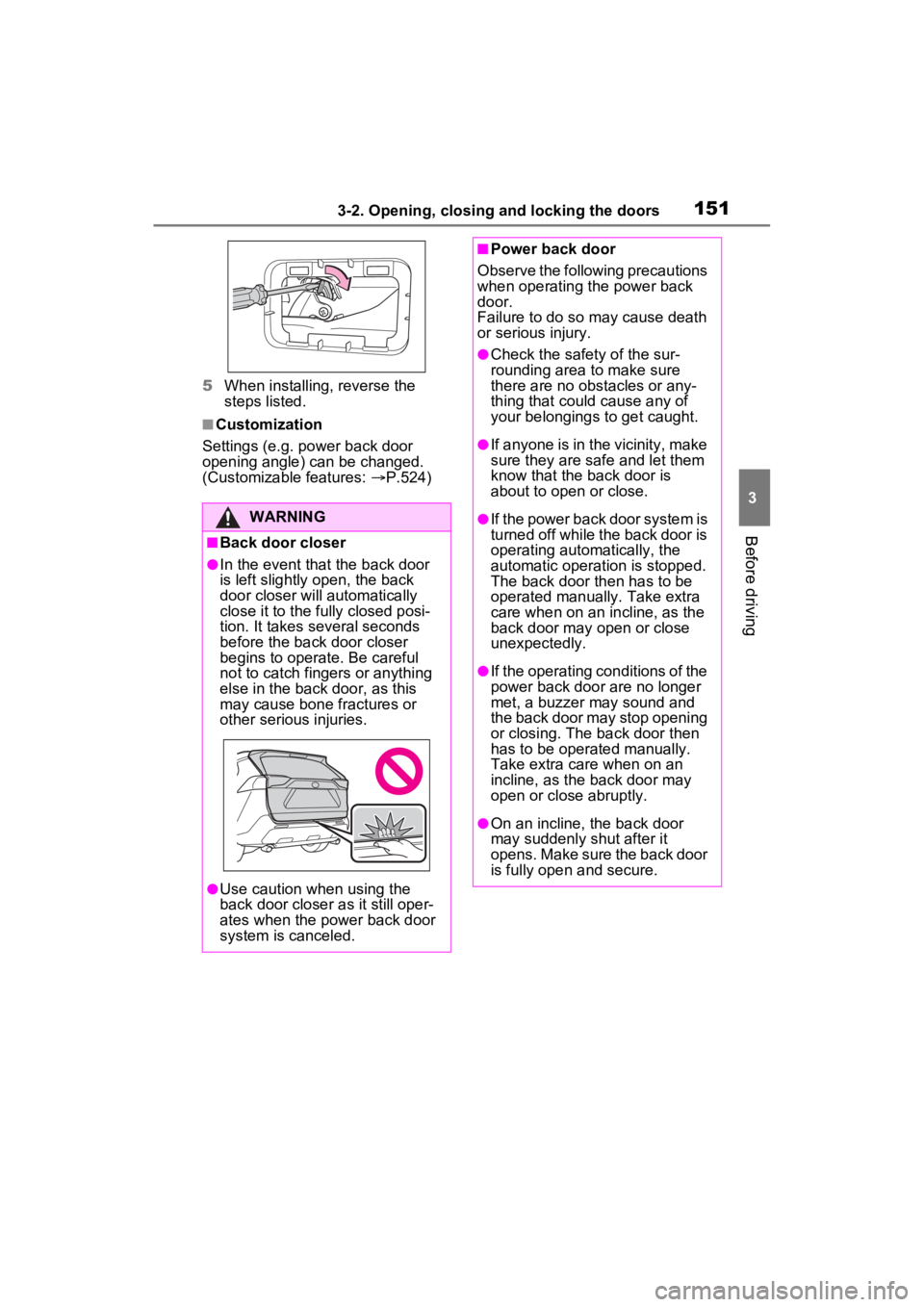
■Back door closer
●In the event that the back door
is left slightly open, the back
door closer will automatically
close it to the fully closed posi-
tion. It takes several seconds
before the back door closer
begins to operate. Be careful
not to catch fingers or anything
else in the back door, as this
may cause bone fractures or
other serious injuries.
●Use caution when using the
back door closer as it still oper-
ates when the power back door
system is canceled.
■Power back door
Observe the following precautions
when operating the power back
door.
Failure to do so may cause death
or serious injury.
●Check the safety of the sur-
rounding area to make sure
there are no obs tacles or any-
thing that could cause any of
your belongings to get caught.
●If anyone is in the vicinity, make
sure they are safe and let them
know that the back door is
about to open or close.
●If the power back door system is
turned off while the back door is
operating automatically, the
automatic operation is stopped.
The back door then has to be
operated manually. Take extra
care when on an incline, as the
back door may open or close
unexpectedly.
●If the operating conditions of the
power back door are no longer
met, a buzzer may sound and
the back door may stop opening
or closing. The ba ck door then
has to be operated manually.
Take extra care when on an
incline, as the back door may
open or close abruptly.
●On an incline, the back door
may suddenly shut after it
opens. Make sure the back door
is fully open and secure.
Page 355 of 586
3535-2. Using the interior lights
5
Interior features
turn on automatically.
The interior lights will turn off auto-
matically after approximately 20
minutes.
The interior lights can be turned off
manually. However, in order to help
prevent further collisions, it is rec-
ommended that they be left on until
safety can be ensured.
(The interior lights may not turn on
automatically depending on the
force of the impact and conditions of
the collision.)
■Customization
Setting (e.g. the time elapsed before
the lights turn off) can be changed.
(Customizable features: P.530)
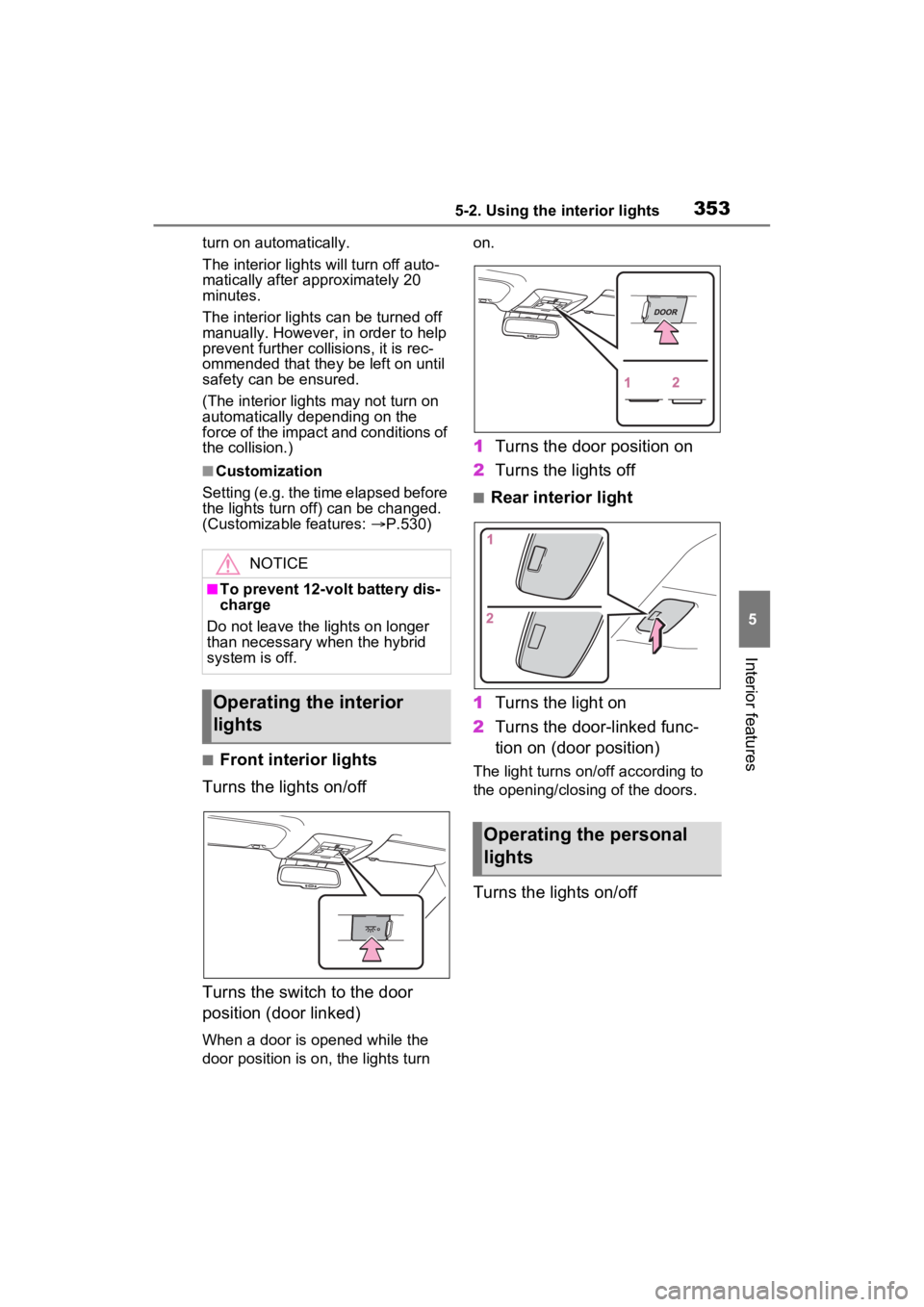
■Front interior lights
Turns the lights on/off
Turns the switch to the door
position (door linked)
When a door is opened while the
door position is on, the lights turn on.
1
Turns the door position on
2 Turns the lights off
■Rear interior light
1 Turns the light on
2 Turns the door-linked func-
tion on (door position)
The light turns on/off according to
the opening/closing of the doors.
Turns the lights on/off
NOTICE
■To prevent 12-volt battery dis-
charge
Do not leave the lights on longer
than necessary when the hybrid
system is off.
Operating the interior
lights
Operating the personal
lights