service TOYOTA RAV4 PRIME 2022 User Guide
[x] Cancel search | Manufacturer: TOYOTA, Model Year: 2022, Model line: RAV4 PRIME, Model: TOYOTA RAV4 PRIME 2022Pages: 624, PDF Size: 24.01 MB
Page 90 of 624
902-1. Plug-in hybrid system
WARNING
●Carefully inspect the ground
under the vehicle. If you find
that liquid has leaked onto the
ground, the fuel system may
have been damaged. Leave the
vehicle as soon as possible.
■Hybrid battery (traction bat-
tery)
●Your vehicle contains a sealed
lithium-ion battery.
●Never resell, hand over or mod-
ify the hybrid battery. To prevent
accidents, hybrid batteries that
have been removed from a dis-
posed vehicle are collected
through Toyota dealer. Do not
dispose of the battery yourself.
Unless the battery is properly
collected, the following may
occur, resulting in death or seri-
ous injury:
• The hybrid battery may be ille- gally disposed of or dumped,
and it is hazardous to the envi-
ronment or someone may touch
a high voltage part, resulting in
an electric shock.
• The hybrid battery is intended to be used exclusively with your
hybrid vehicle. If the hybrid bat-
tery is used outside of your
vehicle or modifi ed in any way,
accidents such as electric
shock, heat generation, smoke
generation, an explosion and
electrolyte leakage may occur.
When reselling or handing over
your vehicle, the possibility of
an accident is extremely high
because the person receiving
the vehicle may not be aware of
these dangers.
●If your vehicle is disposed of
without the hybrid battery hav-
ing been removed, there is a
danger of serious electric shock
if high voltage parts, cables and
their connectors are touched. In
the event that your vehicle must
be disposed of, the hybrid bat-
tery must be disposed of by
your Toyota dealer or a qualified
service shop. If the hybrid bat-
tery is not disposed of properly,
it may cause electric shock that
can result in dea th or serious
injury.
■Caution while driving
If the vehicle under floor area
receives strong shock or impact
while driving, stop the vehicle in a
safe area and check around the
bottom of the vehicle. If there is
damage to the hybrid battery
(traction battery) or liquid leakage,
it may lead to a vehicle fire, etc.
Do not touch the vehicle and
immediately contact your Toyota
dealer.
■Modifications
Do not modify the vehicle to make
the height lower.
It is easier for the hybrid battery
(traction battery) in the under floor
area to come in contact with the
ground when the vehicle is low-
ered. If the hybrid battery (traction
battery) is damaged, a vehicle fire
may occur which could lead to
death or serious injury.
Page 151 of 624
1512-2. Charging
2
Plug-in hybrid system
■Cannot change charging schedule from smartphone applica-
tion (vehicles with Premium Audio)
*
*: In order to use the smartphone application, it is necessary to apply to
Toyota Apps. For details about Toyota Apps, refer to
http://www.toyota.com/connectedservices
in the United States and
http://www.toyota.ca/connected
in Canada.
■Charging starts, even though charging schedule is registered
AC charging cable i s not connected
to vehicleBefore using the charging schedule,
connect the AC charging cable.
Incorrect charging mode selected
Check the charging mode setting.
( P.130)
When the charging mode is “Start”,
charging starts at the set time, but
when it is “Departure”, charging is
completed by the set time. (The
charging start time is automatically
controlled by the system.)
Likely causeCorrection procedure
Smartphone is outsi de its coverage
area
Check the signal strength. If the
smartphone is outside its coverage
area, move to a pl ace with a better
signal.
Likely causeCorrection procedure
“Charge Now” is set to on
When charging according to the
charging schedule, set “Charge
Now” to off. ( P.137, 142)
Charging schedule is set to offCheck that charging schedule is not
set to off. ( P.135, 136)
Charging mode is set to “Departure”
and schedule departure time is close
to current time
When the system determines that
there is no time to finish charging by
the set scheduled departure time, it
starts charging. Check the charging
schedules.
Likely causeCorrection procedure
Page 181 of 624
1813-1. Instrument cluster
3
Vehicle status information and indicators
Select to display warning mes-
sages and measures to be
taken if a malfunction is
detected. (P.518)
Displays suggestions to the
driver in the following situations.
To select a response to a dis-
played suggestion, use the
meter control switches.
■Suggestion to enable the
power back door (if
equipped)
If the power back door system is
disabled on the screen and
the power back door switch on the instrument panel is oper-
ated, a suggestion message will
be displayed asking if you wish
to enable the power back door
system. To enable the power
back door system, select “Yes”.
After enabling the power back door
system, press the power back door
switch again to op
en or close the
power back door.
■Suggestion to turn on the
headlights
If the headlight switch is in other
than or , and the vehicle
speed is 3 mph (5 km/h) or
higher for a certain amount of
time when the surroundings are
dark, a suggestion message will
be displayed.
■Suggestion to turn off the
headlights
If the headlights are left on for a
certain amount of time after the
power switch has been turned
off, a suggestion message will
be displayed.
When the headlight switch is in
the AUTO position: The mes-
sage asking if you wish to turn
the headlights off is displayed.
To turn the headlights off, select
“Yes”.
If the driver’s door is opened after
the power switch is turned off, this
suggestion message will not be dis-
played.
■Customization
The Convenience Services (Sug-
WARNING
■Cautions during setting up
the display
As the hybrid system needs to be
operating during setting up the
display, ensure that the vehicle is
parked in a place with adequate
ventilation. In a closed area such
as a garage, exhaust gases
including harmful carbon monox-
ide (CO) may collect and enter
the vehicle. This may lead to
death or a seri ous health hazard.
NOTICE
■During setting up the display
To prevent 12-vo lt battery dis-
charge, ensure that the hybrid
system is operating while setting
up the display features.
Warning message display
Convenience Services
(Suggestion function)
Page 270 of 624
2705-1. Before driving
base vehicle with one driver,
one front passenger, hitch and
hitch systems (if required).
Additional optional equipment, pas-
sengers and cargo in the vehicle
will reduce the tra iler weight rating
so as not to exceed GCWR, GVWR
and GAWR.
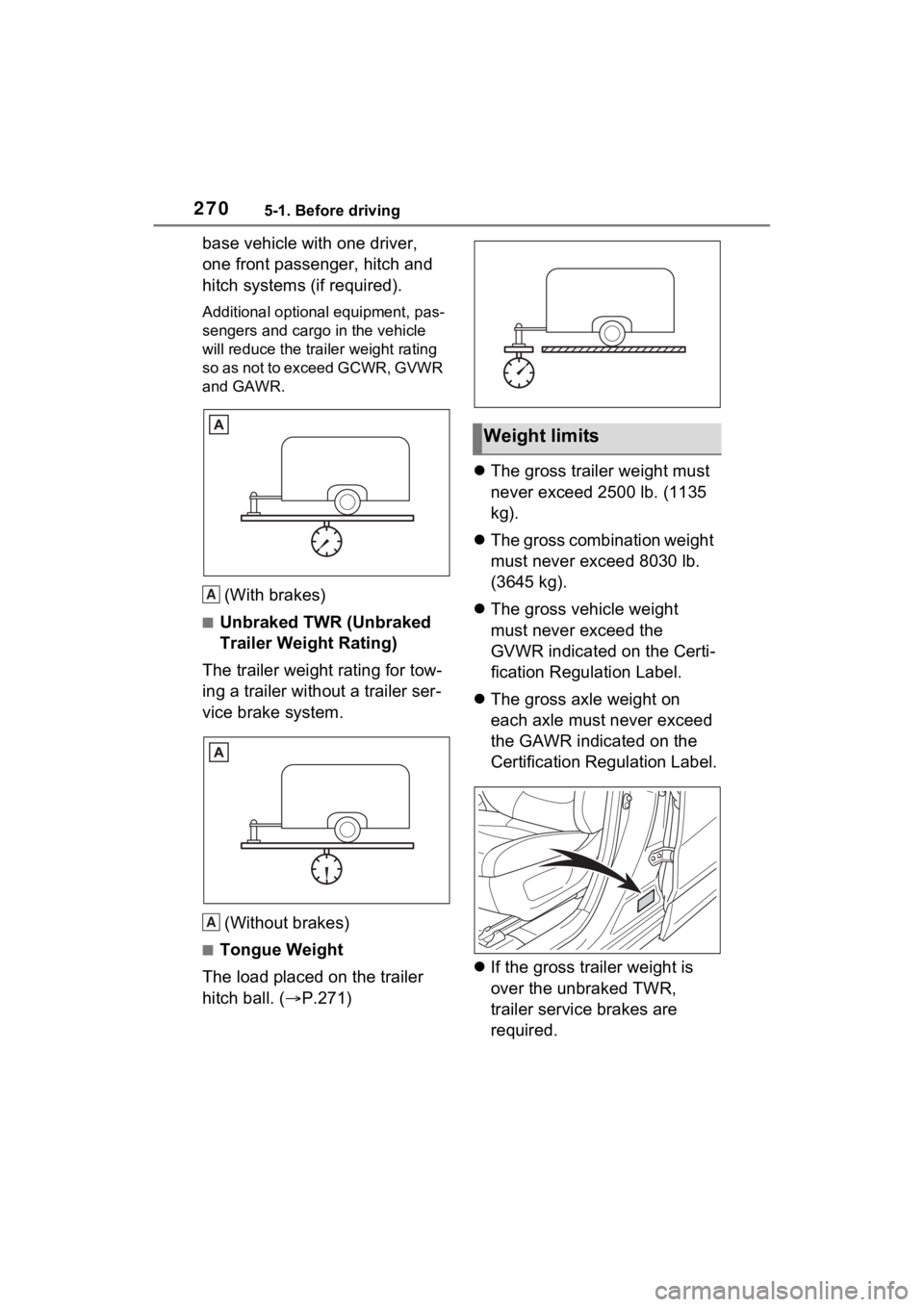
(With brakes)
■Unbraked TWR (Unbraked
Trailer Weight Rating)
The trailer weight rating for tow-
ing a trailer without a trailer ser-
vice brake system.
(Without brakes)
■Tongue Weight
The load placed on the trailer
hitch ball. ( P.271)
The gross trailer weight must
never exceed 2500 lb. (1135
kg).
The gross combination weight
must never exceed 8030 lb.
(3645 kg).
The gross vehicle weight
must never exceed the
GVWR indicated on the Certi-
fication Regulation Label.
The gross axle weight on
each axle must never exceed
the GAWR indicated on the
Certification Regulation Label.
If the gross trailer weight is
over the unbraked TWR,
trailer service brakes are
required.
A
A
Weight limits
Page 382 of 624
3825-6. Driving tips
5-6.Driving tips
Use fluids that are appropriate
to the prevailing outside tem-
peratures.
• Engine oil
• Engine coolant
• Power control unit coolant
• Washer fluid
Have a service technician
inspect the condition of the
12-volt battery.
Have the vehicle fitted with
four snow tires or purchase a
set of tire chains for the front
tires.
*
Ensure that all tires are the same
size and brand, and that chains
match the size of the tires.
*: Tire chains cannot be mounted
on vehicles with 235/55R19 tires.
Winter driving tips
Carry out the necessary
preparations and inspec-
tions before driving the
vehicle in winter. Always
drive the vehicle in a man-
ner appropriate to the pre-
vailing weather conditions.
Pre-winter preparations
WARNING
■Driving with snow tires
Observe the following precautions
to reduce the risk of accidents.
Failure to do so may result in a
loss of vehicle control and cause
death or serious injury.
●Use tires of the specified size.
●Maintain the recommended
level of air pressure.
●Do not drive in excess of 75
mph (120 km/h), regardless of
the type of snow tires being
used.
●Use snow tires on all, not just
some wheels.
■Driving with tire chains
(except 235/55R19 tires)
Observe the following precautions
to reduce the risk of accidents.
Failure to do so may result in the
vehicle being unable to be driven
safely, and may cause death or
serious injury.
●Do not drive in excess of the
speed limit specifi ed for the tire
chains being used, or 30 mph
(50 km/h), whichever is lower.
●Avoid driving on bumpy road
surfaces or over potholes.
●Avoid sudden acceleration,
abrupt steering, sudden brak-
ing and shifting operations that
cause sudden engine braking.
●Slow down sufficiently before
entering a curve to ensure that
vehicle control is maintained.
●Do not use LTA (Lane Tracing
Assist) system.
Page 387 of 624
3875-6. Driving tips
5
Driving
• State and Local Parks and Recre-ation Departments
• State Motor Vehicle Bureau
• Recreational Vehicle Clubs
• U.S. Forest Service and Bureau of Land Management
WARNING
■Off-road driving precautions
Always observe the following pre-
cautions to minimize the risk of
death, serious injury or damage to
your vehicle:
●Drive carefully when off the
road. Do not take unnecessary
risks by driving in dangerous
places.
●Do not grip the steering wheel
spokes when driving off-road. A
bad bump could jerk the wheel
and injure your hands. Keep
both hands and especially your
thumbs on the outside of the
rim.
●Always check your brakes for
effectiveness immediately after
driving in sand, mud, water or
snow.
●After driving through tall grass,
mud, rock, sand, rivers, etc.,
check that there is no grass,
bush, paper, rags, stone, sand,
etc. adhering or trapped on the
underbody. Clear off any such
matter from the u nderbody. If
the vehicle is used with these
materials trapped or adhering to
the underbody, a breakdown or
fire could occur.
●When driving off-road or in rug-
ged terrain, do not drive at
excessive speeds, jump, make
sharp turns, strike objects, etc.
This may cause loss of control
or vehicle rollover causing
death or serious injury. You are
also risking expensive damage
to your vehicle’s suspension
and chassis.
NOTICE
■To prevent the water damage
Take all necessary safety mea-
sures to ensure that water dam-
age to the hybrid b attery (traction
battery), hybrid system or other
components does not occur.
●Water entering th e engine com-
partment may cause severe
damage to the hybrid system.
●Water entering the hybrid trans-
mission will cause deterioration
in transmission quality. The
malfunction indicator may come
on, and the vehicle may not be
drivable.
●Water can wash the grease
from wheel bearings, causing
rusting and premature failure,
and may also enter the hybrid
transaxle case, reducing the
gear oil’s lubricating qualities.
■When you drive through
water
If driving through water, such as
when crossing shallow streams,
first check the depth of the water
and the bottom of t he riverbed for
firmness. Drive s lowly and avoid
deep water.
Page 395 of 624
3956-1. Using the air conditioning system and defogger
6
Interior features
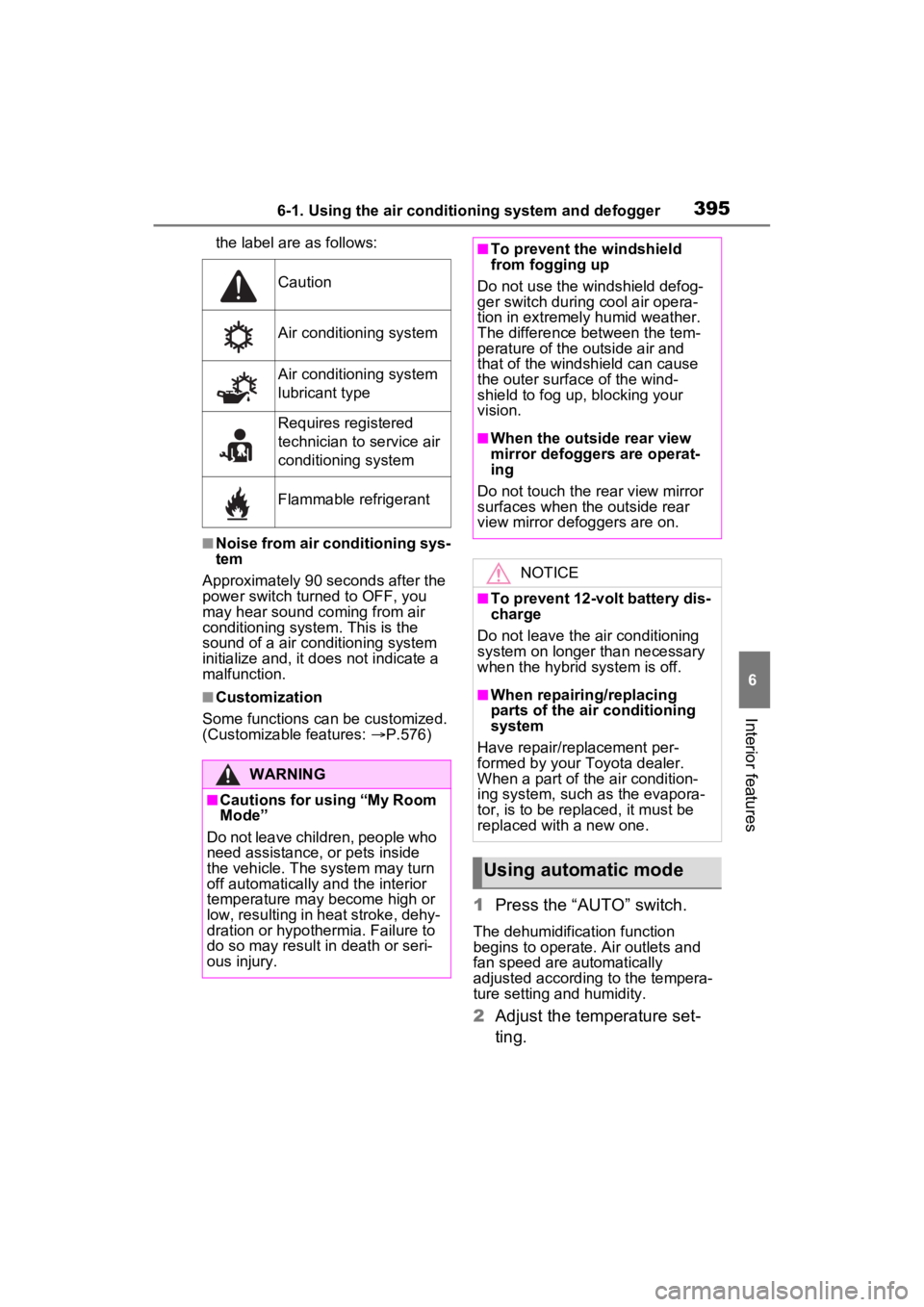
the label are as follows:
■Noise from air conditioning sys-
tem
Approximately 90 seconds after the
power switch turned to OFF, you
may hear sound coming from air
conditioning system. This is the
sound of a air conditioning system
initialize and, it doe s not indicate a
malfunction.
■Customization
Some functions can be customized.
(Customizable features: P.576)
1 Press the “AUTO” switch.
The dehumidification function
begins to operate. Air outlets and
fan speed are automatically
adjusted according to the tempera-
ture setting and humidity.
2 Adjust the temperature set-
ting.
Caution
Air conditioning system
Air conditioning system
lubricant type
Requires registered
technician to service air
conditioning system
Flammable refrigerant
WARNING
■Cautions for using “My Room
Mode”
Do not leave children, people who
need assistance, or pets inside
the vehicle. The system may turn
off automatically and the interior
temperature may become high or
low, resulting in heat stroke, dehy-
dration or hypothermia. Failure to
do so may result in death or seri-
ous injury.
■To prevent the windshield
from fogging up
Do not use the windshield defog-
ger switch during cool air opera-
tion in extremely humid weather.
The difference between the tem-
perature of the outside air and
that of the windshield can cause
the outer surface of the wind-
shield to fog up, blocking your
vision.
■When the outside rear view
mirror defoggers are operat-
ing
Do not touch the rear view mirror
surfaces when the outside rear
view mirror def oggers are on.
NOTICE
■To prevent 12-volt battery dis-
charge
Do not leave the air conditioning
system on longer than necessary
when the hybrid system is off.
■When repairing/replacing
parts of the air conditioning
system
Have repair/replacement per-
formed by your To yota dealer.
When a part of the air condition-
ing system, such as the evapora-
tor, is to be repl aced, it must be
replaced with a new one.
Using automatic mode
Page 439 of 624
439
7
7
Maintenance and care
Maintenance and care
7-1. Maintenance and careCleaning and protecting the vehicle exterior .......... 440
Cleaning and protecting the vehicle interior ........... 443
7-2. Maintenance Maintenance requirements.................................. 446
General maintenance.. 447
Emission inspection and maintenance (I/M) pro-
grams ........................ 450
7-3. Do-it-yourself mainte- nance
Do-it-yourself service pre- cautions ..................... 451
Hood ........................... 453
Positioning a floor jack 454
Engine compartment ... 456
12-volt battery ............. 462
Tires ............................ 464
Tire inflation pressure . 474
Wheels ......... ...............476
Air conditioning filter .... 477
Cleaning the DC/DC Con- verter air intake vent and
filter ........................... 480
Wiper insert replacement .................................. 483
Electronic key battery.. 487
Checking and replacing fuses.......................... 489Headlight aim ..............
491
Light bulbs ................... 492
Page 446 of 624
4467-2. Maintenance
7-2.Maintenance
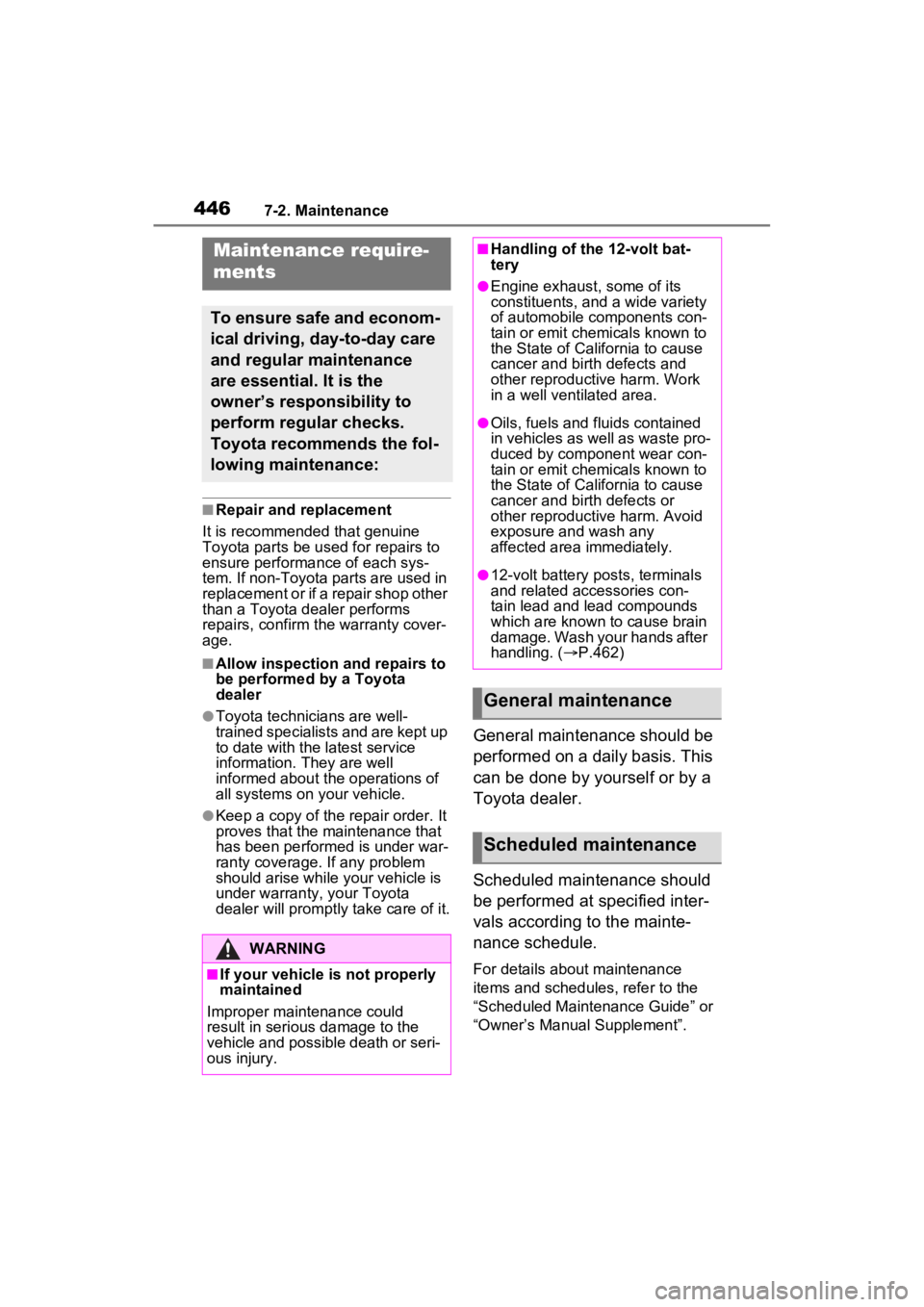
■Repair and replacement
It is recommended that genuine
Toyota parts be used for repairs to
ensure performanc e of each sys-
tem. If non-Toyota p arts are used in
replacement or if a repair shop other
than a Toyota dealer performs
repairs, confirm the warranty cover-
age.
■Allow inspection and repairs to
be performed by a Toyota
dealer
●Toyota technicians are well-
trained specialists and are kept up
to date with the latest service
information. They are well
informed about the operations of
all systems on your vehicle.
●Keep a copy of the repair order. It
proves that the maintenance that
has been performed is under war-
ranty coverage. If any problem
should arise while your vehicle is
under warranty, your Toyota
dealer will promptly take care of it.
General maintenance should be
performed on a daily basis. This
can be done by yourself or by a
Toyota dealer.
Scheduled maintenance should
be performed at specified inter-
vals according to the mainte-
nance schedule.
For details about maintenance
items and schedules, refer to the
“Scheduled Maintenance Guide” or
“Owner’s Manual Supplement”.
Maintenance require-
ments
To ensure safe and econom-
ical driving, day-to-day care
and regular maintenance
are essential. It is the
owner’s responsibility to
perform regular checks.
Toyota recommends the fol-
lowing maintenance:
WARNING
■If your vehicle is not properly
maintained
Improper maintenance could
result in serious damage to the
vehicle and possible death or seri-
ous injury.
■Handling of the 12-volt bat-
tery
●Engine exhaust, some of its
constituents, and a wide variety
of automobile components con-
tain or emit chemicals known to
the State of California to cause
cancer and birth defects and
other reproductive harm. Work
in a well ventilated area.
●Oils, fuels and fluids contained
in vehicles as well as waste pro-
duced by component wear con-
tain or emit chemicals known to
the State of California to cause
cancer and birth defects or
other reproductive harm. Avoid
exposure and wash any
affected area immediately.
●12-volt battery posts, terminals
and related accessories con-
tain lead and lead compounds
which are known to cause brain
damage. Wash your hands after
handling. ( P.462)
General maintenance
Scheduled maintenance
Page 447 of 624
4477-2. Maintenance
7
Maintenance and care
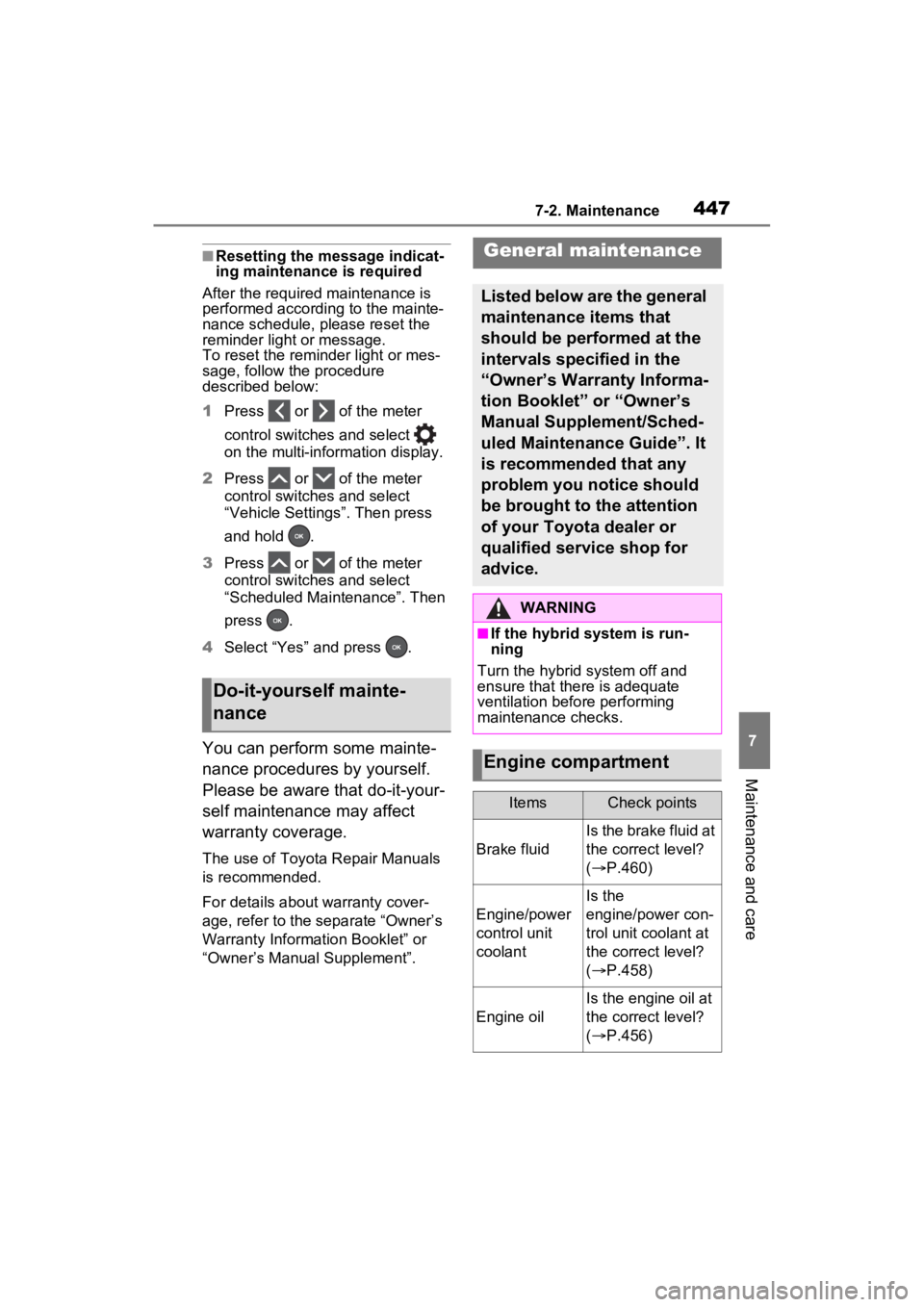
■Resetting the message indicat-
ing maintenance is required
After the required maintenance is
performed according to the mainte-
nance schedule, please reset the
reminder light or message.
To reset the reminder light or mes-
sage, follow the procedure
described below:
1 Press or of the meter
control switches and select
on the multi-information display.
2 Press or of the meter
control switches and select
“Vehicle Settings”. Then press
and hold .
3 Press or of the meter
control switches and select
“Scheduled Maintenance”. Then
press .
4 Select “Yes” and press .
You can perform some mainte-
nance procedures by yourself.
Please be aware that do-it-your-
self maintenance may affect
warranty coverage.
The use of Toyota Repair Manuals
is recommended.
For details about warranty cover-
age, refer to the separate “Owner’s
Warranty Information Booklet” or
“Owner’s Manual Supplement”.
Do-it-yourself mainte-
nance
General maintenance
Listed below are the general
maintenance items that
should be performed at the
intervals specified in the
“Owner’s Warranty Informa-
tion Booklet” or “Owner’s
Manual Supplement/Sched-
uled Maintenance Guide”. It
is recommended that any
problem you notice should
be brought to the attention
of your Toyota dealer or
qualified service shop for
advice.
WARNING
■If the hybrid system is run-
ning
Turn the hybrid system off and
ensure that there is adequate
ventilation before performing
maintenance checks.
Engine compartment
ItemsCheck points
Brake fluid
Is the brake fluid at
the correct level?
( P.460)
Engine/power
control unit
coolant
Is the
engine/power con-
trol unit coolant at
the correct level?
( P.458)
Engine oil
Is the engine oil at
the correct level?
( P.456)