ESP TOYOTA SEQUOIA 2010 2.G User Guide
[x] Cancel search | Manufacturer: TOYOTA, Model Year: 2010, Model line: SEQUOIA, Model: TOYOTA SEQUOIA 2010 2.GPages: 660, PDF Size: 12.29 MB
Page 178 of 660

178 2-2. Instrument cluster
NOTICE
■The multi-information disp lay at low temperatures
Allow the interior of the vehicle to warm up before using the liquid crystal
information display. At extremely low temperatures, the information display
monitor may respond slowly, and display changes may be delayed.
Page 206 of 660
206 2-4. Using other driving systems
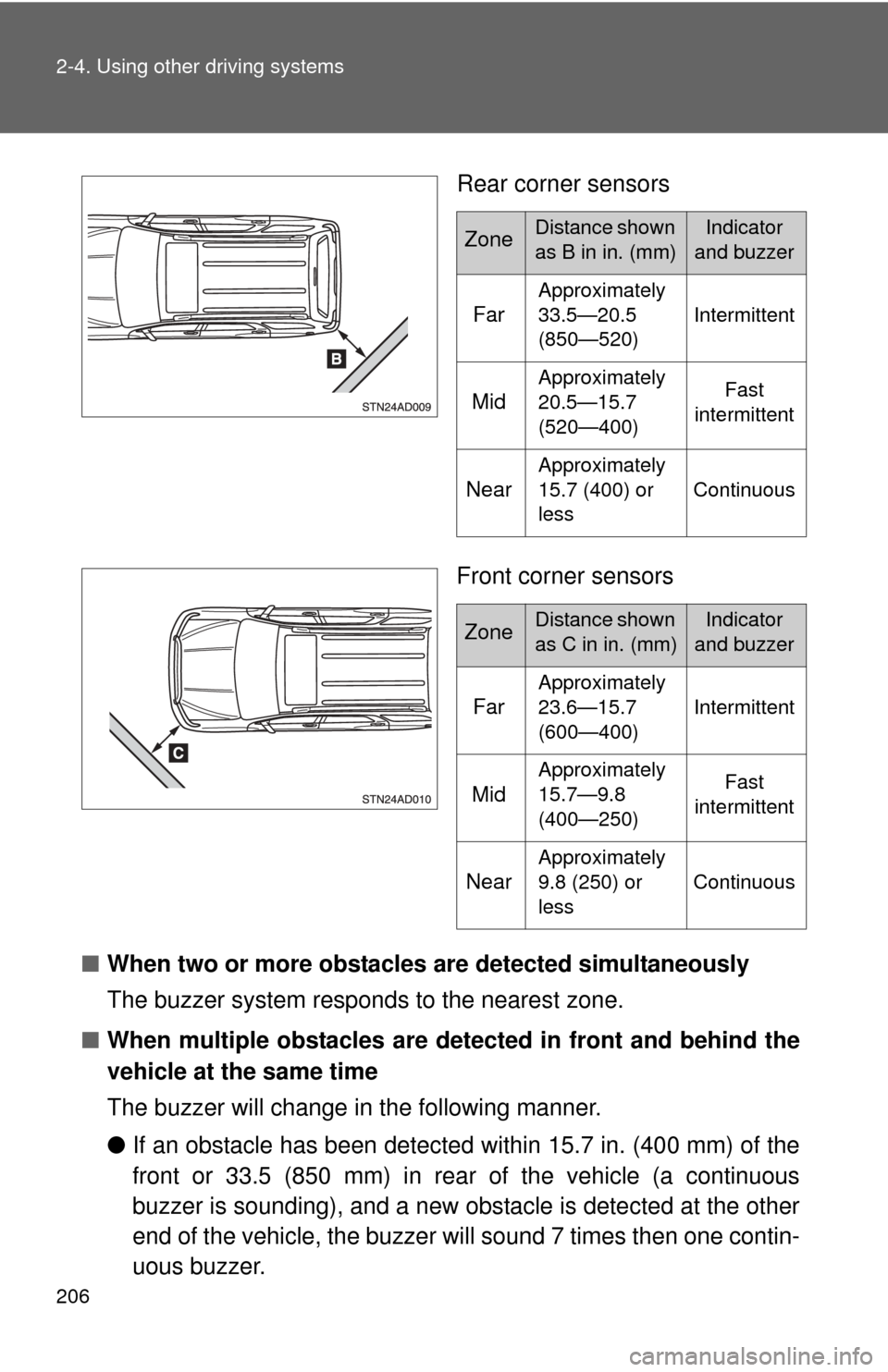
Rear corner sensors
Front corner sensors
■ When two or more obstacles are detected simultaneously
The buzzer system responds to the nearest zone.
■ When multiple obstacles are detected in front and behind the
vehicle at the same time
The buzzer will change in the following manner.
● If an obstacle has been detected within 15.7 in. (400 mm) of the
front or 33.5 (850 mm) in rear of the vehicle (a continuous
buzzer is sounding), and a new obstacle is detected at the other
end of the vehicle, the buzzer will sound 7 times then one contin-
uous buzzer.
ZoneDistance shown
as B in in. (mm)Indicator
and buzzer
Far
Approximately
33.5—20.5
(850—520) Intermittent
Mid
Approximately
20.5—15.7
(520—400) Fast
intermittent
Near
Approximately
15.7 (400) or
less Continuous
ZoneDistance shown
as C in in. (mm)Indicator
and buzzer
Far
Approximately
23.6—15.7
(600—400) Intermittent
Mid
Approximately
15.7—9.8
(400—250) Fast
intermittent
Near
Approximately
9.8 (250) or
less Continuous
Page 237 of 660
237
2-5. Driving information
2
When driving
Off-road driving
When driving your vehicle off-road, please observe the following pre-
cautions to ensure your driving enjoyment and to help prevent the
closure of areas to off-road vehicles.
● Drive your vehicle only in areas wh ere off-road vehicles are permit-
ted to travel.
● Respect private property. Get owner’s permission before entering
private property.
● Do not enter areas that are closed. Honor gates, barriers and signs
that restrict travel.
● Stay on established roads. When conditions are wet, driving tech-
niques should be changed or trav el delayed to prevent damage to
roads.
■ Additional information for off-road driving
For owners in U.S. mainland, Hawaii and Puerto Rico:
To obtain additional information pertaining to driving your vehicle off-road,
consult the following organizations.
● State and Local Parks and Recreation Departments
● State Motor Vehicle Bureau
● Recreational Vehicle Clubs
● U.S. Forest Service and Bureau of Land Management
Page 238 of 660
238 2-5. Driving information
CAUTION
■Off-road driving precautions
Always observe the following precautions to minimize the risk of serious per-
sonal injury or damage to your vehicle:
●Drive carefully when off the road. Do not take unnecessary risks by driving
in dangerous places.
● Do not grip the steering wheel spokes when driving off-road. A bad bump
could jerk the wheel and injure your hands. Keep both hands and espe-
cially your thumbs on the outside of the rim.
● Always check your brakes for effectiveness immediately after driving in
sand, mud, water or snow.
● After driving through tall grass, mud, rock, sand, rivers, etc., check that
there is no grass, bush, paper, rags, stone, sand, etc. adhering or trapped
on the underbody. Clear off any such matter from the underbody. If the
vehicle is used with these materials trapped or adhering to the underbody,
a breakdown or fire could occur.
● In a rollover crash, an unbelted person is significantly more likely to die
than a person wearing a seat belt. Therefore, the driver and all passengers
should fasten their seat belts whenever the vehicle is moving.
● When driving off-road or in rugged terrain, do not drive at excessive
speeds, jump, make sharp turns, strike objects, etc. This may cause loss
of control or vehicle rollover causing death or serious injury. You are also
risking expensive damage to your vehicle’s suspension and chassis.
Page 257 of 660

257
2-5. Driving information
2
When driving
Trailer towing tips
Your vehicle will handle differently when towing a trailer. The three
main causes of vehicle-trailer ac cidents are driver error, excessive
speed and improper trailer loading. Keep the following in mind when
towing.
● Speed limits for towing a trailer vary by state or province. Do not
exceed the posted towing speed limit.
● Before starting out, check the trailer’s light and the vehicle-trailer
connections. Recheck after driving a short distance.
● Practice turning, stopping and reve rsing with the trailer attached in
an area away from traffic until you become accustomed to the feel
of the vehicle.
● Reversing with a trailer attached is difficult and requires practice.
Grip the bottom of the steering wheel and move your hand to the
left to move the trailer to the left. Move your hand to the right to
move the trailer to the right. (Thi s is generally opposite to reversing
without a trailer attached.) Avoid sharp or prolonged turning. Have
someone guide you when reversing to reduce the risk of an acci-
dent.
● As stopping distance is increased when towing a trailer, vehicle-to-
vehicle distance should be increased. For each 10 mph (16 km/h)
of speed, allow at least o ne vehicle and trailer length.
● Avoid sudden braking as you may skid, resulting in jackknifing and
loss of control. This is especiall y true on wet or slippery surfaces.
● Avoid jerky starts or sudden acceleration.
● Avoid jerky steering and sharp turns, and slow down before mak-
ing a turn.
● Note that when making a turn, th e trailer wheels will be closer than
the vehicle wheels to the inside of the turn. Compensate by making
a larger than normal turning radius.
Page 286 of 660
286 3-2. Using the audio system
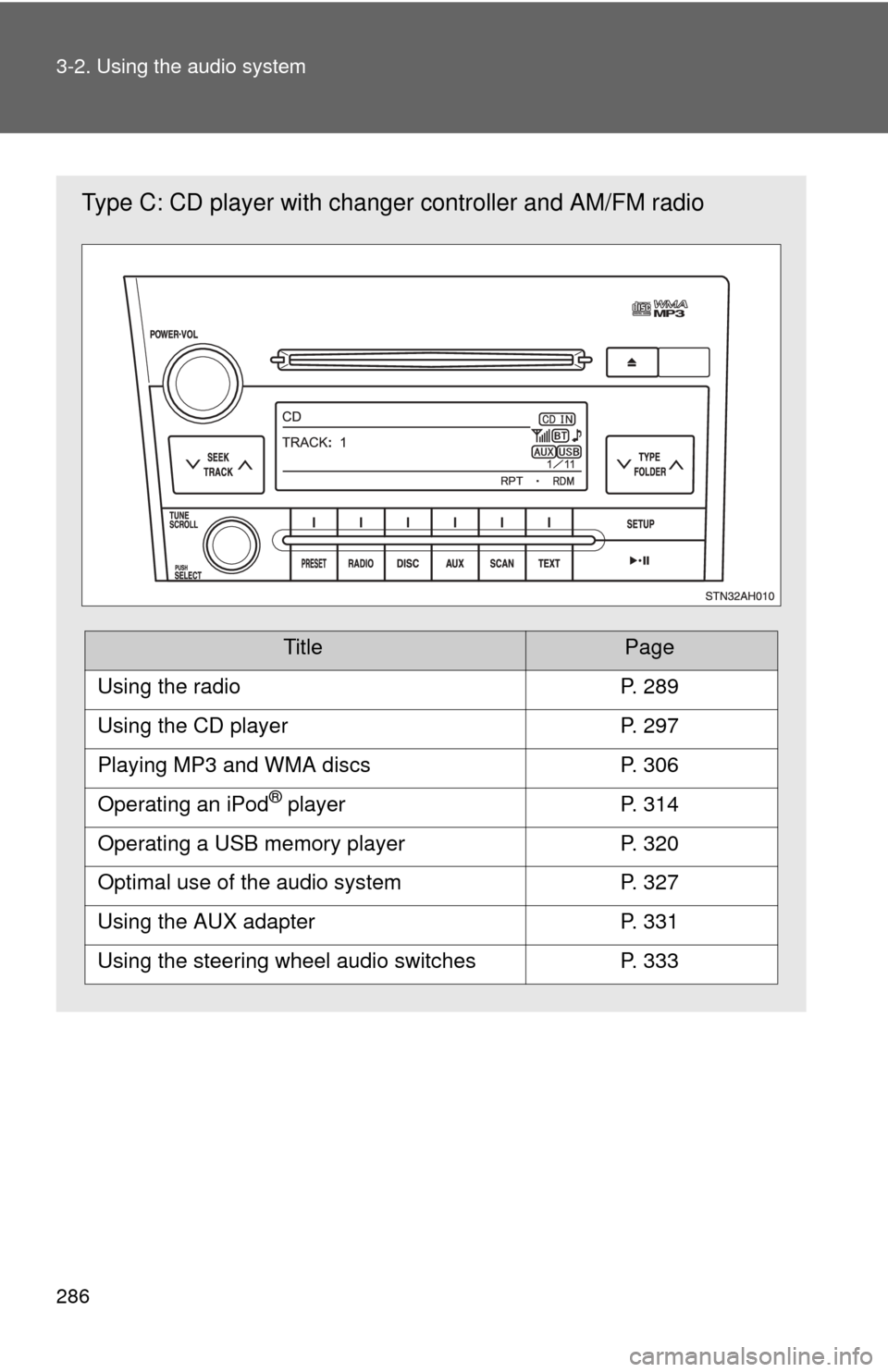
Type C: CD player with changer controller and AM/FM radio
TitlePage
Using the radioP. 289
Using the CD playerP. 297
Playing MP3 and WMA discsP. 306
Operating an iPod® playerP. 314
Operating a USB memory playerP. 320
Optimal use of the audio systemP. 327
Using the AUX adapterP. 331
Using the steering wheel audio switchesP. 333
Page 287 of 660
287
3-2. Using the audio system
3
Interior features
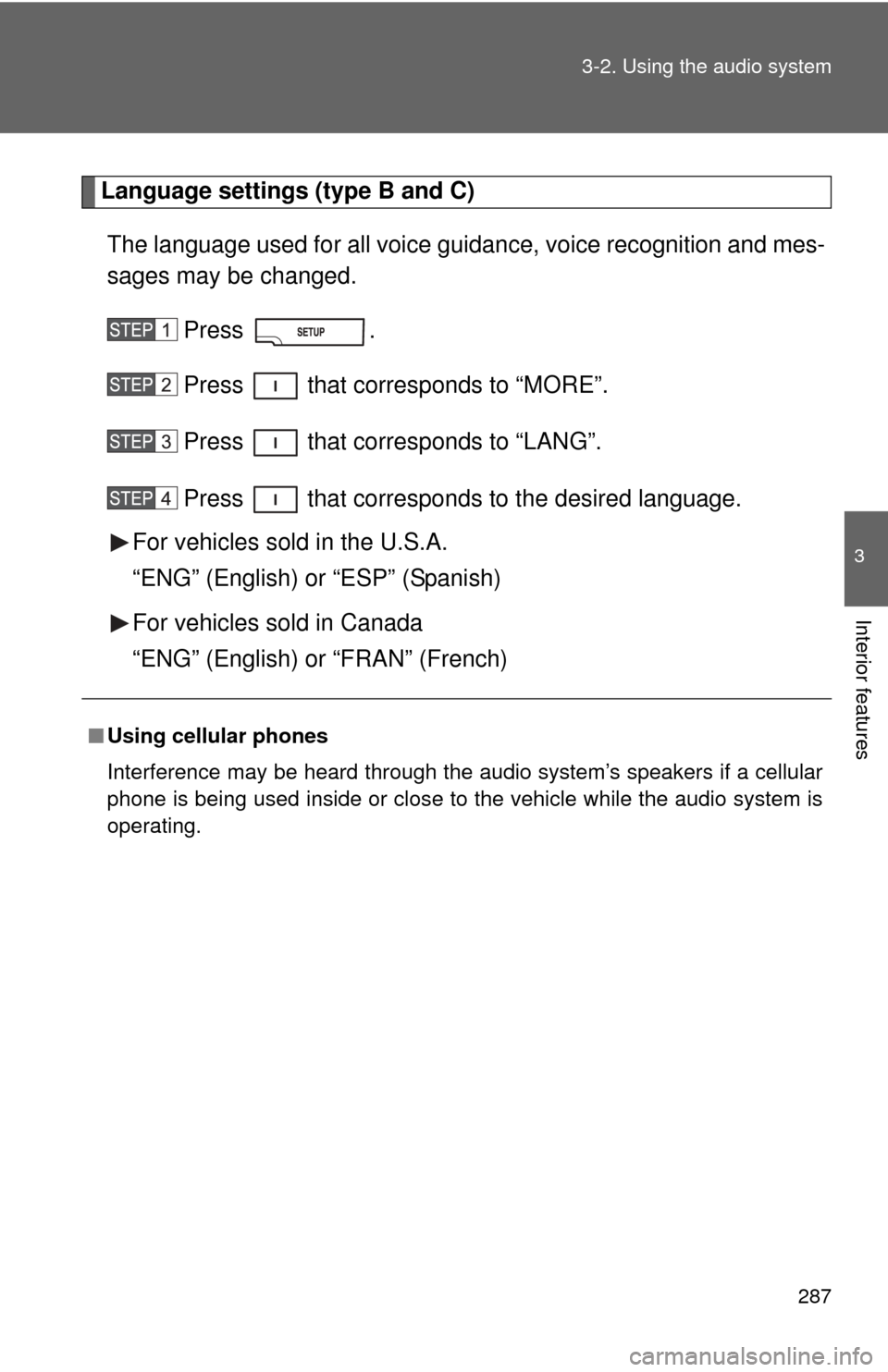
Language settings (type B and C)
The language used for all voice guidance, voice recognition and mes-
sages may be changed.
Press .
Press that corresponds to “MORE”.
Press that corresponds to “LANG”.
Press that corresponds to the desired language.
For vehicles sold in the U.S.A.
“ENG” (English) or “ESP” (Spanish)
For vehicles sold in Canada
“ENG” (English) or “FRAN” (French)
■ Using cellular phones
Interference may be heard through the audio system’s speakers if a cellular
phone is being used inside or close to the vehicle while the audio syste\
m is
operating.
Page 294 of 660
294 3-2. Using the audio system
■When the battery is disconnected
All preset stations are erased. (type A only)
■ Reception sensitivity
●Cargo loaded on the roof luggage carrier, especially metal objects, may
adversely affect the reception of XM
® Satellite Radio.
● Maintaining perfect radio reception at all times is difficult due to the con-
tinually changing position of the antenna, differences in signal strength
and surrounding objects, such as trains, transmitters, etc.
● The radio antenna is mounted inside the rear quarter windows. To main-
tain clear radio reception, do not attach metallic window tinting or other
metallic objects to the antenna wire mounted inside the rear quarter win-
dows.
■ XM
® Satellite Radio
An XM
® Satellite Radio is a tuner designed exclusively to receive broadcasts
provided under a separate subscription. Availability is limited to the 48 con-
tiguous states and 10 Canadian provinces.
● XM
® subscriptions
For detailed information about XM® Satellite Radio or to subscribe:
U.S.A.
Visit on the web at www.xmradio.com
or call 1-800-967-2346.
Canada
Visit on the web at www.xmradio.ca
or call 1-877-438-9677.
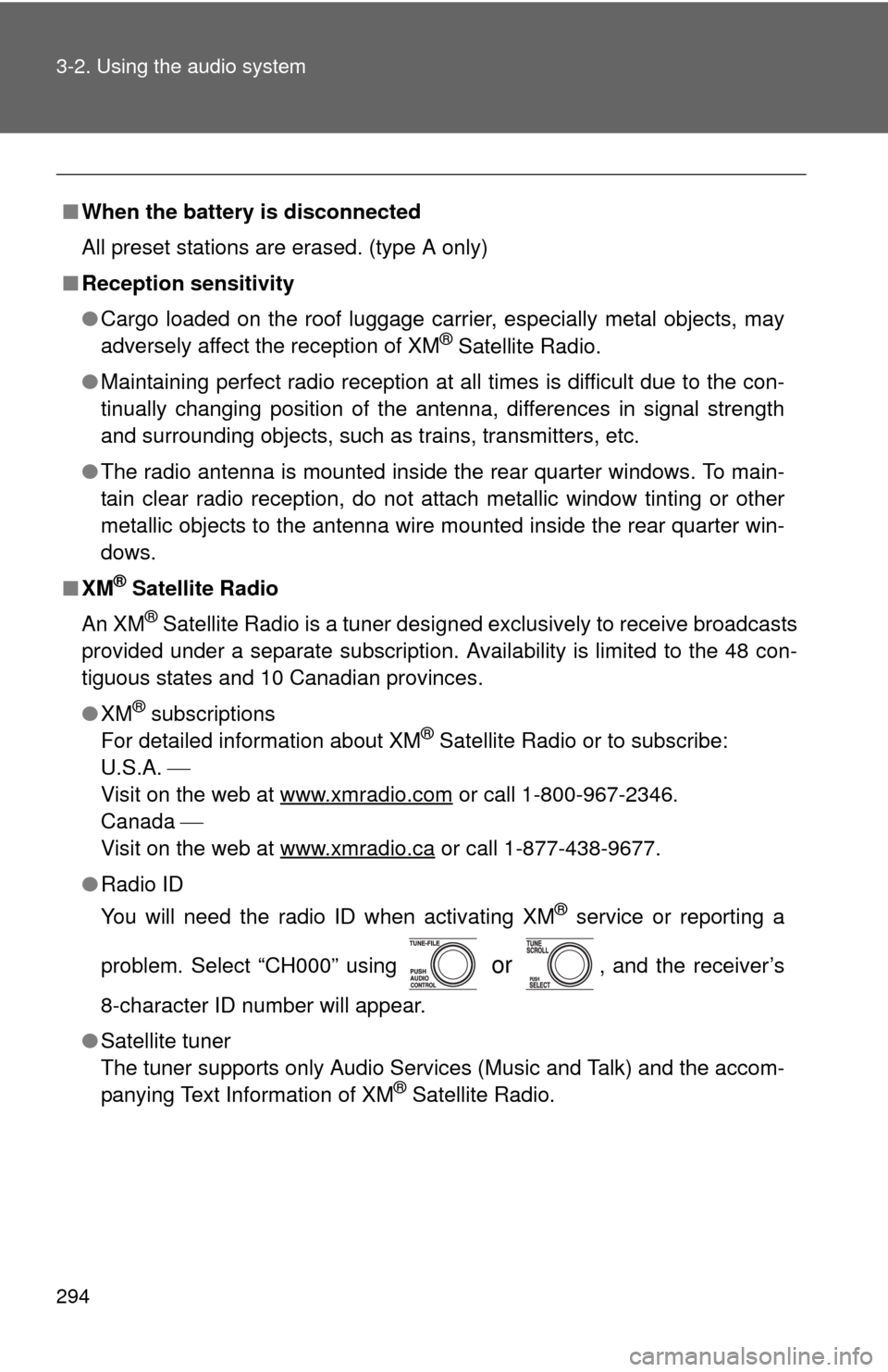
● Radio ID
You will need the radio ID when activating XM
® service or reporting a
problem. Select “CH000” using
or , and the receiver’s
8-character ID number will appear.
● Satellite tuner
The tuner supports only Audio Services (Music and Talk) and the accom-
panying Text Information of XM
® Satellite Radio.
Page 300 of 660
300 3-2. Using the audio system
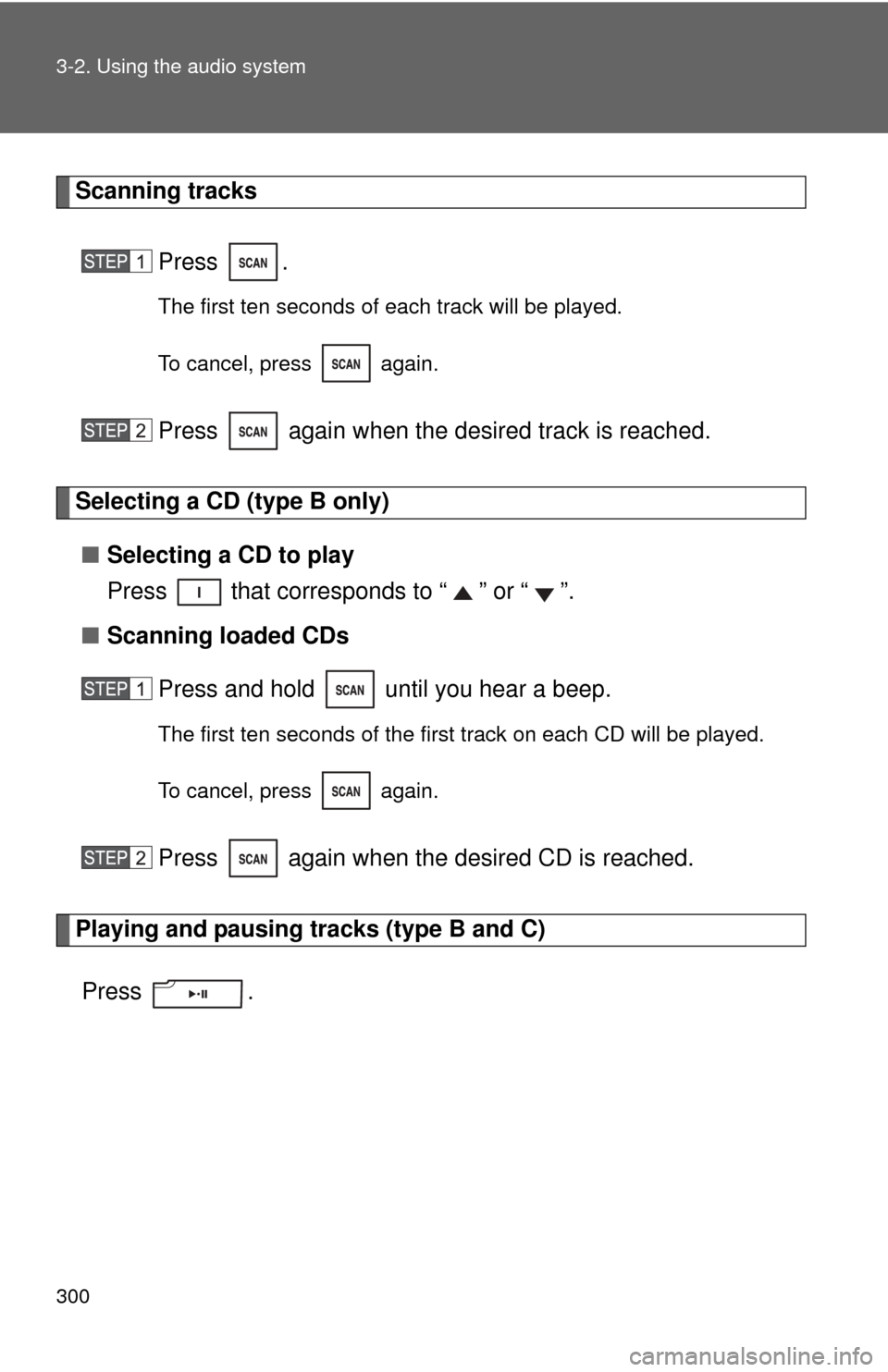
Scanning tracksPress .
The first ten seconds of each track will be played.
To cancel, press again.
Press again when the desired track is reached.
Selecting a CD (type B only)■ Selecting a CD to play
Press that corresponds to “ ” or “ ”.
■ Scanning loaded CDs
Press and hold until you hear a beep.
The first ten seconds of the first track on each CD will be played.
To cancel, press again.
Press again when the desired CD is reached.
Playing and pausing tracks (type B and C)
Press .
Page 301 of 660
301
3-2. Using the audio system
3
Interior features
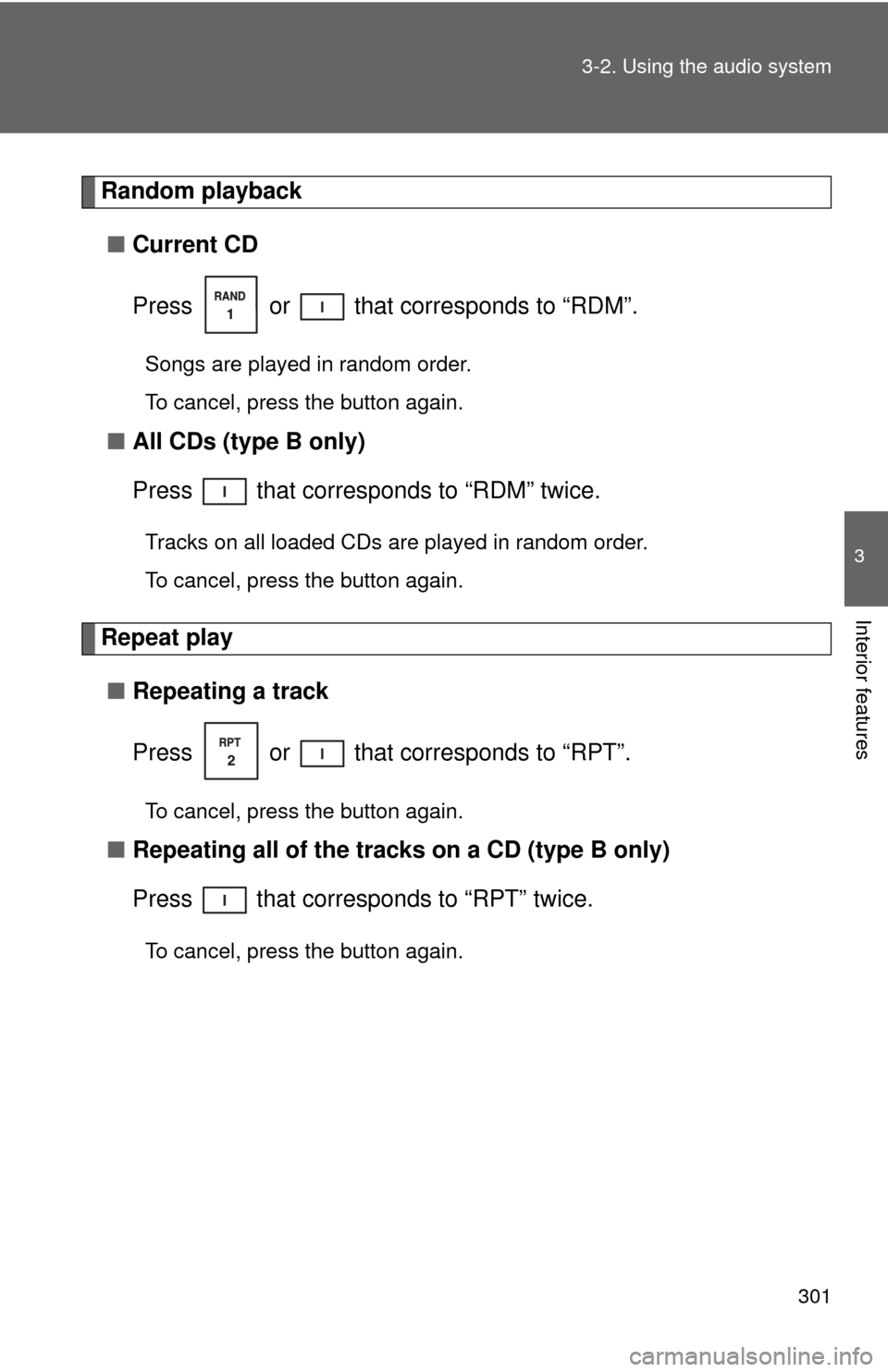
Random playback
■ Current CD
Press or that corresponds to “RDM”.
Songs are played in random order.
To cancel, press the button again.
■All CDs (type B only)
Press that corresponds to “RDM” twice.
Tracks on all loaded CDs are played in random order.
To cancel, press the button again.
Repeat play
■ Repeating a track
Press or that corresponds to “RPT”.
To cancel, press the button again.
■Repeating all of the tracks on a CD (type B only)
Press that corresponds to “RPT” twice.
To cancel, press the button again.