reset TOYOTA TACOMA 2011 Owners Manual (in English)
[x] Cancel search | Manufacturer: TOYOTA, Model Year: 2011, Model line: TACOMA, Model: TOYOTA TACOMA 2011Pages: 548, PDF Size: 9.84 MB
Page 19 of 548
19
Pictorial indexInstrument panel
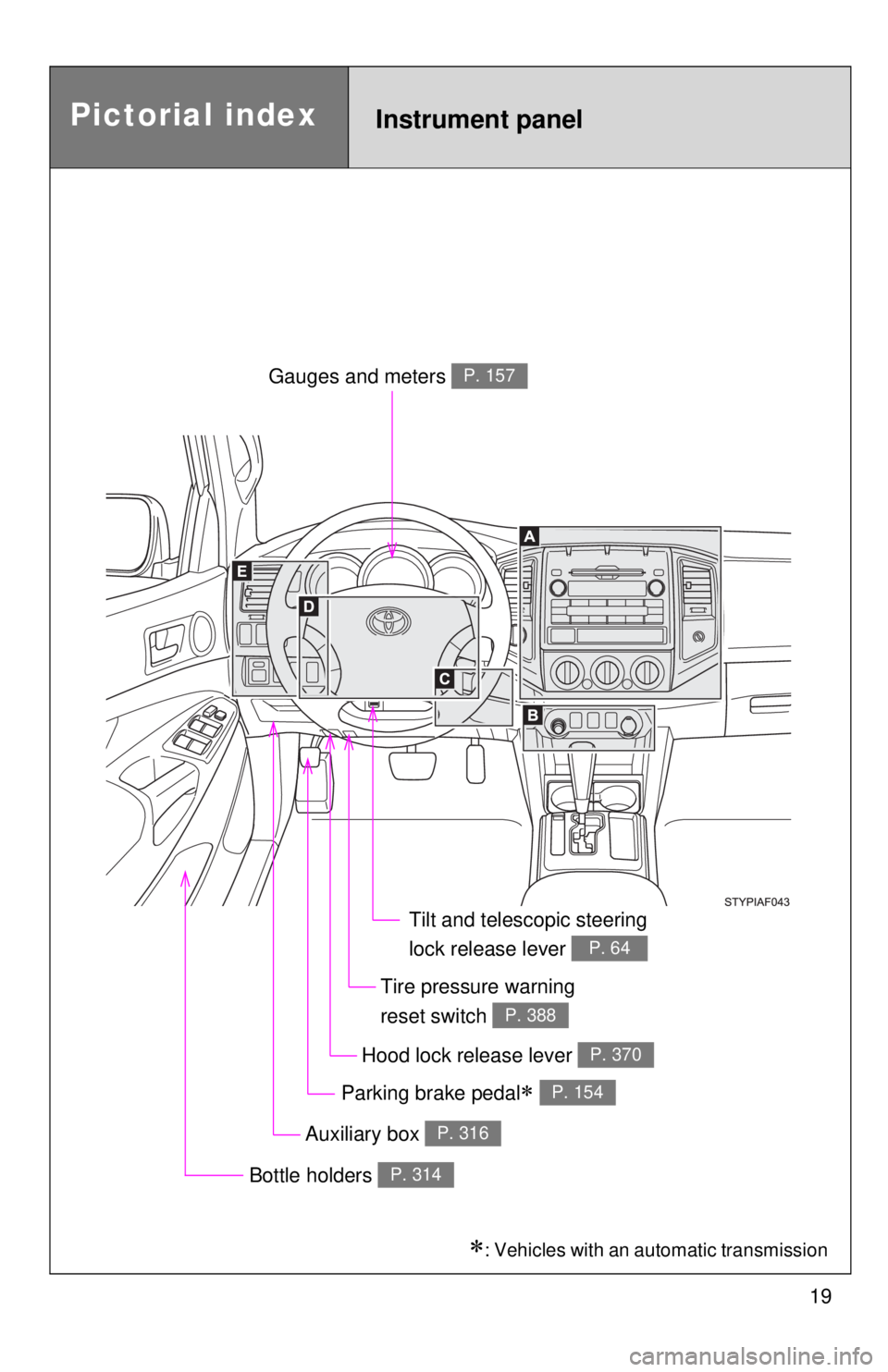
Auxiliary box P. 316
Gauges and meters P. 157
Hood lock release lever P. 370
Tilt and telescopic steering
lock release lever
P. 64
Bottle holders P. 314
Parking brake pedal P. 154
Tire pressure warning
reset switch
P. 388
: Vehicles with an automatic transmission
Page 157 of 548
157
2
When driving
2-2. Gauges and meters
Gauges and meters
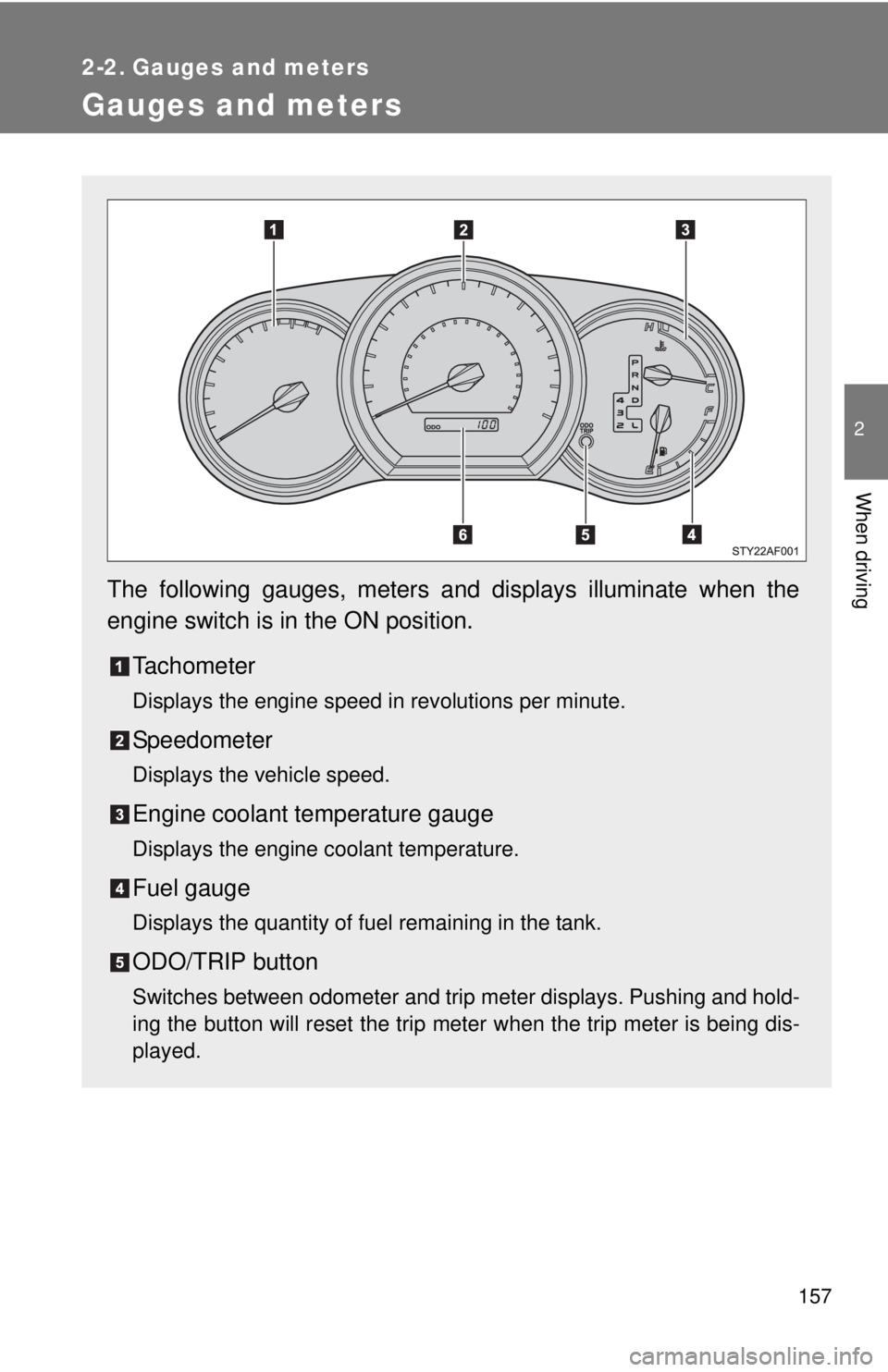
The following gauges, meters and displays illuminate when the
engine switch is in the ON position.Tachometer
Displays the engine speed in revolutions per minute.
Speedometer
Displays the vehicle speed.
Engine coolant temperature gauge
Displays the engine coolant temperature.
Fuel gauge
Displays the quantity of fuel remaining in the tank.
ODO/TRIP button
Switches between odometer and trip meter displays. Pushing and hold-
ing the button will reset the trip meter when the trip meter is being dis-
played.
Page 158 of 548
158 2-2. Gauges and meters
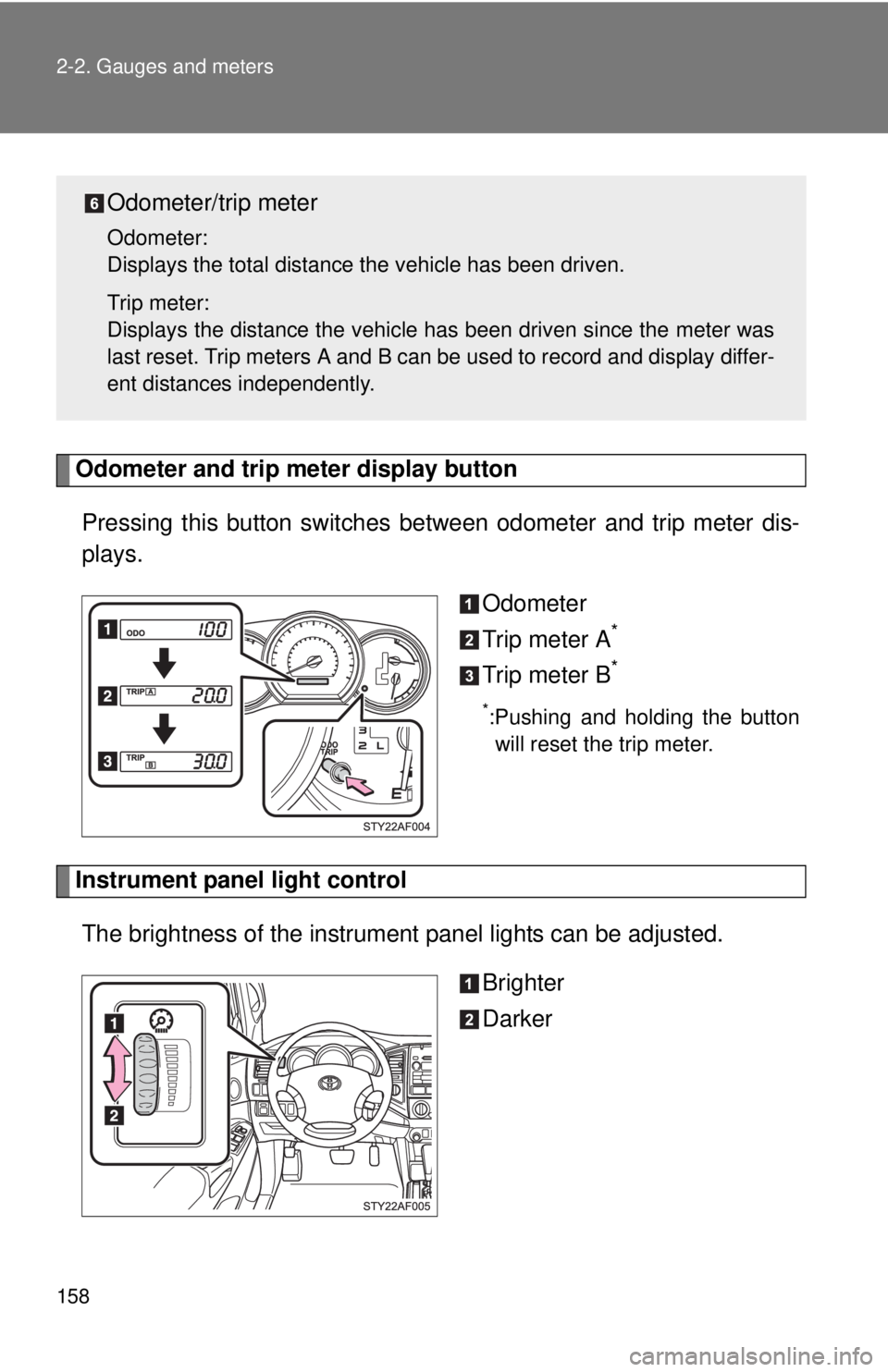
Odometer and trip meter display buttonPressing this button switches between odometer and trip meter dis-
plays.
Odometer
Trip meter A
*
Trip meter B*
*:Pushing and holding the buttonwill reset the trip meter.
Instrument panel light control
The brightness of the instrument panel lights can be adjusted.
Brighter
Darker
Odometer/trip meter
Odometer:
Displays the total distance the vehicle has been driven.
Trip meter:
Displays the distance the vehicle has been driven since the meter was
last reset. Trip meters A and B can be used to record and display differ-
ent distances independently.
Page 172 of 548
172 2-4. Using other driving systems
■Automatic cruise control cancellation
The set speed is automatically canceled in any of the following situations.
●Actual vehicle speed falls more than approximately 10 mph (16 km/h)
below the preset vehicle speed.
At this time, the memorized set speed is not retained.
● Actual vehicle speed is below approximately 25 mph (40 km/h).
● VSC is activated.
■ If the cruise control indicator light flashes
Press the ON-OFF button to turn the cruise control off, and then reactivate
the system.
If the cruise control speed cannot be set or if the cruise control cancels
immediately after being activated, there may be a malfunction in the cruise
control system. Have the vehicle inspected by your Toyota dealer.
CAUTION
■To avoid operating the cruise control by mistake
Keep the ON-OFF button off when not in use.
■ Situations unsuitable for cruise control
Do not use cruise control in any of the following situations.
Doing so may result in control of the vehicle being lost and could cause an
accident resulting in death or serious injury.
●In heavy traffic
● On roads with sharp bends
● On winding roads
● On slippery roads, such as those covered with rain, ice or snow
● On steep hills
● When towing a trailer or emergency towing
Page 247 of 548
247
3-2. Using the audio system
3
Interior and exterior features
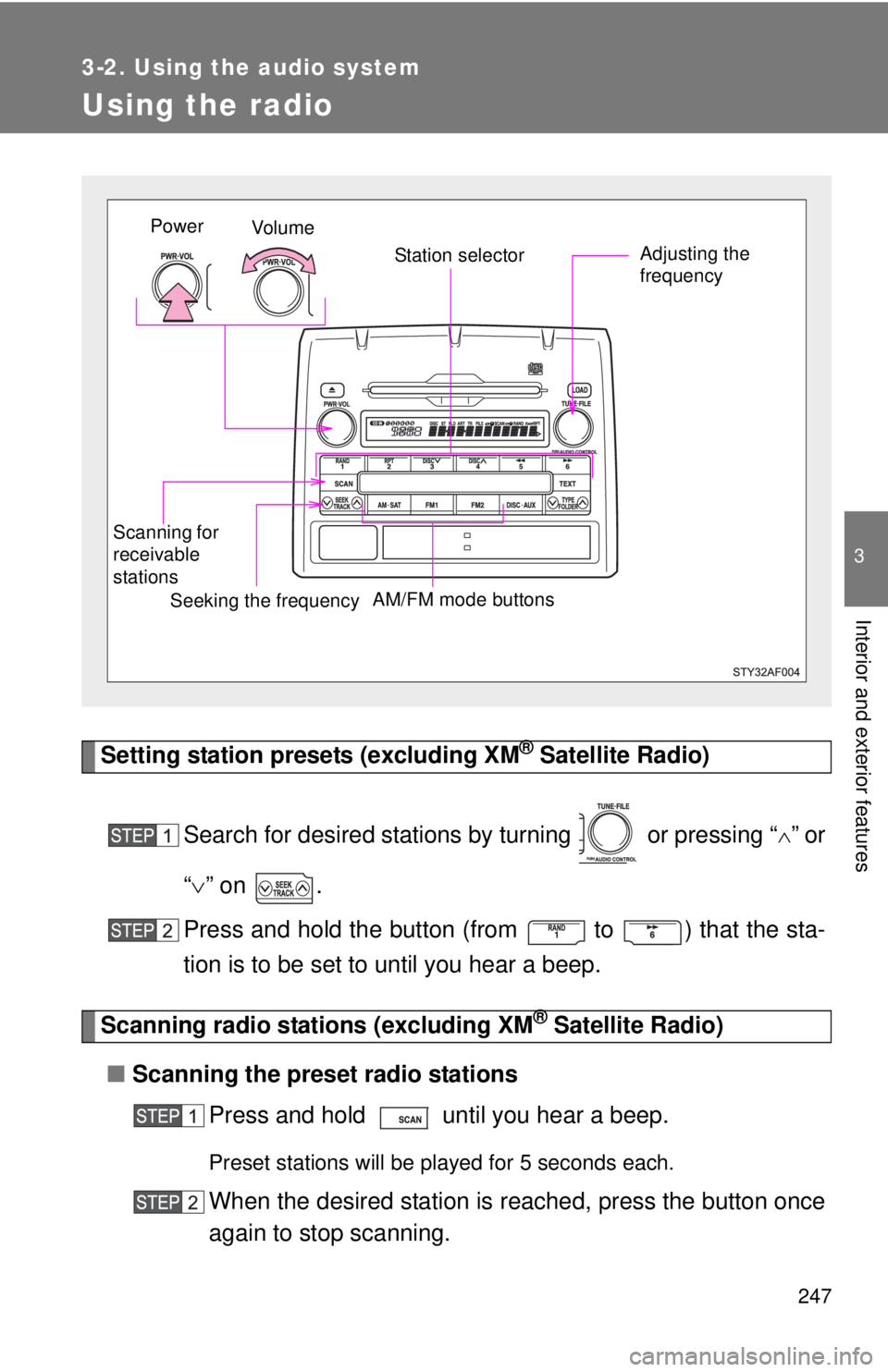
Using the radio
Setting station presets (excluding XM® Satellite Radio)
Search for desired stations by turning or pressing “
”or
“ ” on .
Press and hold the button (from
to ) that the sta-
tion is to be set to until you hear a beep.
Scanning radio stations (excluding XM® Satellite Radio)
■ Scanning the preset radio stations
Press and hold until you hear a beep.
Preset stations will be played for 5 seconds each.
When the desired station is reached, press the button once
again to stop scanning.
Vo l u m e Station selector
Seeking the frequency Adjusting the
frequency
AM/FM mode buttons
Scanning for
receivable
stationsPower
Page 248 of 548
248 3-2. Using the audio system
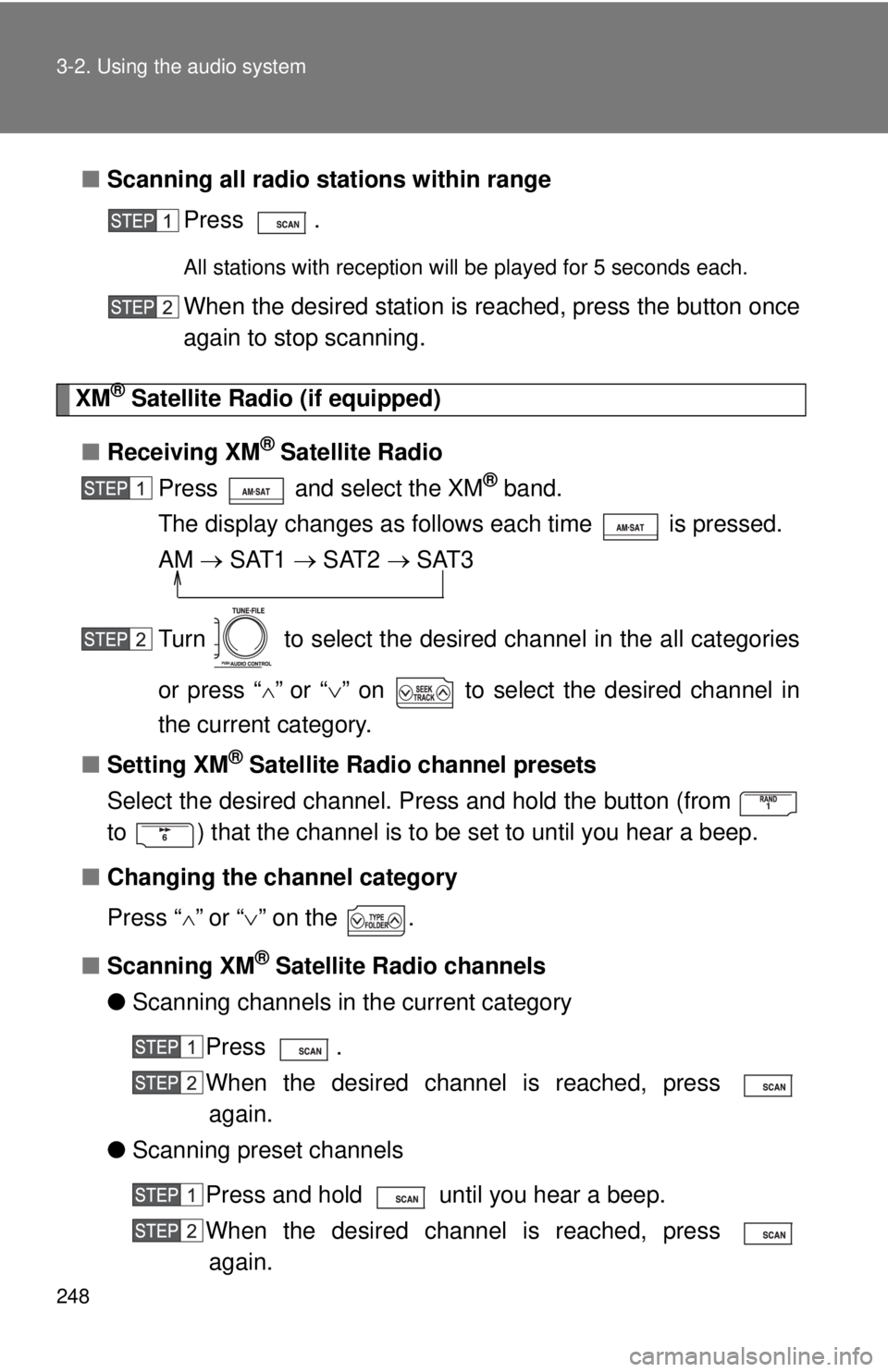
■Scanning all radio stations within range
Press .
All stations with reception will be played for 5 seconds each.
When the desired station is reached, press the button once
again to stop scanning.
XM® Satellite Radio (if equipped)
■ Receiving XM
® Satellite Radio
Press and select the XM
® band.
The display changes as follows each time is pressed.
AM SAT1 SAT2 SAT3
Turn to select the desired channel in the all categories
or press “
”or “ ” on to select the desired channel in
the current category.
■ Setting XM
® Satellite Radio channel presets
Select the desired channel. Press and hold the button (from
to ) that the channel is to be set to until you hear a beep.
■ Changing the channel category
Press “
”or “ ” on the .
■ Scanning XM
® Satellite Radio channels
● Scanning channels in the current category
Press .
When the desired channel is reached, press again.
● Scanning preset channels
Press and hold until you hear a beep.
When the desired channel is reached, press again.
Page 249 of 548
249
3-2. Using the audio system
3
Interior and exterior features
■
Displaying text information
Press .
The display will show up to 10 characters.
The display changes as follows each time the button is pressed.
●CH NAME
● TITLE (SONG/PROGRAM TITLE)
● NAME (ARTIST NAME/FEATURE)
● CH NUMBER
■When the battery is disconnected
Stations presets are erased.
■ Reception sensitivity
●Objects, especially metal objects, such as cargo, a camper, or the
retractable roof rack bar, may adversely affect the reception of XM
® Sat-
ellite Radio.
● Maintaining perfect radio reception at all times is difficult due to the con-
tinually changing position of the antenna, differences in signal strength
and surrounding objects, such as trains, transmitters, etc.
● The radio antenna is mounted on the right-side front fender. The antenna
can be removed from the base by turning it.
■ XM
® Satellite Radio
An XM
® Satellite Radio is a tuner designed exclusively to receive broadcasts
provided under a separate subscription. Availability is limited to the 48 con-
tiguous states and 10 Canadian provinces.
● XM
® subscriptions
For detailed information about XM® Satellite Radio or to subscribe:
U.S.A.—
Visit on the web at www.xmradio.com
or call 1-800-967-2346.
Canada—
Visit on the web at www.xmradio.ca
or call 1-877-438-9677.
Page 274 of 548
274 3-2. Using the audio system
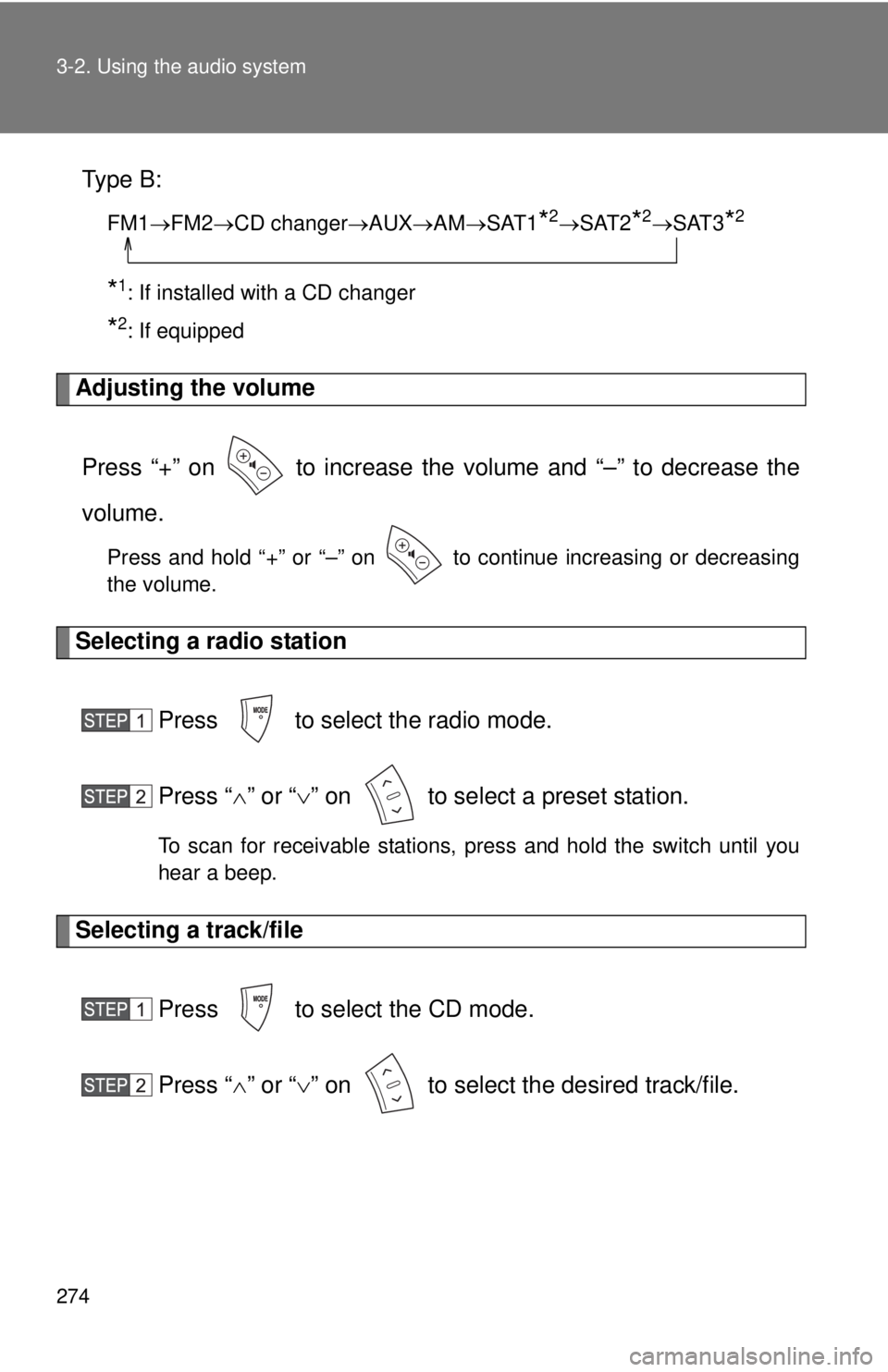
Type B:
FM1FM2 CD changer AUXAMSAT1*2SAT2*2SAT3*2
*1: If installed with a CD changer
*2: If equipped
Adjusting the volume
Press “+” on to increase the volume and “–” to decrease the
volume.
Press and hold “+” or “–” on to continue increasing or decreasing
the volume.
Selecting a radio station Press to select the radio mode.
Press “” or “ ” on to select a preset station.
To scan for receivable stations, press and hold the switch until you
hear a beep.
Selecting a track/file
Press to select the CD mode.
Press “” or “ ” on to select the desired track/file.
Page 289 of 548
289
3-3. Using the hand
s-free phone system (for cellular phone)
3
Interior and exterior features
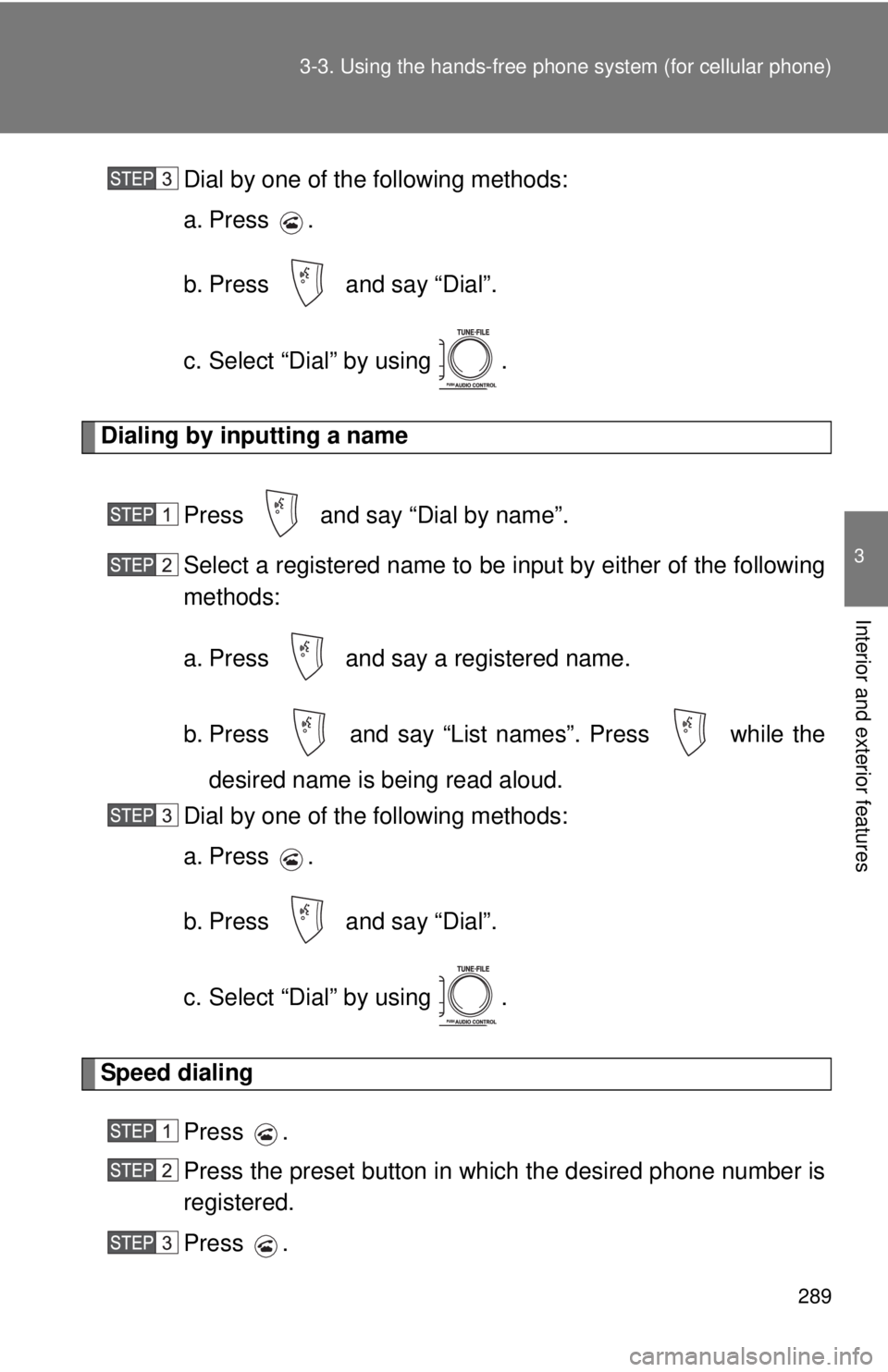
Dial by one of the following methods:
a. Press .
b. Press and say “Dial”.
c. Select “Dial” by using .
Dialing by inputting a name
Press and say “Dial by name”.
Select a registered name to be input by either of the following
methods:
a. Press and say a registered name.
b. Press and say “List names”. Press while thedesired name is being read aloud.
Dial by one of the following methods:
a. Press .
b. Press and say “Dial”.
c. Select “Dial” by using .
Speed dialing
Press .
Press the preset button in which the desired phone number is
registered.
Press .
Page 305 of 548
305
3-3. Using the hand
s-free phone system (for cellular phone)
3
Interior and exterior features
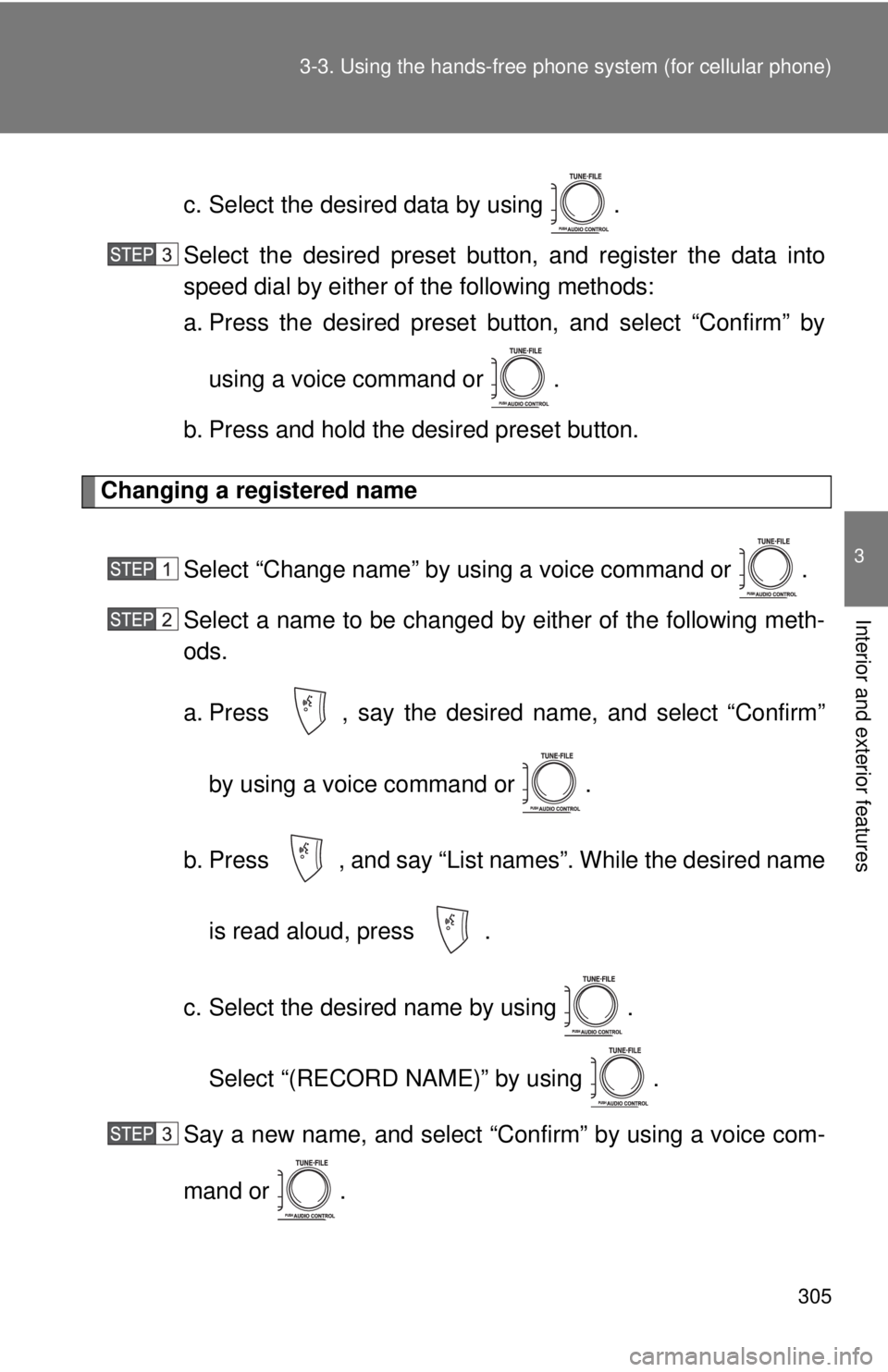
c. Select the desired data by using .
Select the desired preset butt on, and register the data into
speed dial by either of the following methods:
a. Press the desired preset button, and select “Confirm” by
using a voice command or .
b. Press and hold the desired preset button.
Changing a registered name
Select “Change name” by using a voice command or .
Select a name to be changed by either of the following meth-
ods.
a. Press , say the desired name, and select “Confirm”by using a voice command or .
b. Press , and say “List names”. While the desired name is read aloud, press .
c. Select the desired name by using . Select “(RECORD NAME)” by using .
Say a new name, and select “Con firm” by using a voice com-
mand or .