USB port TOYOTA TACOMA 2014 Accessories, Audio & Navigation (in English)
[x] Cancel search | Manufacturer: TOYOTA, Model Year: 2014, Model line: TACOMA, Model: TOYOTA TACOMA 2014Pages: 276, PDF Size: 19.59 MB
Page 64 of 276
64
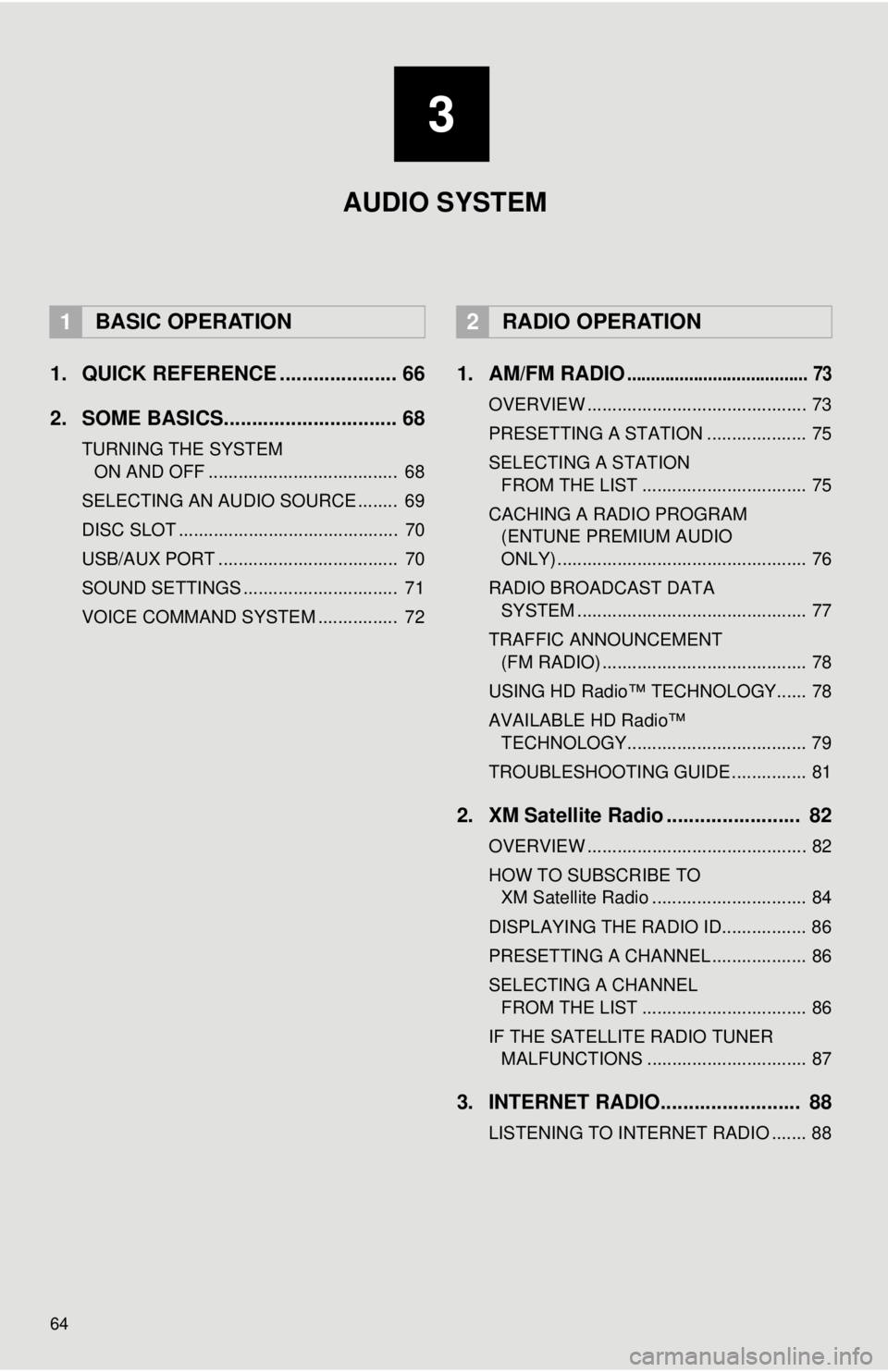
1. QUICK REFERENCE ..................... 66
2. SOME BASICS............................... 68
TURNING THE SYSTEM ON AND OFF ...................................... 68
SELECTING AN AUDIO SOURCE ........ 69
DISC SLOT ............................................ 70
USB/AUX PORT .................................... 70
SOUND SETTINGS ............................... 71
VOICE COMMAND SYSTEM ................ 72
1. AM/FM RADIO...................................... 73
OVERVIEW ............................................ 73
PRESETTING A STATION .................... 75
SELECTING A STATION FROM THE LIST ................................. 75
CACHING A RADIO PROGRAM (ENTUNE PREMIUM AUDIO
ONLY) .................................................. 76
RADIO BROADCAST DATA SYSTEM .............................................. 77
TRAFFIC ANNOUNCEMENT (FM RADIO) ......................................... 78
USING HD Radio™ TECHNOLOGY...... 78
AVAILABLE HD Radio™ TECHNOLOGY.................................... 79
TROUBLESHOOTING GUIDE ............... 81
2. XM Satellite Radio ........................ 82
OVERVIEW ............................................ 82
HOW TO SUBSCRIBE TO XM Satellite Radio ............................... 84
DISPLAYING THE RADIO ID................. 86
PRESETTING A CHANNEL ................... 86
SELECTING A CHANNEL FROM THE LIST ................................. 86
IF THE SATELLITE RADIO TUNER MALFUNCTIONS ................................ 87
3. INTERNET RADIO......................... 88
LISTENING TO INTERNET RADIO ....... 88
1BASIC OPERATION2RADIO OPERATION
3
AUDIO SYSTEM
Page 67 of 276
67
1. BASIC OPERATION
3
AUDIO SYSTEM
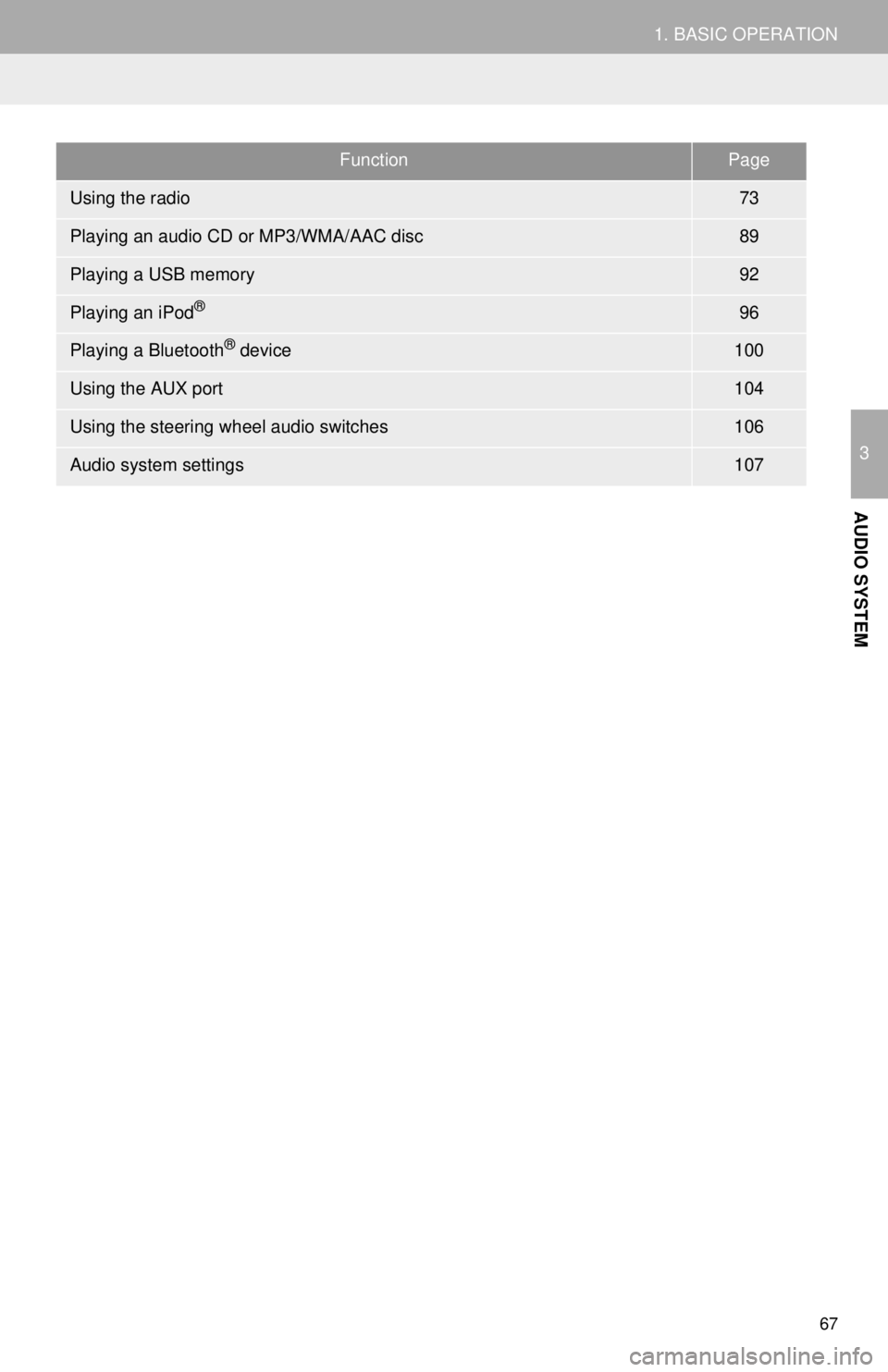
FunctionPage
Using the radio73
Playing an audio CD or MP3/WMA/AAC disc89
Playing a USB memory92
Playing an iPod®96
Playing a Bluetooth® device100
Using the AUX port104
Using the steering wheel audio switches106
Audio system settings107
Page 70 of 276
70
1. BASIC OPERATION
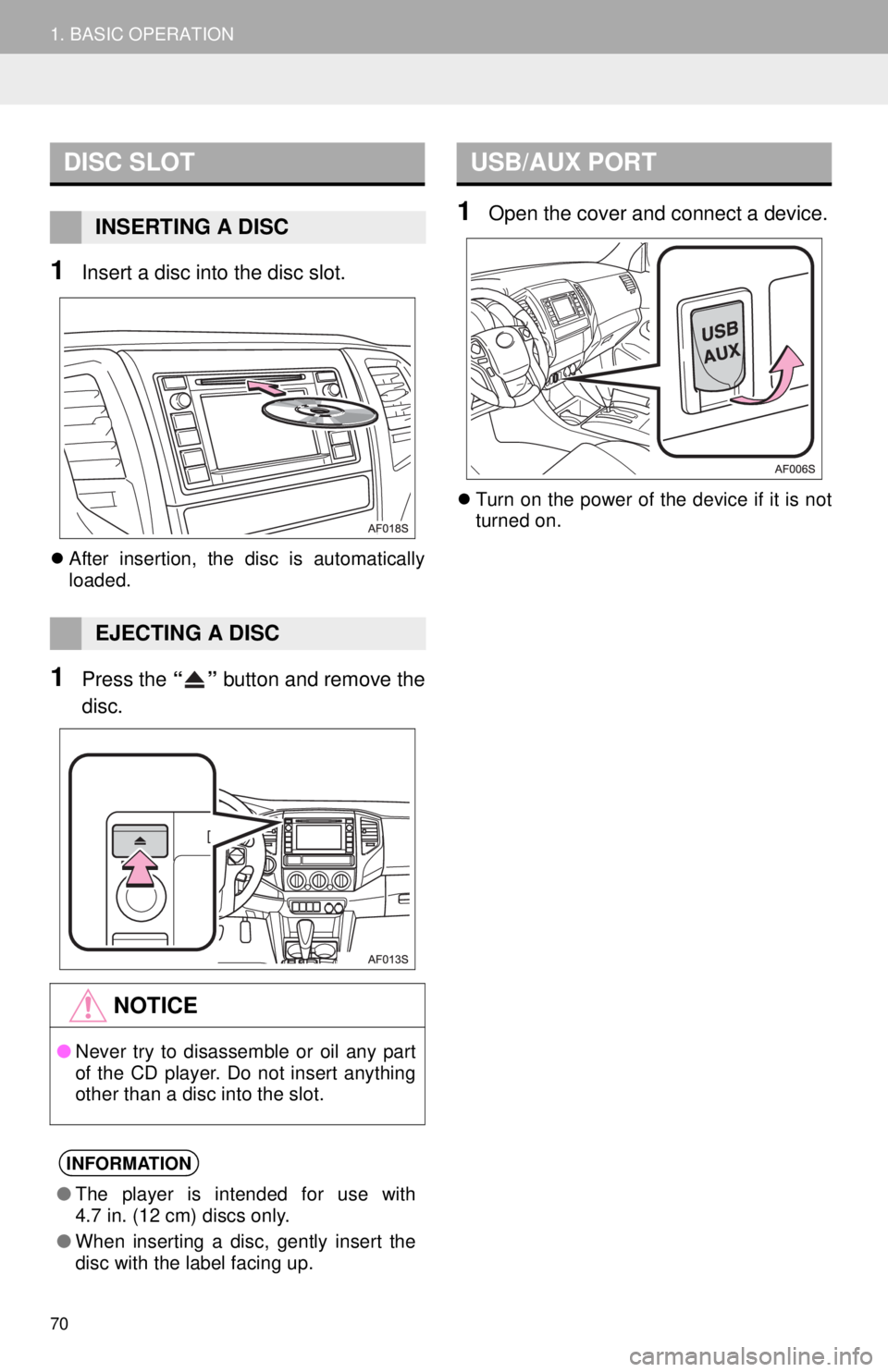
1Insert a disc into the disc slot.
After insertion, the disc is automatically
loaded.
1Press the “” button and remove the
disc.
1Open the cover and connect a device.
Turn on the power of the device if it is not
turned on.
DISC SLOT
INSERTING A DISC
EJECTING A DISC
NOTICE
●Never try to disassemble or oil any part
of the CD player. Do not insert anything
other than a disc into the slot.
INFORMATION
●The player is intended for use with
4.7 in. (12 cm) discs only.
●When inserting a disc, gently insert the
disc with the label facing up.
USB/AUX PORT
Page 94 of 276
94
3. MEDIA OPERATION
CAUTION
●Do not operate the player’s controls or connect the USB memory while driving.
NOTICE
●Do not leave your portable player in the car. In particular, high temperatures inside the
vehicle may damage the portable player.
●Do not push down on or apply unnecessary pressure to the portable player while it is con-
nected as this may damage the portable player or its terminal.
●Do not insert foreign objects into the port as this may damage the portable player or its
terminal.
INFORMATION
●If tag information exists, the file names will be changed to track names.
Page 267 of 276
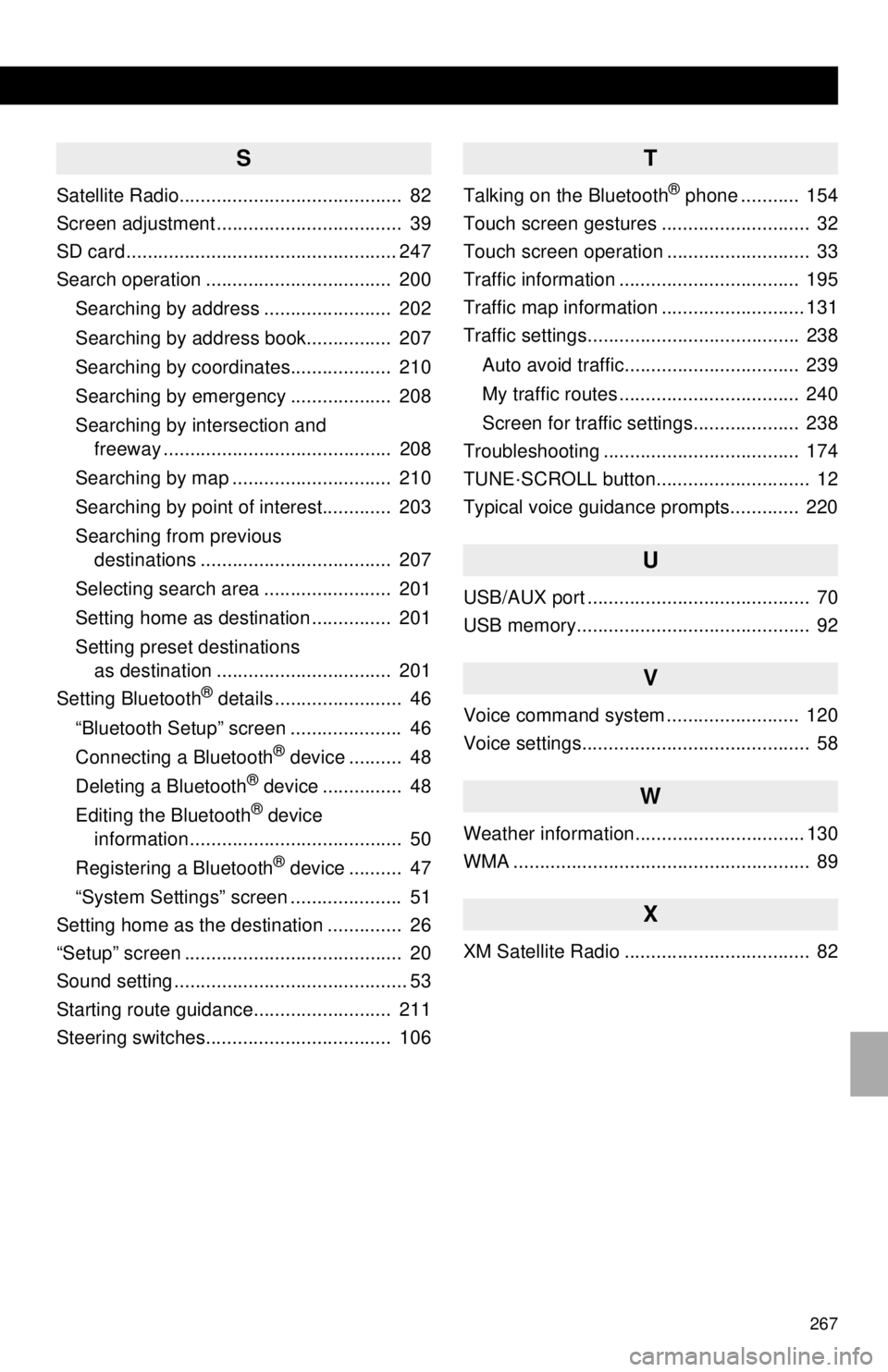
267
S
Satellite Radio.......................................... 82
Screen adjustment ................................... 39
SD card ................................................... 247
Search operation ................................... 200
Searching by address ........................ 202
Searching by address book................ 207
Searching by coordinates................... 210
Searching by emergency ................... 208
Searching by intersection and
freeway ........................................... 208
Searching by map .............................. 210
Searching by point of interest............. 203
Searching from previous
destinations .................................... 207
Selecting search area ........................ 201
Setting home as destination ............... 201
Setting preset destinations
as destination ................................. 201
Setting Bluetooth
® details ........................ 46
“Bluetooth Setup” screen ..................... 46
Connecting a Bluetooth
® device .......... 48
Deleting a Bluetooth® device ............... 48
Editing the Bluetooth® device
information ........................................ 50
Registering a Bluetooth
® device .......... 47
“System Settings” screen ..................... 51
Setting home as the destination .............. 26
“Setup” screen ......................................... 20
Sound setting ............................................ 53
Starting route guidance.......................... 211
Steering switches................................... 106
T
Talking on the Bluetooth® phone ........... 154
Touch screen gestures ............................ 32
Touch screen operation ........................... 33
Traffic information .................................. 195
Traffic map information ........................... 131
Traffic settings........................................ 238
Auto avoid traffic................................. 239
My traffic routes .................................. 240
Screen for traffic settings.................... 238
Troubleshooting ..................................... 174
TUNE·SCROLL button............................. 12
Typical voice guidance prompts............. 220
U
USB/AUX port .......................................... 70
USB memory............................................ 92
V
Voice command system ......................... 120
Voice settings........................................... 58
W
Weather information................................ 130
WMA ........................................................ 89
X
XM Satellite Radio ................................... 82