tow TOYOTA TUNDRA 2009 2.G Owners Manual
[x] Cancel search | Manufacturer: TOYOTA, Model Year: 2009, Model line: TUNDRA, Model: TOYOTA TUNDRA 2009 2.GPages: 672, PDF Size: 14.85 MB
Page 1 of 672
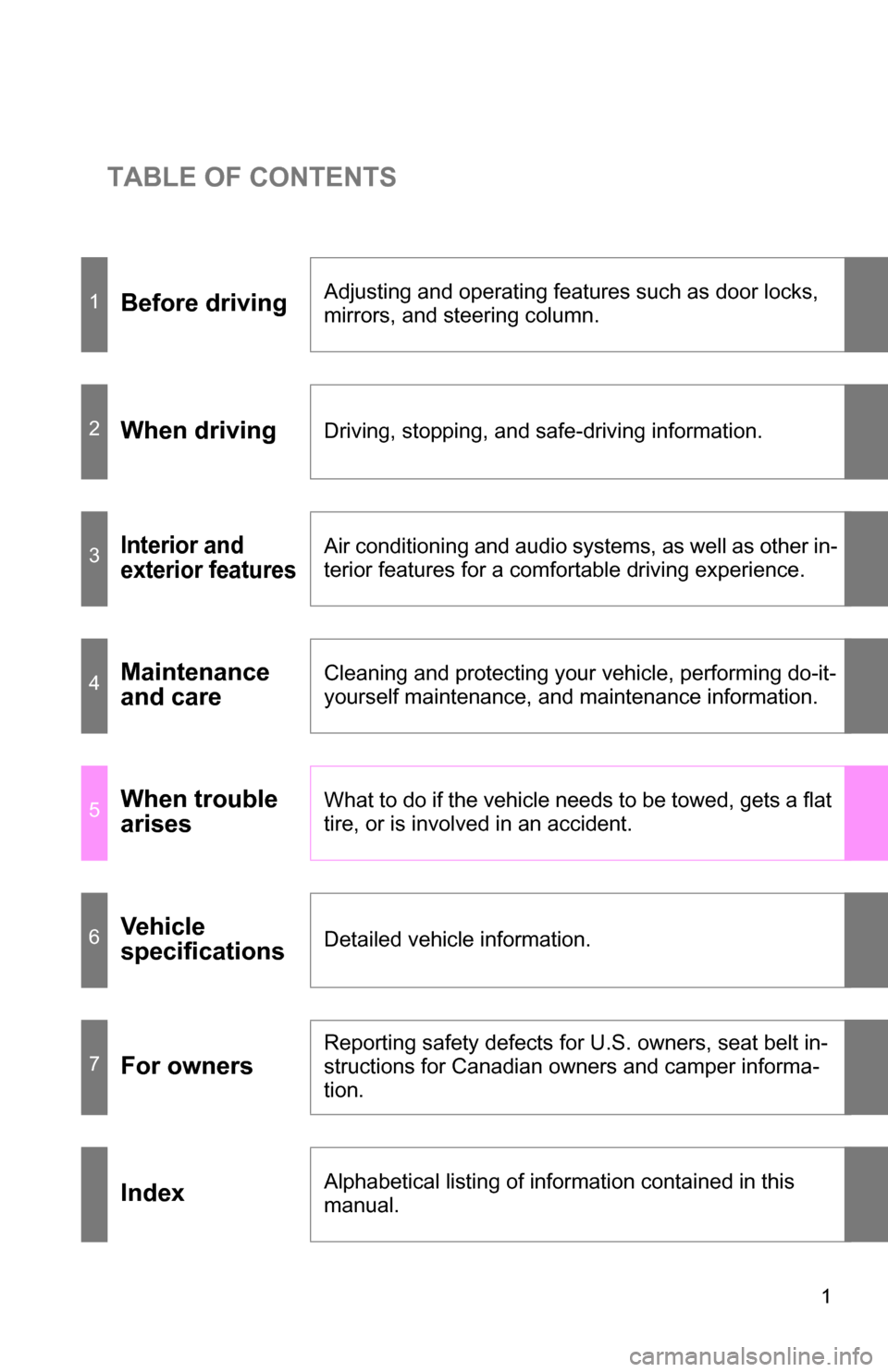
TABLE OF CONTENTS
1
1Before drivingAdjusting and operating features such as door locks,
mirrors, and steering column.
2When drivingDriving, stopping, and safe-driving information.
3Interior and
exterior featuresAir conditioning and audio systems, as well as other in-
terior features for a comfortable driving experience.
4Maintenance
and careCleaning and protecting your vehicle, performing do-it-
yourself maintenance, and maintenance information.
5When trouble
arisesWhat to do if the vehicle needs to be towed, gets a flat
tire, or is involved in an accident.
6Vehicle
specificationsDetailed vehicle information.
7For owners
Reporting safety defects for U.S. owners, seat belt in-
structions for Canadian owners and camper informa-
tion.
IndexAlphabetical listing of information contained in this
manual.
Page 3 of 672
1
2
3
4
5
6
7
3
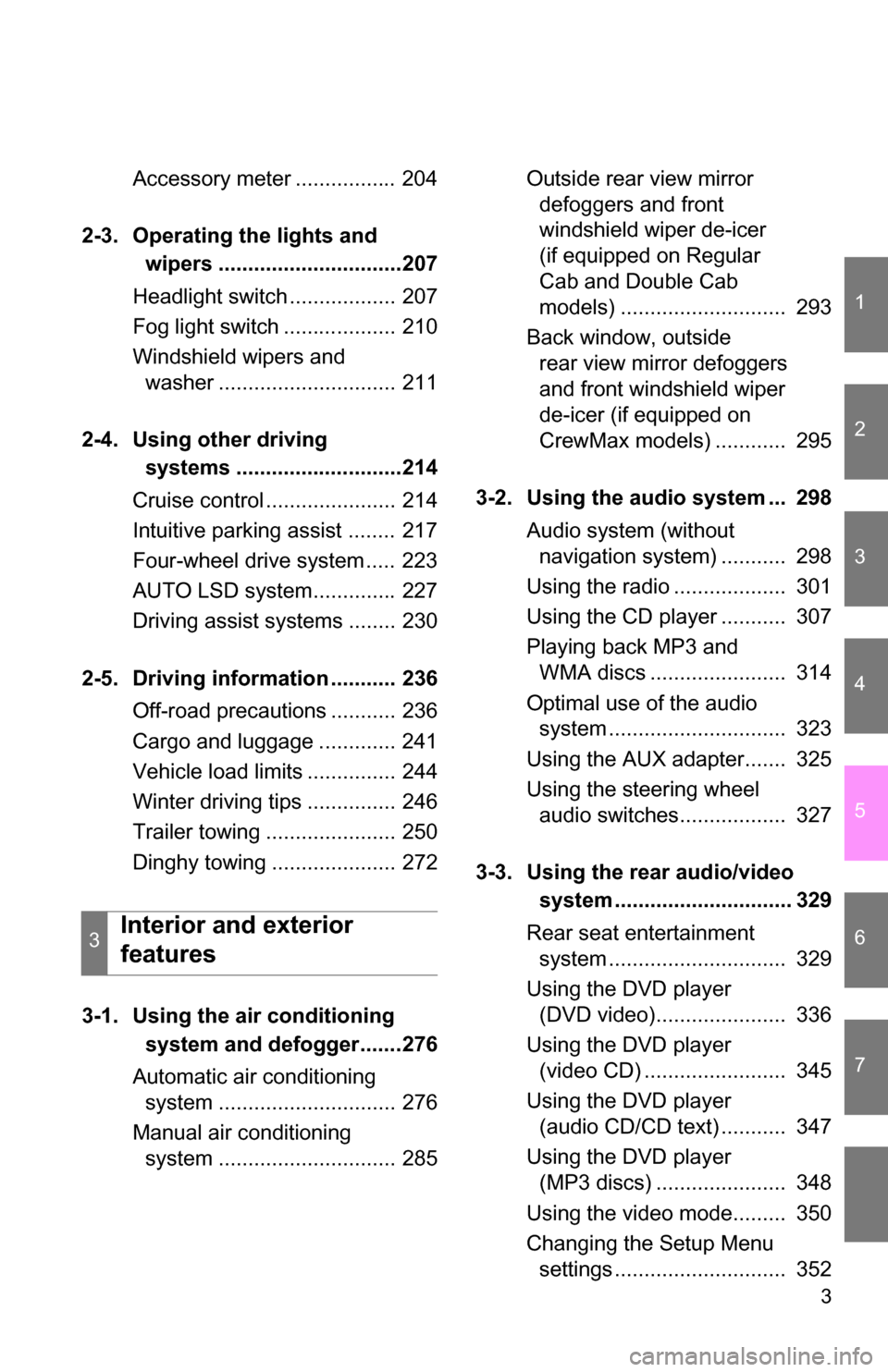
Accessory meter ................. 204
2-3. Operating the lights and wipers ...............................207
Headlight switch .................. 207
Fog light switch ................... 210
Windshield wipers and washer .............................. 211
2-4. Using other driving systems ............................214
Cruise control ...................... 214
Intuitive parking assist ........ 217
Four-wheel drive system ..... 223
AUTO LSD system.............. 227
Driving assist systems ........ 230
2-5. Driving information ........... 236 Off-road precautions ........... 236
Cargo and luggage ............. 241
Vehicle load limits ............... 244
Winter driving tips ............... 246
Trailer towing ...................... 250
Dinghy towing ..................... 272
3-1. Using the air conditioning system and defogger.......276
Automatic air conditioning system .............................. 276
Manual air conditioning system .............................. 285 Outside rear view mirror
defoggers and front
windshield wiper de-icer
(if equipped on Regular
Cab and Double Cab
models) ............................ 293
Back window, outside rear view mirror defoggers
and front windshield wiper
de-icer (if equipped on
CrewMax models) ............ 295
3-2. Using the audio system ... 298 Audio system (without navigation system) ........... 298
Using the radio ................... 301
Using the CD player ........... 307
Playing back MP3 and WMA discs ....................... 314
Optimal use of the audio system .............................. 323
Using the AUX adapter....... 325
Using the steering wheel audio switches.................. 327
3-3. Using the rear audio/video system .............................. 329
Rear seat entertainment system .............................. 329
Using the DVD player (DVD video)...................... 336
Using the DVD player (video CD) ........................ 345
Using the DVD player (audio CD/CD text) ........... 347
Using the DVD player (MP3 discs) ...................... 348
Using the video mode......... 350
Changing the Setup Menu settings ............................. 352
3Interior and exterior
features
Page 5 of 672
1
2
3
4
5
6
7
5
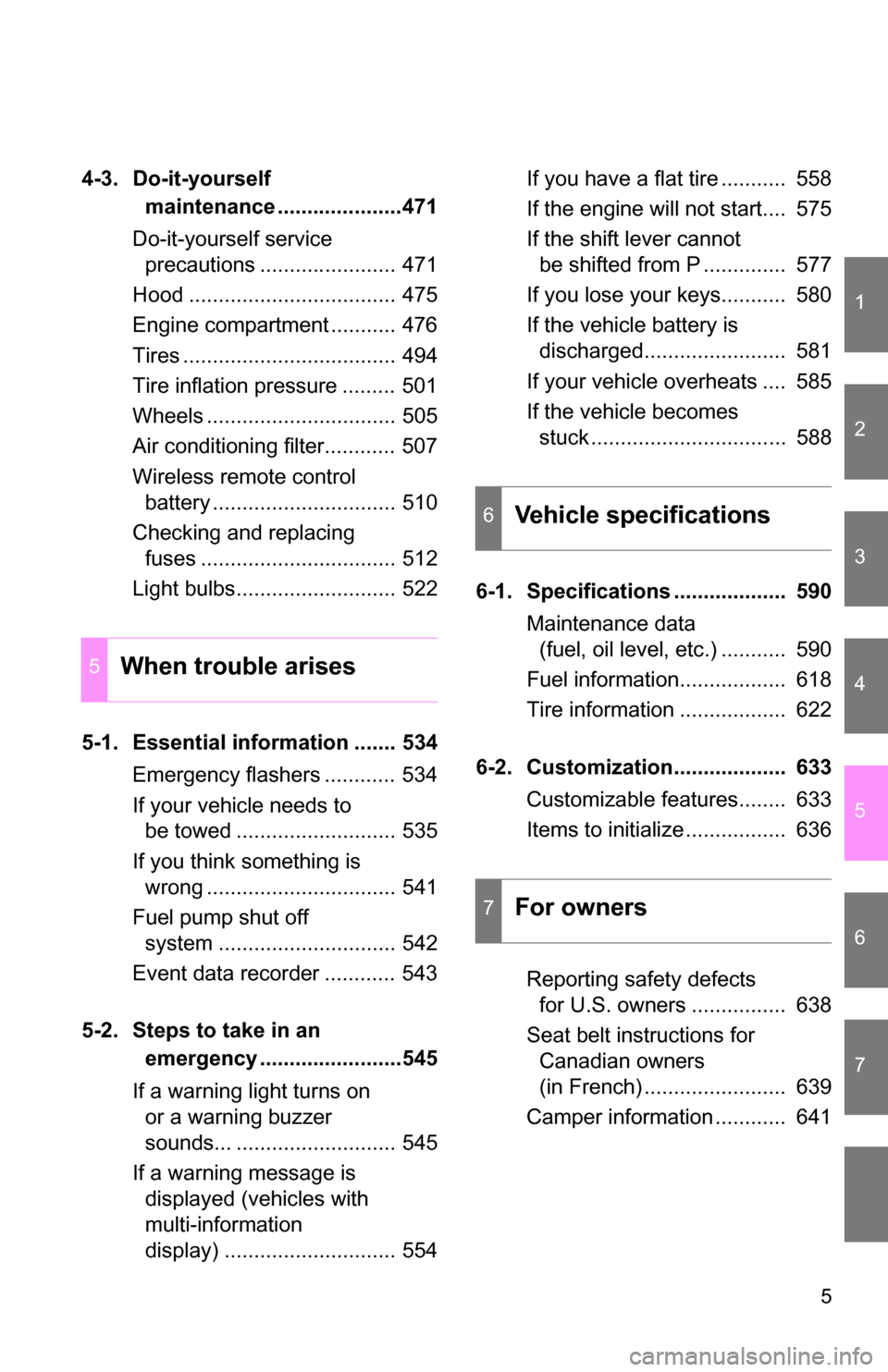
4-3. Do-it-yourself maintenance .....................471
Do-it-yourself service precautions ....................... 471
Hood ................................... 475
Engine compartment ........... 476
Tires .................................... 494
Tire inflation pressure ......... 501
Wheels ................................ 505
Air conditioning filter............ 507
Wireless remote control battery ............................... 510
Checking and replacing fuses ................................. 512
Light bulbs........................... 522
5-1. Essential information ....... 534 Emergency flashers ............ 534
If your vehicle needs to be towed ........................... 535
If you think something is wrong ................................ 541
Fuel pump shut off system .............................. 542
Event data recorder ............ 543
5-2. Steps to take in an emergency ........................545
If a warning light turns on or a warning buzzer
sounds... ........................... 545
If a warning message is displayed (vehicles with
multi-information
display) ............................. 554 If you have a flat tire ........... 558
If the engine will not start.... 575
If the shift lever cannot
be shifted from P .............. 577
If you lose your keys........... 580
If the vehicle battery is discharged........................ 581
If your vehicle overheats .... 585
If the vehicle becomes stuck ................................. 588
6-1. Specifications ................... 590 Maintenance data (fuel, oil level, etc.) ........... 590
Fuel information.................. 618
Tire information .................. 622
6-2. Customization................... 633 Customizable features........ 633
Items to initialize ................. 636
Reporting safety defects for U.S. owners ................ 638
Seat belt instructions for Canadian owners
(in French) ........................ 639
Camper information ............ 641
5When trouble arises
6Vehicle specifications
7For owners
Page 24 of 672
24
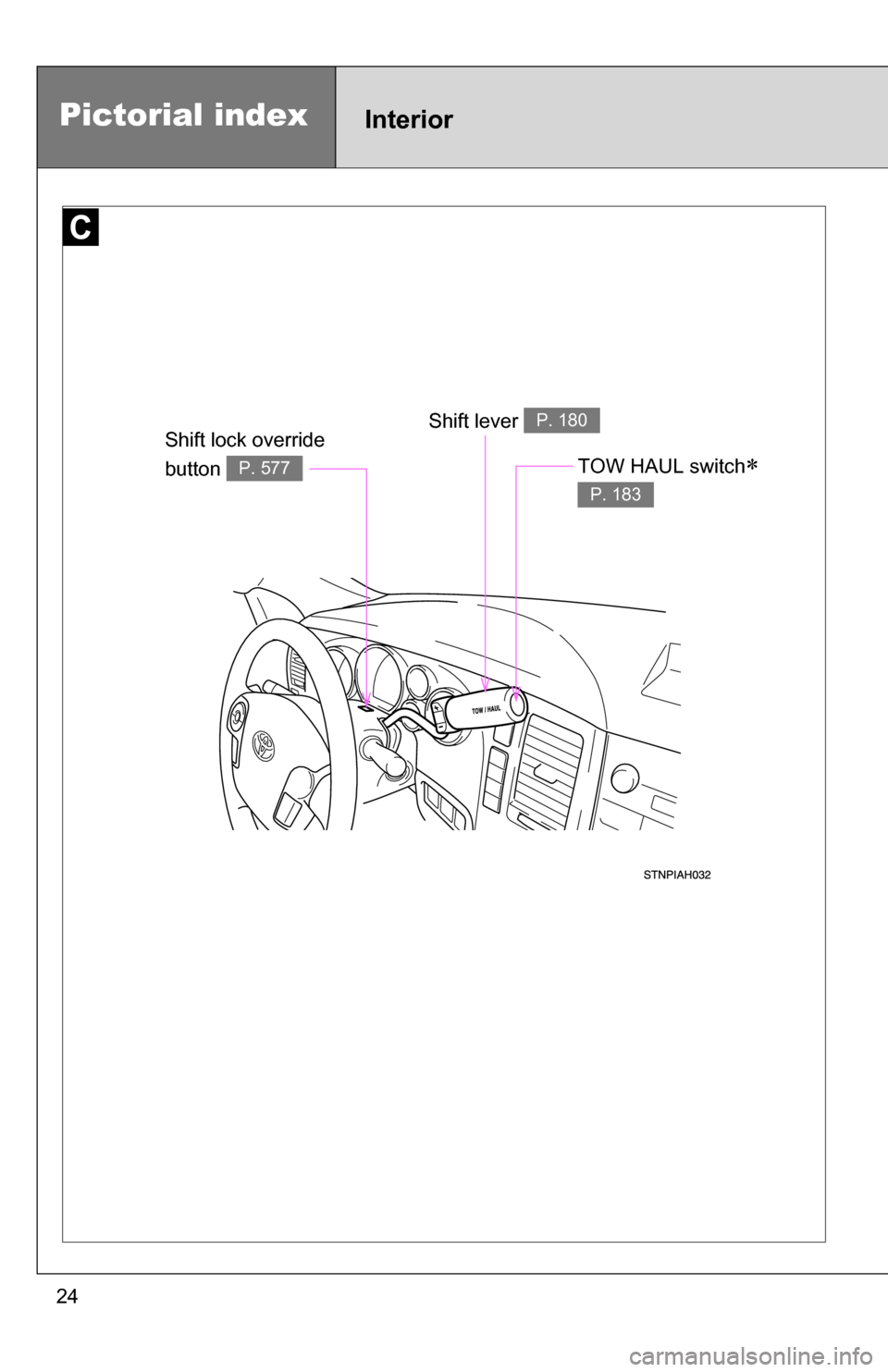
Shift lever P. 180Shift lock override
button
P. 577
Pictorial indexInterior
TOW HAUL switch
P. 183
Page 32 of 672
32
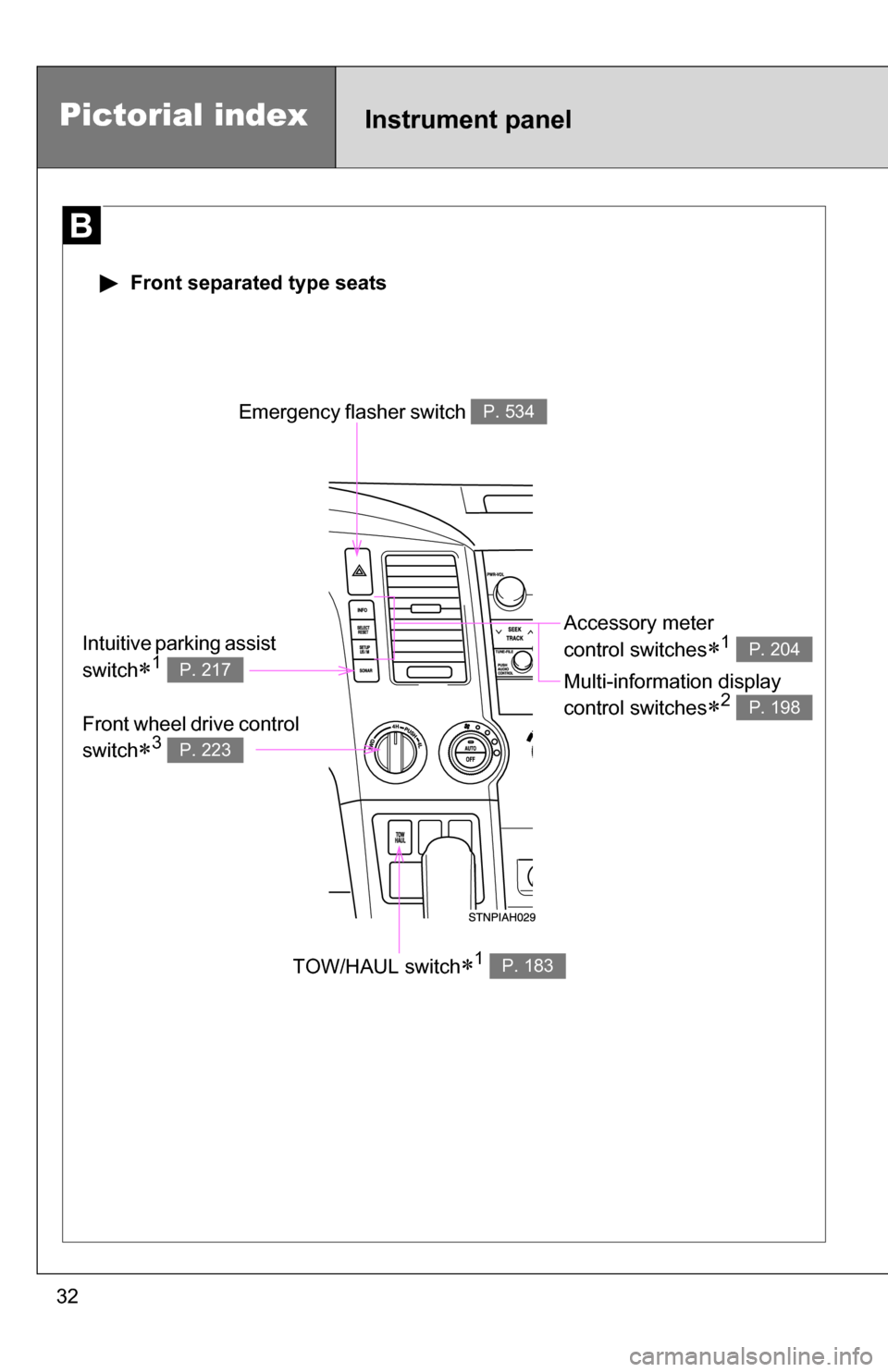
Pictorial indexInstrument panel
Emergency flasher switch P. 534
TOW/HAUL switch1 P. 183
Accessory meter
control switches
1
Multi-information display
control switches
2
P. 204
P. 198
Intuitive parking assist
switch
1 P. 217
Front wheel drive control
switch
3 P. 223
Front separated type seats
Page 45 of 672
45
1-2. Opening, closing and locking the doors
1
Before driving
■
If the wireless remote control does not operate
Locking and unlocking the doors: Use the key. ( P. 47)
■ Security feature
If a door is not opened within approximately 60 seconds after the vehicle is
unlocked, the security feature automatically locks the vehicle again.
■ Alarm (if equipped)
Using the wireless remote control to lock the door will set the alarm sy\
stem.
(P. 110)
■ Conditions affecting operation
The wireless remote control function may not operate normally in the follow-
ing situations.
●Near a TV tower, radio station, electr ic power plant, airport or other facil-
ity that generates strong radio waves
● When carrying a portable radio, cell ular phone or other wireless commu-
nication device
● When multiple wireless keys are in the vicinity
● When the wireless key has come into contact with, or is covered by a
metallic object
● When a wireless key (that emits radio waves) is being used nearby
● When the wireless key has been left near an electrical appliance such as
a personal computer
■ Customization
●That can be configured at Toyota dealer (vehicles without multi-informa-
tion display)
Settings (e.g. wireless remote control) can be changed.
(Customizable features P. 633)
● It is possible to change the settings (vehicles with multi-information dis-
play) (Feature customization P. 200)
Page 52 of 672
52
1-2. Opening, closing and locking the doors
Tailgate
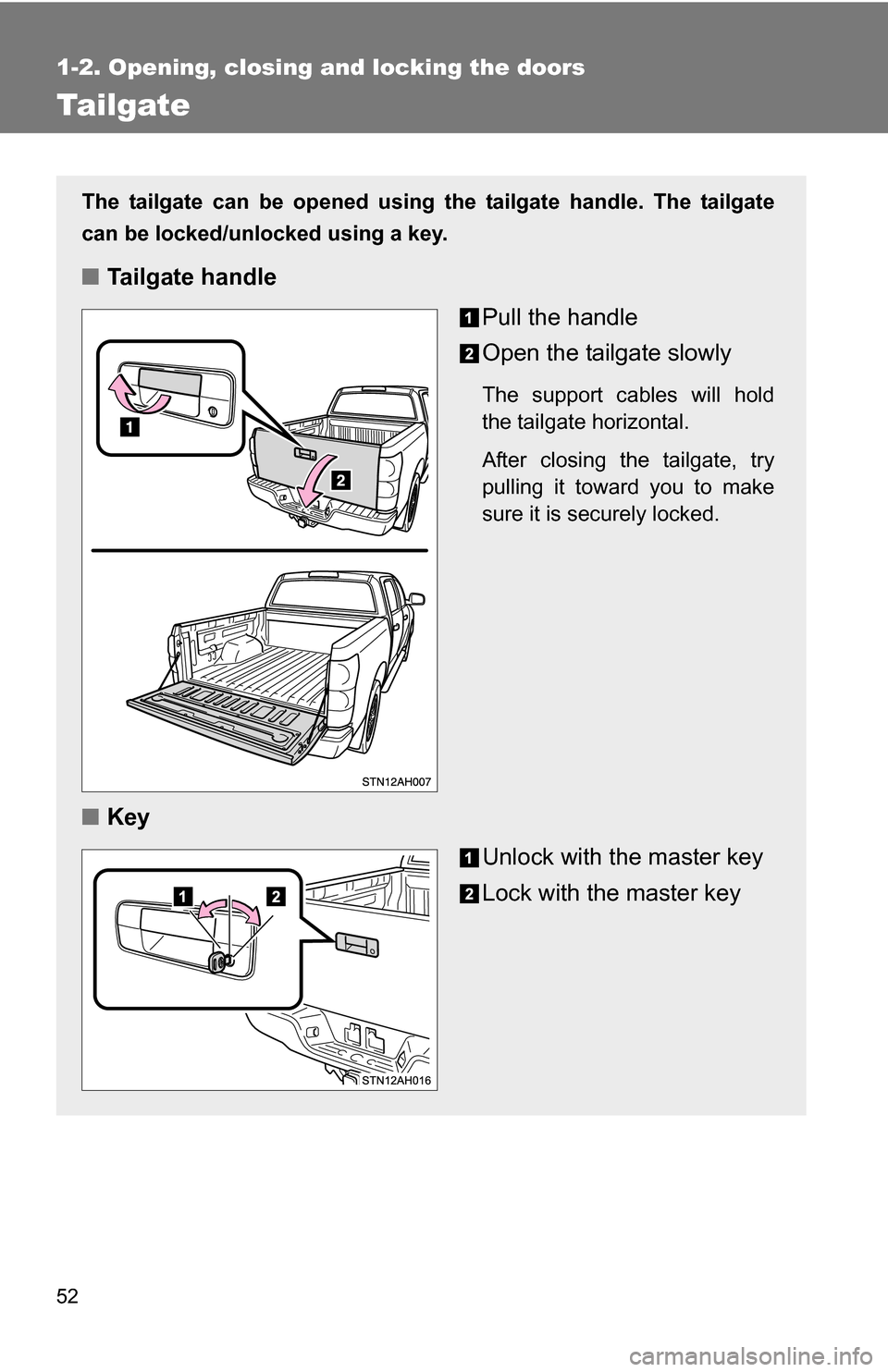
The tailgate can be opened using the tailgate handle. The tailgate
can be locked/unlocked using a key.
■Tailgate handle
Pull the handle
Open the tailgate slowly
The support cables will hold
the tailgate horizontal.
After closing the tailgate, try
pulling it toward you to make
sure it is securely locked.
■Key
Unlock with the master key
Lock with the master key
Page 57 of 672
57
1-2. Opening, closing and locking the doors
1
Before driving
NOTICE
■
To prevent damage to the tailgate wire harness (vehicles with rear view
monitor system)
Do not pull out all of the tailgate wire harness before open the tailgate.
■ To prevent damage to the camera lens (vehicles with rear view monitor
system)
Store the removed tailgate with the back-up camera lens facing upward.
■ After closing the tailgate
Try pulling it toward you to make sure it is securely locked.
■ To prevent damage to the rear step bumper
Do not allow more than one person to get on the rear step bumper at a time.
Page 64 of 672
64 1-3. Adjustable components (seats, mirrors, steering wheel)
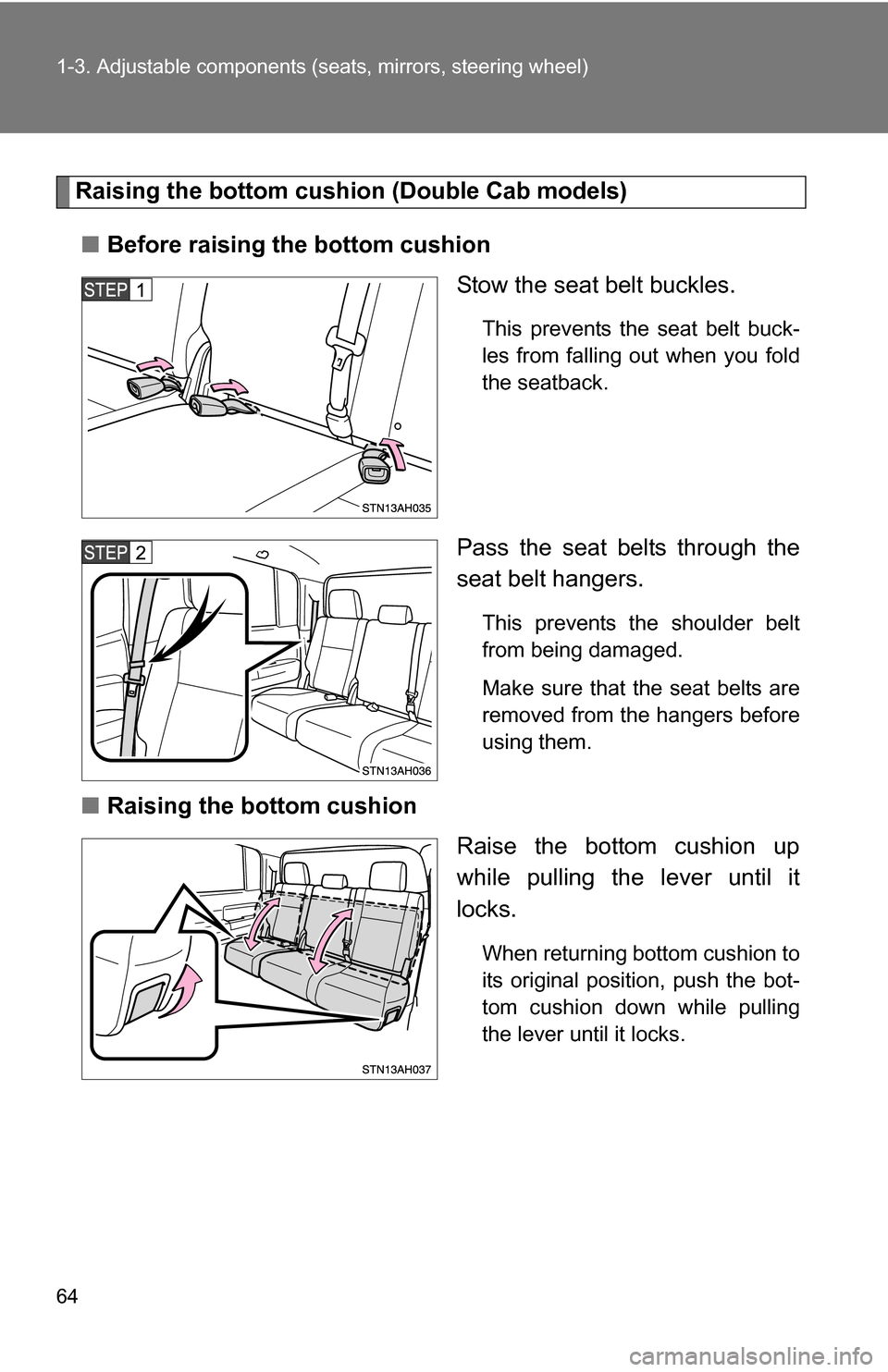
Raising the bottom cushion (Double Cab models)
■ Before raising the bottom cushion
Stow the seat belt buckles.
This prevents the seat belt buck-
les from falling out when you fold
the seatback.
Pass the seat belts through the
seat belt hangers.
This prevents the shoulder belt
from being damaged.
Make sure that the seat belts are
removed from the hangers before
using them.
■Raising the bottom cushion
Raise the bottom cushion up
while pulling the lever until it
locks.
When returning bottom cushion to
its original position, push the bot-
tom cushion down while pulling
the lever until it locks.
Page 65 of 672
65
1-3. Adjustable components (s
eats, mirrors, steering wheel)
1
Before driving
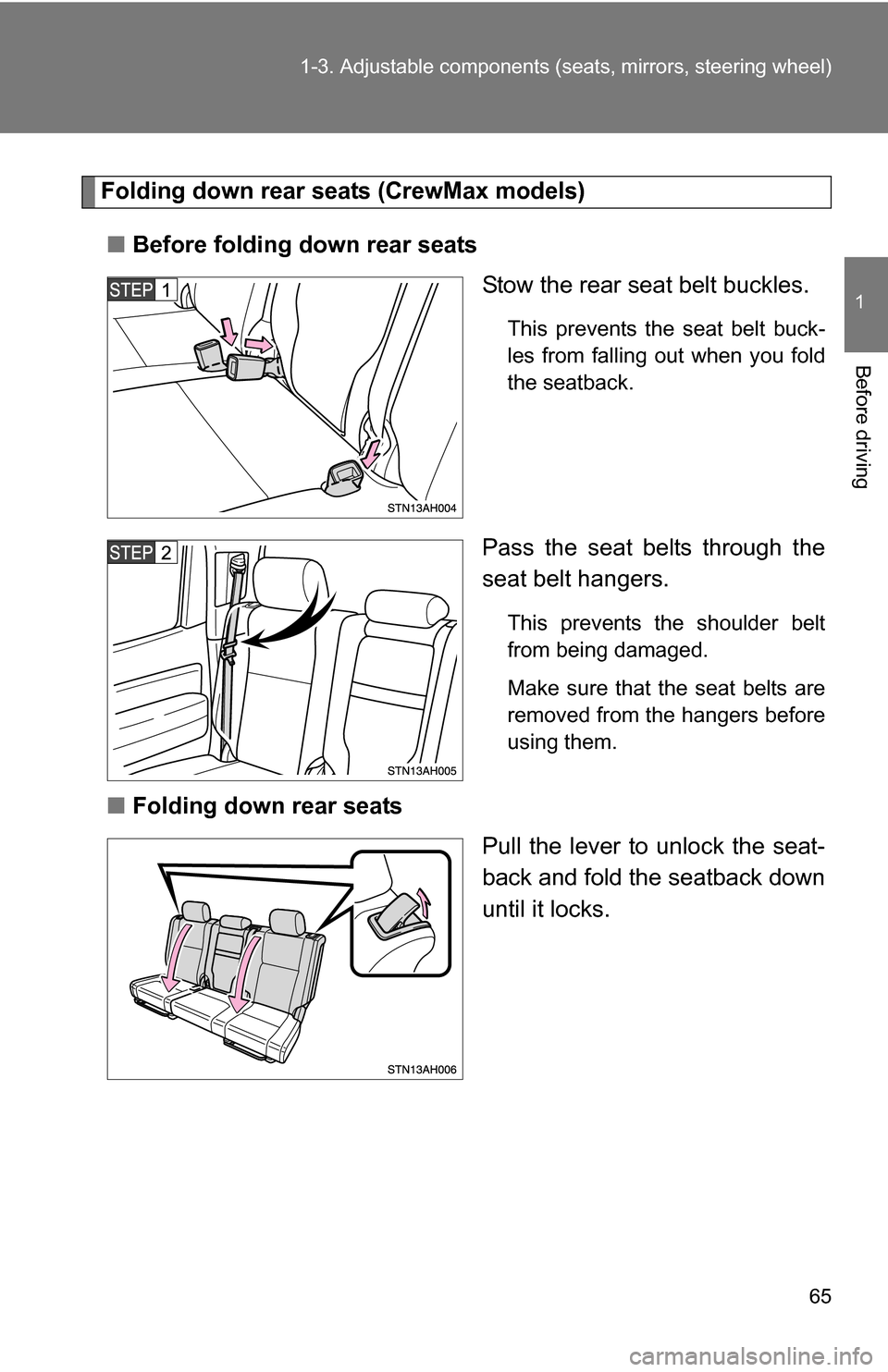
Folding down rear seats (CrewMax models)
■ Before folding down rear seats
Stow the rear seat belt buckles.
This prevents the seat belt buck-
les from falling out when you fold
the seatback.
Pass the seat belts through the
seat belt hangers.
This prevents the shoulder belt
from being damaged.
Make sure that the seat belts are
removed from the hangers before
using them.
■Folding down rear seats
Pull the lever to unlock the seat-
back and fold the seatback down
until it locks.