Bluetooth TOYOTA TUNDRA 2010 2.G User Guide
[x] Cancel search | Manufacturer: TOYOTA, Model Year: 2010, Model line: TUNDRA, Model: TOYOTA TUNDRA 2010 2.GPages: 724, PDF Size: 13.74 MB
Page 366 of 724
366 3-3. Using the Bluetooth® audio system
Using the Bluetooth® audio system for the first time
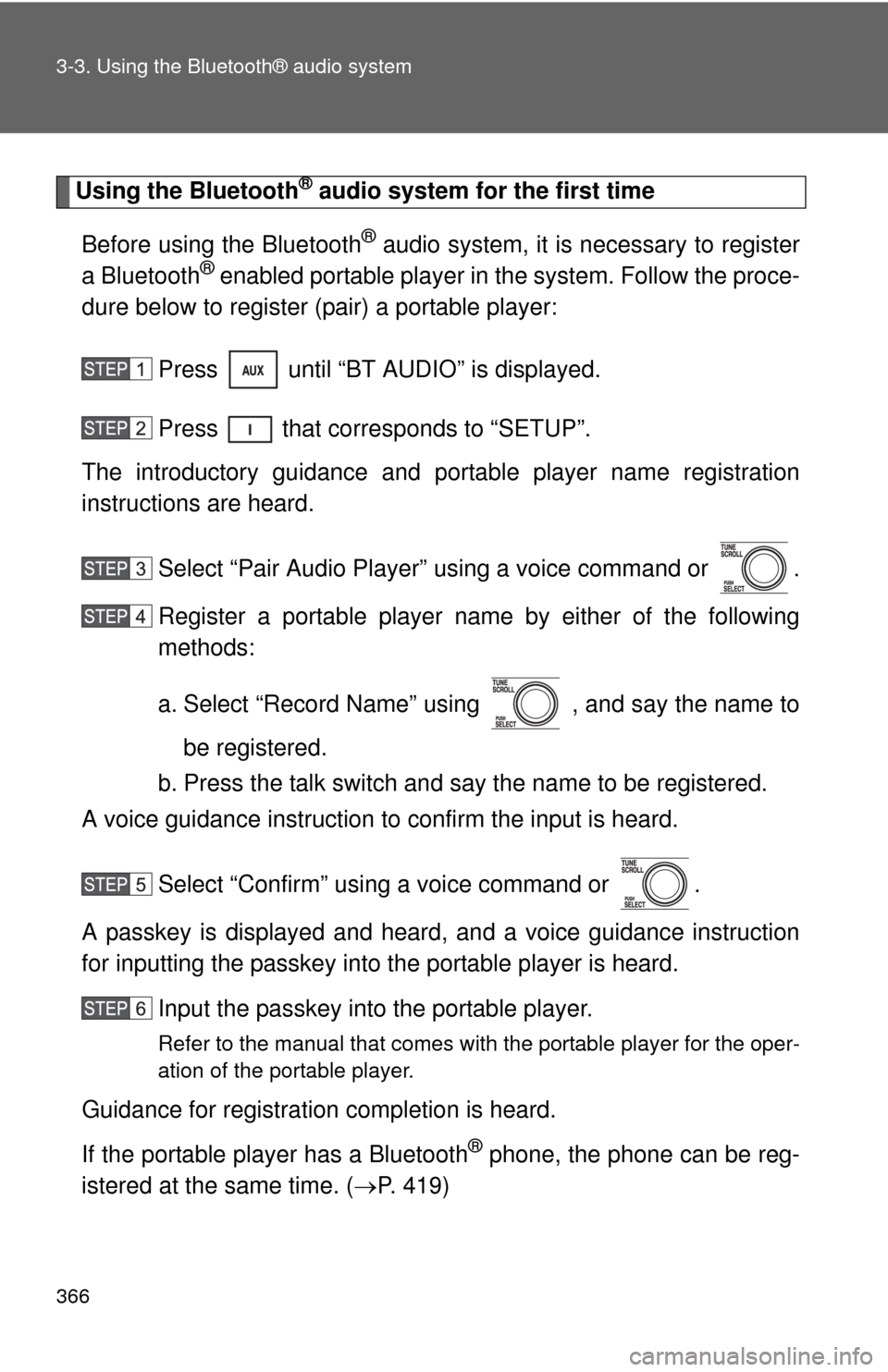
Before using the Bluetooth
® audio system, it is necessary to register
a Bluetooth® enabled portable player in the system. Follow the proce-
dure below to register (pair) a portable player:
Press until “BT AUDIO” is displayed.
Press that corresponds to “SETUP”.
The introductory guidance and port able player name registration
instructions are heard.
Select “Pair Audio Player” using a voice command or .
Register a portable player nam e by either of the following
methods:
a. Select “Record Name” using , and say the name to
be registered.
b. Press the talk switch and say the name to be registered.
A voice guidance instruction to confirm the input is heard.
Select “Confirm” using a voice command or .
A passkey is displayed and heard, and a voice guidance instruction
for inputting the passkey into the portable player is heard. Input the passkey into the portable player.
Refer to the manual that comes with the portable player for the oper-
ation of the portable player.
Guidance for registration completion is heard.
If the portable player has a Bluetooth
® phone, the phone can be reg-
istered at the same time. ( P. 419)
Page 367 of 724
367
3-3. Using the Bluetooth® audio system
3
Interior and exterior features
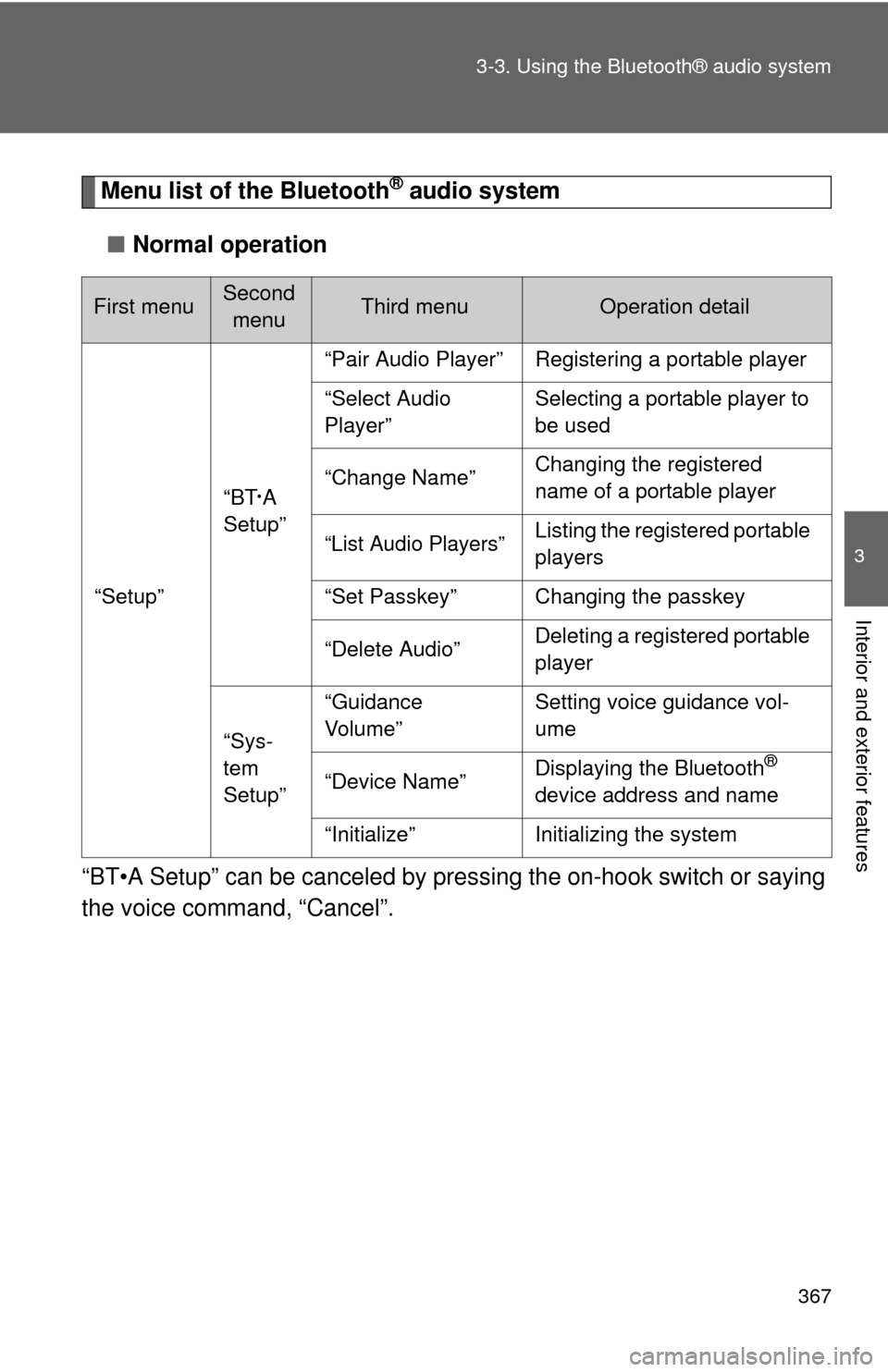
Menu list of the Bluetooth® audio system
■ Normal operation
“BT•A Setup” can be canceled by pres sing the on-hook switch or saying
the voice comm and, “Cancel”.
First menuSecond
menuThird menuOperation detail
“Setup” “BT
•A
Setup” “Pair Audio Player” Registering a portable player
“Select Audio
Player”
Selecting a portable player to
be used
“Change Name” Changing the registered
name of a portable player
“List Audio Players”Listing the registered portable
players
“Set Passkey” Changing the passkey
“Delete Audio” Deleting a registered portable
player
“Sys-
tem
Setup” “Guidance
Vo l u m e”
Setting voice guidance vol-
ume
“Device Name” Displaying the Bluetooth
®
device address and name
“Initialize” Initializing the system
Page 368 of 724
368 3-3. Using the Bluetooth® audio system
■When using a voice command
For numbers, say a combination of single digits from zero to nine.
Say the command correctly and clearly.
■ The system may not recognize your voice in the following situations:
●When driving on rough roads
● When driving at high speeds
● When air is blowing out of the vents onto the microphone
● When the air conditioning fan emits a loud noise
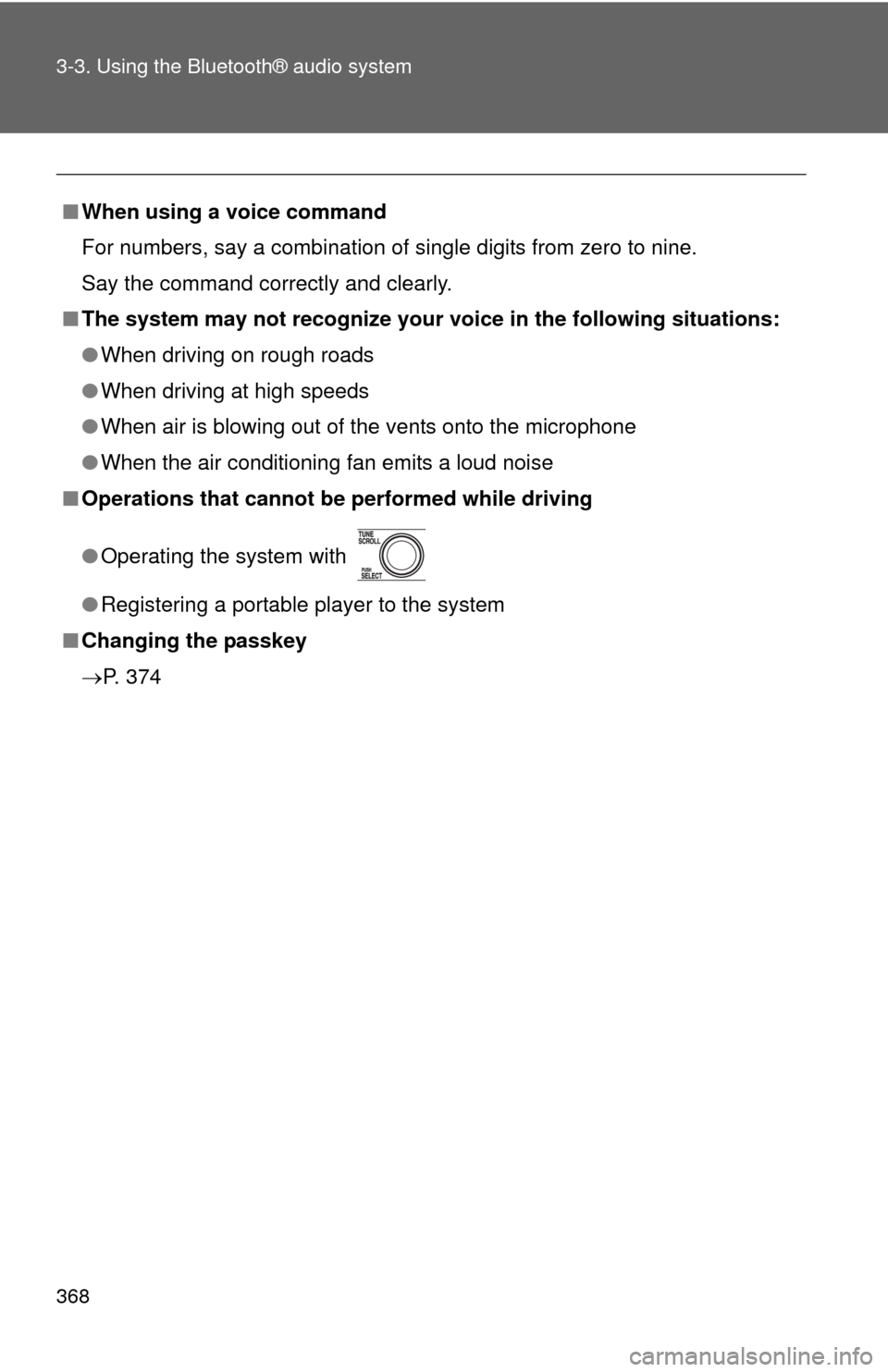
■ Operations that cannot be performed while driving
● Operating the system with
● Registering a portable player to the system
■ Changing the passkey
P. 374
Page 369 of 724
369
3-3. Using the Bluetooth® audio system
3
Interior and exterior features
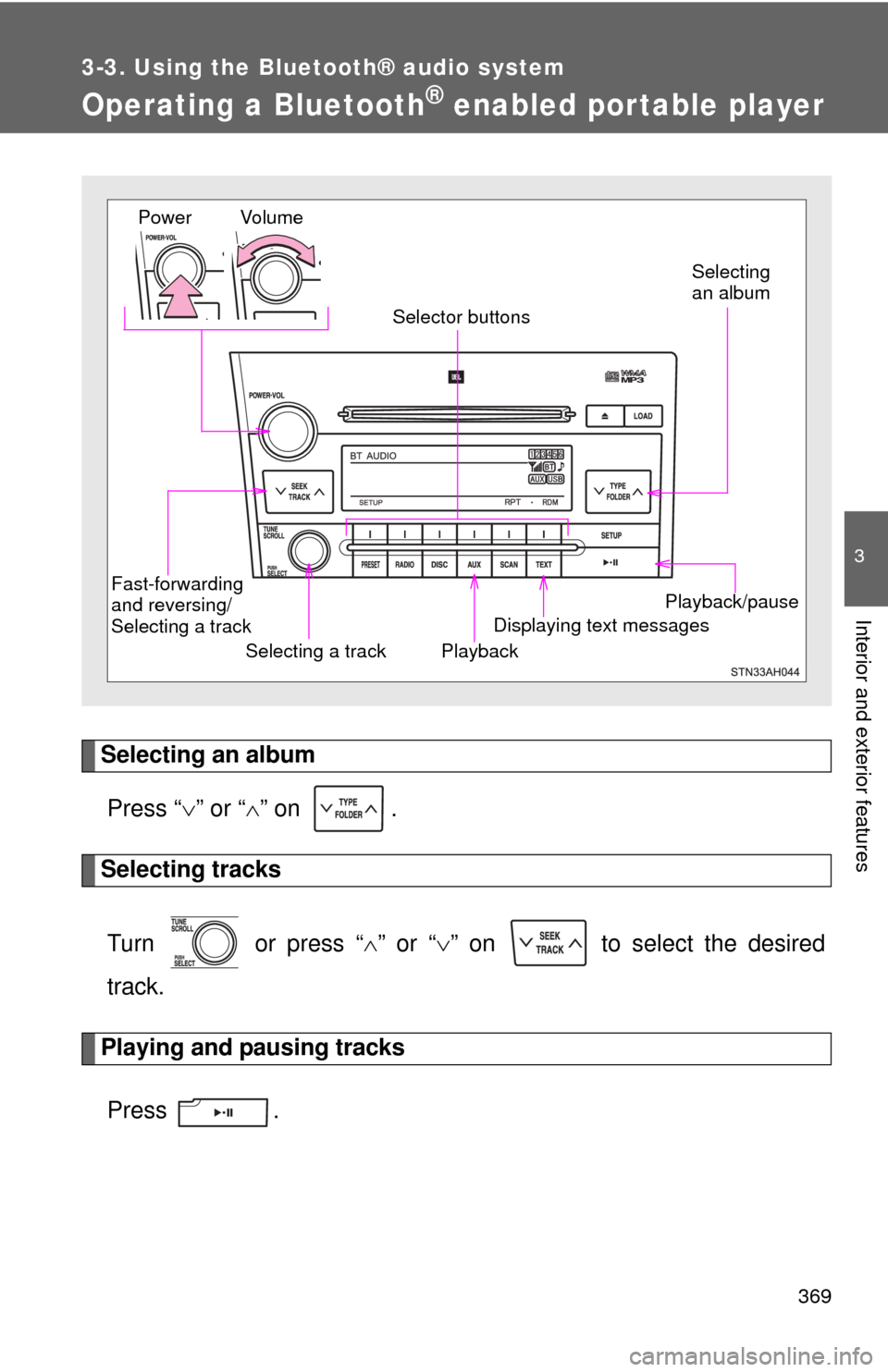
Operating a Bluetooth® enabled por table player
Selecting an albumPress “ ” or “ ” on .
Selecting tracks
Turn or press “ ” or “ ” on to select the desired
track.
Playing and pausing tracks
Press .
Playback/pause
Displaying text messages
Selecting a track
Selecting
an album
Fast-forwarding
and reversing/
Selecting a track Playback
Vo l u m e
Power
Selector buttons
Page 370 of 724
370 3-3. Using the Bluetooth® audio system
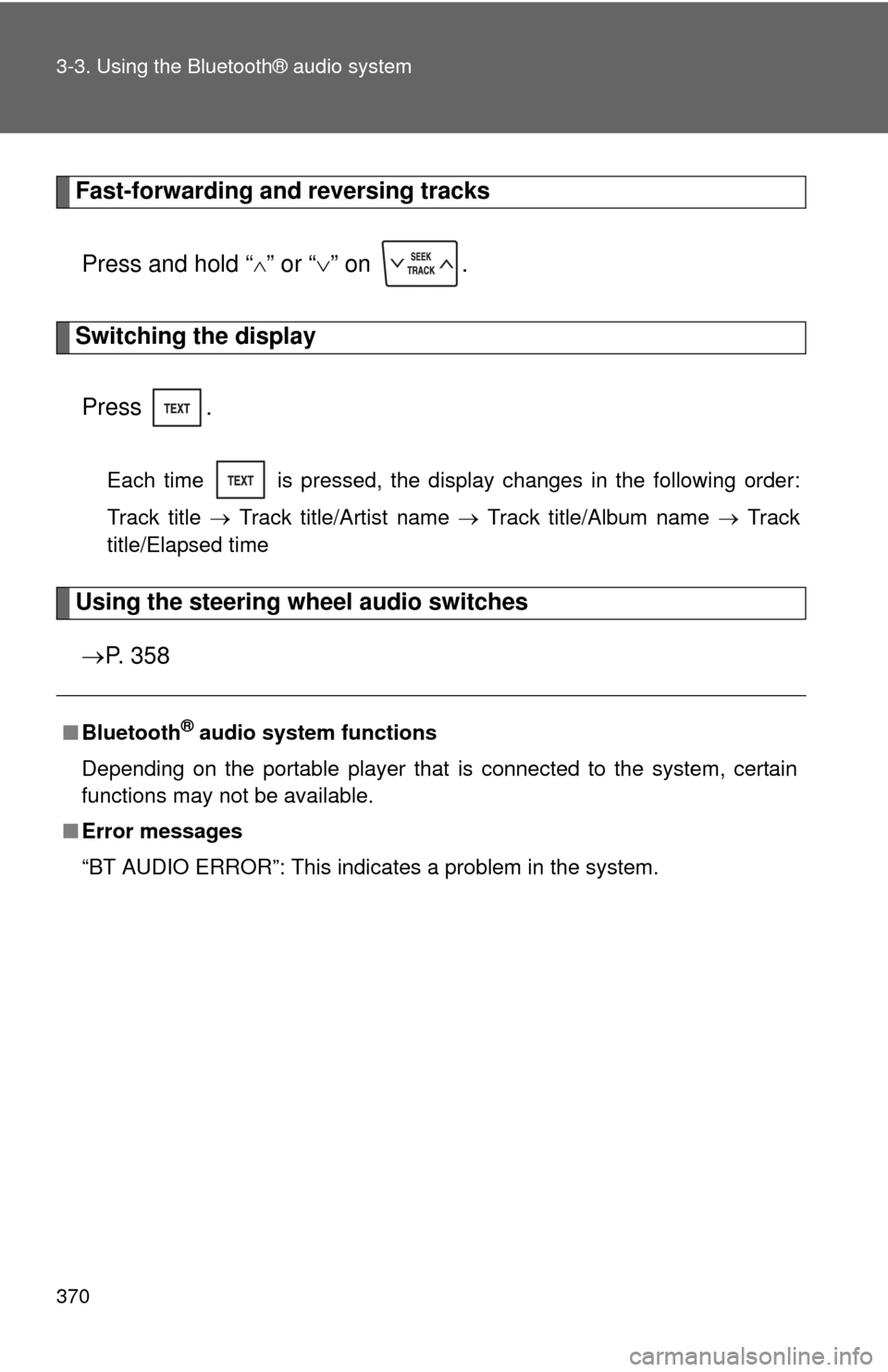
Fast-forwarding and reversing tracksPress and hold “
” or “ ” on .
Switching the display
Press .
Each time is pressed, the display changes in the following order:
Track title Track title/Artist name Track title/Album name Track
title/Elapsed time
Using the steering wheel audio switches
P. 3 5 8
■Bluetooth® audio system functions
Depending on the portable player that is connected to the system, certain
functions may not be available.
■ Error messages
“BT AUDIO ERROR”: This indicates a problem in the system.
Page 371 of 724
371
3-3. Using the Bluetooth® audio system
3
Interior and exterior features
Setting up a Bluetooth® enabled por table player
Registering a portable playerSelect “Pair Audio Player” using a voice command or , and
perform the procedure for registering a portable player. ( P. 366)
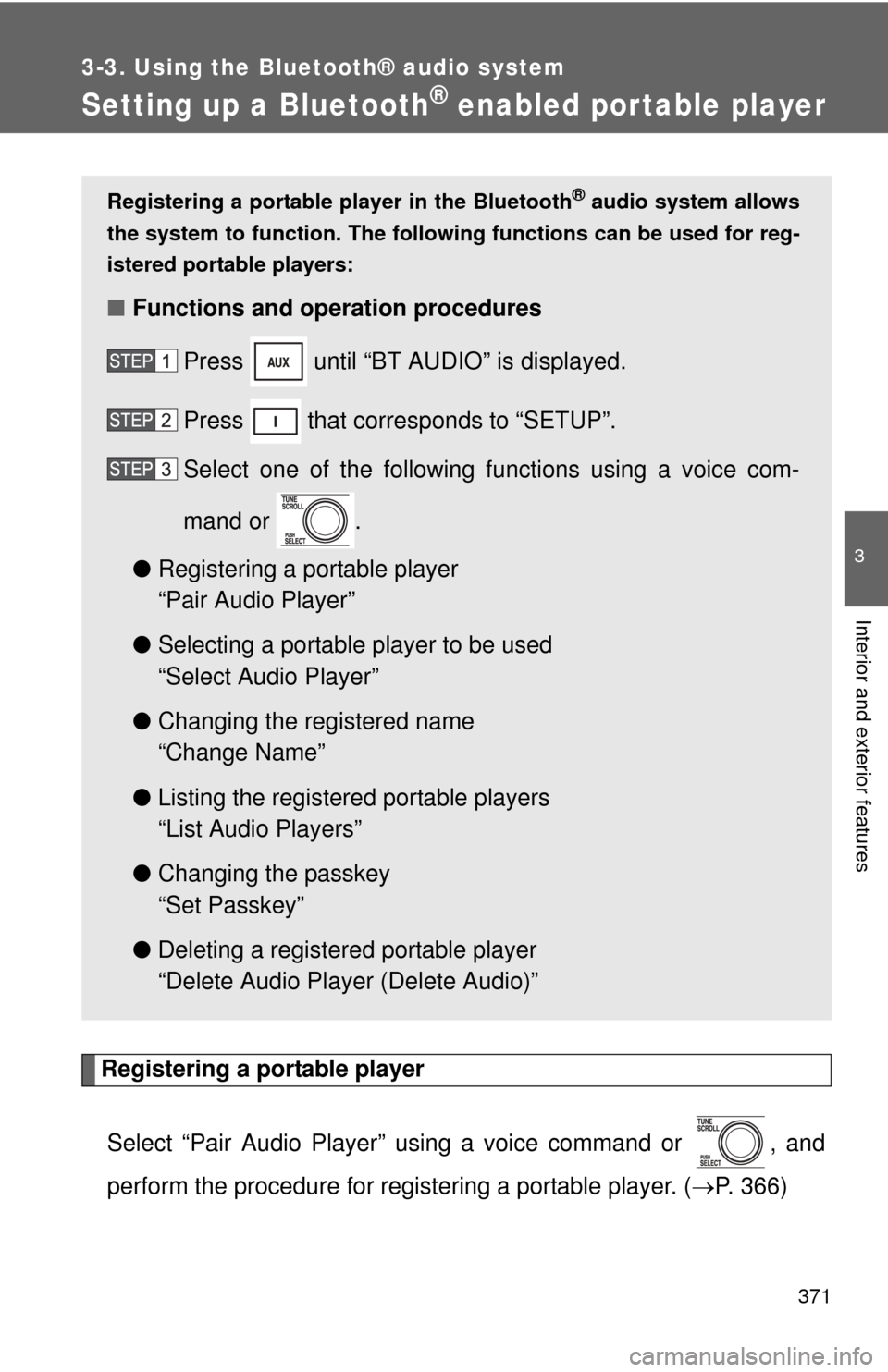
Registering a portable player in the Bluetooth® audio system allows
the system to function. The following functions can be used for reg-
istered portable players:
■ Functions and operation procedures
Press until “BT AUDIO” is displayed.
Press that corresponds to “SETUP”.
Select one of the following functions using a voice com-
mand or .
● Registering a portable player
“Pair Audio Player”
● Selecting a portable player to be used
“Select Audio Player”
● Changing the registered name
“Change Name”
● Listing the registered portable players
“List Audio Players”
● Changing the passkey
“Set Passkey”
● Deleting a registered portable player
“Delete Audio Player (Delete Audio)”
Page 372 of 724
372 3-3. Using the Bluetooth® audio system
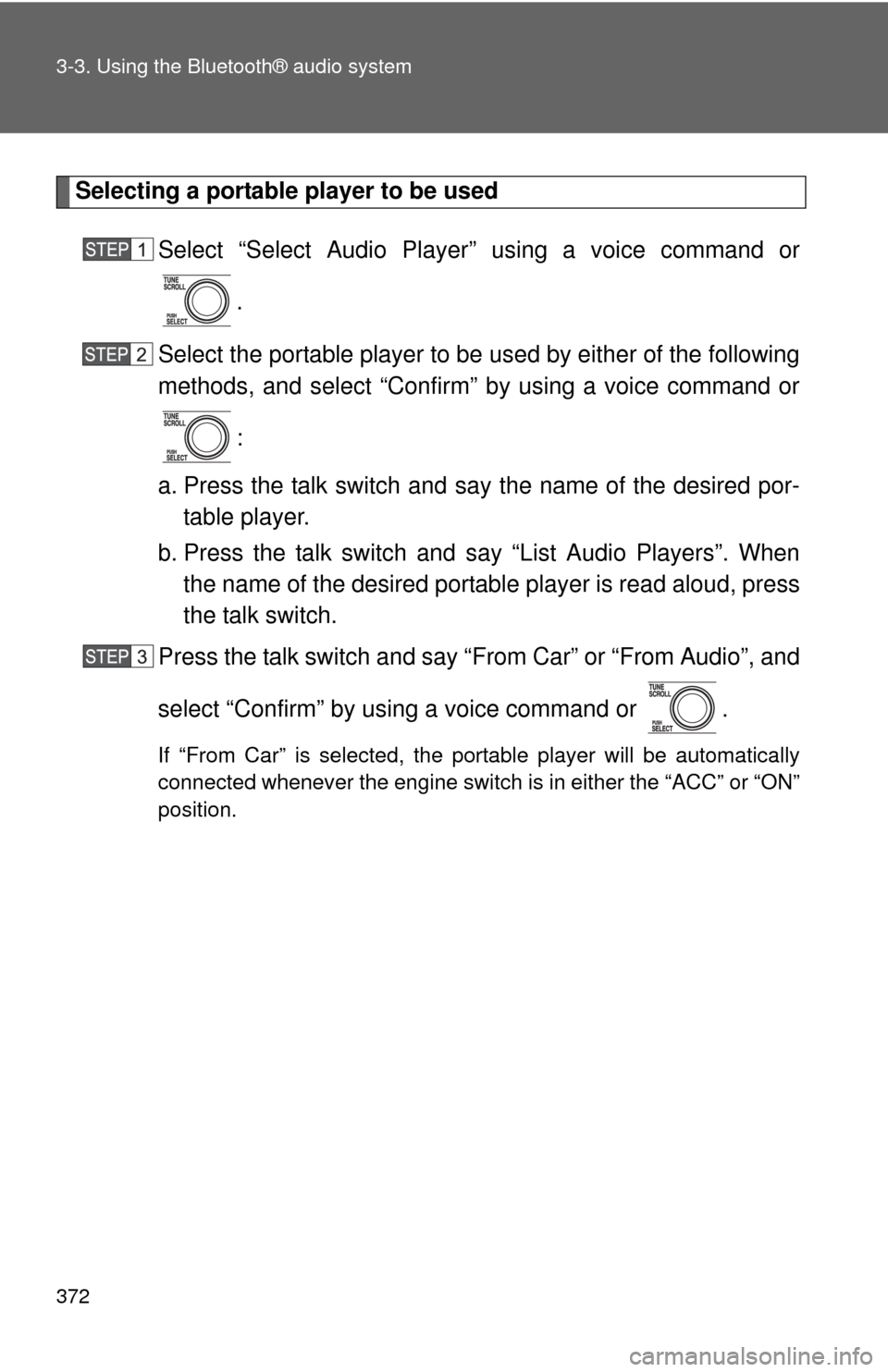
Selecting a portable player to be usedSelect “Select Audio Player” using a voice command or.
Select the portable player to be used by either of the following
methods, and select “Confirm” by using a voice command or
:
a. Press the talk switch and say the name of the desired por- table player.
b. Press the talk switch and say “List Audio Players”. When
the name of the desired portable player is read aloud, press
the talk switch.
Press the talk switch and say “From Car” or “From Audio”, and
select “Confirm” by using a voice command or .
If “From Car” is selected, the portable player will be automatically
connected whenever the engine switch is in either the “ACC” or “ON”
position.
Page 373 of 724
373
3-3. Using the Bluetooth® audio system
3
Interior and exterior features
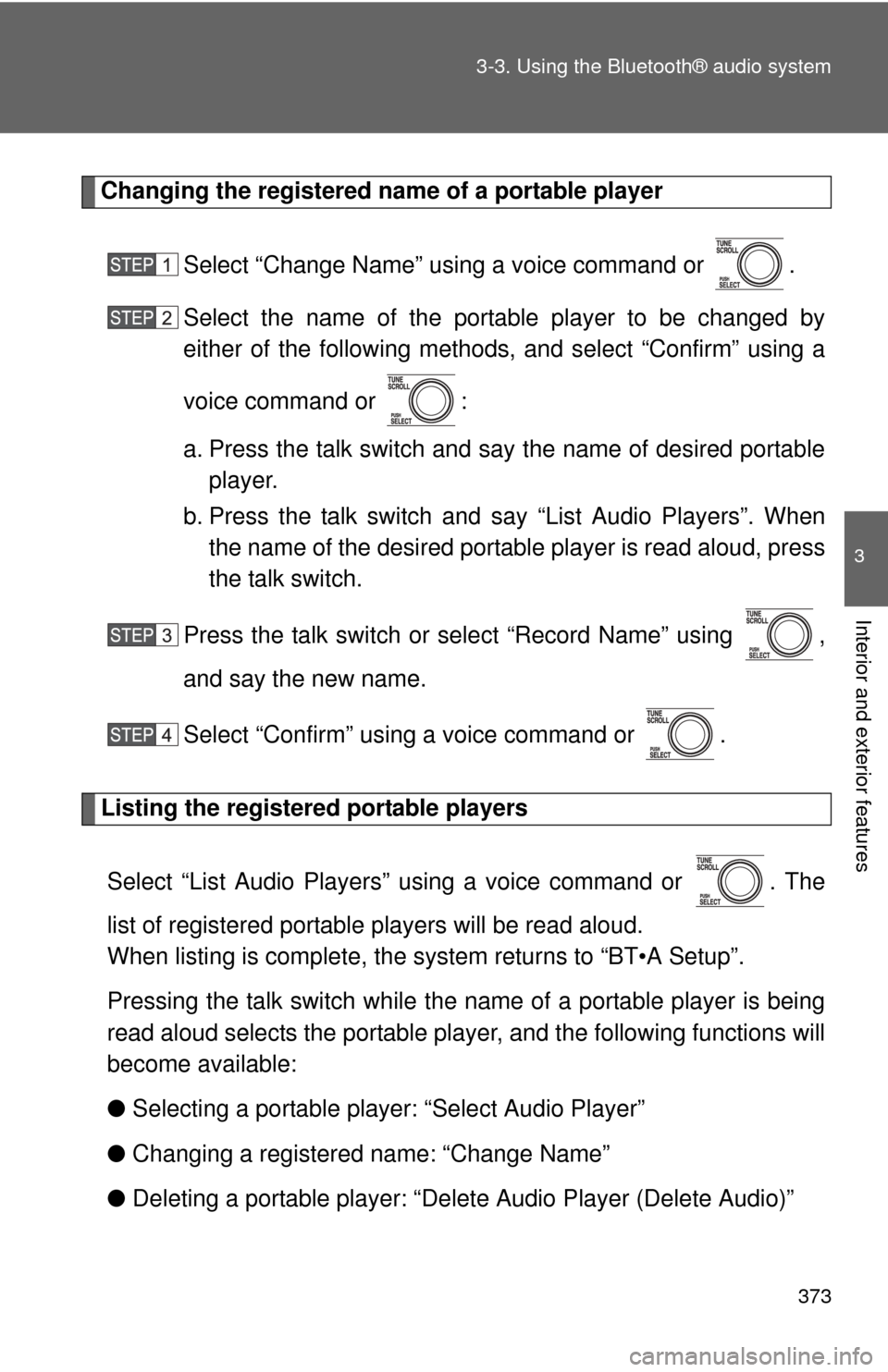
Changing the registered name of a portable player
Select “Change Name” using a voice command or .
Select the name of the portable player to be changed by
either of the following methods, and select “Confirm” using a
voice command or :
a. Press the talk switch and say the name of desired portableplayer.
b. Press the talk switch and say “List Audio Players”. When
the name of the desired portable player is read aloud, press
the talk switch.
Press the talk switch or se lect “Record Name” using ,
and say the new name.
Select “Confirm” using a voice command or .
Listing the registered portable players
Select “List Audio Players” using a voice command or . The
list of registered portable players will be read aloud.
When listing is complete, the sy stem returns to “BT•A Setup”.
Pressing the talk switch while the name of a portable player is being
read aloud selects the portable player, and the following functions will
become available:
● Selecting a portable player: “Select Audio Player”
● Changing a registered name: “Change Name”
● Deleting a portable player: “Del ete Audio Player (Delete Audio)”
Page 374 of 724
374 3-3. Using the Bluetooth® audio system
Changing the passkeySelect “Set Passkey” using a voice command or .
Press the talk switch, say a 4 to 8-digit number, and select
“Confirm” using a voice command or .
When the entire number to be registered as a passkey has
been input, press again.
If the number to be registered has 8 digits, pressing of the knob is
not necessary.
Deleting a registered portable playerSelect “Delete Audio Player (Delete Audio)” using a voice
command or .
Select the portable player to be deleted by either of the follow-
ing methods and select “Confirm” using a voice command or
:
a. Press the talk switch and say the name of the desired por- table player.
b. Press the talk switch and say “List Audio Players”. When
the name of the desired portable player is read aloud, press
the talk switch.
If the portable player to be deleted is paired as a Bluetooth
® phone,
the registration of the mobile phone can be deleted at the same time.
A voice guidance instruction to delete a mobile phone is heard.
Select “Confirm” by using a voice command or .
Page 375 of 724

375
3-3. Using the Bluetooth® audio system
3
Interior and exterior features
■
The number of portable pl ayers that can be registered
Up to 2 portable players can be registered in the system.