ESP TOYOTA TUNDRA 2011 2.G User Guide
[x] Cancel search | Manufacturer: TOYOTA, Model Year: 2011, Model line: TUNDRA, Model: TOYOTA TUNDRA 2011 2.GPages: 732, PDF Size: 16.65 MB
Page 208 of 732

208 2-2. Instrument cluster
CAUTION
■Caution while driving
Do not adjust the display.
Doing so may cause the driver to mishandle the vehicle and an accident,
resulting in death or serious injury.
NOTICE
■The multi-information disp lay at low temperatures
Allow the interior of the vehicle to warm up before using the liquid crystal
information display. At extremely low temperatures, the information display
monitor may respond slowly, and display changes may be delayed.
Page 225 of 732
225
2-4. Using other
driving systems
2
When driving
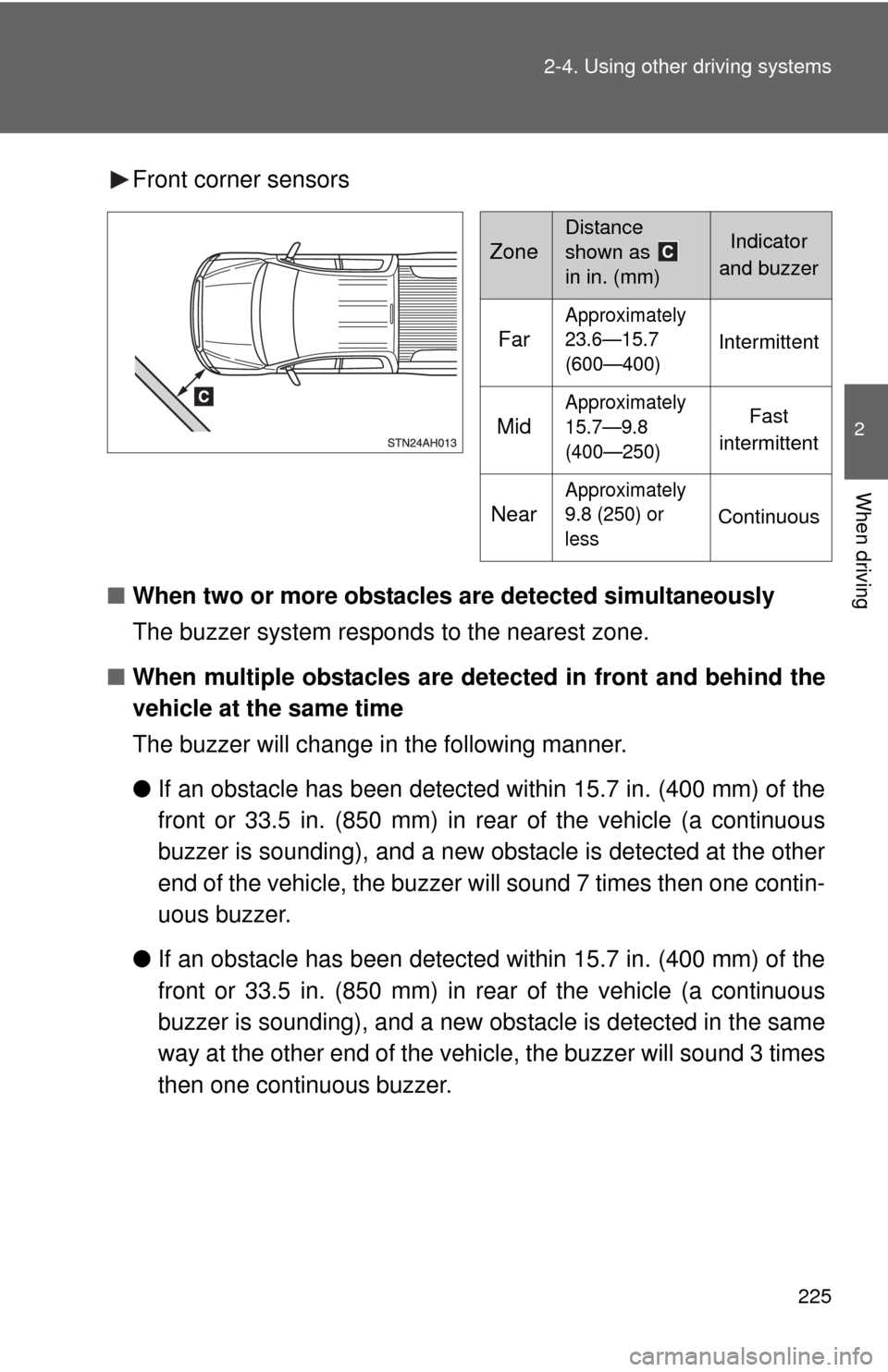
Front corner sensors
■ When two or more obstacles are detected simultaneously
The buzzer system responds to the nearest zone.
■ When multiple obstacles are detected in front and behind the
vehicle at the same time
The buzzer will change in the following manner.
● If an obstacle has been detected within 15.7 in. (400 mm) of the
front or 33.5 in. (850 mm) in rear of the vehicle (a continuous
buzzer is sounding), and a new obstacle is detected at the other
end of the vehicle, the buzzer will sound 7 times then one contin-
uous buzzer.
● If an obstacle has been detected within 15.7 in. (400 mm) of the
front or 33.5 in. (850 mm) in rear of the vehicle (a continuous
buzzer is sounding), and a new obs tacle is detected in the same
way at the other end of the vehi cle, the buzzer will sound 3 times
then one continuous buzzer.
Zone
Distance
shown as
in in. (mm)Indicator
and buzzer
Far
Approximately
23.6—15.7
(600—400)
Intermittent
Mid
Approximately
15.7—9.8
(400—250)Fast
intermittent
Near
Approximately
9.8 (250) or
less
Continuous
Page 253 of 732

253
2-5. Driving information
2
When driving
Off-road driving
When driving your vehicle off-road, please observe the following pre-
cautions to ensure your driving enjoyment and to help prevent the
closure of areas to off-road vehicles.
● Drive your vehicle only in areas wh ere off-road vehicles are permit-
ted to travel.
● Respect private property. Get owner’s permission before entering
private property.
● Do not enter areas that are closed. Honor gates, barriers and signs
that restrict travel.
● Stay on established roads. When conditions are wet, driving tech-
niques should be changed or trav el delayed to prevent damage to
roads.
■ Additional information for off-road driving
For owners in U.S. mainland, Hawaii and Puerto Rico:
To obtain additional information pertaining to driving your vehicle off-road,
consult the following organizations.
● State and Local Parks and Recreation Departments
● State Motor Vehicle Bureau
● Recreational Vehicle Clubs
● U.S. Forest Service and Bureau of Land Management
Page 254 of 732
254 2-5. Driving information
CAUTION
■Off-road driving precautions
Always observe the following precautions to minimize the risk of serious per-
sonal injury or damage to your vehicle:
●Drive carefully when off the road. Do not take unnecessary risks by driving
in dangerous places.
● Do not grip the steering wheel spokes when driving off-road. A bad bump
could jerk the wheel and injure your hands. Keep both hands and espe-
cially your thumbs on the outside of the rim.
● Always check your brakes for effectiveness immediately after driving in
sand, mud, water or snow.
● After driving through tall grass, mud, rock, sand, rivers, etc., check that
there is no grass, bush, paper, rags, stone, sand, etc. adhering or trapped
on the underbody. Clear off any such matter from the underbody. If the
vehicle is used with these materials trapped or adhering to the underbody,
a breakdown or fire could occur.
● In a rollover crash, an unbelted person is significantly more likely to die
than a person wearing a seat belt. Therefore, the driver and all passengers
should fasten their seat belts whenever the vehicle is moving.
● When driving off-road or in rugged terrain, do not drive at excessive
speeds, jump, make sharp turns, strike objects, etc. This may cause loss
of control or vehicle rollover causing death or serious injury. You are also
risking expensive damage to your vehicle’s suspension and chassis.
Page 281 of 732

281
2-5. Driving information
2
When driving
●
Practice turning, stopping and reve rsing with the trailer attached in
an area away from traffic until you become accustomed to the feel
of the vehicle-trailer combination.
● Reversing with a trailer attached is difficult and requires practice.
Grip the bottom of the steering wheel and move your hand to the
left to move the trailer to the left. Move your hand to the right to
move the trailer to the right. (Thi s is generally opposite to reversing
without a trailer attached.) Avoid sharp or prolonged turning. Have
someone guide you when reversing to reduce the risk of an acci-
dent.
● As stopping distance is increased when towing a trailer, vehicle-to-
vehicle distance should be increased. For each 10 mph (16 km/h)
of speed, allow at least o ne vehicle and trailer length.
● Avoid sudden braking as you may skid, resulting in the trailer jack-
knifing and a loss of vehicle control. This is especially true on wet
or slippery surfaces.
● Avoid jerky starts or sudden acceleration.
● Avoid jerky steering and sharp turns, and slow down before mak-
ing a turn.
● Note that when making a turn, th e trailer wheels will be closer than
the vehicle wheels to the inside of the turn. Compensate by making
a wider than normal turning radius.
● Slow down before making a turn, in cross winds, on wet or slippery
surfaces, etc.
Increasing vehicle speed can destabilize the trailer.
● Take care when passing other vehicles. Passing requires consider-
able distance. After passing a vehicle, do not forget the length of
your trailer, and be sure you hav e plenty of room before changing
lanes.
Page 286 of 732
286 2-5. Driving information
CAUTION
■To avoid accident or injury
●Do not make jerky, abrupt or sharp turns.
● Do not apply the brakes suddenly as you may skid, resulting in jackknifing
and loss of vehicle control. This is especially true on wet or slippery sur-
faces.
● Do not exceed the trailer hitch assembly weight, gross vehicle weight,
gross axle weight and trailer tongue weight capacities.
● Do not use cruise control when you are towing.
● Slow down and downshift before descending steep or long downhill
grades. Do not make sudden downshifts while descending steep or long
downhill grades.
● Vehicle-trailer instability is more likely on steep long downhills. Before
descending steep or long downhill grades, slow down and downshift. Do
not make sudden downshifts when descending steep or long downhill
grades. Avoid holding the brake pedal down too long or applying the
brakes too frequently. This could cause the brakes to overheat and result
in reduced braking efficiency.
■ Hitch
Trailer hitch assemblies have different weight capacities established by the
hitch manufacturer. Even though the vehicle may be physically capable of
towing a higher weight, the operator must determine the maximum weight
rating of the particular hitch assembly and never exceed the maximum
weight rating specified for the trailer-hitch. Exceeding the maximum weight
rating set by the trailer-hitch manufacturer can cause an accident resulting in
death or serious personal injuries.
Page 315 of 732
315
3-2. Using the audio system
3
Interior and exterior features
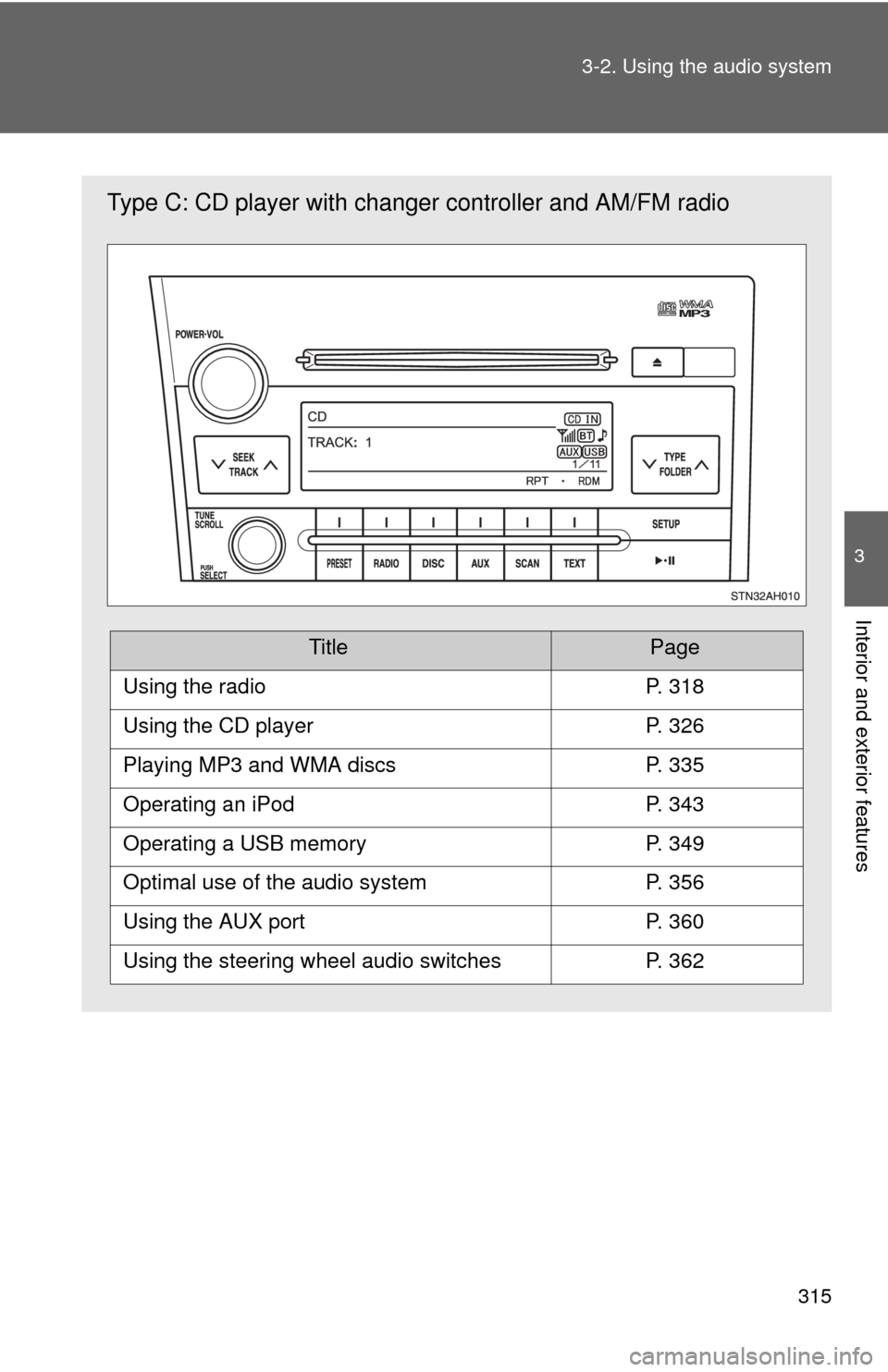
Type C: CD player with changer
controller and AM/FM radio
TitlePage
Using the radioP. 318
Using the CD playerP. 326
Playing MP3 and WMA discsP. 335
Operating an iPodP. 343
Operating a USB memoryP. 349
Optimal use of the audio systemP. 356
Using the AUX portP. 360
Using the steering wheel audio switchesP. 362
Page 316 of 732
316 3-2. Using the audio system
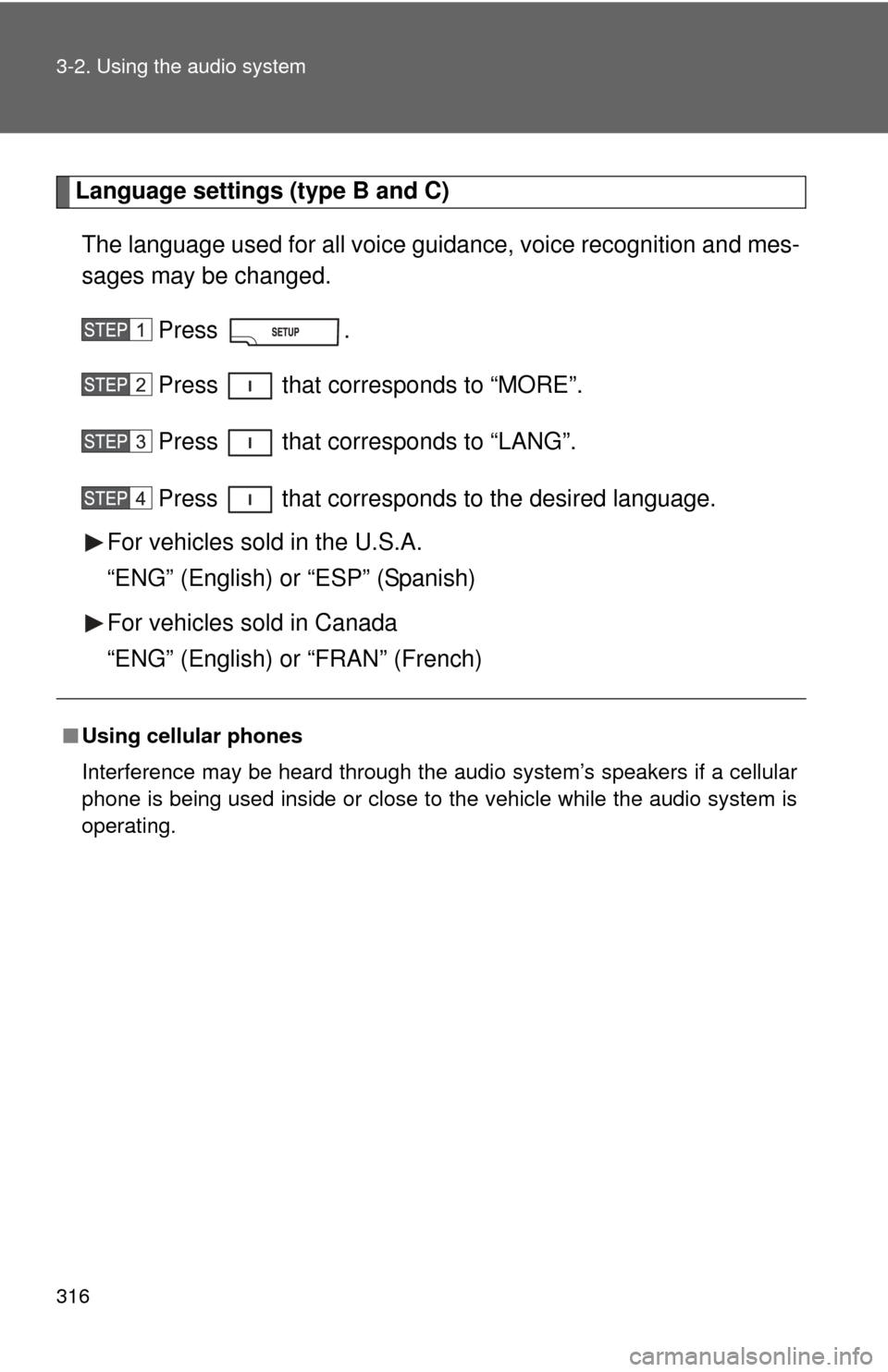
Language settings (type B and C)The language used for all voice guidance, voice recognition and mes-
sages may be changed.
Press .
Press that corresponds to “MORE”.
Press that corresponds to “LANG”.
Press that corresponds to the desired language.
For vehicles sold in the U.S.A.
“ENG” (English) or “ESP” (Spanish)
For vehicles sold in Canada
“ENG” (English) or “FRAN” (French)
■ Using cellular phones
Interference may be heard through the audio system’s speakers if a cellular
phone is being used inside or close to the vehicle while the audio syste\
m is
operating.
Page 323 of 732
323
3-2. Using the audio system
3
Interior and exterior features
■
When the battery is disconnected
All preset stations are erased. (type A only)
■ Reception sensitivity
●Objects, especially metal objects, such as cargo, a camper, or a truck
rack, may adversely affect the reception of XM
® Satellite Radio.
● Maintaining perfect radio reception at all times is difficult due to the con-
tinually changing position of the antenna, differences in signal strength
and surrounding objects, such as trains, transmitters, etc.
■ XM
® Satellite Radio
An XM
® Satellite Radio is a tuner designed exclusively to receive broadcasts
provided under a separate subscription. Availability is limited to the 48 con-
tiguous states and 10 Canadian provinces.
● XM
® subscriptions
For detailed information about XM® Satellite Radio or to subscribe:
U.S.A.
Visit on the web at www.xmradio.com
or call 1-800-967-2346.
Canada
Visit on the web at www.xmradio.ca
or call 1-877-438-9677.
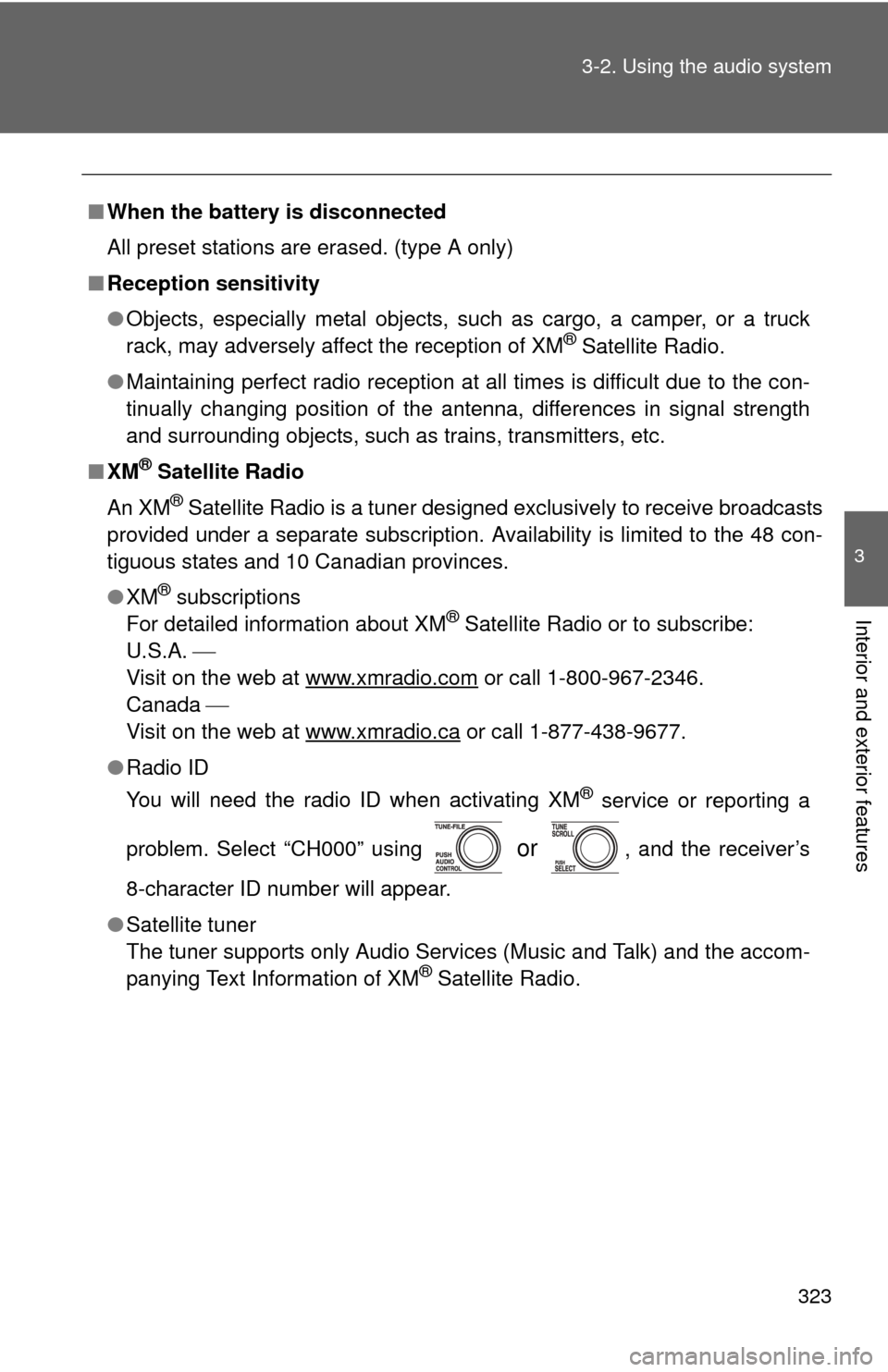
● Radio ID
You will need the radio ID when activating XM
® service or reporting a
problem. Select “CH000” using
or , and the receiver’s
8-character ID number will appear.
● Satellite tuner
The tuner supports only Audio Services (Music and Talk) and the accom-
panying Text Information of XM
® Satellite Radio.
Page 329 of 732
329
3-2. Using the audio system
3
Interior and exterior features
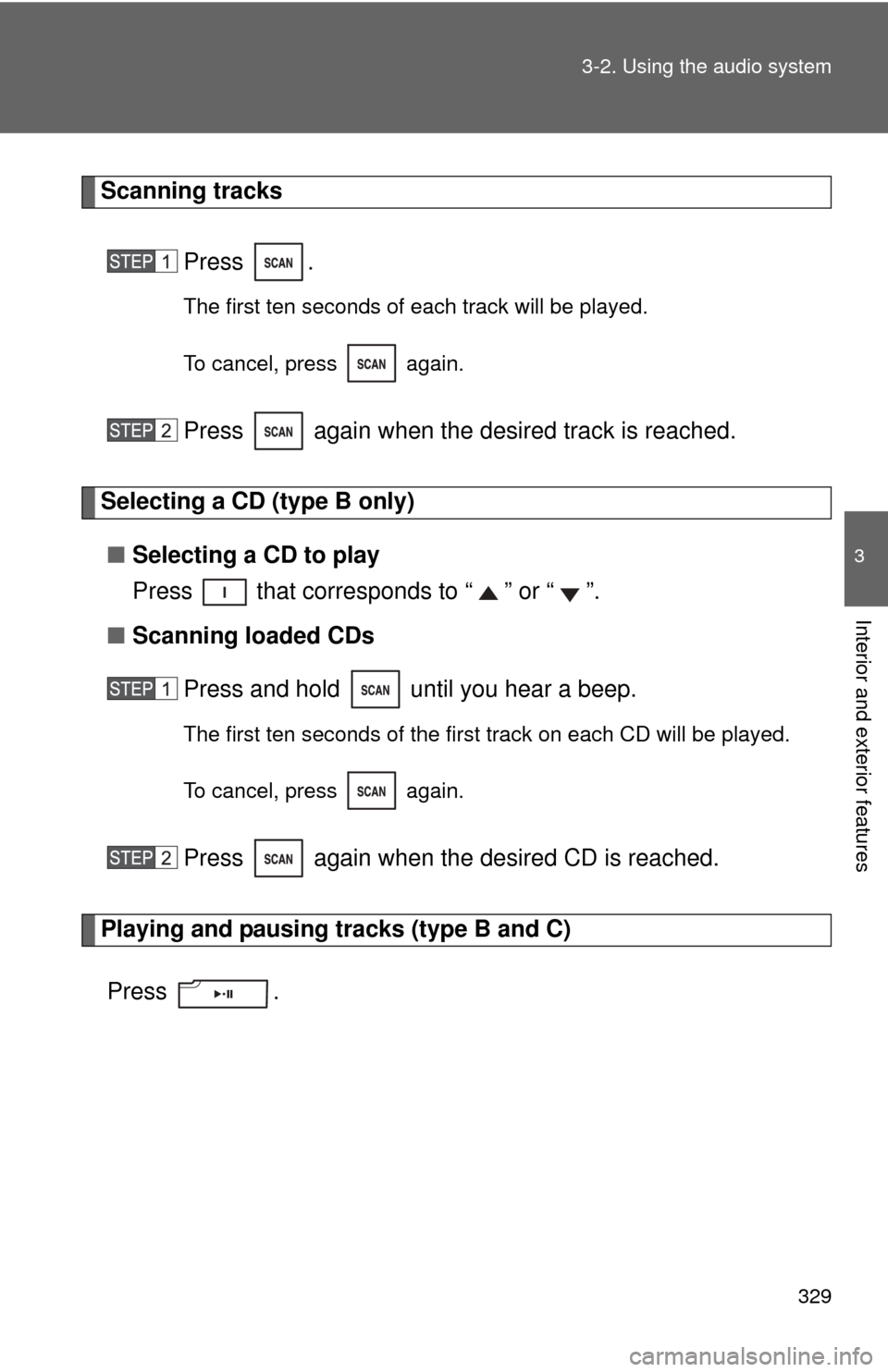
Scanning tracks
Press .
The first ten seconds of each track will be played.
To cancel, press again.
Press again when the desired track is reached.
Selecting a CD (type B only)■ Selecting a CD to play
Press that corresponds to “ ” or “ ”.
■ Scanning loaded CDs
Press and hold until you hear a beep.
The first ten seconds of the first track on each CD will be played.
To cancel, press again.
Press again when the desired CD is reached.
Playing and pausing tracks (type B and C)
Press .