transfer TOYOTA TUNDRA 2011 2.G User Guide
[x] Cancel search | Manufacturer: TOYOTA, Model Year: 2011, Model line: TUNDRA, Model: TOYOTA TUNDRA 2011 2.GPages: 732, PDF Size: 16.65 MB
Page 429 of 732
429
3-5. Using the hands-free phone system (for cellular phone)
3
Interior and exterior features
Making a phone call
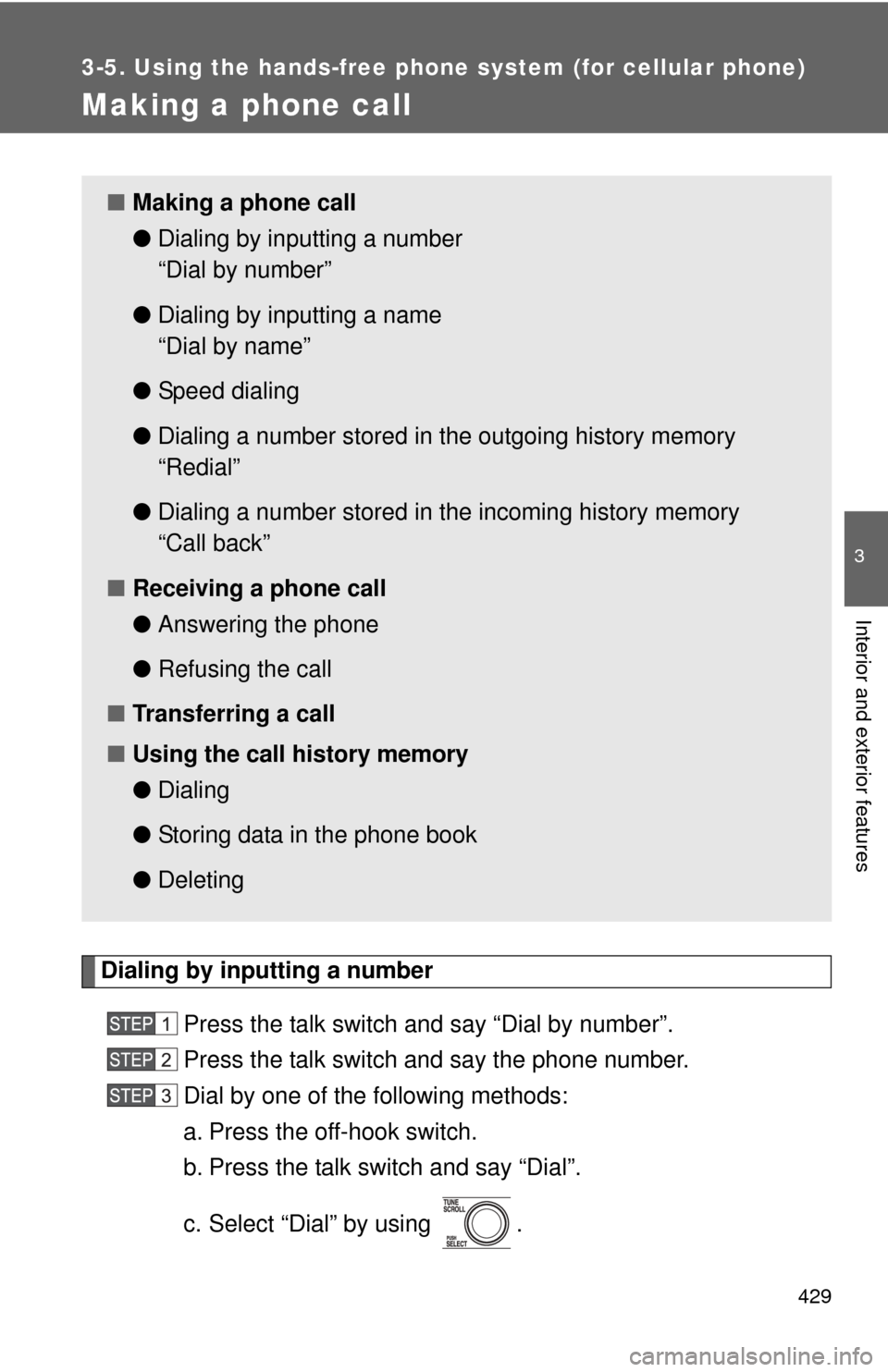
Dialing by inputting a numberPress the talk switch and say “Dial by number”.
Press the talk switch and say the phone number.
Dial by one of the following methods:
a. Press the off-hook switch.
b. Press the talk switch and say “Dial”.
c. Select “Dial” by using .
■Making a phone call
●Dialing by inputting a number
“Dial by number”
● Dialing by inputting a name
“Dial by name”
● Speed dialing
● Dialing a number stored in the outgoing history memory
“Redial”
● Dialing a number stored in the incoming history memory
“Call back”
■ Receiving a phone call
●Answering the phone
● Refusing the call
■ Transferring a call
■ Using the call history memory
●Dialing
● Storing data in the phone book
● Deleting
Page 431 of 732
431
3-5. Using the hand
s-free phone system (for cellular phone)
3
Interior and exterior features
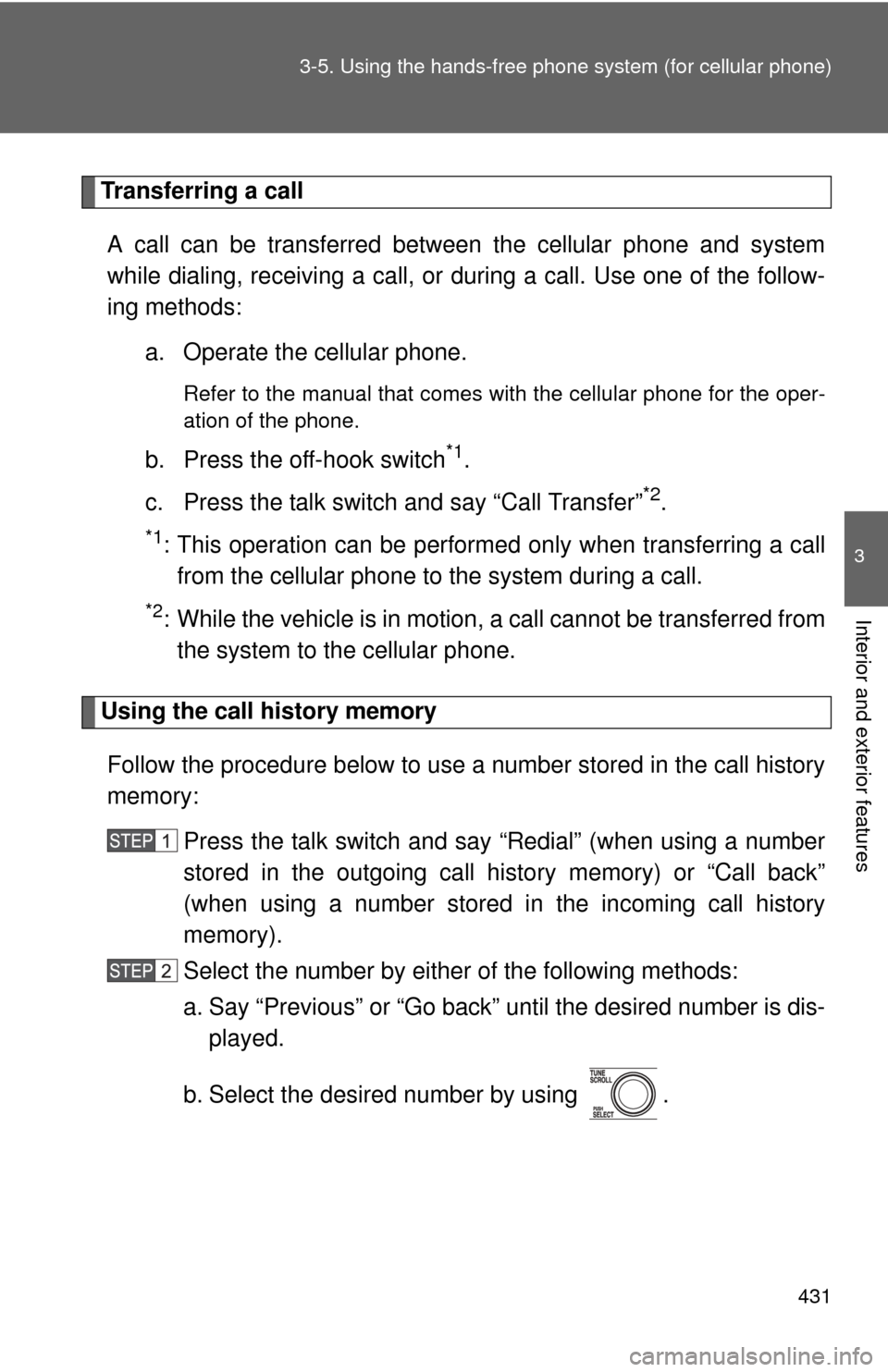
Transferring a call
A call can be transferred between the cellular phone and system
while dialing, receiving a call, or during a call. Use one of the follow-
ing methods:
a. Operate the cellular phone.
Refer to the manual that comes with the cellular phone for the oper-
ation of the phone.
b. Press the off-hook switch*1.
c. Press the talk switch and say “Call Transfer”
*2.
*1: This operation can be performed only when transferring a call from the cellular phone to the system during a call.
*2: While the vehicle is in motion , a call cannot be transferred from
the system to the cellular phone.
Using the call history memory
Follow the procedure below to use a number stored in the call history
memory: Press the talk switch and say “Redial” (when using a number
stored in the outgoing call history memory) or “Call back”
(when using a number stored in the incoming call history
memory).
Select the number by either of the following methods:
a. Say “Previous” or “Go back” until the desired number is dis-
played.
b. Select the desired number by using .
Page 440 of 732
440
3-5. Using the hands-free phone system (for cellular phone)
Using the phone book
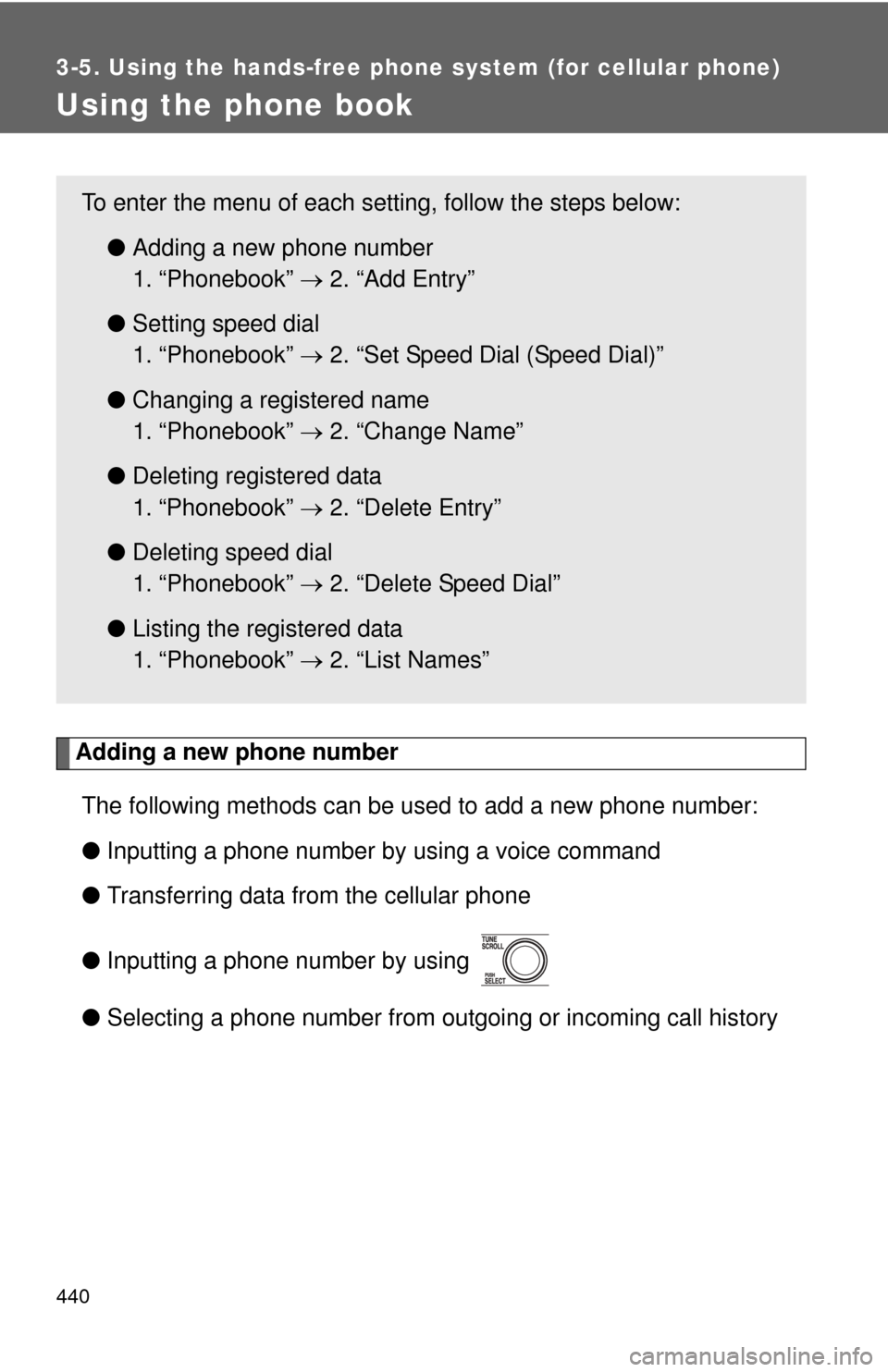
Adding a new phone numberThe following methods can be used to add a new phone number:
● Inputting a phone number by using a voice command
● Transferring data from the cellular phone
● Inputting a phone number by using
● Selecting a phone number from outgoing or incoming call history
To enter the menu of each setting, follow the steps below:
●Adding a new phone number
1. “Phonebook” 2. “Add Entry”
● Setting speed dial
1. “Phonebook” 2. “Set Speed Dial (Speed Dial)”
● Changing a registered name
1. “Phonebook” 2. “Change Name”
● Deleting registered data
1. “Phonebook” 2. “Delete Entry”
● Deleting speed dial
1. “Phonebook” 2. “Delete Speed Dial”
● Listing the registered data
1. “Phonebook” 2. “List Names”
Page 441 of 732
441
3-5. Using the hand
s-free phone system (for cellular phone)
3
Interior and exterior features
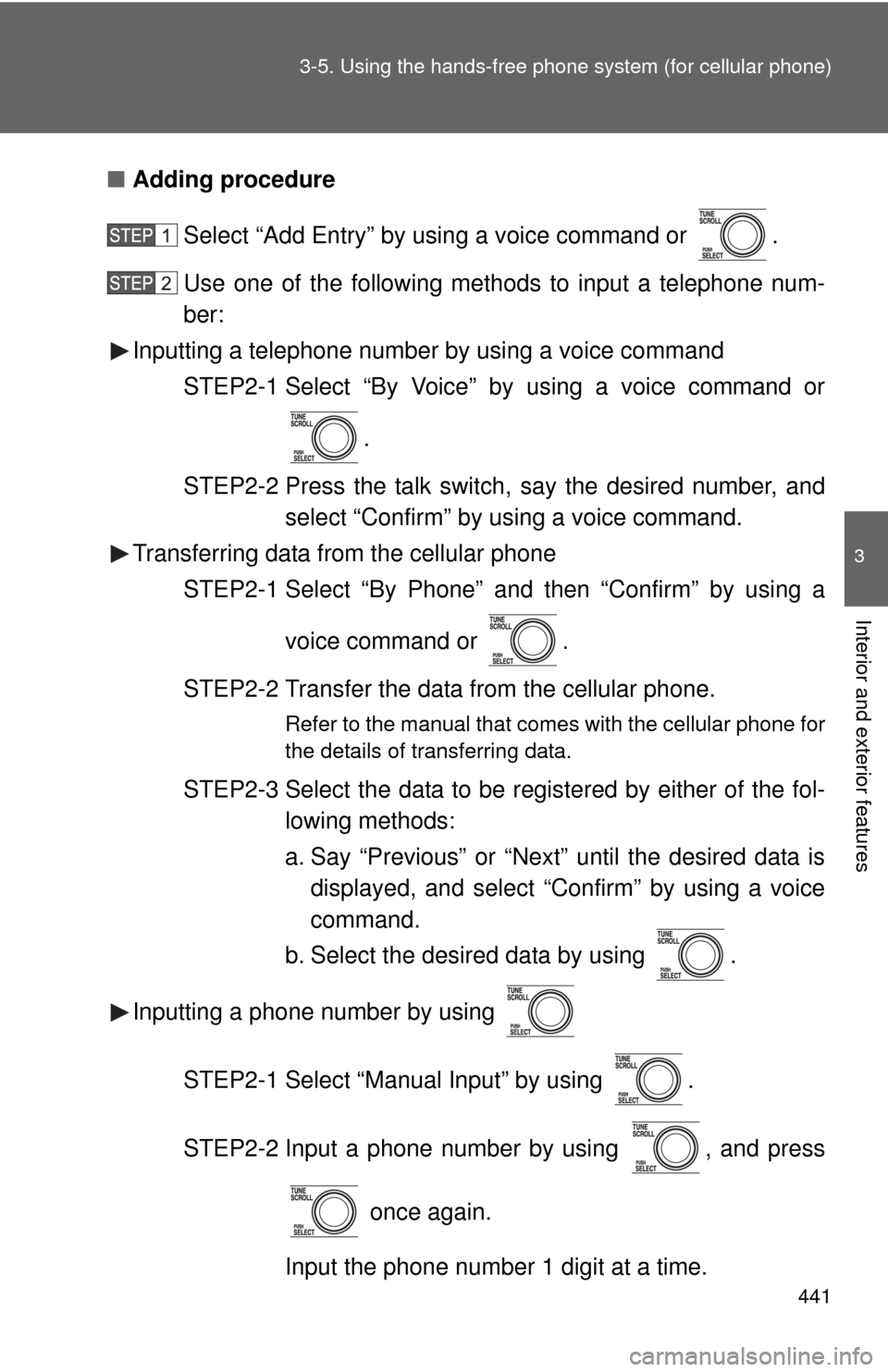
■Adding procedure
Select “Add Entry” by using a voice command or .
Use one of the following methods to input a telephone num-
ber:
Inputting a telephone number by using a voice command
STEP2-1 Select “By Voice” by using a voice command or
.
STEP2-2 Press the talk switch, say the desired number, and select “Confirm” by using a voice command.
Transferring data from the cellular phone
STEP2-1 Select “By Phone” and then “Confirm” by using a
voice command or .
STEP2-2 Transfer the data from the cellular phone.
Refer to the manual that comes with the cellular phone for
the details of transferring data.
STEP2-3 Select the data to be registered by either of the fol- lowing methods:
a. Say “Previous” or “Next” until the desired data isdisplayed, and select “Confirm” by using a voice
command.
b. Select the desired data by using .
Inputting a phone number by using
STEP2-1 Select “Manual Input” by using .
STEP2-2 Input a phone number by using , and press once again.
Input the phone number 1 digit at a time.
Page 603 of 732
5
When trouble arises
603
5-2. Steps to take in an emergency
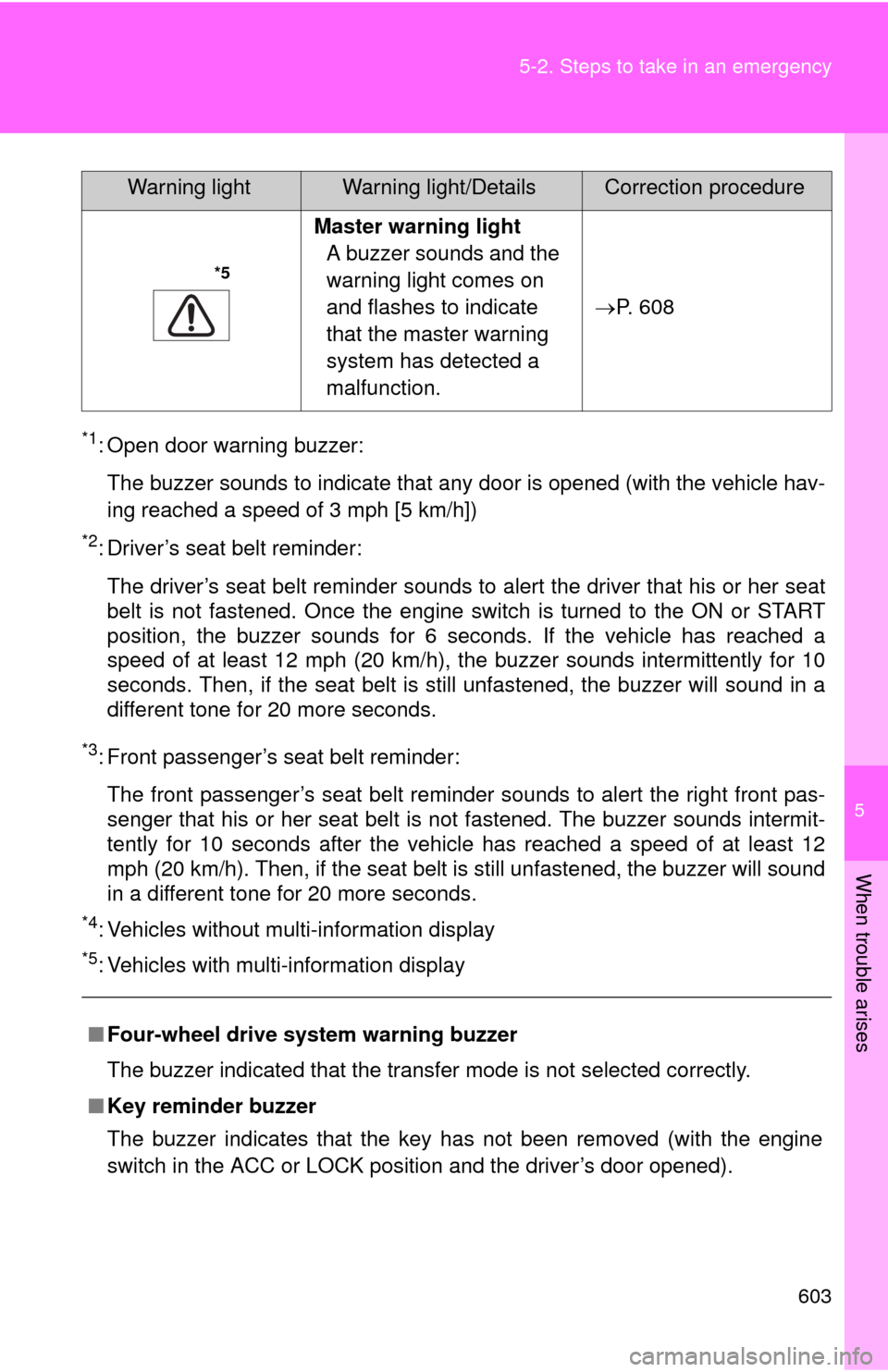
*1: Open door warning buzzer:
The buzzer sounds to indicate that any door is opened (with the vehicle hav-
ing reached a speed of 3 mph [5 km/h])
*2: Driver’s seat belt reminder:The driver’s seat belt reminder sounds to alert the driver that his or her seat
belt is not fastened. Once the engine switch is turned to the ON or START
position, the buzzer sounds for 6 seconds. If the vehicle has reached a
speed of at least 12 mph (20 km/h), the buzzer sounds intermittently for 10
seconds. Then, if the seat belt is still unfastened, the buzzer will sound in a
different tone for 20 more seconds.
*3: Front passenger’s seat belt reminder:
The front passenger’s seat belt reminder sounds to alert the right front pas-
senger that his or her seat belt is not fastened. The buzzer sounds intermit-
tently for 10 seconds after the vehicle has reached a speed of at least 12
mph (20 km/h). Then, if the seat belt is still unfastened, the buzzer will sound
in a different tone for 20 more seconds.
*4: Vehicles without multi-information display
*5: Vehicles with multi-information display
*5
Master warning light A buzzer sounds and the
warning light comes on
and flashes to indicate
that the master warning
system has detected a
malfunction. P. 608
■ Four-wheel drive system warning buzzer
The buzzer indicated that the transfer mode is not selected correctly.
■ Key reminder buzzer
The buzzer indicates that the key has not been removed (with the engine
switch in the ACC or LOCK position and the driver’s door opened).
Warning lightWarning light/DetailsCorrection procedure
Page 663 of 732
663
6-1. Specifications
6
Vehicle specifications
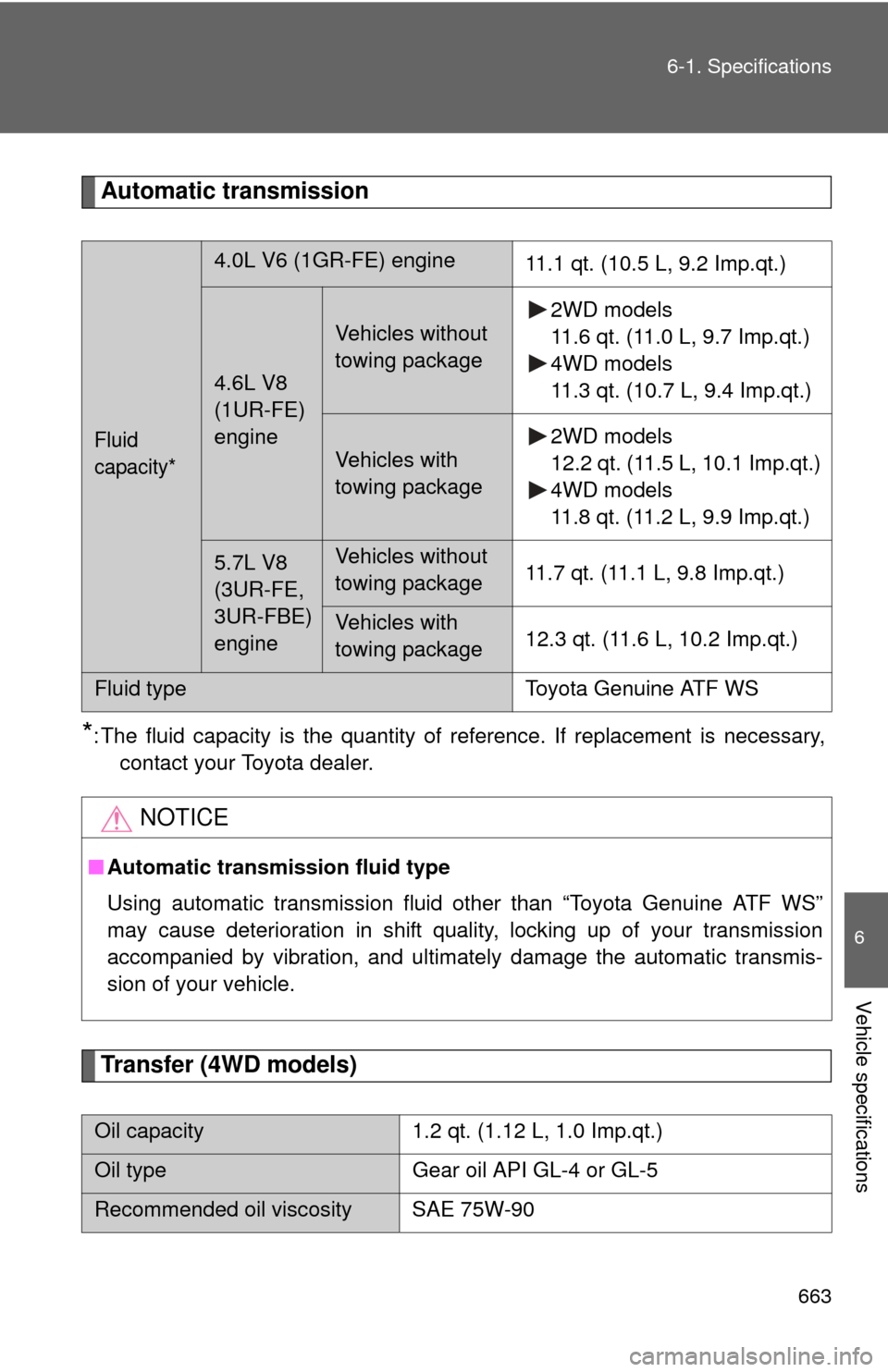
Automatic transmission
*: The fluid capacity is the quantity of reference. If replacement is necessary,
contact your Toyota dealer.
Transfer (4WD models)
Fluid
capacity*
4.0L V6 (1GR-FE) engine 11.1 qt. (10.5 L, 9.2 Imp.qt.)
4.6L V8
(1UR-FE)
engine
Vehicles without
towing package2WD models
11.6 qt. (11.0 L, 9.7 Imp.qt.)
4WD models
11.3 qt. (10.7 L, 9.4 Imp.qt.)
Vehicles with
towing package2WD models
12.2 qt. (11.5 L, 10.1 Imp.qt.)
4WD models
11.8 qt. (11.2 L, 9.9 Imp.qt.)
5.7L V8
(3UR-FE,
3UR-FBE)
engineVehicles without
towing package
11.7 qt. (11.1 L, 9.8 Imp.qt.)
Vehicles with
towing package12.3 qt. (11.6 L, 10.2 Imp.qt.)
Fluid type
Toyota Genuine ATF WS
NOTICE
■Automatic transmission fluid type
Using automatic transmission fluid other than “Toyota Genuine ATF WS”
may cause deterioration in shift quality, locking up of your transmission
accompanied by vibration, and ultimately damage the automatic transmis-
sion of your vehicle.
Oil capacity 1.2 qt. (1.12 L, 1.0 Imp.qt.)
Oil typeGear oil API GL-4 or GL-5
Recommended oil viscosity SAE 75W-90