remote control TOYOTA URBAN CRUISER 2012 User Guide
[x] Cancel search | Manufacturer: TOYOTA, Model Year: 2012, Model line: URBAN CRUISER, Model: TOYOTA URBAN CRUISER 2012Pages: 532, PDF Size: 27.93 MB
Page 57 of 532
57 1-2. Opening, closing and locking the doors
1
Before driving
URBAN CRUISER_EE (OM52C21E)
Operation signals
The emergency flashers flash to indicate that the doors have been locked/
unlocked. (Locked: Once; Unlocked: Twice)
Door lock buzzer (vehicles with smart entry & start system)
If a door is not fully closed, a buzzer sounds continuously for 10 seconds if
an attempt to lock the door is made. Fully close the door to stop the buzzer,
and lock the vehicle once more.
Alarm (if equipped)
Using the wireless remote control to lock the doors will set the alarm system.
Key battery depletion
Vehicles without smart entry & start system
If the wireless remote control function does not operate, the battery may be
depleted. Replace the battery when necessary. (P. 386)
Vehicles with smart entry & start system
P. 4 1
Security feature
If a door is not opened within approximately 30 seconds after the vehicle is
unlocked, the security feature automatically locks the vehicle again.
If the wireless remote control does not operate properly
Locking and unlocking the doors: Use the key. (P. 472)
Starting the engine: P. 473
When the electronic key battery is fully depleted (vehicles with smart
entry & start system)
P. 386
Page 58 of 532
58 1-2. Opening, closing and locking the doors
URBAN CRUISER_EE (OM52C21E)
Conditions affecting operation
Vehicles without smart entry & start system
The wireless remote control function may not operate normally in the follow-
ing situations.
Near a TV tower, radio station, electric power plant, airport or other facil-
ity that generates strong radio waves
When carrying a portable radio, cellular phone or other wireless commu-
nication device
When the wireless key has come into contact with, or is covered by a
metallic object
When a wireless key (that emits radio waves) is being used nearby
When the wireless key has been left near an electrical appliance such as
a personal computer
When the wireless key battery is depleted
If window tint with a metallic content or metallic objects are attached to
the rear window
Vehicles with smart entry & start system
P. 3 9
Customization
Settings (e.g. door lock buzzer) can be changed.
(Customizable features P. 514)
Page 59 of 532
59 1-2. Opening, closing and locking the doors
1
Before driving
URBAN CRUISER_EE (OM52C21E)
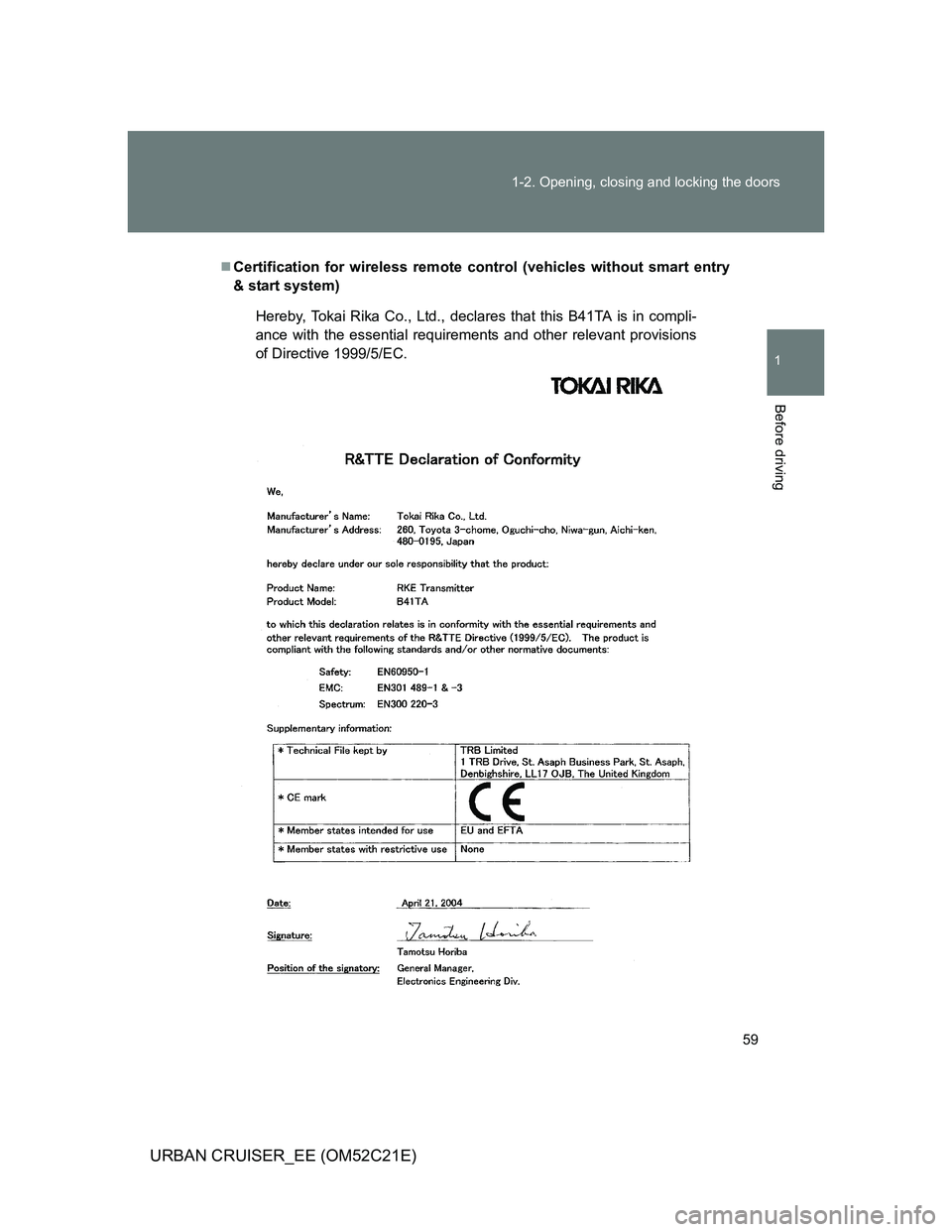
Certification for wireless remote control (vehicles without smart entry
& start system)
Hereby, Tokai Rika Co., Ltd., declares that this B41TA is in compli-
ance with the essential requirements and other relevant provisions
of Directive 1999/5/EC.
Page 65 of 532
65
1
1-2. Opening, closing and locking the doors
Before driving
URBAN CRUISER_EE (OM52C21E)
Side doors
The vehicle can be locked and unlocked using the smart entry &
start system, wireless remote control or door lock switch.
Smart entry & start system (if equipped)
P. 3 6
Wireless remote control
P. 5 6
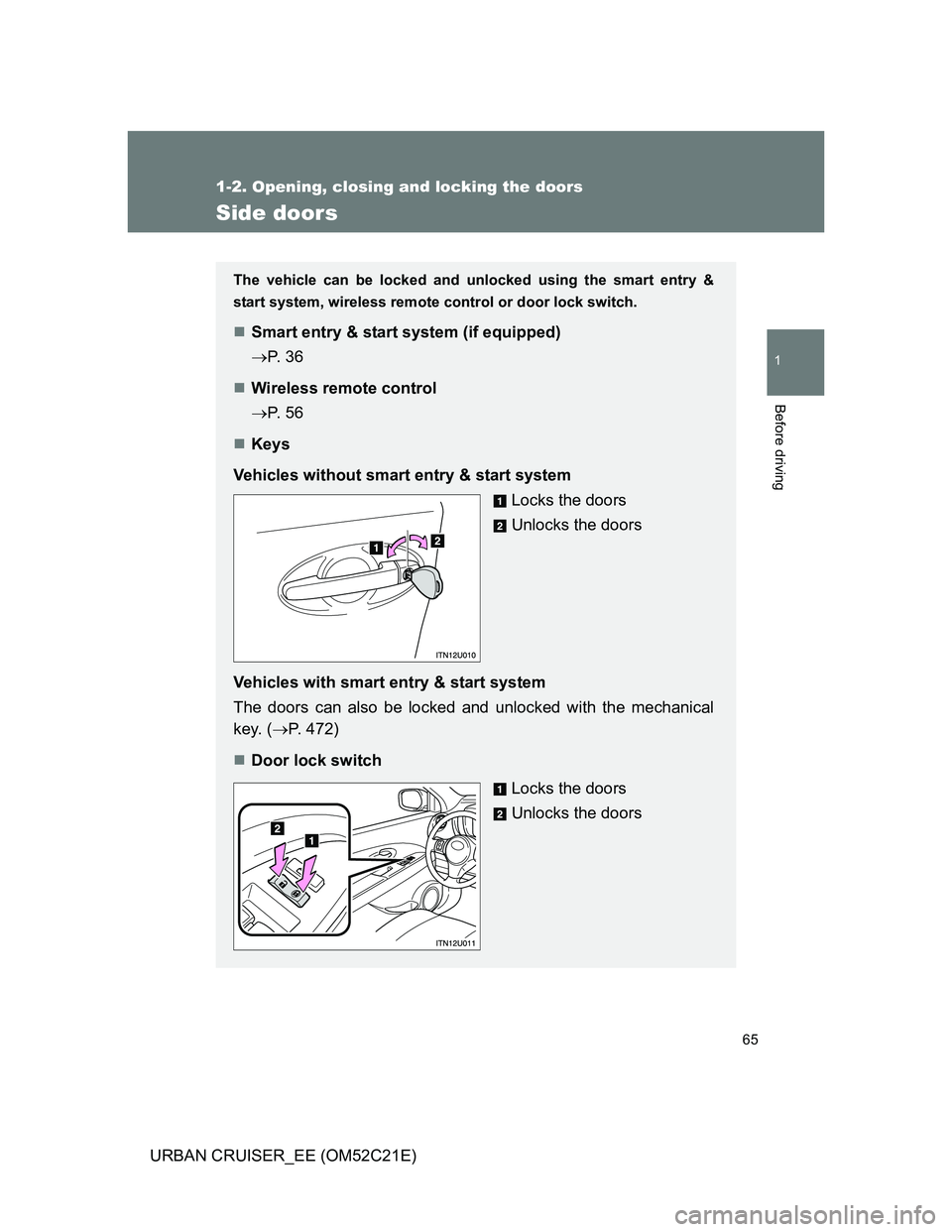
Keys
Vehicles without smart entry & start system
Locks the doors
Unlocks the doors
Vehicles with smart entry & start system
The doors can also be locked and unlocked with the mechanical
key. (P. 472)
Door lock switch
Locks the doors
Unlocks the doors
Page 69 of 532
69
1
1-2. Opening, closing and locking the doors
Before driving
URBAN CRUISER_EE (OM52C21E)
Back door
The back door can be locked/unlocked and opened by the following
procedures.
Locking and unlocking the back door
Smart entry & start system (if equipped)
P. 3 6
Wireless remote control
P. 5 6
Door lock switch
P. 6 5
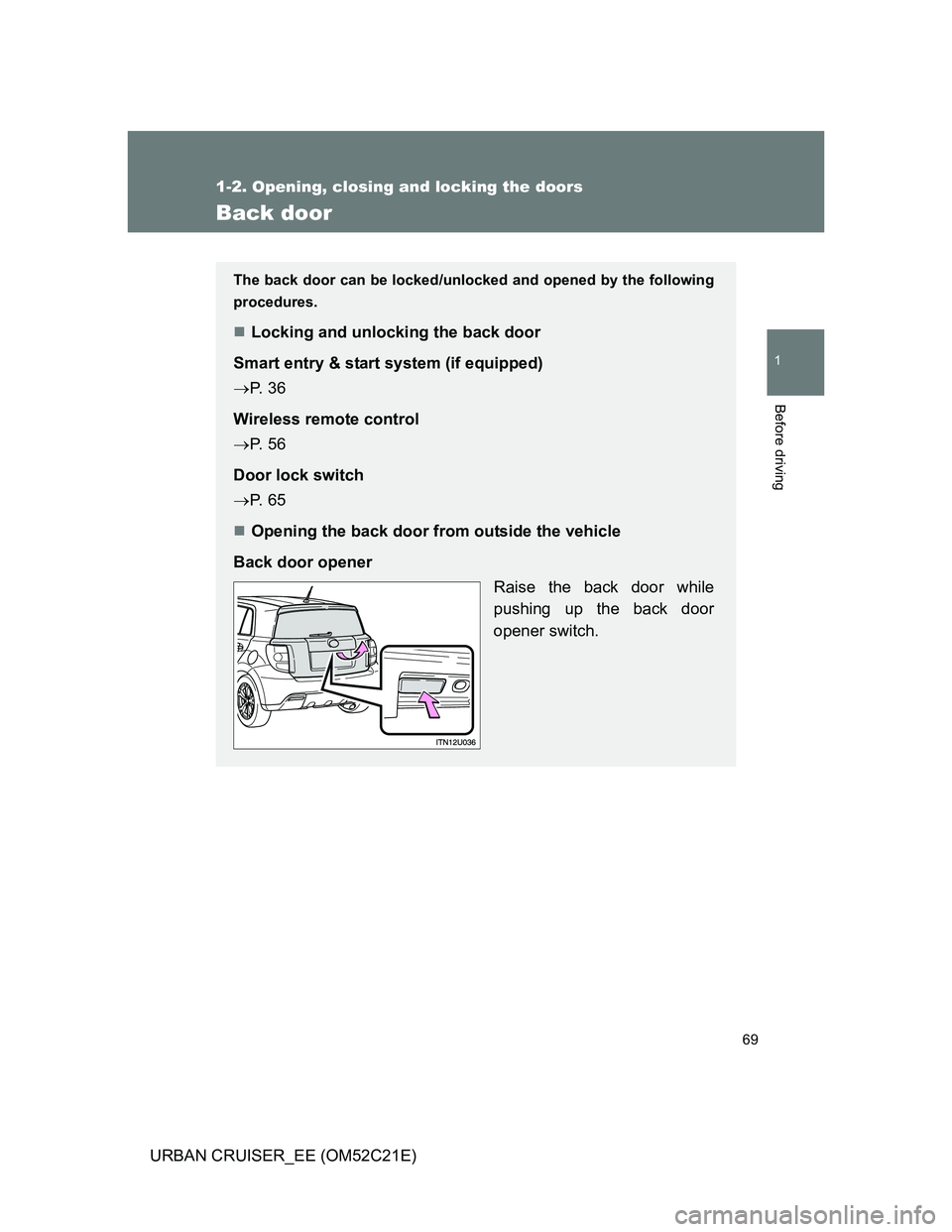
Opening the back door from outside the vehicle
Back door opener
Raise the back door while
pushing up the back door
opener switch.
Page 116 of 532
116
1-6. Theft deterrent system
URBAN CRUISER_EE (OM52C21E)
Double locking system
Setting the system
Vehicles without smart entry & start system
Turn the engine switch to the “LOCK” position, have all passengers
exit the vehicle and ensure that all the doors are closed.
Press the button twice within 5 seconds.
Vehicles with smart entry & start system
Turn the “ENGINE START STOP” switch OFF, have all the passen-
gers exit the vehicle and ensure that all the doors are closed.
Using the smart entry & start system:
Press the lock button on the outside door handle twice within 5 sec-
onds.
Using the wireless remote control:
Press the
button twice within 5 seconds.
: If equipped
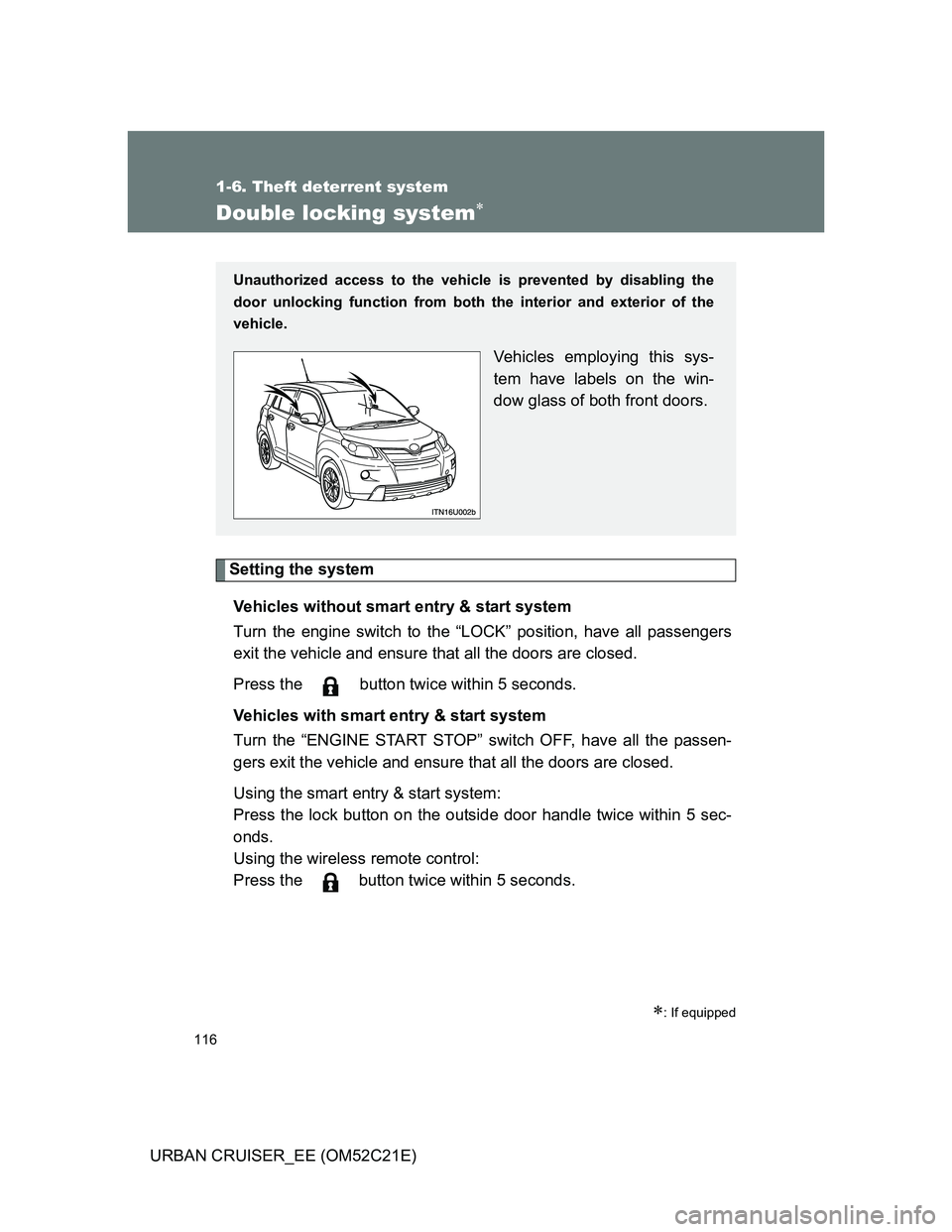
Unauthorized access to the vehicle is prevented by disabling the
door unlocking function from both the interior and exterior of the
vehicle.
Vehicles employing this sys-
tem have labels on the win-
dow glass of both front doors.
Page 117 of 532
117 1-6. Theft deterrent system
1
Before driving
URBAN CRUISER_EE (OM52C21E)
Canceling the system
Using the smart entry & start system (if equipped):
Hold the outside door handle on the driver side.
Using the wireless remote control:
Press the
button.
CAUTION
Double locking system precaution
Never activate the double locking system when there are people in the vehi-
cle, because all the doors cannot be opened from inside the vehicle.
Page 118 of 532
118
1-6. Theft deterrent system
URBAN CRUISER_EE (OM52C21E)
Alarm
: If equipped
The system sounds the alarm and flashes lights when forcible entry
is detected.
Triggering of the alarm
The alarm is triggered in the following situations when the alarm
is set.
A locked door is unlocked or opened in any way other than by
using the smart entry & start system or the wireless remote
control. (The doors will lock again automatically.)
The hood is opened.
The battery is reconnected.
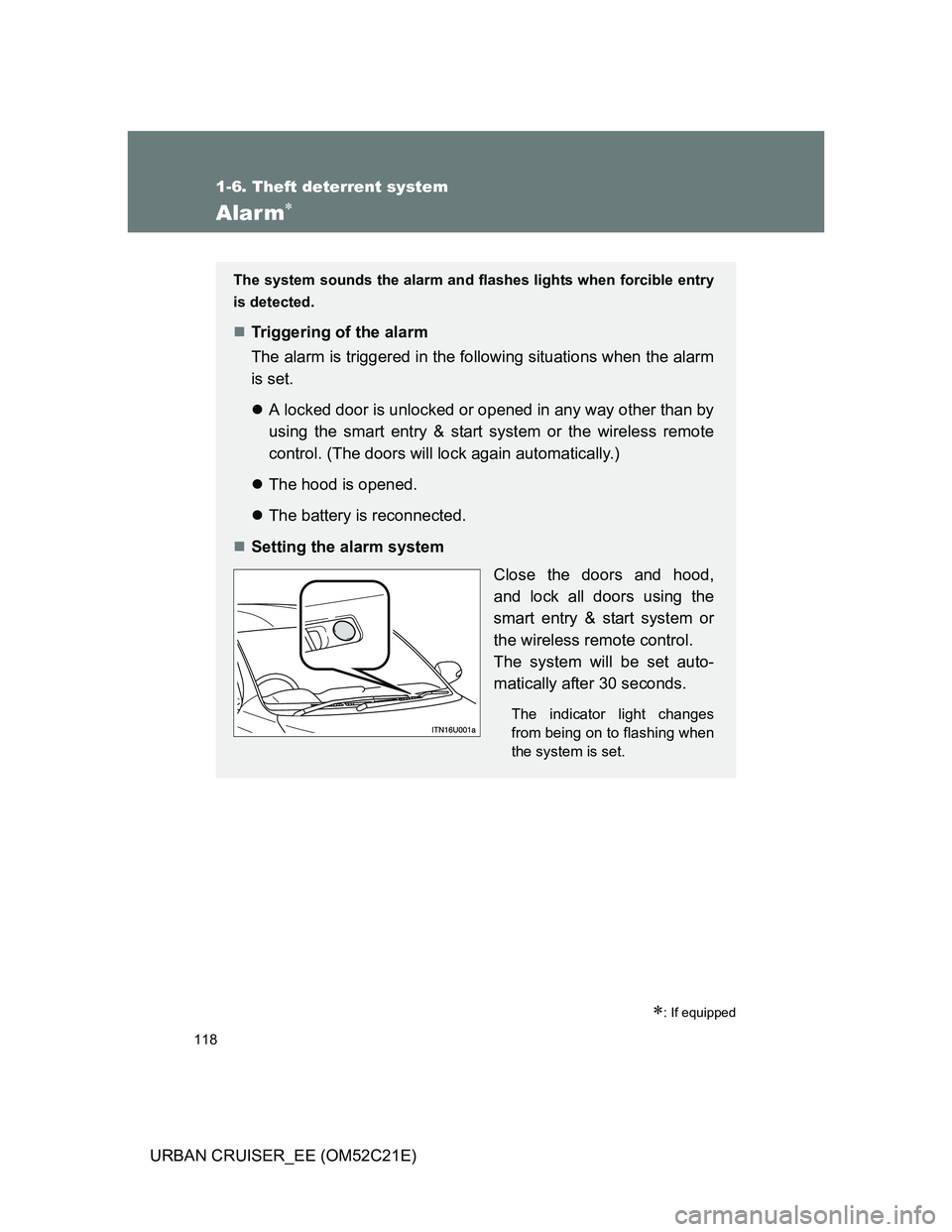
Setting the alarm system
Close the doors and hood,
and lock all doors using the
smart entry & start system or
the wireless remote control.
The system will be set auto-
matically after 30 seconds.
The indicator light changes
from being on to flashing when
the system is set.
Page 119 of 532
119 1-6. Theft deterrent system
1
Before driving
URBAN CRUISER_EE (OM52C21E)
System maintenance
The vehicle has a maintenance-free type alarm system.
Items to check before locking the vehicle
To prevent unexpected triggering of the alarm and vehicle theft, make sure
of the following.
Nobody is in the vehicle.
The windows are closed before the alarm is set.
No valuables or other personal items are left in the vehicle.
Deactivating or stopping the alarm
Do one of the following to deactivate or stop the alarm.
Unlock the doors using the smart entry & start system or the
wireless remote control.
Start the engine. (The alarm will be deactivated or stopped
after a few seconds.)
Page 388 of 532
388 4-3. Do-it-yourself maintenance
URBAN CRUISER_EE (OM52C21E)
Use the following types of lithium battery
Vehicles without smart entry & start system: CR2016
Vehicles with smart entry & start system: CR1632
Batteries can be purchased at any authorized Toyota dealer or repairer,
or another duly qualified and equipped professional, jewelers, or camera
stores.
Replace only with the same or equivalent type recommended by any
authorized Toyota dealer or repairer, or another duly qualified and
equipped professional.
Dispose of used batteries according to the local laws.
If the key battery is discharged
The following symptoms may occur.
The smart entry & start system and wireless remote control will not func-
tion properly.
The operational range is reduced.
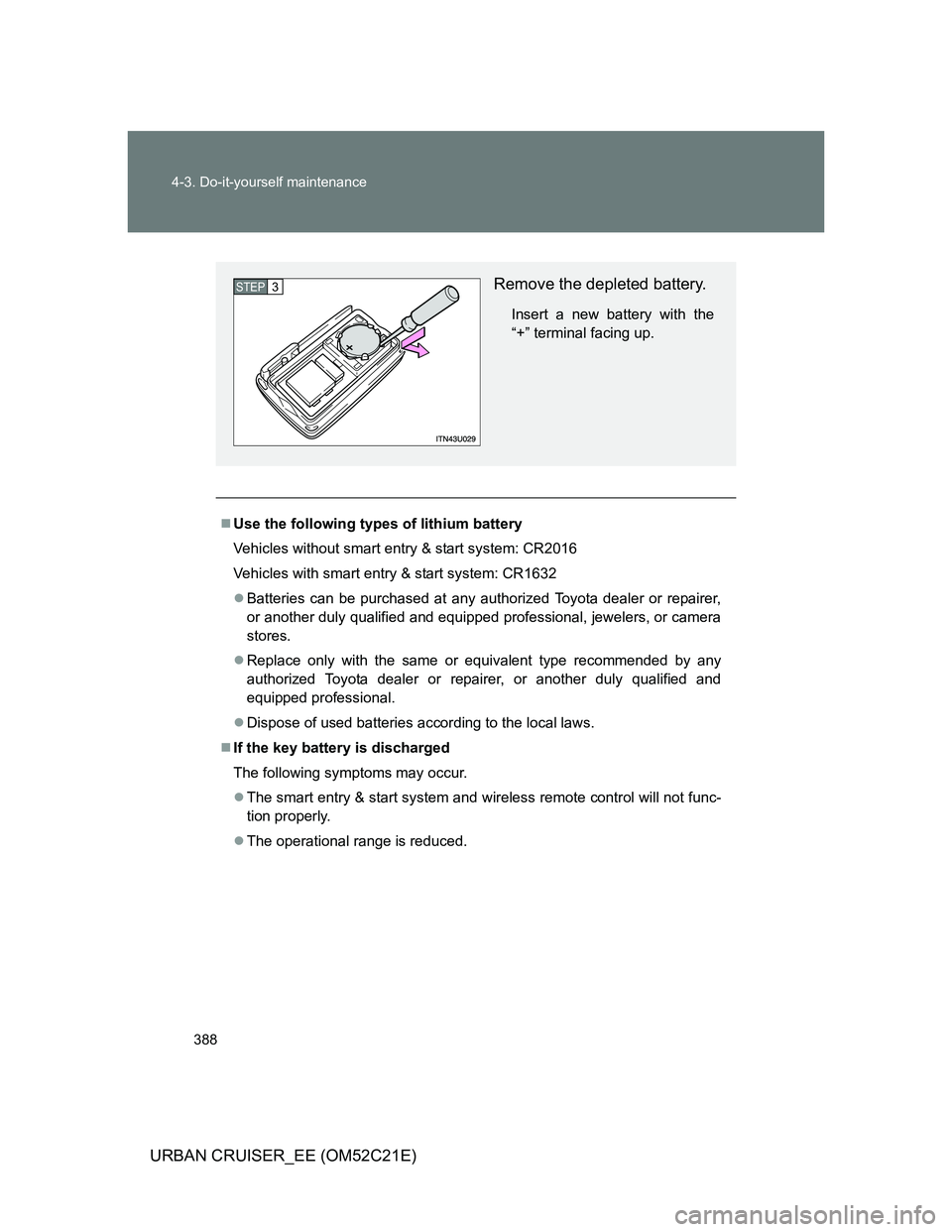
Remove the depleted battery.
Insert a new battery with the
“+” terminal facing up.
STEP3