language TOYOTA VENZA 2011 Owners Manual (in English)
[x] Cancel search | Manufacturer: TOYOTA, Model Year: 2011, Model line: VENZA, Model: TOYOTA VENZA 2011Pages: 680, PDF Size: 13.69 MB
Page 185 of 680
185
2-2. Instrument cluster
2
When driving
VENZA_U (OM73008U)
■
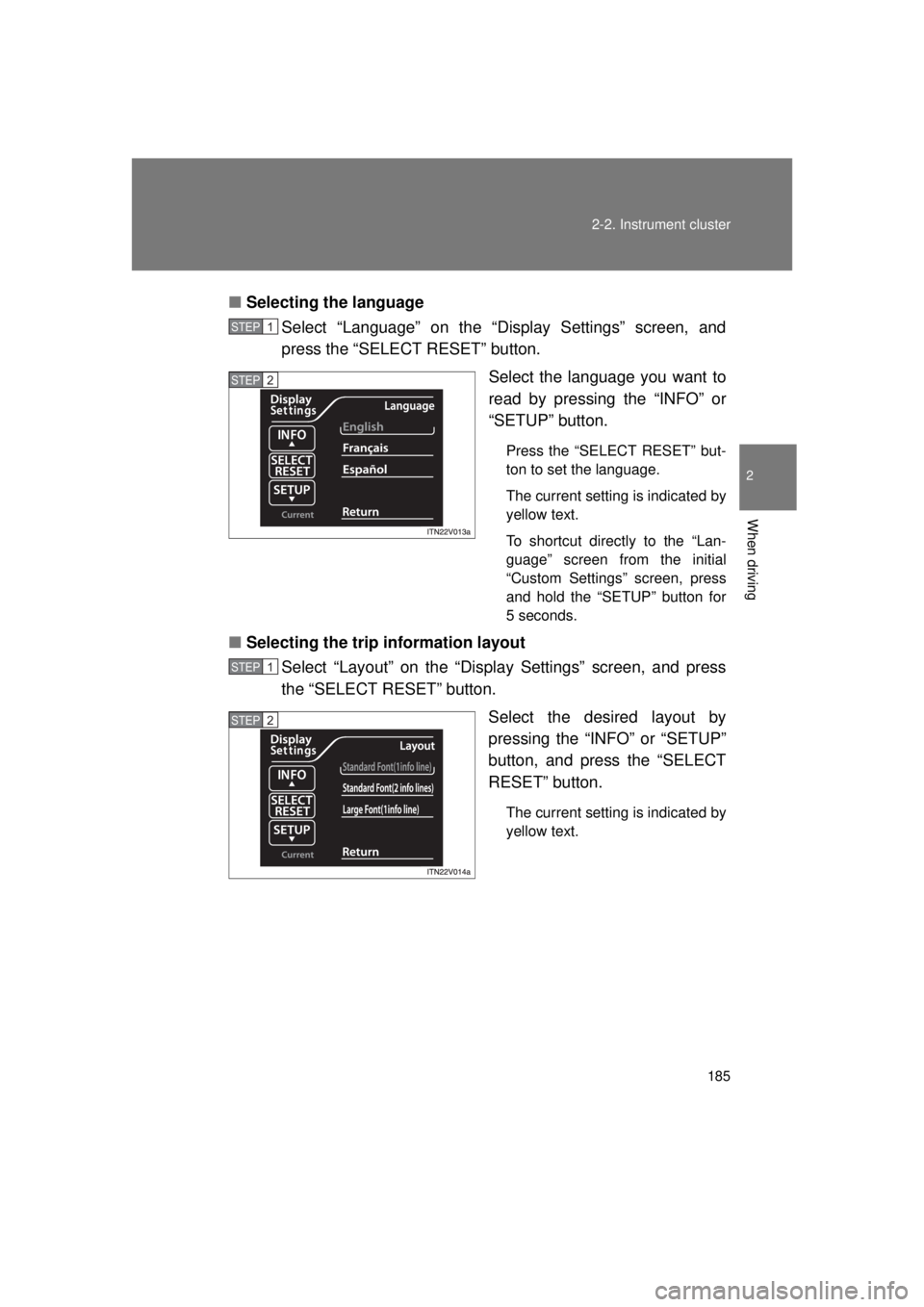
Selecting the language
Select “Language” on the “Display Settings” screen, and
press the “SELECT RESET” button.
Select the language you want to
read by pressing the “INFO” or
“SETUP” button.
Press the “SELECT RESET” but-
ton to set the language.
The current setting is indicated by
yellow text.
To shortcut directly to the “Lan-
guage” screen from the initial
“Custom Settings” screen, press
and hold the “SETUP” button for
5 seconds.
■Selecting the trip information layout
Select “Layout” on the “Displ ay Settings” screen, and press
the “SELECT RESET” button.
Select the desired layout by
pressing the “INFO” or “SETUP”
button, and press the “SELECT
RESET” button.
The current setting is indicated by
yellow text.
STEP1
STEP2
STEP1
STEP2
Page 282 of 680
282 3-2. Using the audio system
VENZA_U (OM73008U)
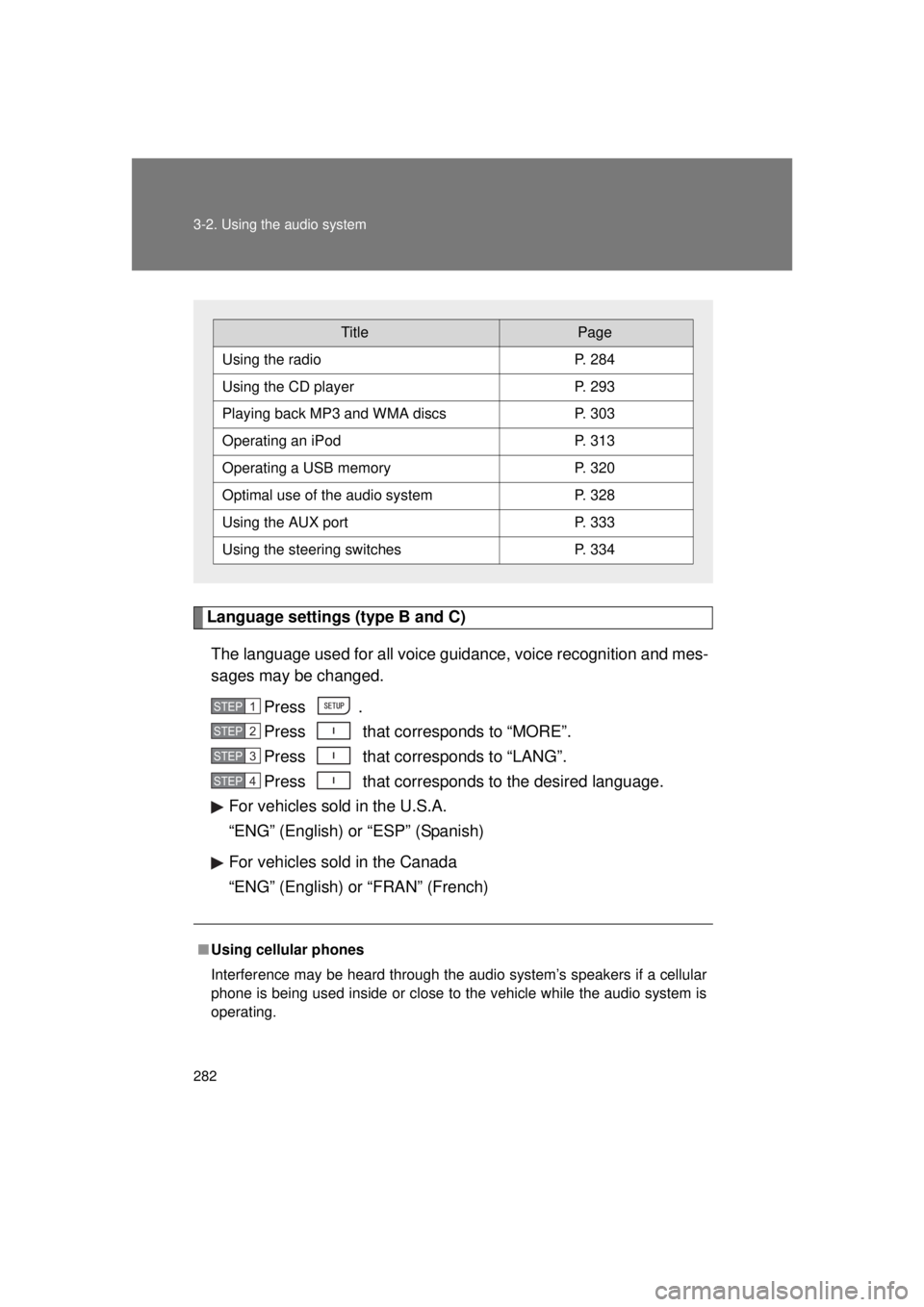
Language settings (type B and C)The language used for all voice guidance, voice recognition and mes-
sages may be changed. Press .
Press that corresponds to “MORE”.
Press that corresponds to “LANG”.
Press that corresponds to the desired language.
For vehicles sold in the U.S.A.
“ENG” (English) or “ESP” (Spanish)
For vehicles sold in the Canada
“ENG” (English) or “FRAN” (French)
■ Using cellular phones
Interference may be heard through the audio system’s speakers if a cellular
phone is being used inside or close to the vehicle while the audio syste\
m is
operating.
TitlePage
Using the radioP. 284
Using the CD playerP. 293
Playing back MP3 and WMA discs P. 303
Operating an iPodP. 313
Operating a USB memoryP. 320
Optimal use of the audio systemP. 328
Using the AUX portP. 333
Using the steering switchesP. 334
STEP1
STEP2
STEP3
STEP4
Page 332 of 680
332 3-2. Using the audio system
VENZA_U (OM73008U)■
Setting the number of preset pages (type B and C)
The number of preset pages desired c an be set from 1 to 6. The initial
setting is 6 pages.
Press .
Press that corresponds to “MORE”.
Press that corresponds to “PRESET”.
Press that corresponds to the desired number of pre-
set pages.
This menu may also be reached directly by pressing and holding .
■ Language settings (type B and C)
P. 2 8 2
STEP1
STEP2
STEP3
STEP4
Page 368 of 680
368 3-4. Using the rear seat entertainment system
VENZA_U (OM73008U)
Returning to the previous screenSelect to return to the previous screen. For the operation of the
menu screen, see the separate manual for the DVD disc.
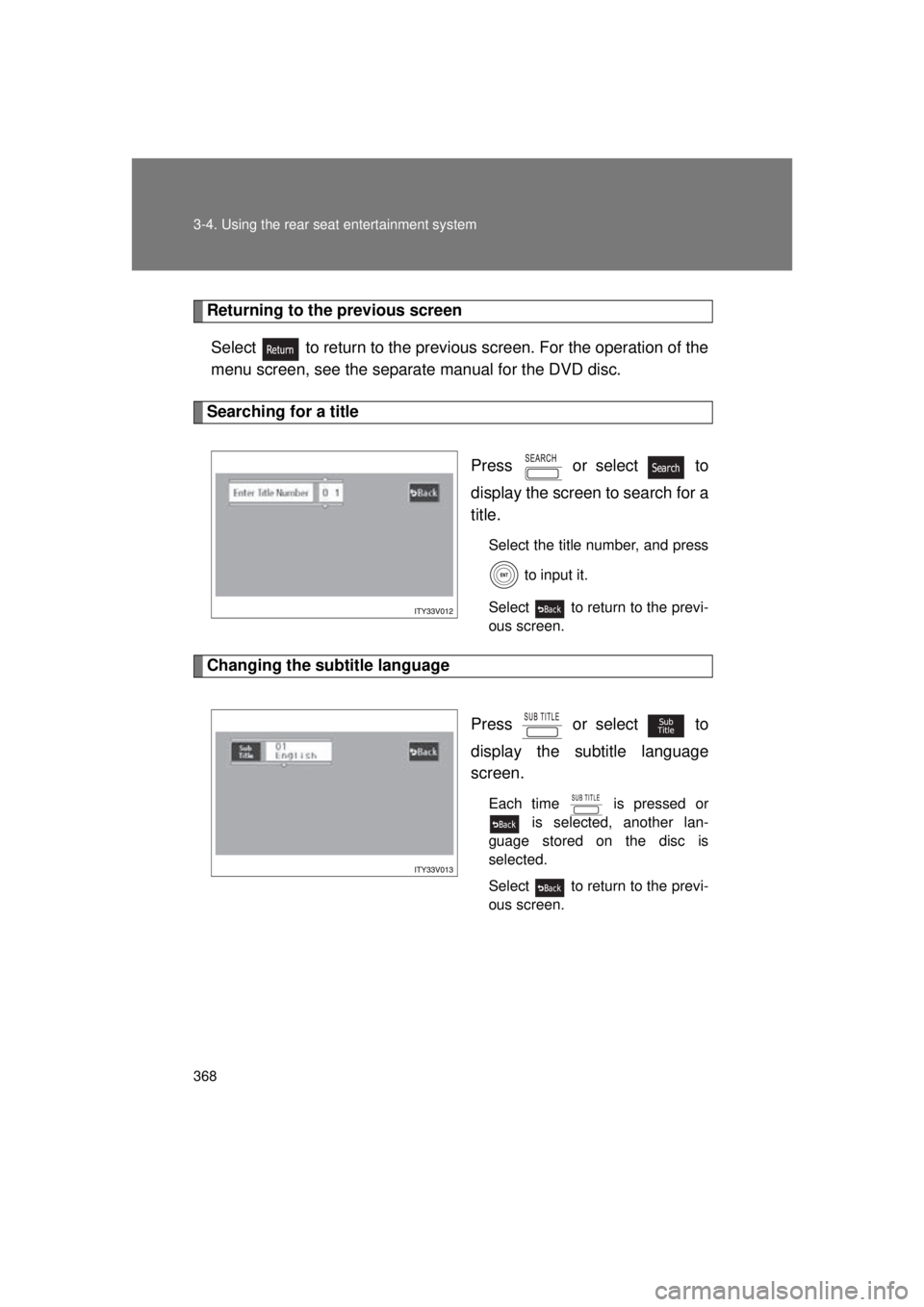
Searching for a title
Press or select to
display the screen to search for a
title.
Select the title number, and press to input it.
Select to return to the previ-
ous screen.
Changing the subtitle language
Press or select to
display the subtitle language
screen.
Each time is pressed or is selected, another lan-
guage stored on the disc is
selected.
Select to return to the previ-
ous screen.
Page 369 of 680
369
3-4. Using the rear seat entertainment system
3
Interior features
VENZA_U (OM73008U)
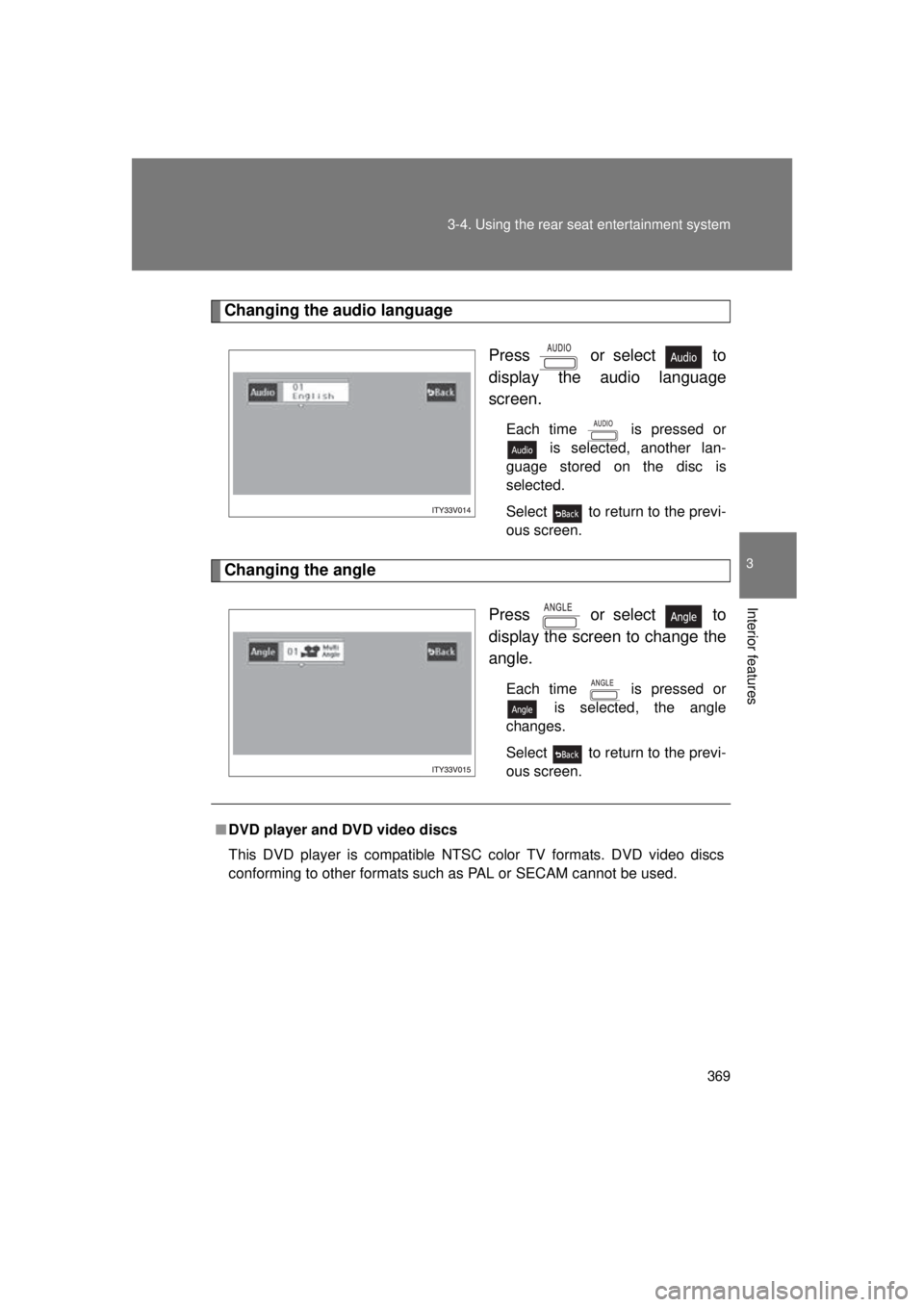
Changing the audio language
Press or select to
display the audio language
screen.
Each time is pressed or is selected, another lan-
guage stored on the disc is
selected.
Select to return to the previ-
ous screen.
Changing the angle
Press or select to
display the screen to change the
angle.
Each time is pressed or is selected, the angle
changes.
Select to return to the previ-
ous screen.
■ DVD player and DVD video discs
This DVD player is compatible NTSC color TV formats. DVD video discs
conforming to other formats such as PAL or SECAM cannot be used.
Page 370 of 680
370 3-4. Using the rear seat entertainment system
VENZA_U (OM73008U)
■Region codes
Some DVD video discs have a region code indicating where you can use
them. If the DVD video disc is not labeled “ALL” or “1”, you cannot use it in
this DVD player. If you attempt to play an inappropriate DVD video disc in
this player, “REGION CODE ERROR” appears on the screen. Even if the
DVD video disc does not have a region code, in some cases you cannot use
it.
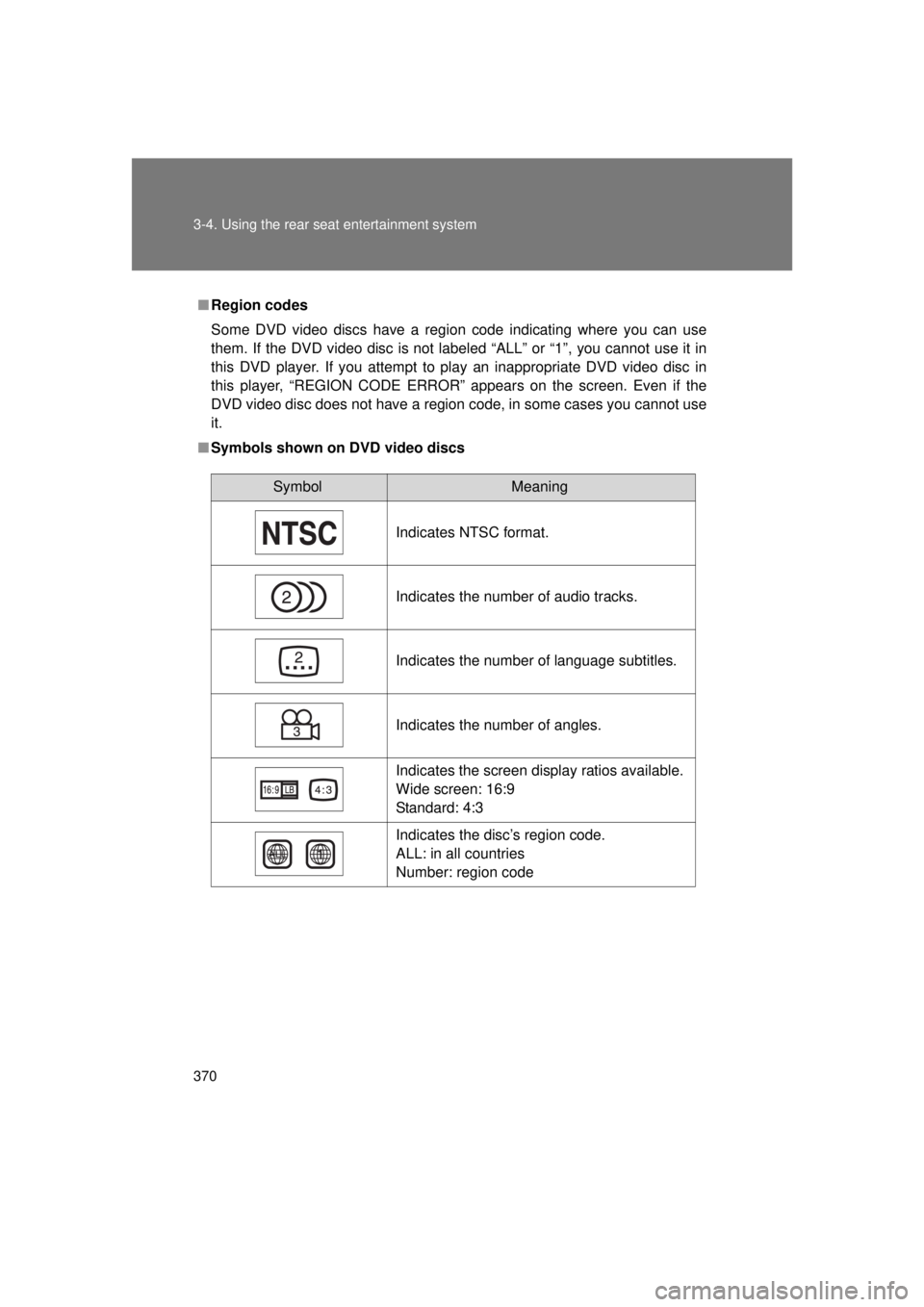
■ Symbols shown on DVD video discs
SymbolMeaning
Indicates NTSC format.
Indicates the number of audio tracks.
Indicates the number of language subtitles.
Indicates the number of angles.
Indicates the screen display ratios available.
Wide screen: 16:9
Standard: 4:3
Indicates the disc’s region code.
ALL: in all countries
Number: region code
Page 372 of 680
372 3-4. Using the rear seat entertainment system
VENZA_U (OM73008U)
●Viewer restrictions
This feature limits what can be viewed in conformity with the level of
restrictions of the country. The level of restrictions varies depending on
the DVD video disc. Some DVD video discs cannot be played at all, or
violent scenes are skipped or replaced with other scenes.
Level 1: DVD video discs for children can be played.
Level 2-7: DVD video discs for children and G-rated movies can be
played.
Level 8: All types of DVD video discs can be played.
● Multi-angle option
You can enjoy the same scene from different angles.
● Multi-language option
You can select the subtitle and audio languages.
● Region codes
The region codes are found on DVD players and DVD discs. If a DVD
video disc does not have the same region code as the DVD player, you
cannot play the disc on that DVD player. ( P. 370)
● Audio
This DVD player can play linear PCM, Dolby Digital and MPEG audio for-
mat DVD. Other decoded types cannot be played.
● Title and chapter
Video and audio programs stored in DVD video discs are divided into
parts by title and chapter.
Title: The largest unit of the video and audio programs stored on DVD
video discs. Usually, one movie, one album, or one audio program is
assigned as a title.
Chapter: A title is comprised of one or more chapters.
Page 382 of 680
382
3-4. Using the rear seat entertainment system
VENZA_U (OM73008U)
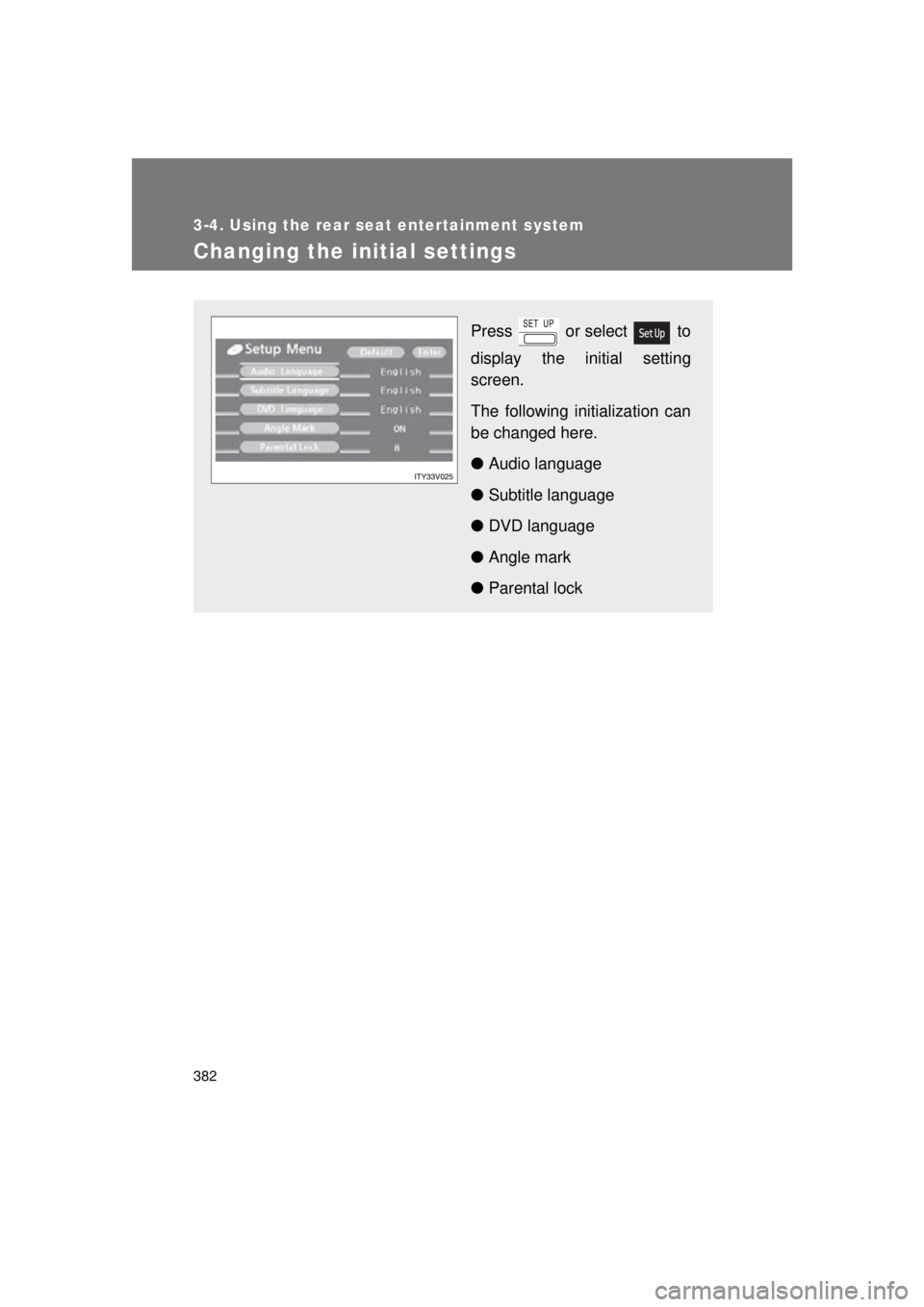
Changing the initial settings
Press or select to
display the initial setting
screen.
The following initialization can
be changed here.
● Audio language
● Subtitle language
● DVD language
● Angle mark
● Parental lock
Page 383 of 680
383
3-4. Using the rear seat entertainment system
3
Interior features
VENZA_U (OM73008U)
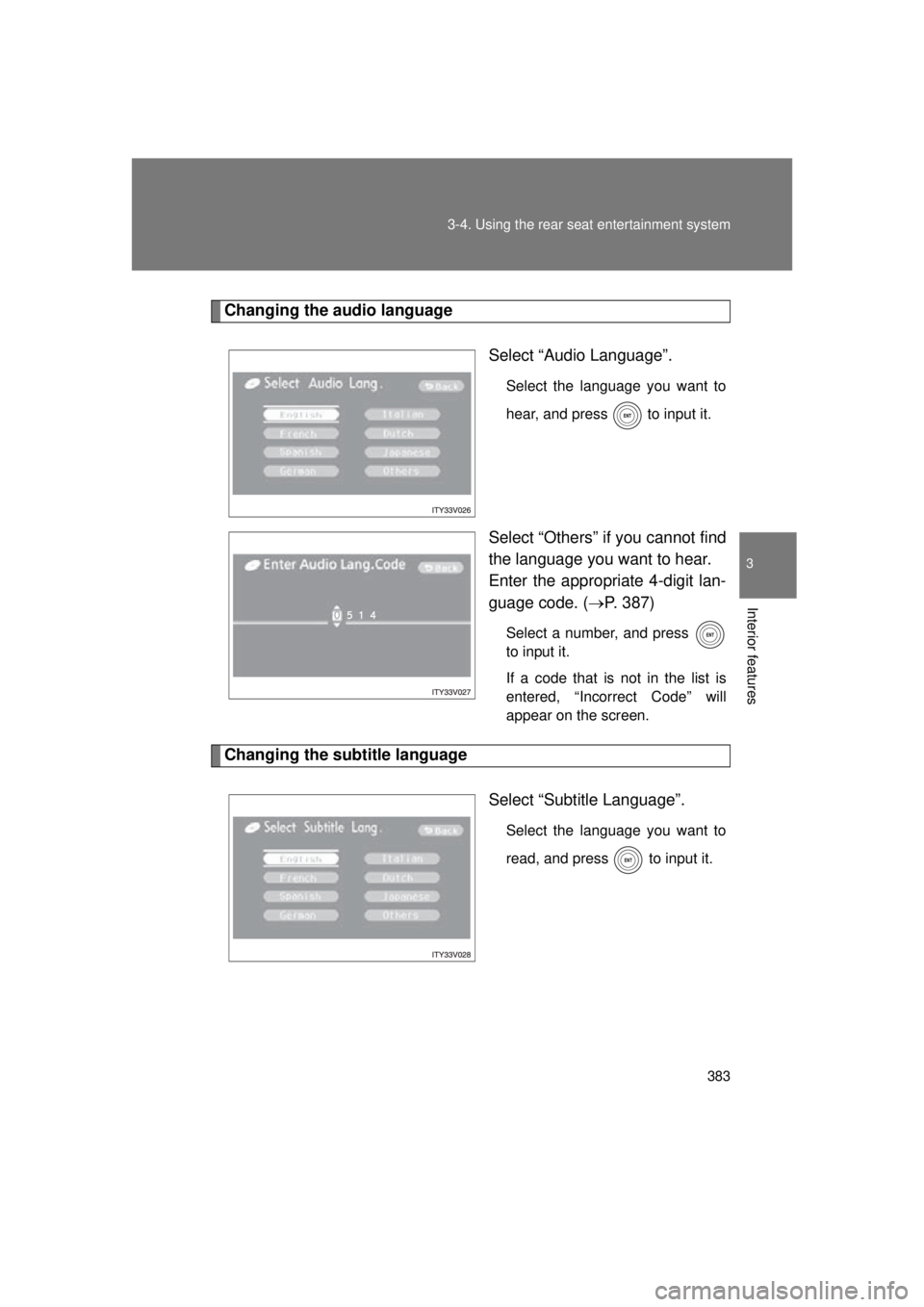
Changing the audio language
Select “Audio Language”.
Select the language you want to
hear, and press to input it.
Select “Others” if you cannot find
the language you want to hear.
Enter the appropriate 4-digit lan-
guage code. (P. 387)
Select a number, and press
to input it.
If a code that is not in the list is
entered, “Incorrect Code” will
appear on the screen.
Changing the subtitle language
Select “Subtitle Language”.
Select the language you want to
read, and press
to input it.
Page 384 of 680
384 3-4. Using the rear seat entertainment system
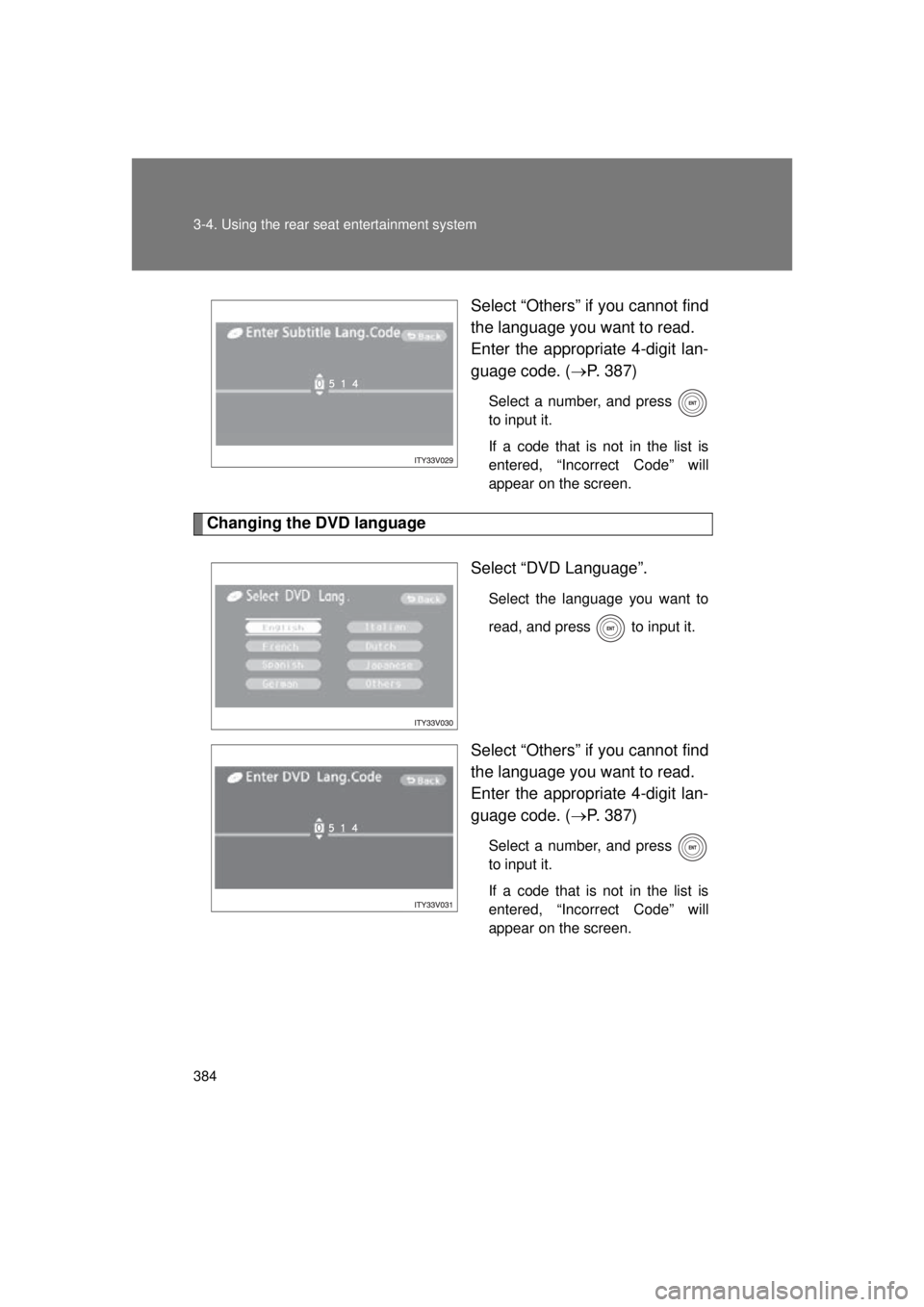
VENZA_U (OM73008U)Select “Others” if you cannot find
the language you want to read.
Enter the appropriate 4-digit lan-
guage code. (
P. 387)
Select a number, and press
to input it.
If a code that is not in the list is
entered, “Incorrect Code” will
appear on the screen.
Changing the DVD language
Select “DVD Language”.
Select the language you want to
read, and press
to input it.
Select “Others” if you cannot find
the language you want to read.
Enter the appropriate 4-digit lan-
guage code. (P. 387)
Select a number, and press
to input it.
If a code that is not in the list is
entered, “Incorrect Code” will
appear on the screen.