tow TOYOTA VENZA 2014 Owners Manual (in English)
[x] Cancel search | Manufacturer: TOYOTA, Model Year: 2014, Model line: VENZA, Model: TOYOTA VENZA 2014Pages: 564, PDF Size: 10.51 MB
Page 1 of 564
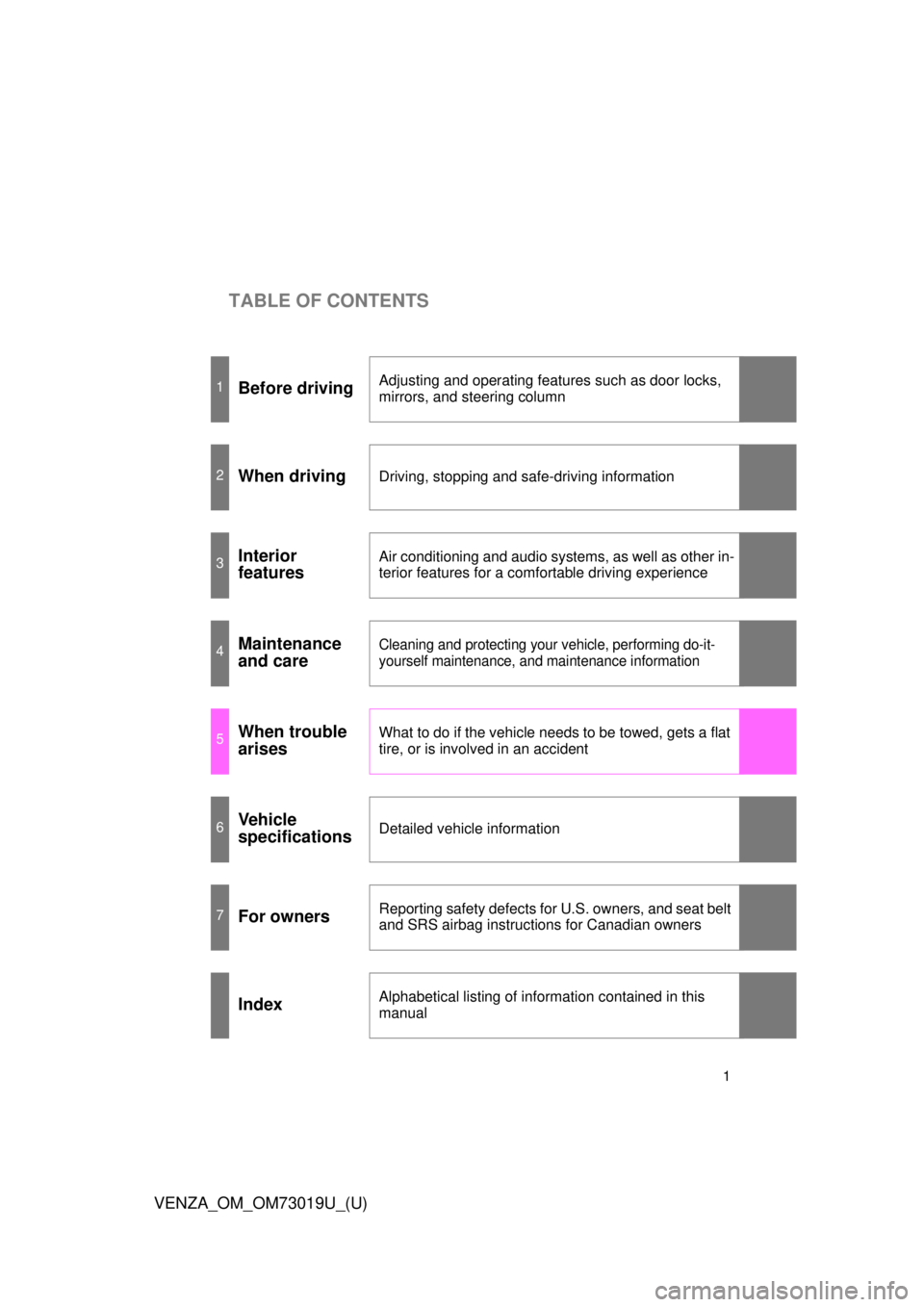
TABLE OF CONTENTS
1
VENZA_OM_OM73019U_(U)
1Before drivingAdjusting and operating features such as door locks,
mirrors, and steering column
2When drivingDriving, stopping and safe-driving information
3Interior
featuresAir conditioning and audio systems, as well as other in-
terior features for a comfortable driving experience
4Maintenance
and careCleaning and protecting your vehicle, performing do-it-
yourself maintenance, and maintenance information
5When trouble
arisesWhat to do if the vehicle needs to be towed, gets a flat
tire, or is involved in an accident
6Vehicle
specificationsDetailed vehicle information
7For ownersReporting safety defects for U.S. owners, and seat belt
and SRS airbag instructions for Canadian owners
IndexAlphabetical listing of information contained in this
manual
Page 3 of 564
1
2
3
4
5
6
7
3
VENZA_OM_OM73019U_(U)
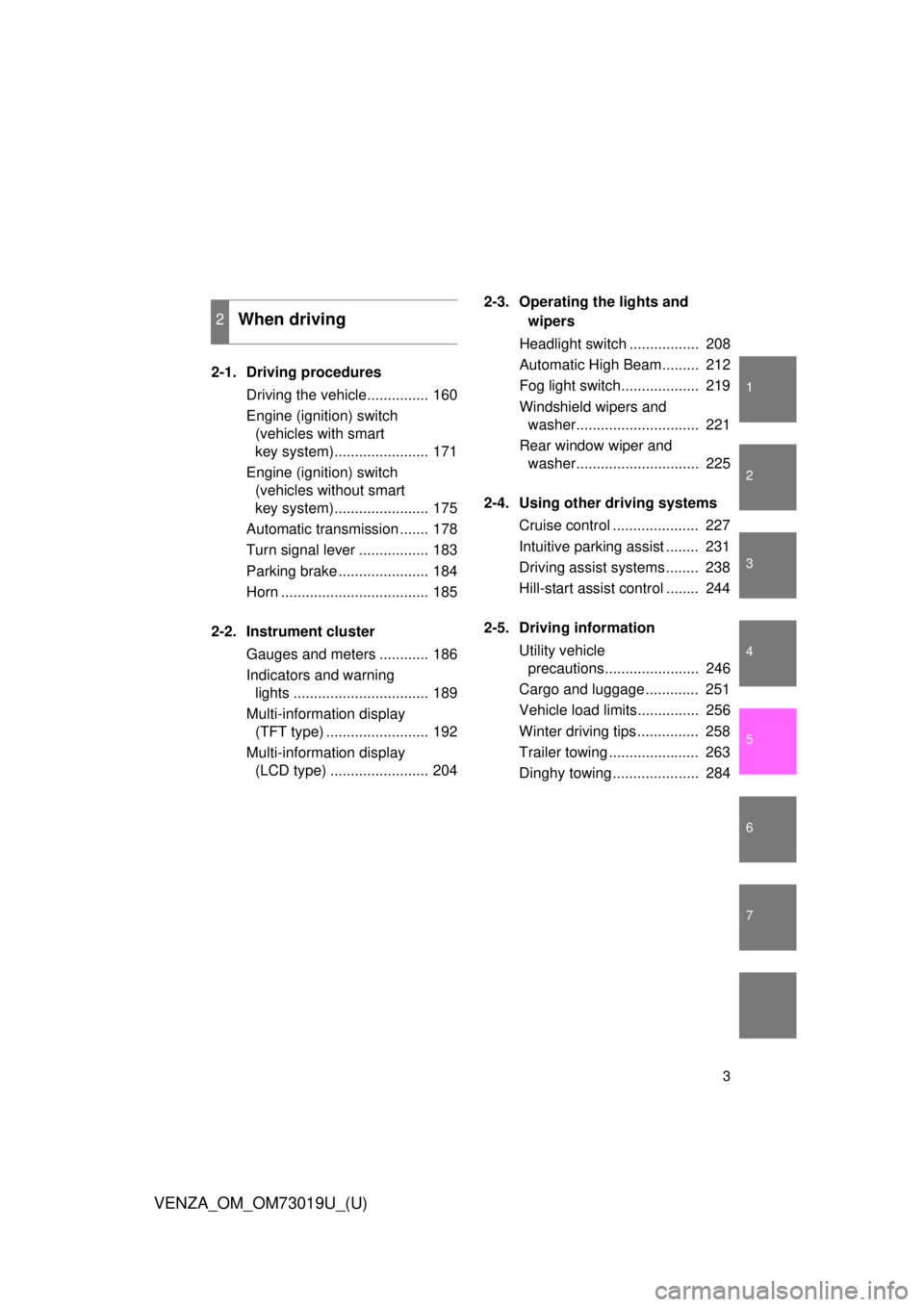
2-1. Driving proceduresDriving the vehicle............... 160
Engine (ignition) switch (vehicles with smart
key system)....................... 171
Engine (ignition) switch (vehicles without smart
key system)....................... 175
Automatic transmission ....... 178
Turn signal lever ................. 183
Parking brake ...................... 184
Horn .................................... 185
2-2. Instrument cluster Gauges and meters ............ 186
Indicators and warning lights ................................. 189
Multi-information display (TFT type) ......................... 192
Multi-information display (LCD type) ........................ 204 2-3. Operating the lights and
wipers
Headlight switch ................. 208
Automatic High Beam......... 212
Fog light switch................... 219
Windshield wipers and washer.............................. 221
Rear window wiper and washer.............................. 225
2-4. Using other driving systems Cruise control ..................... 227
Intuitive parking assist ........ 231
Driving assist systems ........ 238
Hill-start assist control ........ 244
2-5. Driving information Utility vehicle precautions....................... 246
Cargo and luggage ............. 251
Vehicle load limits............... 256
Winter driving tips ............... 258
Trailer towing ...................... 263
Dinghy towing ..................... 284
2When driving
Page 5 of 564
1
2
3
4
5
6
7
5
VENZA_OM_OM73019U_(U)
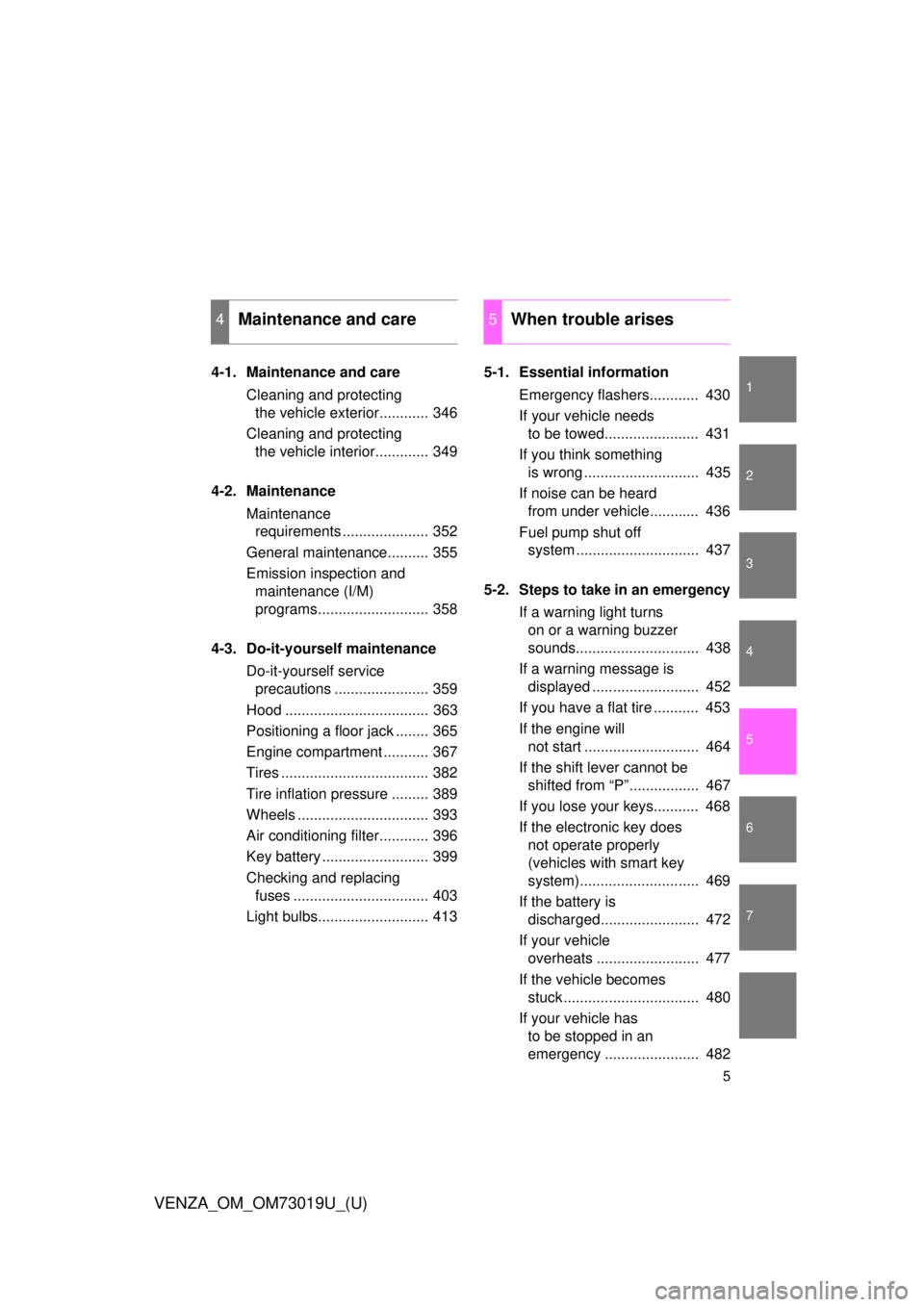
4-1. Maintenance and careCleaning and protecting the vehicle exterior............ 346
Cleaning and protecting the vehicle interior............. 349
4-2. Maintenance Maintenance requirements ..................... 352
General maintenance.......... 355
Emission inspection and maintenance (I/M)
programs........................... 358
4-3. Do-it-yourself maintenance Do-it-yourself service precautions ....................... 359
Hood ................................... 363
Positioning a floor jack ........ 365
Engine compartment ........... 367
Tires .................................... 382
Tire inflation pressure ......... 389
Wheels ................................ 393
Air conditioning filter............ 396
Key battery .......................... 399
Checking and replacing fuses ................................. 403
Light bulbs........................... 413 5-1. Essential information
Emergency flashers............ 430
If your vehicle needs to be towed....................... 431
If you think something is wrong ............................ 435
If noise can be heard from under vehicle............ 436
Fuel pump shut off system .............................. 437
5-2. Steps to take in an emergency If a warning light turns on or a warning buzzer
sounds.............................. 438
If a warning message is displayed .......................... 452
If you have a flat tire ........... 453
If the engine will not start ............................ 464
If the shift lever cannot be shifted from “P”................. 467
If you lose your keys........... 468
If the electronic key does not operate properly
(vehicles with smart key
system)............................. 469
If the battery is discharged........................ 472
If your vehicle overheats ......................... 477
If the vehicle becomes stuck ................................. 480
If your vehicle has to be stopped in an
emergency ....................... 482
4Maintenance and care5When trouble arises
Page 35 of 564
35
1-2. Opening, closing and locking the doors
1
Before driving
VENZA_OM_OM73019U_(U)
■
Operation signals
A buzzer sounds and the emergency flashers flash to indicate that the doors
have been locked/unlocked. (Locked: Once; Unlocked: Twice)
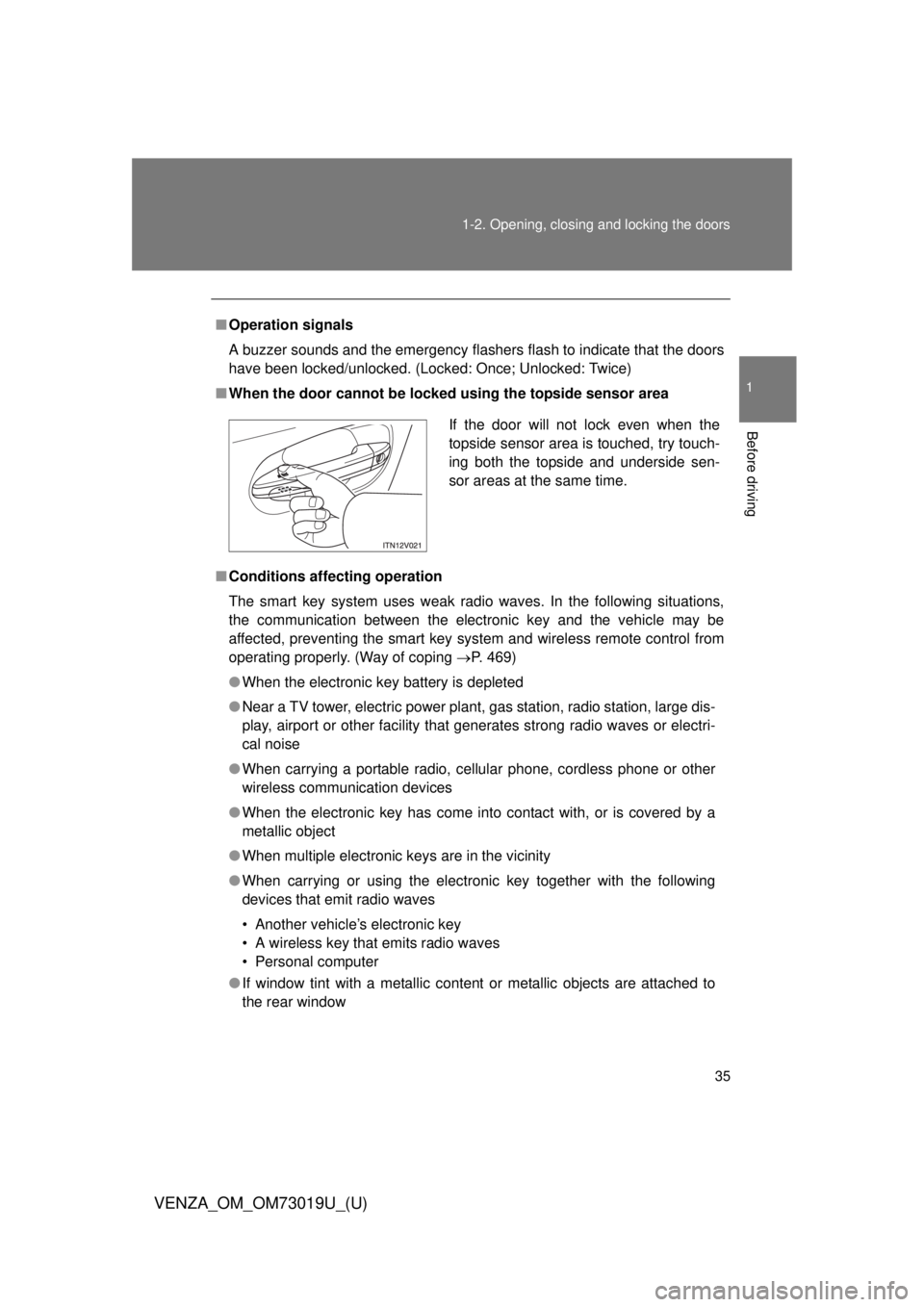
■ When the door cannot be locked using the topside sensor area
■ Conditions aff ecting operation
The smart key system uses weak radio waves. In the following situations,
the communication between the electronic key and the vehicle may be
affected, preventing the smart key system and wireless remote control from
operating properly. (Way of coping P. 469)
● When the electronic key battery is depleted
● Near a TV tower, electric power plant, gas station, radio station, large dis-
play, airport or other facility that generates strong radio waves or electri-
cal noise
● When carrying a portable radio, ce llular phone, cordless phone or other
wireless communication devices
● When the electronic key has come into contact with, or is covered by a
metallic object
● When multiple electronic keys are in the vicinity
● When carrying or using the electronic key together with the following
devices that emit radio waves
• Another vehicle’s electronic key
• A wireless key that emits radio waves
• Personal computer
● If window tint with a metallic content or metallic objects are attached to
the rear window
If the door will not lock even when the
topside sensor area is touched, try touch-
ing both the topside and underside sen-
sor areas at the same time.
Page 48 of 564
48 1-2. Opening, closing and locking the doors
VENZA_OM_OM73019U_(U)
■Conditions affecting operation
Vehicles with smart key system
P. 3 5
Vehicles without smart key systemThe wireless remote control function may not operate normally in the fol-
lowing situations.
●Near a TV tower, radio station, el ectric power plant, airport or other
facility that generates strong radio waves
●When carrying a portable radio, cellular phone or other wireless com- munication device
●When multiple wireless keys are in the vicinity
●When the wireless key has come into contact with, or is covered by a metallic object
●When a wireless key (that emits radio waves) is being used nearby
●When the wireless key has been left near an electrical appliance such as a personal computer
■ Customization
Settings (e.g. 2-step unlocking function) can be changed.
(Customizable features P. 519)
■ Reversing the operation of the power back door (if equipped)
Pressing the wireless remote control switch again while the power back door
is operating will cause the operation to reverse. However, the reverse opera-
tion cannot be performed for the first second after automatic operation starts,
even if the wireless remote control switch is pressed again.
Page 70 of 564
70
1-3. Adjustable components (seats, mirrors, steering wheel)
VENZA_OM_OM73019U_(U)
Rear seats
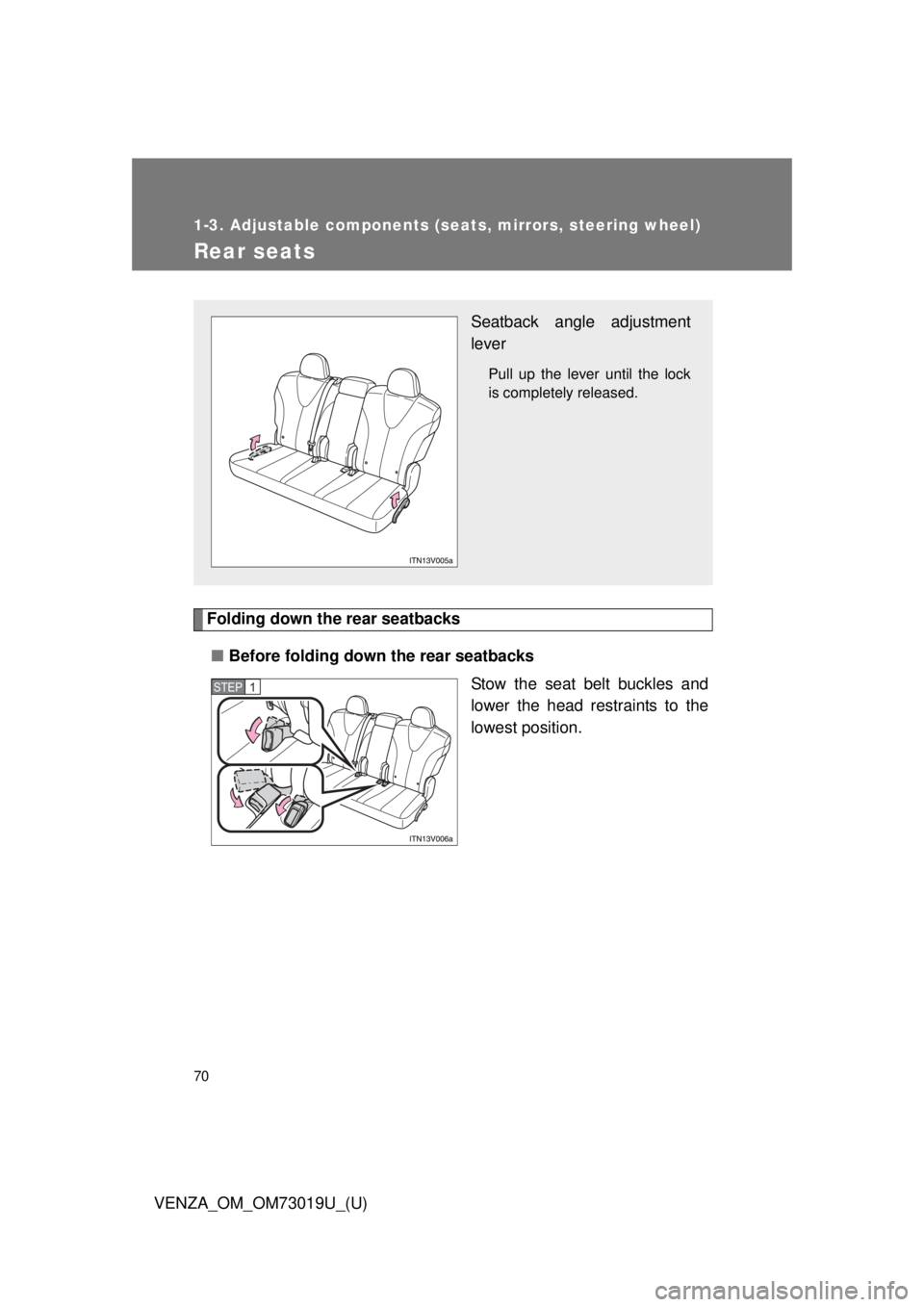
Folding down the rear seatbacks■ Before folding down the rear seatbacks
Stow the seat belt buckles and
lower the head restraints to the
lowest position.
Seatback angle adjustment
lever
Pull up the lever until the lock
is completely released.
STEP1
Page 72 of 564
72 1-3. Adjustable components (seats, mirrors, steering wheel)
VENZA_OM_OM73019U_(U)
CAUTION
■Seat adjustment
Do not recline the seat more than necessary when the vehicle is in motion,
to reduce the risk of sliding under the lap belt. If the seat is too reclined, the
lap belt may slide past the hips and apply restraint forces directly to the
abdomen or your neck may contact the shoulder belt, increasing the risk of
death or serious injury in the event of an accident.
■ Before folding down a rear seat
Do not fold down a rear seat when there are passengers sitting in the rear
seats or when there is luggage placed on the rear seats.
■ When returning the seatbacks to their original position
Observe the following precautions. Failure to do so may result in death or
serious injury.
●Be careful not to get your hands pinched in the seat.
● Make sure the seatbacks are securely locked by lightly rocking it back and
forth.
● Check that the seat belts are not twisted or caught under the seat.
● Arrange the seat belts in the proper positions for ready use.
NOTICE
■When folding down the rear seatbacks
The seat belts and buckles must be stowed.
Page 79 of 564
79
1-3. Adjustable components (s
eats, mirrors, steering wheel)
1
Before driving
VENZA_OM_OM73019U_(U)
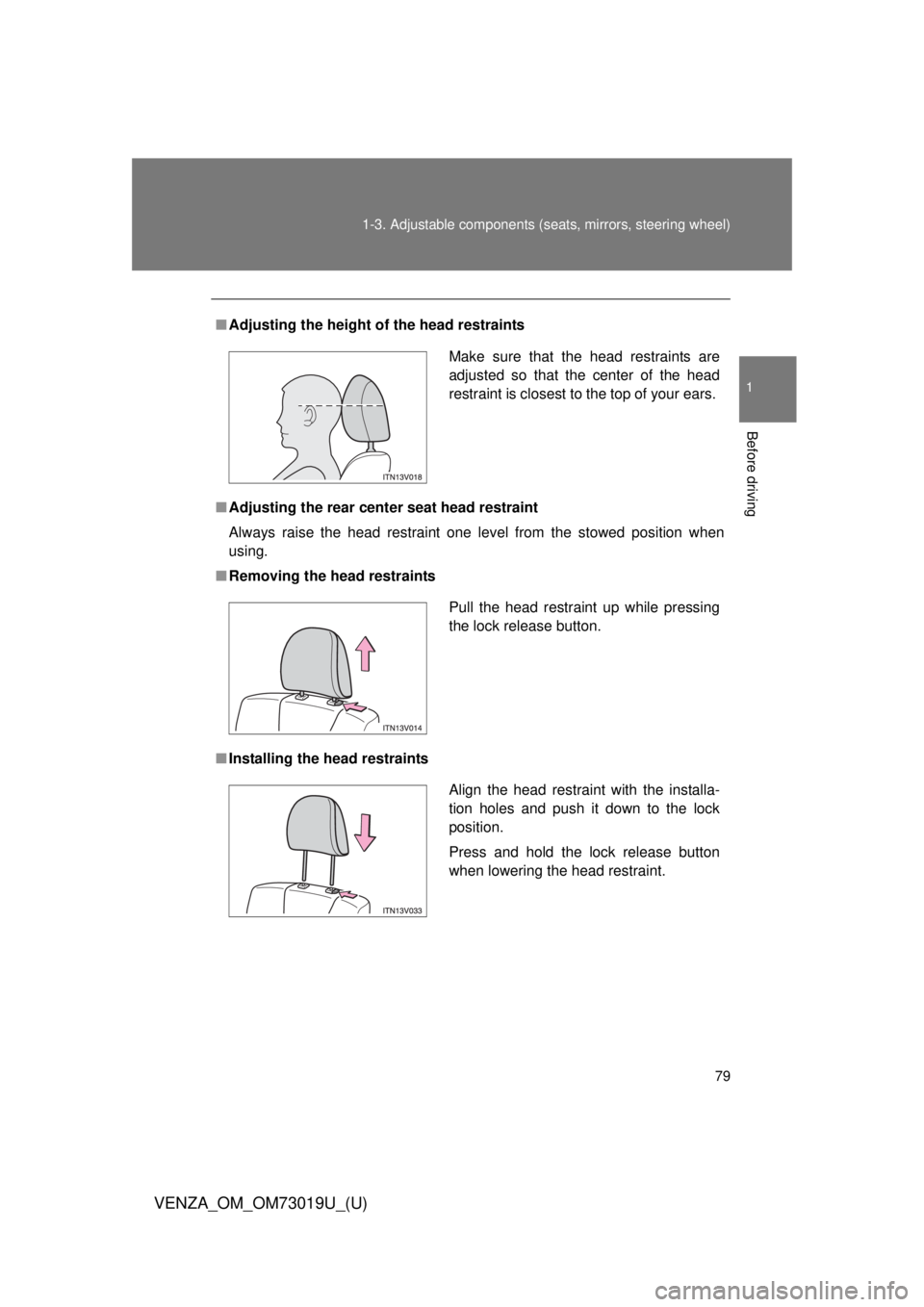
■Adjusting the height of the head restraints
■ Adjusting the rear cent er seat head restraint
Always raise the head restraint one level from the stowed position when
using.
■ Removing the head restraints
■ Installing the head restraints
Make sure that the head restraints are
adjusted so that the center of the head
restraint is closest to the top of your ears.
Pull the head restraint up while pressing
the lock release button.
Align the head restraint with the installa-
tion holes and push it down to the lock
position.
Press and hold the lock release button
when lowering the head restraint.
Page 127 of 564
127
1-7. Safety information
1
Before driving
VENZA_OM_OM73019U_(U)
CAUTION
■
SRS airbag precautions
Observe the following precautions regarding the airbags.
Failure to do so may cause death or serious injury.
●The driver and all passengers in the vehicle must wear their seat belts
properly.
The SRS airbags are supplemental devices to be used with the seat belts.
● The SRS driver airbag deploys with considerable force, and can cause
death or serious injury especially if the driver is very close to the airbag.
The National Highway Traffic Safety Administration (“NHTSA”) advises:
Since the risk zone for driver airbag is the first 2 - 3 in. (50 - 75 mm) of
inflation, placing yourself 10 in. (250 mm) from your driver airbag provides
you with a clear margin of safety. This distance is measured from the cen-
ter of the steering wheel to your breastbone. If you sit less than 10 in. (250
mm) away now, you can change your driving position in several ways:
• Move your seat to the rear as far as you can while still reaching the
pedals comfortably.
• Slightly recline the back of the seat. Although vehicle designs vary, many drivers can achieve the 10 in.
(250 mm) distance, even with the driver seat all the way forward, sim-
ply by reclining the back of the seat somewhat. If reclining the back of
your seat makes it hard to see the road, raise yourself by using a firm,
non-slippery cushion, or raise the seat if your vehicle has that feature\
.
• If your steering wheel is adjustable, tilt it downward. This points the air- bag toward your chest instead of your head and neck.
The seat should be adjusted as recommended by NHTSA above, while still
maintaining control of the foot pedals, steering wheel, and your view of the
instrument panel controls.
Page 129 of 564
129
1-7. Safety information
1
Before driving
VENZA_OM_OM73019U_(U)
CAUTION
■
SRS airbag precautions
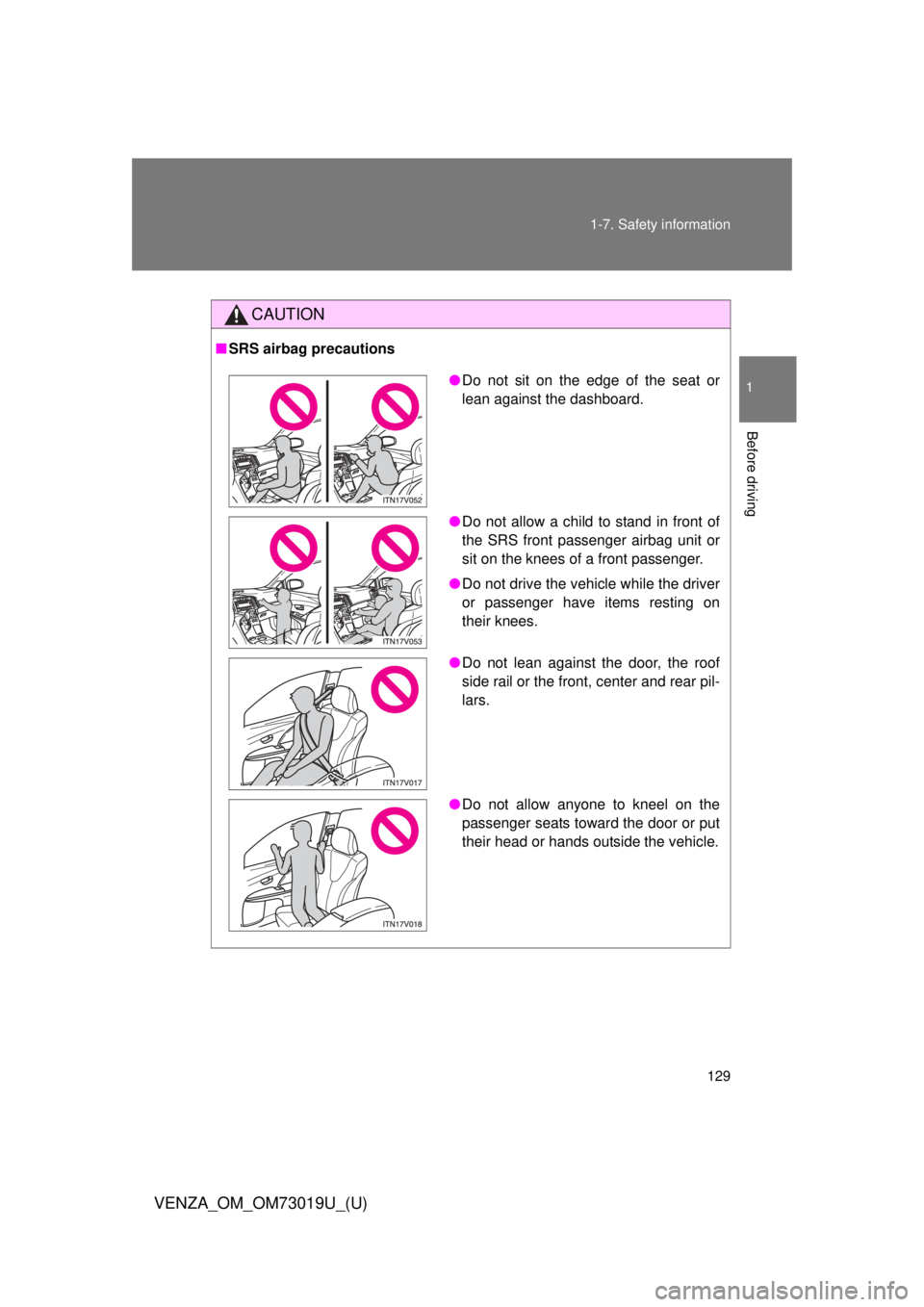
●Do not sit on the edge of the seat or
lean against the dashboard.
● Do not allow a child to stand in front of
the SRS front passenger airbag unit or
sit on the knees of a front passenger.
● Do not drive the vehicle while the driver
or passenger have items resting on
their knees.
● Do not lean against the door, the roof
side rail or the front, center and rear pil-
lars.
● Do not allow anyone to kneel on the
passenger seats toward the door or put
their head or hands outside the vehicle.