TOYOTA VERSO 2013 User Guide
VERSO 2013
TOYOTA
TOYOTA
https://www.carmanualsonline.info/img/14/49113/w960_49113-0.png
TOYOTA VERSO 2013 User Guide
Page 301 of 616
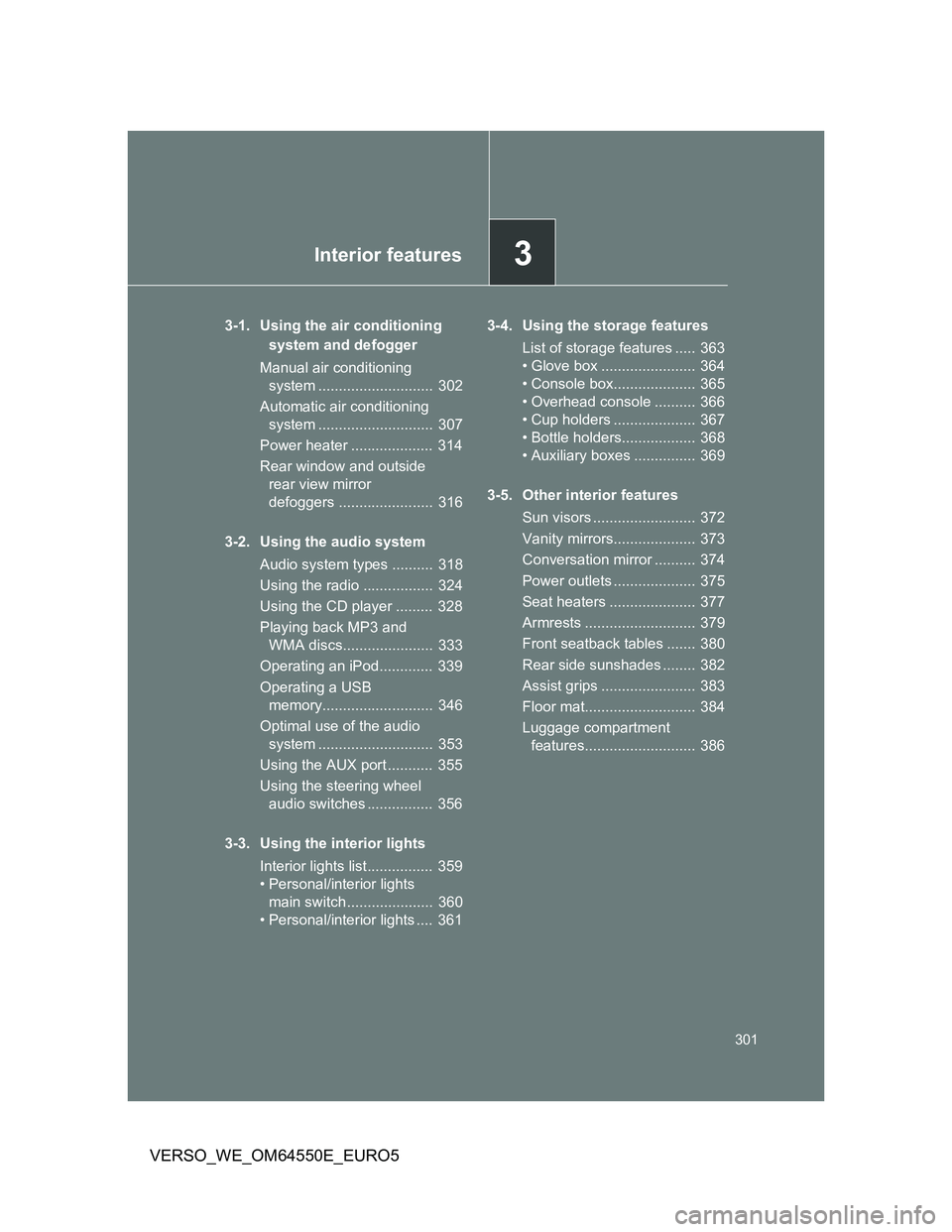
3Interior features
301
VERSO_WE_OM64550E_EURO5
3-1. Using the air conditioning
system and defogger
Manual air conditioning
system ............................ 302
Automatic air conditioning
system ............................ 307
Power heater .................... 314
Rear window and outside
rear view mirror
defoggers ....................... 316
3-2. Using the audio system
Audio system types .......... 318
Using the radio ................. 324
Using the CD player ......... 328
Playing back MP3 and
WMA discs...................... 333
Operating an iPod............. 339
Operating a USB
memory........................... 346
Optimal use of the audio
system ............................ 353
Using the AUX port ........... 355
Using the steering wheel
audio switches ................ 356
3-3. Using the interior lights
Interior lights list................ 359
• Personal/interior lights
main switch ..................... 360
• Personal/interior lights .... 3613-4. Using the storage features
List of storage features ..... 363
• Glove box ....................... 364
• Console box.................... 365
• Overhead console .......... 366
• Cup holders .................... 367
• Bottle holders.................. 368
• Auxiliary boxes ............... 369
3-5. Other interior features
Sun visors ......................... 372
Vanity mirrors.................... 373
Conversation mirror .......... 374
Power outlets .................... 375
Seat heaters ..................... 377
Armrests ........................... 379
Front seatback tables ....... 380
Rear side sunshades ........ 382
Assist grips ....................... 383
Floor mat........................... 384
Luggage compartment
features........................... 386
Page 318 of 616
318
VERSO_WE_OM64550E_EURO5
3-2. Using the audio system
Audio system types
: If equipped
Vehicles with “touch screen”
Owners of models equipped with a “touch screen” should refer
to the ““touch screen” Owner’s Manual”.
Vehicles without “touch screen”
CD player and AM/FM radio
Page 319 of 616
319 3-2. Using the audio system
3
Interior features
VERSO_WE_OM64550E_EURO5
Using cellular phones
Interference may be heard through the audio system’s speakers if a cellular
phone is being used inside or close to the vehicle while the audio system is
operating.
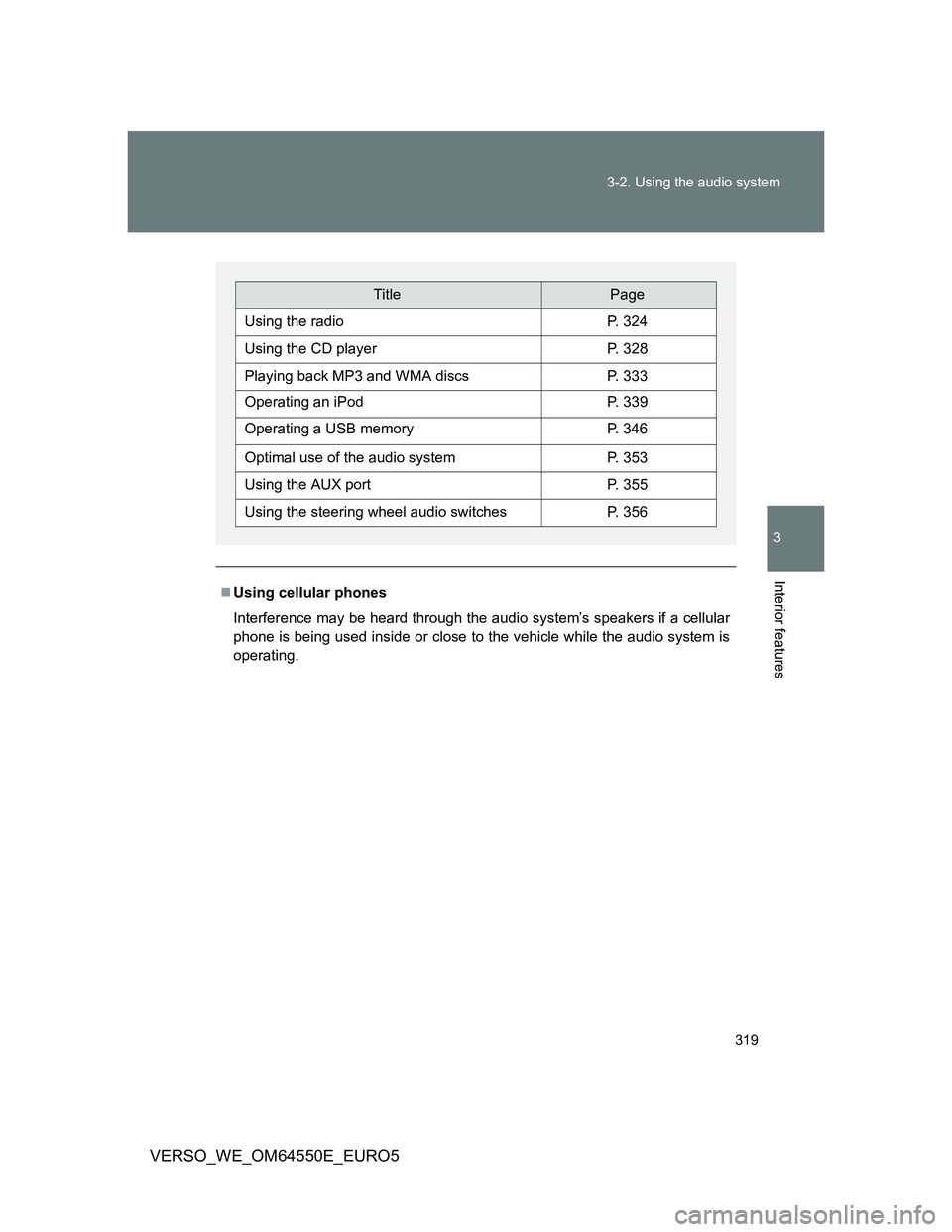
TitlePage
Using the radioP. 324
Using the CD playerP. 328
Playing back MP3 and WMA discsP. 333
Operating an iPodP. 339
Operating a USB memoryP. 346
Optimal use of the audio systemP. 353
Using the AUX portP. 355
Using the steering wheel audio switchesP. 356
Page 320 of 616
320 3-2. Using the audio system
VERSO_WE_OM64550E_EURO5
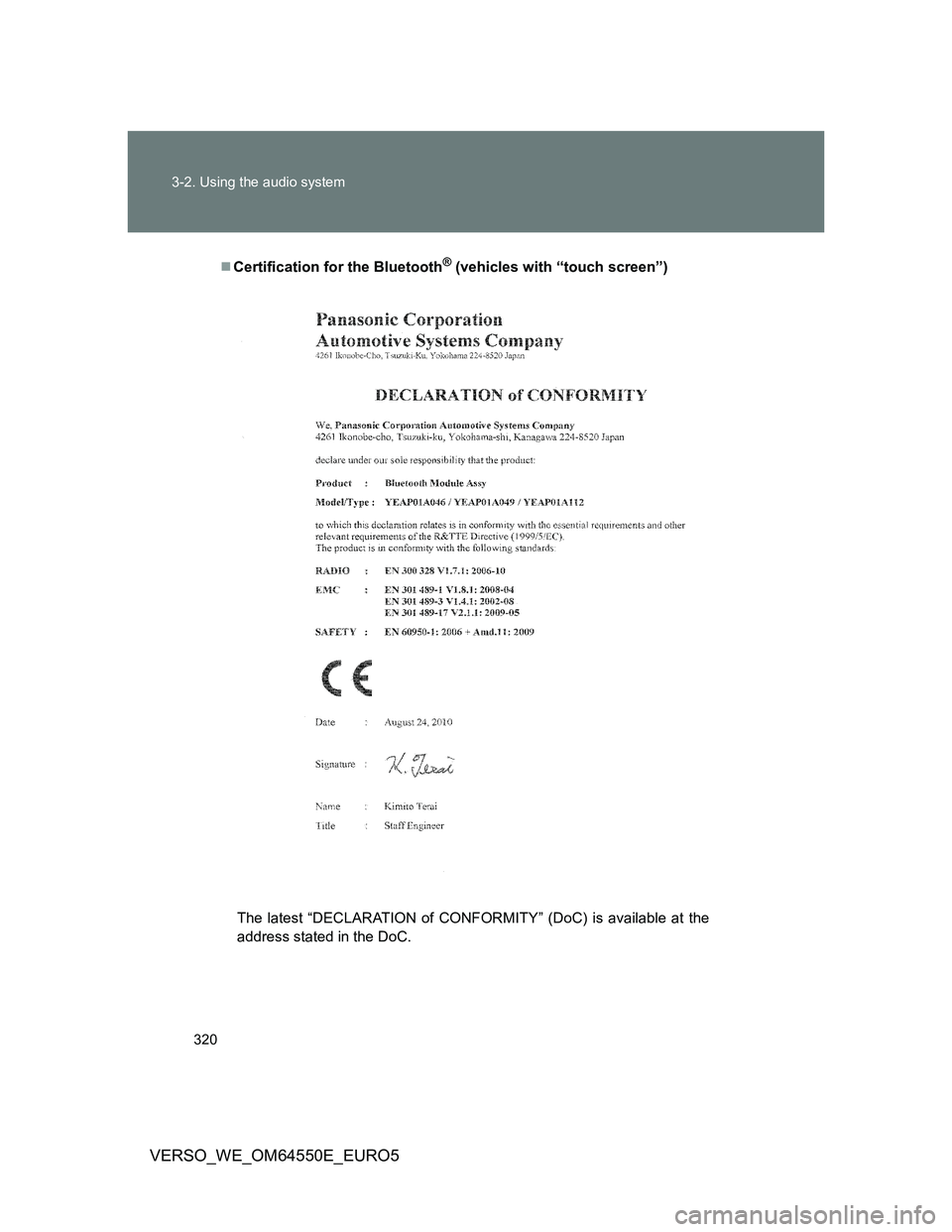
Certification for the Bluetooth® (vehicles with “touch screen”)
The latest “DECLARATION of CONFORMITY” (DoC) is available at the
address stated in the DoC.
Page 321 of 616
321 3-2. Using the audio system
3
Interior features
VERSO_WE_OM64550E_EURO5
Page 322 of 616
322 3-2. Using the audio system
VERSO_WE_OM64550E_EURO5
Page 323 of 616
323 3-2. Using the audio system
3
Interior features
VERSO_WE_OM64550E_EURO5
About Bluetooth® (vehicles with “touch screen”)
NOTICE
To prevent battery discharge
Do not leave the audio system on longer than necessary when the engine is
stopped.
To avoid damaging the audio system
Take care not to spill drinks or other fluids over the audio system.
To prevent damage to USB memory or its terminal
Depending on the size and shape of the USB memory that is connected to
the system, the passenger’s seat may hit the USB memory when moving the
seat forward. In this case, do not forcibly move the seat forward as this may
damage the USB memory or the terminal, etc.
Bluetooth is a registered trademark of
Bluetooth SIG. Inc.
The Bluetooth wordmark and logo are
owned by Bluetooth SIG. and permission
has been granted to use the trademark of
the licensee Panasonic Corporation.
Other trademarks and trade names are
owned by various different owners.
Page 324 of 616
324
3-2. Using the audio system
VERSO_WE_OM64550E_EURO5
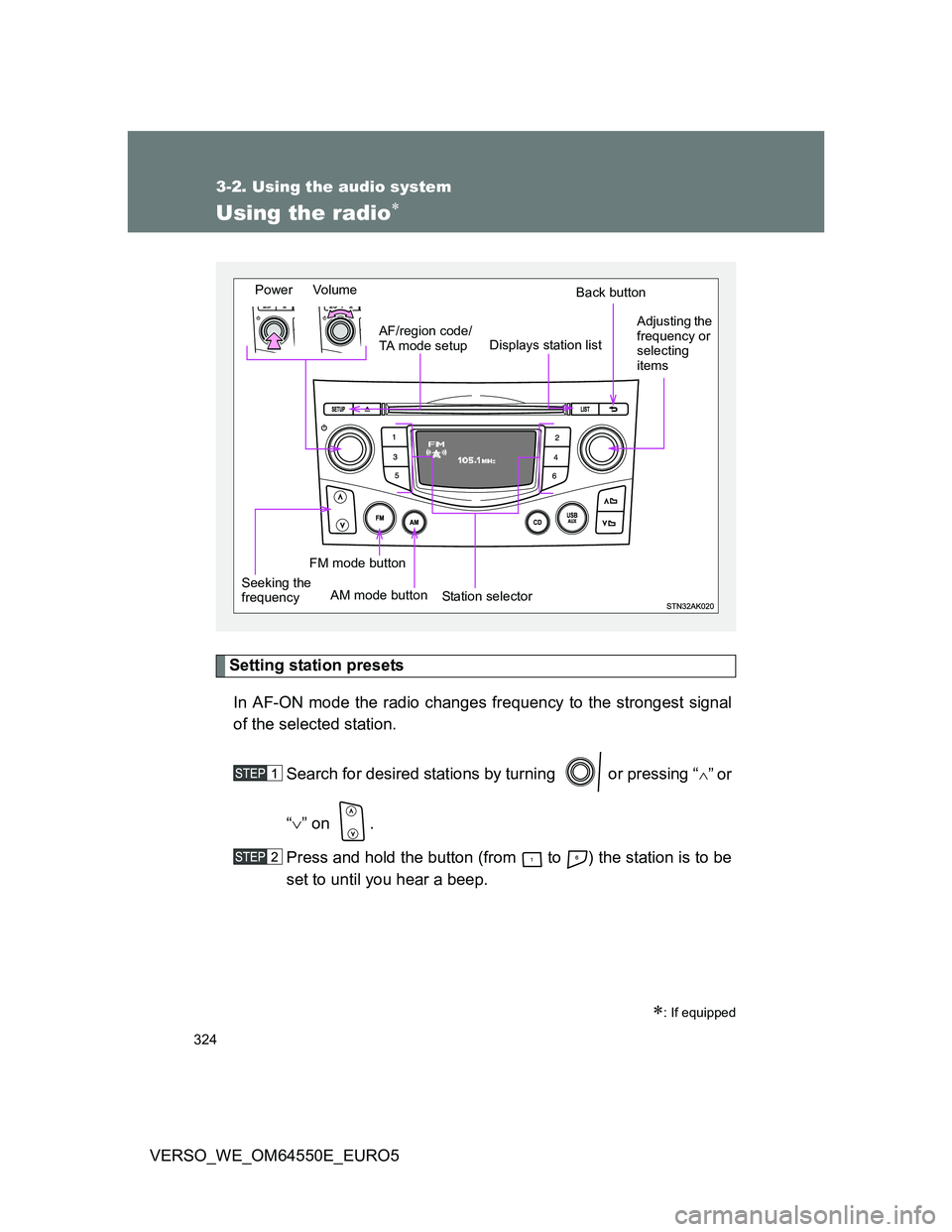
Using the radio
Setting station presets
In AF-ON mode the radio changes frequency to the strongest signal
of the selected station.
Search for desired stations by turning or pressing “
”or
“” on .
Press and hold the button (from to ) the station is to be
set to until you hear a beep.
: If equipped
Power Volume
Station selectorBack button
Adjusting the
frequency or
selecting
items
AM mode buttonAF/region code/
TA mode setup
Seeking the
frequency
Displays station list
FM mode button
Page 325 of 616
325 3-2. Using the audio system
3
Interior features
VERSO_WE_OM64550E_EURO5
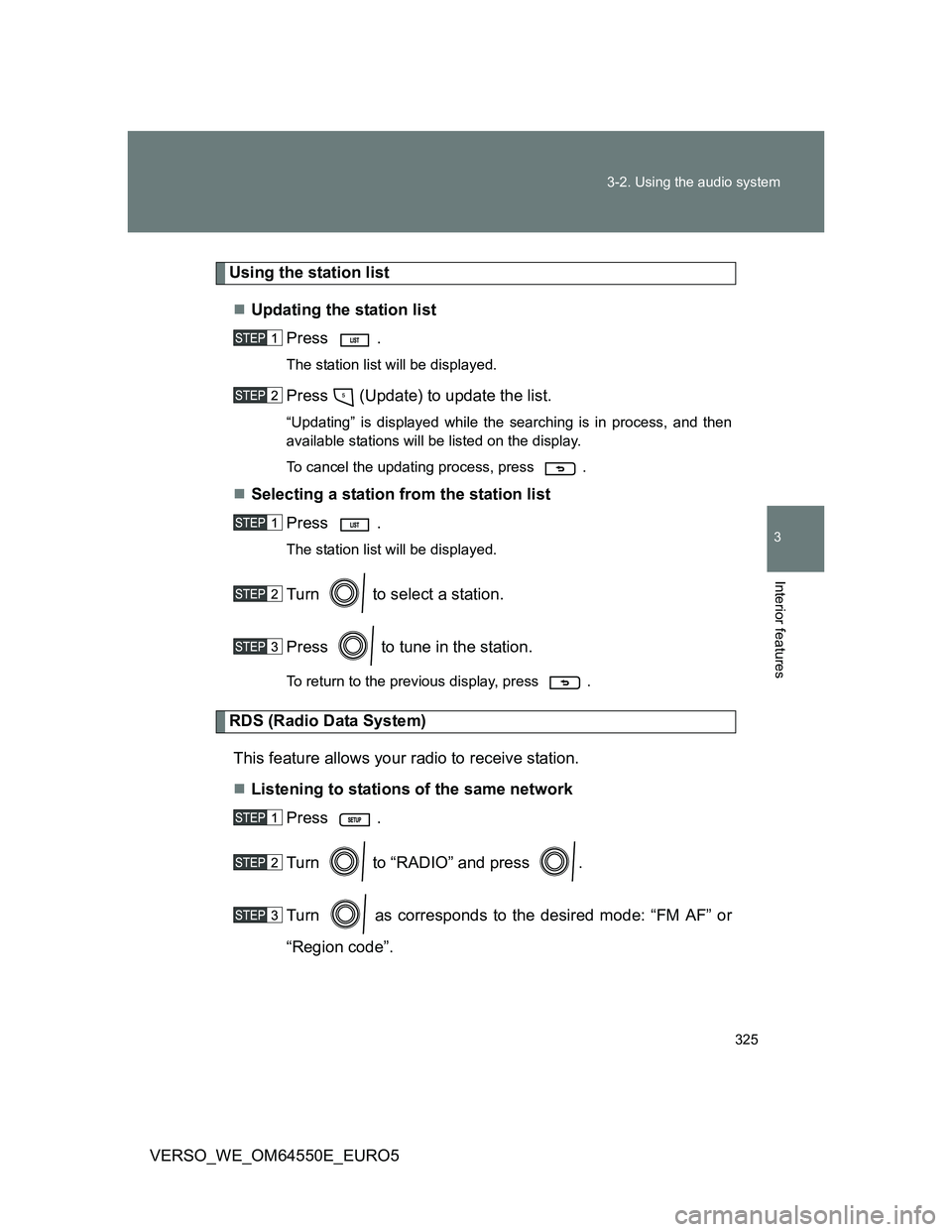
Using the station list
Updating the station list
Press .
The station list will be displayed.
Press (Update) to update the list.
“Updating” is displayed while the searching is in process, and then
available stations will be listed on the display.
To cancel the updating process, press .
Selecting a station from the station list
Press .
The station list will be displayed.
Turn to select a station.
Press to tune in the station.
To return to the previous display, press .
RDS (Radio Data System)
This feature allows your radio to receive station.
Listening to stations of the same network
Press .
Turn to “RADIO” and press .
Turn as corresponds to the desired mode: “FM AF” or
“Region code”.
Page 326 of 616
326 3-2. Using the audio system
VERSO_WE_OM64550E_EURO5Press to select “ON” or “OFF”.
FM AF ON mode: The station among those of the same net-
work with strong reception is selected.
Region code ON mode: The station among those of the same net-
work with strong reception and broad-
casting the same program is selected.
Traffic information
Press .
Turn to “RADIO” and press .
Turn to “FM TA” mode.
Press to select “ON” or “OFF”.
TP mode: The system automatically switches to traffic information
when a broadcast with a traffic information signal is
received.
The station returns to the previous one when the traffic infor-
mation ends.