lock TOYOTA VERSO S 2011 Owners Manual
[x] Cancel search | Manufacturer: TOYOTA, Model Year: 2011, Model line: VERSO S, Model: TOYOTA VERSO S 2011Pages: 664, PDF Size: 160.56 MB
Page 263 of 664
263
4 4-2. Opening, closing and locking the doors
Before driving
Page 264 of 664
2644-2. Opening, closing and locking the doors
Page 265 of 664
265
4 4-2. Opening, closing and locking the doors
Before driving
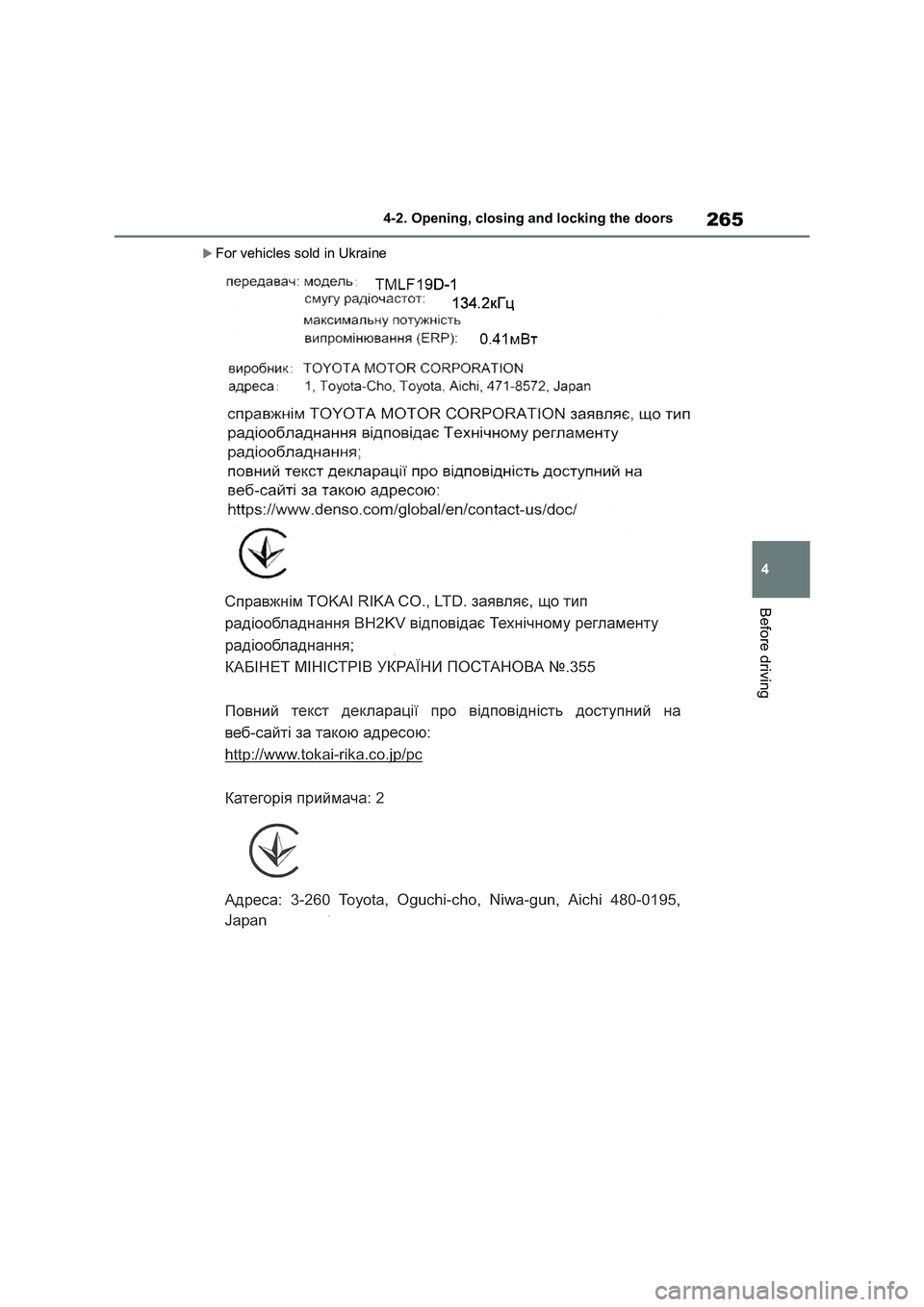
For vehicles sold in Ukraine
Page 266 of 664
2664-2. Opening, closing and locking the doors
Page 267 of 664
267
4 4-2. Opening, closing and locking the doors
Before driving
For vehicles sold in Israel
Page 268 of 664
2684-2. Opening, closing and locking the doors
For vehicles sold in Serbia
Page 269 of 664
269
4
4-2. Opening, closing and locking the doors
Before driving
WARNING
■Caution regarding interference with electronic devices
●People with implantable cardiac pacemakers, cardiac resynchroni-zation therapy-pacemakers or
implantable cardioverter defi- brillators should maintain a reason-able distance between themselves
and the smart entry & start system antennas. ( P.223) The radio waves may affect the
operation of such devices. If neces- sary, the entry function can be dis-abled. Ask any authorized Toyota
retailer or Toyota authorized repairer, or any reliable repairer for details, such as the frequency of
radio waves and timing of the emit- ted radio waves. Then, consult your doctor to see if you should disable
the entry function.
●User of any electrical medical
device other than implantable car- diac pacemakers, cardiac resyn-chronization therapy-pacemakers
or implantable cardioverter defi- brillators should consult the manu-facturer of the device for
information about its operation under the influence of radio waves.Radio waves could have unex-
pected effects on the operation of such medical devices.
Ask any authorized Toyota retailer or Toyota authorized repairer, or any reliable repairer for details for dis-
abling the entry function.
Page 271 of 664
271
4
4-3. Adjusting the seats
Before driving
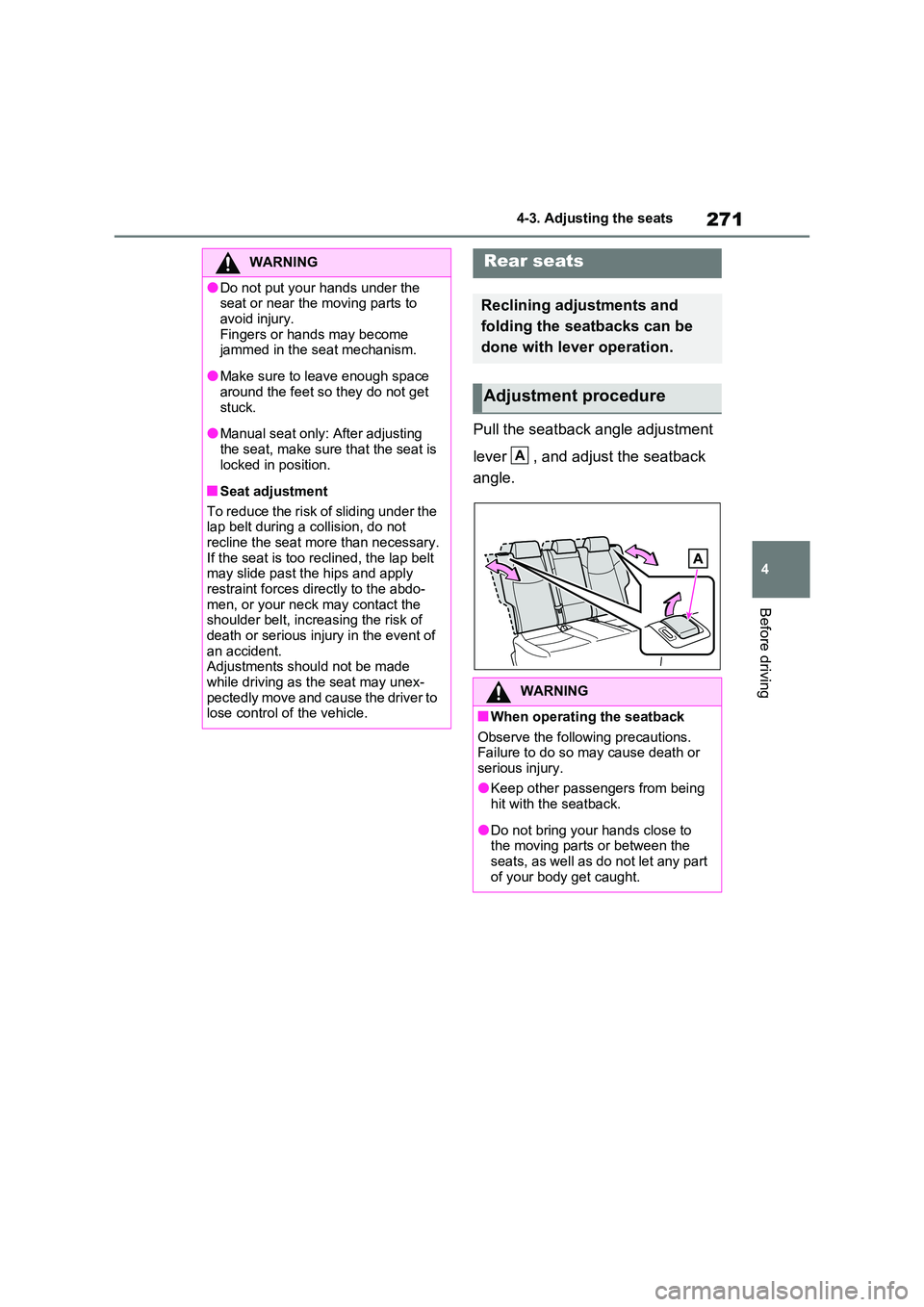
Pull the seatback angle adjustment
lever , and adjust the seatback
angle.
WARNING
●Do not put your hands under the seat or near the moving parts to
avoid injury. Fingers or hands may become jammed in the seat mechanism.
●Make sure to leave enough space around the feet so they do not get
stuck.
●Manual seat only: After adjusting
the seat, make sure that the seat is locked in position.
■Seat adjustment
To reduce the risk of sliding under the lap belt during a collision, do not
recline the seat more than necessary. If the seat is too reclined, the lap belt may slide past the hips and apply
restraint forces directly to the abdo- men, or your neck may contact the shoulder belt, increasing the risk of
death or serious injury in the event of an accident.Adjustments should not be made
while driving as the seat may unex- pectedly move and cause the driver to lose control of the vehicle.
Rear seats
Reclining adjustments and
folding the seatbacks can be
done with lever operation.
Adjustment procedure
WARNING
■When operating the seatback
Observe the following precautions. Failure to do so may cause death or serious injury.
●Keep other passengers from being hit with the seatback.
●Do not bring your hands close to the moving parts or between the seats, as well as do not let any part
of your body get caught.
A
Page 272 of 664
2724-3. Adjusting the seats
■Before folding down the seat-
backs
1 Park the vehicle in a safe place.
Apply the parking brake (P.326) and shift the shift lever to P. ( P.322)
2Adjust the position of the front
seat and the angle of the seat-
back. ( P.270)
Depending on the position of the front
seat, if the seatback is folded back- ward, it may interfere with the operation of the rear seat.
3 Lower the head restraint of the
rear seat. ( P.276)
4 Stow the armrest of the rear
seat if it is pulled out. ( P.484)
This step is not necessary when oper-
ating the left side seat only.
■Folding down the seatbacks
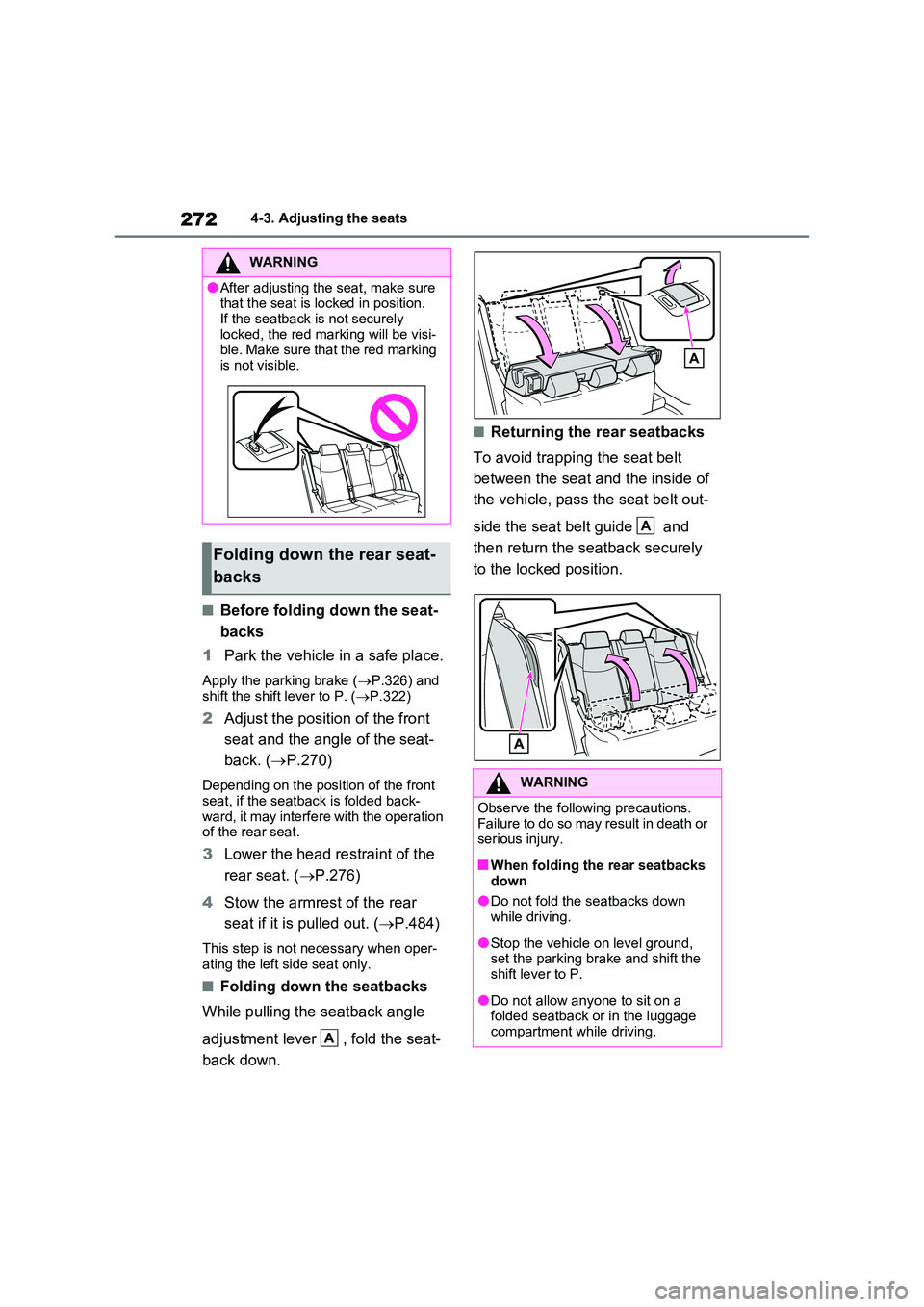
While pulling the seatback angle
adjustment lever , fold the seat-
back down.
■Returning the rear seatbacks
To avoid trapping the seat belt
between the seat and the inside of
the vehicle, pass the seat belt out-
side the seat belt guide and
then return the seatback securely
to the locked position.
WARNING
●After adjusting the seat, make sure that the seat is locked in position.
If the seatback is not securely locked, the red marking will be visi-ble. Make sure that the red marking
is not visible.
Folding down the rear seat-
backs
A
WARNING
Observe the following precautions. Failure to do so may result in death or serious injury.
■When folding the rear seatbacks down
●Do not fold the seatbacks down while driving.
●Stop the vehicle on level ground, set the parking brake and shift the shift lever to P.
●Do not allow anyone to sit on a folded seatback or in the luggage
compartment while driving.
A
Page 273 of 664
273
4
4-3. Adjusting the seats
Before driving
*: If equipped
■Recording procedure
1 Check that the shift lever is in P.
2 Turn the power switch to ON.
3 Adjust the driver’s seat to the
desired positions.
4 While pressing the “SET” but-
ton, or within 3 seconds after the
“SET” button is pressed, press
button “1” or “2” until the buzzer
sounds.
If the selected button has already been preset, the previously recorded position
WARNING
●Do not allow children to enter the luggage compartment.
●Do not operate the rear seat if it is occupied.
●Be careful not to get feet or hands caught in the moving parts or joints
of the seats during operation.
●Do not allow children to operate the
seat.
■After returning the rear seatback
to the upright position
●Make sure that the seatback is securely locked in position by lightly
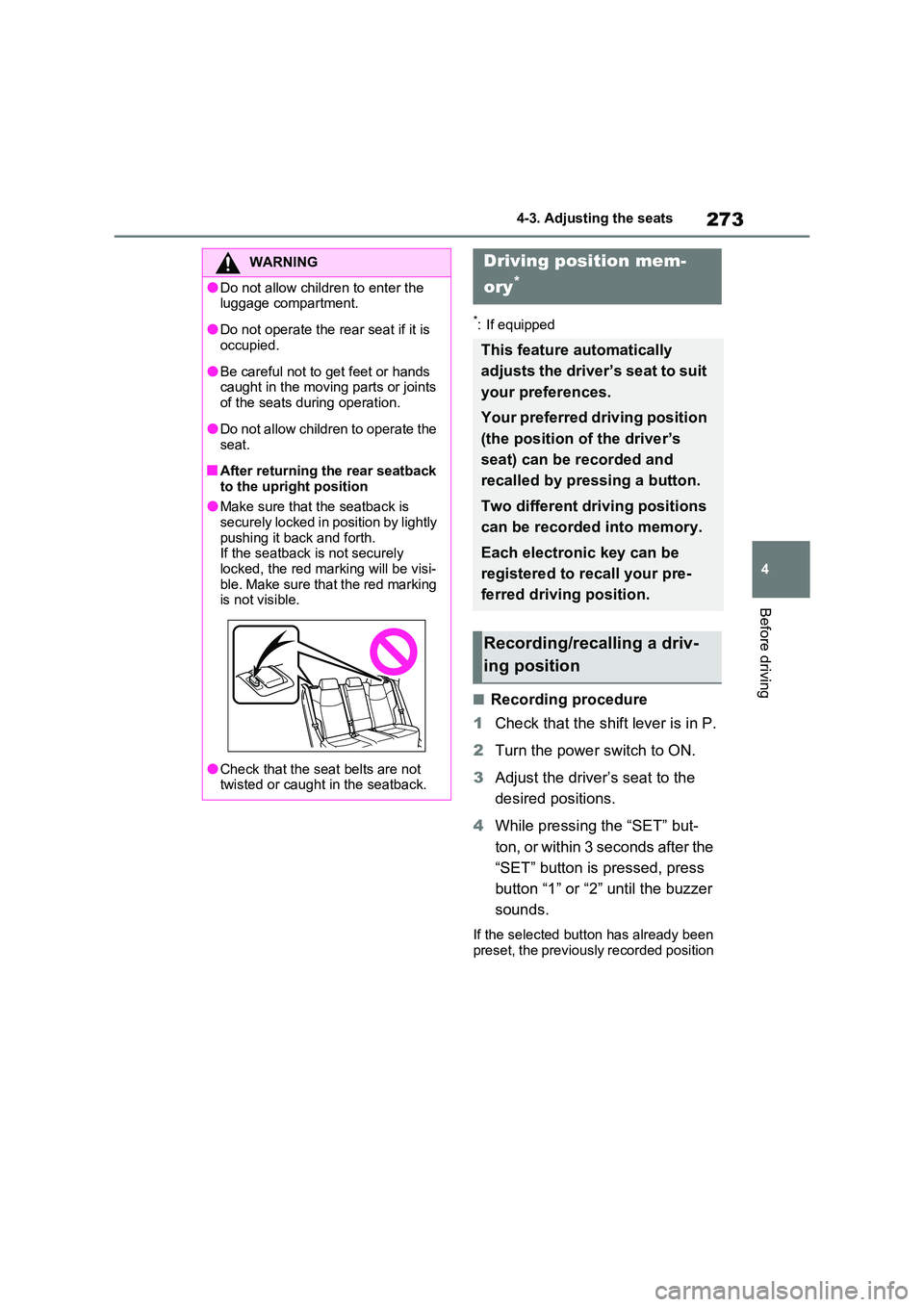
pushing it back and forth. If the seatback is not securely locked, the red marking will be visi-
ble. Make sure that the red marking is not visible.
●Check that the seat belts are not twisted or caught in the seatback.
Driving position mem-
ory*
This feature automatically
adjusts the driver’s seat to suit
your preferences.
Your preferred driving position
(the position of the driver’s
seat) can be recorded and
recalled by pressing a button.
Two different driving positions
can be recorded into memory.
Each electronic key can be
registered to recall your pre-
ferred driving position.
Recording/recalling a driv-
ing position