display TOYOTA VERSO S 2012 User Guide
[x] Cancel search | Manufacturer: TOYOTA, Model Year: 2012, Model line: VERSO S, Model: TOYOTA VERSO S 2012Pages: 540, PDF Size: 17.43 MB
Page 193 of 540
193 2-1. Driving procedures
2
When driving
VERSO-S_EE
CAUTION
Gear Shift Indicator display
Refer to the display while considering actual traffic and road conditions. Fail-
ure to exercise judgment may lead to an accident.
NOTICE
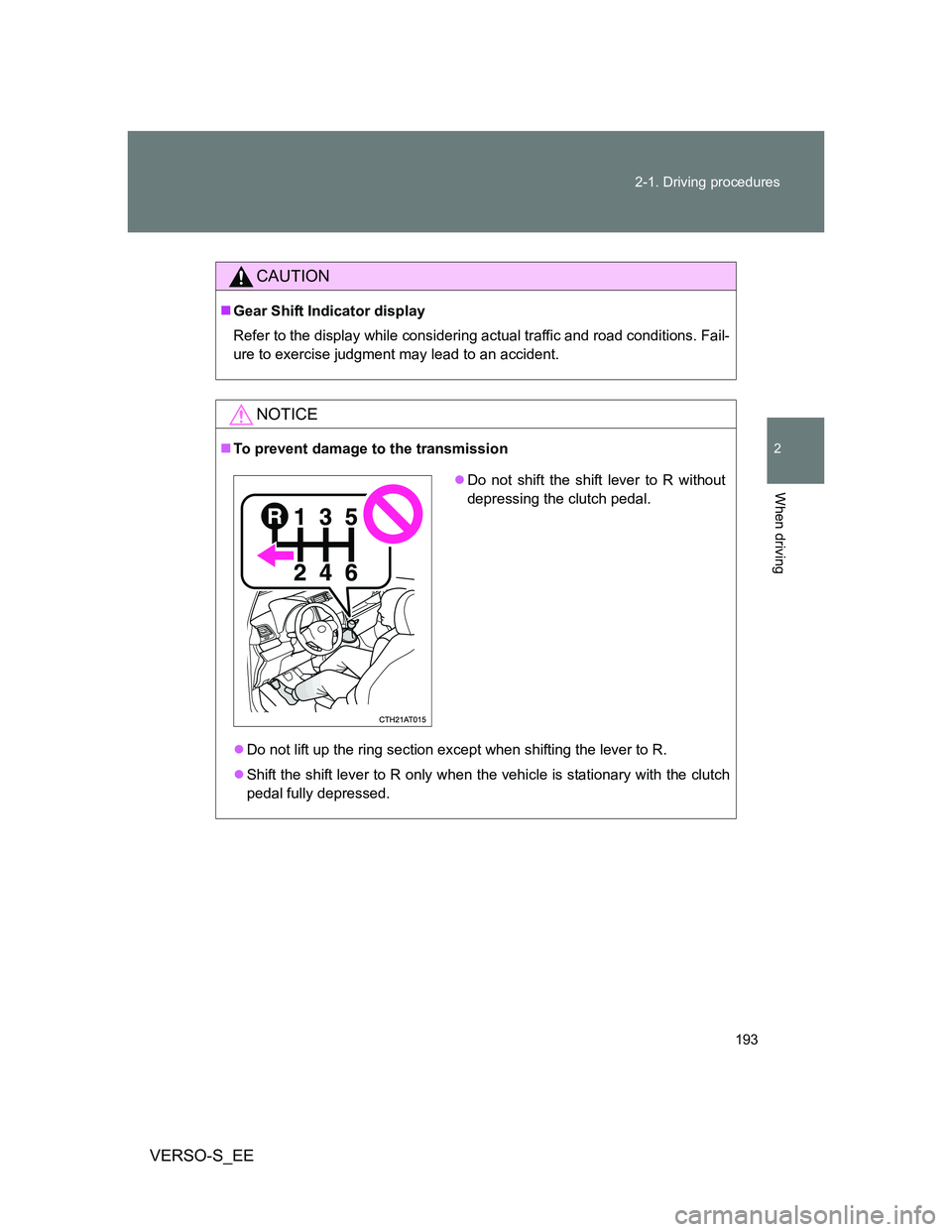
To prevent damage to the transmission
Do not lift up the ring section except when shifting the lever to R.
Shift the shift lever to R only when the vehicle is stationary with the clutch
pedal fully depressed.
Do not shift the shift lever to R without
depressing the clutch pedal.
Page 197 of 540
197
2
When driving
VERSO-S_EE
2-2. Instrument cluster
Gauges and meters
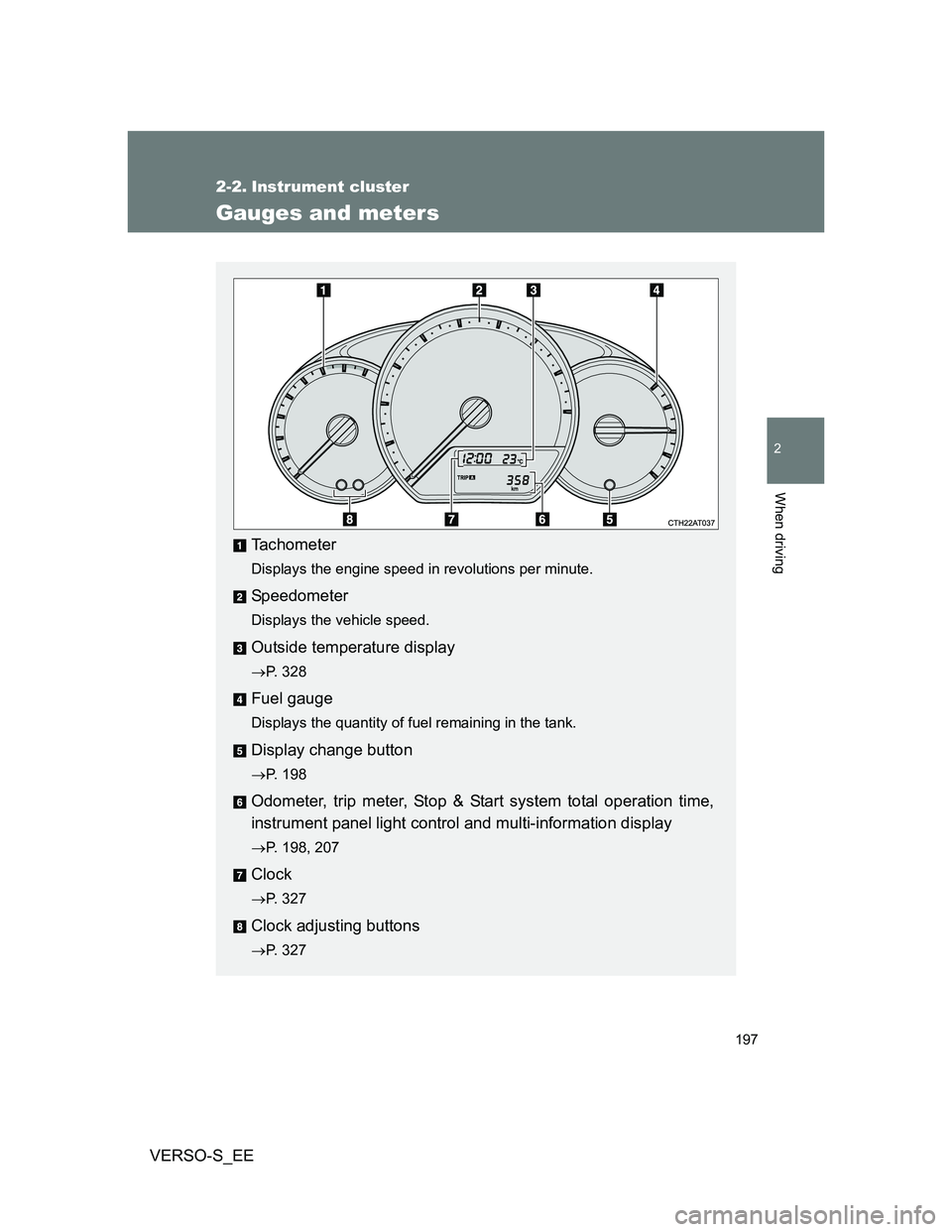
Tachometer
Displays the engine speed in revolutions per minute.
Speedometer
Displays the vehicle speed.
Outside temperature display
P. 328
Fuel gauge
Displays the quantity of fuel remaining in the tank.
Display change button
P. 198
Odometer, trip meter, Stop & Start system total operation time,
instrument panel light control and multi-information display
P. 198, 207
Clock
P. 327
Clock adjusting buttons
P. 327
Page 198 of 540
198 2-2. Instrument cluster
VERSO-S_EE
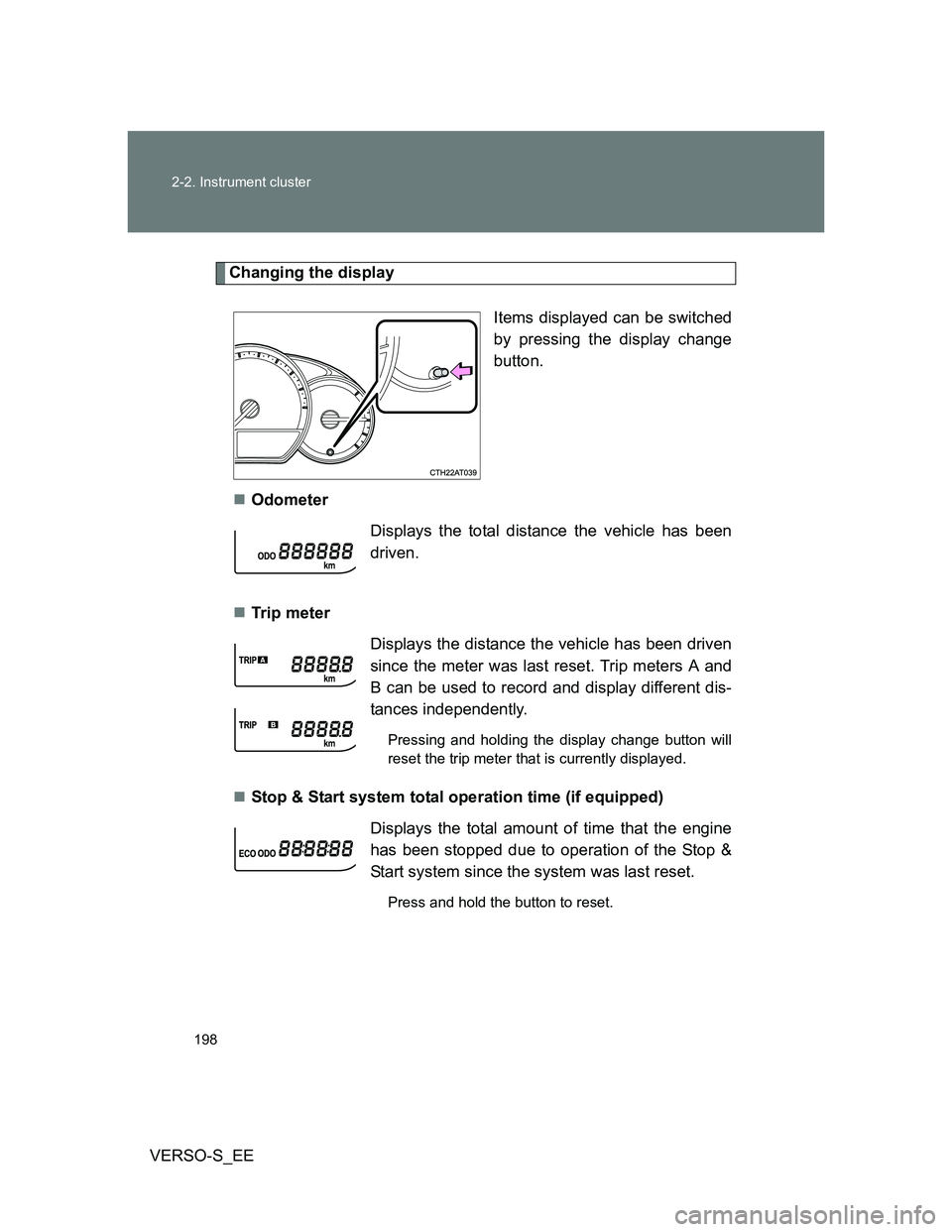
Changing the display
Items displayed can be switched
by pressing the display change
button.
Odometer
Tr ip m eter
Stop & Start system total operation time (if equipped)
Displays the total distance the vehicle has been
driven.
Displays the distance the vehicle has been driven
since the meter was last reset. Trip meters A and
B can be used to record and display different dis-
tances independently.
Pressing and holding the display change button will
reset the trip meter that is currently displayed.
Displays the total amount of time that the engine
has been stopped due to operation of the Stop &
Start system since the system was last reset.
Press and hold the button to reset.
Page 199 of 540
199 2-2. Instrument cluster
2
When driving
VERSO-S_EEInstantaneous fuel consumption
P. 208
Average fuel consumption
P. 208
Driving range
P. 209
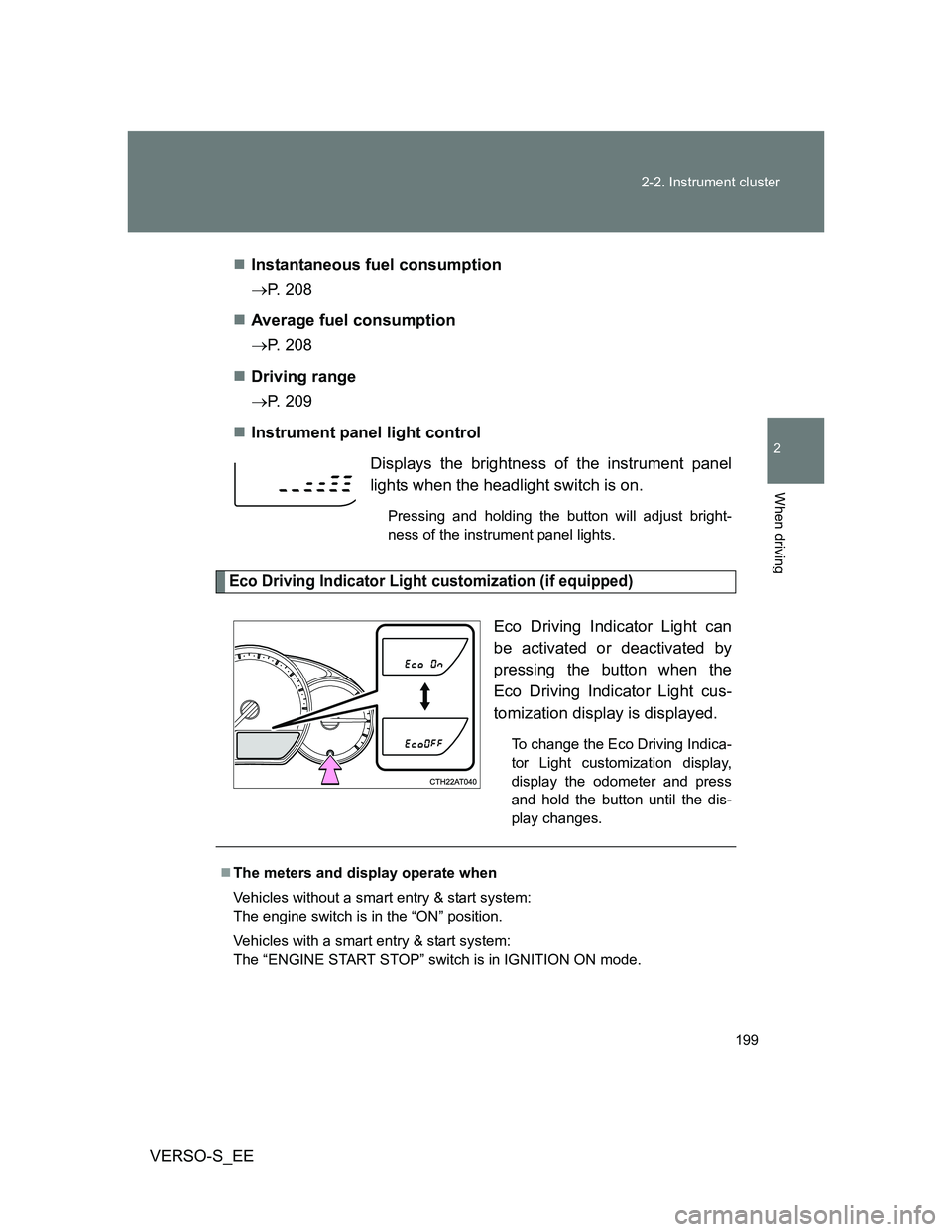
Instrument panel light control
Eco Driving Indicator Light customization (if equipped)
Eco Driving Indicator Light can
be activated or deactivated by
pressing the button when the
Eco Driving Indicator Light cus-
tomization display is displayed.
To change the Eco Driving Indica-
tor Light customization display,
display the odometer and press
and hold the button until the dis-
play changes.
Displays the brightness of the instrument panel
lights when the headlight switch is on.
Pressing and holding the button will adjust bright-
ness of the instrument panel lights.
The meters and display operate when
Vehicles without a smart entry & start system:
The engine switch is in the “ON” position.
Vehicles with a smart entry & start system:
The “ENGINE START STOP” switch is in IGNITION ON mode.
Page 207 of 540
207
2-2. Instrument cluster
2
When driving
VERSO-S_EE
Multi-infor mation display
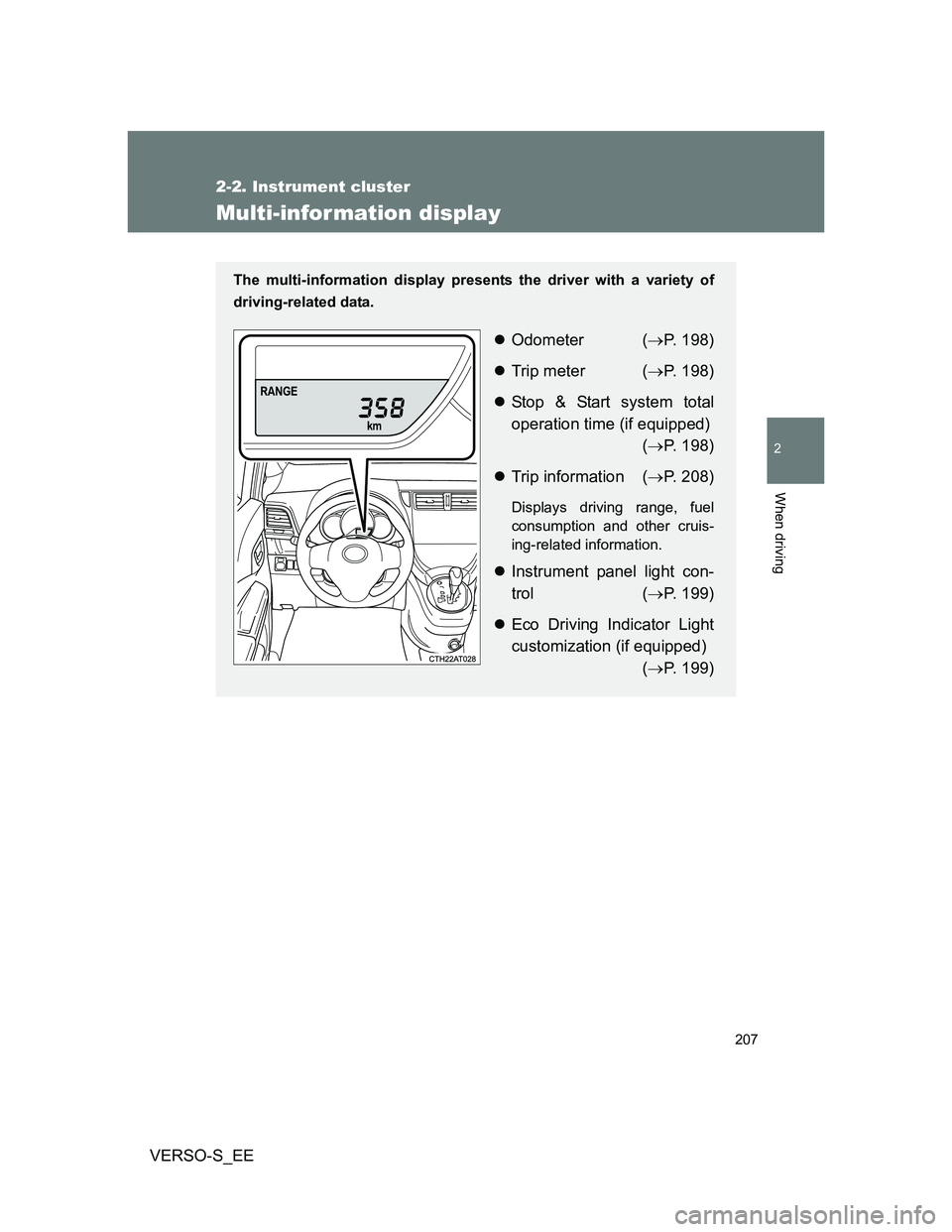
The multi-information display presents the driver with a variety of
driving-related data.
Odometer (P. 198)
Trip meter (P. 198)
Stop & Start system total
operation time (if equipped)
(P. 198)
Trip information (P. 208)
Displays driving range, fuel
consumption and other cruis-
ing-related information.
Instrument panel light con-
trol (P. 199)
Eco Driving Indicator Light
customization (if equipped)
(P. 199)
Page 208 of 540
208 2-2. Instrument cluster
VERSO-S_EE
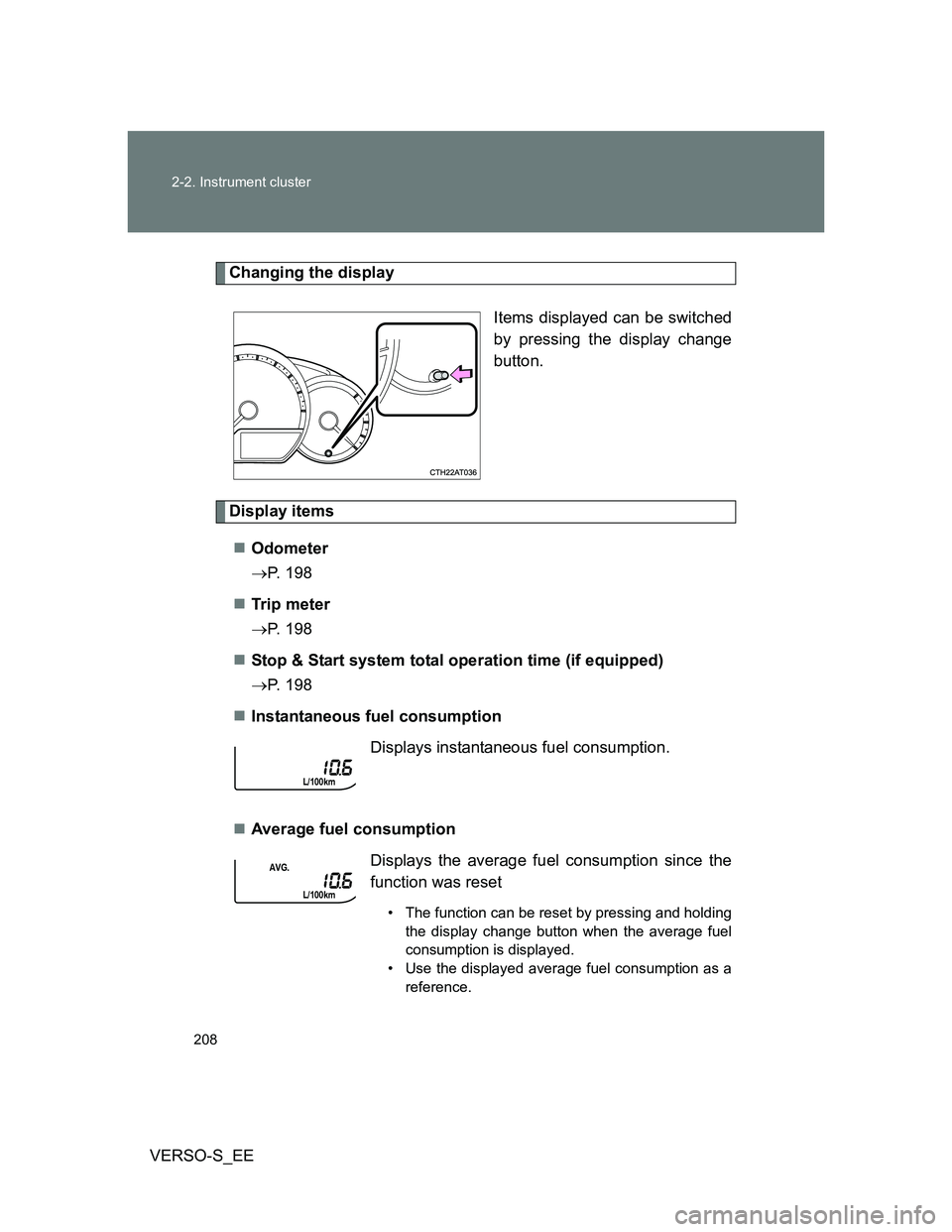
Changing the display
Items displayed can be switched
by pressing the display change
button.
Display items
Odometer
P. 198
Tr ip m eter
P. 198
Stop & Start system total operation time (if equipped)
P. 198
Instantaneous fuel consumption
Average fuel consumption
Displays instantaneous fuel consumption.
Displays the average fuel consumption since the
function was reset
• The function can be reset by pressing and holding
the display change button when the average fuel
consumption is displayed.
• Use the displayed average fuel consumption as a
reference.
Page 209 of 540
209 2-2. Instrument cluster
2
When driving
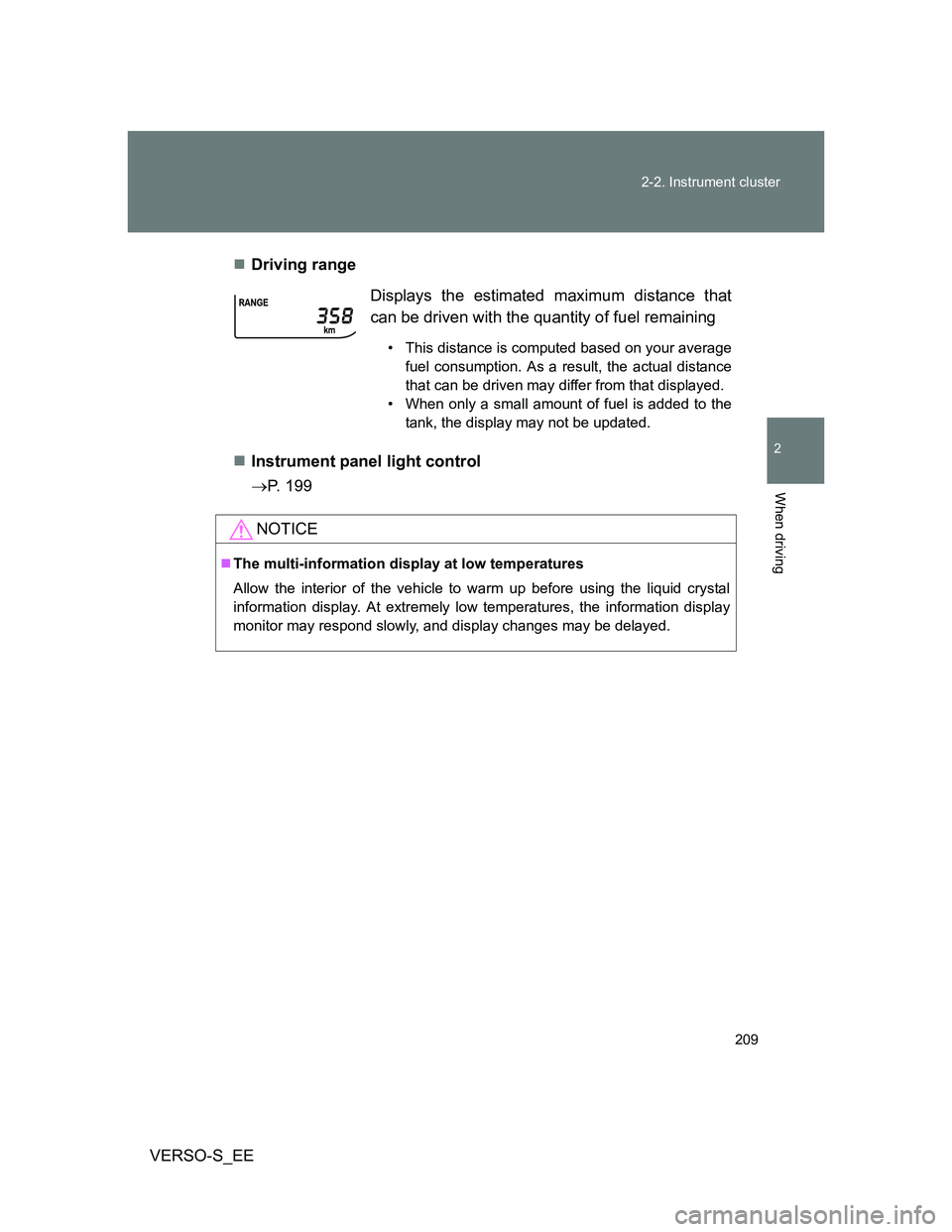
VERSO-S_EEDriving range
Instrument panel light control
P. 199Displays the estimated maximum distance that
can be driven with the quantity of fuel remaining
• This distance is computed based on your average
fuel consumption. As a result, the actual distance
that can be driven may differ from that displayed.
• When only a small amount of fuel is added to the
tank, the display may not be updated.
NOTICE
The multi-information display at low temperatures
Allow the interior of the vehicle to warm up before using the liquid crystal
information display. At extremely low temperatures, the information display
monitor may respond slowly, and display changes may be delayed.
Page 231 of 540
231 2-4. Using other driving systems
2
When driving
VERSO-S_EE
If the windshield is fogged up while the engine is stopped by the Stop
& Start system
Vehicles with an automatic air conditioning system: Turn the windshield
defogger on. (The engine will start due to the automatic engine start func-
tion.) (P. 267)
Vehicles with a manual air conditioning system: Restart the engine by
depressing the clutch pedal (vehicles with a manual transmission) or
releasing brake pedal (vehicles with a Multidrive) (P. 227) or by press-
ing the Stop & Start cancel switch, and then set the air outlet selection
dial to . (P. 259)
If the windshield fogs up frequently, press the Stop & Start cancel switch to
deactivate the system.
The Stop & Start system operation time and Stop & Start system total
operation time display
P. 198
CAUTION
When the Stop & Start system is operating
Keep the shift lever in N and apply the brake pedal or parking brake for
safety while the engine is stopped due to the Stop & Start system (while
the Stop & Start indicator is on).
Unexpected accidents may occur due to the automatic engine start func-
tion.
Do not leave the vehicle while the engine is stopped due to the Stop &
Start system (while the Stop & Start indicator is on).
Unexpected accidents may occur due to the automatic engine start func-
tion.
Ensure that the engine is not stopped by the Stop & Start system while the
vehicle is in a poorly ventilated area. The engine may restart due to the
automatic engine start function, causing exhaust gases to collect and
enter the vehicle and resulting in death or a serious health hazard.
Page 257 of 540
3Interior features
257
VERSO-S_EE
3-1. Using the air conditioning
system and defogger
Manual air conditioning
system ............................ 258
Automatic air conditioning
system ............................ 264
Power heater .................... 270
Rear window and
outside rear view
mirror defoggers ............. 272
3-2. Using the audio system
Audio system types .......... 274
Using the radio ................. 278
Using the CD player ......... 282
Playing back MP3 and
WMA discs...................... 287
Operating an iPod............. 294
Operating a USB
memory........................... 302
Optimal use of the audio
system ............................ 310
Using the AUX port ........... 312
Using the steering wheel
audio switches ................ 3133-3. Using the interior lights
Interior lights list ................ 316
• Personal lights ................ 317
• Personal/interior lights .... 317
• Interior light ..................... 318
3-4. Using the storage
features
List of storage features ..... 319
• Auxiliary box ................... 320
• Glove box ....................... 320
• Bottle holders.................. 322
• Tray ................................ 323
• Cup holders .................... 324
3-5. Other interior features
Sun visors ......................... 325
Vanity mirrors.................... 326
Clock ................................. 327
Outside temperature
display ............................ 328
Power outlets .................... 329
Seat heaters ..................... 331
Armrests ........................... 333
Panoramic roof shade....... 334
Floor mat........................... 337
Luggage compartment
features........................... 339
Page 264 of 540
264
3-1. Using the air conditioning system and defogger
VERSO-S_EE
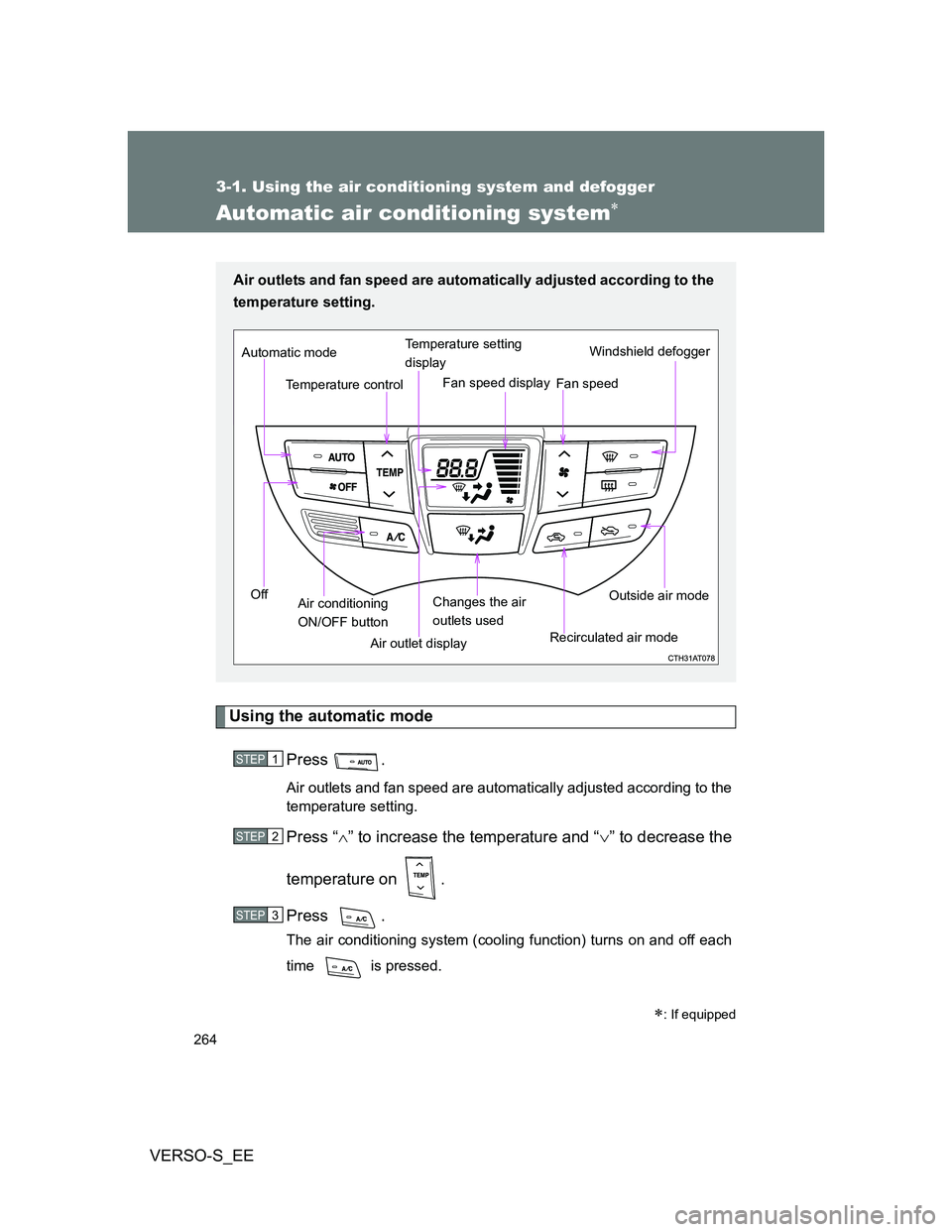
Automatic air conditioning system
Using the automatic mode
Press .
Air outlets and fan speed are automatically adjusted according to the
temperature setting.
Press “” to increase the temperature and “” to decrease the
temperature on .
Press .
The air conditioning system (cooling function) turns on and off each
time is pressed.
: If equipped
Air outlets and fan speed are automatically adjusted according to the
temperature setting.
Air outlet displayWindshield defogger
Temperature controlFan speed Temperature setting
display
Off Automatic mode
Changes the air
outlets usedFan speed display
Air conditioning
ON/OFF buttonRecirculated air modeOutside air mode
STEP1
STEP2
STEP3