audio TOYOTA VERSO S 2014 User Guide
[x] Cancel search | Manufacturer: TOYOTA, Model Year: 2014, Model line: VERSO S, Model: TOYOTA VERSO S 2014Pages: 560, PDF Size: 16.94 MB
Page 242 of 560
242 2-4. Using other driving systems
VERSO-S_EE
Automatic reactivation of the Stop & Start system
Vehicles without a smart entry & start system: Even if the Stop & Start sys-
tem is disabled by the Stop & Start cancel switch, it will be automatically re-
enabled once the engine switch is turned to the “LOCK” position then to the
“START” position.
Vehicles with a smart entry & start system: Even if the Stop & Start system is
disabled by the Stop & Start cancel switch, it will be automatically re-enabled
once the “ENGINE START STOP” switch is turned off then the engine is
started.
The Stop & Start system protection feature
Vehicles without a smart entry & start system: When an excessively loud
sound is being projected by the audio system, the audio system may be
automatically cut off in order to maintain power for the Stop & Start system
function.
If this occurs, turning the engine switch to the “LOCK” position then to the
“ACC” or “ON” position re-enables the audio system.
Vehicles with a smart entry & start system: When an excessively loud sound
is being projected by the audio system, the audio system may be automati-
cally cut off in order to maintain power for the Stop & Start system function.
If this occurs, turning the “ENGINE START STOP” switch off then to ACCES-
SORY mode or IGNITION ON mode re-enables the audio system.
Steering wheel operation
When the engine is stopped by the Stop & Start system, the steering wheel
may become heavier than when driving.
Hood
If the hood is opened while the engine is stopped by the Stop & Start system,
the engine cannot be restarted by the Stop & Start system or by the auto-
matic engine start function. Restart the engine with the engine switch opera-
tion. (P. 176186)
Vehicles with a Multidrive: If the hood is opened while the engine is stopped
by the Stop & Start system and the shift lever is in N or P, the engine will
restart.
Page 273 of 560
3Interior features
273
VERSO-S_EE
3-1. Using the air conditioning
system and defogger
Manual air conditioning
system ............................ 274
Automatic air conditioning
system ............................ 280
Power heater .................... 286
Rear window and
outside rear view
mirror defoggers ............. 288
3-2. Using the audio system
Audio system types .......... 290
Using the radio ................. 292
Using the CD player ......... 296
Playing back MP3 and
WMA discs...................... 301
Operating an iPod............. 308
Operating a USB
memory........................... 316
Optimal use of the audio
system ............................ 324
Using the AUX port ........... 326
Using the steering wheel
audio switches ................ 327
3-3. Using the interior lights
Interior lights list................ 330
• Personal lights ................ 331
• Personal/interior lights .... 331
• Interior light ..................... 3323-4. Using the storage
features
List of storage features ..... 333
• Auxiliary box ................... 334
• Glove box ....................... 334
• Bottle holders.................. 336
• Tray ................................ 337
• Cup holders .................... 338
3-5. Other interior features
Sun visors ......................... 339
Vanity mirrors.................... 340
Clock ................................. 341
Outside temperature
display ............................ 342
Power outlets .................... 343
Seat heaters ..................... 345
Armrests ........................... 347
Panoramic roof shade....... 348
Assist grips ....................... 351
Floor mat........................... 352
Luggage compartment
features........................... 354
Page 290 of 560
290
VERSO-S_EE
3-2. Using the audio system
Audio system types
: If equipped
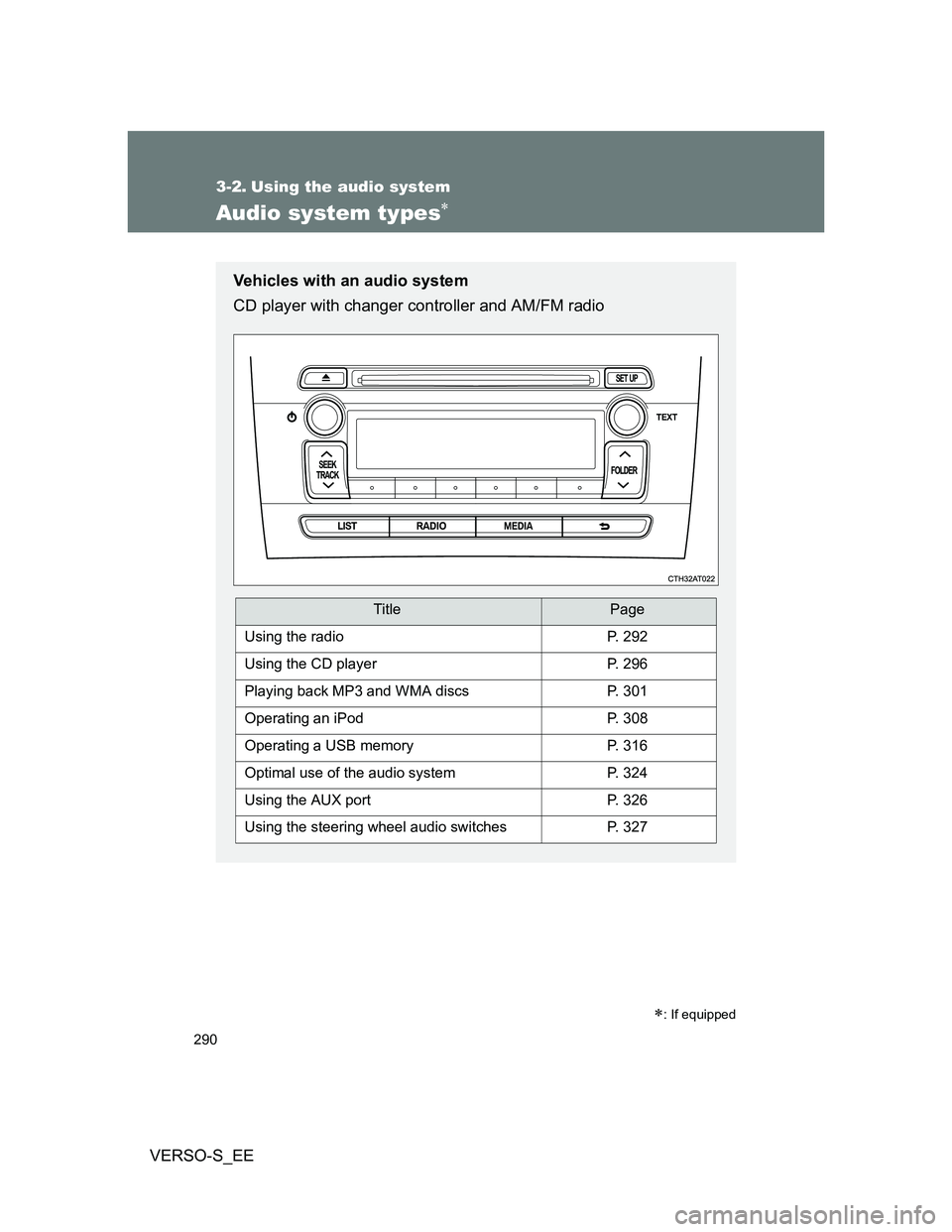
Vehicles with an audio system
CD player with changer controller and AM/FM radio
TitlePage
Using the radioP. 292
Using the CD playerP. 296
Playing back MP3 and WMA discsP. 301
Operating an iPodP. 308
Operating a USB memoryP. 316
Optimal use of the audio systemP. 324
Using the AUX portP. 326
Using the steering wheel audio switchesP. 327
Page 291 of 560
291 3-2. Using the audio system
3
Interior features
VERSO-S_EE
NOTICE
To prevent battery discharge
Do not leave the audio system on longer than necessary when the engine is
stopped.
To avoid damaging the audio system
Take care not to spill drinks or other fluids over the audio system.
Vehicles with a navigation/multimedia system
Owners of models equipped with a navigation/multimedia system
should refer to the “Navigation and multimedia system Owner's
manual”.
Page 292 of 560
292
3-2. Using the audio system
VERSO-S_EE
Using the radio
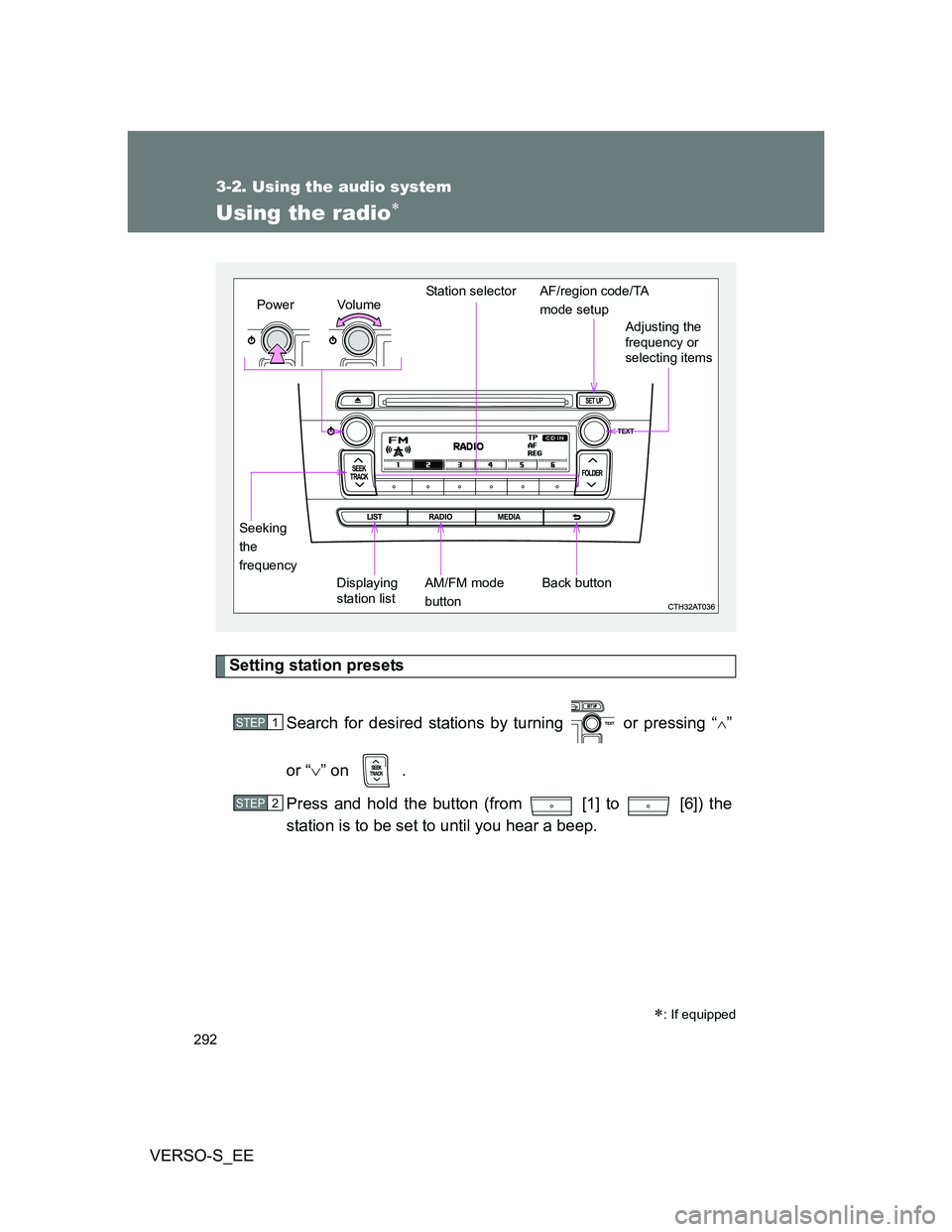
Setting station presets
Search for desired stations by turning or pressing “
”
or “” on .
Press and hold the button (from [1] to [6]) the
station is to be set to until you hear a beep.
: If equipped
Vo lu m e
Displaying
station listStation selector
Seeking
the
frequencyAdjusting the
frequency or
selecting items
AM/FM mode
buttonPowerAF/region code/TA
mode setup
Back button
STEP1
STEP2
Page 293 of 560
293 3-2. Using the audio system
3
Interior features
VERSO-S_EE
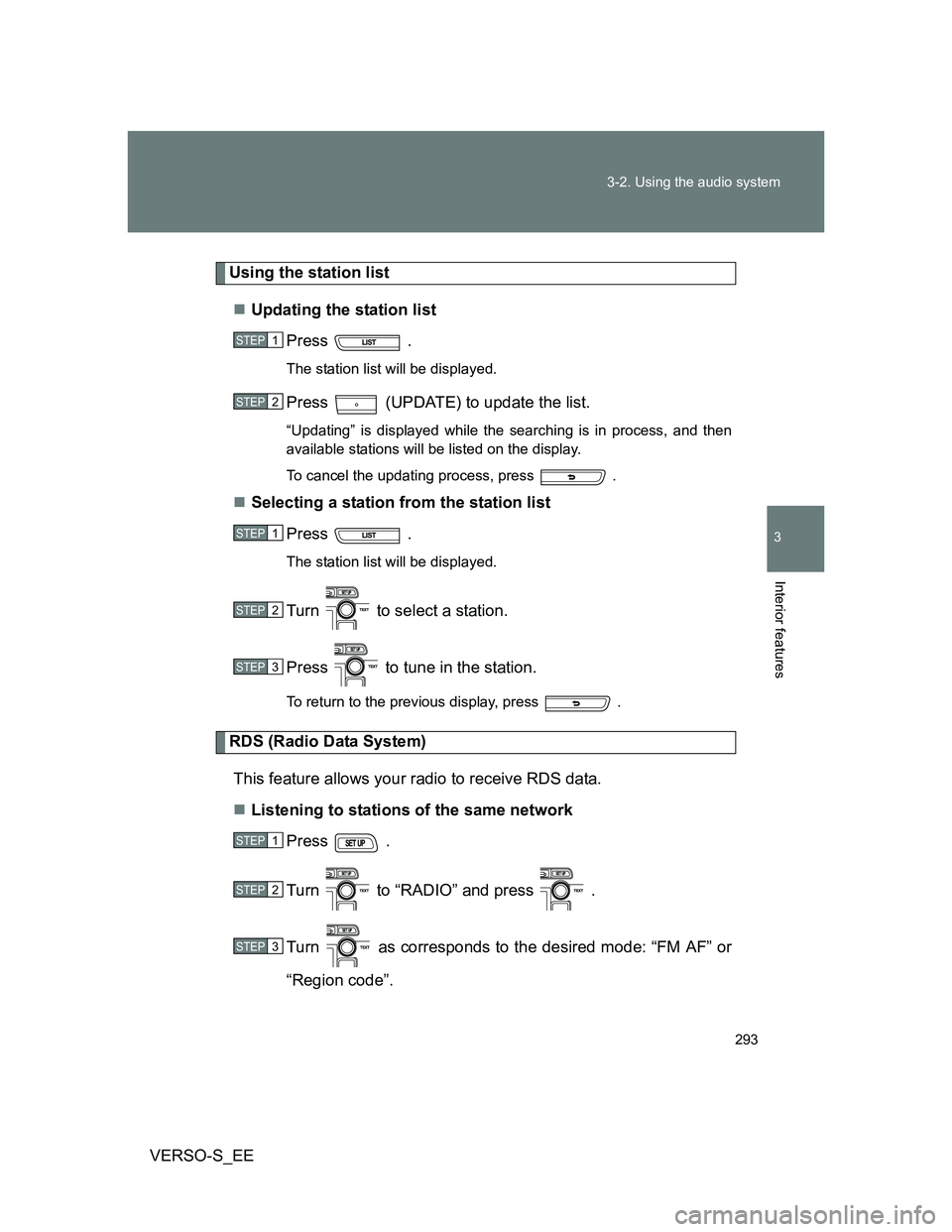
Using the station list
Updating the station list
Press .
The station list will be displayed.
Press (UPDATE) to update the list.
“Updating” is displayed while the searching is in process, and then
available stations will be listed on the display.
To cancel the updating process, press .
Selecting a station from the station list
Press .
The station list will be displayed.
Turn to select a station.
Press to tune in the station.
To return to the previous display, press .
RDS (Radio Data System)
This feature allows your radio to receive RDS data.
Listening to stations of the same network
Press .
Turn to “RADIO” and press .
Turn as corresponds to the desired mode: “FM AF” or
“Region code”.
STEP1
STEP2
STEP1
STEP2
STEP3
STEP1
STEP2
STEP3
Page 294 of 560
294 3-2. Using the audio system
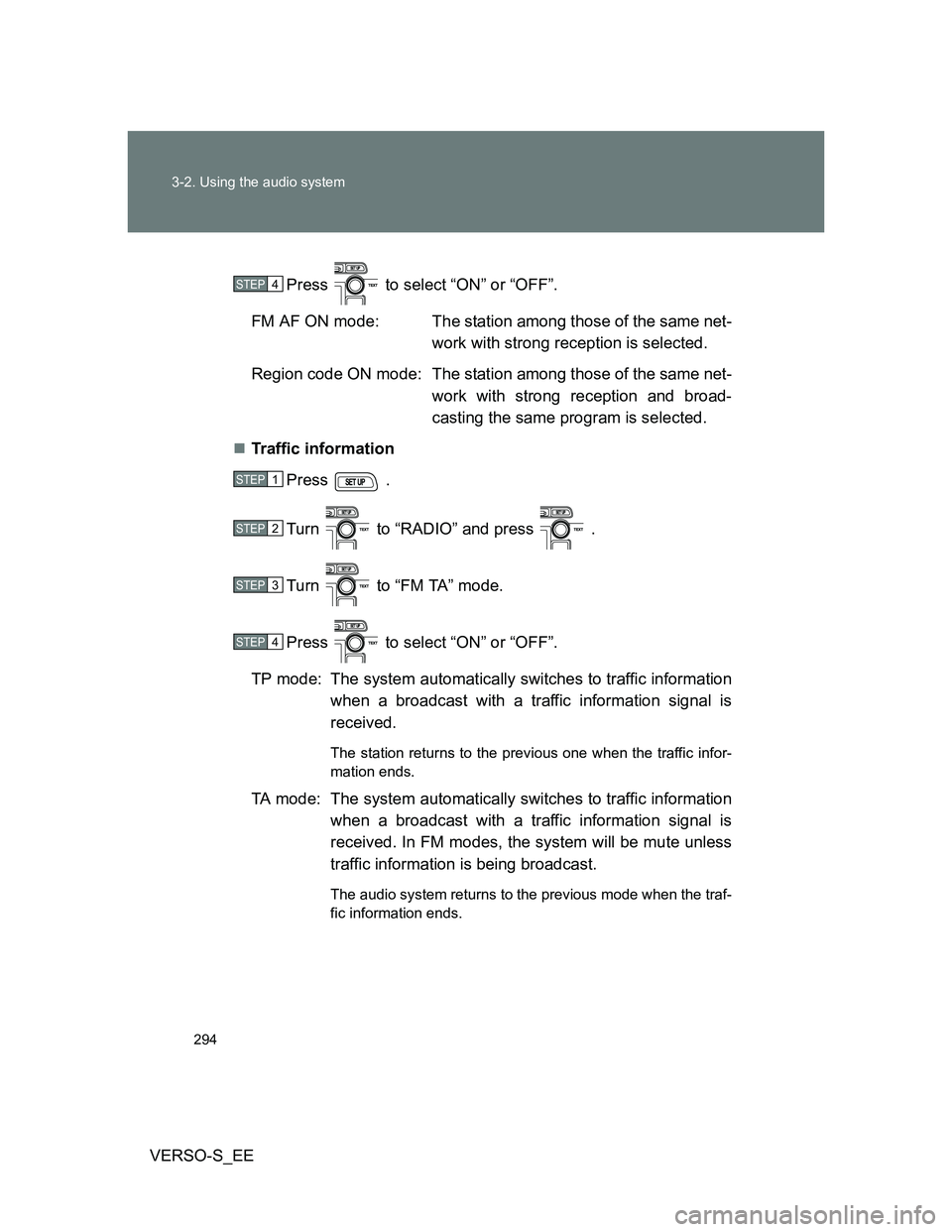
VERSO-S_EEPress to select “ON” or “OFF”.
FM AF ON mode: The station among those of the same net-
work with strong reception is selected.
Region code ON mode: The station among those of the same net-
work with strong reception and broad-
casting the same program is selected.
Traffic information
Press .
Turn to “RADIO” and press .
Turn to “FM TA” mode.
Press to select “ON” or “OFF”.
TP mode: The system automatically switches to traffic information
when a broadcast with a traffic information signal is
received.
The station returns to the previous one when the traffic infor-
mation ends.
TA mode: The system automatically switches to traffic information
when a broadcast with a traffic information signal is
received. In FM modes, the system will be mute unless
traffic information is being broadcast.
The audio system returns to the previous mode when the traf-
fic information ends.
STEP4
STEP1
STEP2
STEP3
STEP4
Page 295 of 560
295 3-2. Using the audio system
3
Interior features
VERSO-S_EE
Certification for the radio (for Italy)
IL PRODUTTORE Panasonic Corporation Automotive Systems Company
4261, Ikonobe-cho, Tsuzuki-ku, Yokohama, 224-8520, JAPAN
DI QUESTO APPARECCHIO MODELLO 86120 52B00 DICHIARA CHE
ESSO E’CONFORME AL D.M.28.08.1995 Nr.548, OTTEMPERANDO ALLE
PRESCRIZIONI DI CUI AL D.M.25.6.1985 (PARAGRAFO 3,ALL.A) ED AL
D.M.27.8.1987 (PARAGRAFO 3,ALL.I)
EON (Enhanced Other Network) system (for traffic announcement
function)
If the RDS station (with EON data) you are listening to is not broadcasting a
traffic information program and the audio system is in the TA (traffic
announcement) mode, the radio will be switched automatically to a station
broadcasting a traffic information program in the EON AF list when traffic
information begins.
When the battery is disconnected
Stations presets are erased.
Reception sensitivity
Maintaining perfect radio reception at all times is difficult due to the con-
tinually changing position of the antenna, differences in signal strength
and surrounding objects, such as trains, transmitters, etc.
The radio antenna is mounted on the rear roof. The antenna can be
removed from the base by turning it.
Digital Audio Broadcast (DAB) radio
The optional radio antenna and tuner are necessary for the use of Digital
Audio Broadcast (DAB) radio.
NOTICE
To prevent damage, remove the antenna in the following cases.
The antenna will touch the ceiling of a garage.
A cover will be put on the roof.
Page 296 of 560
296
3-2. Using the audio system
VERSO-S_EE
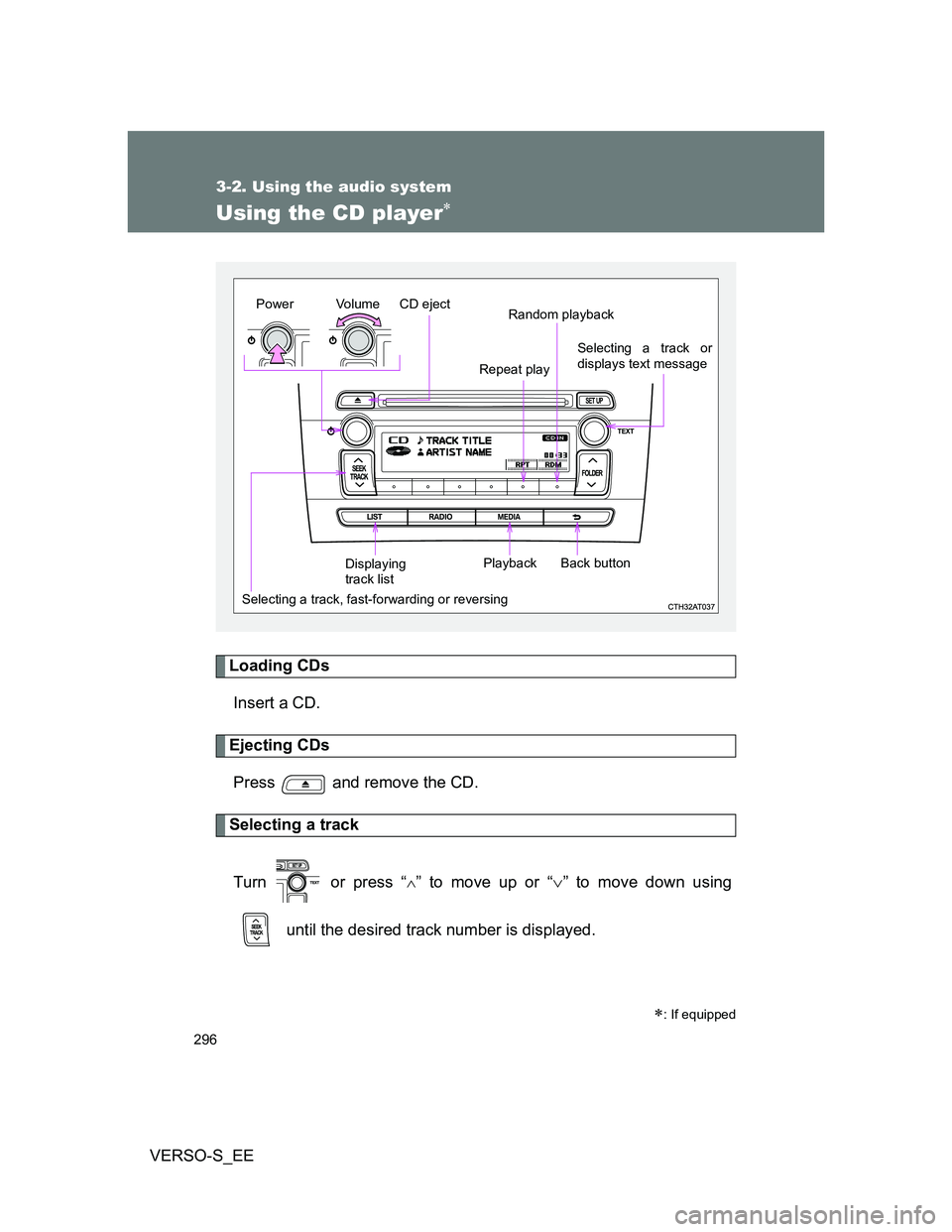
Using the CD player
Loading CDs
Insert a CD.
Ejecting CDs
Press and remove the CD.
Selecting a track
Turn or press “
” to move up or “” to move down using
until the desired track number is displayed.
: If equipped
Vo lu m e
Random playback
Selecting a track, fast-forwarding or reversingRepeat play
Playback PowerCD eject
Selecting a track or
displays text message
Displaying
track listBack button
Page 297 of 560
297 3-2. Using the audio system
3
Interior features
VERSO-S_EE
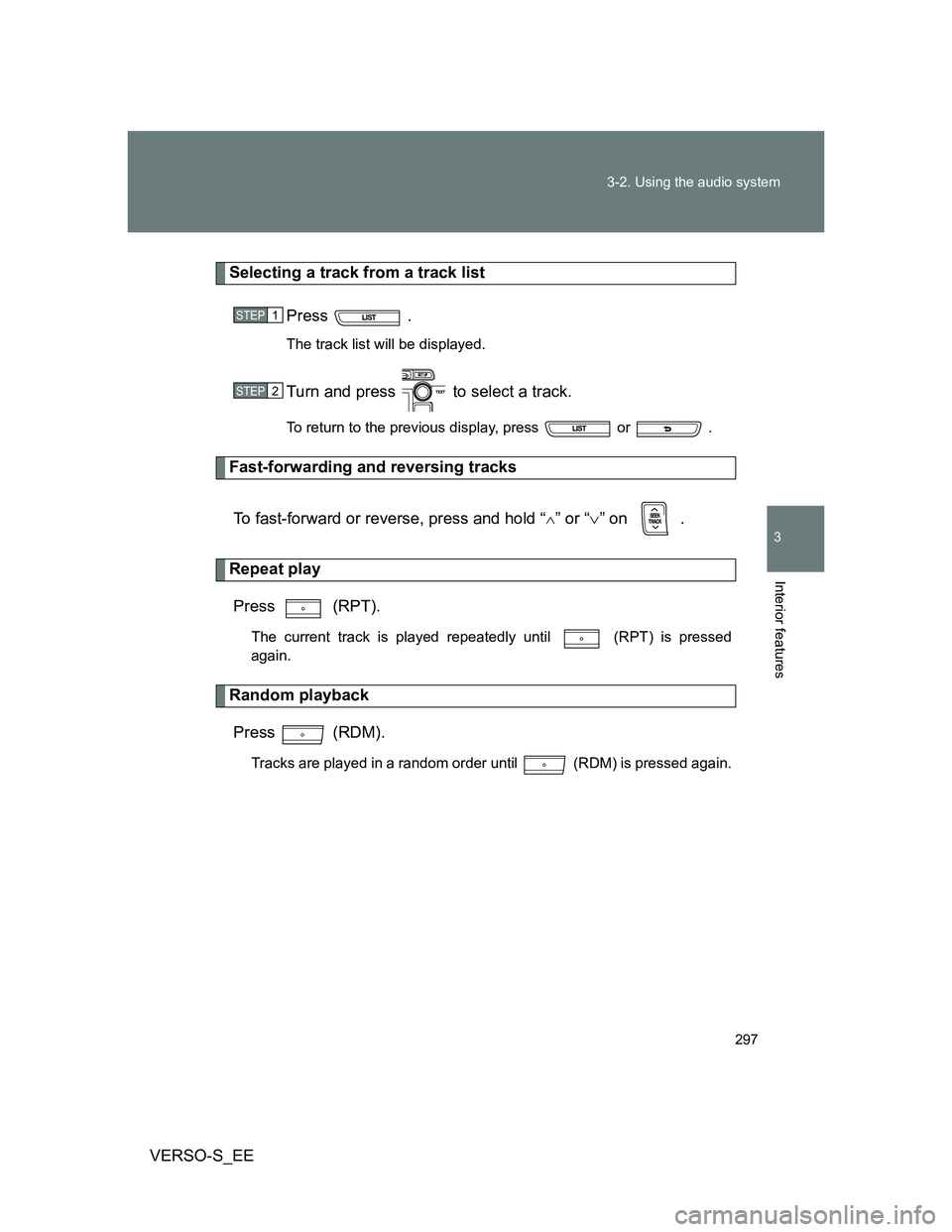
Selecting a track from a track list
Press .
The track list will be displayed.
Turn and press to select a track.
To return to the previous display, press or .
Fast-forwarding and reversing tracks
To fast-forward or reverse, press and hold “
” or “” on .
Repeat play
Press (RPT).
The current track is played repeatedly until (RPT) is pressed
again.
Random playback
Press (RDM).
Tracks are played in a random order until (RDM) is pressed again.
STEP1
STEP2