key TOYOTA VERSO S 2014 Owners Manual
[x] Cancel search | Manufacturer: TOYOTA, Model Year: 2014, Model line: VERSO S, Model: TOYOTA VERSO S 2014Pages: 560, PDF Size: 16.94 MB
Page 2 of 560
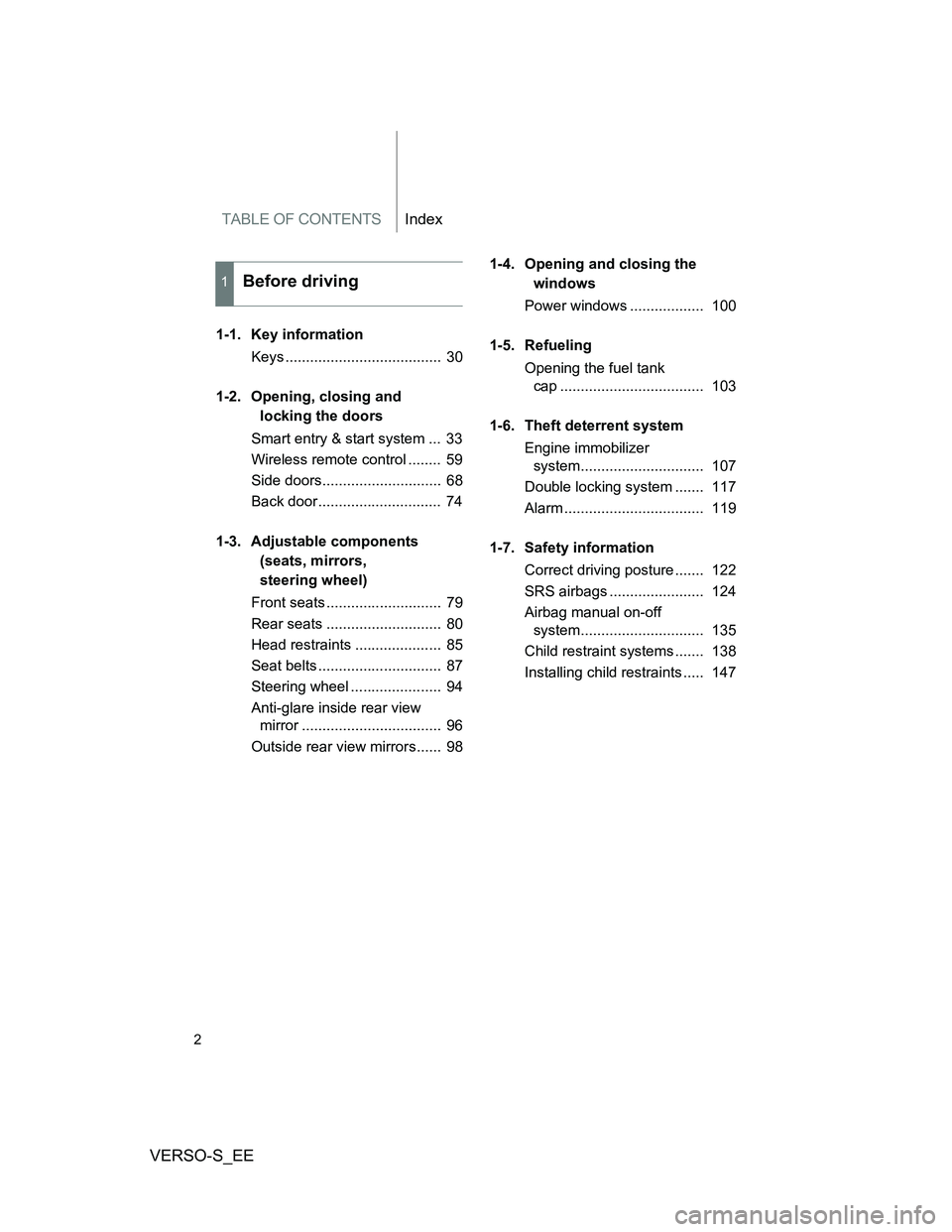
TABLE OF CONTENTSIndex
VERSO-S_EE
2
1-1. Key information
Keys ...................................... 30
1-2. Opening, closing and
locking the doors
Smart entry & start system ... 33
Wireless remote control ........ 59
Side doors............................. 68
Back door.............................. 74
1-3. Adjustable components
(seats, mirrors,
steering wheel)
Front seats ............................ 79
Rear seats ............................ 80
Head restraints ..................... 85
Seat belts .............................. 87
Steering wheel ...................... 94
Anti-glare inside rear view
mirror .................................. 96
Outside rear view mirrors...... 981-4. Opening and closing the
windows
Power windows .................. 100
1-5. Refueling
Opening the fuel tank
cap ................................... 103
1-6. Theft deterrent system
Engine immobilizer
system.............................. 107
Double locking system ....... 117
Alarm .................................. 119
1-7. Safety information
Correct driving posture ....... 122
SRS airbags ....................... 124
Airbag manual on-off
system.............................. 135
Child restraint systems ....... 138
Installing child restraints ..... 147
1Before driving
Page 5 of 560
1
2
3
4
5
6
VERSO-S_EE
5
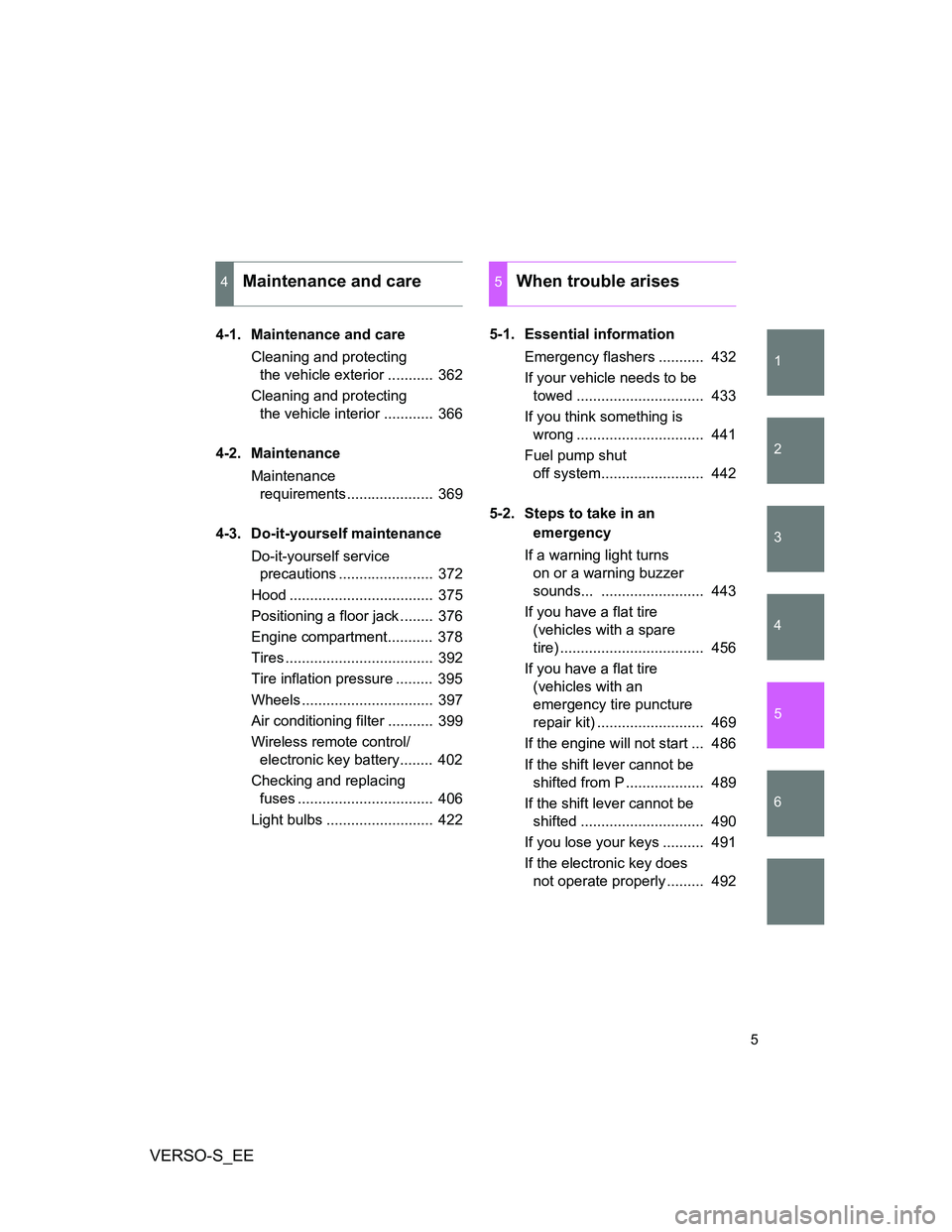
4-1. Maintenance and care
Cleaning and protecting
the vehicle exterior ........... 362
Cleaning and protecting
the vehicle interior ............ 366
4-2. Maintenance
Maintenance
requirements..................... 369
4-3. Do-it-yourself maintenance
Do-it-yourself service
precautions ....................... 372
Hood ................................... 375
Positioning a floor jack ........ 376
Engine compartment........... 378
Tires .................................... 392
Tire inflation pressure ......... 395
Wheels ................................ 397
Air conditioning filter ........... 399
Wireless remote control/
electronic key battery........ 402
Checking and replacing
fuses ................................. 406
Light bulbs .......................... 4225-1. Essential information
Emergency flashers ........... 432
If your vehicle needs to be
towed ............................... 433
If you think something is
wrong ............................... 441
Fuel pump shut
off system......................... 442
5-2. Steps to take in an
emergency
If a warning light turns
on or a warning buzzer
sounds... ......................... 443
If you have a flat tire
(vehicles with a spare
tire) ................................... 456
If you have a flat tire
(vehicles with an
emergency tire puncture
repair kit) .......................... 469
If the engine will not start ... 486
If the shift lever cannot be
shifted from P ................... 489
If the shift lever cannot be
shifted .............................. 490
If you lose your keys .......... 491
If the electronic key does
not operate properly ......... 492
4Maintenance and care5When trouble arises
Page 26 of 560
VERSO-S_EE
26
CAUTION
General precautions while driving
Driving under the influence: Never drive your vehicle when under the influ-
ence of alcohol or drugs that have impaired your ability to operate your vehi-
cle. Alcohol and certain drugs delay reaction time, impair judgment and
reduce coordination, which could lead to an accident that could result in
death or serious injury.
Defensive driving: Always drive defensively. Anticipate mistakes that other
drivers or pedestrians might make and be ready to avoid accidents.
Driver distraction: Always give your full attention to driving. Anything that dis-
tracts the driver, such as adjusting controls, talking on a cellular phone or
reading can result in a collision with resulting death or serious injury to you,
your occupants or others.
General precaution regarding children’s safety
Never leave children unattended in the vehicle, and never allow children to
have or use the key.
Children may be able to start the vehicle or shift the vehicle into neutral.
There is also a danger that children may injure themselves by playing with
the windows, the panoramic roof shade, or other features of the vehicle. In
addition, heat build-up or extremely cold temperatures inside the vehicle can
be fatal to children.
Page 29 of 560
1Before driving
29
VERSO-S_EE
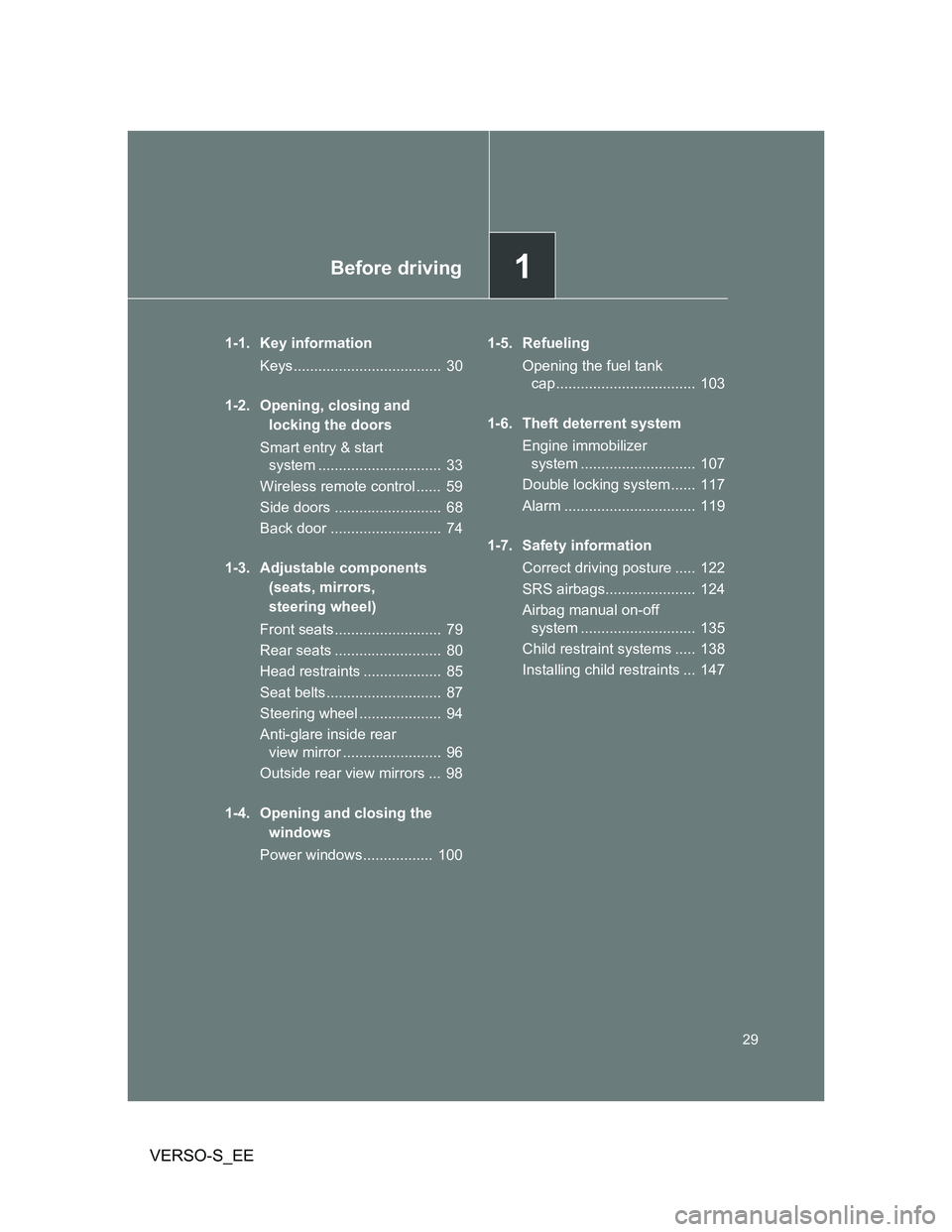
1-1. Key information
Keys.................................... 30
1-2. Opening, closing and
locking the doors
Smart entry & start
system .............................. 33
Wireless remote control ...... 59
Side doors .......................... 68
Back door ........................... 74
1-3. Adjustable components
(seats, mirrors,
steering wheel)
Front seats.......................... 79
Rear seats .......................... 80
Head restraints ................... 85
Seat belts............................ 87
Steering wheel .................... 94
Anti-glare inside rear
view mirror ........................ 96
Outside rear view mirrors ... 98
1-4. Opening and closing the
windows
Power windows................. 1001-5. Refueling
Opening the fuel tank
cap .................................. 103
1-6. Theft deterrent system
Engine immobilizer
system ............................ 107
Double locking system ...... 117
Alarm ................................ 119
1-7. Safety information
Correct driving posture ..... 122
SRS airbags...................... 124
Airbag manual on-off
system ............................ 135
Child restraint systems ..... 138
Installing child restraints ... 147
Page 30 of 560
30
VERSO-S_EE
1-1. Key information
Keys
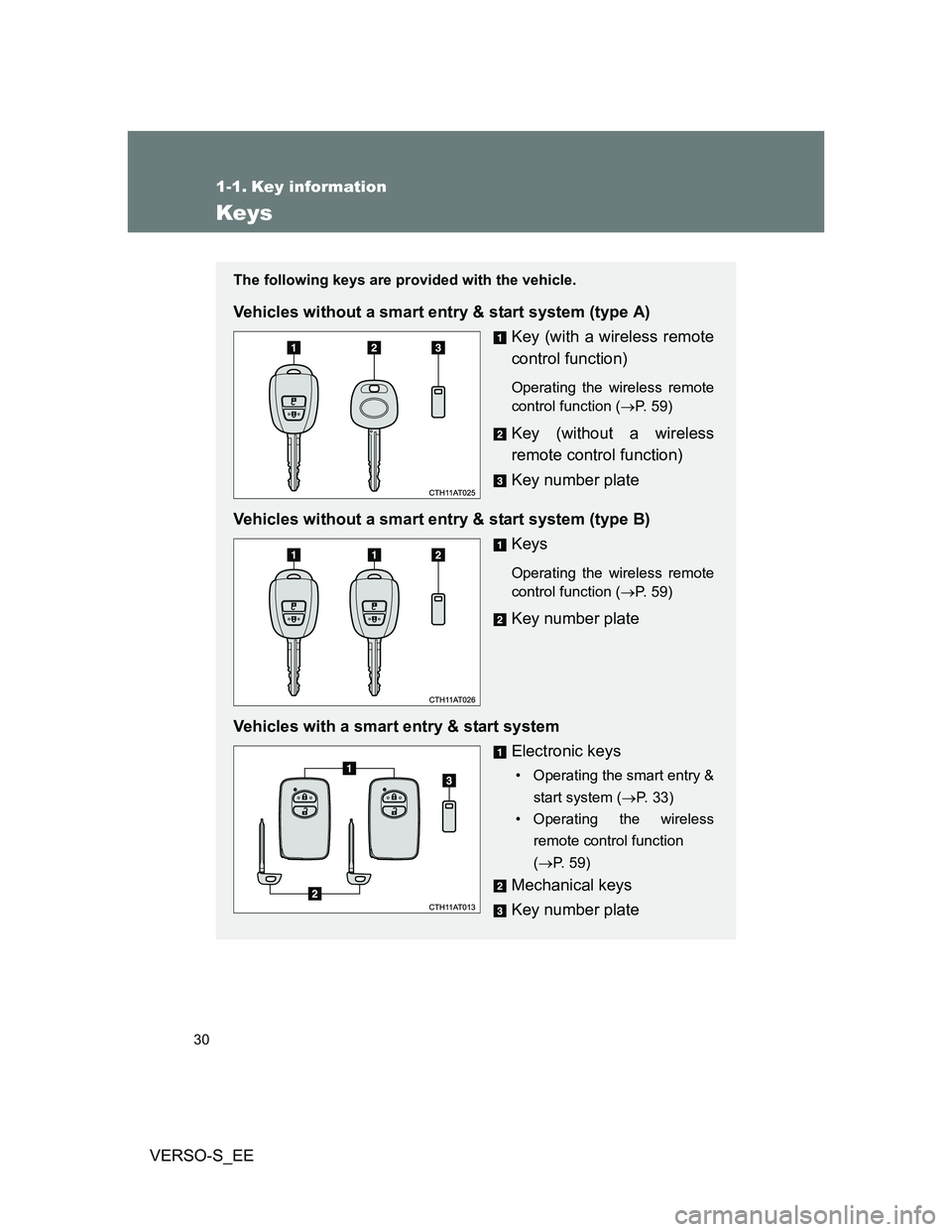
The following keys are provided with the vehicle.
Vehicles without a smart entry & start system (type A)
Key (with a wireless remote
control function)
Operating the wireless remote
control function (P. 59)
Key (without a wireless
remote control function)
Key number plate
Vehicles without a smart entry & start system (type B)
Keys
Operating the wireless remote
control function (P. 59)
Key number plate
Vehicles with a smart entry & start system
Electronic keys
• Operating the smart entry &
start system (P. 33)
• Operating the wireless
remote control function
(P. 59)
Mechanical keys
Key number plate
Page 31 of 560
31 1-1. Key information
1
Before driving
VERSO-S_EE
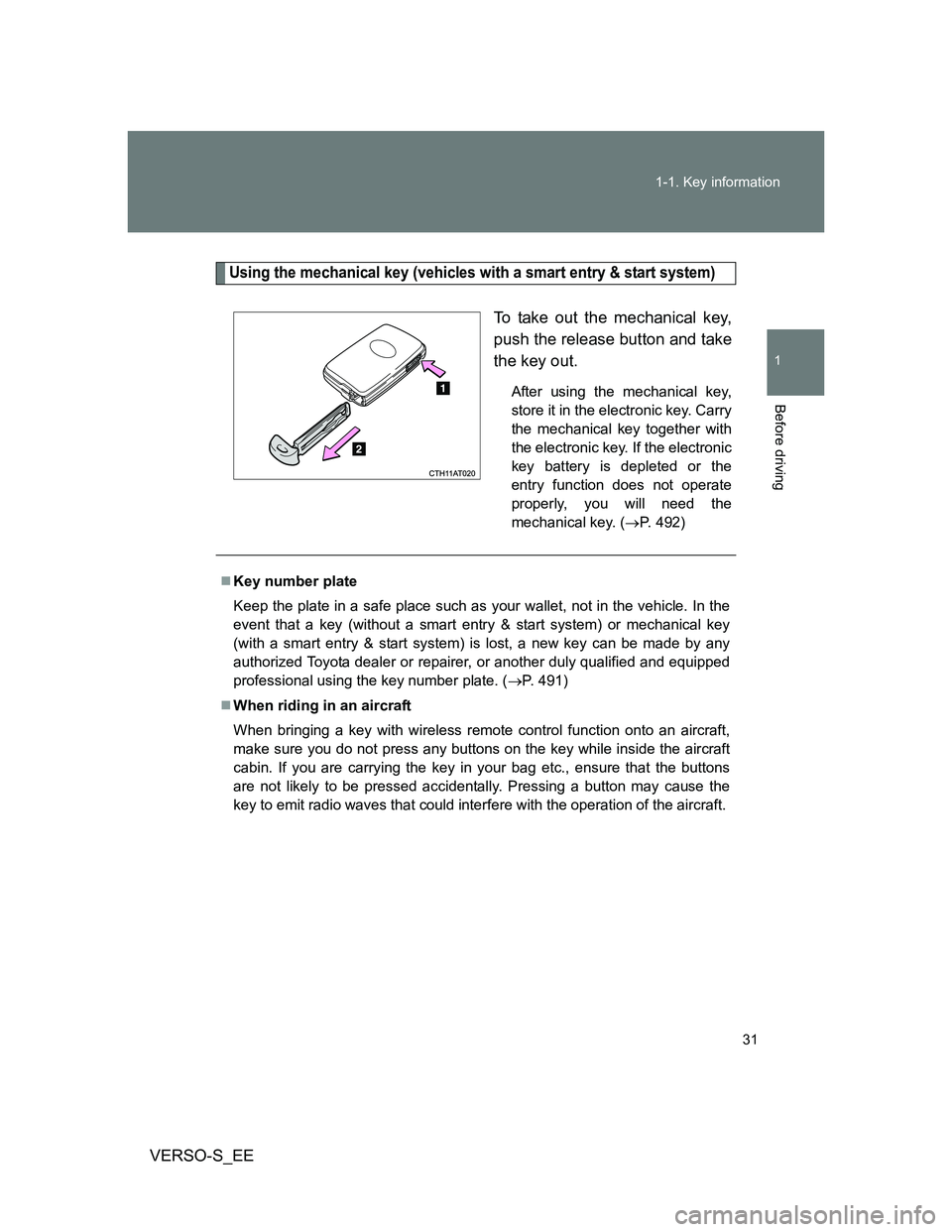
Using the mechanical key (vehicles with a smart entry & start system)
To take out the mechanical key,
push the release button and take
the key out.
After using the mechanical key,
store it in the electronic key. Carry
the mechanical key together with
the electronic key. If the electronic
key battery is depleted or the
entry function does not operate
properly, you will need the
mechanical key. (P. 492)
Key number plate
Keep the plate in a safe place such as your wallet, not in the vehicle. In the
event that a key (without a smart entry & start system) or mechanical key
(with a smart entry & start system) is lost, a new key can be made by any
authorized Toyota dealer or repairer, or another duly qualified and equipped
professional using the key number plate. (P. 491)
When riding in an aircraft
When bringing a key with wireless remote control function onto an aircraft,
make sure you do not press any buttons on the key while inside the aircraft
cabin. If you are carrying the key in your bag etc., ensure that the buttons
are not likely to be pressed accidentally. Pressing a button may cause the
key to emit radio waves that could interfere with the operation of the aircraft.
Page 32 of 560
32 1-1. Key information
VERSO-S_EE
NOTICE
To prevent key damage
Observe the following:
Do not drop the keys, subject them to strong shocks or bend them.
Do not expose the keys to high temperatures for a long period of time.
Do not get the keys wet or wash them in an ultrasonic washer etc.
Vehicles with a smart entry & start system: Do not attach metallic or mag-
netic materials to the keys or place the keys close to such materials.
Do not disassemble the keys.
Do not attach a sticker or anything else to the surface of the key.
Vehicles with a smart entry & start system: Do not place the keys near
objects that produce magnetic fields, such as TVs, audio systems, induc-
tion cookers, or medical electrical equipment, such as low-frequency ther-
apy equipment.
Carrying the electronic key on your person (vehicles with a smart entry
& start system)
Carry the electronic key 10 cm (3.9 in.) or more away from electric appli-
ances that are turned on. Radio waves emitted from electric appliances
within 10 cm (3.9 in.) of the electronic key may interfere with the key, causing
the key to not function properly.
In case of a smart entry & start system malfunction or other key-related
problems (vehicles with a smart entry & start system)
Take your vehicle with all the electronic keys provided with your vehicle to
any authorized Toyota dealer or repairer, or another duly qualified and
equipped professional.
When a vehicle key is lost (vehicles with a smart entry & start system)
If the key remains lost, the risk of vehicle theft increases significantly. Visit
any authorized Toyota dealer or repairer, or another duly qualified and
equipped professional immediately with all remaining electronic keys that
was provided with your vehicle.
Page 33 of 560
33
1
Before driving
VERSO-S_EE
1-2. Opening, closing and locking the doors
Smart entr y & start system
: If equipped
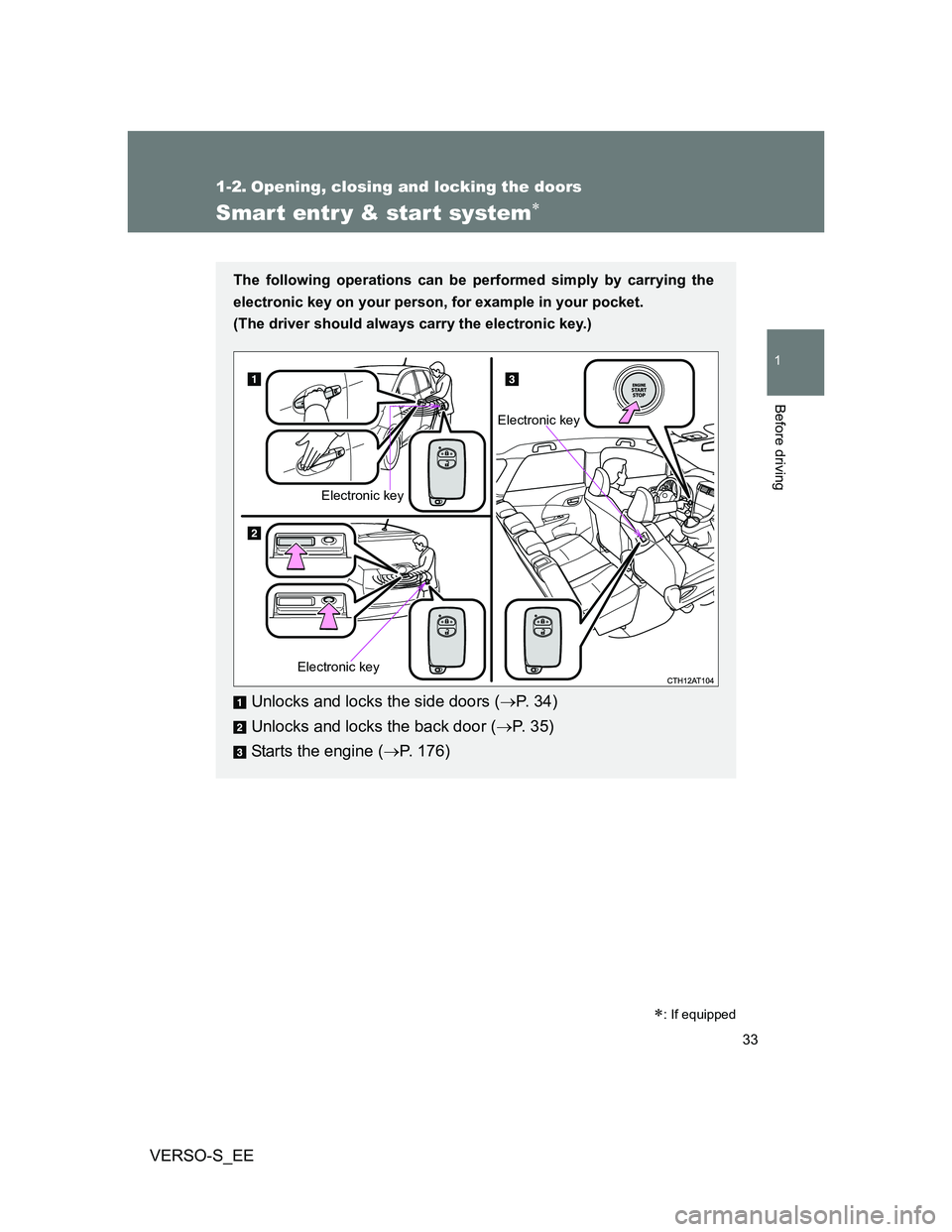
The following operations can be performed simply by carrying the
electronic key on your person, for example in your pocket.
(The driver should always carry the electronic key.)
Unlocks and locks the side doors (P. 3 4 )
Unlocks and locks the back door (P. 35)
Starts the engine (P. 176)
Electronic key
Electronic key
Electronic key
Page 37 of 560
37 1-2. Opening, closing and locking the doors
1
Before driving
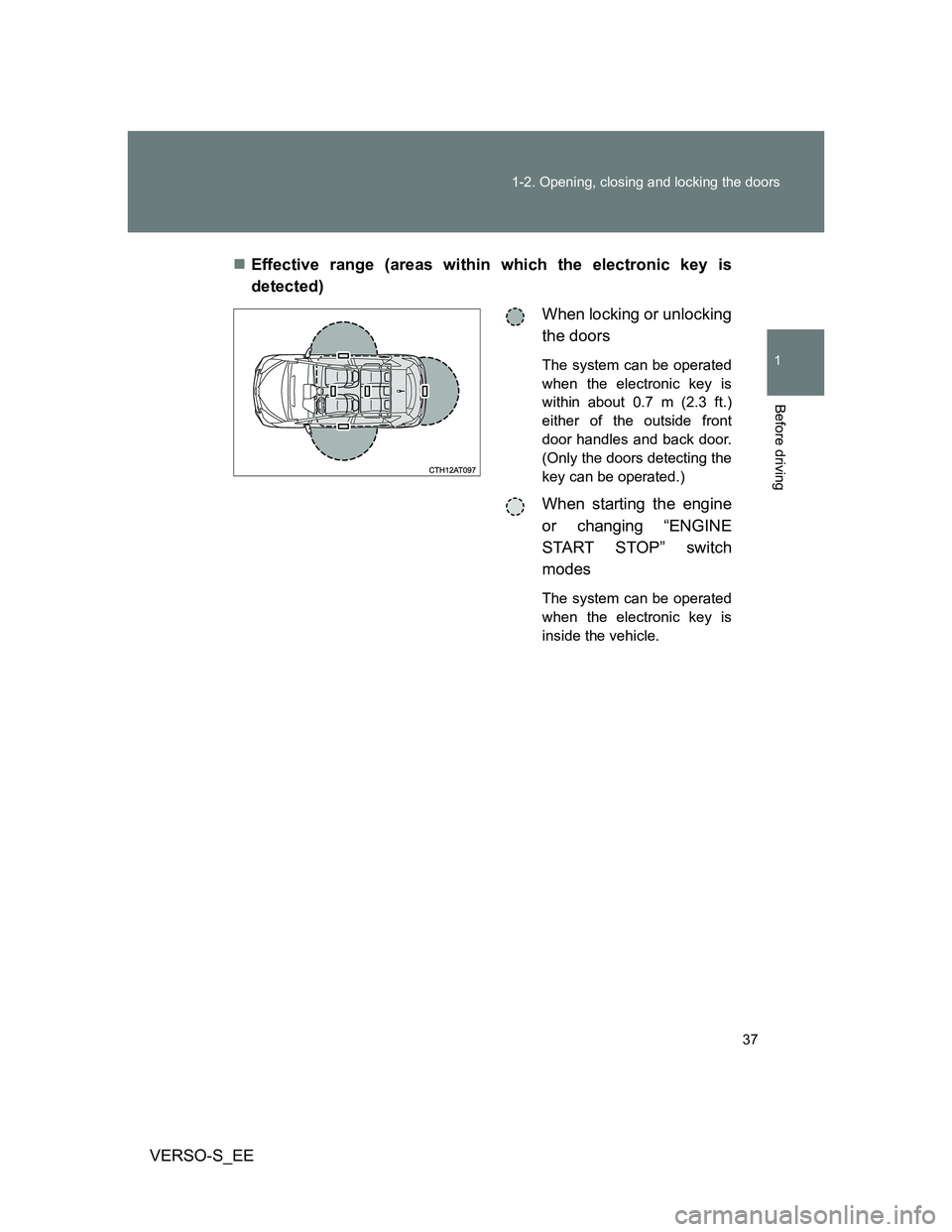
VERSO-S_EEEffective range (areas within which the electronic key is
detected)
When locking or unlocking
the doors
The system can be operated
when the electronic key is
within about 0.7 m (2.3 ft.)
either of the outside front
door handles and back door.
(Only the doors detecting the
key can be operated.)
When starting the engine
or changing “ENGINE
START STOP” switch
modes
The system can be operated
when the electronic key is
inside the vehicle.
Page 39 of 560
39 1-2. Opening, closing and locking the doors
1
Before driving
VERSO-S_EE
AlarmSituationCorrection procedure
Exterior alarm
sounds once for
10 secondsAn attempt was made to
lock the doors using the
smart entry & start system
while the electronic key
was still inside the vehicle.Retrieve the elec-
tronic key from the
vehicle and lock the
doors again.
An attempt was made to
lock the vehicle while a
door was open.Close all of the doors
and lock the doors
again.
Interior alarm
pings once and
exterior alarm
sounds once for
10 secondsAn attempt was made to
lock either front door by
opening a door and putting
the inside lock button into
the lock position, then
closing the door by pulling
on the outside door handle
with the electronic key still
inside the vehicle.Retrieve the elec-
tronic key from the
vehicle and lock the
doors again.
Interior alarm
pings once and
exterior alarm
sounds once for
10 seconds (on
some models)An attempt was made to
lock the doors other than
using the smart entry &
start system while the elec-
tronic key was still inside
the vehicle.Retrieve the elec-
tronic key from the
vehicle and lock the
doors again.
Interior alarm
sounds continu-
ouslyThe “ENGINE START
STOP” switch was turned
to ACCESSORY mode
while the driver’s door was
open (or the driver’s door
was opened while the
“ENGINE START STOP”
switch was in ACCES-
SORY mode).Turn the “ENGINE
START STOP” switch
off and close the
driver’s door.