Engine TOYOTA YARIS 2012 Owners Manual
[x] Cancel search | Manufacturer: TOYOTA, Model Year: 2012, Model line: YARIS, Model: TOYOTA YARIS 2012Pages: 704, PDF Size: 27.58 MB
Page 284 of 704
284 2-2. Instrument cluster
YARIS_F (including HV)_WE_52C79E
*1: Except hybrid vehicle: These lights turn on when the engine switch
is turned to the “ON” position (vehicles without a smart entry & start
system) or the “ENGINE START STOP” switch is turned to IGNI-
TION ON mode (vehicles with a smart entry & start system) to indi-
cate that a system check is being performed. They will turn off after
the engine is started, or after a few seconds. There may be a mal-
function in a system if a light does not come on, or if the lights do
not turn off. Have the vehicle inspected by any authorized Toyota
dealer or repairer, or another duly qualified and equipped profes-
sional.
*2: Hybrid vehicle: These lights turn on when the engine switch is
turned to the “ON” position (vehicles without an electronic key) or
the “POWER” switch is turned to ON mode (vehicles with an elec-
tronic key) to indicate that a system check is being performed. They
will turn off after the hybrid system on, or after a few seconds. There
may be a malfunction in a system if a light does not come on, or if
the lights do not turn off. Have the vehicle inspected by any autho-
rized Toyota dealer or repairer, or another duly qualified and
equipped professional.
*3: These lights turn on when the engine switch is turned to the “ON”
position (vehicles without a smart entry & start system) or the
“ENGINE START STOP” switch is turned to IGNITION ON mode
(vehicles with a smart entry & start system) to indicate that a system
check is being performed. They will turn off after the engine is
started, or after a few seconds.
*4: The light flashes in yellow to indicate a malfunction. The light
flashes quickly in green to indicate that the steering lock has not
been released.
*5: Except hybrid vehicle: The light flashes to indicate a malfunction.
*6: The light turns on to indicate a malfunction.
*7: Hybrid vehicle: The light comes in yellow to indicate a malfunction.
Page 285 of 704
285 2-2. Instrument cluster
2
When driving
YARIS_F (including HV)_WE_52C79E
CAUTION
If a safety system warning light does not come on
Should a safety system light such as the ABS and SRS warning light not
come on when you start the engine (except hybrid vehicle) or hybrid system
(hybrid vehicle), this could mean that these systems are not available to help
protect you in an accident, which could result in death or serious injury. Have
the vehicle inspected by any authorized Toyota dealer or repairer, or another
duly qualified and equipped professional immediately if this occurs.
Page 288 of 704
288 2-2. Instrument cluster
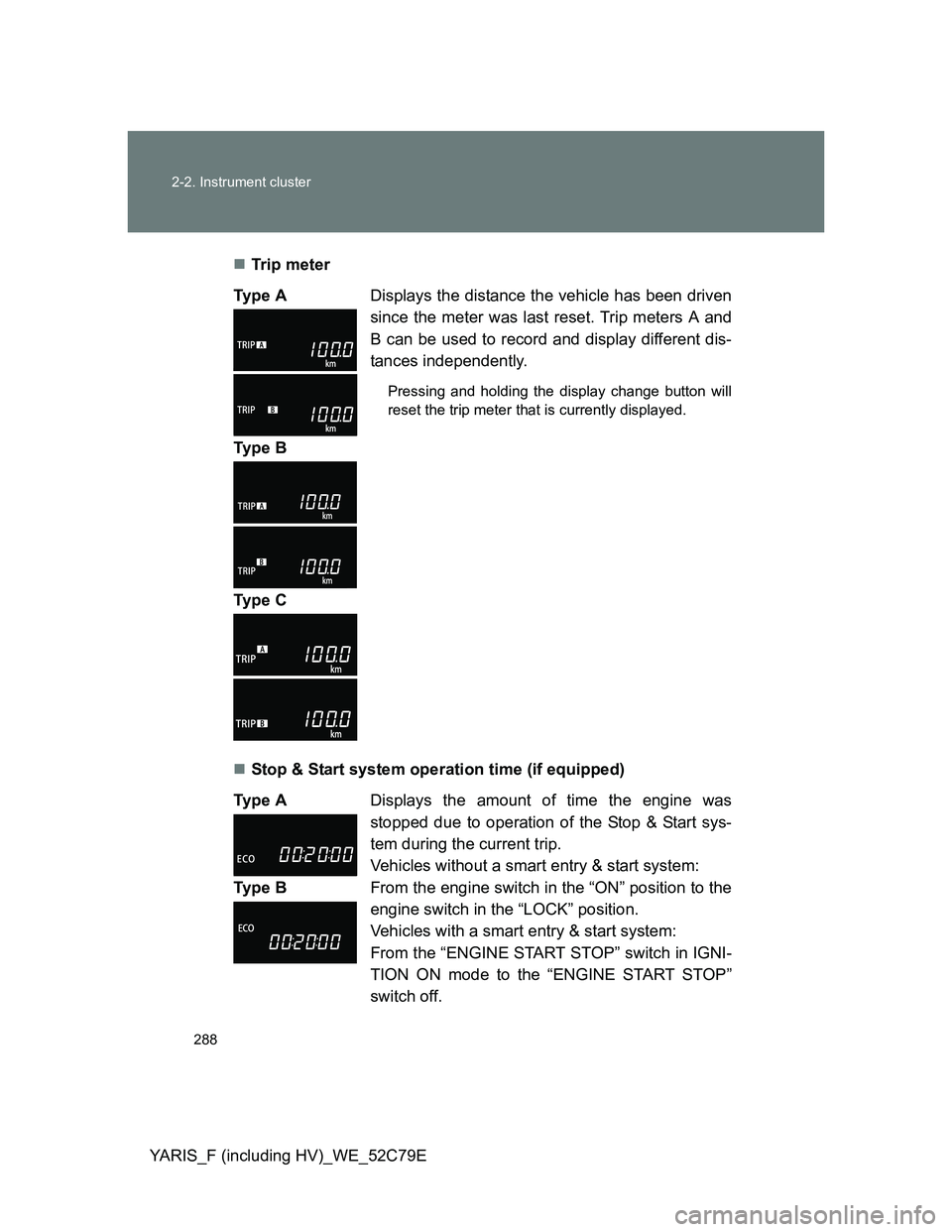
YARIS_F (including HV)_WE_52C79ETr ip m eter
Stop & Start system operation time (if equipped) Ty p e ADisplays the distance the vehicle has been driven
since the meter was last reset. Trip meters A and
B can be used to record and display different dis-
tances independently.
Pressing and holding the display change button will
reset the trip meter that is currently displayed.
Ty p e B
Ty p e C
Ty p e ADisplays the amount of time the engine was
stopped due to operation of the Stop & Start sys-
tem during the current trip.
Vehicles without a smart entry & start system:
From the engine switch in the “ON” position to the
engine switch in the “LOCK” position.
Vehicles with a smart entry & start system:
From the “ENGINE START STOP” switch in IGNI-
TION ON mode to the “ENGINE START STOP”
switch off. Ty p e B
Page 289 of 704
289 2-2. Instrument cluster
2
When driving
YARIS_F (including HV)_WE_52C79EStop & Start system total operation time (if equipped)
Instantaneous fuel consumption
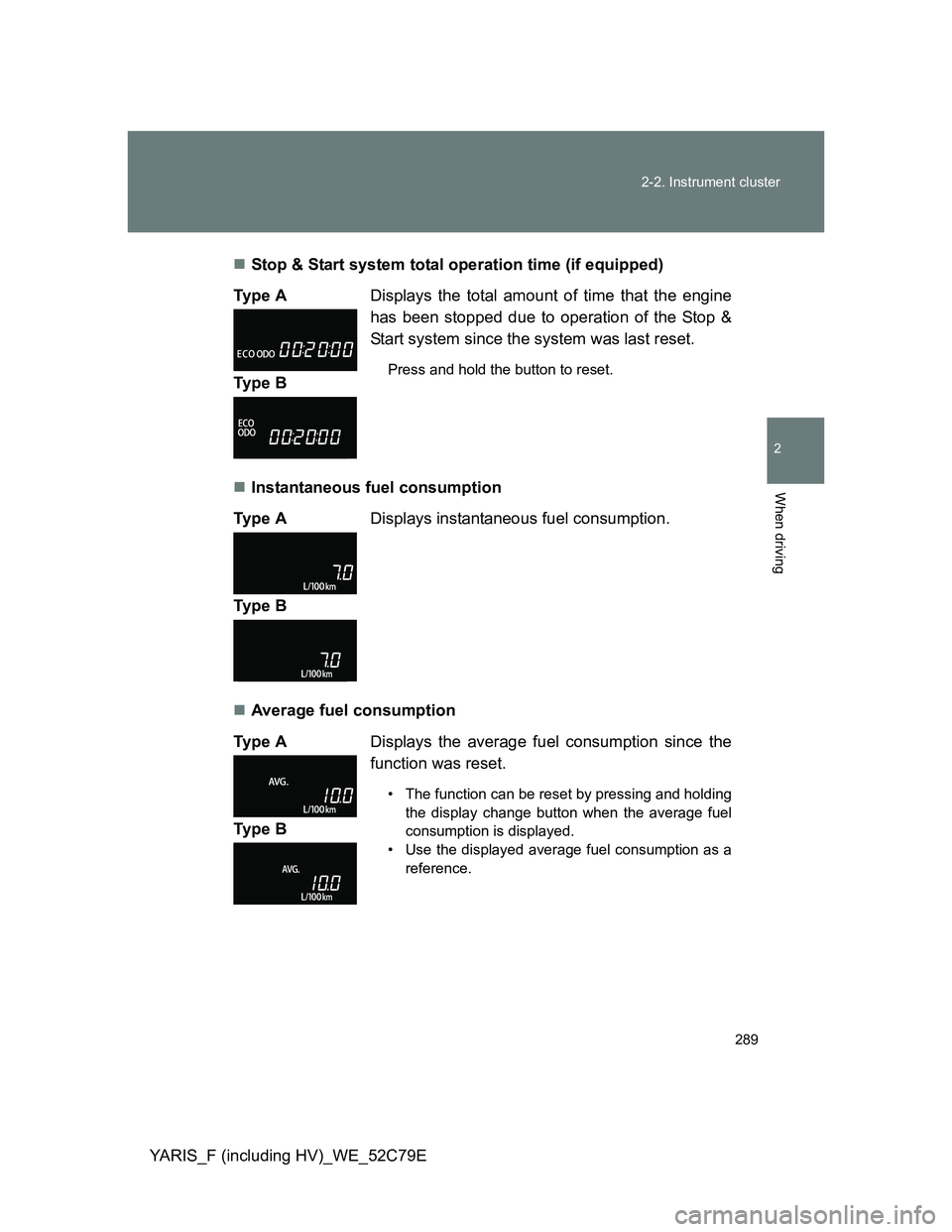
Average fuel consumption Ty p e ADisplays the total amount of time that the engine
has been stopped due to operation of the Stop &
Start system since the system was last reset.
Press and hold the button to reset.Ty p e B
Ty p e ADisplays instantaneous fuel consumption.
Ty p e B
Ty p e ADisplays the average fuel consumption since the
function was reset.
• The function can be reset by pressing and holding
the display change button when the average fuel
consumption is displayed.
• Use the displayed average fuel consumption as a
reference.
Ty p e B
Page 290 of 704
290 2-2. Instrument cluster
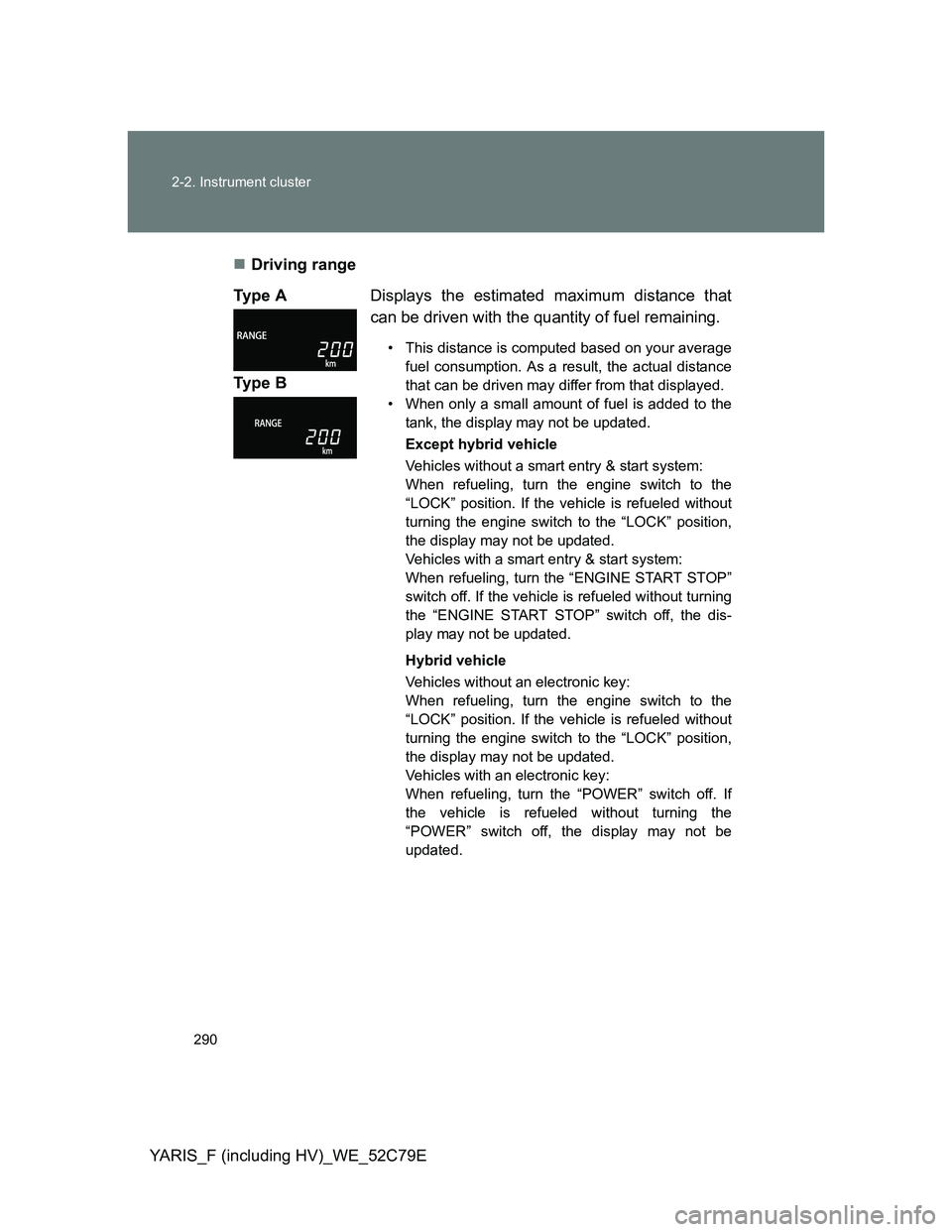
YARIS_F (including HV)_WE_52C79EDriving range
Ty p e ADisplays the estimated maximum distance that
can be driven with the quantity of fuel remaining.
• This distance is computed based on your average
fuel consumption. As a result, the actual distance
that can be driven may differ from that displayed.
• When only a small amount of fuel is added to the
tank, the display may not be updated.
Except hybrid vehicle
Vehicles without a smart entry & start system:
When refueling, turn the engine switch to the
“LOCK” position. If the vehicle is refueled without
turning the engine switch to the “LOCK” position,
the display may not be updated.
Vehicles with a smart entry & start system:
When refueling, turn the “ENGINE START STOP”
switch off. If the vehicle is refueled without turning
the “ENGINE START STOP” switch off, the dis-
play may not be updated.
Hybrid vehicle
Vehicles without an electronic key:
When refueling, turn the engine switch to the
“LOCK” position. If the vehicle is refueled without
turning the engine switch to the “LOCK” position,
the display may not be updated.
Vehicles with an electronic key:
When refueling, turn the “POWER” switch off. If
the vehicle is refueled without turning the
“POWER” switch off, the display may not be
updated.
Ty p e B
Page 291 of 704
291 2-2. Instrument cluster
2
When driving
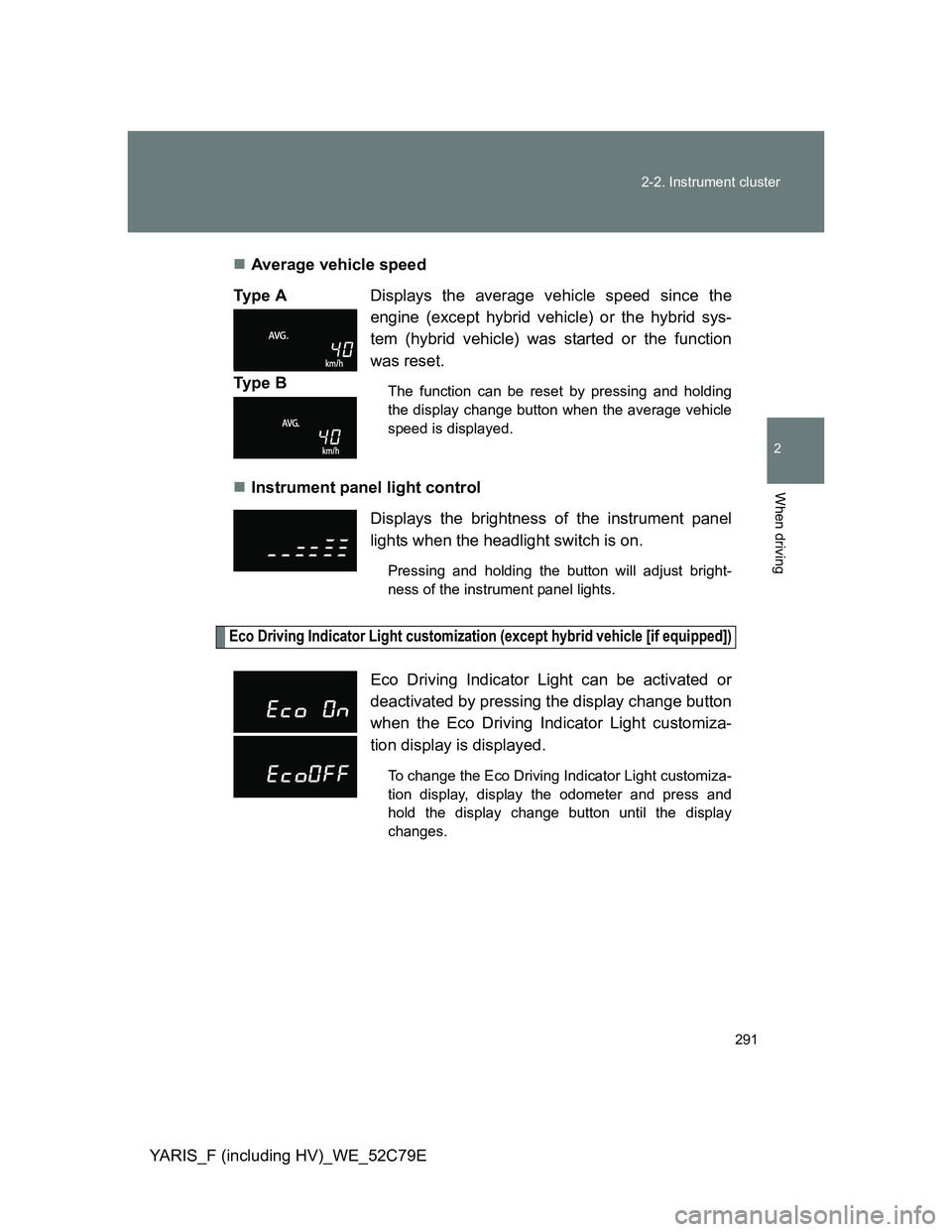
YARIS_F (including HV)_WE_52C79EAverage vehicle speed
Instrument panel light control
Eco Driving Indicator Light customization (except hybrid vehicle [if equipped])
Ty p e ADisplays the average vehicle speed since the
engine (except hybrid vehicle) or the hybrid sys-
tem (hybrid vehicle) was started or the function
was reset.
The function can be reset by pressing and holding
the display change button when the average vehicle
speed is displayed.Ty p e B
Displays the brightness of the instrument panel
lights when the headlight switch is on.
Pressing and holding the button will adjust bright-
ness of the instrument panel lights.
Eco Driving Indicator Light can be activated or
deactivated by pressing the display change button
when the Eco Driving Indicator Light customiza-
tion display is displayed.
To change the Eco Driving Indicator Light customiza-
tion display, display the odometer and press and
hold the display change button until the display
changes.
Page 293 of 704
293
2
When driving
YARIS_F (including HV)_WE_52C79E
2-3. Operating the lights and wipers
Headlight switch
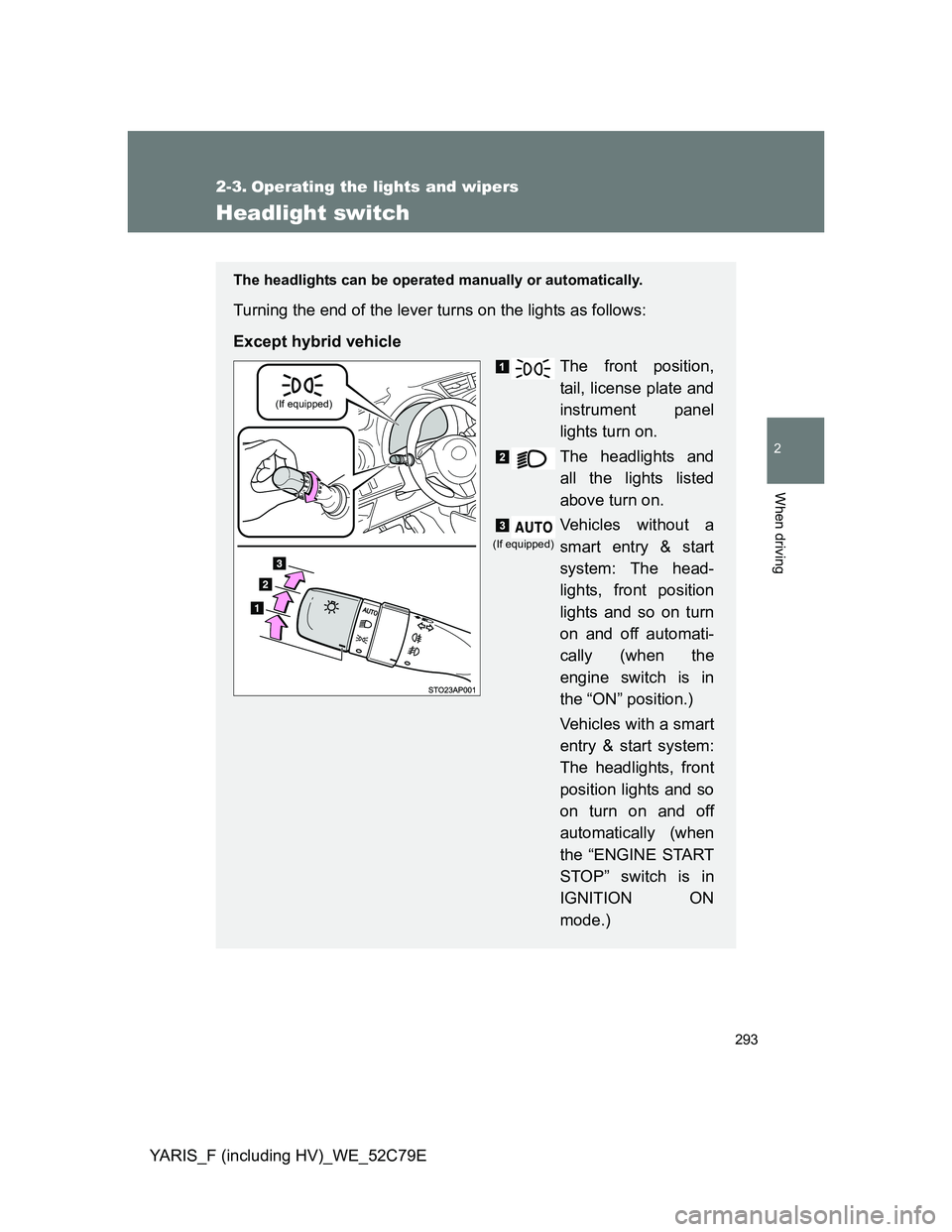
The headlights can be operated manually or automatically.
Turning the end of the lever turns on the lights as follows:
Except hybrid vehicle
The front position,
tail, license plate and
instrument panel
lights turn on.
The headlights and
all the lights listed
above turn on.
Vehicles without a
smart entry & start
system: The head-
lights, front position
lights and so on turn
on and off automati-
cally (when the
engine switch is in
the “ON” position.)
Vehicles with a smart
entry & start system:
The headlights, front
position lights and so
on turn on and off
automatically (when
the “ENGINE START
STOP” switch is in
IGNITION ON
mode.)
(If equipped)
(If equipped)
Page 294 of 704
294 2-3. Operating the lights and wipers
YARIS_F (including HV)_WE_52C79E
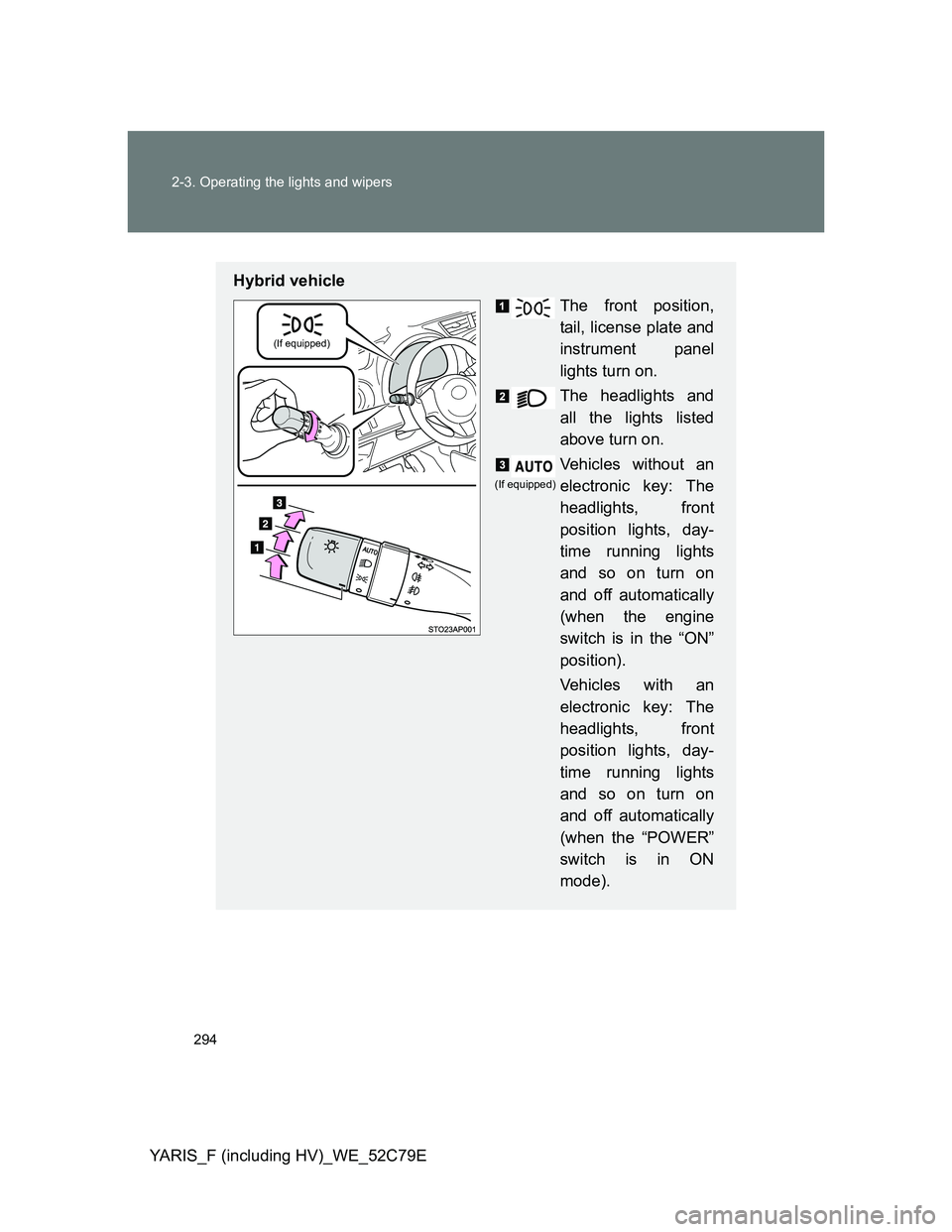
Hybrid vehicle
The front position,
tail, license plate and
instrument panel
lights turn on.
The headlights and
all the lights listed
above turn on.
Vehicles without an
electronic key: The
headlights, front
position lights, day-
time running lights
and so on turn on
and off automatically
(when the engine
switch is in the “ON”
position).
Vehicles with an
electronic key: The
headlights, front
position lights, day-
time running lights
and so on turn on
and off automatically
(when the “POWER”
switch is in ON
mode).
(If equipped)
(If equipped)
Page 297 of 704
297 2-3. Operating the lights and wipers
2
When driving
YARIS_F (including HV)_WE_52C79E
Daytime running light system
Except hybrid vehicle (if equipped)
To make your vehicle more visible to other drivers, the headlights and tail
lights turn on automatically whenever the engine is started. Daytime running
lights are not designed for use at night.
Hybrid vehicle
To make your vehicle more visible to other drivers, the daytime running lights
turn on automatically when the parking brake lever is released, if hybrid sys-
tem is operating. (However, these lights will dim when the headlight switch is
operated manually or the automatic headlight system turns on the tail lights.)
Daytime running lights are not designed for use at night.
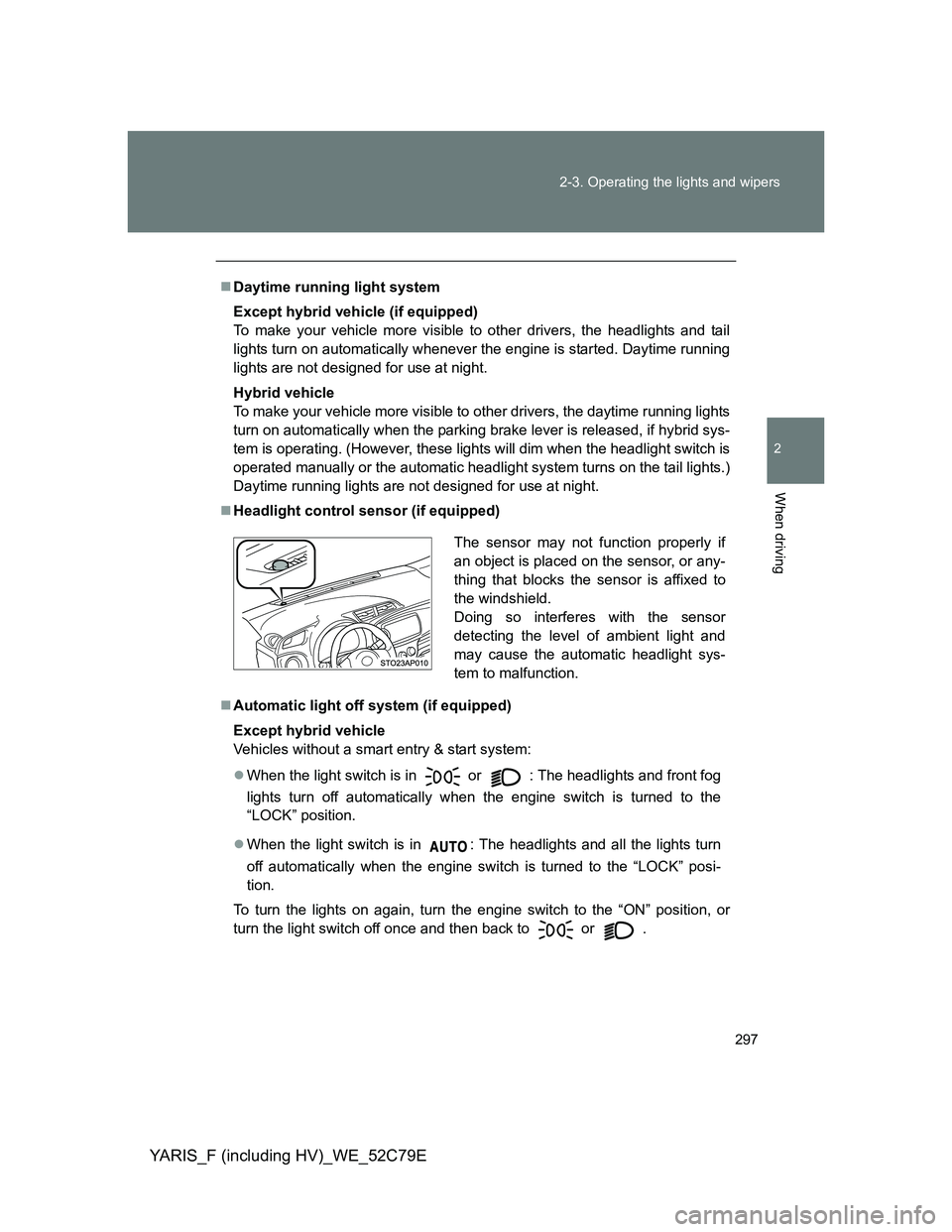
Headlight control sensor (if equipped)
Automatic light off system (if equipped)
Except hybrid vehicle
Vehicles without a smart entry & start system:
When the light switch is in
or : The headlights and front fog
lights turn off automatically when the engine switch is turned to the
“LOCK” position.
When the light switch is in : The headlights and all the lights turn
off automatically when the engine switch is turned to the “LOCK” posi-
tion.
To turn the lights on again, turn the engine switch to the “ON” position, or
turn the light switch off once and then back to
or .
The sensor may not function properly if
an object is placed on the sensor, or any-
thing that blocks the sensor is affixed to
the windshield.
Doing so interferes with the sensor
detecting the level of ambient light and
may cause the automatic headlight sys-
tem to malfunction.
Page 298 of 704
298 2-3. Operating the lights and wipers
YARIS_F (including HV)_WE_52C79E
Vehicles with a smart entry & start system:
When the light switch is in
or : The headlights and front fog
lights turn off automatically when the “ENGINE START STOP” switch is
turned off.
When the light switch is in : The headlights and all the lights turn
off automatically when the “ENGINE START STOP” switch is turned off.
To turn the lights on again, turn the “ENGINE START STOP” switch to
IGNITION ON mode, or turn the light switch off once and then back to
or .
Hybrid vehicle
Vehicles without an electronic key:
When the light switch is in
or : The headlights and front fog
lights turn off automatically when the engine switch is turned to the
“LOCK” position.
When the light switch is in : The headlights and all the lights turn
off automatically when the engine switch is turned to the “LOCK” posi-
tion.
To turn the lights on again, turn the engine switch to the “ON” position, or
turn the light switch off once and then back to
or .
Vehicles with an electronic key:
When the light switch is in or : The headlights turn off auto-
matically if the “POWER” switch is turned to ACCESSORY mode or
turned off and the driver’s door is opened.
When the light switch is in : The headlights and tail lights turn off
automatically if the “POWER” switch is turned to ACCESSORY mode or
turned off and the driver’s door is opened.
To turn the lights on again, turn the “POWER” switch to ON mode, or turn the
light switch off once and then back to or .