manual radio set TOYOTA YARIS 2016 Owners Manual
[x] Cancel search | Manufacturer: TOYOTA, Model Year: 2016, Model line: YARIS, Model: TOYOTA YARIS 2016Pages: 592, PDF Size: 10.44 MB
Page 267 of 592
YARIS_SEDAN_OM_OM99M18z_(U)
2654-2. Audio System
4
Interior Features
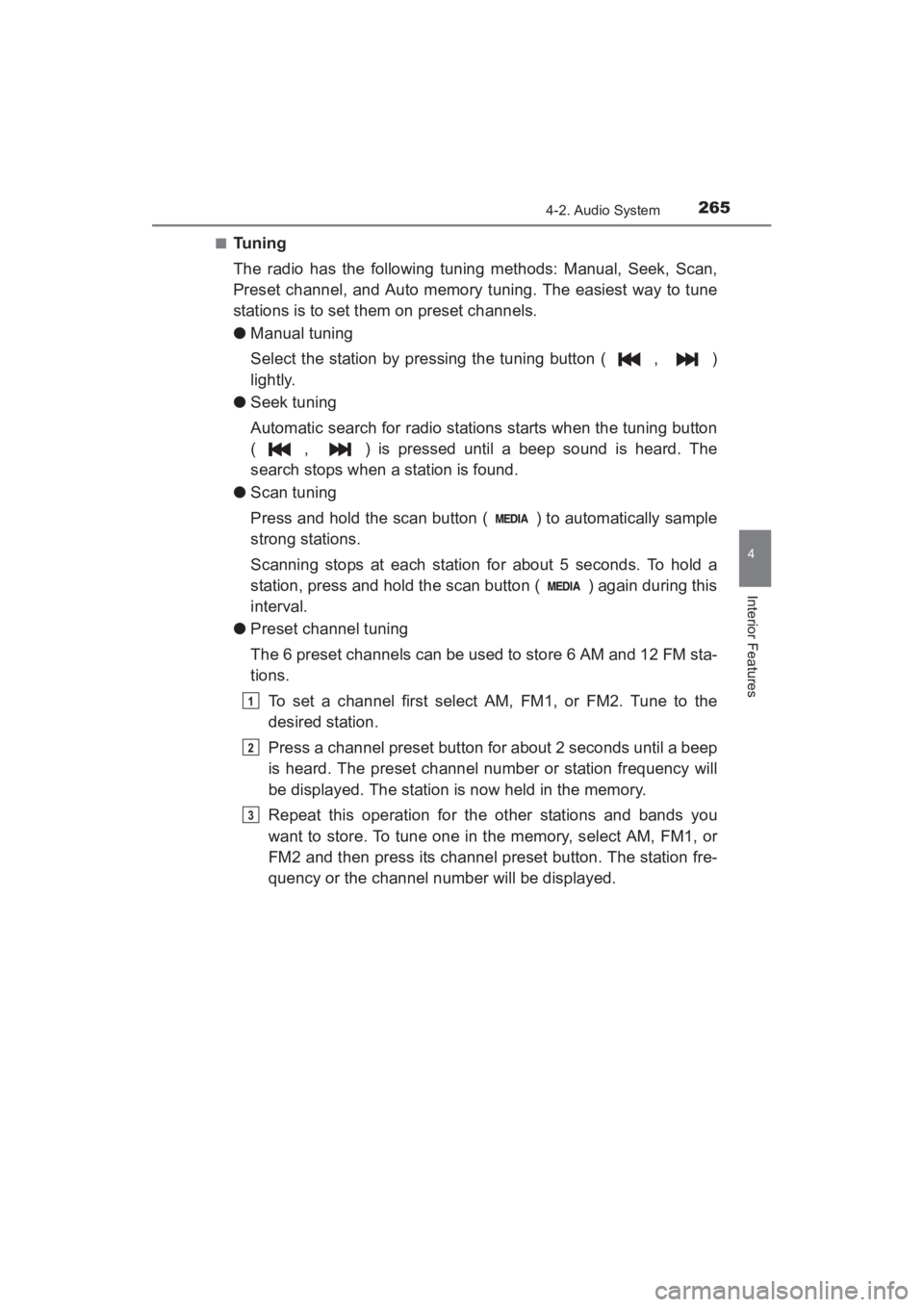
■Tuning
The radio has the following tuning methods: Manual, Seek, Scan,
Preset channel, and Auto memory tuning. The easiest way to tune
stations is to set them on preset channels.
●Manual tuning
Select the station by pressing the tuning button ( , )
lightly.
● Seek tuning
Automatic search for radio stations starts when the tuning button
( , ) is pressed until a beep sound is heard. The
search stops when a station is found.
● Scan tuning
Press and hold the scan button ( ) to automatically sample
strong stations.
Scanning stops at each station for about 5 seconds. To hold a
station, press and hold the scan button ( ) again during this
interval.
● Preset channel tuning
The 6 preset channels can be used to store 6 AM and 12 FM sta-
tions.
To set a channel first select AM, FM1, or FM2. Tune to the
desired station.
Press a channel preset button for about 2 seconds until a beep
is heard. The preset channel number or station frequency will
be displayed. The station is now held in the memory.
Repeat this operation for the other stations and bands you
want to store. To tune one in the memory, select AM, FM1, or
FM2 and then press its channel preset button. The station fre-
quency or the channel number will be displayed.
1
2
3
YARIS_SEDAN_OM_OM99M18z_(U).book Page 265 Monday, June 1, 2015 9:22 PM
Page 285 of 592
YARIS_SEDAN_OM_OM99M18z_(U)
2834-2. Audio System
4
Interior Features
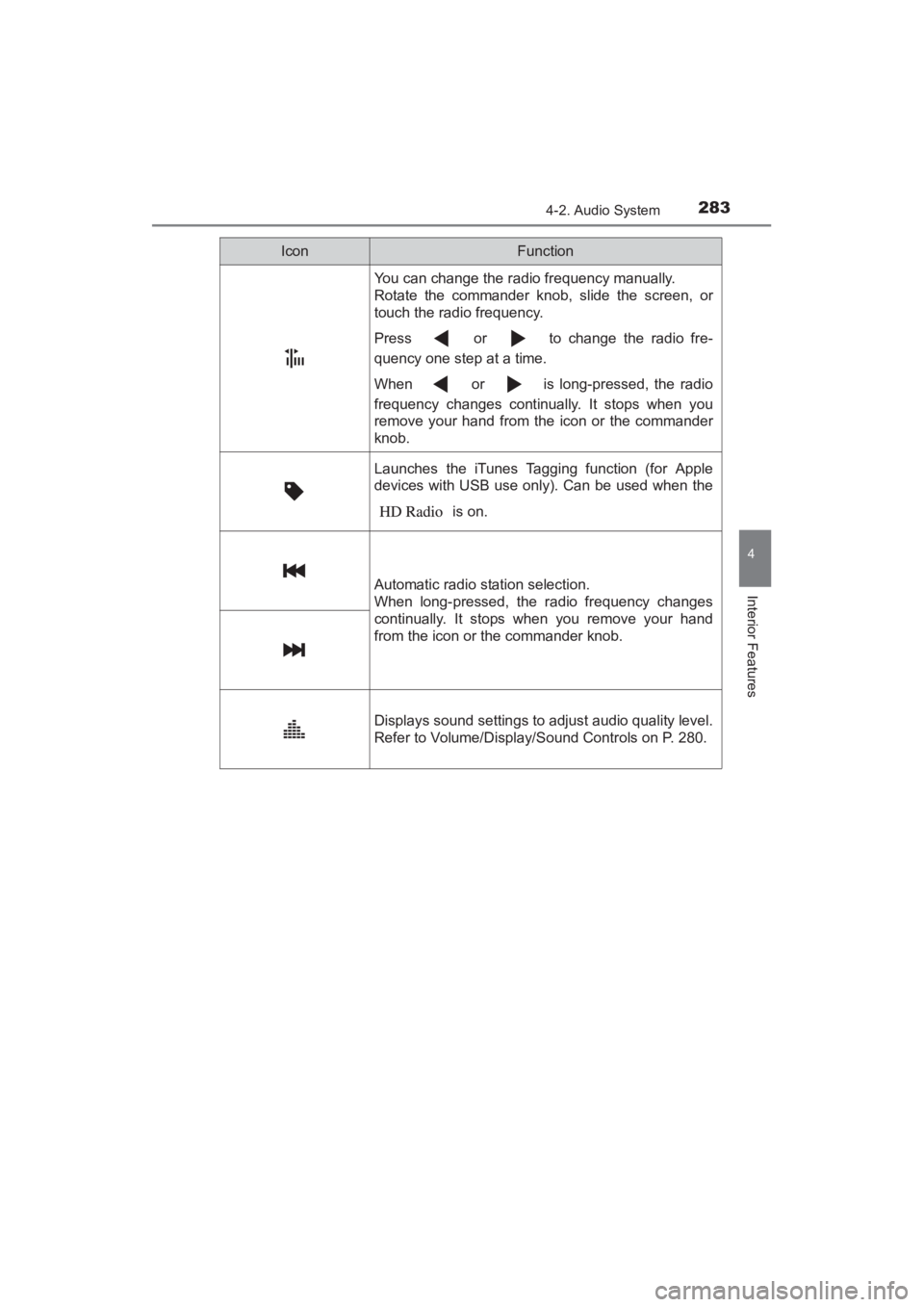
You can change the radio frequency manually.
Rotate the commander knob, slide the screen, or
touch the radio frequency.
Press or to change the radio fre-
quency one step at a time.
When or is long-pressed, the radio
frequency changes continually. It stops when you
remove your hand from the icon or the commander
knob.
Launches the iTunes Tagging function (for Apple
devices with USB use only). Can be used when the is on.
Automatic radio station selection.
When long-pressed, the radio frequency changes
continually. It stops when you remove your hand
from the icon or the commander knob.
Displays sound settings to adjust audio quality level.
Refer to Volume/Display/Sound Controls on P. 280.
IconFunction
YARIS_SEDAN_OM_OM99M18z_(U).book Page 283 Monday, June 1, 2015 9:22 PM
Page 293 of 592
YARIS_SEDAN_OM_OM99M18z_(U)
2914-2. Audio System
4
Interior Features
■Parental lock
If a channel is locked, the channel is muted.
To use the parental lock function, the PIN code must be initialized
first.
By using the session lock, the parental lock can be enabled or dis-
abled during the current drive cycle (from when the ignition is
switched on to switched off). When the session lock is on, the
parental lock is available. When the session lock is off, the parental
lock is temporarily cancelled.
When canceling the parental lock or session lock, or when chang-
ing the PIN code, PIN code input is required.
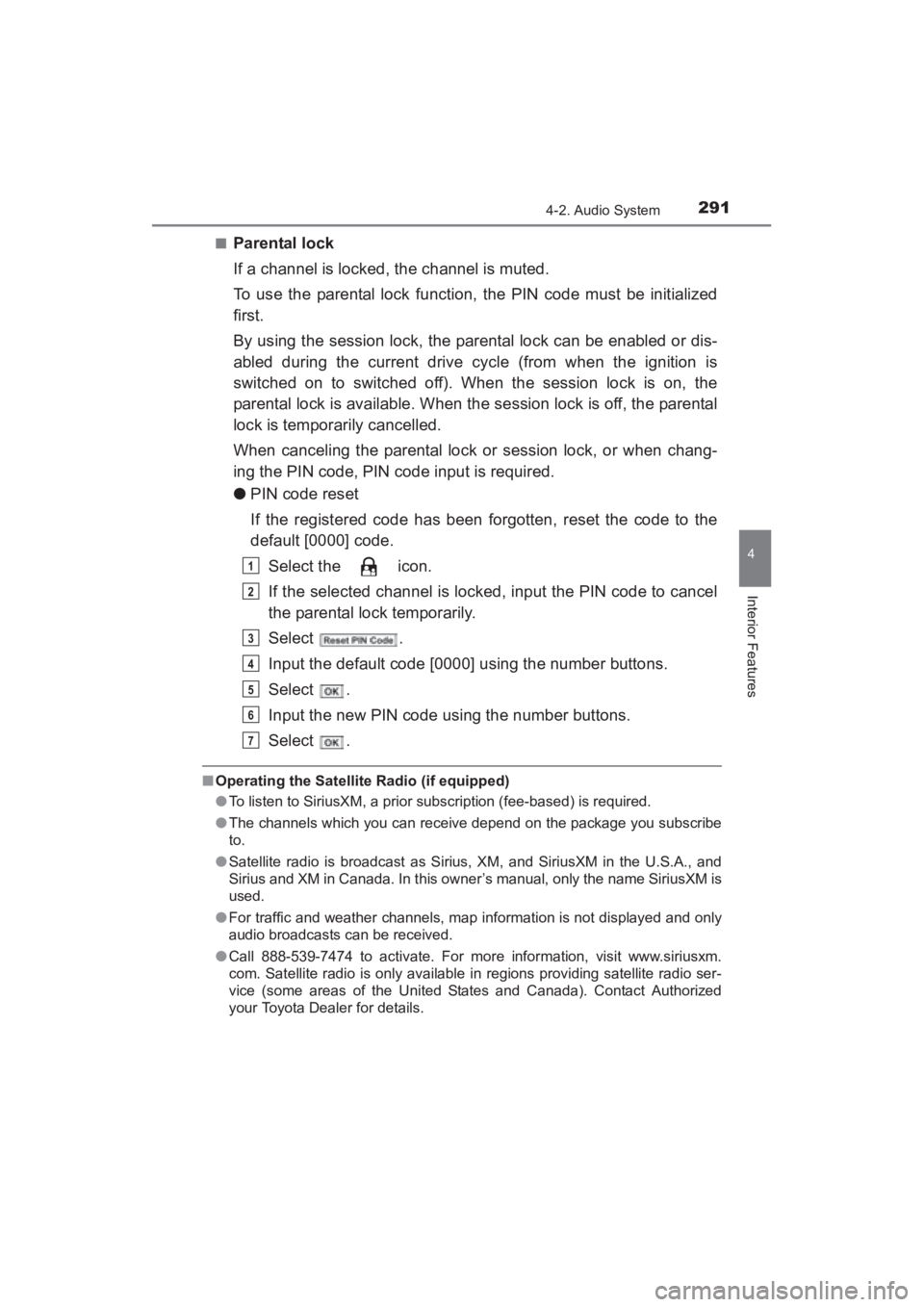
●PIN code reset
If the registered code has been forgotten, reset the code to the
default [0000] code.
Select the icon.
If the selected channel is locked, input the PIN code to cancel
the parental lock temporarily.
Select .
Input the default code [0000] using the number buttons.
Select .
Input the new PIN code using the number buttons.
Select .
■Operating the Satellite Radio (if equipped)
●To listen to SiriusXM, a prior subscription (fee-based) is required.
● The channels which you can receive depend on the package you subscribe
to.
● Satellite radio is broadcast as Sirius, XM, and SiriusXM in the U.S.A., and
Sirius and XM in Canada. In this owner’s manual, only the name SiriusXM is
used.
● For traffic and weather channels, map information is not displayed and only
audio broadcasts can be received.
● Call 888-539-7474 to activate. For more information, visit www.siriusxm.
com. Satellite radio is only available in regions providing satellite radio ser-
vice (some areas of the United States and Canada). Contact Authorized
your Toyota Dealer for details.
1
2
3
4
5
6
7
YARIS_SEDAN_OM_OM99M18z_(U).book Page 291 Monday, June 1, 2015 9:22 PM
Page 584 of 592
582Alphabetical index
YARIS_SEDAN_OM_OM99M18z_(U)
Alphabetical index
Accessory Socket.................... 410
Active Safety System .............. 204Laser Sensor ........................ 211
Pre-Crash Safety Technology......................... 204
Smart City Brake Support (SCBS) ............................... 205
Add-On Non-Genuine Parts
and Accessories.................... 533
Air Bag/Front Seat Belt Pretensioner System
Warning Beep ........................ 522
Air Bag Systems ........................ 62
Ambient Temperature Display ................................... 153
Antilock Brake System (ABS) ...................................... 193
Audio Control Switch Adjusting the Volume ............ 299
Seek Switch .......................... 300
Audio System........................... 244 AUX/USB/iPod mode ............ 302
Antenna ................................ 244
Audio Control Switch ............ 299
Audio Set (Type A) ............... 259
Audio Set (Type B) ............... 275
Operating Tips for Audio System ............................... 245
Satellite Radio....................... 289
Automatic Transaxle ............... 164 Active Adaptive Shift (AAS) .................................. 167
Driving tips ............................ 174
Manual shift mode ................ 168
Shift-lock override ................. 168
Shift-lock system................... 167
Shift position indication ......... 165
Transaxle ranges .................. 165
Warning light ......................... 165 Battery ...................................... 440
Maintenance ......................... 440
Replacement ........................ 440
Specifications ....................... 566
Battery runs out....................... 497 Jump-Starting ....................... 497
Bluetooth
®............................... 324
Bluetooth® Audio
(Type A) ............................. 384
Bluetooth
® Audio
(Type B) ............................. 388
Bluetooth
®Hands-Free
(Type A) ............................. 360
Bluetooth
® Hands-Free
(Type B) ............................. 371
Troubleshooting .................... 401
Body Lubrication ..................... 436
Bottle Holder ............................ 412
Brakes Brake assist .......................... 190
Foot brake ............................ 187
Pad wear indicator ................ 189
Parking brake ....................... 188
Warning light......................... 189
Break-In Period ........................ 126
AB
sec_10-01.fm Page 582 Wednesday, June 3, 2015 1:43 PM