audio TOYOTA YARIS 2020 Owners Manual
[x] Cancel search | Manufacturer: TOYOTA, Model Year: 2020, Model line: YARIS, Model: TOYOTA YARIS 2020Pages: 692, PDF Size: 68.71 MB
Page 1 of 692
YARIS_F_OM_Europe_OM52A54E
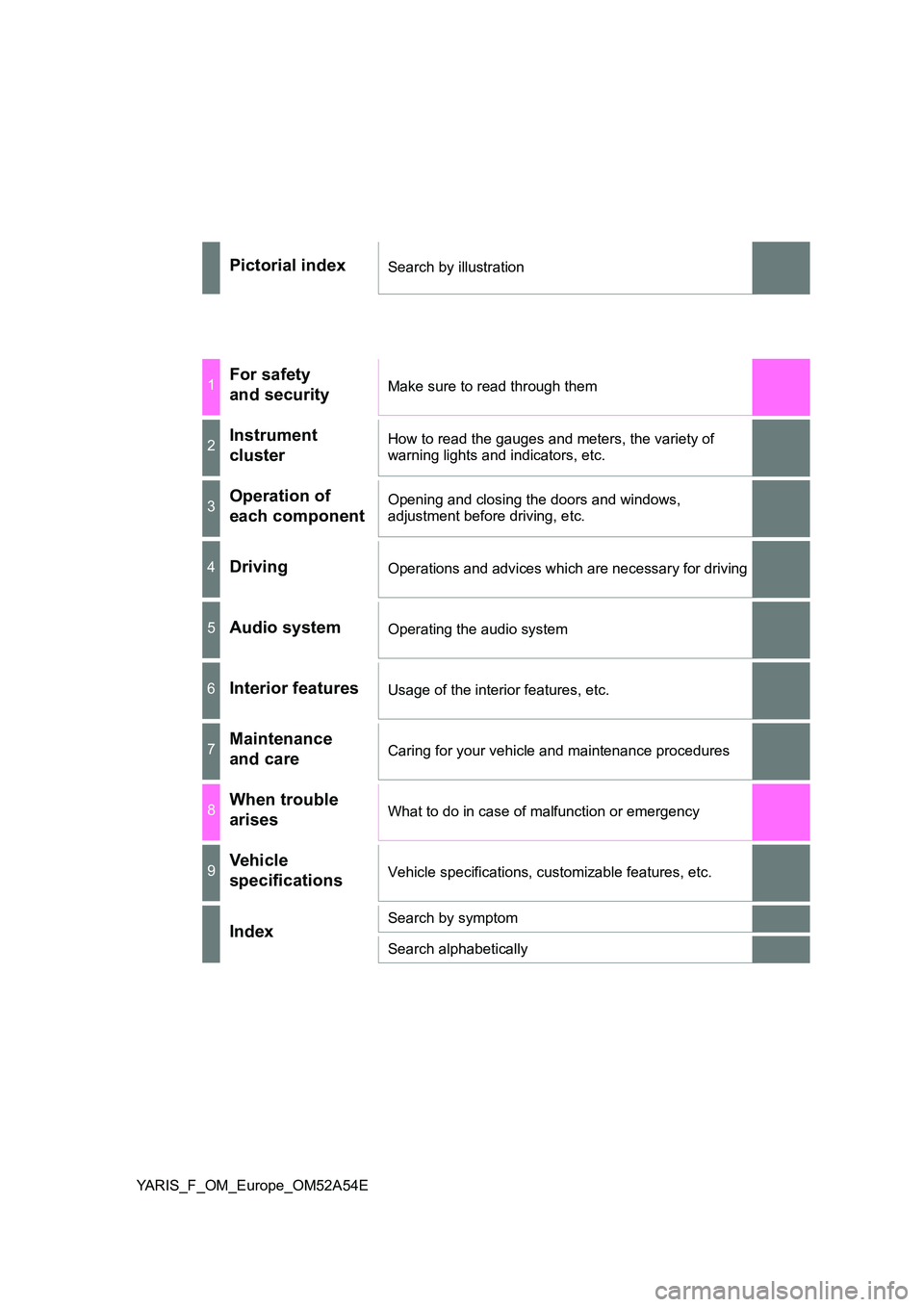
Pictorial indexSearch by illustration
1For safety
and securityMake sure to read through them
2Instrument
cluster
How to read the gauges and meters, the variety of
warning lights and indicators, etc.
3Operation of
each component
Opening and closing the doors and windows,
adjustment before driving, etc.
4DrivingOperations and advices which are necessary for driving
5Audio systemOperating the audio system
6Interior featuresUsage of the interior features, etc.
7Maintenance
and careCaring for your vehicle and maintenance procedures
8When trouble
arisesWhat to do in case of malfunction or emergency
9Vehicle
specificationsVehicle specifications, customizable features, etc.
IndexSearch by symptom
Search alphabetically
Page 4 of 692
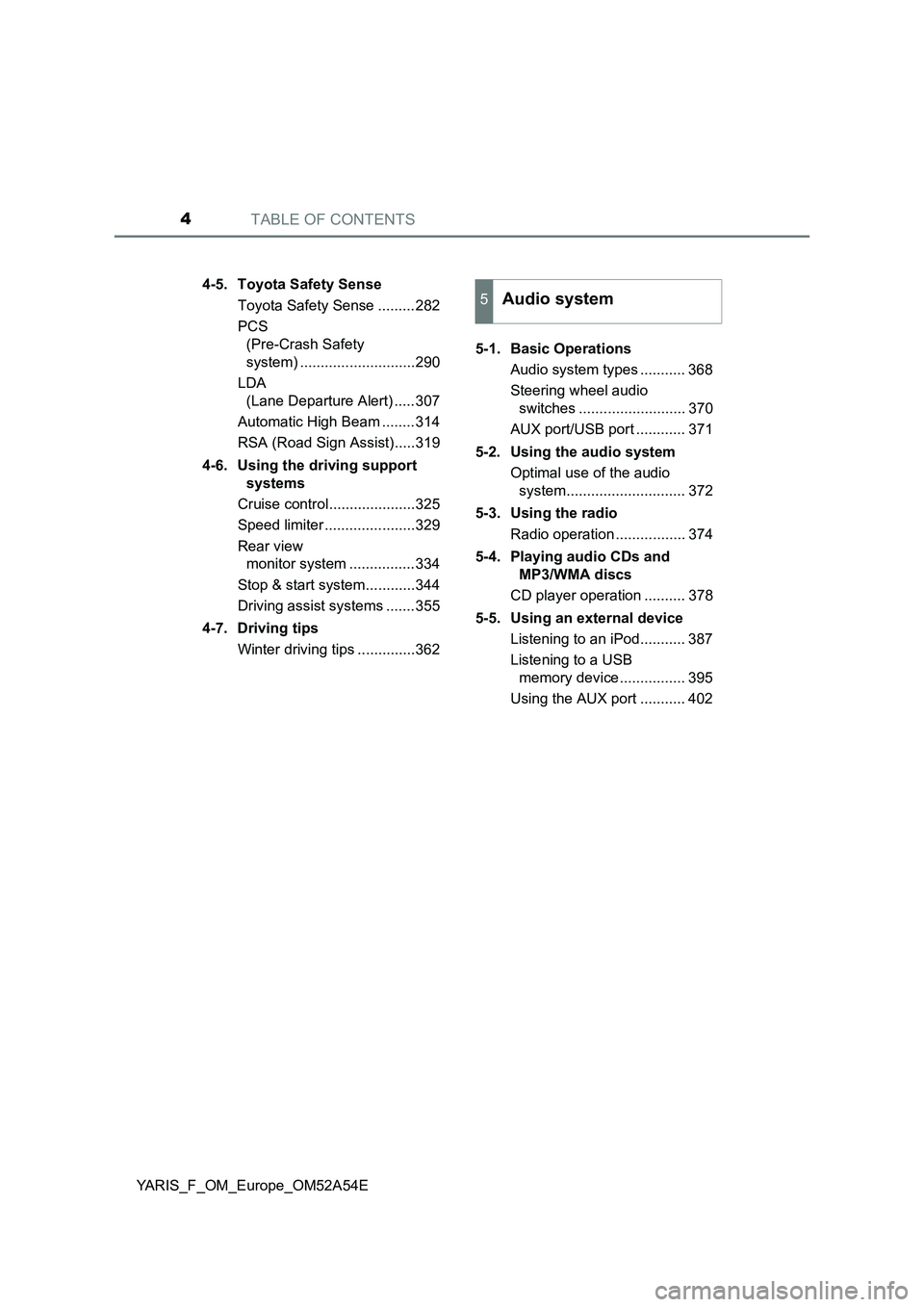
TABLE OF CONTENTS4
YARIS_F_OM_Europe_OM52A54E4-5. Toyota Safety Sense
Toyota Safety Sense .........282
PCS
(Pre-Crash Safety
system) ............................290
LDA
(Lane Departure Alert) .....307
Automatic High Beam ........314
RSA (Road Sign Assist).....319
4-6. Using the driving support
systems
Cruise control.....................325
Speed limiter ......................329
Rear view
monitor system ................334
Stop & start system............344
Driving assist systems .......355
4-7. Driving tips
Winter driving tips ..............3625-1. Basic Operations
Audio system types ........... 368
Steering wheel audio
switches .......................... 370
AUX port/USB port ............ 371
5-2. Using the audio system
Optimal use of the audio
system............................. 372
5-3. Using the radio
Radio operation ................. 374
5-4. Playing audio CDs and
MP3/WMA discs
CD player operation .......... 378
5-5. Using an external device
Listening to an iPod........... 387
Listening to a USB
memory device ................ 395
Using the AUX port ........... 402
5Audio system
Page 5 of 692
5
1
7
8
6
5
4
3
2
9
YARIS_F_OM_Europe_OM52A54E
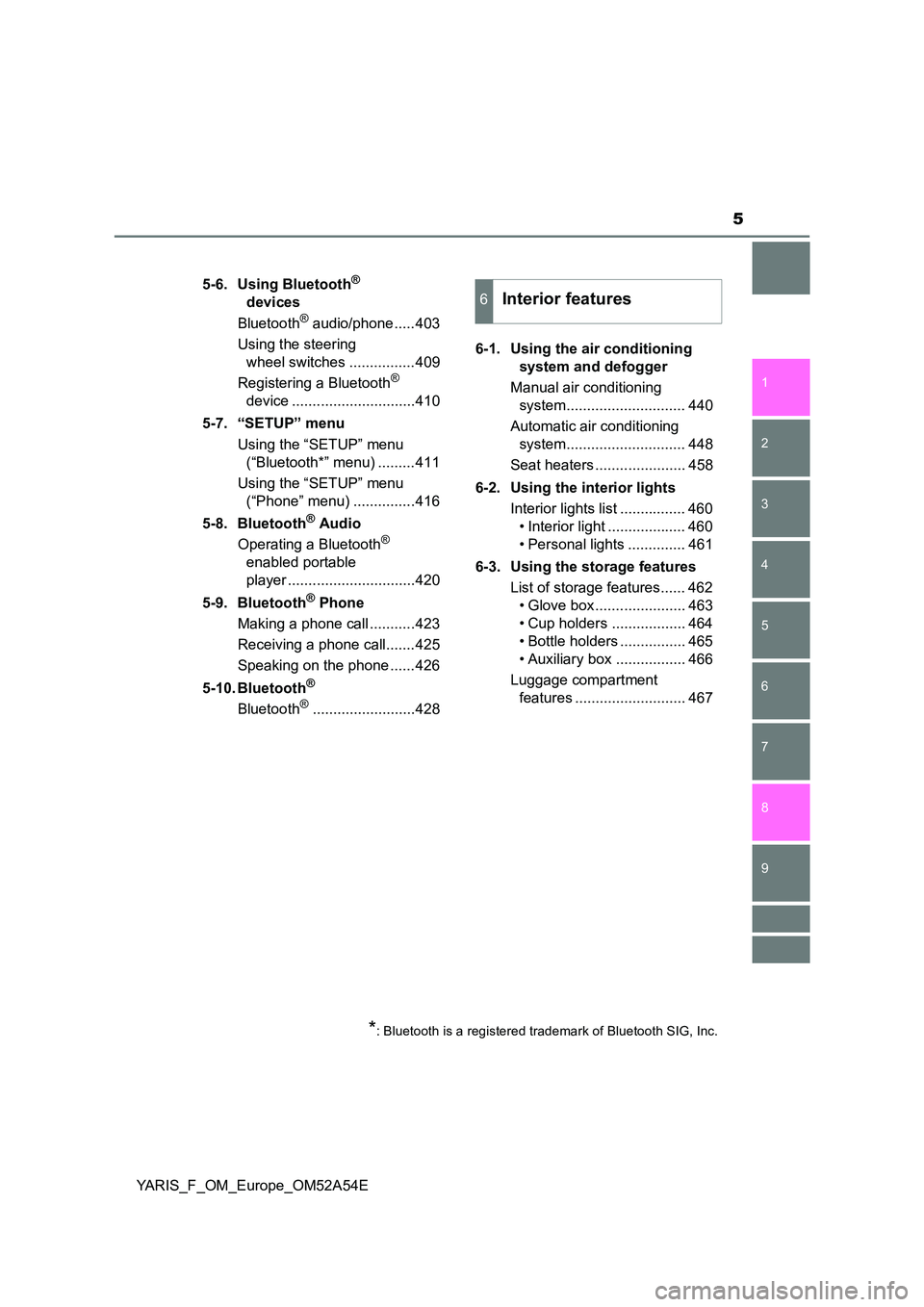
5-6. Using Bluetooth®
devices
Bluetooth® audio/phone .....403
Using the steering
wheel switches ................409
Registering a Bluetooth®
device ..............................410
5-7. “SETUP” menu
Using the “SETUP” menu
(“Bluetooth*” menu) .........411
Using the “SETUP” menu
(“Phone” menu) ...............416
5-8. Bluetooth® Audio
Operating a Bluetooth®
enabled portable
player ...............................420
5-9. Bluetooth® Phone
Making a phone call ...........423
Receiving a phone call.......425
Speaking on the phone ......426
5-10. Bluetooth®
Bluetooth®.........................428
6-1. Using the air conditioning
system and defogger
Manual air conditioning
system............................. 440
Automatic air conditioning
system............................. 448
Seat heaters ...................... 458
6-2. Using the interior lights
Interior lights list ................ 460
• Interior light ................... 460
• Personal lights .............. 461
6-3. Using the storage features
List of storage features...... 462
• Glove box ...................... 463
• Cup holders .................. 464
• Bottle holders ................ 465
• Auxiliary box ................. 466
Luggage compartment
features ........................... 467
6Interior features
*: Bluetooth is a registered trademark of Bluetooth SIG, Inc.
Page 7 of 692
7
1
7
8
6
5
4
3
2
9
YARIS_F_OM_Europe_OM52A54E
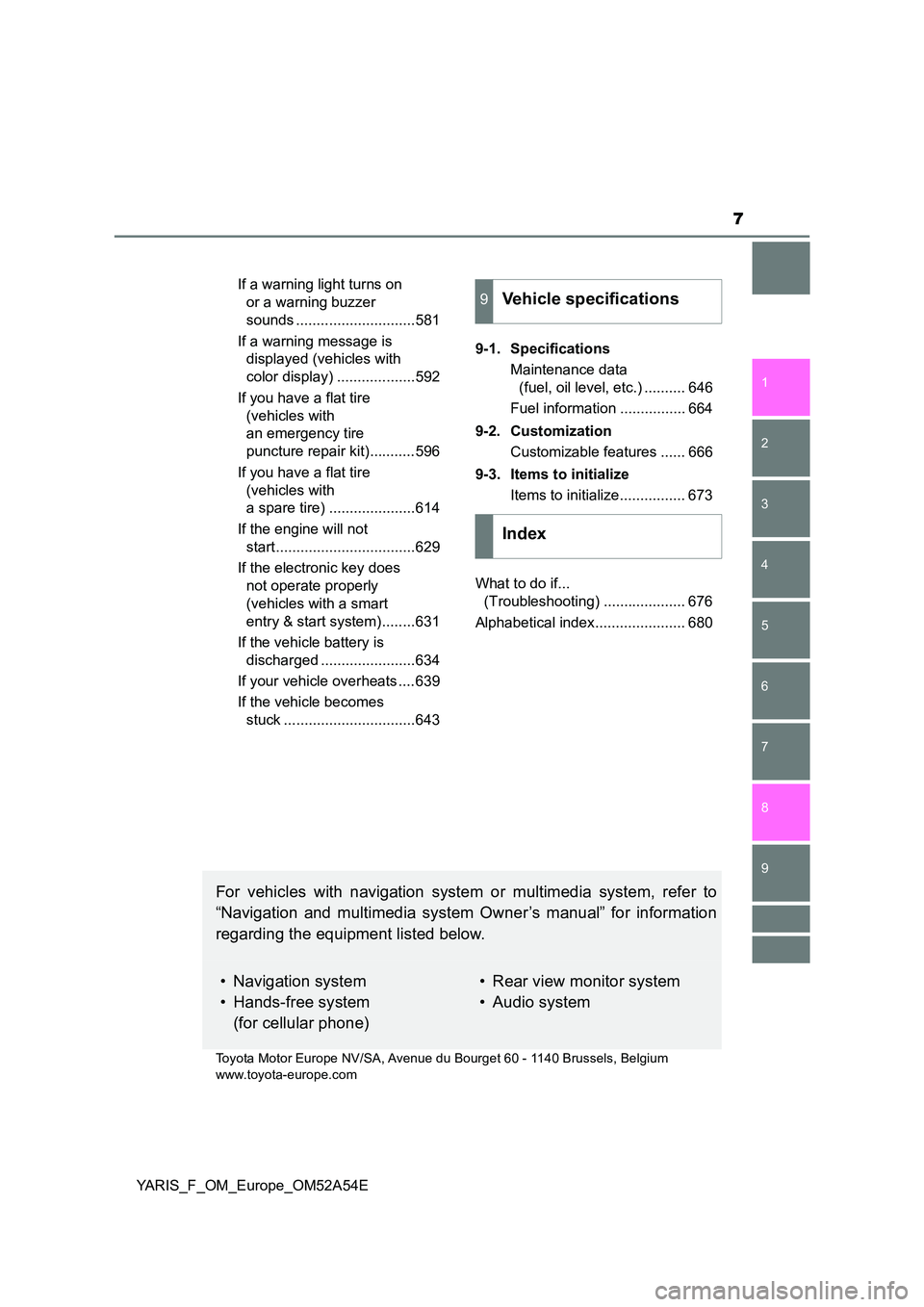
If a warning light turns on
or a warning buzzer
sounds .............................581
If a warning message is
displayed (vehicles with
color display) ...................592
If you have a flat tire
(vehicles with
an emergency tire
puncture repair kit)...........596
If you have a flat tire
(vehicles with
a spare tire) .....................614
If the engine will not
start ..................................629
If the electronic key does
not operate properly
(vehicles with a smart
entry & start system)........631
If the vehicle battery is
discharged .......................634
If your vehicle overheats ....639
If the vehicle becomes
stuck ................................643
9-1. Specifications
Maintenance data
(fuel, oil level, etc.) .......... 646
Fuel information ................ 664
9-2. Customization
Customizable features ...... 666
9-3. Items to initialize
Items to initialize................ 673
What to do if...
(Troubleshooting) .................... 676
Alphabetical index...................... 680
9Vehicle specifications
Index
For vehicles with navigation system or multimedia system, refer to
“Navigation and multimedia system Owner’s manual” for information
regarding the equipment listed below.
• Navigation system
• Hands-free system
(for cellular phone)
• Rear view monitor system
• Audio system
Toyota Motor Europe NV/SA, Avenue du Bourget 60 - 1140 Brussels, Belgium
www.toyota-europe.com
Page 17 of 692
17Pictorial index
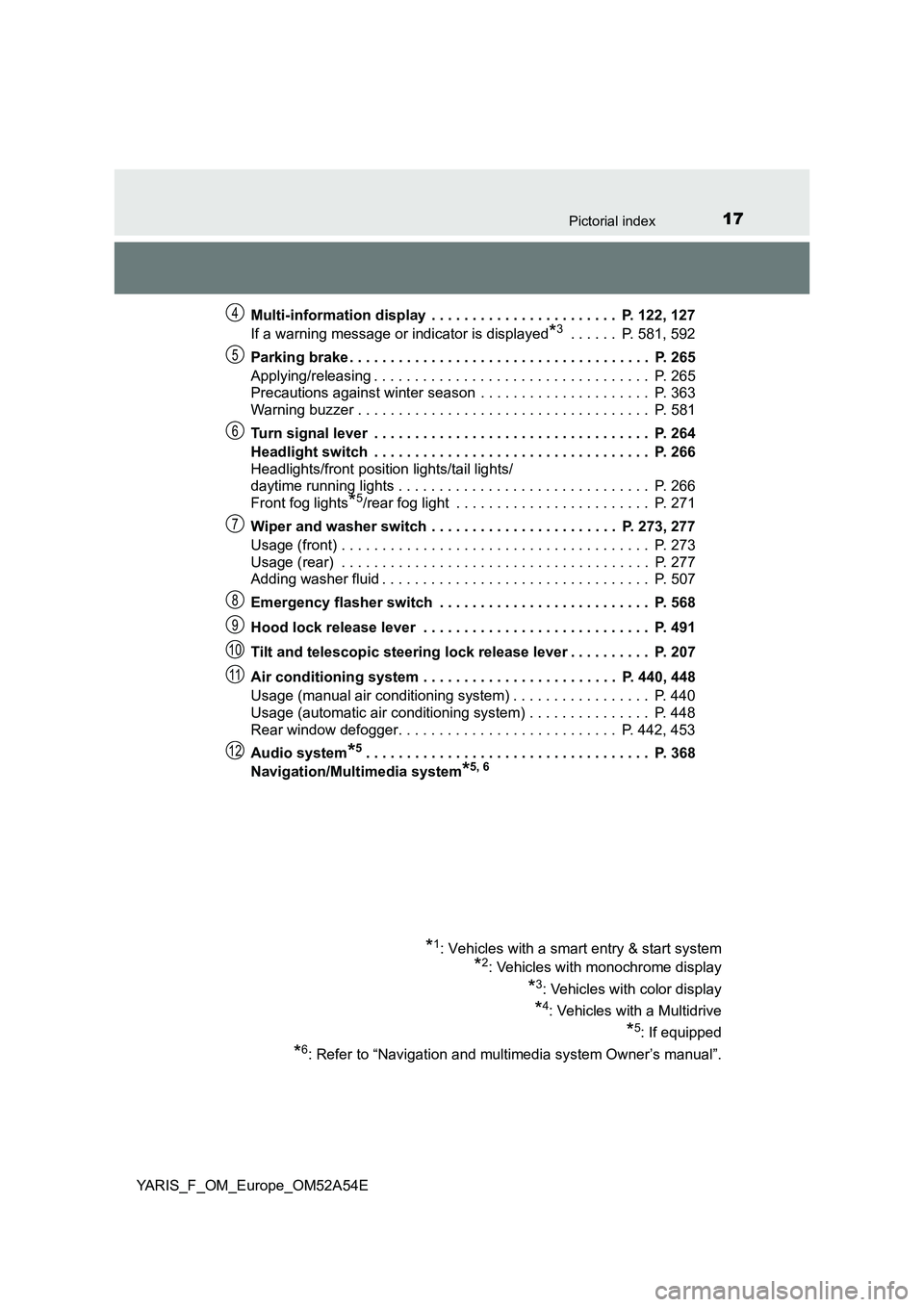
YARIS_F_OM_Europe_OM52A54EMulti-information display . . . . . . . . . . . . . . . . . . . . . . . P. 122, 127
If a warning message or indicator is displayed
*3 . . . . . . P. 581, 592
Parking brake . . . . . . . . . . . . . . . . . . . . . . . . . . . . . . . . . . . . . P. 265
Applying/releasing . . . . . . . . . . . . . . . . . . . . . . . . . . . . . . . . . . P. 265
Precautions against winter season . . . . . . . . . . . . . . . . . . . . . P. 363
Warning buzzer . . . . . . . . . . . . . . . . . . . . . . . . . . . . . . . . . . . . P. 581
Turn signal lever . . . . . . . . . . . . . . . . . . . . . . . . . . . . . . . . . . P. 264
Headlight switch . . . . . . . . . . . . . . . . . . . . . . . . . . . . . . . . . . P. 266
Headlights/front position lights/tail lights/
daytime running lights . . . . . . . . . . . . . . . . . . . . . . . . . . . . . . . P. 266
Front fog lights
*5/rear fog light . . . . . . . . . . . . . . . . . . . . . . . . P. 271
Wiper and washer switch . . . . . . . . . . . . . . . . . . . . . . . P. 273, 277
Usage (front) . . . . . . . . . . . . . . . . . . . . . . . . . . . . . . . . . . . . . . P. 273
Usage (rear) . . . . . . . . . . . . . . . . . . . . . . . . . . . . . . . . . . . . . . P. 277
Adding washer fluid . . . . . . . . . . . . . . . . . . . . . . . . . . . . . . . . . P. 507
Emergency flasher switch . . . . . . . . . . . . . . . . . . . . . . . . . . P. 568
Hood lock release lever . . . . . . . . . . . . . . . . . . . . . . . . . . . . P. 491
Tilt and telescopic steering lock release lever . . . . . . . . . . P. 207
Air conditioning system . . . . . . . . . . . . . . . . . . . . . . . . P. 440, 448
Usage (manual air conditioning system) . . . . . . . . . . . . . . . . . P. 440
Usage (automatic air conditioning system) . . . . . . . . . . . . . . . P. 448
Rear window defogger. . . . . . . . . . . . . . . . . . . . . . . . . . . P. 442, 453
Audio system
*5. . . . . . . . . . . . . . . . . . . . . . . . . . . . . . . . . . . P. 368
Navigation/Multimedia system
*5, 6
*1: Vehicles with a smart entry & start system
*2: Vehicles with monochrome display
*3: Vehicles with color display
*4: Vehicles with a Multidrive
*5: If equipped
*6: Refer to “Navigation and multimedia system Owner’s manual”.
4
5
6
7
8
9
10
11
12
Page 20 of 692
20Pictorial index
YARIS_F_OM_Europe_OM52A54E
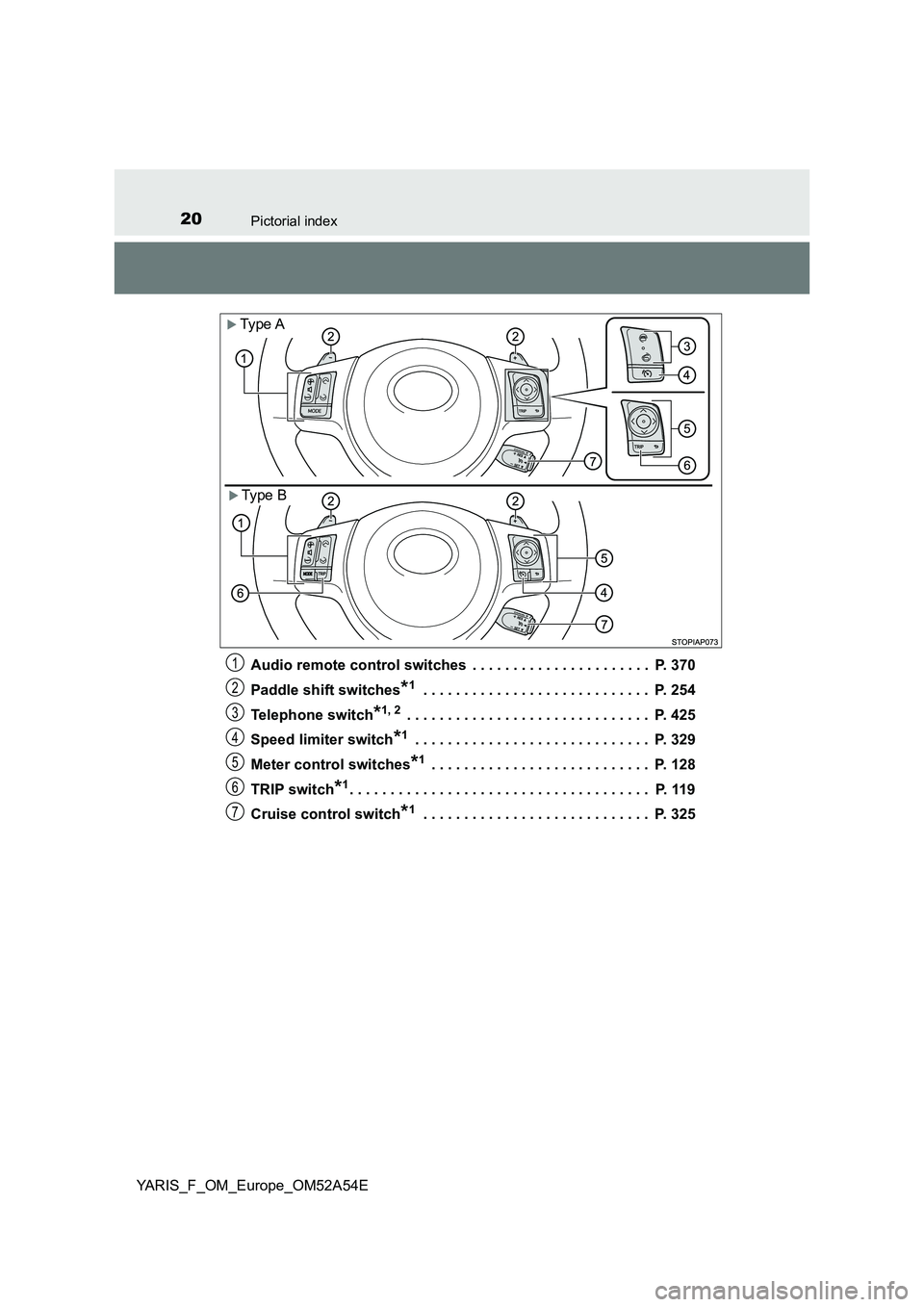
Audio remote control switches . . . . . . . . . . . . . . . . . . . . . . P. 370
Paddle shift switches*1 . . . . . . . . . . . . . . . . . . . . . . . . . . . . P. 254
Telephone switch*1, 2 . . . . . . . . . . . . . . . . . . . . . . . . . . . . . . P. 425
Speed limiter switch*1 . . . . . . . . . . . . . . . . . . . . . . . . . . . . . P. 329
Meter control switches*1 . . . . . . . . . . . . . . . . . . . . . . . . . . . P. 128
TRIP switch*1. . . . . . . . . . . . . . . . . . . . . . . . . . . . . . . . . . . . . P. 119
Cruise control switch*1 . . . . . . . . . . . . . . . . . . . . . . . . . . . . P. 325
Ty pe A
Type B
1
2
3
4
5
6
7
Page 25 of 692
25Pictorial index
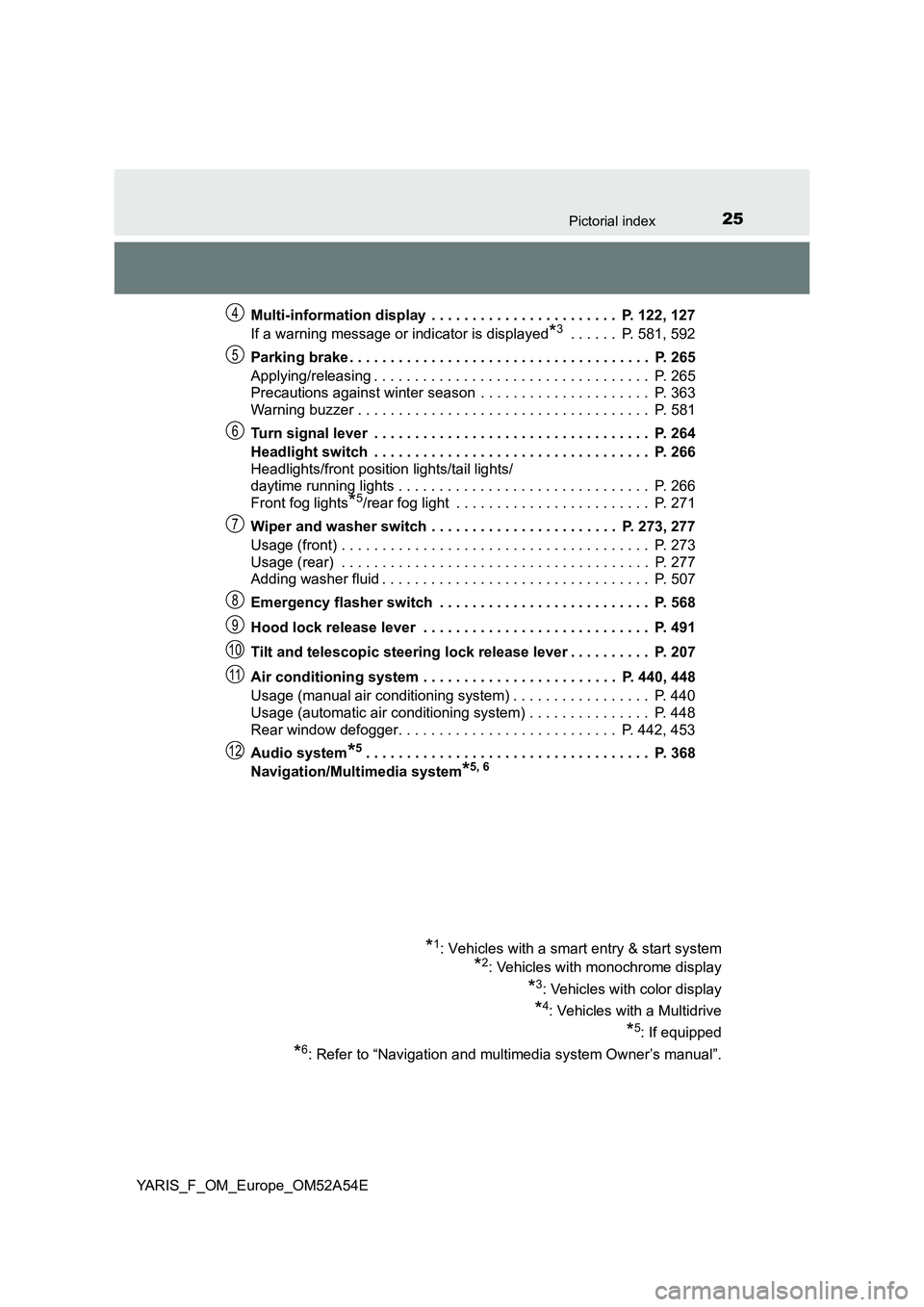
YARIS_F_OM_Europe_OM52A54EMulti-information display . . . . . . . . . . . . . . . . . . . . . . . P. 122, 127
If a warning message or indicator is displayed
*3 . . . . . . P. 581, 592
Parking brake . . . . . . . . . . . . . . . . . . . . . . . . . . . . . . . . . . . . . P. 265
Applying/releasing . . . . . . . . . . . . . . . . . . . . . . . . . . . . . . . . . . P. 265
Precautions against winter season . . . . . . . . . . . . . . . . . . . . . P. 363
Warning buzzer . . . . . . . . . . . . . . . . . . . . . . . . . . . . . . . . . . . . P. 581
Turn signal lever . . . . . . . . . . . . . . . . . . . . . . . . . . . . . . . . . . P. 264
Headlight switch . . . . . . . . . . . . . . . . . . . . . . . . . . . . . . . . . . P. 266
Headlights/front position lights/tail lights/
daytime running lights . . . . . . . . . . . . . . . . . . . . . . . . . . . . . . . P. 266
Front fog lights
*5/rear fog light . . . . . . . . . . . . . . . . . . . . . . . . P. 271
Wiper and washer switch . . . . . . . . . . . . . . . . . . . . . . . P. 273, 277
Usage (front) . . . . . . . . . . . . . . . . . . . . . . . . . . . . . . . . . . . . . . P. 273
Usage (rear) . . . . . . . . . . . . . . . . . . . . . . . . . . . . . . . . . . . . . . P. 277
Adding washer fluid . . . . . . . . . . . . . . . . . . . . . . . . . . . . . . . . . P. 507
Emergency flasher switch . . . . . . . . . . . . . . . . . . . . . . . . . . P. 568
Hood lock release lever . . . . . . . . . . . . . . . . . . . . . . . . . . . . P. 491
Tilt and telescopic steering lock release lever . . . . . . . . . . P. 207
Air conditioning system . . . . . . . . . . . . . . . . . . . . . . . . P. 440, 448
Usage (manual air conditioning system) . . . . . . . . . . . . . . . . . P. 440
Usage (automatic air conditioning system) . . . . . . . . . . . . . . . P. 448
Rear window defogger. . . . . . . . . . . . . . . . . . . . . . . . . . . P. 442, 453
Audio system
*5. . . . . . . . . . . . . . . . . . . . . . . . . . . . . . . . . . . P. 368
Navigation/Multimedia system
*5, 6
*1: Vehicles with a smart entry & start system
*2: Vehicles with monochrome display
*3: Vehicles with color display
*4: Vehicles with a Multidrive
*5: If equipped
*6: Refer to “Navigation and multimedia system Owner’s manual”.
4
5
6
7
8
9
10
11
12
Page 28 of 692
28Pictorial index
YARIS_F_OM_Europe_OM52A54E
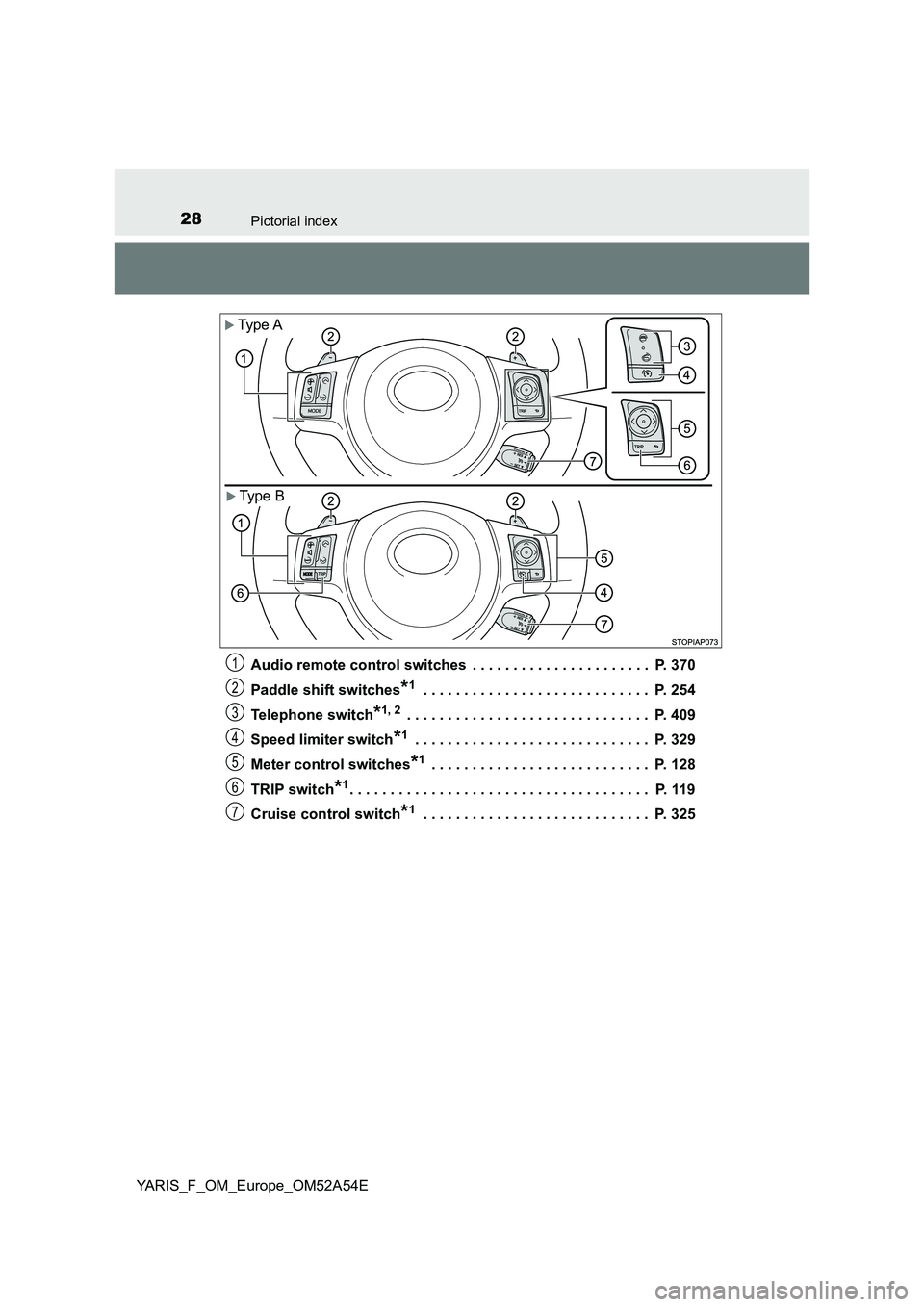
Audio remote control switches . . . . . . . . . . . . . . . . . . . . . . P. 370
Paddle shift switches*1 . . . . . . . . . . . . . . . . . . . . . . . . . . . . P. 254
Telephone switch*1, 2 . . . . . . . . . . . . . . . . . . . . . . . . . . . . . . P. 409
Speed limiter switch*1 . . . . . . . . . . . . . . . . . . . . . . . . . . . . . P. 329
Meter control switches*1 . . . . . . . . . . . . . . . . . . . . . . . . . . . P. 128
TRIP switch*1. . . . . . . . . . . . . . . . . . . . . . . . . . . . . . . . . . . . . P. 119
Cruise control switch*1 . . . . . . . . . . . . . . . . . . . . . . . . . . . . P. 325
Type A
Type B
1
2
3
4
5
6
7
Page 127 of 692
127
2
2. Instrument cluster
Instrument cluster
YARIS_F_OM_Europe_OM52A54E
Multi-information display (vehicles with
color display)
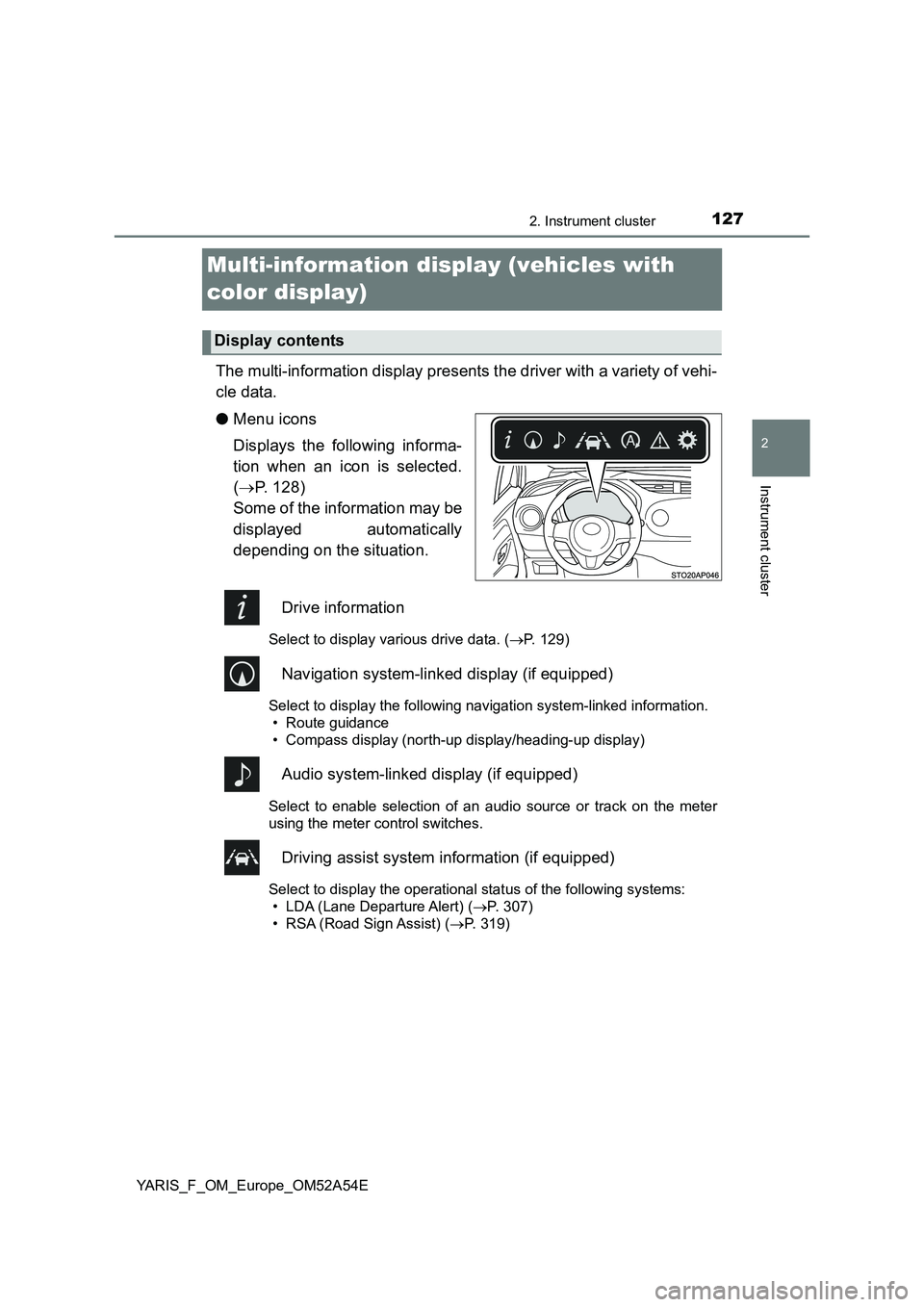
The multi-information display presents the driver with a variety of vehi-
cle data.
●Menu icons
Displays the following informa-
tion when an icon is selected.
(P. 128)
Some of the information may be
displayed automatically
depending on the situation.
Drive information
Select to display various drive data. (P. 129)
Navigation system-linked display (if equipped)
Select to display the following navigation system-linked information.
• Route guidance
• Compass display (north-up display/heading-up display)
Audio system-linked display (if equipped)
Select to enable selection of an audio source or track on the meter
using the meter control switches.
Driving assist system information (if equipped)
Select to display the operational status of the following systems:
• LDA (Lane Departure Alert) (P. 307)
• RSA (Road Sign Assist) (P. 319)
Display contents
Page 153 of 692
1533-1. Key information
3
Operation of each component
YARIS_F_OM_Europe_OM52A54E
NOTICE
■To prevent key damage
● Do not drop the keys, subject them to strong shocks or bend them.
● Do not expose the keys to high temperatures for a long periods of time.
● Do not get the keys wet or wash them in an ultrasonic washer, etc.
● Do not attach metallic or magnetic materials to the keys or place the keys
close to such materials.
● Do not disassemble the keys.
● Do not attach a sticker or anything else to the surface of the key.
● Vehicles with a smart entry & start system: Do not place the keys near
objects that produce magnetic fields, such as TVs, audio systems, induc-
tion cookers, or medical electrical equipment, such as low-frequency ther-
apy equipment.
■ Carrying the electronic key on your person (vehicles with a smart entry
& start system)
Carry the electronic key 10 cm (3.9 in.) or more away from electric appli-
ances that are turned on. Radio wave s emitted from electric appliances
within 10 cm (3.9 in.) of the electronic key may interfere with the key, caus-
ing the key to not function properly.
■ In case of a smart entry & start system malfunction or other key-related
problems (vehicles with a smart entry & start system)
Take your vehicle with all the electronic keys provided with your vehicle to
any authorized Toyota retailer or Toyota authorized repairer, or any reliable
repairer.
■ When an electronic key is lost (vehicles with a smart entry & start sys-
tem)
If the electronic key remains lost, the risk of vehicle theft increases signifi-
cantly. Visit any authorized Toyota reta iler or Toyota authorized repairer, or
any reliable repairer imm ediately with all remaining electronic keys that
were provided with your vehicle.