change time TOYOTA YARIS HATCHBACK 2018 Owner's Manual
[x] Cancel search | Manufacturer: TOYOTA, Model Year: 2018, Model line: YARIS HATCHBACK, Model: TOYOTA YARIS HATCHBACK 2018Pages: 520, PDF Size: 8.69 MB
Page 321 of 520
3216-1. Using the air conditioning system and defogger
6
Interior features
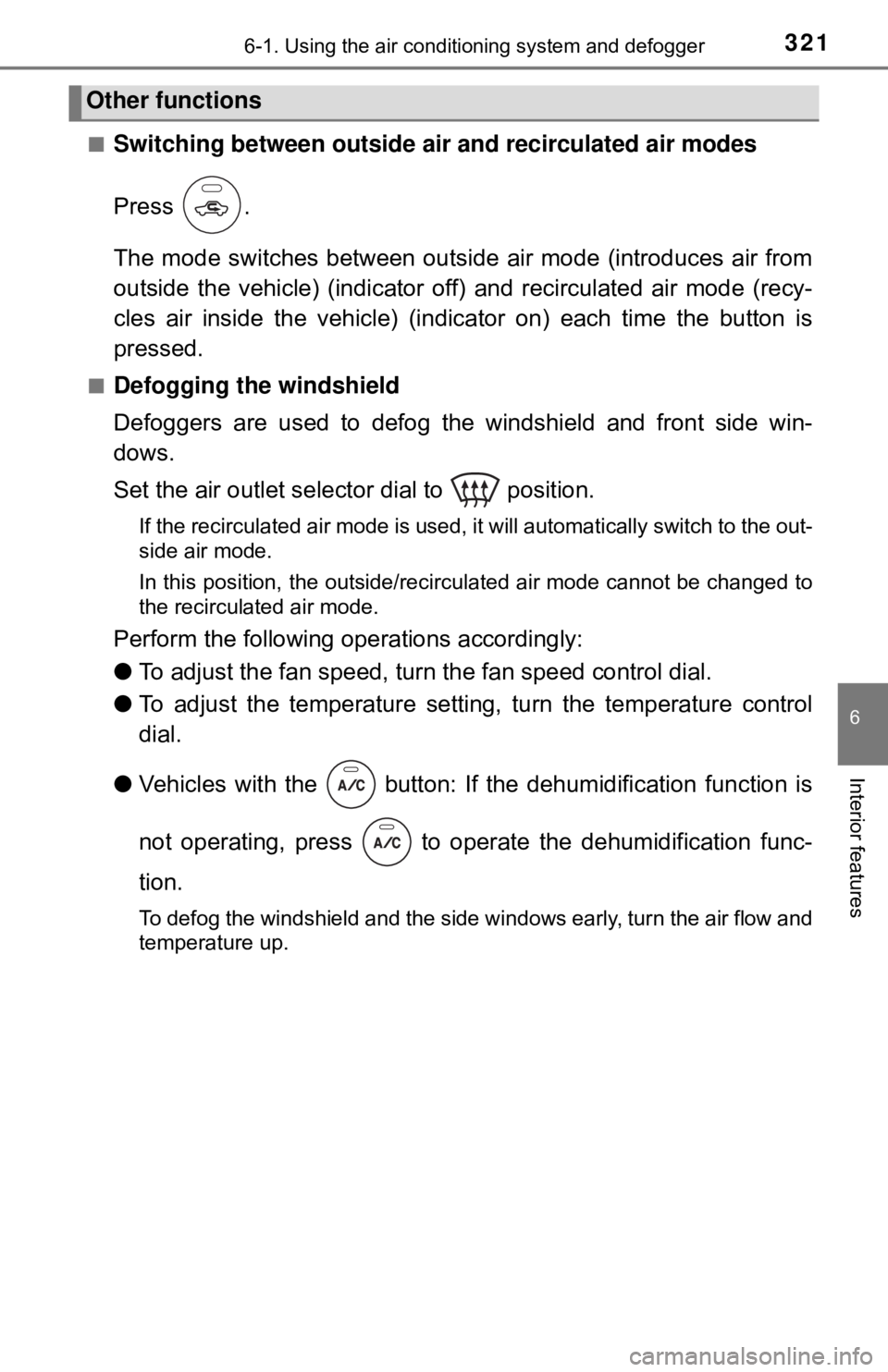
■Switching between outside air and recirculated air modes
Press .
The mode switches between outsi de air mode (introduces air from
outside the vehicle) (indicator of f) and recirculated air mode (recy-
cles air inside the vehicle) (indicator on) each time the button is
pressed.
■Defogging the windshield
Defoggers are used to defog the windshield and front side win-
dows.
Set the air outlet selector dial to position.
If the recirculated air mode is used, it will automatically switch to the out-
side air mode.
In this position, the outside/recirculated air mode cannot be changed to
the recirculated air mode.
Perform the following operations accordingly:
● To adjust the fan speed, turn the fan speed control dial.
● To adjust the temperature setting, turn the temperature control
dial.
● Vehicles with the button: If the dehumidification function is
not operating, press to oper ate the dehumidification func-
tion.
To defog the windshield and the side windows early, turn the air flow and
temperature up.
Other functions
Page 322 of 520
3226-1. Using the air conditioning system and defogger
■Defogging the rear window and outside rear view mirrors
Vehicles with a rear window defogger
Defogger is used to defog the rear window.
Press .
The defogger will automatically turn off after a period of time.
Vehicles with rear window and outside rear view mirror defoggers
Defoggers are used to defog the rear window, and to remove rain-
drops, dew and frost from the outside rear view mirrors.
Press .
The defoggers will automatically turn off after a period of time.
■
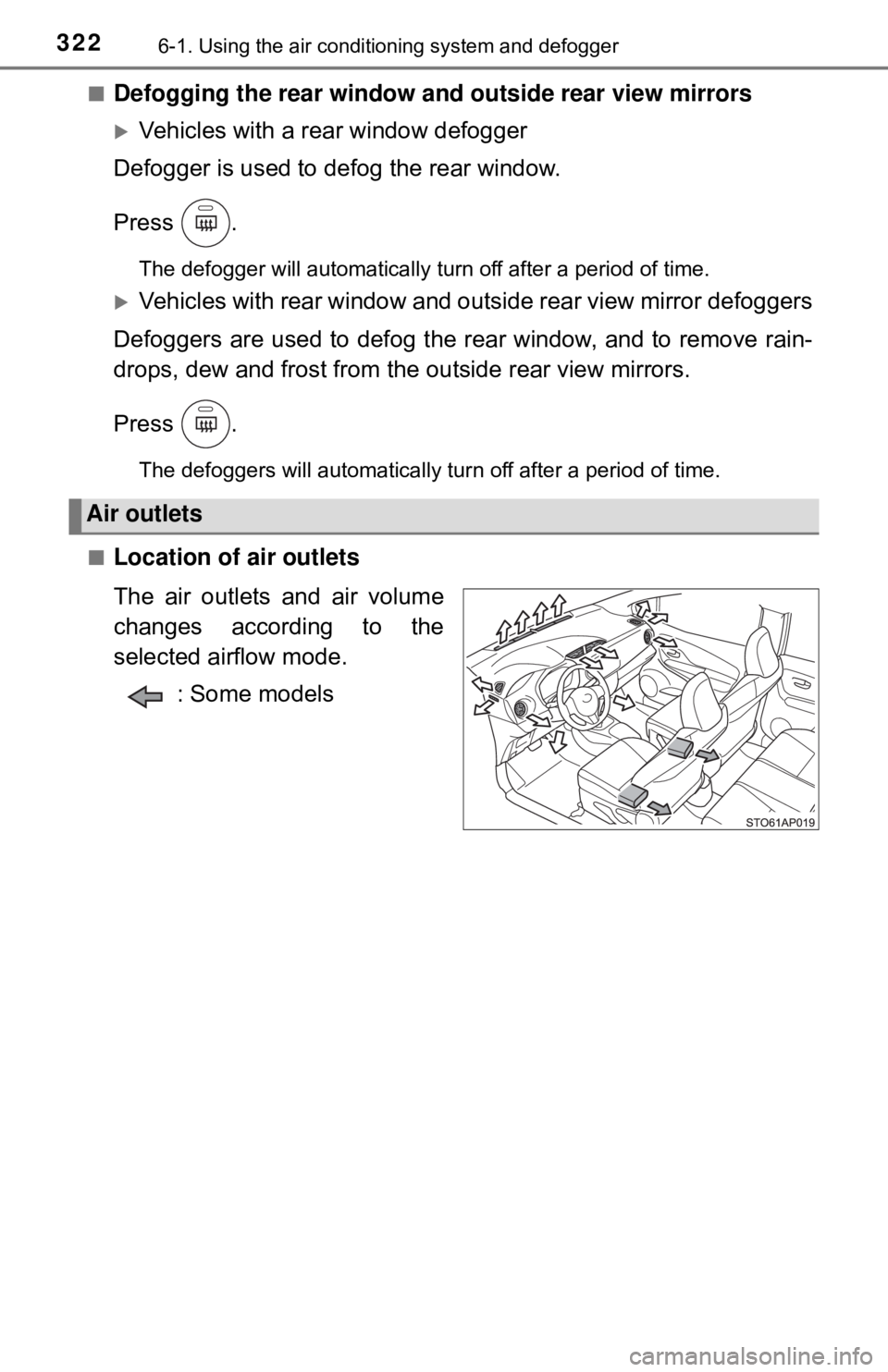
Location of air outlets
The air outlets and air volume
changes according to the
selected airflow mode. : Some models
Air outlets
Page 375 of 520

3757-3. Do-it-yourself maintenance
7
Maintenance and care
■Initializing the tire pressure warning system (vehicles with a tire
pressure warning system)
Initialize the system with the tire infl ation pressure adjusted to the speci-
fied level.
■If the tread on snow tires wears down below 0.16 in. (4 mm)
The effectiveness of the tire s as snow tires is lost.
■If you press the tire pressure warning reset switch accidentally (vehi-
cles with a tire pressure warning system)
If initialization is performed, adjust the tire inflation pressure to the speci-
fied level and initialize the tire pressure warning system again.
■When the initialization of the tire pressure warning system has failed
(vehicles with a tire pressure warning system)
Initialization can be completed in a few minutes. However, in the following
cases, the settings ha s not been recorded and the system will not operate
properly. If repeated attempts to record tire inflation pressure settings are
unsuccessful, have the vehicle in spected by your Toyota dealer.
●When operating the tire pressure wa rning reset switch, the tire pressure
warning light does not blink 3 times.
●After driving for a certain period of time since the initialization has been
completed, the warning light comes on after blinks for 1 minute.
■Certification for the tire pressure warning system
FCC ID: PAXPMVC010
FCC ID: HYQ23AAD
NOTE:
This device complies with part 15 of the FCC Rules. Operation is subject
to the following two conditions: (1) This device may not cause harmful
interference, and (2) this device must accept any interference received,
including interference that may cause undesired operation.
FCC WARNING:
Changes or modifications not expressl y approved by the party responsi-
ble for compliance could void the user ’s authority to operate the equip-
ment.
Page 488 of 520
4889-2. Customization
Customizable features
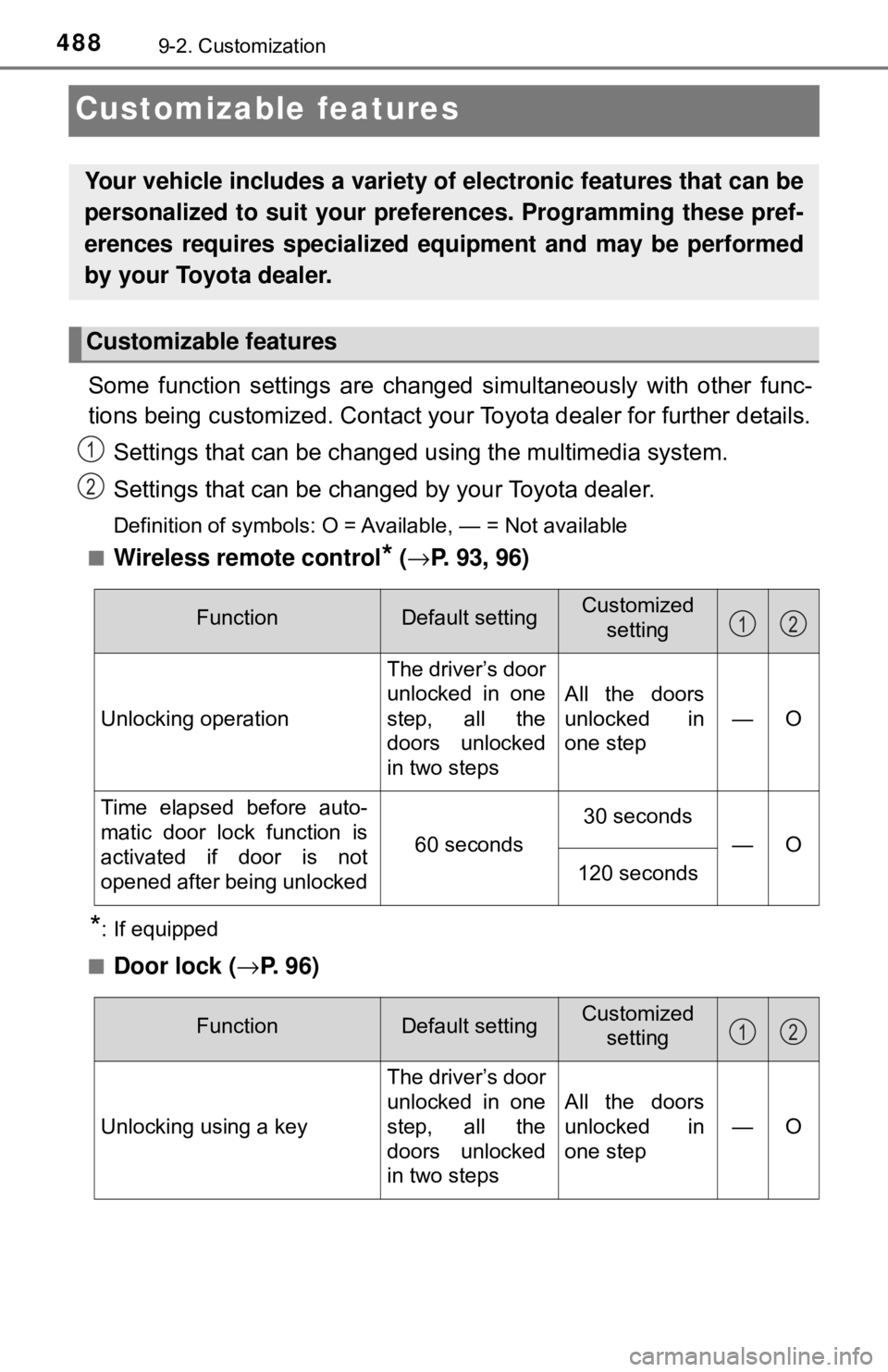
Some function settings are changed simultaneously with other func-
tions being customized. Contact your Toyota dealer for further details.
Settings that can be changed using the multimedia system.
Settings that can be changed by your Toyota dealer.
Definition of symbols: O = Available, — = Not available
■
Wireless remote control* ( → P. 93, 96)
*: If equipped
■
Door lock ( →P. 9 6 )
Your vehicle includes a variety of electronic features that can be
personalized to suit your preferences. Programming these pref-
erences requires specialized e quipment and may be performed
by your Toyota dealer.
Customizable features
1
2
FunctionDefault settingCustomized setting
Unlocking operation The driver’s door
unlocked in one
step, all the
doors unlocked
in two stepsAll the doors
unlocked in
one step—O
Time elapsed before auto-
matic door lock function is
activated if door is not
opened after being unlocked
60 seconds
30 seconds —O
120 seconds
12
FunctionDefault settingCustomizedsetting
Unlocking using a key The driver’s door
unlocked in one
step, all the
doors unlocked
in two stepsAll the doors
unlocked in
one step—O
12