warning VAUXHALL ASTRA J 2016 Workshop Manual
[x] Cancel search | Manufacturer: VAUXHALL, Model Year: 2016, Model line: ASTRA J, Model: VAUXHALL ASTRA J 2016Pages: 341, PDF Size: 10.35 MB
Page 127 of 341
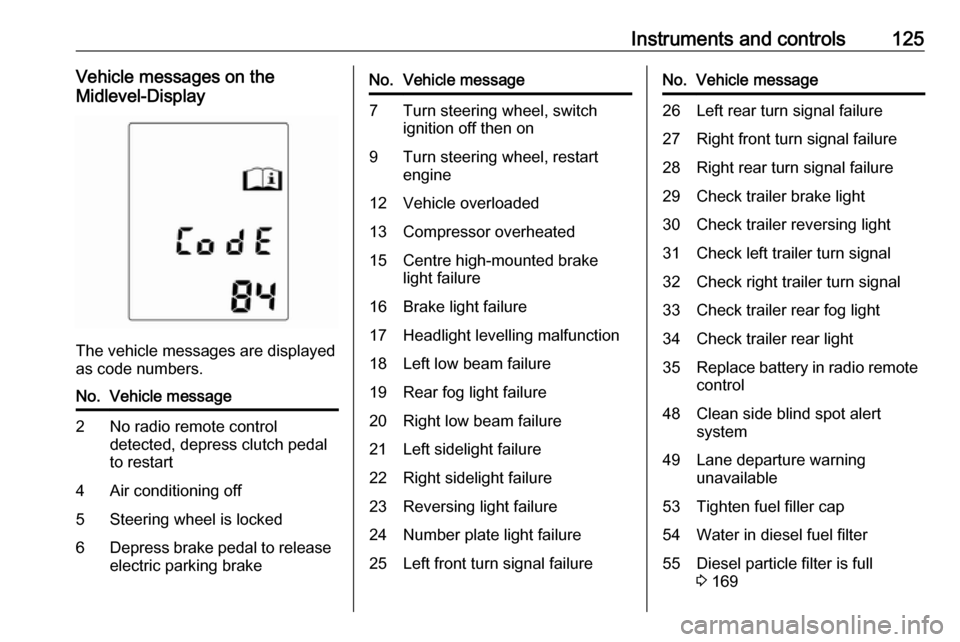
Instruments and controls125Vehicle messages on the
Midlevel-Display
The vehicle messages are displayed
as code numbers.
No.Vehicle message2No radio remote control
detected, depress clutch pedal
to restart4Air conditioning off5Steering wheel is locked6Depress brake pedal to release
electric parking brakeNo.Vehicle message7Turn steering wheel, switch ignition off then on9Turn steering wheel, restart
engine12Vehicle overloaded13Compressor overheated15Centre high-mounted brake
light failure16Brake light failure17Headlight levelling malfunction18Left low beam failure19Rear fog light failure20Right low beam failure21Left sidelight failure22Right sidelight failure23Reversing light failure24Number plate light failure25Left front turn signal failureNo.Vehicle message26Left rear turn signal failure27Right front turn signal failure28Right rear turn signal failure29Check trailer brake light30Check trailer reversing light31Check left trailer turn signal32Check right trailer turn signal33Check trailer rear fog light34Check trailer rear light35Replace battery in radio remote
control48Clean side blind spot alert
system49Lane departure warning
unavailable53Tighten fuel filler cap54Water in diesel fuel filter55Diesel particle filter is full
3 169
Page 128 of 341

126Instruments and controlsNo.Vehicle message56Tyre pressure imbalance on
front axle57Tyre pressure imbalance on
rear axle58Tyres without TPMS sensors
detected59Open then close driver window60Open then close front
passenger window61Open then close rear left
window62Open then close rear right
window65Theft attempted66Service anti-theft alarm system67Service steering wheel lock68Service power steering69Service suspension system70Service level control systemNo.Vehicle message71Service rear axle74Service AFL75Service air conditioning76Service side blind spot alert
system77Service lane departure warning79Top up engine oil81Service transmission82Change engine oil soon83Service adaptive cruise control84Engine power is reduced89Service vehicle soon94Shift to park position before
exiting95Service airbag128Bonnet open134Park assist fault, clean bumper136Service parking assistNo.Vehicle message145Check washer fluid level174Low vehicle battery258Parking assist off
Vehicle messages on the
Uplevel-Combi-Display
The vehicle messages are displayed
as text. Follow the instructions given
in the messages.
Page 129 of 341

Instruments and controls127The system displays messages
regarding the following topics:
● fluid levels
● anti-theft alarm system
● brakes
● drive systems
● ride control systems
● cruise control
● object detection systems
● lighting, bulb replacement
● wiper/washer system
● doors, windows
● radio remote control
● seat belts
● airbag systems
● engine and transmission
● tyre pressure
● diesel particle filter
● vehicle battery statusVehicle messages on the Colour-
Info-Display
Some important messages appear
additionally in the Colour-Info-
Display. Press the multifunction knob to confirm a message. Some
messages only pop-up for a few
seconds.
Warning chimes When starting the engine or whilst
driving
Only one warning chime will sound at a time.
The warning chime regarding
unfastened seat belts has priority
over any other warning chime.
● If seat belt is not fastened.
● If a door or the tailgate is not fully
closed when starting off.
● If a certain speed is exceeded with parking brake applied.
● If a programmed speed is exceeded.● If a warning message or awarning code appears in the
Driver Information Centre (DIC).
● If the parking assist detects an object.
● If an unintended lane change occurs.
● If the reverse gear is engaged and the rear carrier sytem
extended.
● If the diesel particle filter has reached the maximum filling
level.
When the vehicle is parked and/or the driver's door is opened
● With exterior lights on.
During an Autostop ● If the driver's door is opened.
Battery voltage
When the vehicle battery voltage is
running low, a warning message or
warning code 174 will appear in the
Driver Information Centre.
Page 130 of 341
128Instruments and controls1. Switch off immediately anyelectric consumers which are not
required for a safe ride, e.g. seat
heating, heated rear window or
other main consumers.
2. Charge the vehicle battery by driving continuously for a while or
by using a charging device.
The warning message or warning
code will disappear after the engine
has been started twice consecutively
without a voltage drop.
If the vehicle battery cannot be
recharged, have the cause of the fault
remedied by a workshop.Trip computer
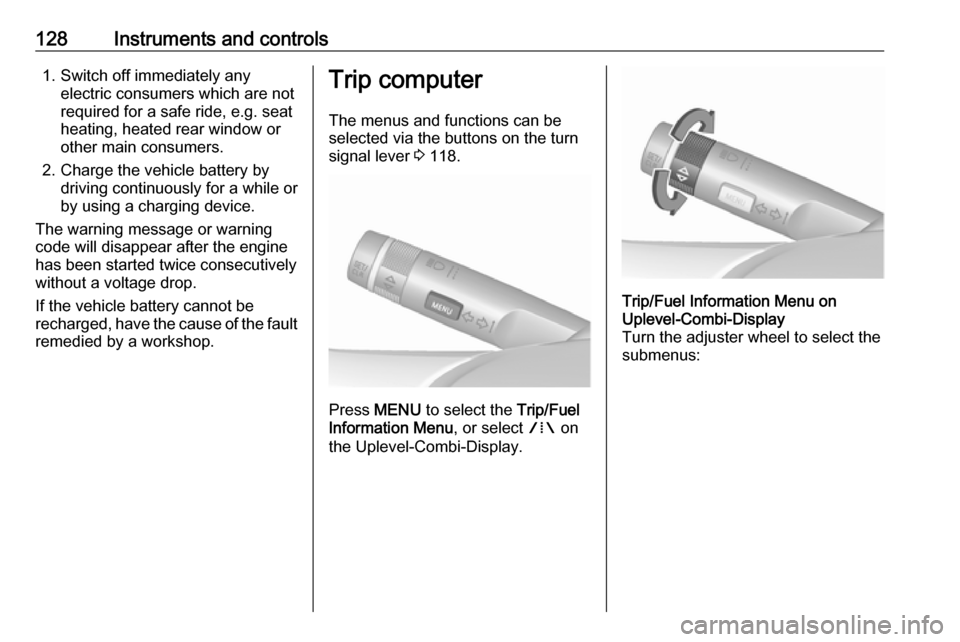
The menus and functions can be selected via the buttons on the turn
signal lever 3 118.
Press MENU to select the Trip/Fuel
Information Menu , or select W on
the Uplevel-Combi-Display.
Trip/Fuel Information Menu on
Uplevel-Combi-Display
Turn the adjuster wheel to select the
submenus:
Page 132 of 341

130Instruments and controlsWhen the fuel level in the tank is low,
a message appears on vehicles with
Uplevel-Combi-Display.
When the tank needs to be refuelled
immediately, a warning code or
warning message is displayed on
vehicles with Midlevel-Display or
Uplevel-Combi-Display.
Additionally control indicator i
illuminates or flashes in the fuel gauge 3 116.
Average consumption Display of average consumption. Themeasurement can be reset at any
time and starts with a default value.
To reset, press SET/CLR for a few
seconds.
Instantaneous consumption
Display of the instantaneous
consumption.
Average speedDisplay of average speed. The
measurement can be reset at any
time.To reset, press SET/CLR for a few
seconds.
Digital speed Digital display of the instantaneous
speed.
Traffic sign assistant
Indicates detected traffic signs for the current route section 3 209.
Route guidance In addition to the navigation
information in the Colour-Info-
Display, route guidance is displayed
in the Driver Information Centre
(DIC).Vehicle personalisation
The vehicle's behaviour can be
personalised by changing the settings in the Info-Display.
Some of the personal settings for
different drivers can be memorised
individually for each vehicle key.
Memorised settings 3 22.
Depending on vehicle equipment and
country-specific regulations some of
the functions described below may
not be available.
Some functions are only displayed or
active when the engine is running.
Personal settings in the
Graphic-Info-Display
CD 400plus/CD 400/CD 300
Page 134 of 341
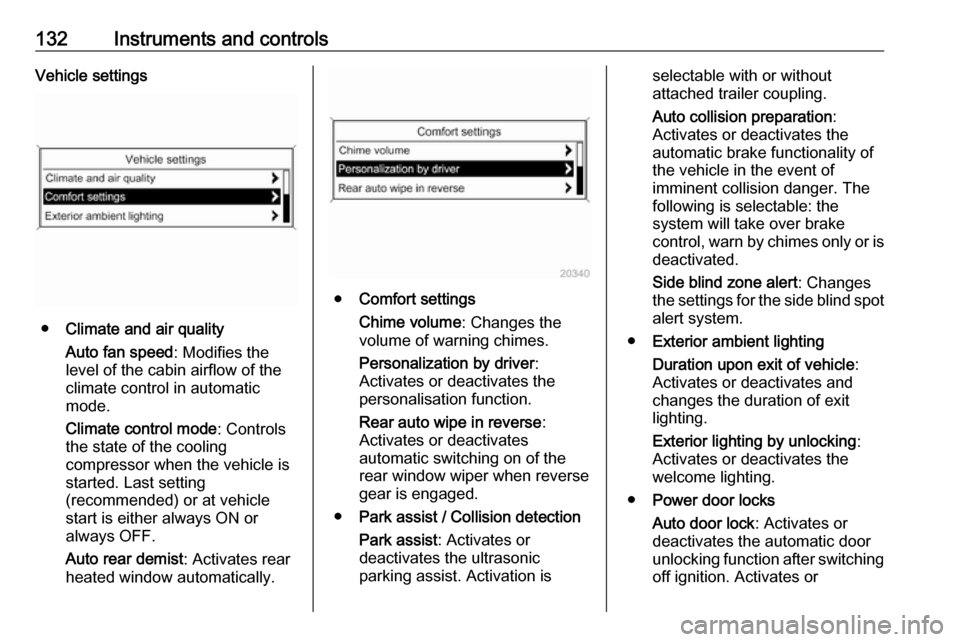
132Instruments and controlsVehicle settings
●Climate and air quality
Auto fan speed : Modifies the
level of the cabin airflow of the
climate control in automatic
mode.
Climate control mode : Controls
the state of the cooling
compressor when the vehicle is
started. Last setting
(recommended) or at vehicle
start is either always ON or
always OFF.
Auto rear demist : Activates rear
heated window automatically.
● Comfort settings
Chime volume : Changes the
volume of warning chimes.
Personalization by driver :
Activates or deactivates the
personalisation function.
Rear auto wipe in reverse :
Activates or deactivates
automatic switching on of the
rear window wiper when reverse gear is engaged.
● Park assist / Collision detection
Park assist : Activates or
deactivates the ultrasonic
parking assist. Activation is
selectable with or without
attached trailer coupling.
Auto collision preparation :
Activates or deactivates the
automatic brake functionality of
the vehicle in the event of
imminent collision danger. The
following is selectable: the
system will take over brake
control, warn by chimes only or is
deactivated.
Side blind zone alert : Changes
the settings for the side blind spot alert system.
● Exterior ambient lighting
Duration upon exit of vehicle :
Activates or deactivates and
changes the duration of exit
lighting.
Exterior lighting by unlocking :
Activates or deactivates the
welcome lighting.
● Power door locks
Auto door lock : Activates or
deactivates the automatic door
unlocking function after switching
off ignition. Activates or
Page 135 of 341
Instruments and controls133deactivates the automatic door
locking function after driving-off.
Stop door lock if door open :
Activates or deactivates the
automatic door locking function
while a door is open.
Delayed door lock : Activates or
deactivates the delayed door locking function.
● Remote locking, unlocking,
starting
Remote unlock feedback :
Activates or deactivates the
hazard warning flasher feedback
whilst unlocking.
Remote door unlock : Changes
the configuration to unlock only
the driver's door or the whole
vehicle whilst unlocking.
Auto relock doors : Activates or
deactivates the automatic relock
function after unlocking without opening the vehicle.
● Restore factory settings
Restore factory settings : Resets
all settings to the default settings.Settings in the Colour-Info-
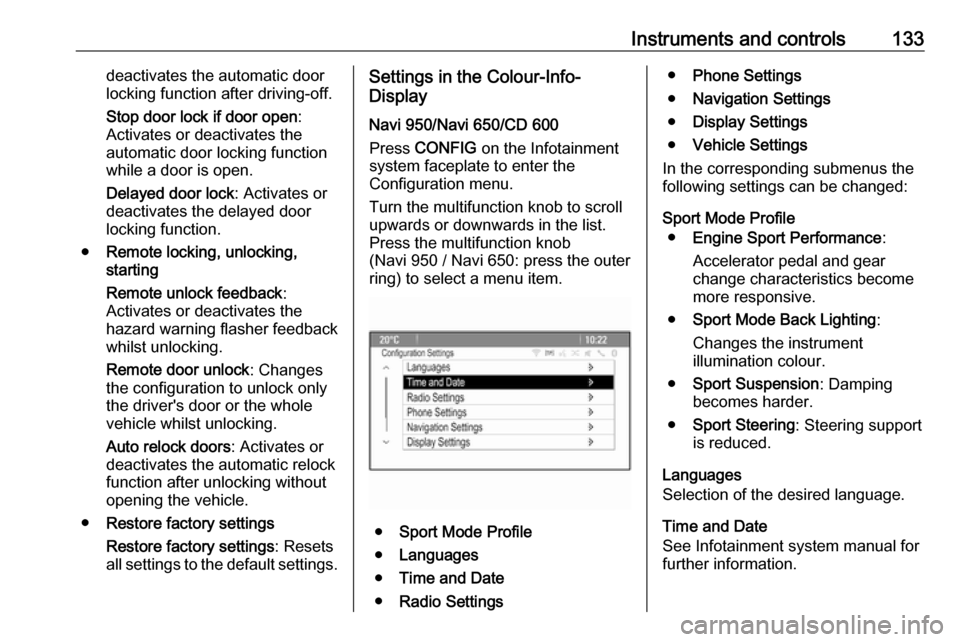
Display
Navi 950/Navi 650/CD 600
Press CONFIG on the Infotainment
system faceplate to enter the
Configuration menu.
Turn the multifunction knob to scroll
upwards or downwards in the list.
Press the multifunction knob
(Navi 950 / Navi 650: press the outer
ring) to select a menu item.
● Sport Mode Profile
● Languages
● Time and Date
● Radio Settings
●Phone Settings
● Navigation Settings
● Display Settings
● Vehicle Settings
In the corresponding submenus the
following settings can be changed:
Sport Mode Profile ● Engine Sport Performance :
Accelerator pedal and gear
change characteristics become
more responsive.
● Sport Mode Back Lighting :
Changes the instrument
illumination colour.
● Sport Suspension : Damping
becomes harder.
● Sport Steering : Steering support
is reduced.
Languages
Selection of the desired language.
Time and Date
See Infotainment system manual for
further information.
Page 136 of 341

134Instruments and controlsRadio Settings
See Infotainment system manual for further information.
Phone Settings
See Infotainment system manual for
further information.
Navigation Settings
See Infotainment system manual for
further information.
Display Settings ● Home Page Menu :
See Infotainment system manual
for further information.
● Rear Camera Options :
Press to adjust the rear camera
options 3 207.
● Display Off :
See Infotainment system manual for further information.
● Map Settings :
See Infotainment system manual for further information.Vehicle Settings
● Climate and Air Quality
Auto Fan Speed : Modifies the fan
regulation. Changed setting will
be active after switching the
ignition off and on again.
Air Conditioning Mode : Activates
or deactivates cooling when
switching on the ignition or uses
the last chosen setting.
Auto Demist : Activates or
deactivates auto demist.
Auto Rear Demist : Activates the
rear heated window
automatically.
● Comfort and Convenience
Chime Volume : Changes the
volume of warning chimes.
Personalisation by Driver :
Activates or deactivates the
personalisation function.
Auto Reverse Gear Wiper :
Activates or deactivates
automatic switching on of the
rear window wiper when reverse gear is engaged.● Collision Detection Systems
Park Assist : Activates or
deactivates the ultrasonic
sensors. Activation is selectable
with or without attached trailer
coupling.
Automatic Collision Preparation :
Activates or deactivates the
automatic brake functionality of
the vehicle in the event of
imminent collision danger. The
following is selectable: the
system will take over brake
control, warn by chimes only or is
deactivated completely.
Side Blind Zone Alert : Activates
or deactivates the side blind spot
alert system.
● Lighting
Vehicle Locator Lights : Activates
or deactivates the entry lighting.
Exit Lighting : Activates or
deactivates and changes the
duration of exit lighting.
● Power Door Locks
Open Door Anti Lock Out :
Activates or deactivates the
Page 137 of 341

Instruments and controls135automatic door locking function
while a door is open.
Auto Door Lock : Activates or
deactivates the automatic door
unlocking function after switching off ignition. Activates or
deactivates the automatic door
locking function after driving-off.
Delay Door Lock : Activates or
deactivates the delayed door
locking function.
● Remote Lock/Unlock/Start
Remote Lock Feedback :
Activates or deactivates the
hazard warning flasher feedback
whilst locking.
Remote Unlock Feedback :
Activates or deactivates the
hazard warning flasher feedback
whilst unlocking.
Remote Door Unlock : Changes
the configuration to unlock only
the driver's door or the whole
vehicle whilst unlocking.
Relock Remotely Unlocked
Doors : Activates or deactivates
the automatic relock functionafter unlocking without opening
the vehicle.
● Return to Factory Settings? :
Resets all settings to the default settings.OnStar® system
OnStar is a personal connectivity and
mobility assistant with integrated
Wi-Fi hotspot. The OnStar service is
available 24 hours a day, seven days a week.
Notice
OnStar is not available for all
markets. For further information,
contact your workshop.
Notice
In order to be available and
operational, OnStar needs a valid
OnStar subscription, functioning
vehicle electrics, mobile service and
GPS satellite link.
To activate the OnStar services and
set up an account, press Z and speak
with an OnStar advisor.
Depending on the equipment of the
vehicle, the following services are
available:
● OnStar emergency services and support in the case of a vehicle
breakdown
● Wi-Fi hotspot
Page 142 of 341
140LightingLightingExterior lighting.......................... 140
Light switch .............................. 140
Automatic light control .............141
High beam ............................... 142
High beam assist .....................142
Headlight flash ......................... 142
Headlight range adjustment ....143
Headlights when driving abroad .................................... 143
Daytime running lights .............144
Adaptive forward lighting .........144
Hazard warning flashers ..........147
Turn and lane-change signals . 147
Front fog lights ......................... 148
Rear fog lights ......................... 148
Parking lights ........................... 148
Reversing lights .......................149
Misted light covers ...................149
Interior lighting ........................... 149
Instrument panel illumination control ..................................... 149
Interior lights ............................ 149
Reading lights .......................... 150
Sunvisor lights ......................... 150Lighting features ........................151
Centre console lighting ............151
Entry lighting ............................ 151
Exit lighting .............................. 151
Battery discharge protection ....152Exterior lighting
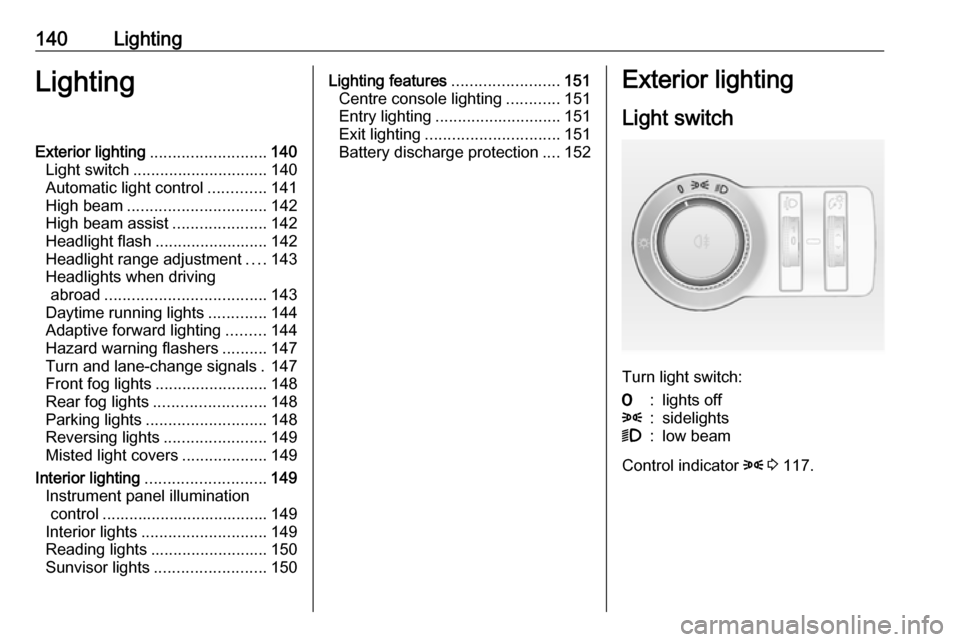
Light switch
Turn light switch:
7:lights off8:sidelights9:low beam
Control indicator 8 3 117.