sport mode VAUXHALL INSIGNIA 2017.75 User Guide
[x] Cancel search | Manufacturer: VAUXHALL, Model Year: 2017.75, Model line: INSIGNIA, Model: VAUXHALL INSIGNIA 2017.75Pages: 321, PDF Size: 9.04 MB
Page 187 of 321
Driving and operating185If, for example, normal settings are
active in AUTO mode and DMC
detects a sporty driving behaviour, it
automatically changes systems into
sporty settings unless the driver
deselects sporty damping or steering
in the Sport Mode Customisation .
If, for another example, comfort
settings are active in TOUR mode
and whilst driving on a winding road a
sudden hard brake is necessary,
DMC will detect the dynamic vehicle
condition and changes the settings
for suspension back to normal
(default) setting to enhance vehicle
stability.
When the driving characteristic or the dynamic vehicle state returns to the
former state, DMC will change to
preselected settings.Flex Ride visualisation menu
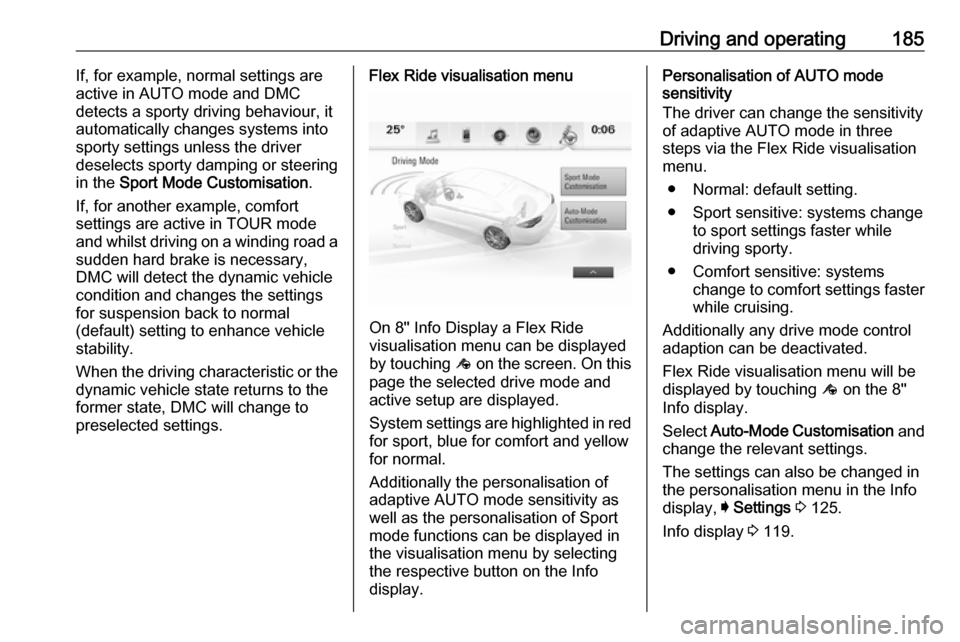
On 8" Info Display a Flex Ride
visualisation menu can be displayed
by touching ê on the screen. On this
page the selected drive mode and
active setup are displayed.
System settings are highlighted in red for sport, blue for comfort and yellowfor normal.
Additionally the personalisation of
adaptive AUTO mode sensitivity as
well as the personalisation of Sport
mode functions can be displayed in
the visualisation menu by selecting
the respective button on the Info
display.
Personalisation of AUTO mode
sensitivity
The driver can change the sensitivity
of adaptive AUTO mode in three
steps via the Flex Ride visualisation
menu.
● Normal: default setting.
● Sport sensitive: systems change to sport settings faster while
driving sporty.
● Comfort sensitive: systems change to comfort settings faster
while cruising.
Additionally any drive mode control adaption can be deactivated.
Flex Ride visualisation menu will be
displayed by touching ê on the 8"
Info display.
Select Auto-Mode Customisation and
change the relevant settings.
The settings can also be changed in
the personalisation menu in the Info
display, I Settings 3 125.
Info display 3 119.
Page 188 of 321
186Driving and operatingPersonalisation of Sport mode
settings
The driver can customise the settings
of the SPORT mode via the Flex Ride visualisation menu.
Flex Ride visualisation menu will be
displayed when SPORT mode is
selected or by touching ê on the 8"
Info display.
Select Sport Mode Customisation
and select the relevant settings.
The settings can also be changed in
the personalisation menu in the Info
Display, I Settings 3 125.
Info display 3 119.Driver assistance
systems9 Warning
Driver assistance systems are
developed to support the driver
and not to replace the driver's
attention.
The driver stays in full control of
the vehicle and accepts full
responsibility when driving the
vehicle.
When using driver assistance
systems, always take care
regarding the current traffic
situation and follow applicable
traffic rules.
Cruise control
The cruise control can store and
maintain speeds of approx. 20 mph to
maximum vehicle speed. Deviations
from the stored speeds may occur
when driving uphill or downhill.
Activating in first gear is not possible.
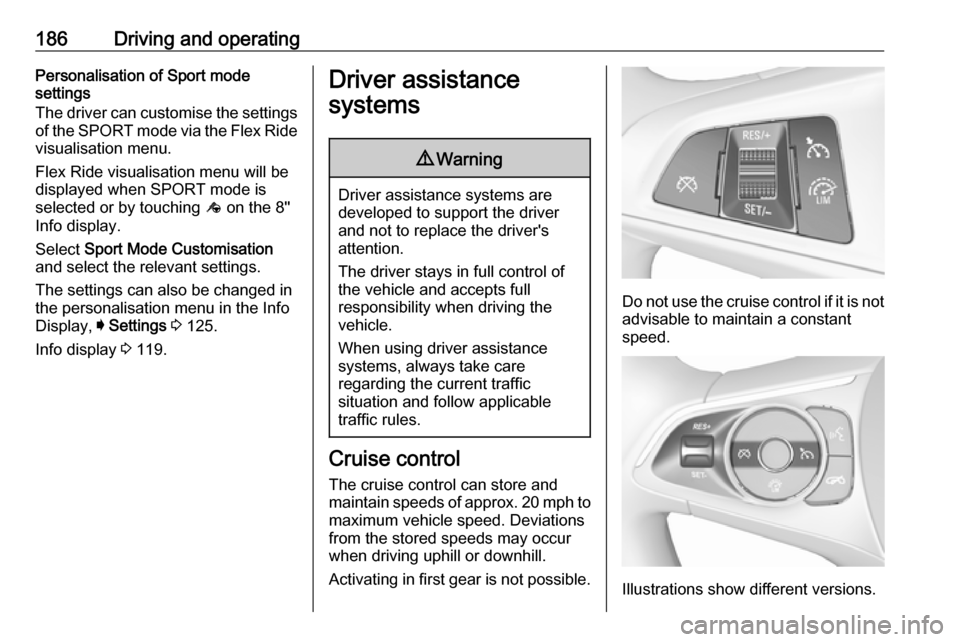
Do not use the cruise control if it is not advisable to maintain a constant
speed.
Illustrations show different versions.
Page 195 of 321
Driving and operating193
The selected following distance is
indicated by filled distance bars in the
adaptive cruise control page.
Note that the following distance
setting is shared with the sensitivity
setting of forward collision alert
3 197.
Example: If setting 3 (far) is selected,
then the driver is warned sooner
before a possible collision, also if
adaptive cruise control is inactive or
switched off.
9 Warning
The driver accepts full
responsibility for the appropriate
following distance based on traffic, weather and visibility conditions.
Following distance must be
adjusted or the system switched
off when required by the prevailing
conditions.
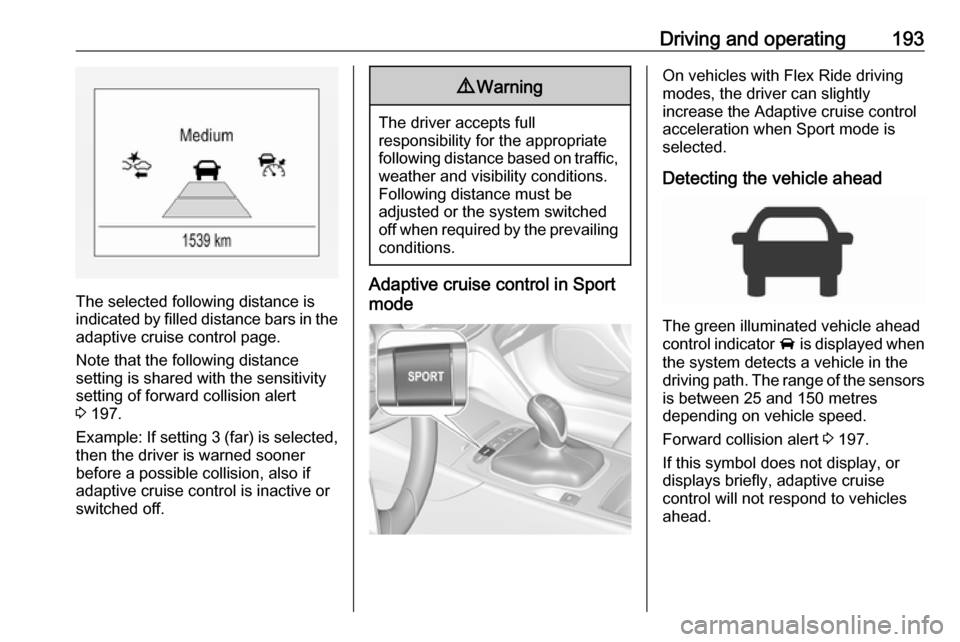
Adaptive cruise control in Sport
mode
On vehicles with Flex Ride driving
modes, the driver can slightly
increase the Adaptive cruise control
acceleration when Sport mode is
selected.
Detecting the vehicle ahead
The green illuminated vehicle ahead
control indicator A is displayed when
the system detects a vehicle in the driving path. The range of the sensors
is between 25 and 150 metres
depending on vehicle speed.
Forward collision alert 3 197.
If this symbol does not display, or
displays briefly, adaptive cruise
control will not respond to vehicles ahead.
Page 298 of 321
![VAUXHALL INSIGNIA 2017.75 User Guide 296Technical dataVehicle weight
Kerb weight, basic model without any optional equipmentGrand SportEngineManual transmissionAutomatic transmission[kg]B15XHL1440/1456–B15XHT1441/14721472B20NFT–1649[](/img/38/19490/w960_19490-297.png "VAUXHALL INSIGNIA 2017.75 User Guide 296Technical dataVehicle weight
Kerb weight, basic model without any optional equipmentGrand SportEngineManual transmissionAutomatic transmission[kg]B15XHL1440/1456–B15XHT1441/14721472B20NFT–1649[")
296Technical dataVehicle weight
Kerb weight, basic model without any optional equipmentGrand SportEngineManual transmissionAutomatic transmission[kg]B15XHL1440/1456–B15XHT1441/14721472B20NFT–1649[kg]B16DTE1503–B16DTH15031522B20DTH1582–B20DTH
AWD 4)1683–4)
All wheel drive
Optional equipment and accessories increase the kerb weight.
Loading information 3 84.
Page 299 of 321
![VAUXHALL INSIGNIA 2017.75 User Guide Technical data297Kerb weight, basic model without any optional equipmentSports TourerEngineManual transmissionAutomatic transmission[kg]B15XHL1487–B15XHT1487/15031522B20NFT–1683[kg]B20DTH1633–
O](/img/38/19490/w960_19490-298.png "VAUXHALL INSIGNIA 2017.75 User Guide Technical data297Kerb weight, basic model without any optional equipmentSports TourerEngineManual transmissionAutomatic transmission[kg]B15XHL1487–B15XHT1487/15031522B20NFT–1683[kg]B20DTH1633–
O")
Technical data297Kerb weight, basic model without any optional equipmentSports TourerEngineManual transmissionAutomatic transmission[kg]B15XHL1487–B15XHT1487/15031522B20NFT–1683[kg]B20DTH1633–
Optional equipment and accessories increase the kerb weight.
Loading information 3 84.
Vehicle dimensionsGrand SportSports TourerLength [mm]48974986Width with folded exterior mirrors [mm]19411941Width with unfolded exterior mirrors [mm]20932093Height (without antenna) [mm]14551500Vehicle height - Rear compartment open [mm]21232065Length of load compartment floor [mm]11331178Length of load compartment with folded rear seats [mm]19402005Load compartment width [mm]10301030
Page 302 of 321

300Technical dataTyre pressures
Tyre pressures differ depending on the model variant. The order of the listed car models is as follows: ● Vehicles with Front-wheel drive: Grand Sport
● Vehicles with Front-wheel drive: Sports Tourer ● Vehicles with All-wheel drive: Grand Sport
● Vehicles with All-wheel drive: Sports Tourer
Refer to the table header to find the correct tyre pressure for your model.