brake VAUXHALL MOKKA 2015 Owner's Guide
[x] Cancel search | Manufacturer: VAUXHALL, Model Year: 2015, Model line: MOKKA, Model: VAUXHALL MOKKA 2015Pages: 223, PDF Size: 6.2 MB
Page 133 of 223

Driving and operating131Drive systems
All-wheel drive The All-Wheel Drive (AWD) system
enhances driving characteristics and stability, and helps to achieve the best possible driveability regardless of
ground surface. The system is always
active and cannot be deactivated.
The torque is distributed steplessly
between the wheels of the front and rear axle, depending on the driving
conditions. Additionally the torque
between the rear wheels is distributed
depending on the surface.
For optimum system performance,
the vehicle's tyres should not have
varying degrees of wear.
When using a temporary spare
wheel, the AWD system is
automatically disabled.
The AWD system will also be
temporarily disabled to protect the
system from overheating if there is
excessive wheel spin. When the
system cools down, AWD will be
restored.The deactivation of the AWD system
will be indicated by a message on the
Driver Information Centre.
If a service message or warning
code S73 is displayed on the Driver Information Centre, there is a
malfunction in the AWD system. Seek the assistance of a workshop.
Vehicle messages 3 95, Towing the
vehicle 3 191.Brakes
The brake system comprises two
independent brake circuits.
If a brake circuit fails, the vehicle can
still be braked using the other brake
circuit. However, braking effect is
achieved only when the brake pedal
is depressed firmly. Considerably
more force is needed for this. The
braking distance is extended. Seek the assistance of a workshop before
continuing your journey.
When the engine is not running, the
support of the brake servo unit
disappears once the brake pedal has been depressed once or twice.
Braking effect is not reduced, but
braking requires significantly greater
force. It is especially important to bear this in mind when being towed.
Control indicator R 3 85.
Antilock brake system Antilock brake system (ABS)
prevents the wheels from locking.
Page 134 of 223
132Driving and operating
ABS starts to regulate brake pressureas soon as a wheel shows a tendency to lock. The vehicle remains
steerable, even during hard braking.
ABS control is made apparent
through a pulse in the brake pedal
and the noise of the regulation
process.
For optimum braking, keep the brake
pedal fully depressed throughout the
braking process, despite the fact that
the pedal is pulsating. Do not reduce
the pressure on the pedal.
After starting off the system performs
a self-test which may be audible.
Control indicator u 3 86.
Adaptive brake light
During full braking, all three brake
lights flash for the duration of ABS
control.Fault9 Warning
If there is a fault in the ABS, the
wheels may be liable to lock due
to braking that is heavier than
normal. The advantages of ABS are no longer available. During
hard braking, the vehicle can no longer be steered and may
swerve.
Have the cause of the fault remedied
by a workshop.
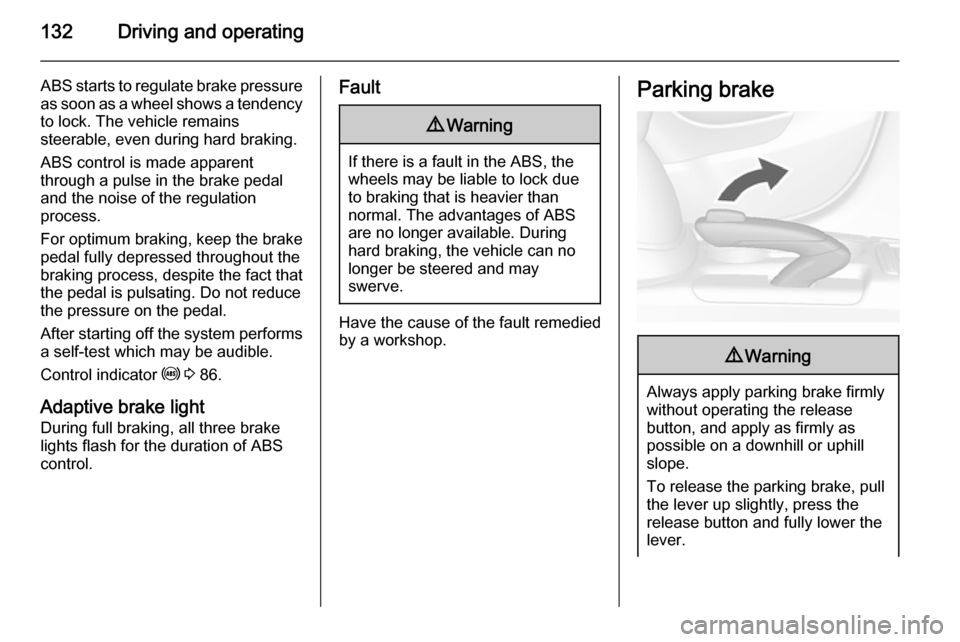
Parking brake9 Warning
Always apply parking brake firmly
without operating the release
button, and apply as firmly as
possible on a downhill or uphill
slope.
To release the parking brake, pull
the lever up slightly, press the
release button and fully lower the
lever.
Page 135 of 223

Driving and operating133To reduce the operating forces of
the parking brake, depress the
foot brake at the same time.
Control indicator R 3 85.
Brake assist
If the brake pedal is depressed
quickly and forcefully, maximum
brake force is automatically applied
(full braking).
Maintain steady pressure on the brake pedal for as long as full braking is required. Maximum brake force is
automatically reduced when the
brake pedal is released.
Hill start assist The system helps prevent unintendedmovement when driving away on
inclines.
When releasing the foot brake after
stopping on an incline, the brakes
remain on for a further two seconds.
The brakes release automatically as
soon as the vehicle begins to
accelerate.
The hill start assist is not active during
an Autostop.Ride control systems
Traction Control system
The Traction Control system (TC) is a
component of the Electronic Stability
Control (ESC) 3 134.
TC improves driving stability when
necessary, regardless of the type of
road surface or tyre grip, by
preventing the drive wheels from
spinning.
As soon as the drive wheels starts to
spin, engine output is reduced and
the wheel spinning the most is braked
individually. This considerably
improves the driving stability of the
vehicle on slippery road surfaces.
TC is operational after each engine
start as soon as the control indicator
b extinguishes.
When TC operates b flashes.
Page 136 of 223
134Driving and operating9Warning
Do not let this special safety
feature tempt you into taking risks
when driving.
Adapt speed to the road
conditions.
Control indicator b 3 87.
Deactivation
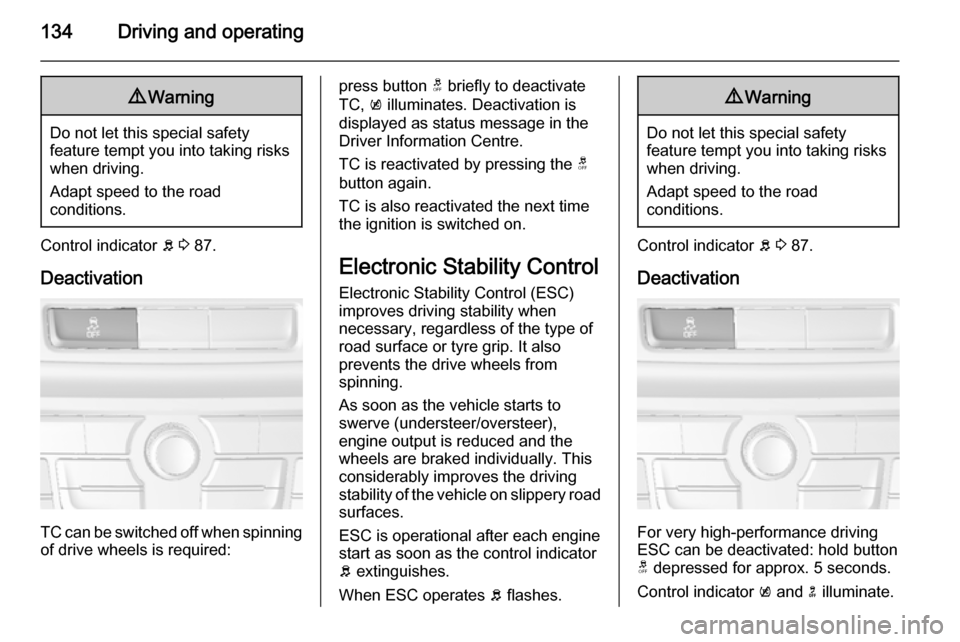
TC can be switched off when spinning of drive wheels is required:
press button t briefly to deactivate
TC, k illuminates. Deactivation is
displayed as status message in the
Driver Information Centre.
TC is reactivated by pressing the t
button again.
TC is also reactivated the next time
the ignition is switched on.
Electronic Stability Control Electronic Stability Control (ESC)
improves driving stability when
necessary, regardless of the type of
road surface or tyre grip. It also
prevents the drive wheels from
spinning.
As soon as the vehicle starts to
swerve (understeer/oversteer),
engine output is reduced and the wheels are braked individually. This
considerably improves the driving
stability of the vehicle on slippery road
surfaces.
ESC is operational after each engine
start as soon as the control indicator b extinguishes.
When ESC operates b flashes.9 Warning
Do not let this special safety
feature tempt you into taking risks
when driving.
Adapt speed to the road
conditions.
Control indicator b 3 87.
Deactivation
For very high-performance driving
ESC can be deactivated: hold button
t depressed for approx. 5 seconds.
Control indicator k and n illuminate.
Page 137 of 223

Driving and operating135
ESC is reactivated by pressing the t
button again. If the TC system was
previously disabled, both TC and
ESC are reactivated.
ESC is also reactivated the next time
the ignition is switched on.
Descent control system The Descent control system (DCS)
allows the vehicle to travel at a low
speed without depressing the foot
brake. The vehicle will automatically
decelerate to a low speed and remain
at that speed when the system is
activated. Some noise or vibration
from the brake system may be
apparent when the system is active.Caution
Use only when descending steep
grades while driving off-road. Do
not use when driving on normal
road surfaces. Unnecessary
usage of the DCS function, such
as while driving on normal roads,
may damage the brake system
and the ESC function.
Switching on
At speeds below approx. 25 mph,
press button u. DCS is operational as
soon as control indicator u
illuminates.
Activation
DCS is active at speeds between 1.2 and 22 mph. Depending on the
current speed, the vehicle will be
accelerated or decelerated to a speed
between 3 and 12 mph. When DCS is active, u flashes.
DCS will only be activated on roads with a certain incline.
Deactivation
DCS is deactivated if the vehicle is
decelerated below 1.2 mph or
accelerated above 22 mph.
Switching off
Press button u again. Control
indicator u extinguishes.
At speeds above 37 mph the system
is deactivated automatically.
Page 138 of 223

136Driving and operatingDriver assistance
systems9 Warning
Driver assistance systems are
developed to support the driver
and not to replace the driver's
attention.
The driver accepts full
responsibility when driving the
vehicle.
When using driver assistance
systems, always take care
regarding the current traffic
situation.
Cruise control
The Cruise control can store and
maintain speeds of approx. 20 to
120 mph. Deviations from the stored
speeds may occur when driving uphill or downhill.
For safety reasons the cruise controlcannot be activated until the foot
brake has been operated once.
Activating in first gear is not possible.
Do not use the cruise control if it is not advisable to maintain a constant
speed.
With automatic transmission, only
activate cruise control in automatic
mode.
Control indicator m 3 89.
Switching on
Press button m: control indicator m in
instrument cluster illuminates white.
Activation
Accelerate to the desired speed and
turn thumb wheel to SET/-: the
current speed is stored and
maintained. Control indicator m in
instrument cluster illuminates green.
Accelerator pedal can be released.
Vehicle speed can be increased by
depressing the accelerator pedal.
When the accelerator pedal is
released, the previously stored speed
is resumed.
Cruise control remains activated
while gearshifting.
Increase speed With cruise control active, hold thumb
wheel turned to RES/+ or briefly turn
to RES/+ repeatedly: speed
increases continuously or in small
increments.
Alternatively accelerate to the desired speed and store by turning to SET/-.
Page 139 of 223

Driving and operating137
Reduce speedWith cruise control active, hold thumb
wheel turned to SET/- or briefly turn to
SET/- repeatedly: speed decreases
continuously or in small increments.
Deactivation
Press button y: control indicator m in
instrument cluster illuminates white.
Cruise control is deactivated. Last
used set speed is stored in memory
for later speed resume.
Automatic deactivation: ■ vehicle speed below approx. 20 mph,
■ vehicle speed above approx. 125 mph,
■ the brake pedal is depressed,
■ the clutch pedal is depressed for a few seconds,
■ selector lever in N,
■ engine speed in a very low range,
■ the Traction Control system or Electronic Stability Control is
operating.Resume stored speed
Turn thumb wheel to RES/+ at a
speed above 20 mph. The stored
speed will be resumed.
Switching off
Press button m: control indicator m in
instrument cluster extinguishes. The
stored speed is deleted.
Pressing button L for activating
speed limiter or switching off the
ignition also switches off cruise
control and deletes the stored speed.
Speed limiter
The speed limiter prevents the
vehicle exceeding a preset maximum speed.
The maximum speed can be set at a
speed above 15 mph.
The driver can only accelerate up to
the preset speed. Deviations from the
limited speed may occur when driving
downhill.
The preset speed limit is displayed in
the top line of the Driver Information
Centre when the system is active.Activation
Press button L. If cruise control or
adaptive cruise control has been
activated before, it is switched off
when speed limiter is activated and
the control indicator m extinguishes.
Set speed limit
With speed limiter active, hold thumb
wheel turned to RES/+ or briefly turn
to RES/+ repeatedly until the desired
maximum speed is displayed in the
Driver Information Centre.
Alternatively accelerate to the desired speed and briefly turn thumb wheel to SET/- : the current speed is stored as
Page 141 of 223
Driving and operating139
The green illuminated vehicle ahead
symbol A appears in the
speedometer when the system has
detected a vehicle in the driving path. A precondition is that forward collision
alert is activated in the vehicle
personalisation menu 3 100 or that it
is not deactivated with button V
(depending on the system, see
following).
Forward collision alert based on front camera system
Forward collision alert uses the front
camera system in the windscreen to
detect a vehicle directly ahead, in
your path, within a distance of approx.
60 metres.
Activation
Forward collision alert operates
automatically above 25 mph, if it is not deactivated with button V, see
below.
Selecting the alert sensitivity
The alert sensitivity can be set to
near, medium or far.
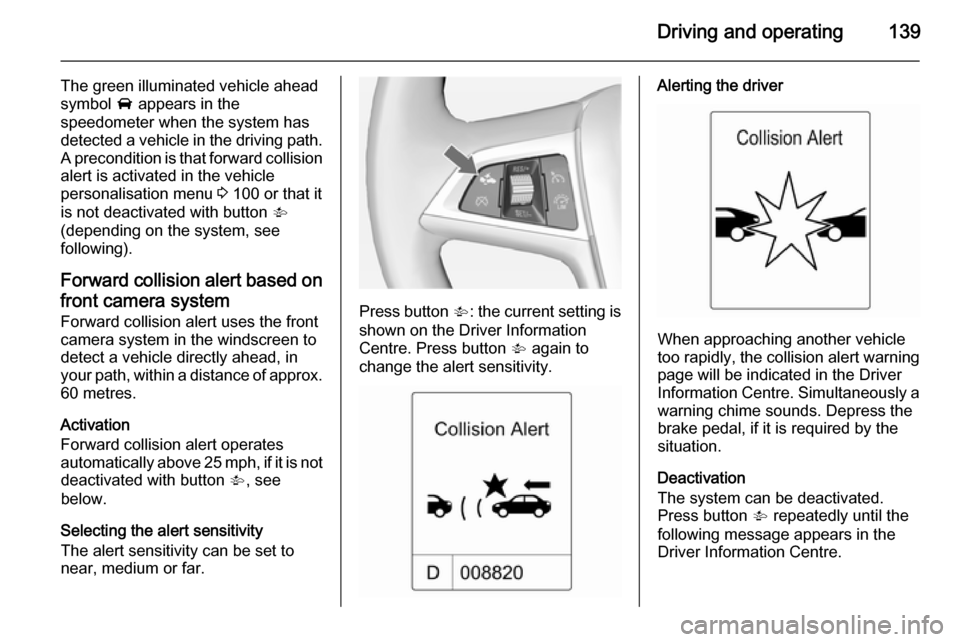
Press button V: the current setting is
shown on the Driver Information
Centre. Press button V again to
change the alert sensitivity.
Alerting the driver
When approaching another vehicle
too rapidly, the collision alert warning page will be indicated in the Driver
Information Centre. Simultaneously a
warning chime sounds. Depress the
brake pedal, if it is required by the situation.
Deactivation
The system can be deactivated.
Press button V repeatedly until the
following message appears in the
Driver Information Centre.
Page 142 of 223

140Driving and operating
General information
9Warning
Forward collision alert is just a
warning system and does not
apply the brakes. When
approaching a vehicle ahead too
rapidly, it may not provide you
enough time to avoid a collision.
The driver accepts full
responsibility for the appropriate
following distance based on traffic, weather and visibility conditions.
The complete attention of the
driver is always required while
driving. The driver must always be
ready to take action and apply the
brakes.
System limitations
The system is designed to warn only for vehicles, but may react also to
other metallic objects.
In the following cases, forward
collision alert may not detect a vehicle ahead or sensor performance is
limited:
■ on winding roads,
■ when weather limits visibility, e.g. fog, rain, or snow,
■ when the sensor is blocked by snow, ice, slush, mud, dirt, or
windscreen damage.
Parking assist
The parking assist makes parking
easier by measuring the distance between the vehicle and obstacles,
and giving acoustic signals. It is the
driver, however, who bears full
responsibility for the parking
manoeuvre.
The system consists of four ultrasonic parking sensors in the rear bumper. If
the vehicle is equipped with a front
parking assist the system consists of
four additional ultrasonic parking
sensors in the front bumper.
Page 149 of 223

Driving and operating147signs. Do not ignore traffic signs
which are not displayed by the
system.
The system does not recognise
any other than the conventional
traffic signs that might give or end
a speed limit.
Do not let this special feature
tempt you into taking risks when
driving.
Always adapt speed to the road
conditions.
The driver assistance systems do not relieve the driver from full
responsibility for vehicle
operation.
Lane departure warning
The lane departure warning systemobserves the lane markings between
which the vehicle is driving via a front camera. The system detects lane
changes and warns the driver in the
event of an unintended lane change
via visual and acoustic signals.
Criteria for the detection of an
unintended lane change are:
■ no operation of turn signals
■ no brake pedal operation
■ no active accelerator operation or speeding-up
■ no active steering
If the driver is active, no warning will
be issued.
Activation
The lane departure warning system is activated by pressing the ) button.
The illuminated LED in the button
indicates that the system is switched
on. When the control indicator ) in
the instrument cluster illuminates
green, the system is ready to operate.
The system is only operable at
vehicle speeds above 35 mph and if
lane markings are available.
When the system recognises an
unintended lane change, the control
indicator ) changes to yellow and
flashes. Simultaneously a chime
sound is activated.
Deactivation
The system is deactivated by
pressing ) button, the LED in the
button extinguishes.