Trip reset VAUXHALL MOKKA 2016 Owner's Manual
[x] Cancel search | Manufacturer: VAUXHALL, Model Year: 2016, Model line: MOKKA, Model: VAUXHALL MOKKA 2016Pages: 231, PDF Size: 6.55 MB
Page 79 of 231
Instruments and controls77Caution
Do not connect any current-delivering accessories, e.g.
electrical charging devices or
batteries.
Do not damage the sockets by
using unsuitable plugs.
Warning lights, gauges
and indicators
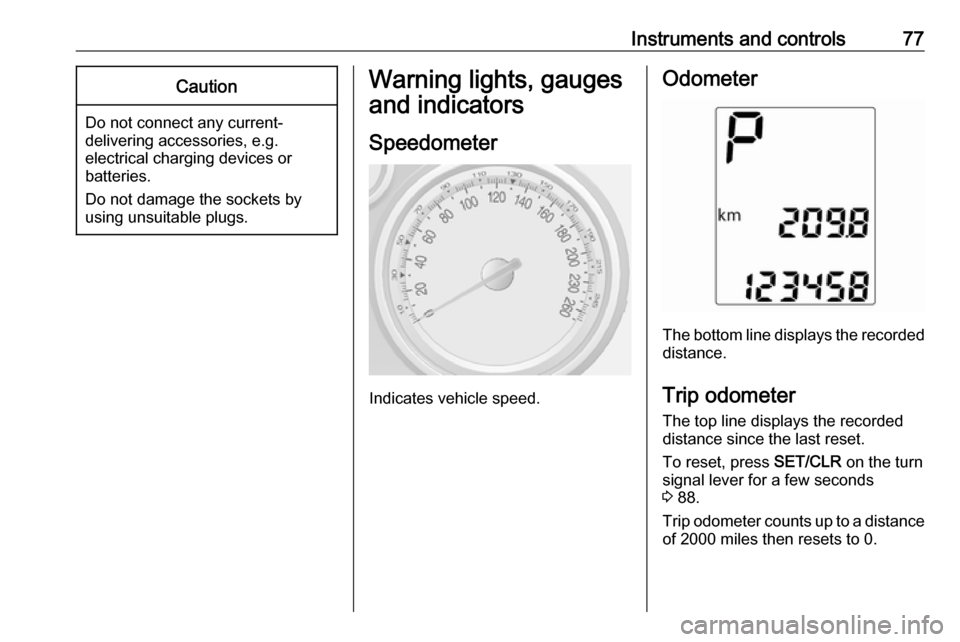
Speedometer
Indicates vehicle speed.
Odometer
The bottom line displays the recordeddistance.
Trip odometer The top line displays the recorded
distance since the last reset.
To reset, press SET/CLR on the turn
signal lever for a few seconds
3 88.
Trip odometer counts up to a distance
of 2000 miles then resets to 0.
Page 92 of 231
90Instruments and controls
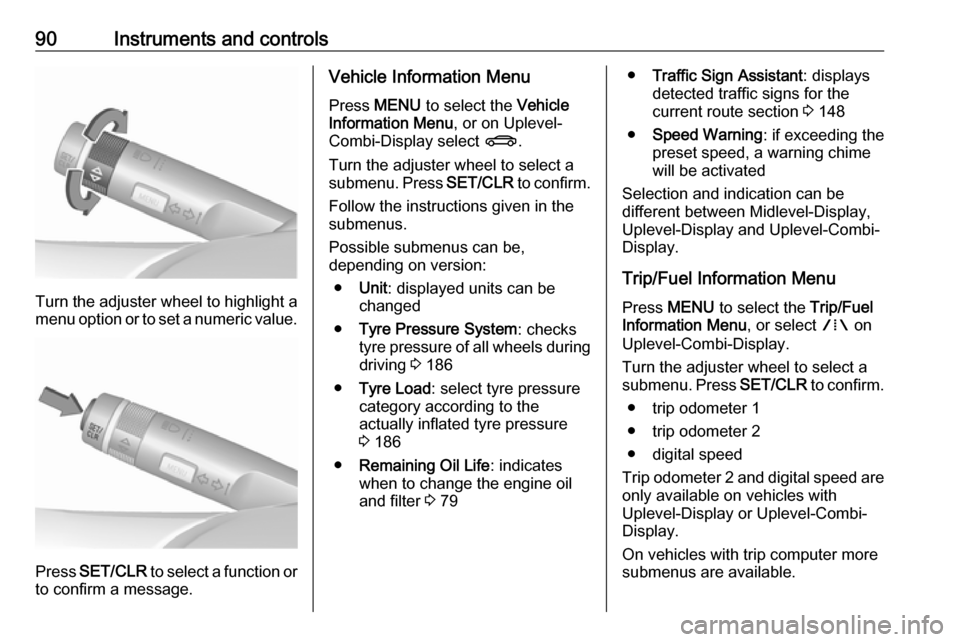
Turn the adjuster wheel to highlight a
menu option or to set a numeric value.
Press SET/CLR to select a function or
to confirm a message.
Vehicle Information Menu
Press MENU to select the Vehicle
Information Menu , or on Uplevel-
Combi-Display select X.
Turn the adjuster wheel to select a
submenu. Press SET/CLR to confirm.
Follow the instructions given in the
submenus.
Possible submenus can be,
depending on version:
● Unit : displayed units can be
changed
● Tyre Pressure System : checks
tyre pressure of all wheels during
driving 3 186
● Tyre Load : select tyre pressure
category according to the
actually inflated tyre pressure
3 186
● Remaining Oil Life : indicates
when to change the engine oil
and filter 3 79● Traffic Sign Assistant : displays
detected traffic signs for the
current route section 3 148
● Speed Warning : if exceeding the
preset speed, a warning chime
will be activated
Selection and indication can be
different between Midlevel-Display,
Uplevel-Display and Uplevel-Combi-
Display.
Trip/Fuel Information Menu
Press MENU to select the Trip/Fuel
Information Menu , or select W on
Uplevel-Combi-Display.
Turn the adjuster wheel to select a
submenu. Press SET/CLR to confirm.
● trip odometer 1
● trip odometer 2
● digital speed
Trip odometer 2 and digital speed are
only available on vehicles with
Uplevel-Display or Uplevel-Combi-
Display.
On vehicles with trip computer more
submenus are available.
Page 100 of 231
98Instruments and controls● range
● instantaneous consumption
● route guidance
Trip computer 1 and 2 The information of two trip computers
can be reset separately for odometer, average consumption and average
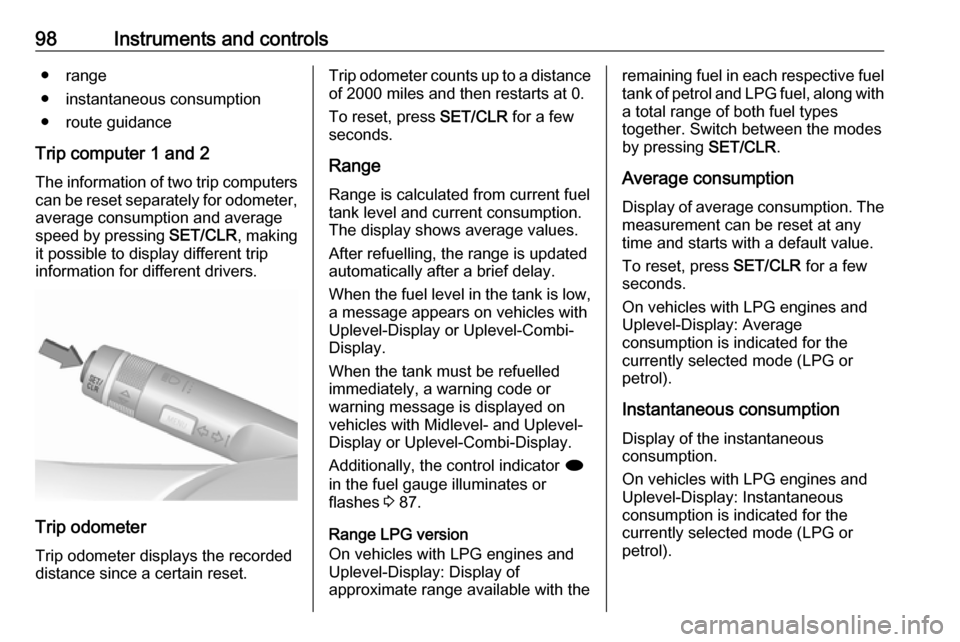
speed by pressing SET/CLR, making
it possible to display different trip
information for different drivers.
Trip odometer
Trip odometer displays the recorded
distance since a certain reset.
Trip odometer counts up to a distance of 2000 miles and then restarts at 0.
To reset, press SET/CLR for a few
seconds.
Range Range is calculated from current fuel
tank level and current consumption.
The display shows average values.
After refuelling, the range is updated
automatically after a brief delay.
When the fuel level in the tank is low,
a message appears on vehicles with
Uplevel-Display or Uplevel-Combi-
Display.
When the tank must be refuelled
immediately, a warning code or
warning message is displayed on
vehicles with Midlevel- and Uplevel-
Display or Uplevel-Combi-Display.
Additionally, the control indicator i
in the fuel gauge illuminates or
flashes 3 87.
Range LPG version
On vehicles with LPG engines and
Uplevel-Display: Display of
approximate range available with theremaining fuel in each respective fuel
tank of petrol and LPG fuel, along with
a total range of both fuel types
together. Switch between the modes
by pressing SET/CLR.
Average consumption
Display of average consumption. The measurement can be reset at any
time and starts with a default value.
To reset, press SET/CLR for a few
seconds.
On vehicles with LPG engines and
Uplevel-Display: Average
consumption is indicated for the
currently selected mode (LPG or
petrol).
Instantaneous consumption
Display of the instantaneous
consumption.
On vehicles with LPG engines and
Uplevel-Display: Instantaneous
consumption is indicated for the
currently selected mode (LPG or
petrol).