battery VAUXHALL MOVANO_B 2015.5 Owner's Manual
[x] Cancel search | Manufacturer: VAUXHALL, Model Year: 2015.5, Model line: MOVANO_B, Model: VAUXHALL MOVANO_B 2015.5Pages: 215, PDF Size: 5.11 MB
Page 21 of 215
Keys, doors and windows19
The remote control has a range of
approx. 5 metres. It can be affected
by external influences. The hazard
warning flashers confirm operation.
Handle with care, protect it from
moisture and high temperatures and
avoid unnecessary operation.
Fault If the central locking system cannot
be operated with the remote control,
it may be due to the following:
■ Range exceeded.
■ Battery voltage too low.
■ Frequent, repeated operation of the
remote control while not in range,
which will require reprogramming
by a workshop.
■ Interference from higher-power radio waves from other sources.
Unlocking 3 20.
Remote control battery
replacement
Replace the battery as soon as the
range reduces.
Batteries do not belong in household
waste. They must be disposed of at
an appropriate recycling collection
point.
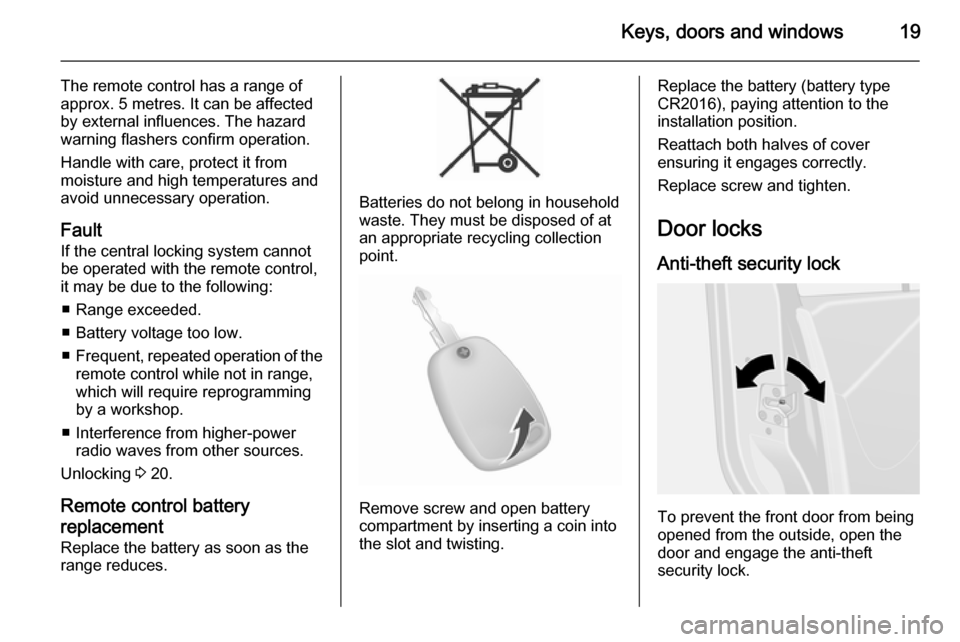
Remove screw and open battery
compartment by inserting a coin into
the slot and twisting.
Replace the battery (battery type
CR2016), paying attention to the
installation position.
Reattach both halves of cover
ensuring it engages correctly.
Replace screw and tighten.
Door locks
Anti-theft security lock
To prevent the front door from being
opened from the outside, open the
door and engage the anti-theft
security lock.
Page 27 of 215
Keys, doors and windows259Warning
Take care when operating the
sliding side door. Risk of injury.
Ensure that nothing becomes
trapped during operation and no-
one is standing within the moving
area.
If the vehicle is parked on a slope,
open sliding doors may move
accidentally on account of their
weight.
Close the sliding doors before
driving off.
Power sliding door
Opening
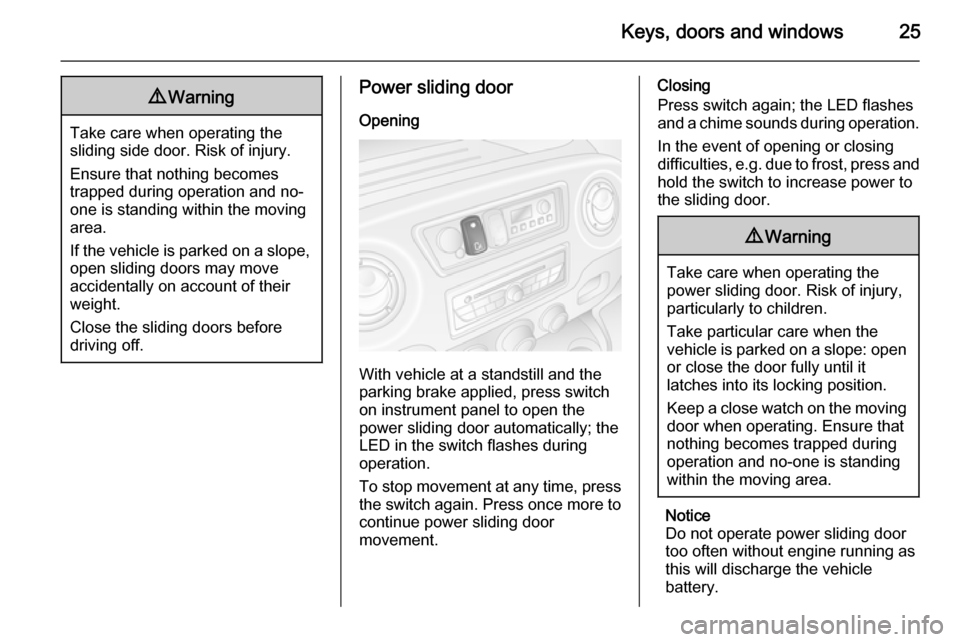
With vehicle at a standstill and the
parking brake applied, press switch
on instrument panel to open the
power sliding door automatically; the
LED in the switch flashes during
operation.
To stop movement at any time, press
the switch again. Press once more to
continue power sliding door
movement.
Closing
Press switch again; the LED flashes
and a chime sounds during operation.
In the event of opening or closing
difficulties, e.g. due to frost, press and
hold the switch to increase power to
the sliding door.9 Warning
Take care when operating the
power sliding door. Risk of injury,
particularly to children.
Take particular care when the
vehicle is parked on a slope: open
or close the door fully until it
latches into its locking position.
Keep a close watch on the moving door when operating. Ensure thatnothing becomes trapped during
operation and no-one is standing
within the moving area.
Notice
Do not operate power sliding door too often without engine running asthis will discharge the vehicle
battery.
Page 32 of 215
30Keys, doors and windows
AlarmWhen triggered, the alarm sounds via a separate battery-backed power
sounder, and the hazard warning
lights flash simultaneously. The
number and duration of alarm signals
are stipulated by legislation.
If the vehicle battery is disconnected
or its power supply is interrupted, the
alarm siren will be triggered. First
deactivate the anti-theft alarm system if the vehicle battery must be
disconnected.
To silence the alarm siren (if
triggered) and therefore deactivate
the anti-theft alarm system, reconnect
vehicle battery and unlock vehicle
with remote control button c (or
switch on the ignition).
Immobiliser The system is part of the ignition
switch and checks whether the
vehicle is allowed to be started with
the key being used.The immobiliser is activated
automatically after the key has been removed from the ignition switch and
also if the key is left in the ignition
switch when the engine is turned off.
If the engine cannot be started, switch off the ignition and remove key, wait
approx. 2 seconds and then repeat
the start attempt.If start attempt is
unsuccessful, attempt to start the
engine using the spare key and seek
the assistance of a workshop.
Notice
The immobiliser does not lock the doors. You should always lock the
vehicle after leaving it and switch on
the anti-theft alarm system 3 20,
3 28.Exterior mirrors
Convex shape
The convex exterior mirror contains
an aspherical area and reduces blind spots. The shape of the mirror makes objects appear smaller, which will
affect the ability to estimate
distances.
Manual adjustment
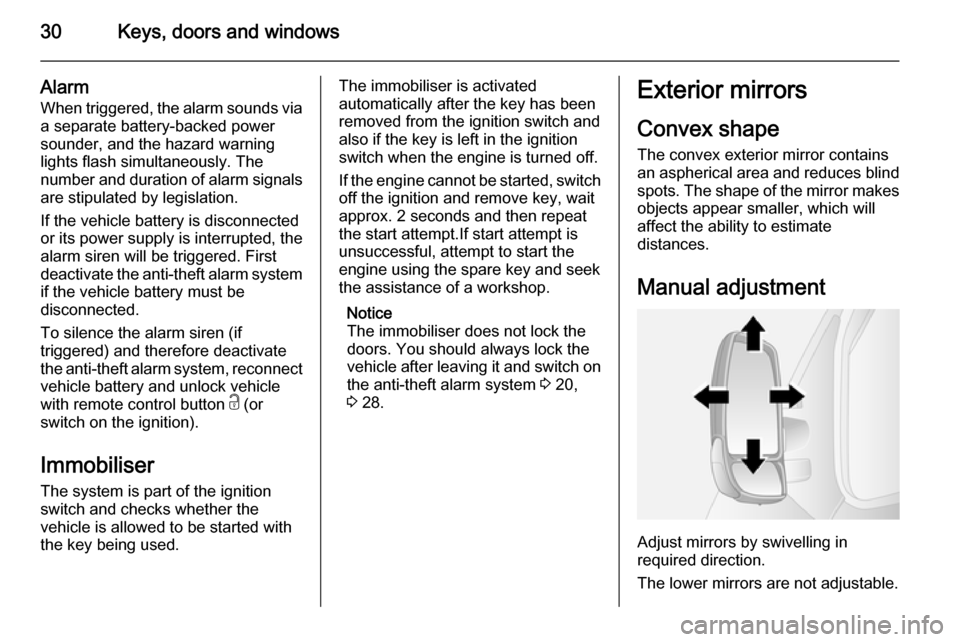
Adjust mirrors by swivelling in
required direction.
The lower mirrors are not adjustable.
Page 75 of 215
Instruments and controls73
Connecting electrical accessories
while the engine is off will discharge
the vehicle battery.
Do not exceed the maximum power
consumption of 120 watts.
With ignition off the power outlet is
deactivated.
Additionally the power outlet may be
deactivated in case of low battery
voltage.
Electrical accessories that are
connected must comply with the
electromagnetic compatibility
requirements laid down in
DIN VDE 40 839.
Caution
Do not connect any current- delivering accessories, e.g.
electrical charging devices or
batteries.
Do not damage the outlet by using unsuitable plugs.
Cigarette lighter
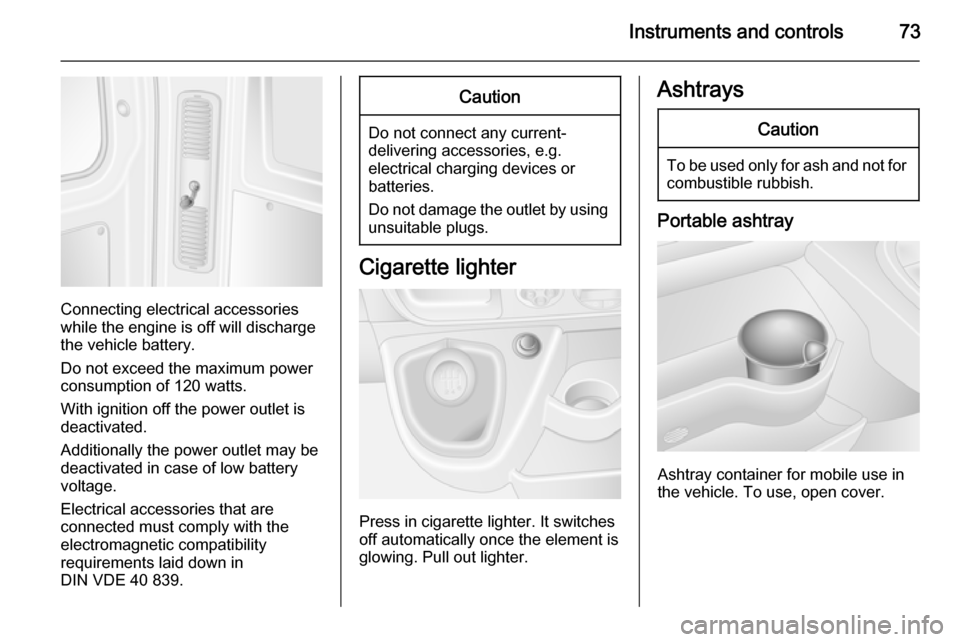
Press in cigarette lighter. It switches
off automatically once the element is
glowing. Pull out lighter.
AshtraysCaution
To be used only for ash and not for combustible rubbish.
Portable ashtray
Ashtray container for mobile use in
the vehicle. To use, open cover.
Page 82 of 215
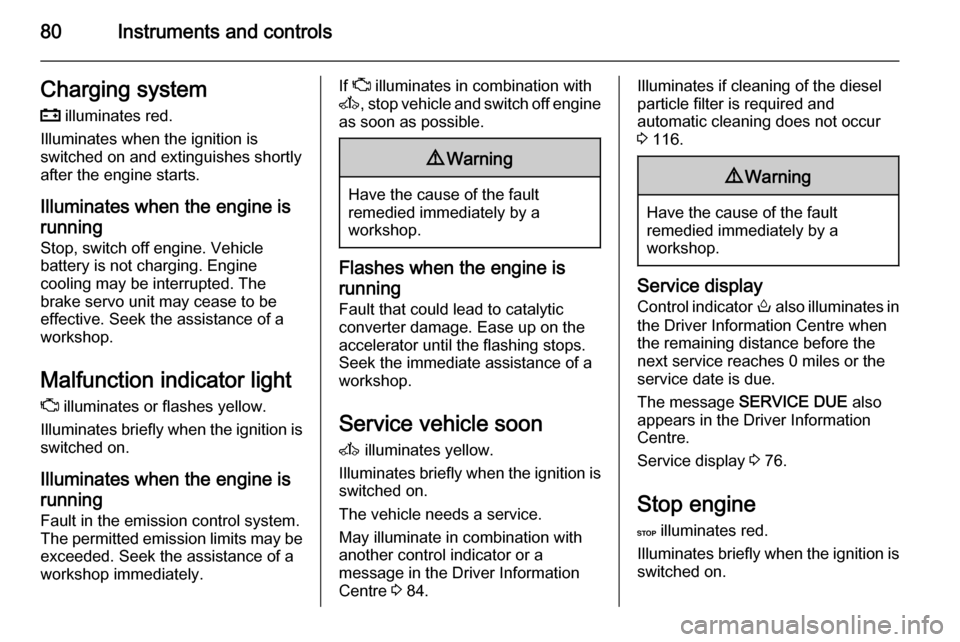
80Instruments and controlsCharging system
p illuminates red.
Illuminates when the ignition is
switched on and extinguishes shortly
after the engine starts.
Illuminates when the engine isrunning
Stop, switch off engine. Vehicle
battery is not charging. Engine
cooling may be interrupted. The
brake servo unit may cease to be
effective. Seek the assistance of a
workshop.
Malfunction indicator light
Z illuminates or flashes yellow.
Illuminates briefly when the ignition is switched on.
Illuminates when the engine is
running
Fault in the emission control system.
The permitted emission limits may be
exceeded. Seek the assistance of a
workshop immediately.If Z illuminates in combination with
A , stop vehicle and switch off engine
as soon as possible.9 Warning
Have the cause of the fault
remedied immediately by a
workshop.
Flashes when the engine is
running
Fault that could lead to catalytic
converter damage. Ease up on the
accelerator until the flashing stops.
Seek the immediate assistance of a
workshop.
Service vehicle soon A illuminates yellow.
Illuminates briefly when the ignition is switched on.
The vehicle needs a service.
May illuminate in combination with
another control indicator or a
message in the Driver Information
Centre 3 84.
Illuminates if cleaning of the diesel
particle filter is required and
automatic cleaning does not occur
3 116.9 Warning
Have the cause of the fault
remedied immediately by a
workshop.
Service display
Control indicator o also illuminates in
the Driver Information Centre when
the remaining distance before the
next service reaches 0 miles or the
service date is due.
The message SERVICE DUE also
appears in the Driver Information
Centre.
Service display 3 76.
Stop engine
C illuminates red.
Illuminates briefly when the ignition is switched on.
Page 87 of 215
Instruments and controls85
■ Vehicle messages 3 85
■ Trip computer 3 86
Some of the displayed functions differ
when the vehicle is being driven or at a standstill. Some functions are only
available when the vehicle is being
driven.
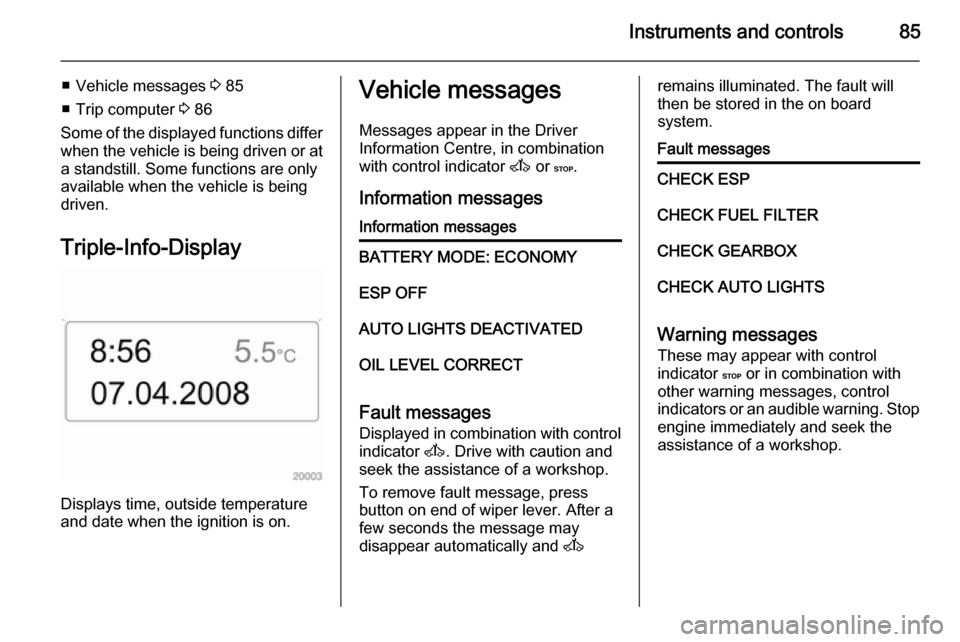
Triple-Info-Display
Displays time, outside temperature
and date when the ignition is on.
Vehicle messages
Messages appear in the Driver
Information Centre, in combination
with control indicator A or C.
Information messagesInformation messagesBATTERY MODE: ECONOMYESP OFFAUTO LIGHTS DEACTIVATEDOIL LEVEL CORRECT
Fault messages Displayed in combination with control
indicator A. Drive with caution and
seek the assistance of a workshop.
To remove fault message, press
button on end of wiper lever. After a
few seconds the message may
disappear automatically and A
remains illuminated. The fault will
then be stored in the on board
system.Fault messagesCHECK ESPCHECK FUEL FILTERCHECK GEARBOXCHECK AUTO LIGHTS
Warning messages
These may appear with control
indicator C or in combination with
other warning messages, control
indicators or an audible warning. Stop
engine immediately and seek the
assistance of a workshop.
Page 90 of 215
88Instruments and controls
Interruption of power supply
If the power supply has been
interrupted or if the vehicle battery
voltage has dropped too low, the
values stored in the trip computer will be lost.Tachograph
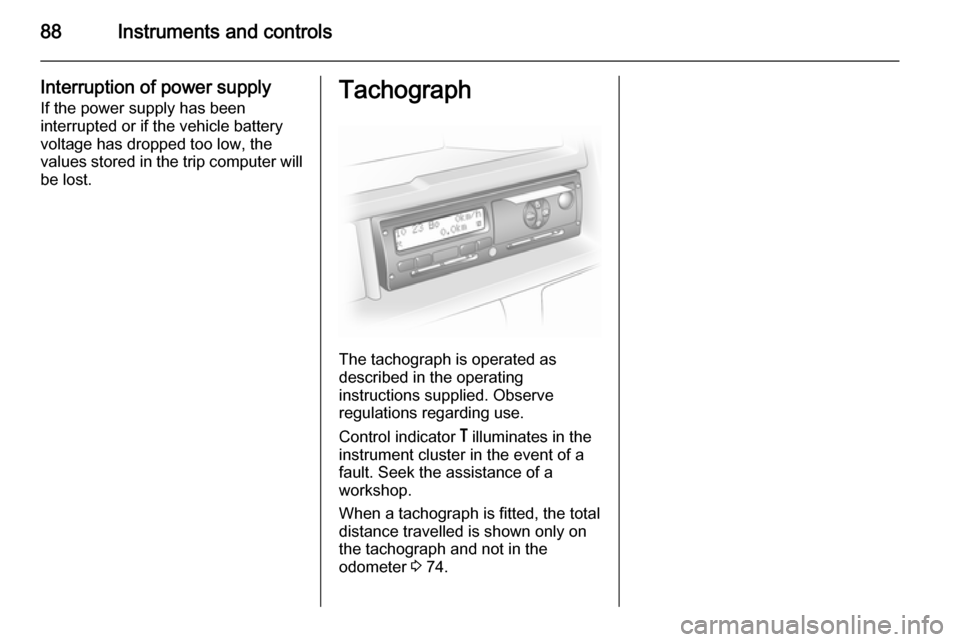
The tachograph is operated as
described in the operating
instructions supplied. Observe
regulations regarding use.
Control indicator & illuminates in the
instrument cluster in the event of a
fault. Seek the assistance of a
workshop.
When a tachograph is fitted, the total
distance travelled is shown only on
the tachograph and not in the
odometer 3 74.
Page 97 of 215
Lighting95Lighting featuresExit lighting
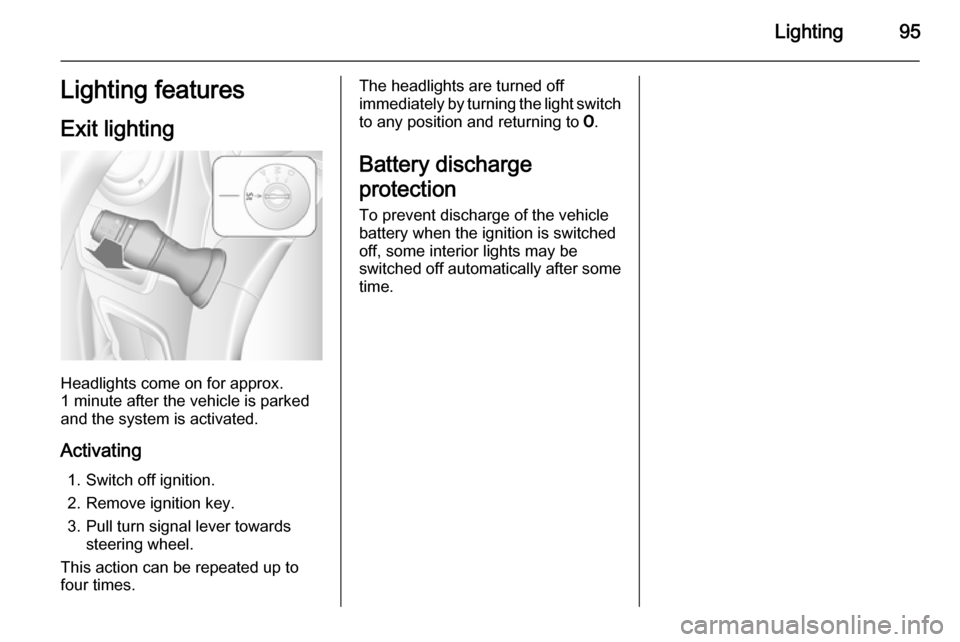
Headlights come on for approx.
1 minute after the vehicle is parked
and the system is activated.
Activating 1. Switch off ignition.
2. Remove ignition key.
3. Pull turn signal lever towards steering wheel.
This action can be repeated up to
four times.
The headlights are turned off
immediately by turning the light switch
to any position and returning to 7.
Battery discharge
protection To prevent discharge of the vehiclebattery when the ignition is switched off, some interior lights may be
switched off automatically after some
time.
Page 102 of 215
100Climate control
CoolingThe air conditioning system cools and
dehumidifies (dries) when outside
temperature is above a specific level.
Therefore condensation may form
and drip from under the vehicle.
If no cooling or drying is required
press the AC OFF button to switch the
cooling system off, thus saving fuel.
" AC OFF " appears in the display.
Manual air recirculation mode Press the u button. LED illuminates
and u appears in the display.9 Warning
The exchange of fresh air is
reduced in air recirculation mode.
In operation without cooling the air humidity increases, so the
windows may mist up. The quality
of the passenger compartment air
deteriorates, which may cause the vehicle occupants to feel drowsy.
To return to automatic mode: press
button u or AUTO .
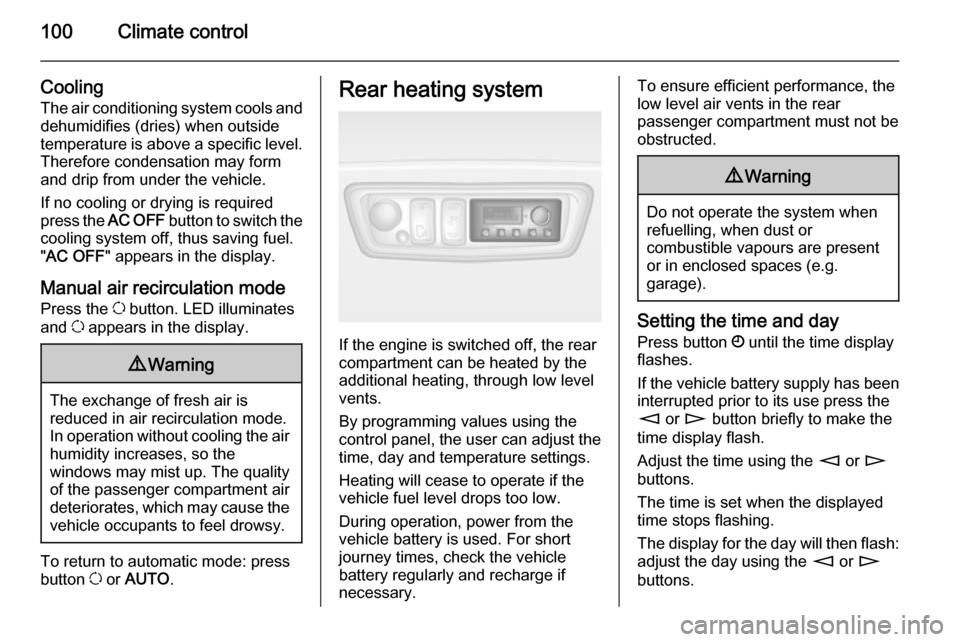
Rear heating system
If the engine is switched off, the rear
compartment can be heated by the
additional heating, through low level
vents.
By programming values using the
control panel, the user can adjust the
time, day and temperature settings.
Heating will cease to operate if the
vehicle fuel level drops too low.
During operation, power from the
vehicle battery is used. For short
journey times, check the vehicle
battery regularly and recharge if
necessary.
To ensure efficient performance, the
low level air vents in the rear
passenger compartment must not be
obstructed.9 Warning
Do not operate the system when
refuelling, when dust or
combustible vapours are present
or in enclosed spaces (e.g.
garage).
Setting the time and day
Press button Ö until the time display
flashes.
If the vehicle battery supply has been
interrupted prior to its use press the
m or n button briefly to make the
time display flash.
Adjust the time using the m or n
buttons.
The time is set when the displayed
time stops flashing.
The display for the day will then flash: adjust the day using the m or n
buttons.
Page 105 of 215
Climate control103
Before starting or programming the
system to start, turn the vehicle's
climate control system to heat and the
air distribution to V.
Switch off when not required. Heating stops automatically after the
programmed runtime. It will also
cease to operate if the vehicle fuel
level drops too low.
During operation, power from the
vehicle battery is used. The driving
time should therefore be at least as
long as the heating time. For short
journey times, check the vehicle
battery regularly and recharge if
necessary.
To ensure efficient performance,
briefly operate the auxiliary heater
once a month.
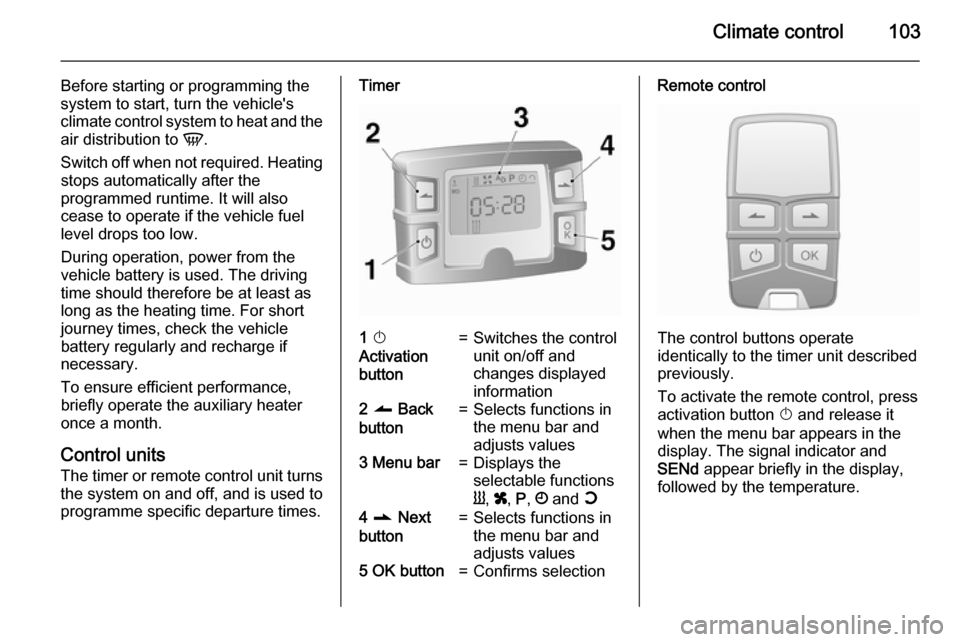
Control units
The timer or remote control unit turns the system on and off, and is used to
programme specific departure times.Timer1 X
Activation
button=Switches the control
unit on/off and
changes displayed
information2 q Back
button=Selects functions in
the menu bar and
adjusts values3 Menu bar=Displays the
selectable functions
Y , x , P , Ö and Y4 r Next
button=Selects functions in
the menu bar and
adjusts values5 OK button=Confirms selectionRemote control
The control buttons operate
identically to the timer unit described
previously.
To activate the remote control, press activation button X and release it
when the menu bar appears in the display. The signal indicator and
SENd appear briefly in the display,
followed by the temperature.