warning VAUXHALL MOVANO_B 2018 Owner's Guide
[x] Cancel search | Manufacturer: VAUXHALL, Model Year: 2018, Model line: MOVANO_B, Model: VAUXHALL MOVANO_B 2018Pages: 261, PDF Size: 6.3 MB
Page 73 of 261
Storage71StorageStorage compartments................71
Instrument panel storage ...........71
Glovebox ................................... 72
Cupholders ................................ 72
Front storage ............................. 72
Overhead console .....................73
Underseat storage .....................73
Overcab storage ........................74
Load compartment .......................74
Lashing eyes ............................. 74
Cargo management system ......75
Safety net .................................. 78
Load compartment grille ............78
Warning triangle ........................78
First aid kit ................................. 79
Fire extinguisher ........................79
Roof rack system .........................80
Roof rack ................................... 80
Loading information .....................80Storage compartments9Warning
Do not store heavy or sharp
objects in the storage
compartments. Otherwise vehicle
occupants could be injured by
objects being thrown around in the
event of hard braking, a sudden
change in direction or an accident.
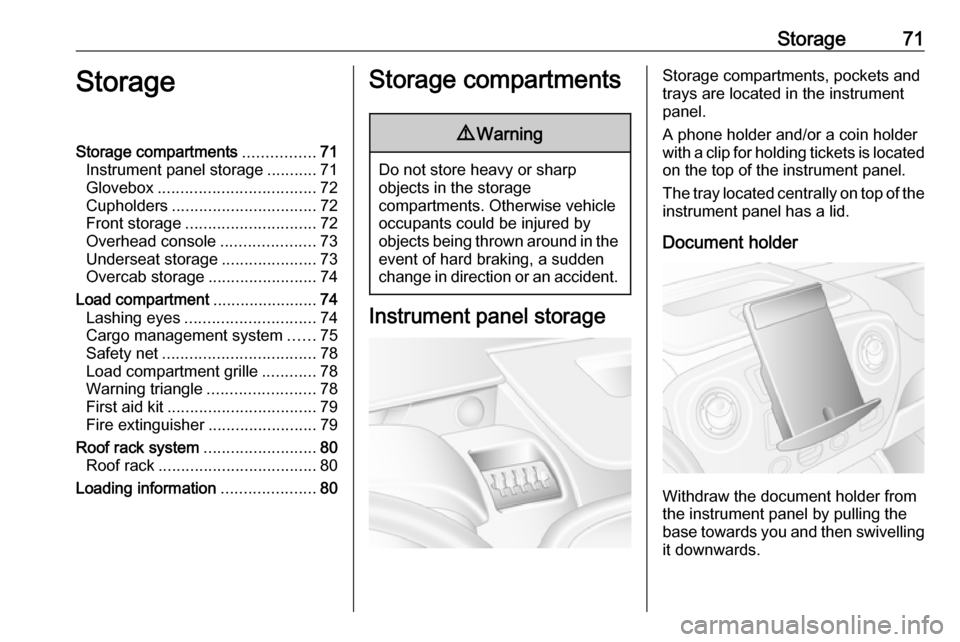
Instrument panel storage
Storage compartments, pockets and
trays are located in the instrument
panel.
A phone holder and/or a coin holder
with a clip for holding tickets is located on the top of the instrument panel.
The tray located centrally on top of the instrument panel has a lid.
Document holder
Withdraw the document holder from
the instrument panel by pulling the
base towards you and then swivelling it downwards.
Page 76 of 261
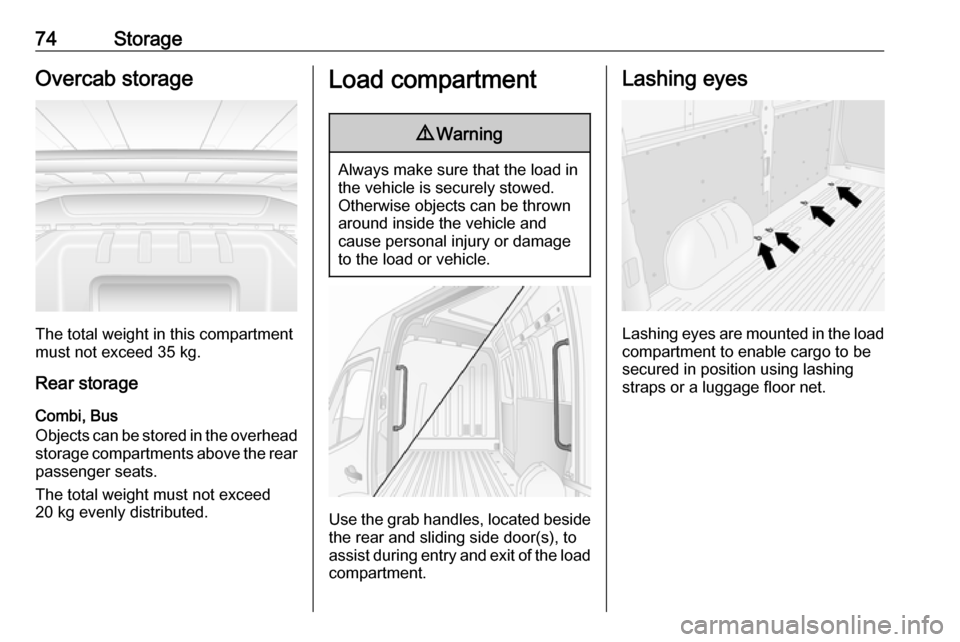
74StorageOvercab storage
The total weight in this compartment
must not exceed 35 kg.
Rear storage
Combi, Bus
Objects can be stored in the overhead
storage compartments above the rear passenger seats.
The total weight must not exceed
20 kg evenly distributed.
Load compartment9 Warning
Always make sure that the load in
the vehicle is securely stowed.
Otherwise objects can be thrown
around inside the vehicle and
cause personal injury or damage
to the load or vehicle.
Use the grab handles, located beside
the rear and sliding side door(s), to
assist during entry and exit of the load compartment.
Lashing eyes
Lashing eyes are mounted in the load
compartment to enable cargo to be secured in position using lashing
straps or a luggage floor net.
Page 80 of 261
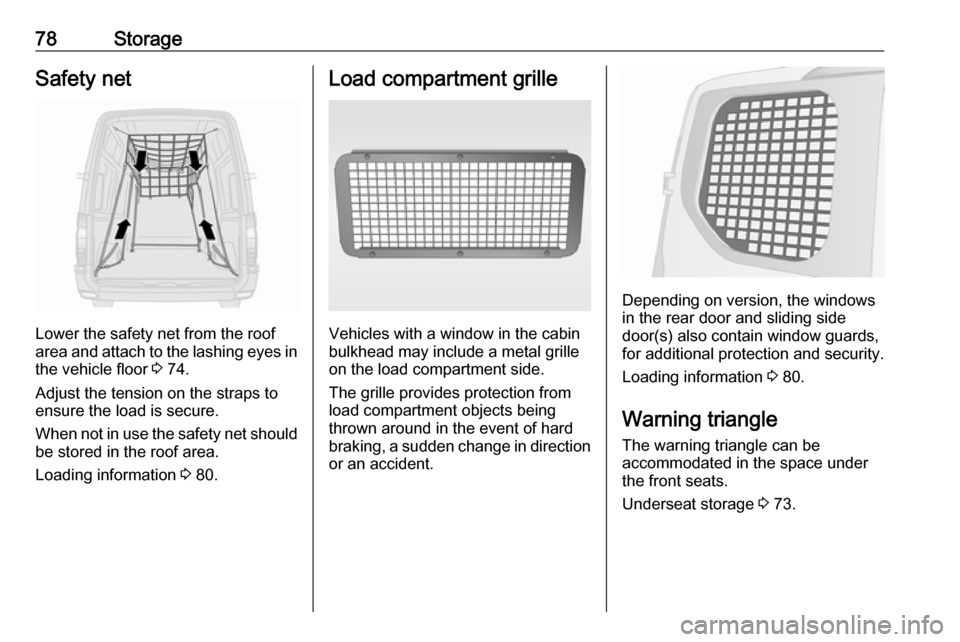
78StorageSafety net
Lower the safety net from the roof
area and attach to the lashing eyes in the vehicle floor 3 74.
Adjust the tension on the straps to
ensure the load is secure.
When not in use the safety net should be stored in the roof area.
Loading information 3 80.
Load compartment grille
Vehicles with a window in the cabin
bulkhead may include a metal grille
on the load compartment side.
The grille provides protection from
load compartment objects being
thrown around in the event of hard
braking, a sudden change in direction or an accident.
Depending on version, the windows
in the rear door and sliding side
door(s) also contain window guards,
for additional protection and security.
Loading information 3 80.
Warning triangle The warning triangle can be
accommodated in the space under
the front seats.
Underseat storage 3 73.
Page 82 of 261

80StorageRoof rack systemRoof rackFor safety reasons and to avoid
damage to the roof, the vehicle
approved roof rack system is
recommended.
Follow the installation instructions and remove the roof rack when not in
use.Loading information
● Heavy objects in the load compartment should be evenlydistributed and placed as far
forward as possible. If objects
can be stacked, the heavier
objects should be placed at the
bottom.
● Secure objects with lashing straps attached to lashing eyes
3 74.
● Secure objects into position or prevent loads from sliding
excessively by attaching optional cargo management features to
the load rails using removable
lashing eyes. Cargo
management system 3 75.
● Secure loose objects in load compartment to prevent them
from sliding.
● The load must not obstruct the operation of the pedals, parking
brake and gear selector lever, or
hinder the freedom of movement
of the driver. Do not place any
unsecured objects in the interior.● Do not drive with an open load compartment. In addition, the
number plate is only
distinguishable and illuminated correctly if the doors are closed.9 Warning
Always make sure that the load in
the vehicle is securely stowed.
Otherwise objects can be thrown
around inside the vehicle and
cause personal injury or damage
to the load or vehicle.
● The payload is the difference between the permitted gross
vehicle weight (see identification
plate 3 223) and the EC kerb
weight.
To calculate the payload, enter
the data for your vehicle in the
Weights table at the front of this
manual.
The EC kerb weight includes
weights for the driver (68 kg),
luggage (7 kg) and all fluids (fuel
tank 90% full).
Page 84 of 261

82Instruments and controlsInstruments and
controlsControls ....................................... 83
Steering wheel adjustment ........83
Steering wheel controls .............83
Horn ........................................... 83
Steering column controls ...........83
Windscreen wiper/washer .........84
Outside temperature ..................85
Clock ......................................... 86
Power outlets ............................. 86
Cigarette lighter ......................... 88
Ashtrays .................................... 88
Warning lights, gauges and indi‐ cators ........................................... 88
Instrument cluster ......................88
Speedometer ............................. 88
Odometer .................................. 89
Trip odometer ............................ 89
Tachometer ............................... 89
Fuel gauge ................................ 90
AdBlue gauge ............................ 90
Engine coolant temperature gauge ....................................... 90
Engine oil level monitor .............91
Service display .......................... 91Transmission display .................92
Control indicators ......................92
Turn signal ................................. 95
Seat belt reminder .....................95
Airbag and belt tensioners .........95
Airbag deactivation ....................95
Charging system .......................96
Malfunction indicator light ..........96
Service vehicle soon .................96
Stop engine ............................... 97
Brake system ............................. 97
Antilock brake system (ABS) .....97
Upshift ....................................... 97
Lane departure warning ............97
Electronic Stability Program ......98
Electronic Stability Program off ............................................. 98
Engine coolant temperature ......98
Preheating ................................. 98
AdBlue ....................................... 98
Tyre pressure monitoring system ...................................... 98
Engine oil pressure ....................99
Low fuel ..................................... 99
Stop-start system ......................99
Exterior light ............................ 100
High beam ............................... 100
High beam assist .....................100
Fog light ................................... 100
Rear fog light ........................... 100Cruise control.......................... 100
Tachograph ............................. 100
Door open ................................ 100
Information displays ...................101
Driver Information Centre ........101
Info display .............................. 101
Vehicle messages ......................102
Warning chimes .......................102
Trip computer ............................. 103
Tachograph ................................ 105
Page 87 of 261
Instruments and controls85Adjustable sensitivity of the rain
sensor
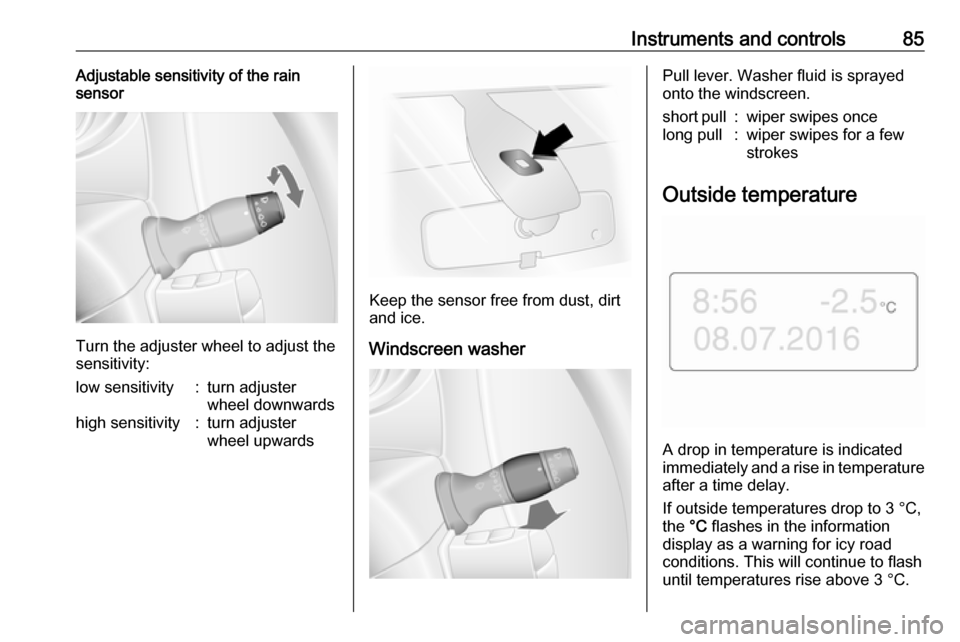
Turn the adjuster wheel to adjust the
sensitivity:
low sensitivity:turn adjuster
wheel downwardshigh sensitivity:turn adjuster
wheel upwards
Keep the sensor free from dust, dirt
and ice.
Windscreen washer
Pull lever. Washer fluid is sprayed
onto the windscreen.short pull:wiper swipes oncelong pull:wiper swipes for a few
strokes
Outside temperature
A drop in temperature is indicated
immediately and a rise in temperature
after a time delay.
If outside temperatures drop to 3 °C, the °C flashes in the information
display as a warning for icy road
conditions. This will continue to flash until temperatures rise above 3 °C.
Page 88 of 261
86Instruments and controls9Warning
The road surface may already be
icy even though the display
indicates a few degrees above 0
°C.
Clock
Depending on vehicle, the current
time and/or date may appear in the information display 3 101 or the
Driver Information Centre 3 101.
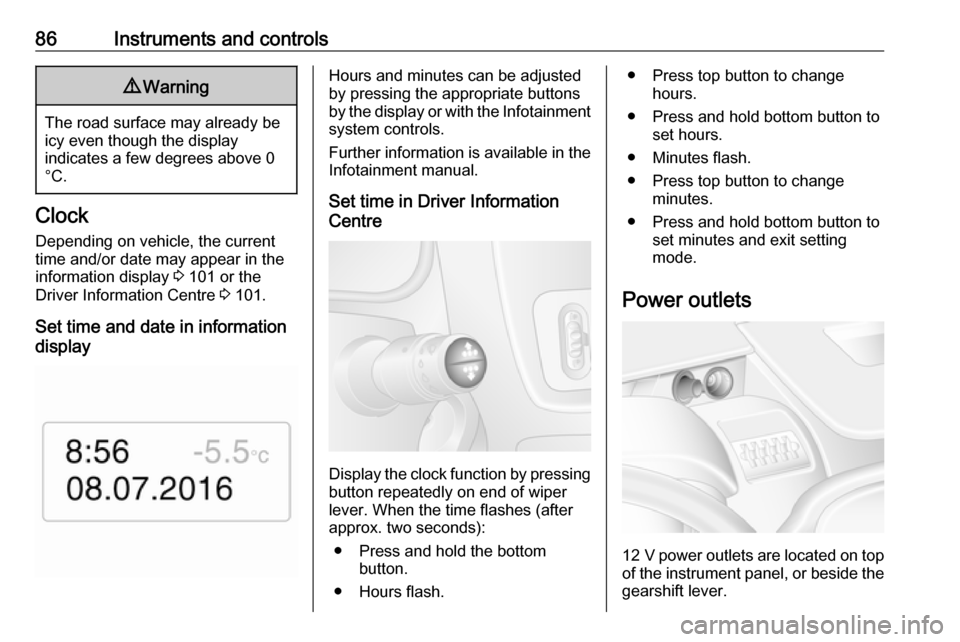
Set time and date in information
display
Hours and minutes can be adjusted
by pressing the appropriate buttons
by the display or with the Infotainment
system controls.
Further information is available in the
Infotainment manual.
Set time in Driver Information
Centre
Display the clock function by pressing button repeatedly on end of wiper
lever. When the time flashes (after
approx. two seconds):
● Press and hold the bottom button.
● Hours flash.
● Press top button to change hours.
● Press and hold bottom button to set hours.
● Minutes flash.
● Press top button to change minutes.
● Press and hold bottom button to set minutes and exit setting
mode.
Power outlets
12 V power outlets are located on top
of the instrument panel, or beside the gearshift lever.
Page 90 of 261
88Instruments and controlsCigarette lighter
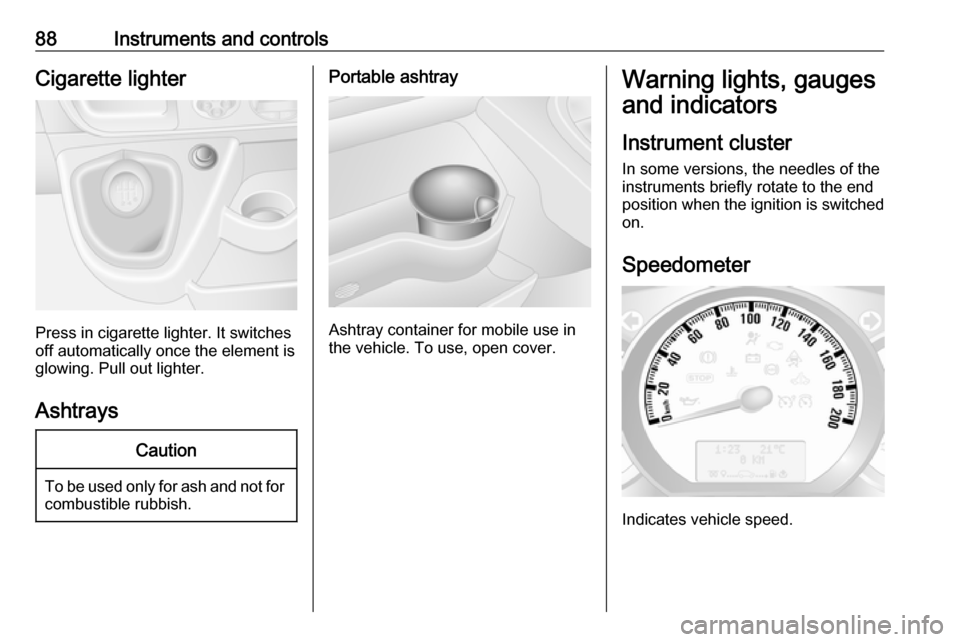
Press in cigarette lighter. It switches
off automatically once the element is
glowing. Pull out lighter.
Ashtrays
Caution
To be used only for ash and not for combustible rubbish.
Portable ashtray
Ashtray container for mobile use in
the vehicle. To use, open cover.
Warning lights, gauges
and indicators
Instrument cluster
In some versions, the needles of the
instruments briefly rotate to the end
position when the ignition is switched
on.
Speedometer
Indicates vehicle speed.
Page 91 of 261
Instruments and controls89Speed limiterMaximum speed may be restricted by
a speed limiter. As a visible indication
of this, a warning label is located on
the instrument panel.
A warning buzzer will sound for
ten seconds if the vehicle briefly
exceeds the set limit.
Notice
Under certain conditions (e.g. steep
inclines) the vehicle speed may
exceed the set limit.
Speed limiter 3 162, cruise control
speed limiter 3 158.Odometer
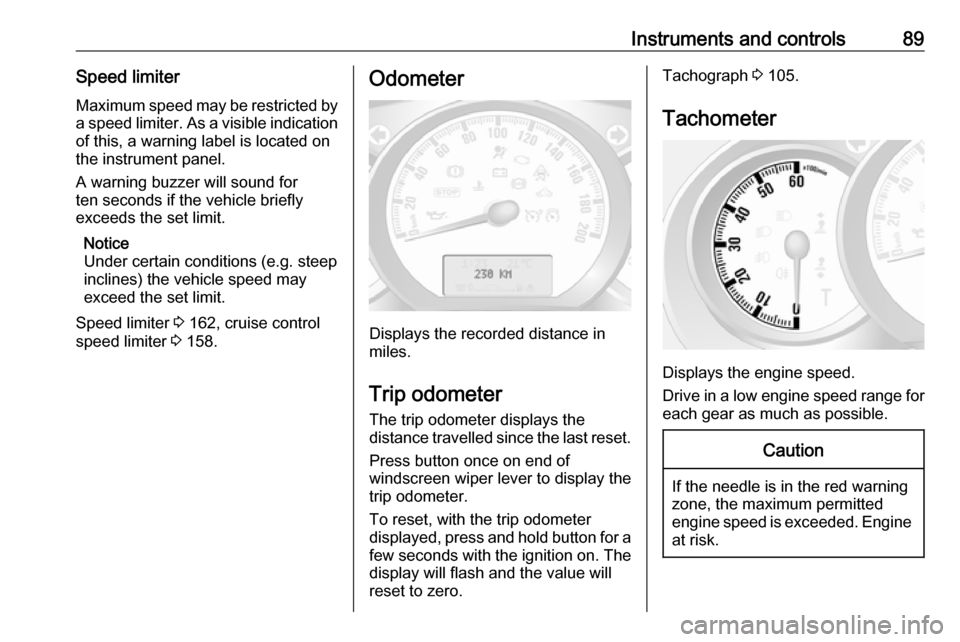
Displays the recorded distance in
miles.
Trip odometer
The trip odometer displays the
distance travelled since the last reset.
Press button once on end of
windscreen wiper lever to display the
trip odometer.
To reset, with the trip odometer
displayed, press and hold button for a few seconds with the ignition on. The display will flash and the value will
reset to zero.
Tachograph 3 105.
Tachometer
Displays the engine speed.
Drive in a low engine speed range for each gear as much as possible.
Caution
If the needle is in the red warning
zone, the maximum permitted
engine speed is exceeded. Engine at risk.
Page 92 of 261
90Instruments and controlsFuel gauge
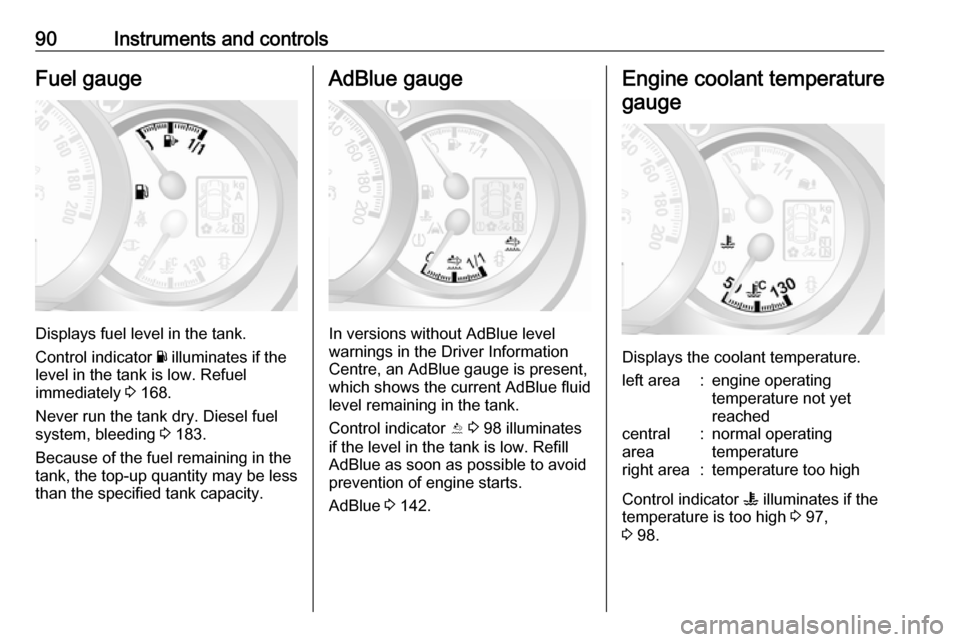
Displays fuel level in the tank.
Control indicator Y illuminates if the
level in the tank is low. Refuel
immediately 3 168.
Never run the tank dry. Diesel fuel
system, bleeding 3 183.
Because of the fuel remaining in the
tank, the top-up quantity may be less
than the specified tank capacity.
AdBlue gauge
In versions without AdBlue level
warnings in the Driver Information
Centre, an AdBlue gauge is present,
which shows the current AdBlue fluid
level remaining in the tank.
Control indicator Y 3 98 illuminates
if the level in the tank is low. Refill AdBlue as soon as possible to avoid
prevention of engine starts.
AdBlue 3 142.
Engine coolant temperature
gauge
Displays the coolant temperature.
left area:engine operating
temperature not yet
reachedcentral
area:normal operating
temperatureright area:temperature too high
Control indicator W illuminates if the
temperature is too high 3 97,
3 98.