infotainment VAUXHALL VIVARO 2016 Owner's Manual
[x] Cancel search | Manufacturer: VAUXHALL, Model Year: 2016, Model line: VIVARO, Model: VAUXHALL VIVARO 2016Pages: 209, PDF Size: 4.86 MB
Page 39 of 209
Keys, doors and windows37Depending on version, exterior
mirrors can be automatically folded to
the parking position upon locking the
vehicle. For further information, refer
to the Infotainment system manual.
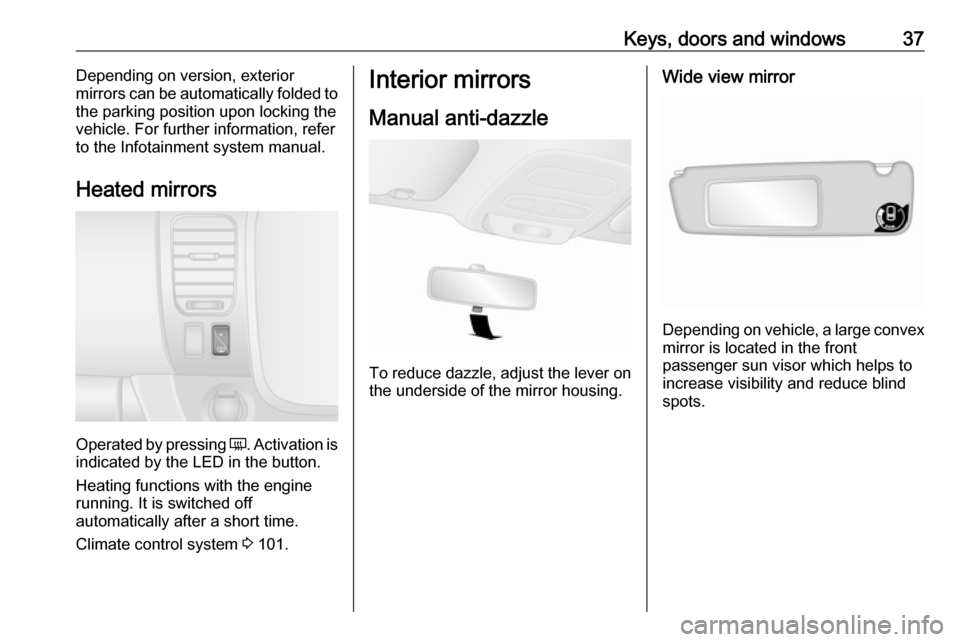
Heated mirrors
Operated by pressing Ü
. Activation is
indicated by the LED in the button.
Heating functions with the engine running. It is switched off
automatically after a short time.
Climate control system 3 101.
Interior mirrors
Manual anti-dazzle
To reduce dazzle, adjust the lever on the underside of the mirror housing.
Wide view mirror
Depending on vehicle, a large convex
mirror is located in the front
passenger sun visor which helps to
increase visibility and reduce blind
spots.
Page 76 of 209

74Instruments and controlsControlsSteering wheel adjustment
Unlock lever, adjust steering wheel,
then engage lever and ensure it is
fully locked.
Do not adjust steering wheel unless
vehicle is stationary and steering
wheel lock has been released.
Steering wheel controls
The cruise control and speed limiter
can be operated via the controls on
the steering wheel.
Cruise control and speed limiter
3 131.
Horn
Press j.
The horn will sound regardless of
ignition switch position.
Steering column controls The Infotainment system and a
connected mobile phone can be
operated via the controls on the
steering column.
Further information is available in the
Infotainment system manual.
Page 79 of 209
Instruments and controls77Hours and minutes can be adjusted
by pressing the appropriate buttons
by the display or with the Infotainment
system controls.
For further information, refer to the
Infotainment system manual.
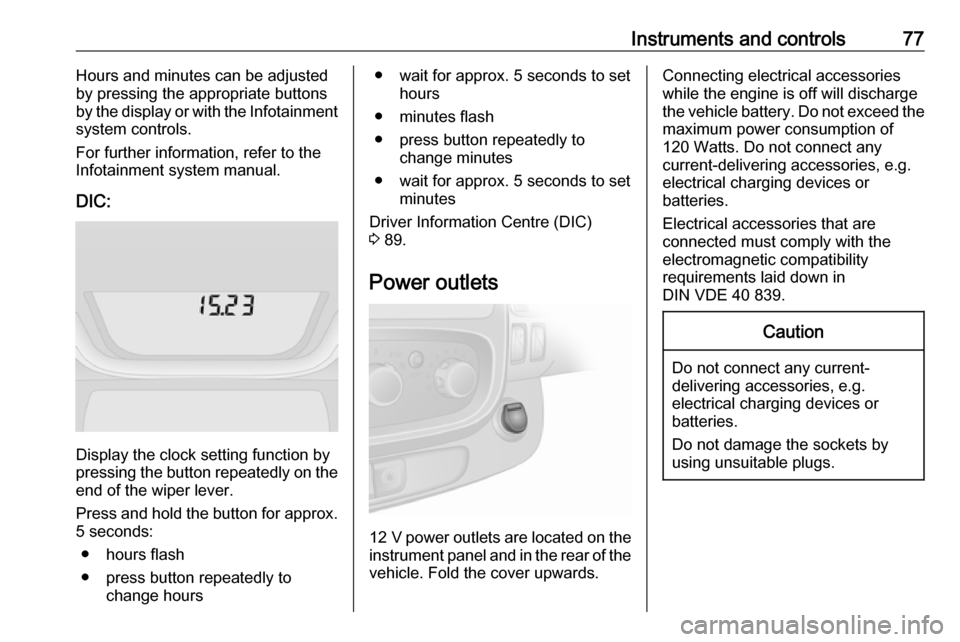
DIC:
Display the clock setting function by
pressing the button repeatedly on the end of the wiper lever.
Press and hold the button for approx.
5 seconds:
● hours flash
● press button repeatedly to change hours
● wait for approx. 5 seconds to set hours
● minutes flash
● press button repeatedly to change minutes
● wait for approx. 5 seconds to set minutes
Driver Information Centre (DIC)
3 89.
Power outlets
12 V power outlets are located on the
instrument panel and in the rear of the vehicle. Fold the cover upwards.
Connecting electrical accessorieswhile the engine is off will discharge
the vehicle battery. Do not exceed the
maximum power consumption of
120 Watts. Do not connect any
current-delivering accessories, e.g.
electrical charging devices or
batteries.
Electrical accessories that are
connected must comply with the
electromagnetic compatibility
requirements laid down in
DIN VDE 40 839.Caution
Do not connect any current- delivering accessories, e.g.
electrical charging devices or
batteries.
Do not damage the sockets by
using unsuitable plugs.
Page 82 of 209
80Instruments and controlsFuel gauge
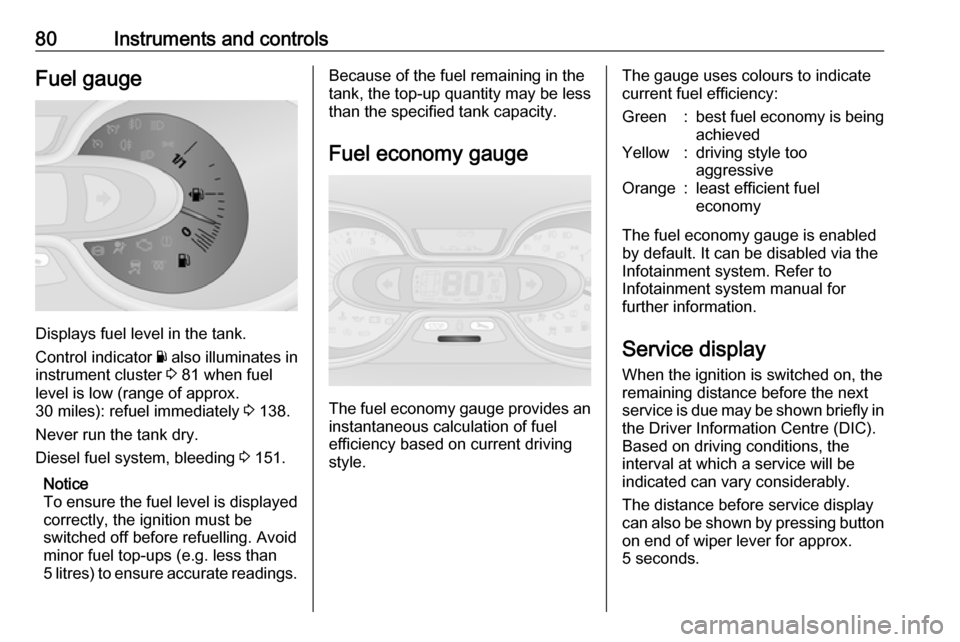
Displays fuel level in the tank.
Control indicator Y also illuminates in
instrument cluster 3 81 when fuel
level is low (range of approx.
30 miles): refuel immediately 3 138.
Never run the tank dry.
Diesel fuel system, bleeding 3 151.
Notice
To ensure the fuel level is displayed
correctly, the ignition must be
switched off before refuelling. Avoid
minor fuel top-ups (e.g. less than
5 litres) to ensure accurate readings.
Because of the fuel remaining in the
tank, the top-up quantity may be less
than the specified tank capacity.
Fuel economy gauge
The fuel economy gauge provides an
instantaneous calculation of fuel
efficiency based on current driving style.
The gauge uses colours to indicatecurrent fuel efficiency:Green:best fuel economy is being achievedYellow:driving style too
aggressiveOrange:least efficient fuel
economy
The fuel economy gauge is enabled
by default. It can be disabled via the
Infotainment system. Refer to
Infotainment system manual for
further information.
Service display When the ignition is switched on, theremaining distance before the next
service is due may be shown briefly in
the Driver Information Centre (DIC).
Based on driving conditions, the
interval at which a service will be
indicated can vary considerably.
The distance before service display
can also be shown by pressing button on end of wiper lever for approx.
5 seconds.
Page 91 of 209
Instruments and controls89Tachograph
& illuminates when there is a fault
3 93.
Door open y illuminates red.
Illuminates when a door is not fully
closed.
A corresponding message also
appears in the Driver Information
Centre (DIC) 3 89.Information displays
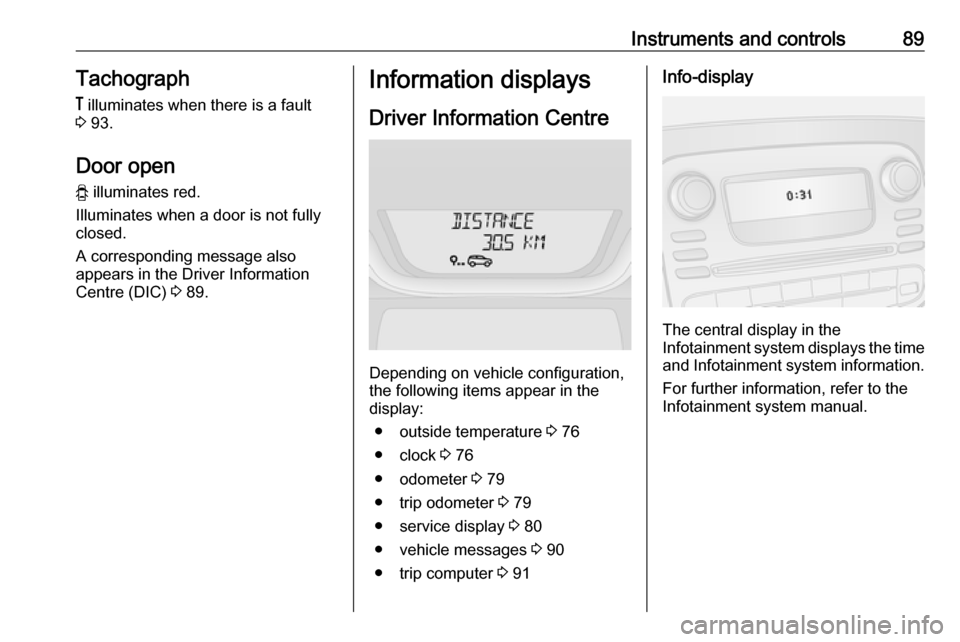
Driver Information Centre
Depending on vehicle configuration,
the following items appear in the
display:
● outside temperature 3 76
● clock 3 76
● odometer 3 79
● trip odometer 3 79
● service display 3 80
● vehicle messages 3 90
● trip computer 3 91
Info-display
The central display in the
Infotainment system displays the time and Infotainment system information.
For further information, refer to the
Infotainment system manual.
Page 92 of 209

90Instruments and controlsVehicle messagesMessages are displayed in the Driver
Information Centre (DIC) and may be
accompanied by illumination of
control indicator F or C in the
instrument cluster.
Information messages
Information messages regarding, e.g.
engine starting conditions, stop-start
system, parking brake application,
central locking, steering wheel lock
etc. provide the current status of
certain vehicle functions and
instructions for use.
Fault messages Fault messages regarding, e.g. fuel
filter, airbags, exhaust emissions etc.
are displayed together with control
indicator F. Drive with caution and
seek the assistance of a workshop as soon as possible.
To remove fault messages, e.g.
" CHECK INJECTION ", from the
display, press button on end of wiper
lever. After a few seconds themessage may disappear
automatically and F remains
illuminated. The fault will then be
stored in the on board system.
Warning messages
Warning messages regarding, e.g.
engine, battery or brake system
failure, are displayed together with
control indicator C and may be
accompanied by a warning chime.
Stop engine immediately and seek
the assistance of a workshop.
Warning messages, e.g. " BATTERY
CHARGING FAULT " disappear from
the display automatically when the
cause of the fault has been remedied.
Fuel economy messages
Fuel economy messages provide tips to improve fuel efficiency. Journeys
can be saved in the system memory,
enabling you to compare
performances.
Refer to Infotainment system manual
for further information.
Fuel economy rating 3 91.Warning chimes
Only one warning chime will sound at
a time.
A corresponding message may also
appear in the Driver Information
Centre (DIC) when a warning chime
is sounded.
When starting the engine or whilst driving:
● If seat belt is not fastened 3 48.
● During operation of the turn and lane-change signals 3 97.
● During illumination of certain control indicators.
● If the parking assist detects an object 3 134.
● If the vehicle speed briefly exceeds a set limit 3 131,
3 134.
● If a door or the bonnet is not properly closed when vehicle
exceeds a certain speed.
● If there is a fault in the brake system 3 85.
Page 95 of 209
Instruments and controls93The trip computer will reset
automatically when the maximum
value of any of the parameters is
exceeded.
Fuel economy rating (ecoScoring)
If equipped, a rating of 0 to 100 is
shown in the Info-Display to help evaluate fuel efficiency, based on
your driving style.
Higher ratings indicate better fuel
economy.
Tips to improve fuel economy are also given in the Info-Display. Journeys
can be saved in the system memory,
enabling you to compare
performances. Refer to Infotainment
system manual for further
information.
Vehicle messages 3 90.
Journey record
When the engine is switched off, a record of the last journey is shown in
the Info-Display.The following information is
displayed:
● average fuel consumption
● total fuel consumption
● trip odometer
● fuel saved in miles
Unit of measurement To change the unit of measurement
for the duration of a journey:
With ignition off, simultaneously press
the power button 3 114 and press
and hold button on end of wiper lever; the Driver Information Centre (DIC)
3 89 flashes for approx. 10 seconds
until the new unit is displayed.
Release button on end of wiper lever.
When the engine is switched off, the
trip computer automatically returns to the original unit of measurement.
Interruption of power supply
If the power supply has been
interrupted or if the vehicle battery
voltage has dropped too low, the
values stored in the trip computer will be lost.Tachograph
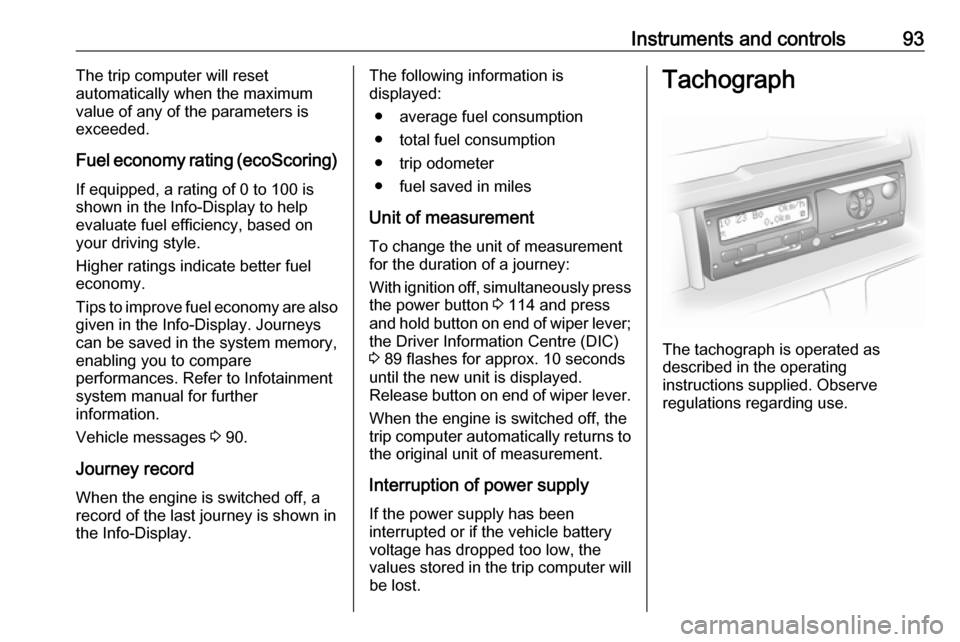
The tachograph is operated as
described in the operating
instructions supplied. Observe
regulations regarding use.
Page 99 of 209
![VAUXHALL VIVARO 2016 Owners Manual Lighting97Using a screwdriver, turn the screw
by a 1
/4 turn towards the
] symbol to
lower the beams or towards the <
symbol to raise the beams.
Ensure the headlight beams are
returned to their or](/img/38/19590/w960_19590-98.png "VAUXHALL VIVARO 2016 Owners Manual Lighting97Using a screwdriver, turn the screw
by a 1
/4 turn towards the
] symbol to
lower the beams or towards the <
symbol to raise the beams.
Ensure the headlight beams are
returned to their or")
Lighting97Using a screwdriver, turn the screw
by a 1
/4 turn towards the
] symbol to
lower the beams or towards the <
symbol to raise the beams.
Ensure the headlight beams are
returned to their original positions
when required.
Daytime running lights
Daytime running lights increase
visibility of the vehicle during daylight. They are switched on automatically
when the ignition is switched on.
If required, the daytime running lights
can be deactivated via the
Infotainment system. For further
information, refer to Infotainment
system manual.
Automatic light control 3 95.Adaptive forward lighting
Cornering light
With the low beam switched on,
depending on the steering angle, vehicle speed and gear selected
when cornering, the front fog light will also switch on, to illuminate the
corner of the road on the respective
side.
Hazard warning flashers
Operated with the ¨ button.
In the event of hard braking, the
hazard warning flashers may turn on
automatically. Switch off by pressing
the ¨ button.
Turn and lane-change signalslever up:right turn signallever down:left turn signal
When the steering wheel is turned
back, the lever automatically returns
to its original position and the turn
signal is deactivated. This will not
Page 117 of 209

Driving and operating115Some functions, e.g. Infotainment
system, are available for use as soon
as you enter the vehicle.
Accessory power mode
Press START/STOP without
operating clutch or brake pedal to
enable further electrical functions to
be operated.
Engine start
Operate clutch and brake pedal and press START/STOP . Release button
after starting procedure begins.
If a gear is engaged, the engine can
be started only by operating the clutch
pedal and pressing the
START/STOP button.
In some cases, it may be necessary
to move the steering wheel slightly
while pressing START/STOP to
release the steering wheel lock. A
corresponding message appears in
the DIC 3 89.
At very low outside temperatures (e.g. below -10 °C) keep the clutch pedal
depressed while pressing
START/STOP until the engine starts.If one of the starting conditions is not
applied, a corresponding message
appears in the DIC 3 89.
Vehicle messages 3 90.
Engine stop
Electronic key must be inside the
vehicle, either in the card reader or the front passenger compartment.
With the vehicle stationary, press
START/STOP to stop the engine. The
steering wheel lock is engaged when
the driver's door is opened and the
vehicle is locked.
If the electronic key is not detected, a
corresponding message appears in
the DIC 3 89. In this event, press
START/STOP for 2 seconds to stop
the engine.
Central locking system 3 23.
Retained power off
Press START/STOP for more than
two seconds; the engine is stopped
while some functions, e.g.
Infotainment system, are available for
use for approx. 10 minutes.These functions stop working when
the driver's door is opened and the vehicle is locked.
Notice
Always take the electronic key with
you when exiting the vehicle.
The electronic key being left in the
card reader is indicated by a warning chime 3 90 and a message in the
Driver Information Centre (DIC)
3 90 when the driver's door is
opened.9 Danger
Never leave an electronic key
inside the vehicle when children or animals are left in the vehicle, to
avoid unintended operation of
windows, doors or engine. Risk of
fatal injury.
Fault
If the engine cannot be started, the
cause may be one of the following:
● Fault in electronic key.
● Electronic key out of reception range.
Page 136 of 209

134Driving and operatingSpeed limiter
Maximum speed limiter
In accordance with local or national
regulations, the vehicle may be
equipped with a fixed maximum
speed limiter that cannot be disabled.
If equipped, a warning label indicating the fixed maximum speed limit (55 to
80 mph) is located on the instrument
panel.
Deviations from the maximum speed
limit may occur briefly when driving
downhill, for physical reasons.
A warning buzzer will sound for
10 seconds every 40 seconds if the
vehicle briefly exceeds the set limit.
Vehicles also equipped with cruise
control speed limiter: the maximum
speed cannot be exceeded by
depressing the accelerator pedal
firmly beyond the point of resistance.
Cruise control speed limiter 3 131.
Parking assist
The parking assist makes reverse
parking easier by measuring the
distance between the rear of the
vehicle and obstacles. It is the driver,
however, who bears full responsibility for parking.
The system consists of four ultrasonic
parking sensors in the rear bumper.
Notice
Attached parts in the detection area
cause system malfunction.
Activation
When reverse gear is engaged, the
system switches itself on
automatically. Readiness for
operation is indicated by a brief
acoustic signal.
An obstacle is indicated by buzzers
and, depending on vehicle, is also
indicated in the Info-Display. The
interval between the buzzers
becomes shorter as the vehicle gets
closer to the obstacle. When the distance is less than 30 cm, the
buzzer is continuous.
Notice
In versions with Info-Display
indication, the volume of the buzzer can be adjusted via the Infotainment