reset VAUXHALL VIVARO 2018 User Guide
[x] Cancel search | Manufacturer: VAUXHALL, Model Year: 2018, Model line: VIVARO, Model: VAUXHALL VIVARO 2018Pages: 233, PDF Size: 5.73 MB
Page 127 of 233
Climate control125●Adjust using k or l to select the
departure time.
● Press Y and OFF simultaneously
to confirm.
To switch on, press Y for one second ,
HTM is displayed.
Heating stops automatically after the
programmed departure time, or can
be manually switched off.
● Press k twice.
● Press OFF for one second, HTM
goes out.
Set time
If the vehicle battery is disconnected
or its voltage is too low, the time will
need to be reset.
● Press l once.
● Press Y and OFF
simultaneously, Ö flashes.
● Adjust using k or l to set the
time.
● Press Y and OFF simultaneously
to confirm.Heating level
The preferred heating level for
programmed departure times can be set to between C1 and C5.
● Press k three times.
● Press Y and OFF
simultaneously, Y flashes.
● Adjust using k or l to set the
heating level.
● Press Y and OFF simultaneously
to confirm.
To display the passenger
compartment temperature, press l
twice.Air vents
Adjustable air vents At least one air vent must be open
while cooling is on, in order to prevent
the evaporator from icing up due to
lack of air movement.9 Warning
Do not attach any objects to the
slats of the air vents. Risk of
damage and injury in case of an
accident.
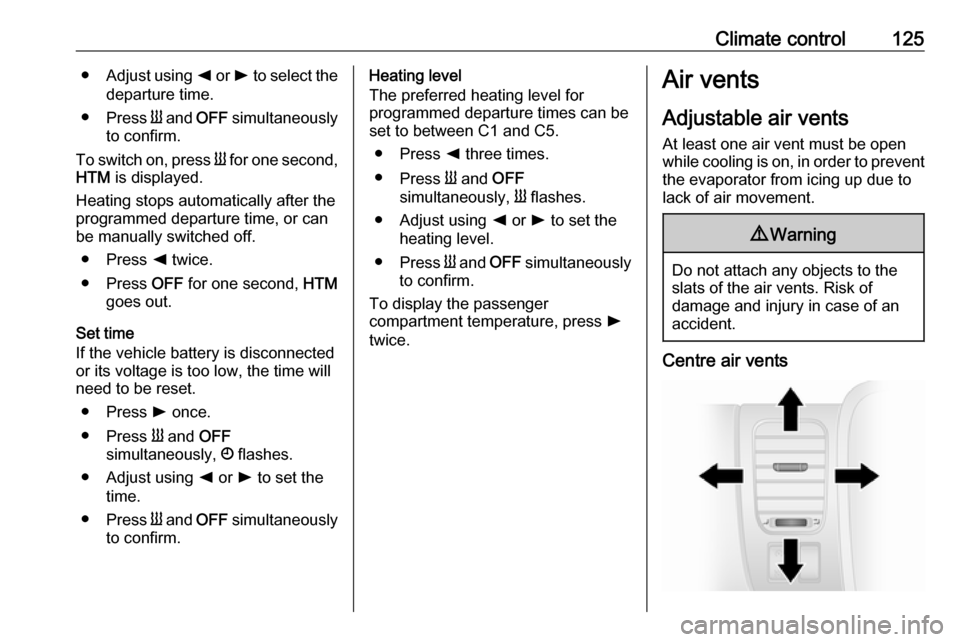
Centre air vents
Page 135 of 233
Driving and operating133Turbo engine warm-upUpon start-up, engine available
torque may be limited for a short time,
especially when the engine
temperature is cold. The limitation is
to allow the lubrication system to fully protect the engine.
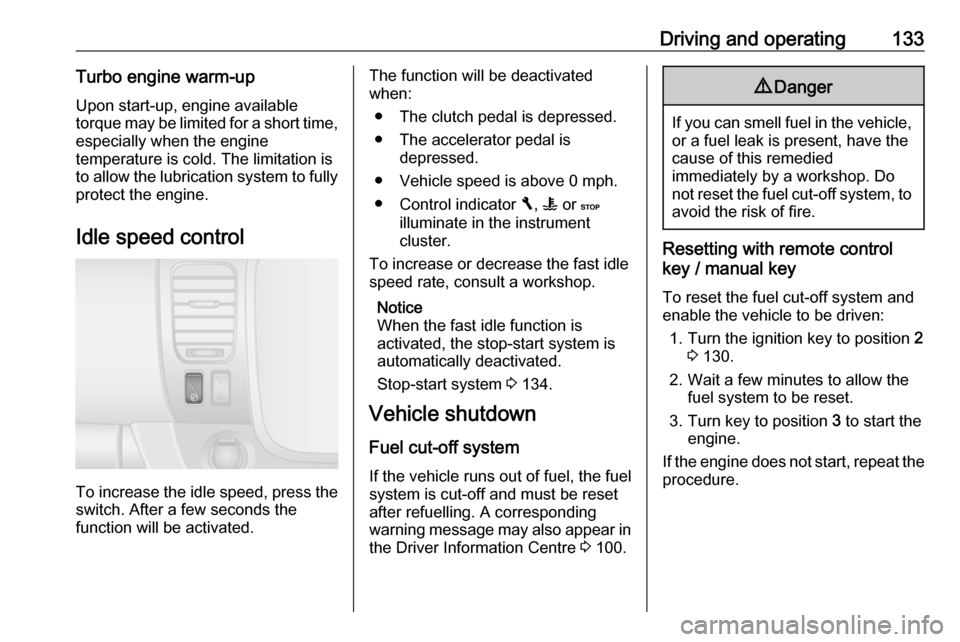
Idle speed control
To increase the idle speed, press the switch. After a few seconds the
function will be activated.
The function will be deactivated
when:
● The clutch pedal is depressed.
● The accelerator pedal is depressed.
● Vehicle speed is above 0 mph. ● Control indicator F, W or C
illuminate in the instrument
cluster.
To increase or decrease the fast idle
speed rate, consult a workshop.
Notice
When the fast idle function is
activated, the stop-start system is
automatically deactivated.
Stop-start system 3 134.
Vehicle shutdown
Fuel cut-off system
If the vehicle runs out of fuel, the fuel
system is cut-off and must be reset
after refuelling. A corresponding
warning message may also appear in the Driver Information Centre 3 100.9
Danger
If you can smell fuel in the vehicle,
or a fuel leak is present, have thecause of this remedied
immediately by a workshop. Do
not reset the fuel cut-off system, to avoid the risk of fire.
Resetting with remote control
key / manual key
To reset the fuel cut-off system and
enable the vehicle to be driven:
1. Turn the ignition key to position 2
3 130.
2. Wait a few minutes to allow the fuel system to be reset.
3. Turn key to position 3 to start the
engine.
If the engine does not start, repeat the
procedure.
Page 136 of 233
134Driving and operatingResetting with electronic key
system
To reset the fuel cut-off system and
enable the vehicle to be driven:
1. Insert the electronic key in the card reader 3 130.
2. Press START/STOP without
depressing any pedals.
3. Wait a few minutes to allow the fuel system to be reset.
If the engine does not start, repeat the
procedure.
Electronic key system 3 22.
Power button 3 130.
Refuelling 3 158.
Overrun cut-off
The fuel supply is automatically cut off
during overrun, i.e. when the vehicle
is driven with a gear engaged but
accelerator pedal is released.
Depending on driving conditions, the
overrun cut-off may be deactivated.Stop-start system
The stop-start system helps to save
fuel and to reduce the exhaust
emissions. When conditions allow, it
switches off the engine as soon as the
vehicle is at a low speed or at a
standstill, e.g. at a traffic light or in a
traffic jam. It restarts the engine
automatically as soon as the clutch
pedal is depressed.
A vehicle battery sensor ensures that an Autostop is only performed if thevehicle battery is sufficiently charged
for a restart.
Activation
The stop-start system is available as
soon as the engine is started, the
vehicle starts-off and the conditions
as stated below in this section are
fulfilled.
If the below conditions are not
fulfilled, an Autostop is prohibited and
control indicator \ illuminates in the
instrument cluster 3 99.Deactivation
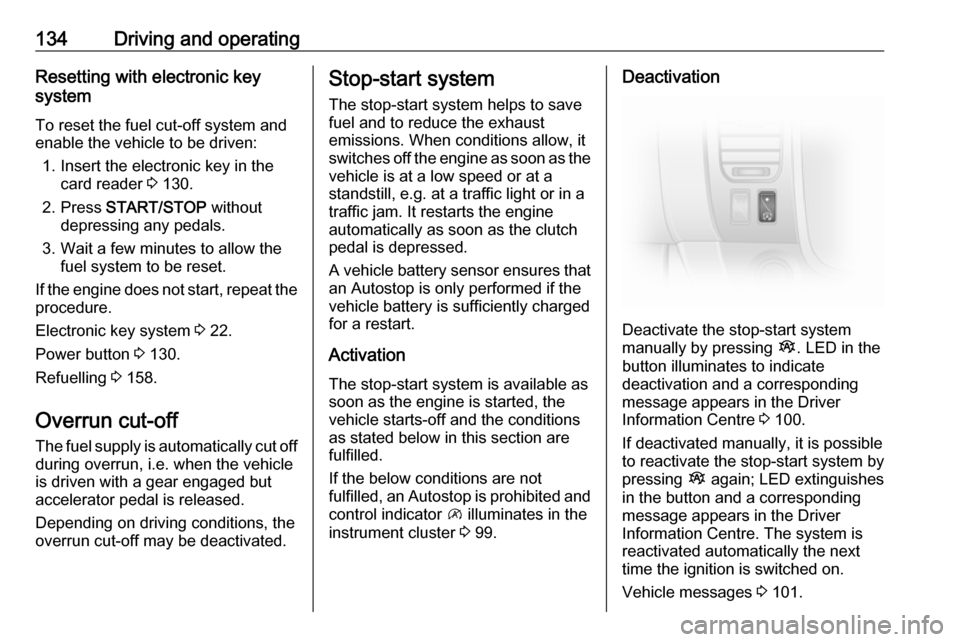
Deactivate the stop-start system
manually by pressing Î. LED in the
button illuminates to indicate
deactivation and a corresponding message appears in the Driver
Information Centre 3 100.
If deactivated manually, it is possible to reactivate the stop-start system by
pressing Î again; LED extinguishes
in the button and a corresponding
message appears in the Driver
Information Centre. The system is
reactivated automatically the next
time the ignition is switched on.
Vehicle messages 3 101.
Page 154 of 233
152Driving and operatingAutomatic deactivation:● vehicle speed drops below 20 mph
● the brake pedal is depressed
● the clutch pedal is depressed
● selector lever in N
● engine speed is in a very low or very high range
The speed is stored and a
corresponding message appears in
the Driver Information Centre.
Reactivation Press R at a speed above 20 mph.
If the stored speed is much higher
than the current speed, the vehicle
will accelerate powerfully until the
stored speed is obtained.
Pressing < will also reactivate the
cruise control function, but at the
current vehicle speed only, not the stored speed.
Deleting the stored speedPress m; Green control indicators
U and m extinguish in the instrument
cluster.Cruise control speed limiter
The speed limiter prevents the
vehicle exceeding a preset maximum
speed above 20 mph.
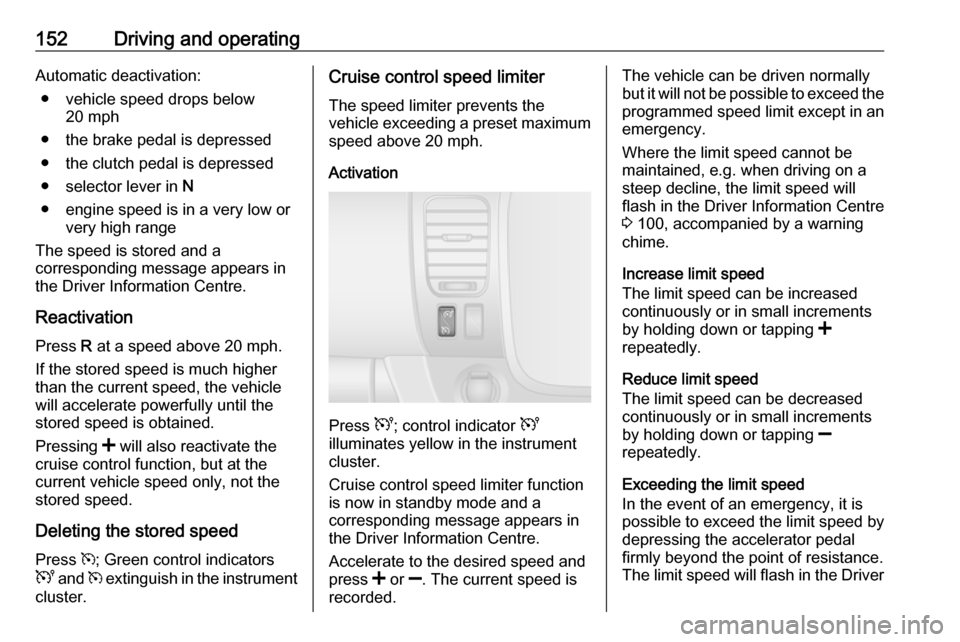
Activation
Press U; control indicator U
illuminates yellow in the instrument
cluster.
Cruise control speed limiter function
is now in standby mode and a
corresponding message appears in
the Driver Information Centre.
Accelerate to the desired speed and
press < or ]. The current speed is
recorded.
The vehicle can be driven normally
but it will not be possible to exceed the programmed speed limit except in an
emergency.
Where the limit speed cannot be
maintained, e.g. when driving on a
steep decline, the limit speed will
flash in the Driver Information Centre
3 100, accompanied by a warning
chime.
Increase limit speed
The limit speed can be increased
continuously or in small increments
by holding down or tapping <
repeatedly.
Reduce limit speed
The limit speed can be decreased
continuously or in small increments
by holding down or tapping ]
repeatedly.
Exceeding the limit speed
In the event of an emergency, it is
possible to exceed the limit speed by
depressing the accelerator pedal
firmly beyond the point of resistance.
The limit speed will flash in the Driver