tire VOLKSWAGEN BEETLE 2004 Owners Manual
[x] Cancel search | Manufacturer: VOLKSWAGEN, Model Year: 2004, Model line: BEETLE, Model: VOLKSWAGEN BEETLE 2004Pages: 138, PDF Size: 48.59 MB
Page 37 of 138
Downloaded from www.Manualslib.com manuals search engine h{' ,~ 'I,'. U rl lC1tlJc'lt nd th tank flap cnn be
· r 1 unhx I n tFinuHII if th e ve hic le k e y or
"'~' tf,\1 1-. • "'J, ~lhml fdll •.
ut 'llH\ tl kin (Aut ock)
~~t nMtl lml , k in g (Auto Unlock)
\~ '•l$~1$, th h i ~le a ut tTinticn lly unl ocks
1$ '" 1 th lc1tlJ<'lto ~ pnge 1 wh en:
A c
tion
• Th e ve hi cle comes to a s tandst ill and th e veh i
c le
k e y is removed .
• In v e hic le s with an au to m atic gearbox: w hen
th e se lec to r le v
er is in p ositio n P and the ignitio n is
s wi tc h ed o ff.
Locking the vehicle after the airbags have
been triggered
The entire vehic le is un locked if the air bags are ac
tiva ted d uring an accide nt. Depe ndi ng o n the level
of damage,
the veh icle can b e locked after an a cc i
d ent as fo llows .
-
Swi tc h off the ig ntt ion.
l · 1ng th veh1 le using the ve
hl lt) ~e :
-Open and close one of the ve hicle doors once .
- Press
~e cent~lockin~_b_u_tt_o_n-.:@)=o_. -------------
- Swi tc h off th e ignitio n .
OR: remove the key from the igni tio n lock.
-Open one of the ve hicle doo rs o nce .
- Lock
the ve hicle with the vehicle key.
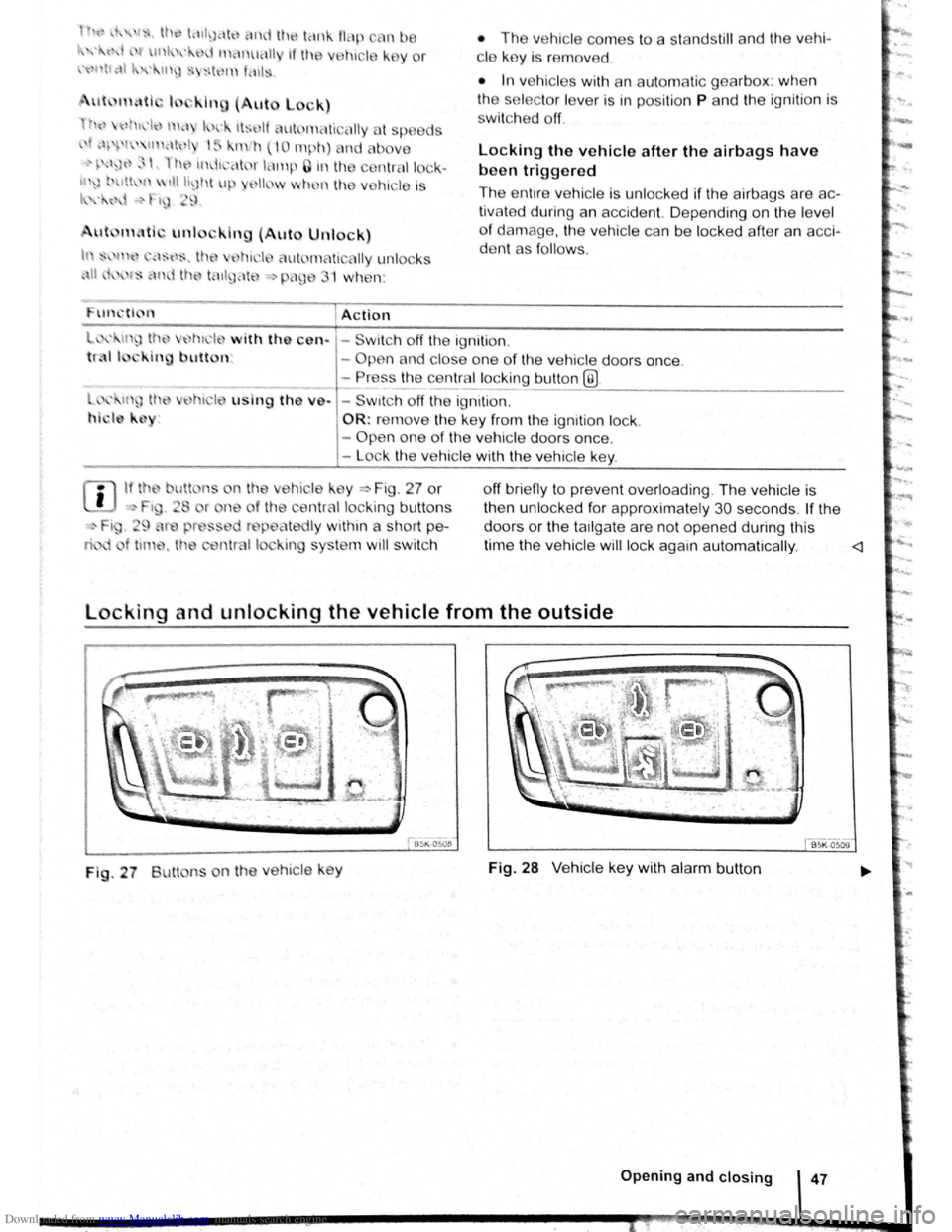
If tho butt ns n the vehic le ke y ~ Fig . 27 or
·' Ft , 28 r ne of the centrnl locking bu tto ns
i, , 9 r press d repeatedly within a short pe
t tim~. th central lo k ing sys te m wi ll swi tc h o
ff brie fly to pre vent ove
rloading . Th e ve hic le is
th en u nlocked fo r app roxima tel y
30 seco nds . If the
d oors or th e
ta1lga te a re no t opene d during this
tim e th e vehic le
w ill lock again au to m atically .
Fig . 27 Butt ns on th e ve h icle ke y Fig. 28 V e hic le ke y with alarm button
Opening and closing 47
Page 82 of 138
Downloaded from www.Manualslib.com manuals search engine Aut mall wit h-o n of the electronic
p ar kin IJr ke If n o t activated properly whe n
th drlv r I av s the v ehicle
I h e .lec,lr uni park ing br ake s wit ch es itsel f on au
lortmlh ,RIIy In the fu llowlng Insta nces wh en the
JrivP-r I . avqs Ill v hlt,le :
• Wlr
t1 tile v hicl Is in gea r posi trons 0, S or R ,
ur If ll r lo t.! o r I v r Is I n t11e T ip tro nic posi tion
• Wl r c n tl re lgr rlll un is s wit ch d o n
• Wi 1 rt tire V l li c le Is s tatio na ry
• If ll re driv r uoor Is o pe n .
rn rge ncy braking function
1 11 n 1 rg on y br kin g fun ction sho uld only be
u s
d In those sit u atio ns wh ere the vehicle cannot
be slurped u ln g the foot br ake ~ &!
• Pull and hold the 8 butt on ~Fig. 14 0 to br ake
tir e ve hl
le sharply. An aco ustic sig na l ca n b e
hoa rd at the sa me lime.
•
T o sto p the br ak ing proced ure, re lease the§
b utt on or d epress th e acce le ra to r pedal.
The Incorrect use of the electronic parking
brake can cause accidents and serious inju
ries.
P arking
r-f11 First read and observe the introductory
l-J,.:JJ Information and safety warnings A on
page 179.
P lea e adhere to re leva nt legisla tion when stop
p in g
a nd pa rk in g your ve h icle .
S
topping the vehicle
Th e ta p s ho uld only be carr ied out in t he speci
flo d o rd or.
• Sto p the ve hi cle o n a sui tab le s urface ~ &,
• Depress a nd ho ld th e br ake ped al u ntil th e e n
gi ne ha
stoppe d .
• Swit ch o n the electr onic pa rking brake
. ~ pnye 18 1.
• With a n auto m atic gea rbox, move the selecto r
lo ve r to pos ition P .... #..
• Swit ch off th e engi ne a nd take your foo t off the
br ake pedal.
• Rem ove th a ve hi cle k e y from t he ignit ion lock .
• rurn the stee ring wheel s lig htly if necessa ry to
engage th e vtee ring lo ck mec h anism .
While driving
• The electronic parking brake should ne
be used to brake the vehicle, except in em '>'er
gencies. The braking distance is considerae.r .
bly longer as only the rear wheels are braked.
Always use the foot brake.
• Never activate the accelerator from the en.
gine compartment if a position or gear has
been selected and the engine is running. The
vehicle could move, even if the electronic
parking brake is applied.
m In veh rcles with a manual gea rbox: v. hen the
l..!J clu tch peda l is released a nd t he accelera
pedal depr essed at th e sa me time , th e e lectron
parkin g bra ke will be re leased autom aticall y
m If th e ve hicl e ba ttery is flat it w ill not be po~<:
L!J ble to re lease th e e lectro nic parking bra e.
U se
jump lead s =:>page 370 .
m Some norses ma y be hea rd wh en the elec·
W Iron ic p ark in g b ra ke is sw itch ed on or ff.
r::l If th e e le ctron ic park in g b ra ke has not been
W used fo r a long period , th e s ys te m will carry
out occa siona l automa tic a nd acou stic check s
when the ve hicl e is pa rk ed .
• With a m anu al gearbox , se lect 1st gea r for f.at
groun d and u phill incl in es , or re ve rse ge ar ()(
downh ill incl ines , a nd then r elease e dutch.
• Ple a se ensur e t hat all o ccup an s. i n pa
ch ildren , lea ve th e ve h icl e.
laf
• Take a ll ve hicl e ke ys with yo u w en you tea 'e
th e ve h icl e.
• lock the ve h icle .
Additional points for ascending and
descending inclines
Be fore SVIitchin g off th e e ng in e , turn e s eeriP:1
wheel so that th e fron t wheels w ill roll aga i st me
kerb if the parked ve icle start s to mo e.
• Whe n fa cing downhill , turn tl e ~s SO tf'\3!
they fa ce e ke rb.
•
Whe n fa cing up ill , turn e omeels so IP8t tt
<
1821
---------------------- ------~~
Page 89 of 138
Downloaded from www.Manualslib.com manuals search engine ParkPilot di play
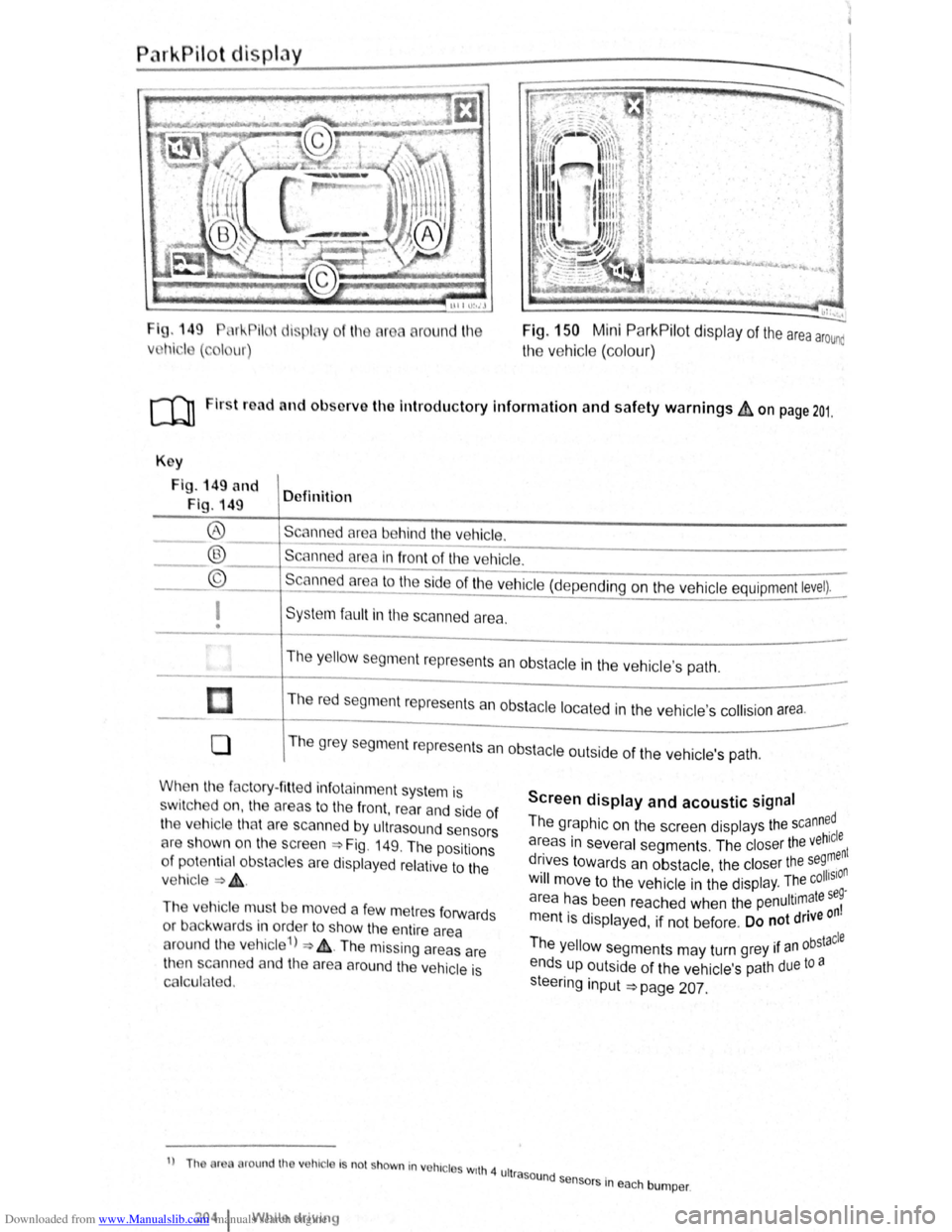
I g. 149 11 !--Pilot lispl y
Vl l~i ·I ( , I ur)
round l11e Fig. 150 Mini ParkPilot display of the area arounc
the vehic le (co lo ur)
ro Firs t road and ol>sorve the Introductory Information and safety warnings&, on page 201.
Key
Fig . 149 and
Fig. 149 Definition
Scann d
area behind the vehicle. ®
® ©
------------------------ -----------Scanned area in front of the ve hicle.
--------------------------------Scanned area to the ~ide of the vehic le (depe nding on the ve hicl e equipment level).
I
• Sys te m fa ult in the scanned area .
The
y ello w segm ent represents an obstacle in the vehic le's path .
Th e r
ed segment represents an obsta cle loca te d in the vehicle's collision a rea.
0 T he grey segment represents a n obstacle outside of the ve hicl e's path.
When the factory- fitt ed inf otainment syste m is
sw it c h ed on , the a reas to the front , rear and side of
the vehicle tha t are scanned by ultrasound sensors
cH e sh own o n the scree n =>Fig. 149. The positions
o f
potentia l obs tacles are displa ye d re lative to the
v e hic le
=> & .
The vehicle mus t be move d a fe w m etres forwards
or back war
ds in order to show the e ntire area
around the vehicle 1
) => & . The missing areas are
t11en scanned and the area around the vehic le is
Cf'llcula ted.
1
) Th or round th v hic le Is no t shown in vohrc l s wrth 4 ult
2o4 1 Whil e driving
Screen display and acoustic signal
The graphic on the screen displays the scann~dl
areas in several segments . The closer the veh~:nt
drives towards an obstacle the closer the se9, n . • olhSIO Will move to the ve hicle in the displ ay. The c .
a r
ea has been reache d when the penultimate se~
m entis displayed, if not be fore . Do not drive on
Th . bstacle e yello w segments may turn grey 1f an °
ends up outside of the vehi cle's path due to a
s teeri
ng input =>page 207.
rasound se .
n sors m eac h bumper .