CD changer VOLKSWAGEN GOLF 2000 User Guide

VOLKSWAGEN GOLF 2000 User Guide GOLF 2000 VOLKSWAGEN VOLKSWAGEN https://www.carmanualsonline.info/img/18/55625/w960_55625-0.png VOLKSWAGEN GOLF 2000 User Guide

Page 439 of 474
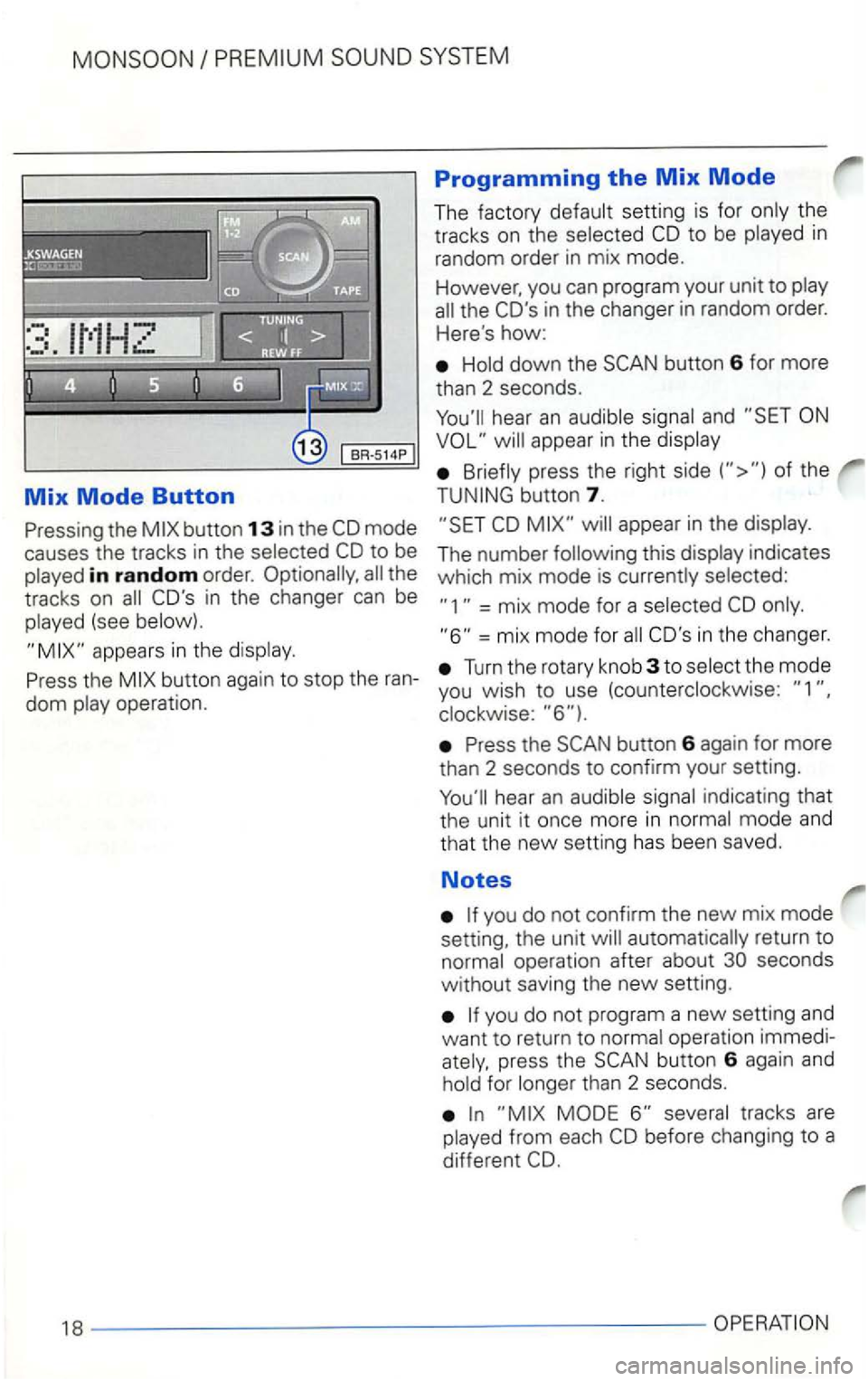
VOLKSWAGEN GOLF 2000 User Guide Mix Mode Button 
the 
in random order. the 
tracks  on 
(see 
Programming the Mix Mode 
The factory CD to be in 
random  order in mix  mode. 
However,  you can program  your unit to 
the COs in  the

Page 440 of 474

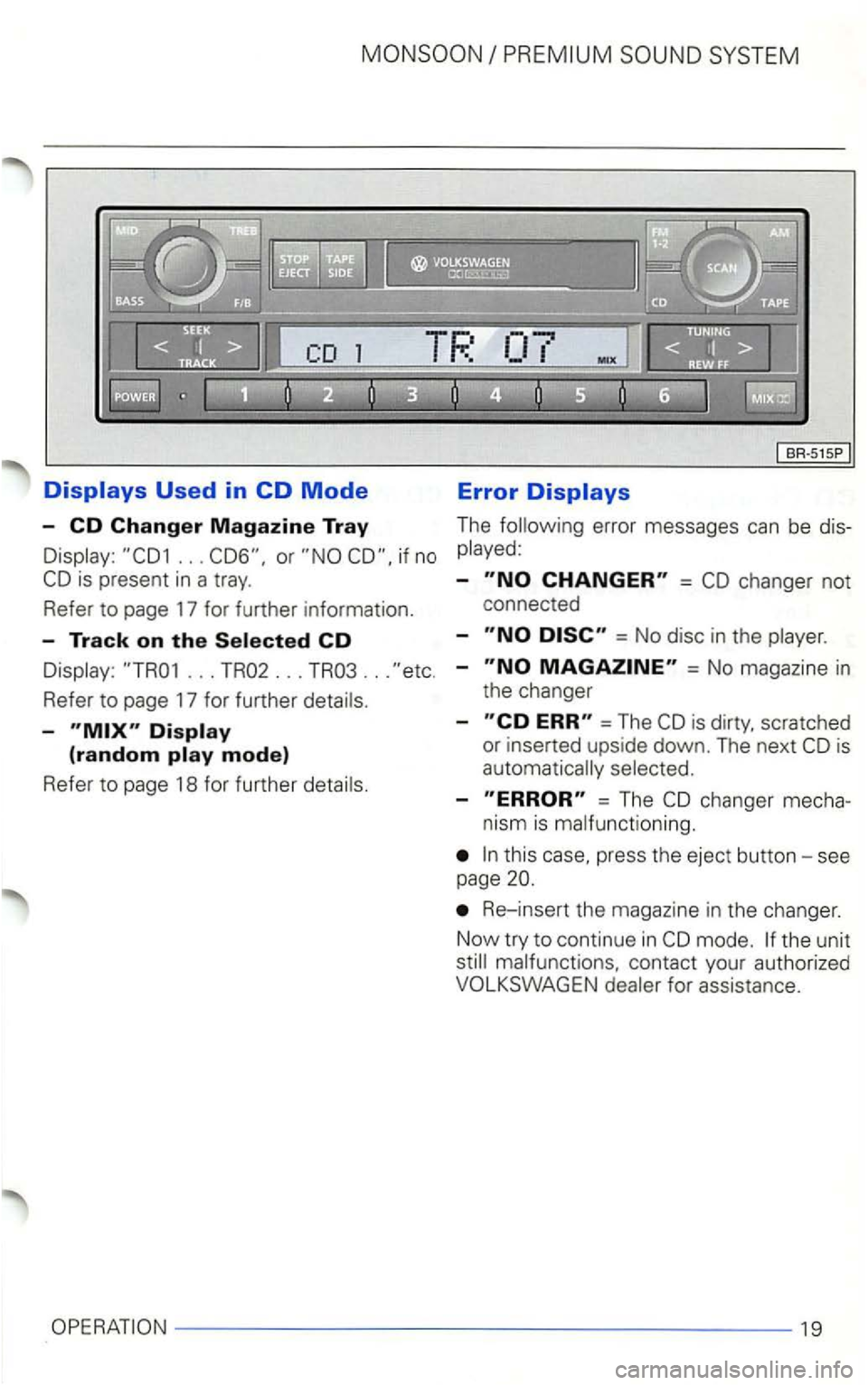
VOLKSWAGEN GOLF 2000 User Guide .. . if no 
... TR02 ... TR03  ... 
Refer  to page  17 for  further 
-
Error 
The error  messages can be 
-= 
= No  disc  in the 
-= No  magazine in 
the  changer 
-
=The 
-=  The 
press  the eject  b

Page 441 of 474

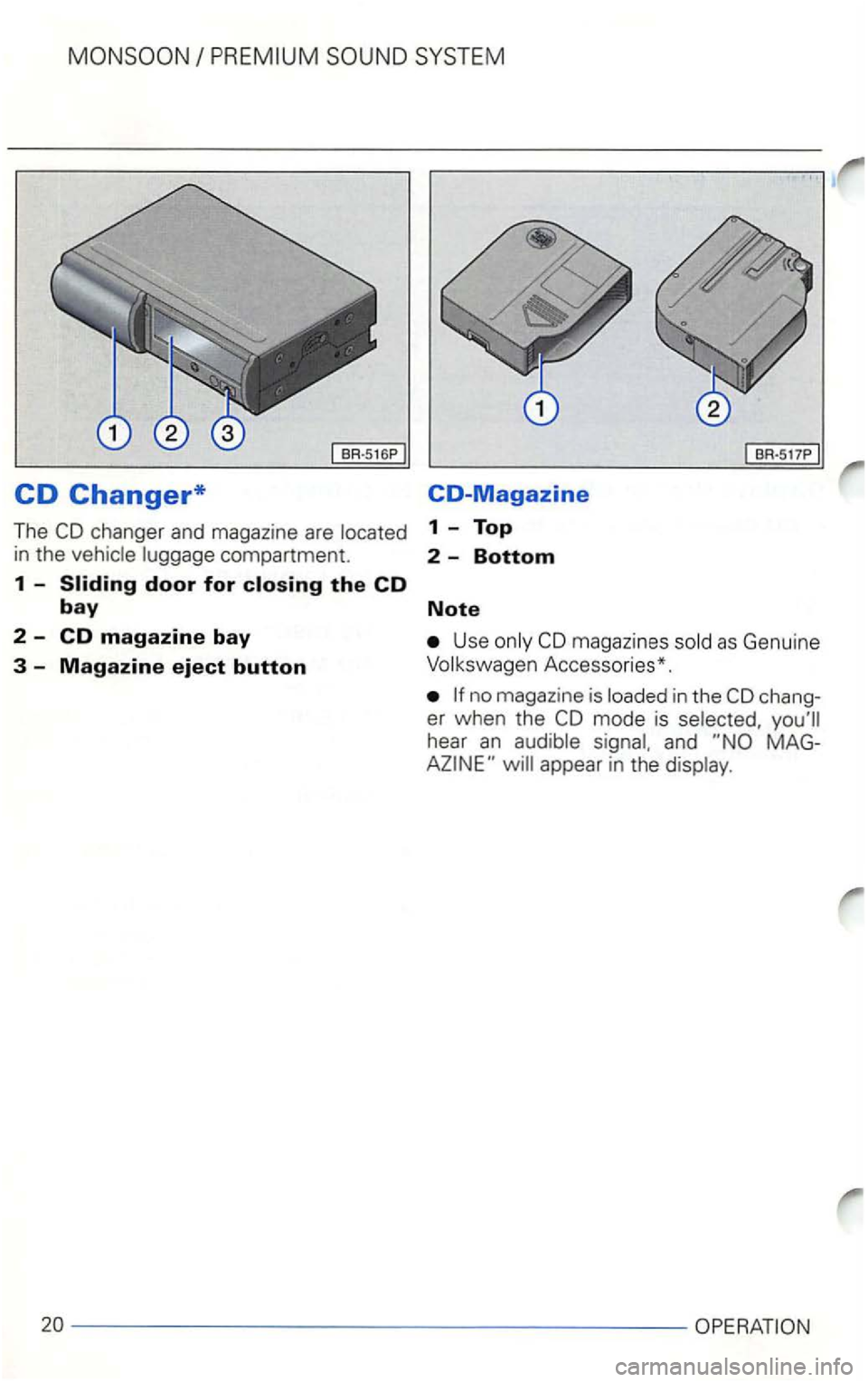
VOLKSWAGEN GOLF 2000 User Guide CD Changer* CO-Magazine 
The 1  - Top 
in the compartment. 2  -Bottom 
1 -Sliding door for closing the CD 
bay Note 
2  -CD magazine bay Use magaz ines 
Accesso ries*. 
in the chang­
er  wh en  the

Page 444 of 474

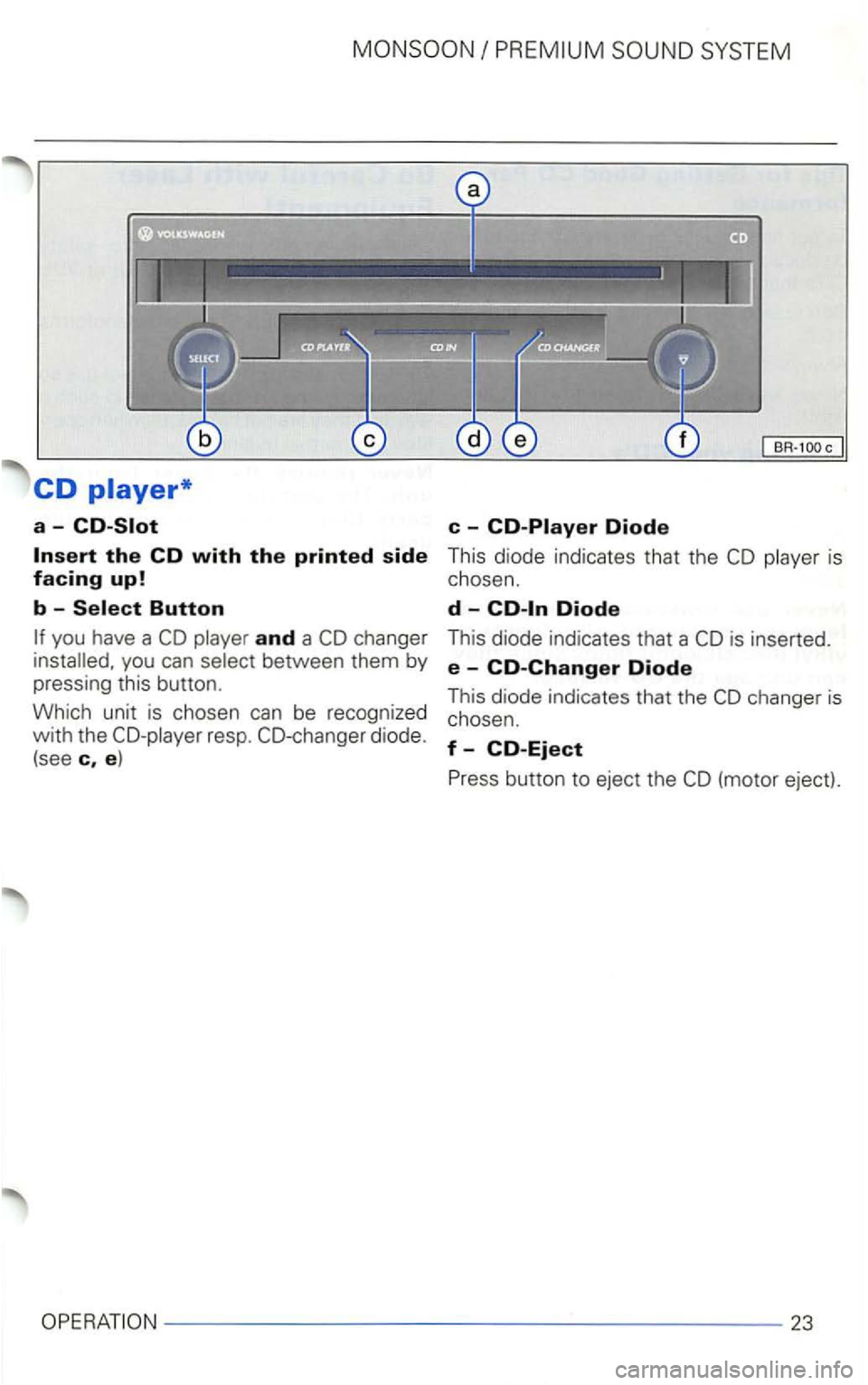
VOLKSWAGEN GOLF 2000 User Guide CD 
a-
and a you can 
resp. 
is  inserted. 
e  -CO-Changer Diode 
This  diode  indicates  that the 
23

Page 450 of 474

VOLKSWAGEN GOLF 2000 User Guide A D 
AM 8 Digita l displays  . . . .  . . . .  . . . 
Automatic  track scanning  . . . . . . . .  16 E 
Automatic  tuning . . . . .  . . . . . .  . . .  . . 8 Ejecting  a cassette  . . . . . . .  . .
Page:   < prev 1-10 11-20