display VOLKSWAGEN GOLF 2000 User Guide
[x] Cancel search | Manufacturer: VOLKSWAGEN, Model Year: 2000, Model line: GOLF, Model: VOLKSWAGEN GOLF 2000Pages: 474, PDF Size: 88.1 MB
Page 414 of 474
SYSTEM PREMIUM
locked whenever
the power source is
interrupted. can only
be returned to working condition by enter
ing the correct code number.
Frequency ranges
FM and AM
Band
Mom en tary-co ntac t butt ons
Fre qu ency, band, bass, balance. p re
s e t button, cassette functions. Dolby®
The cont rols and display are
AM1
and AM2. Manual tuning is possible in both
directions. Microprocesor-controlled stabi
lization of station frequencies (PLL quartz
tuning).
Cassette
Low-wear. high performance tape
auto-reverse. Music Search System
(MSS).
Dol by ® Noise Reduction, automatic
detec tion of metal cassettes.
CD changer*
Remote via radio sound system
unit.
bass controls. fader control inte
grated
in the
Watt (high)
2 x Watt (lo w)
2 x
outside interference in the FM band .
interference pulses from
the engine and other parts of the electrical
system such
as the heater wind
shield wipers and radiator fan.
® The Dolby Noise Reduction System is ma
nufactured under license from Dolby Licen
sing
Dolby and the double-D
symbol are trademark s of Dolby Laboratories
Licensing
2 2 ---- ------------
Page 423 of 474
Overview
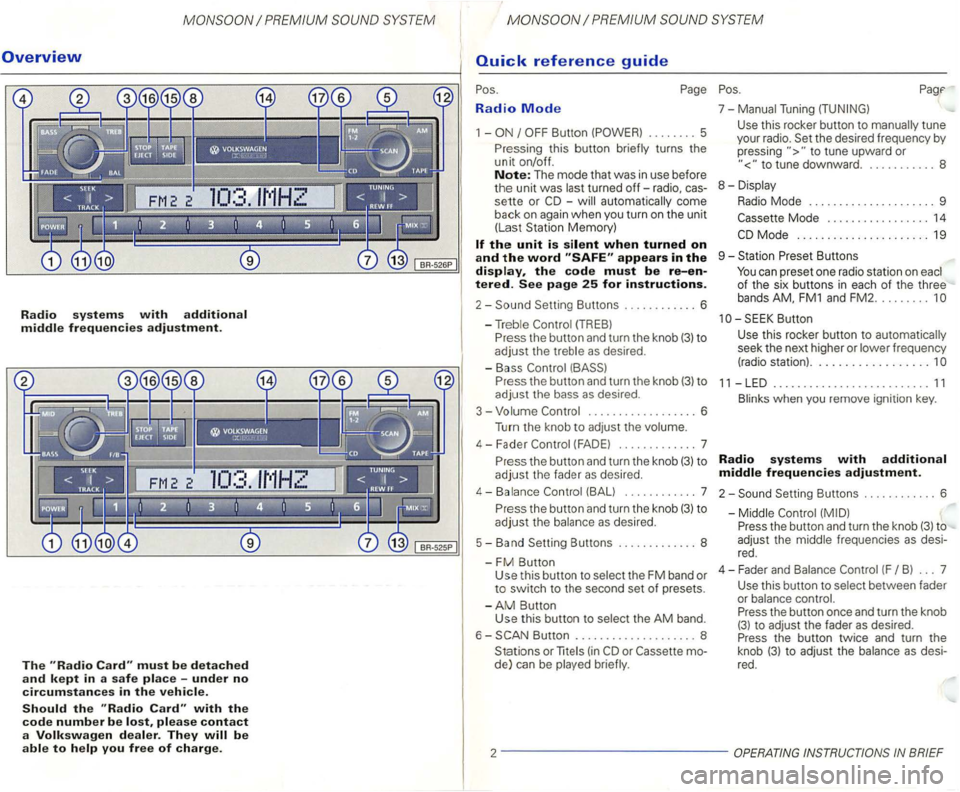
Radio systems with additional middle frequencies adjustment.
The must be detached
and kept in a safe place -under no
circumstances in the vehicle.
Should the with the
code number be please contact
a Volkswagen dealer. They
Radio Mode
1 -
-automatically come
back
on again when you turn on the unit
(Las t Station Memory)
appears in the display, the code must be re-entered. See page 25 for instructions.
2-
P ress the button and turn the knob (3) to
adjust the bass as desired .
3 - Volume
.................. 6
Turn the knob to
adjust the volume.
4 - F ader
(FAD E) ............. 7
P r
ess the button and turn the knob (3) to
adjust the fader as desired.
4-Balance (BALl ... ......... 7
P r
ess the button and turn the knob (3) to
adjust the balance as desired.
5 - Band Setting Buttons ..
........... 8
-
FM Button Use this button to select the FM band or to switch to the second set of presets.
-
AM Button
Use this button to selec t the AM band.
6 -
Button .................... 8
Stations or
lite (in
to tune upward or
to tune downward. . .......... 8
8 - Displa y
Radio Mode . . . . . . . . . . . . . . . . . . . . . 9
Mode . . . . . . . . . . . . . . . . . 14
Butt on
Use
this rocker button to automatica lly
seek the next higher or lower frequency
(radio station) ..................
11 -LED .......................... 11
Blinks when you remove ignition key.
Radio systems with additional
middle frequencies adjustment.
2-Setting Buttons ............ 6
-Middle
Press the button and turn the knob (3) to
adjust the middle frequenc ies
as desi
red .
4 - Fader an d Balance
(F B ) ... 7
Use this button to select between fader
or balance control.
Press the button once and turn the knob
(3) to adjust the fader as desired.
Press the button twice and turn the
knob
(3) t o adjust the balance as desi
red.
2 -------------
Page 428 of 474
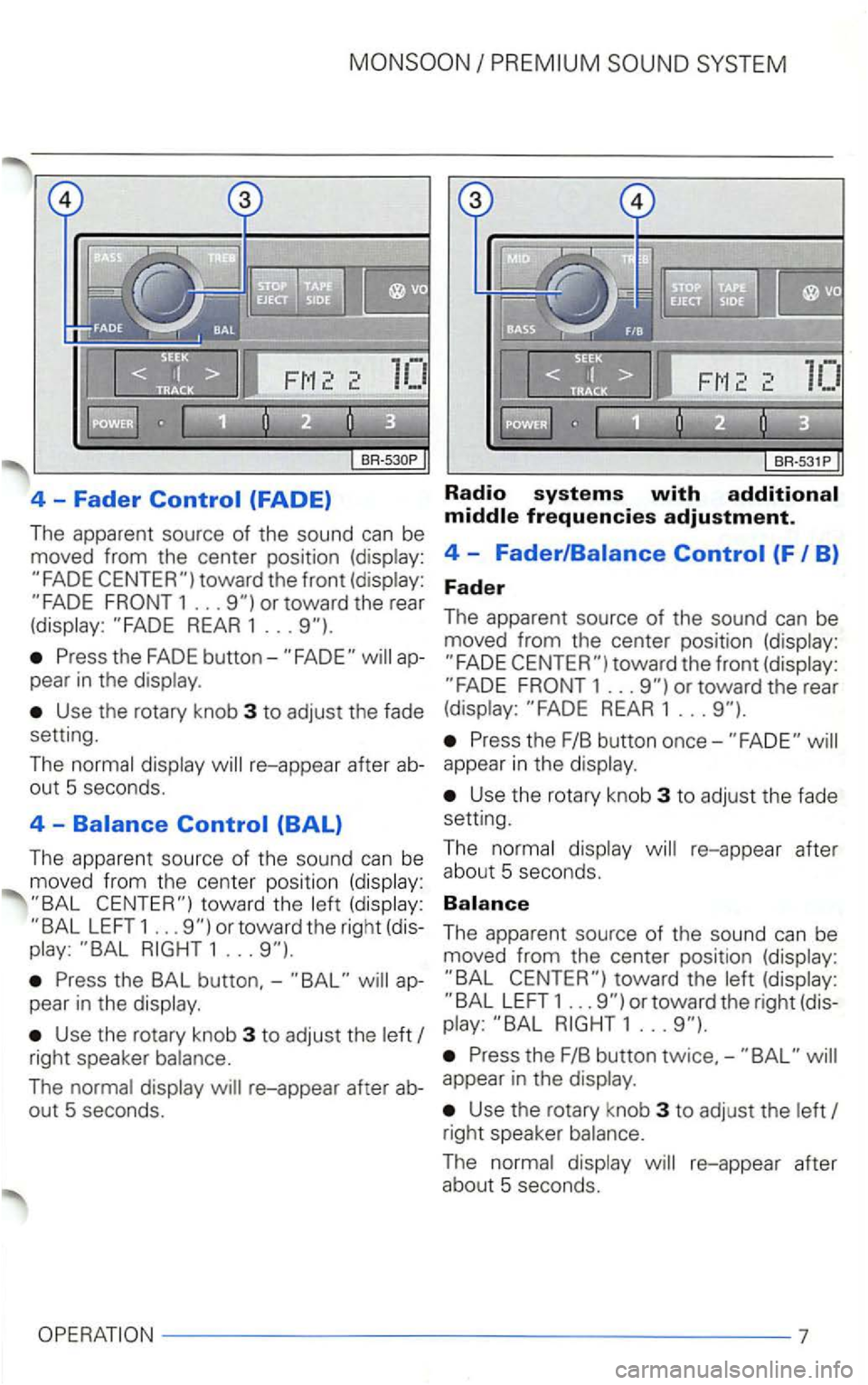
4 -Fader (FADE)
The apparent source of the sound can be
moved from the center position (display:
REAR 1 ...
Press the FADE appear in the display.
Use the rotary knob 3 to adjust the fade
setting.
The normal display
LEFT 1 ... or toward the right (dis
play: 1 ...
Press the BAL button,-ap
pear in the display .
Use the rotary knob 3 to adjust the left
Radio systems with
toward the front (display: 1 ... or toward the rear
(display: REAR 1 ...
Press the F/B button once-
Use the rotary knob 3 to adjust the fade
setting.
T he normal displ
ay re-appear after
abou t 5 seconds.
The apparent source of the sound can be
moved from the center position (display:
LEFT 1 ... or toward the right (dis
play:
right speaker balance. Press the F/B button twice,-
The normal display re-appear after ab-appear in the display.
out 5 seconds. Use the rotary knob 3 to adjust the left
right speaker balance.
The normal display re-appear after about 5 seconds.
7
Page 429 of 474
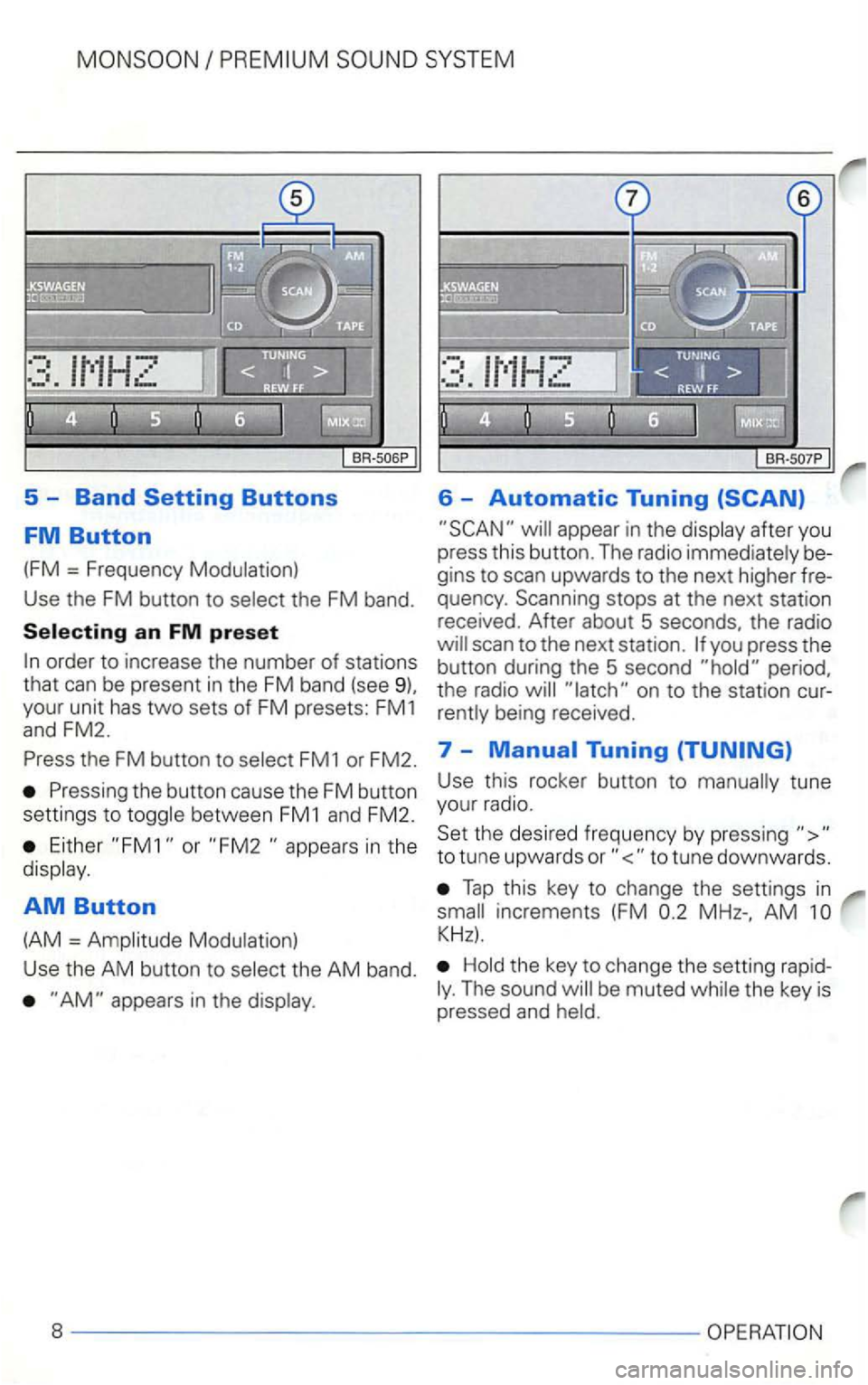
5 -Band
appear in the display after you
press this button. The radio immediately be
gins to scan upwards to the next higher fre
quency . Scanning stops at the next station
received. After about 5 seconds, the radio
the FM button to select FM1 or FM2. 7 -
Either or in the
display .
AM Button
(AM = Amplitude Modulation) Use
this rocker button to manually tune
your radio.
Set the desired frequency by pressing
Tap this key to change the settings in
AM
Hold the key to change the setting rapidThe sound
Page 430 of 474
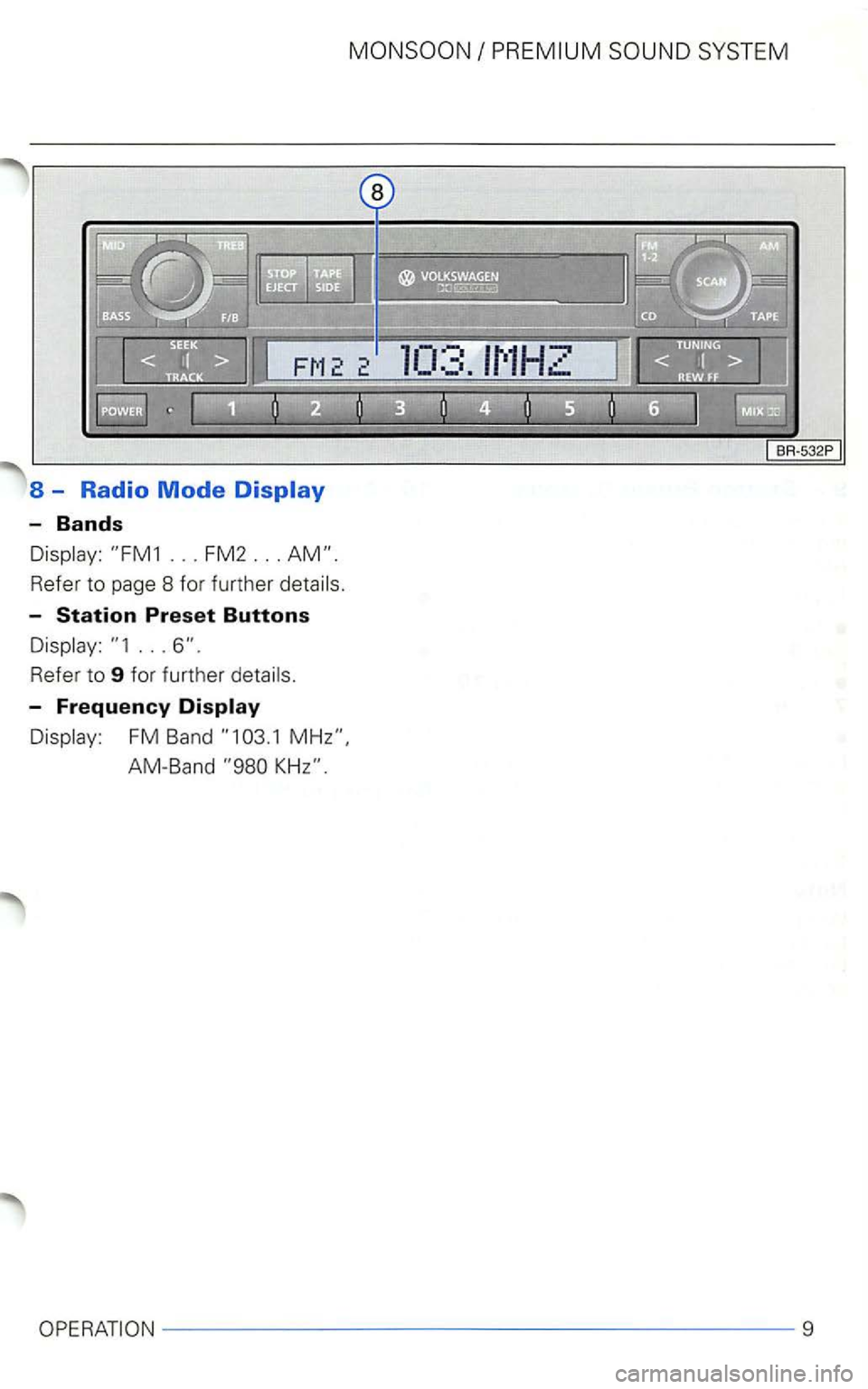
8 - Radio Mode
-Bands
Refer to page 8 for further
-
...
-Frequency Display
FM Band
9
Page 434 of 474
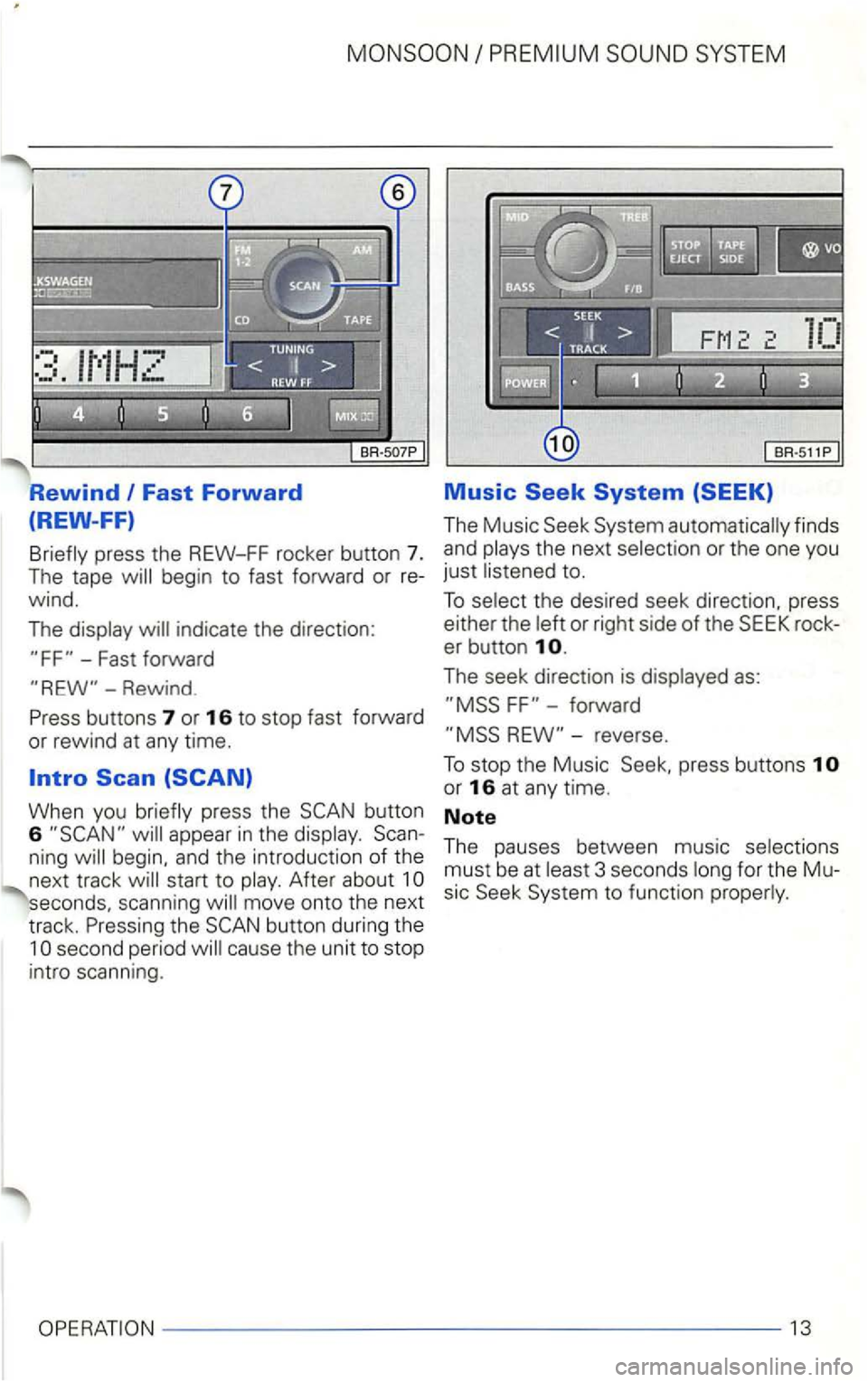
Fast Forward
(REW-FF)
Briefly press the REW-FF rocker button 7. The tape will begin to fast fo rward or re
wind.
The display will indicate the direction:
-Fast forward
Music
The Music
rock
er button
forward
or
rewind at any time.
When you briefly press the button
6
seconds, scanning will mov e ont o th e next
track. Pressing
the
press buttons
or 16 at any time.
Note
The pauses between music selections
must be at leas t 3 seconds long for the Mu
s ic
t o funct ion properly.
OPERATION---------------------13
Page 446 of 474
SYSTEM
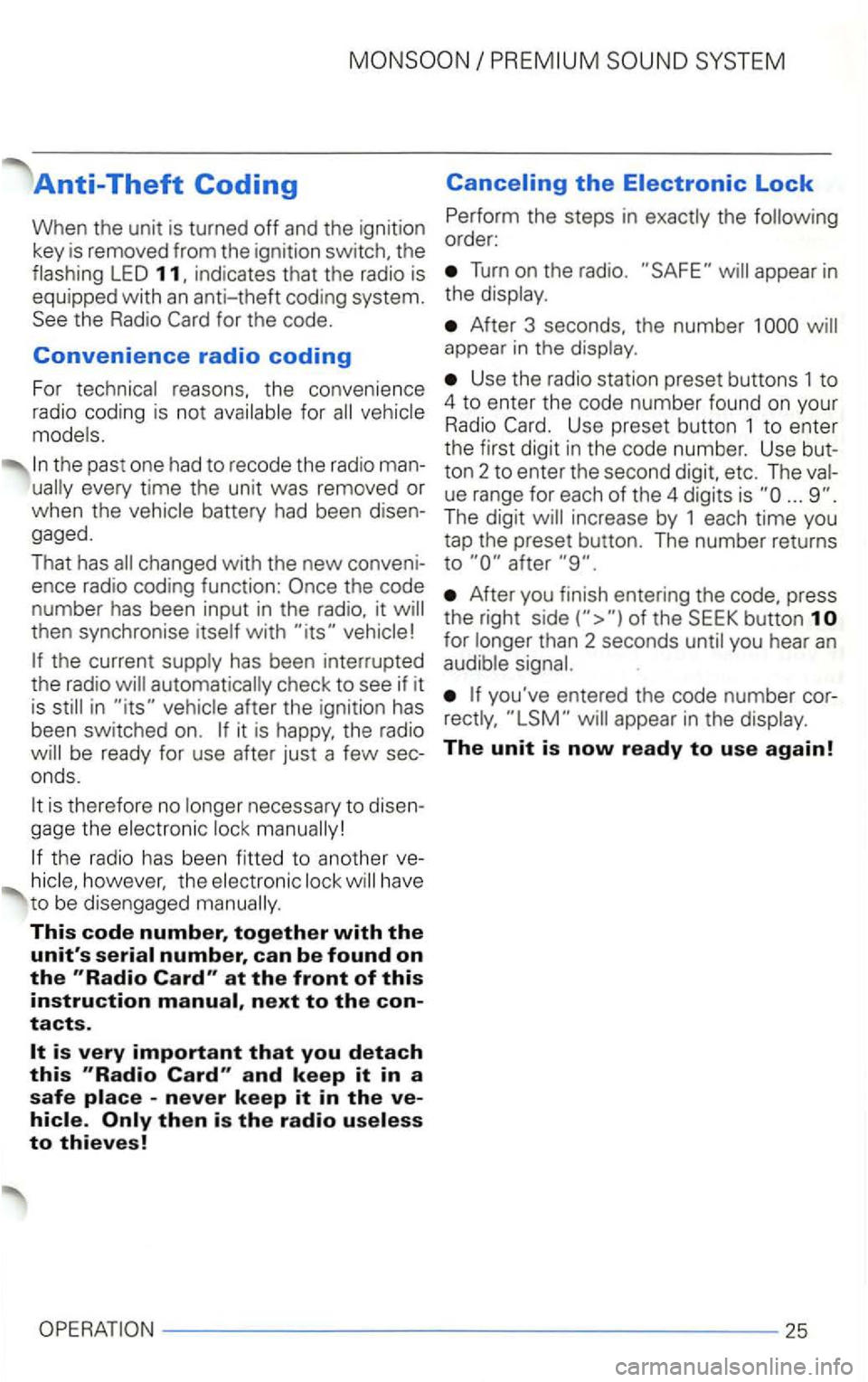
Anti-Theft Coding
When the unit is turned off and the ignitio n
key is removed from the ignition switch, the
flashing
LED
fo r the code.
Convenience radio coding
For technical reasons. the conve nience
radio coding is not
vehicle
mode ls.
the past one had to recode the radio man
changed with the new conveni
ence radio coding function:
then synchronise itself with
the current supply has been interrupted
the radio
automatically che ck to see if it
is
in it is happy , the radio
is therefore no longer necessary to disen
gage the electronic
the radio has been fitted to ano ther however, the electronic have
t o be dise ngaged
This code number, together with the
unit's at the front of this instruction next to the contacts.
-never keep it in the
Turn o n the radio. appear in
the display.
After 3 seconds, the number 1 appear in the disp lay.
Use the radio station preset buttons 1 to
4 to enter the code number found on you r Radio Use preset button 1 to ente r
t h e first digit in the code numbe r. Use but
to n 2 to enter th e second digit, etc.
The
ue range for each of the 4 digits is ... The digit
After you finish entering the press
t he right
for longer than 2 seconds until you hear an audib le
Page 449 of 474
has been interru pted th e radio in after th e igni tio n has
been switch ed on . be ready for use after just a few sec
o nd s.
Displays
F requency, band, bass, pre
set button , cassette functions.
functions with chang
er * or
The
are off. When the driving
together
with the instrument intensity.
Station Selection
th e stat ion stato n memory).
Automatic a
nd FM2 and AM.
is set to maxim um. you may
notice that the radio output become dis
torted .
The Soft
via radio sound system
unit.
magazine for 6 with m o
tor -driven ejection, 6 bu ttons.
Mix mode, automatic
track scan seek.
Sound Reproduction
Stereo (radio, cassette,
2 x
antenna, in fo rmat ion on these options is
most
outside in terference in th e FM band.
from
the engine and other parts of the
wind wipers and radiator fan.
® The Licen
s ing Corporation . are tradem arks of Labora tories Licens ing Corpora tion .
28
Page 450 of 474
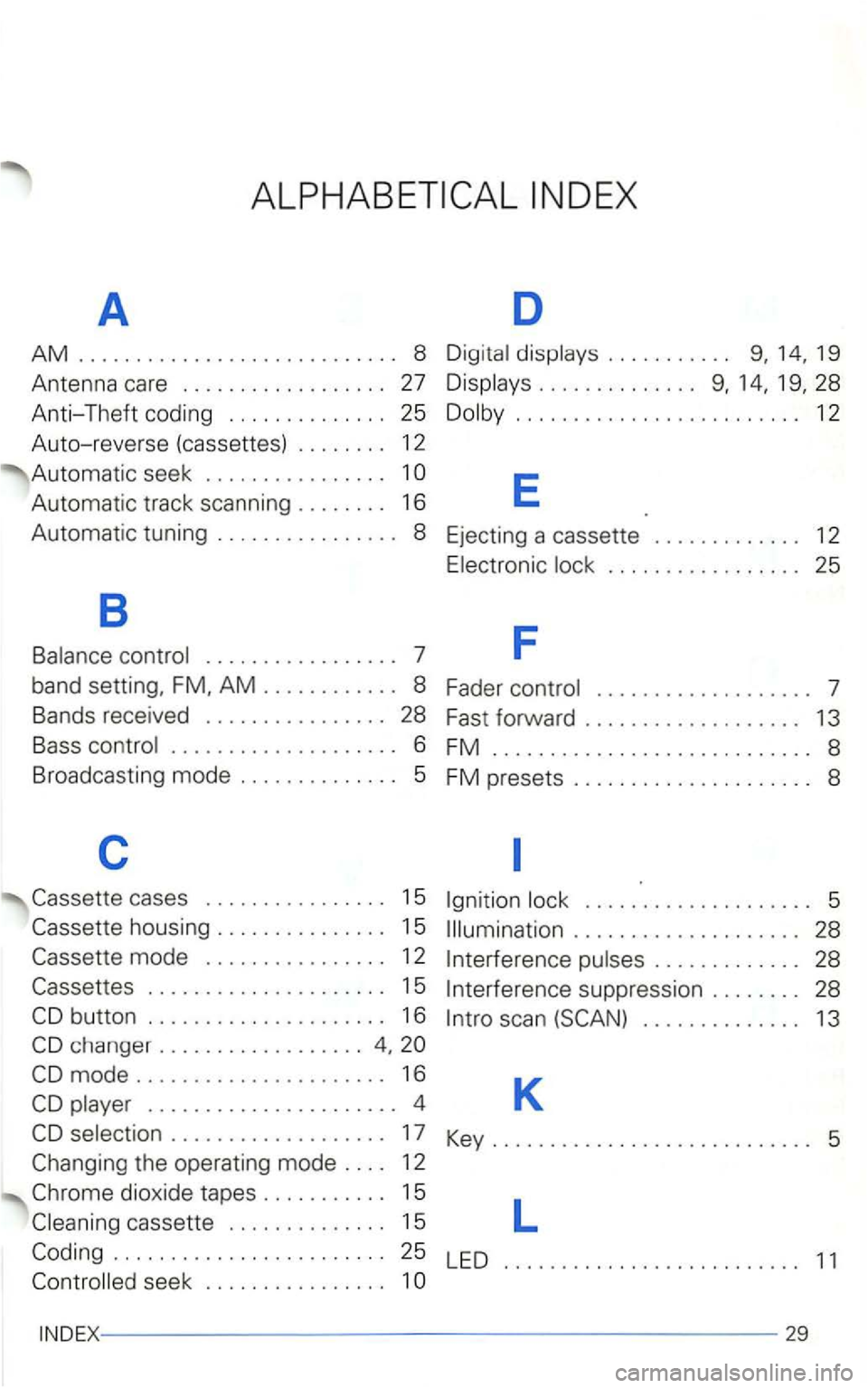
A D
AM 8 Digita l displays . . . . . . . . . . .
Automatic track scanning . . . . . . . . 16 E
Automatic tuning . . . . . . . . . . . . . . . . 8 Ejecting a cassette . . . . . . . . . . . . . 12
E lectronic lock . . . . . . . . . . . . . . . . . 25
B
F Balance control . . . . . . . . . . . . . . . . . 7
band setting, AM . . . . . . . . . . . . 8 Fader control . . . . . . . . . . . . . . . . . . . 7
Bands received . . . . . . . . . . . . . . . . 28 Fast forward . . . . . . . . . . . . . . . . . . . 13
Bass control
.................... 6 FM ............................ 8
Broadcasting mode . . . . . . . . . . . . . .
5 FM presets ..................... 8
c
cases . . . . . . . . . . . . . . . . 1 5
mode . . . . . . . . . . . . . . . . 1 2
. . . . . . . . . . . . . . . . . . . . . 1 5
changer ..................
play er . . . . . . . . . . . . . . . . . . . . . . 4
selection . . . . . . . . . . . . . . . . . . . 17
Igni tion
. . . . . . . . . . . . . . . . . . . . 28
I nterference pulse s . . . . . . . . . . . . . 28
I nterference suppression . . . . . . . . 28
l nt ro sca n
dioxide tapes . . . . . . . . . . . 15 l
cassette . . . . . . . . . . . . . . 15
seek . . . . . . . . . . . . . . . . 1
29