lock VOLKSWAGEN GOLF 2000 Owner's Guide
[x] Cancel search | Manufacturer: VOLKSWAGEN, Model Year: 2000, Model line: GOLF, Model: VOLKSWAGEN GOLF 2000Pages: 474, PDF Size: 88.1 MB
Page 274 of 474
w
Warning Indicator lights
- Airbag system . . . . . . . . . . . . . . 16
- Alternator
Generator . . . . . . . 19 -Anti-Lock brake system . . . . . 17
Regulation . . . . . . . . . 17 -Brake ...................... 18
-
Rear lid open . . . . . . . . . 22
- Electronic power control . . . . . 16
-
Engine L evel . . . . . . . .
Temperature . -Engine oil level . . . . . . . . . . . . . 22
- Front brake pads worn . . . . . . . 22
-
. . . . . . . . . . . . . . . . . 16
- Malfunction indicator
open ............... 22
belts . . . . . . . . . . . . . . . . 19
-Trunk Rear
also Booklet 3.2
Washer system . . . . . . . . . . . . . . . . 46
Wi ndo w
Windshield
-
-
p rotection . . . . . . . . . . . . 38
Windshie
ld wiper . . . . . . . . . . . . . . . 46
Wiper
.........................
-Rear window ...............
Washer system
-Blades ..................... 48
-
Rain sensor . . . . . . . . . . . . . . . . 46
- Windshield . . . . . . . . . . . . . . . . . 46
Wiper blades . . . . . . . . . . . . . . . . . . 48
-
. . . . . . . . . . . . . . . . . . . 48
- Remo vi
ng . . . . . . . . . . . . . . . . . . 48
W iper /Was her system . . . . . . . . . . 46
-Container capacity
. . . . . . . . . . . . . . . . . Booklet 3.3
- Fluid
. . . . . . . . . . . . . . . . . Booklet 3.2
- Wiper blades . . . . . . . . . . . . . . . 48
- Wiper speeds . . . . . . . . . . . . . . 46
118 -------------------ALPHBETICAL INDEX
Page 280 of 474
AN D
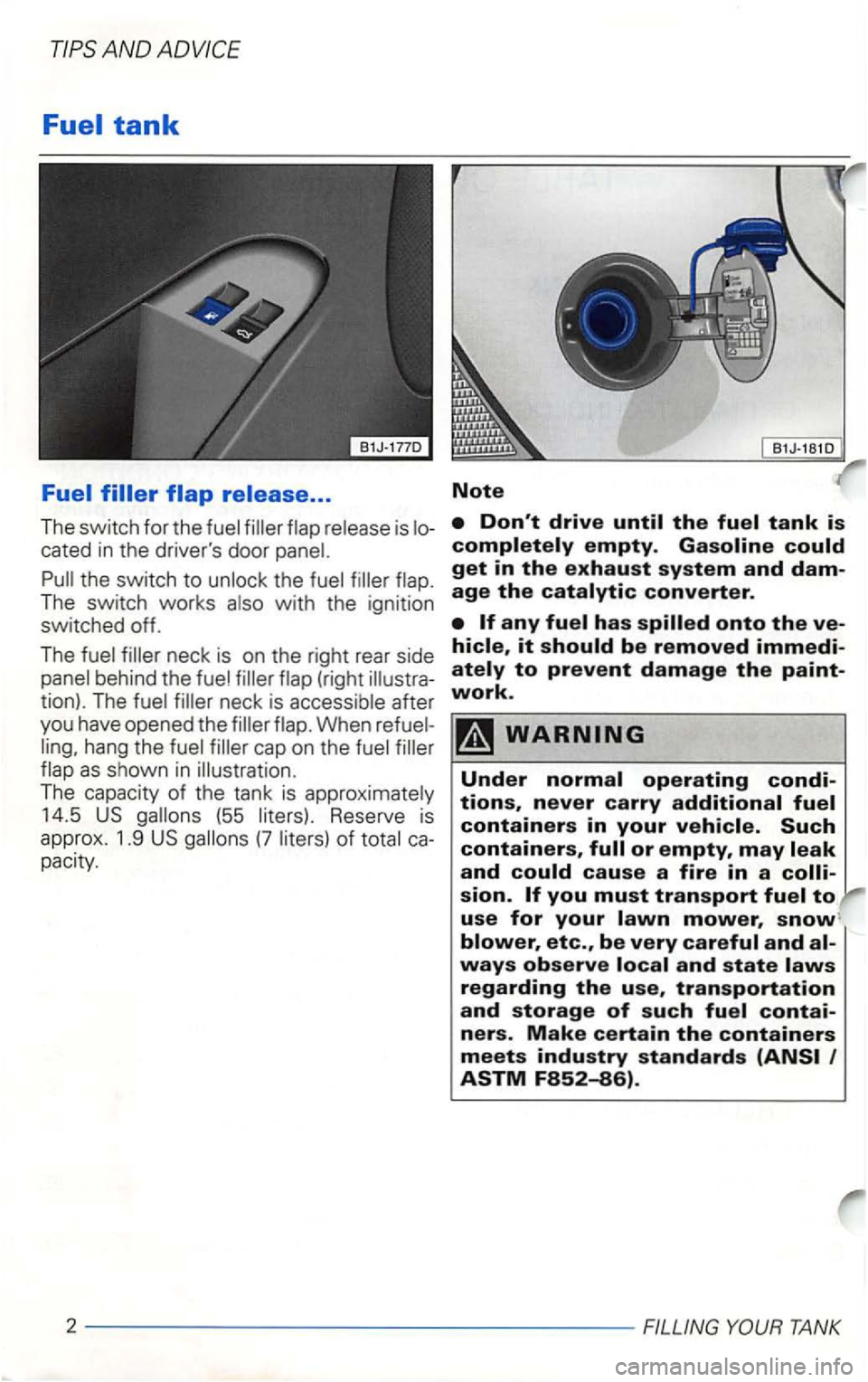
cated in the driver's door panel.
Pull the _switch to unlock the fuel filler flap .
The
tion). The fuel filler neck is acc ess ible after
you have opened the filler flap. When
pacity.
Note
it
to prevent damage the paint
work.
use for your
TANK
Page 287 of 474
Functioning of Anti-Lock Brake
System (ABS)*
The contributes to
when the brakes are This
means that the remain s
and is
the brake.
Just
short
ens braking distance under
or on new
Therefore .
under these circumstances , it is
and with
great care.
begins to rotate too to the automatically reduces
brake pressure to prevent that
This automatic adjustment process
is not functioning a warning
see
Booklet 3. 1.
ing
Page 312 of 474
AND
Engine hood
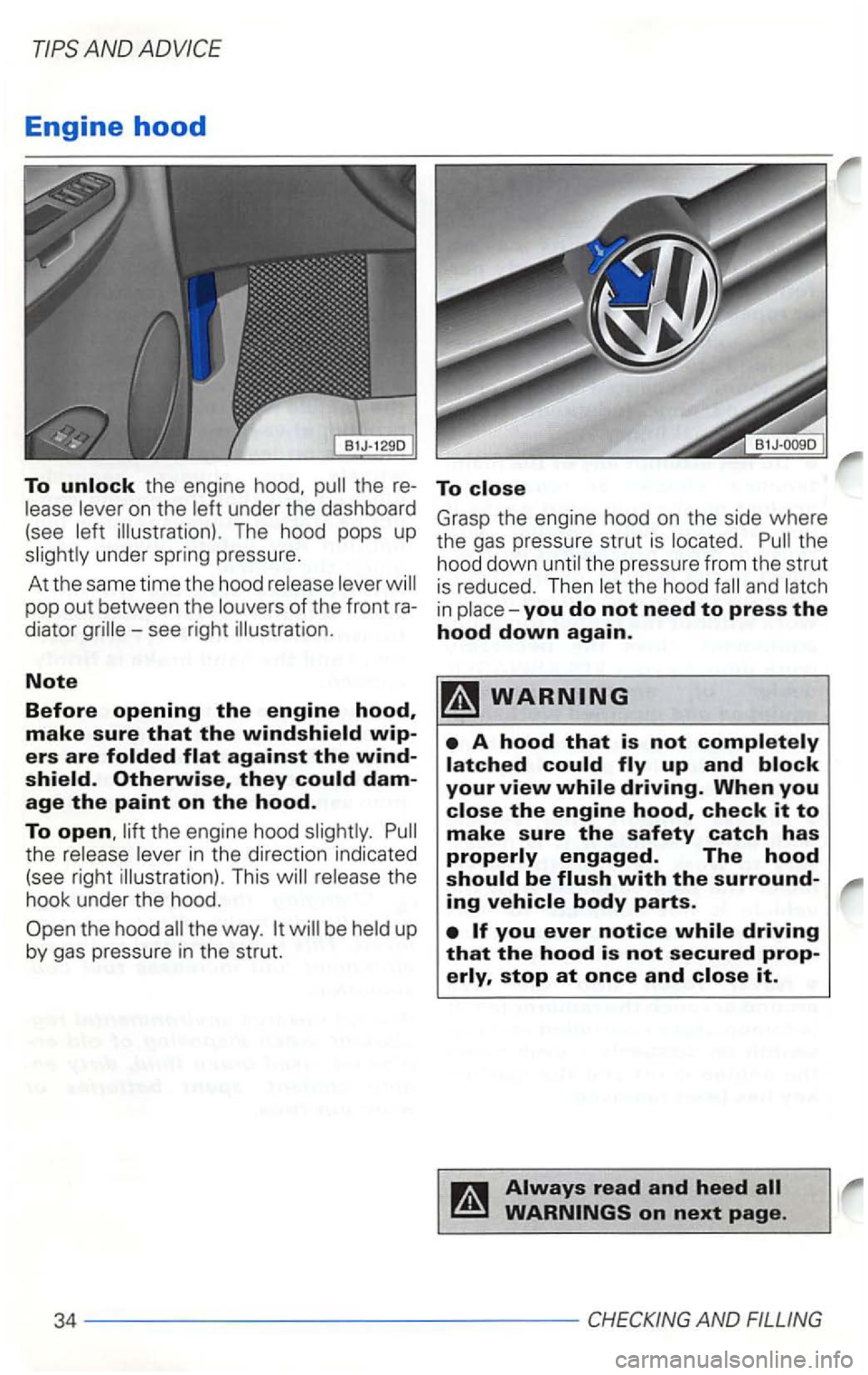
To unlock the engine hood. lease lever on the left under the dashboard
(see left illustration) . The hood pops up
slightly under spring pressure.
At the same time the hood release lever the hood
Page 358 of 474
AN D
sio n to neutral and
set parking brake
touch.
(-) to
ground on engine block (x ).
For more details see next page.
80------ ----------------------------WHATDOIDONOW?
Page 361 of 474
Lifting
points as illustrated on the
next page for the hoist
when heavy components such as
the engine block or transmission
are removed.
AND ADVIC E
Page 365 of 474
A 8
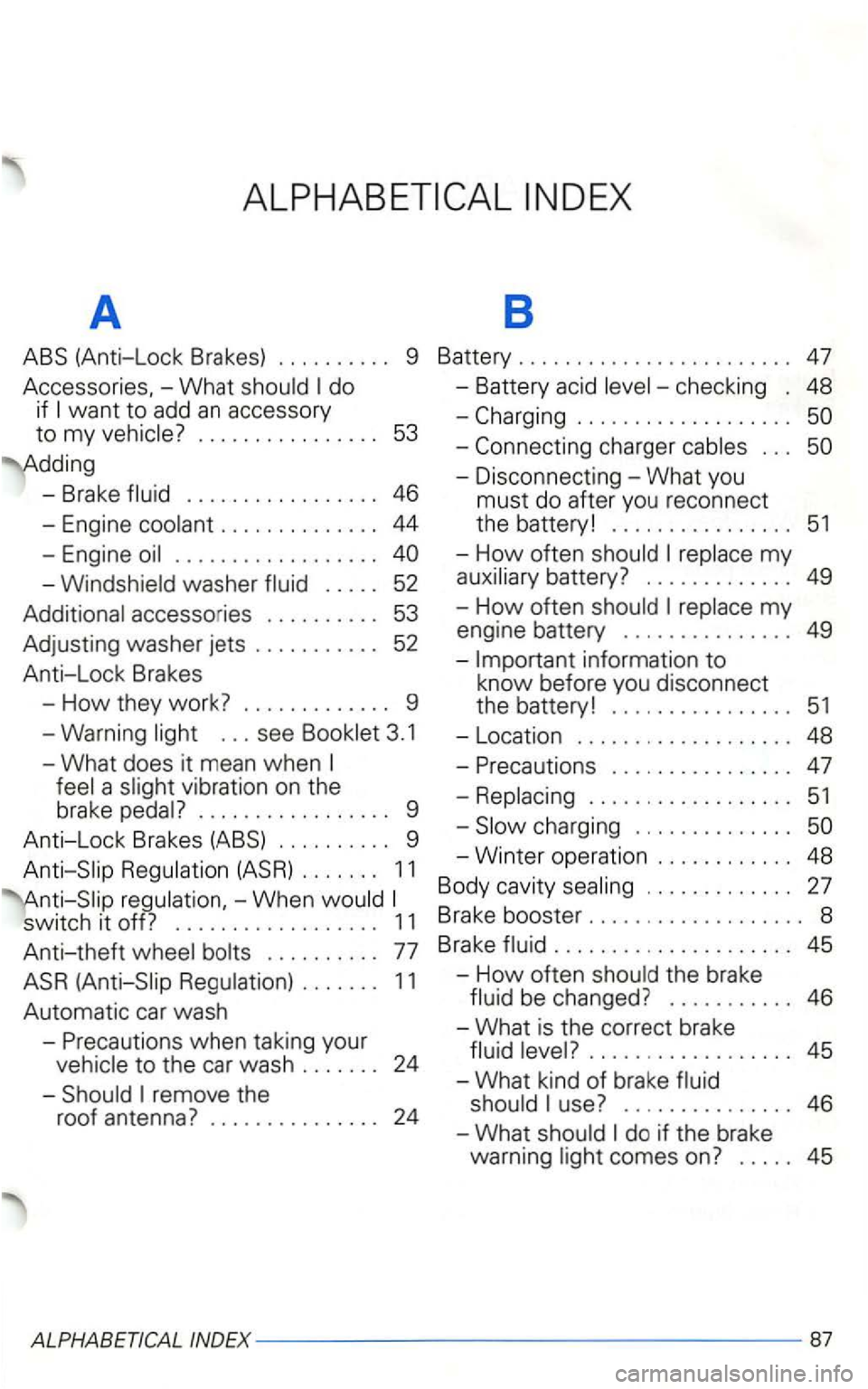
ABS (Anti-Lock Brakes) 9 Battery 47
Accessor ies, -What do
if
- Brake 46
-Engine
washer 52
accesso ries
52
Anti-Lock Brakes
-
How they work? 9
-Warning
a v ibration on the
brake
9
A nti-Lock Brakes (ABS) 9
11
switch it off? 1 1
Anti-theft
24
48
51
-How often 49
-How often
49
in format ion to k now befo re you disconnect
the batte ry! 51
- Locat ion 48
-Precau tions 47
51
-Winter op erat ion
27
B rake booste r
45
-How often the brake
46
-Wha t is the correct brake
45
-What kind of brake
45
Page 370 of 474
H
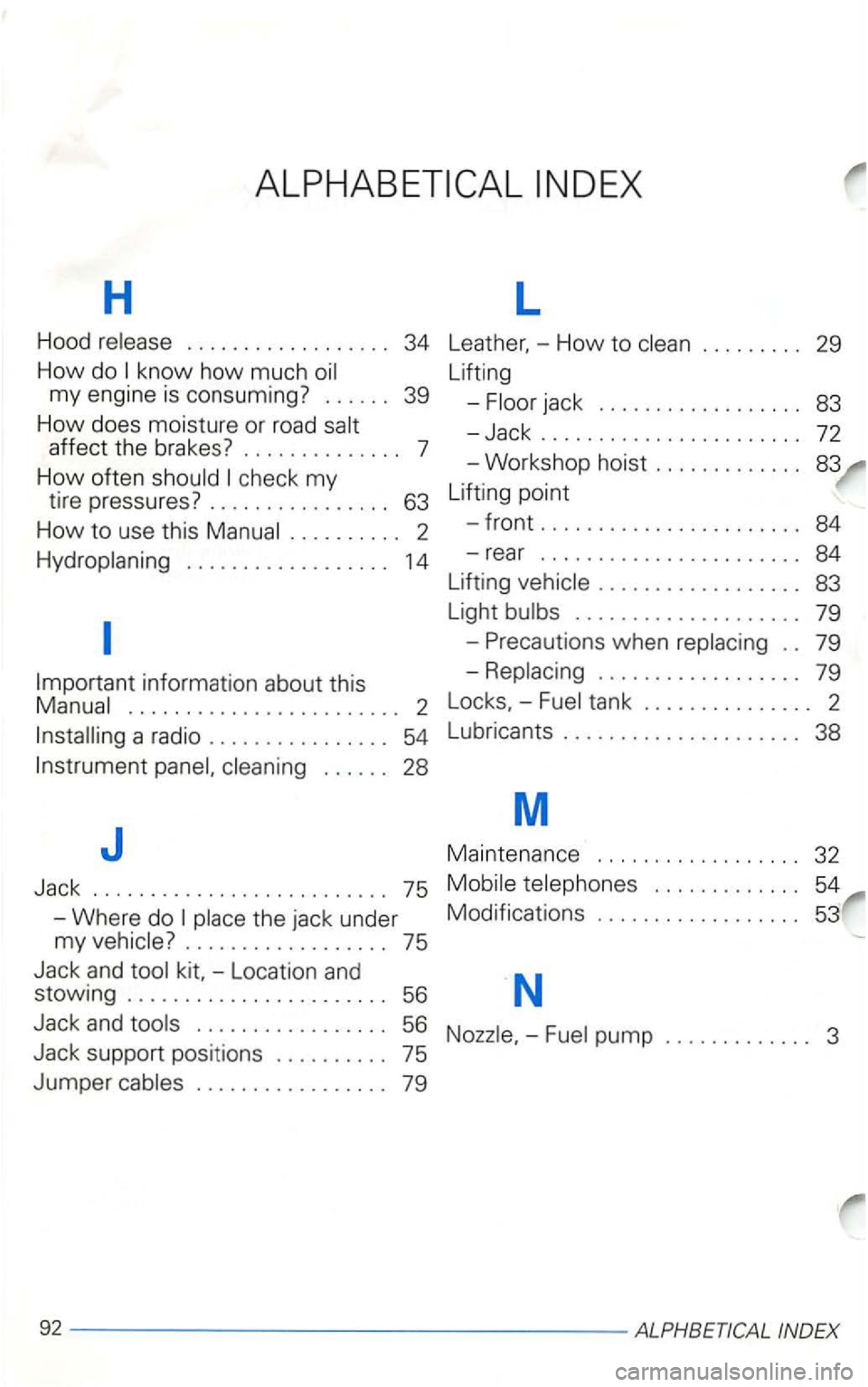
Hood release . . . . . . . . . . . . . . . . . . 34
How do know how much oil
my engine is consuming?
...... 39
H
ow does moisture or road salt
affect the brakes ? . . . . . . . . . . . . . . 7
How often should check my
tire pressures? . . . . . . . . . . . . . . . . 63
How to use this Manual . . . . . . . . . . 2
Hydroplaning . . . . . . . . . . . . . . . . . . 14
Important inform ation about this
Manua l
........................ 2
Installing a radio .............
83
-Jack ......... 72
-Workshop hoist .....
84
Lifting vehicle
................ 83
Light bulbs
........ 79
-Precautions when replacing 79
-
Replaci ng . . . . . . . . . . . . . . . . . . 79
Locks, -Fuel tank
......... 2
L ubrica nts
.......... 38
M
J
Jack
-Where do
place the jack under Ma
intenance . . . . . . . . . . . . . . . . . .
32
75 Mobile telephones . . . . . . . . . . . . . 54
Modifications . . . . . . . . . . . . . . . . . . 53
my vehicle?
.... 75
Jack
and tool -Location and
stowin g ....................... 56 N
Jack and tools 56 Nozzle. -Fuel pump .....
Page 397 of 474
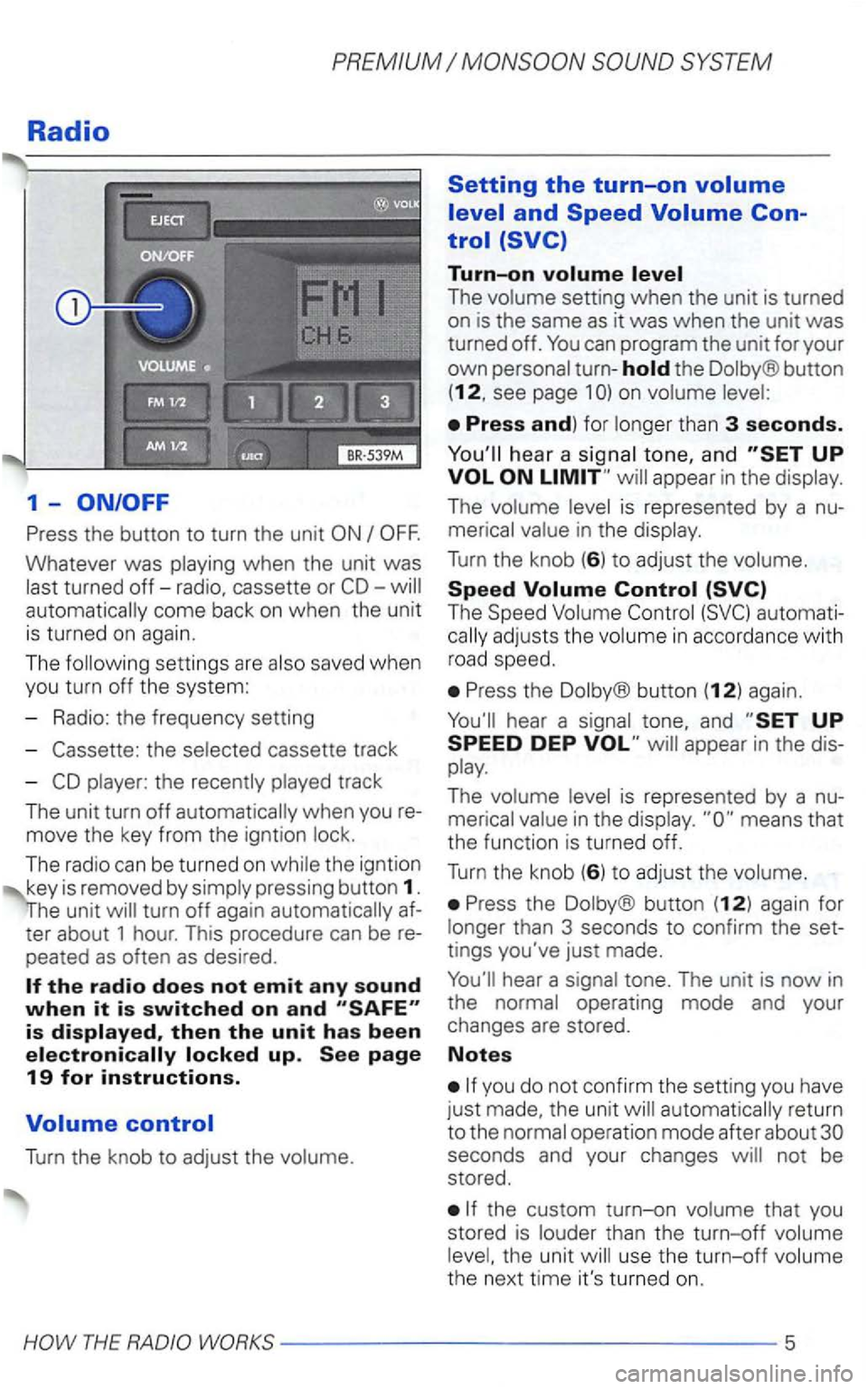
Radio
1-
Press the button to turn the unit
Whatever was playing when the unit was
last turned
off-radio, cassette or automatically come back on when the unit
is turned on again.
The following settin gs are also saved when
you turn off the system:
- Radio: the frequency setting
-
the selected cassette track
-
player: the recently played track
The unit turn
off automatically when you
move the key from the igntion lock.
The radio can be turned
on while the igntion
key is removed by simply pressing button 1.
turn off again automatically
peated as often as desired .
Turn the knob to adjust the volume.
Setting the turn-on
Turn-on
The volume setting when the unit is turned
on is the same as it was when the unit was turned off.
the Dolby® button
(12, see page 1
hea r a signal tone, and appear in the display.
The volume level is represented by a
The Speed Volume
Press the Dolby® button (12) again.
Press the Dolby ® button (12) again for
longer than 3 seconds to confirm the
tings you've just made.
automatically return
to the normal operation mode after about
the custom turn-on volume that you
stored is louder than the turn-off volume
level, the unit will use the
turn-off volume
the next time it's turned on.
Page 412 of 474
Wrong code number
can repeat the procedure again one time. The number of attempts
be disabled for about 1 hour.
Leave the unit
is ....
-2 attempts
- one hour locked .
Note
-----------HOW THE ANTI-THEFT