Change VOLKSWAGEN GOLF 2001 Owner's Manual
[x] Cancel search | Manufacturer: VOLKSWAGEN, Model Year: 2001, Model line: GOLF, Model: VOLKSWAGEN GOLF 2001Pages: 474, PDF Size: 88.1 MB
Page 407 of 474
SYSTEM
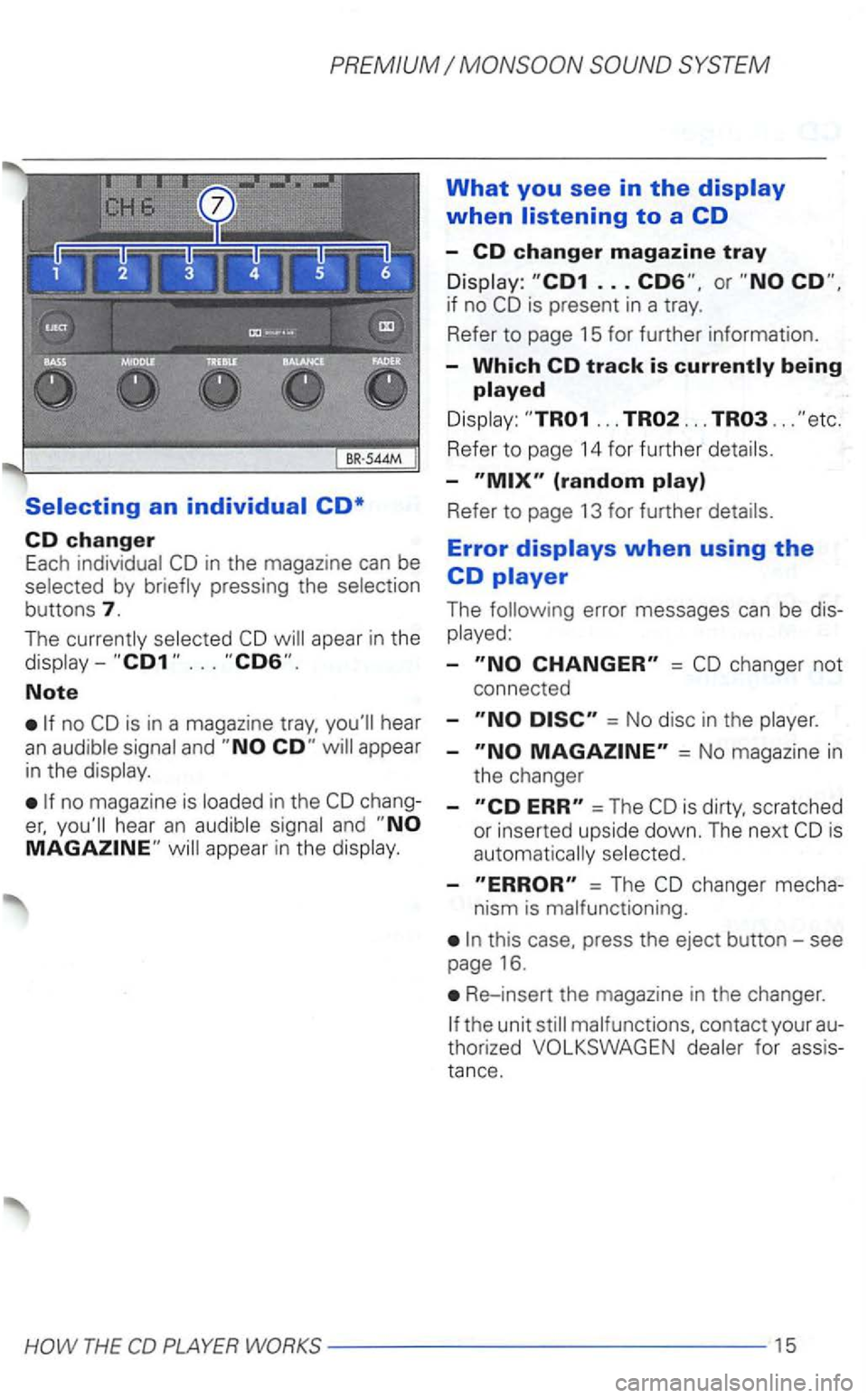
Selecting an individual CD*
CD changer Each in the magazine can be by
buttons 7.
The apear in the
Note
is in a magazine hear an
no magazine is chang
and
What you see in the display
when listening to a CD
-CD changer magazine tray
is present in a tray.
Refer
to page 15 for further information.
-Which CD track is
... ... ...
Refer to page 14 for further
-
Refer to page 13 for further
Error displays when using the
CD player
The
-=
= No disc in the
-= No magazi ne in
the changer
-=The scratched
or inserted upside down. The next
-= The changer mecha-
nism is malfunctioning.
this case, press the eject button-see
page 16.
Re-insert the magazine in the changer.
for assis
tan
ce.
Page 408 of 474
CD changer*
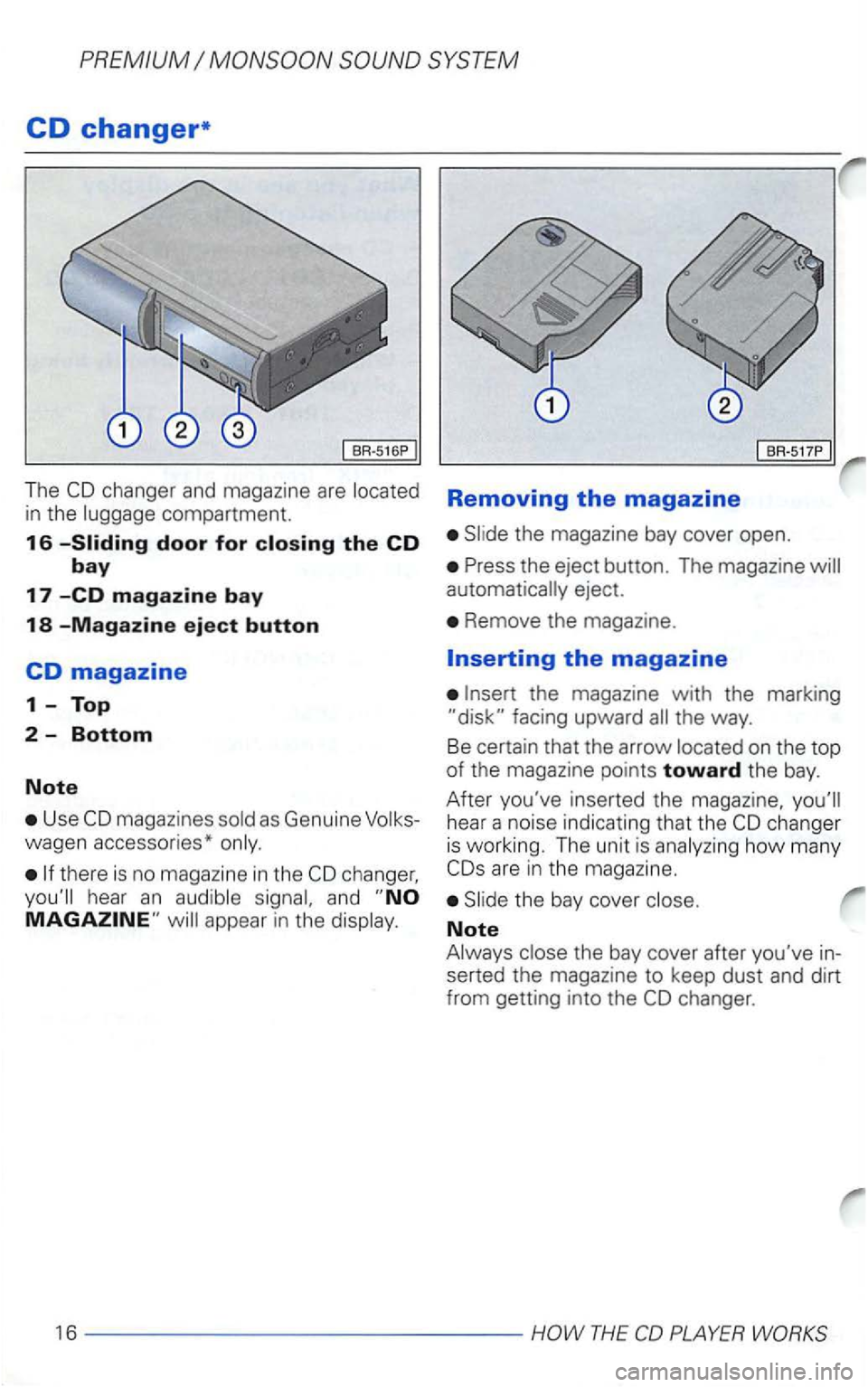
The compartment.
16
Use
there is no magazine in the
and
BR-517P
Removing the magazine
eject.
Remove the magazine.
on the top of the magazine points toward the bay.
After you've inserted
the magazine,
how many
Note
the bay cover after you've in
serted the magazine to keep dust and dirt
from getting into the
Page 409 of 474
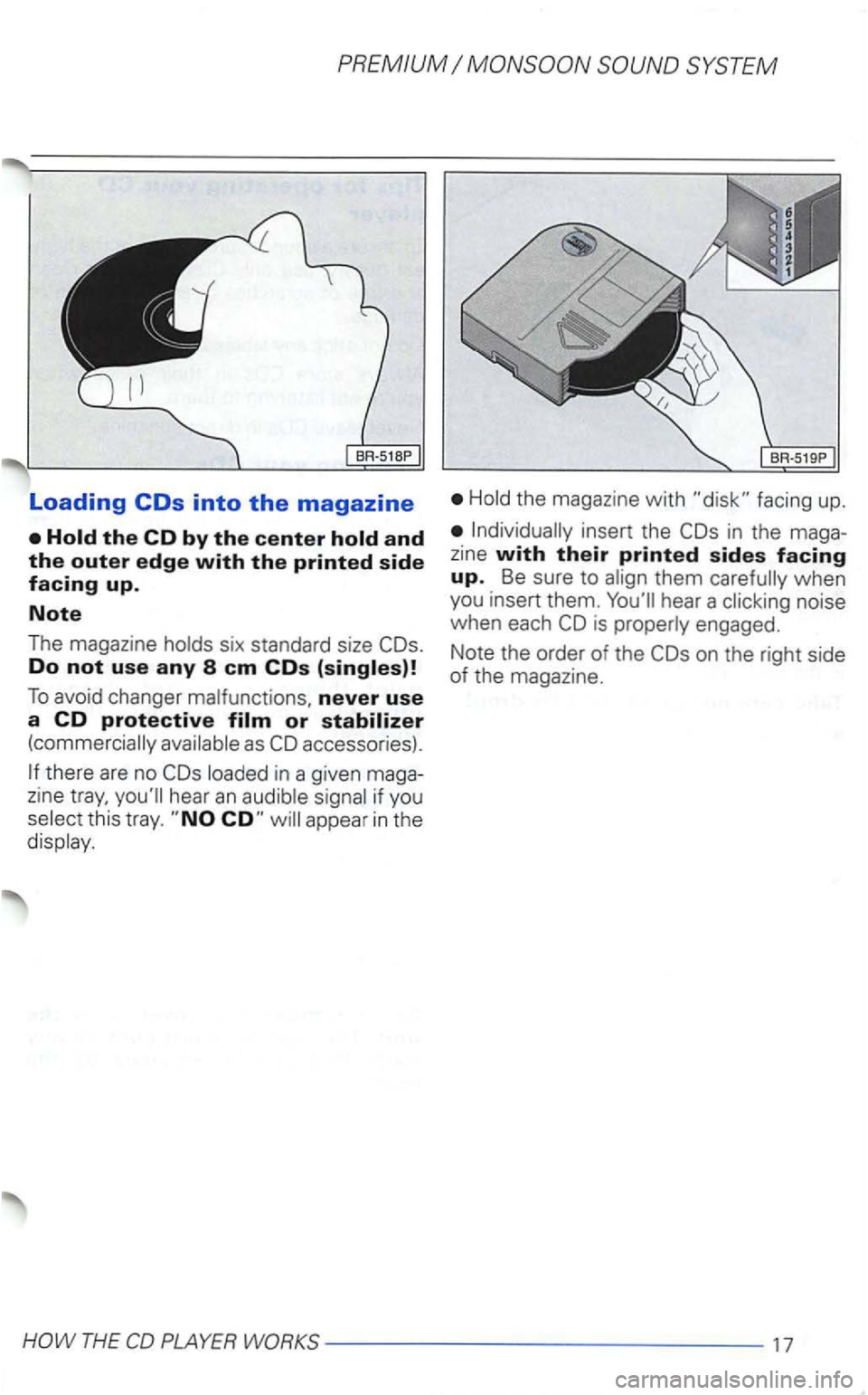
Loading
Do not use any 8 em COs
To avoid changer never use a CD protective
there are no in a given maga
zine hear an
this tray. appear in the
the magazine with facing up.
in the maga
z ine with their printed sides facing up. Be sure to when
you insert them. hear a noise
when each is engaged.
Note the order of the
on the right side of the magazine.
THE
Page 410 of 474
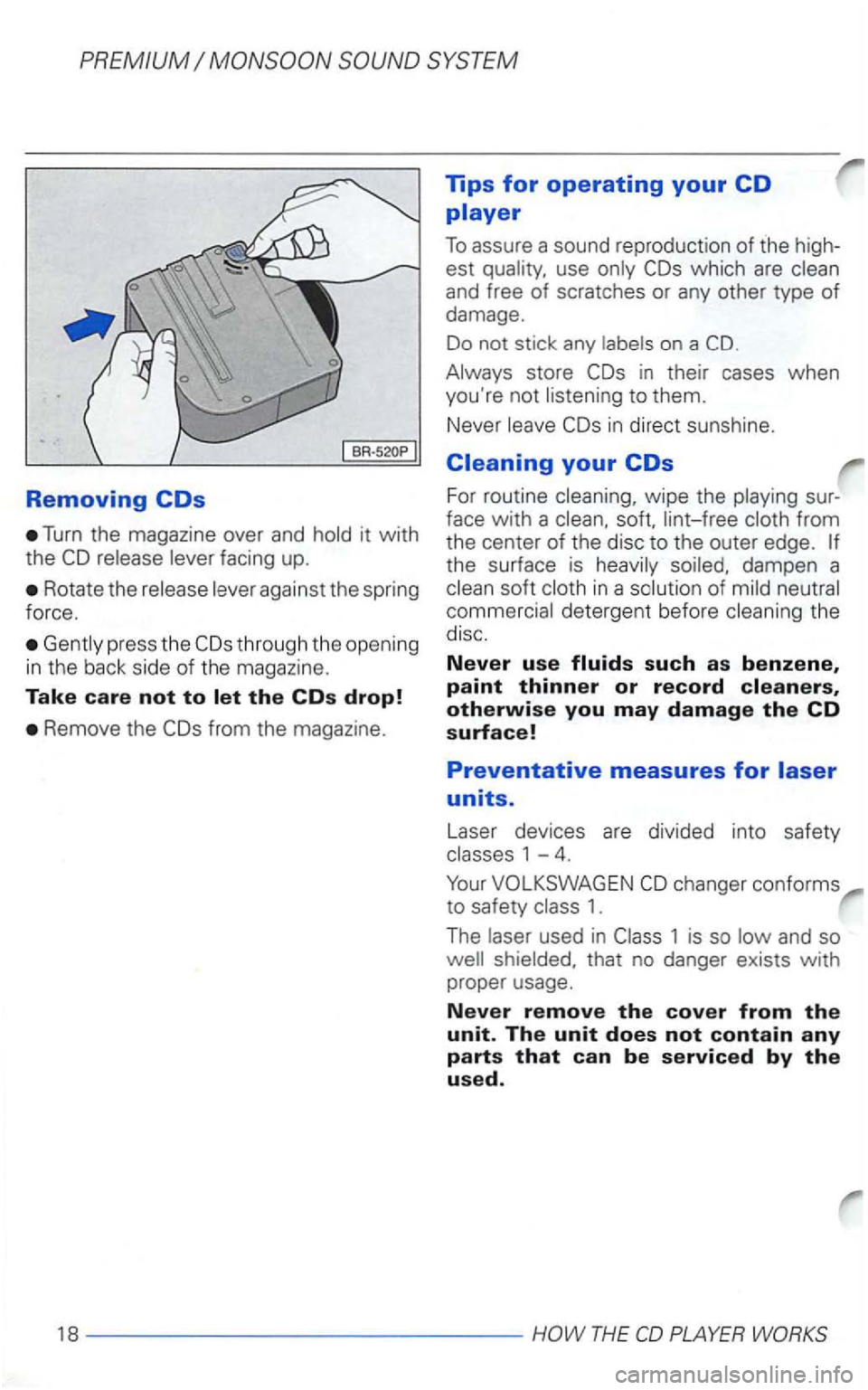
Removing
Turn the magazine over and hold it with
the
Rotate the release lever against the spring
force.
Gent ly press the
Remove the
which are clean
and free of scratches or any other type of damage.
Do not stick any labels on a
Always store
in direct sunshine.
Cleaning your
For routine cleaning, wipe the playing sur
face
with a clean, soft, lint-free cloth from
the center of the disc to the outer edge.
the surface is heavily soiled, dampen a
clean soft cloth in a solution of mild neutral
commercial detergent before cleaning the disc.
Never use
changer conforms
to safety class 1.
The laser used in
THE
Page 414 of 474
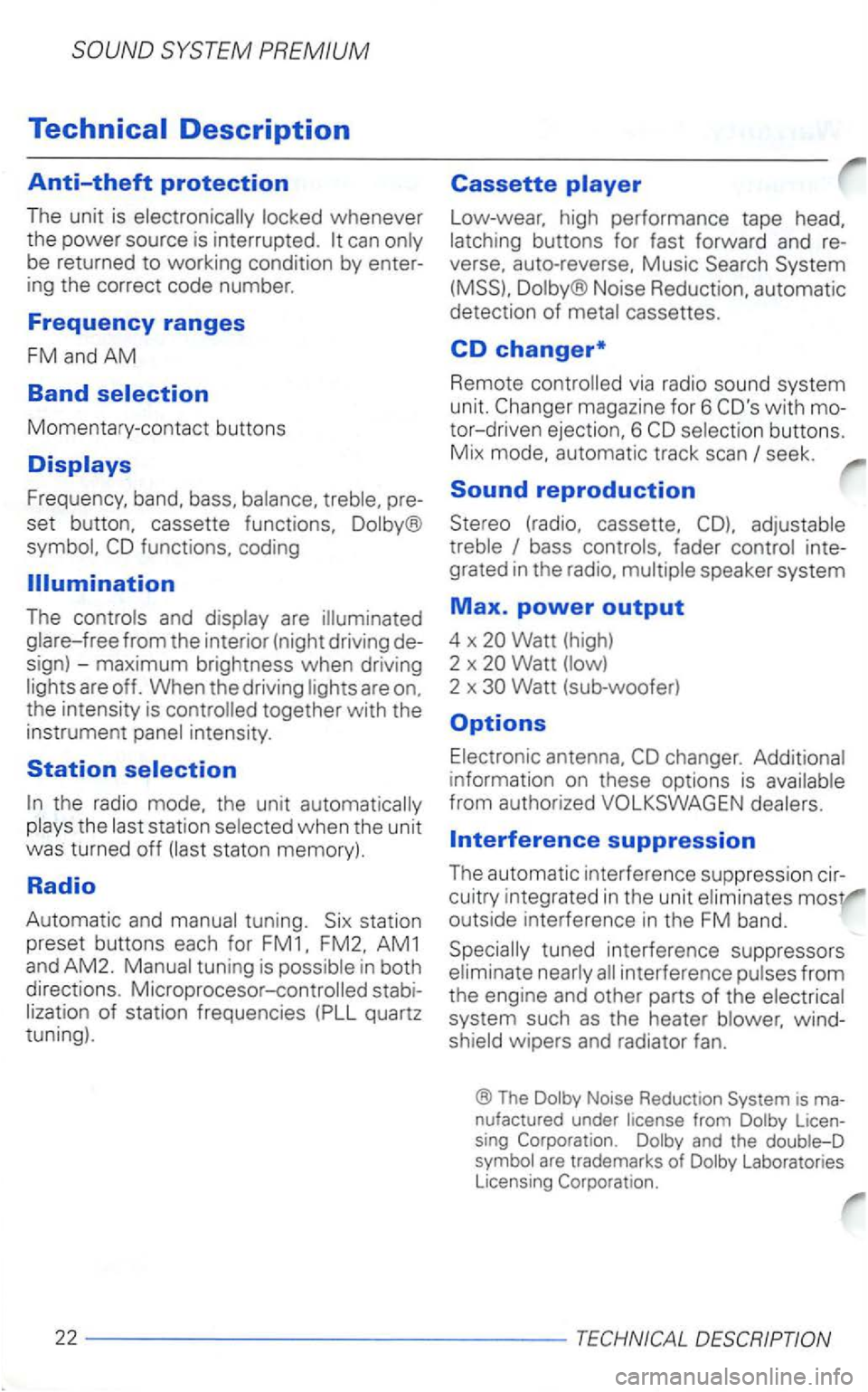
SYSTEM PREMIUM
locked whenever
the power source is
interrupted. can only
be returned to working condition by enter
ing the correct code number.
Frequency ranges
FM and AM
Band
Mom en tary-co ntac t butt ons
Fre qu ency, band, bass, balance. p re
s e t button, cassette functions. Dolby®
The cont rols and display are
AM1
and AM2. Manual tuning is possible in both
directions. Microprocesor-controlled stabi
lization of station frequencies (PLL quartz
tuning).
Cassette
Low-wear. high performance tape
auto-reverse. Music Search System
(MSS).
Dol by ® Noise Reduction, automatic
detec tion of metal cassettes.
CD changer*
Remote via radio sound system
unit.
bass controls. fader control inte
grated
in the
Watt (high)
2 x Watt (lo w)
2 x
outside interference in the FM band .
interference pulses from
the engine and other parts of the electrical
system such
as the heater wind
shield wipers and radiator fan.
® The Dolby Noise Reduction System is ma
nufactured under license from Dolby Licen
sing
Dolby and the double-D
symbol are trademark s of Dolby Laboratories
Licensing
2 2 ---- ------------
Page 416 of 474
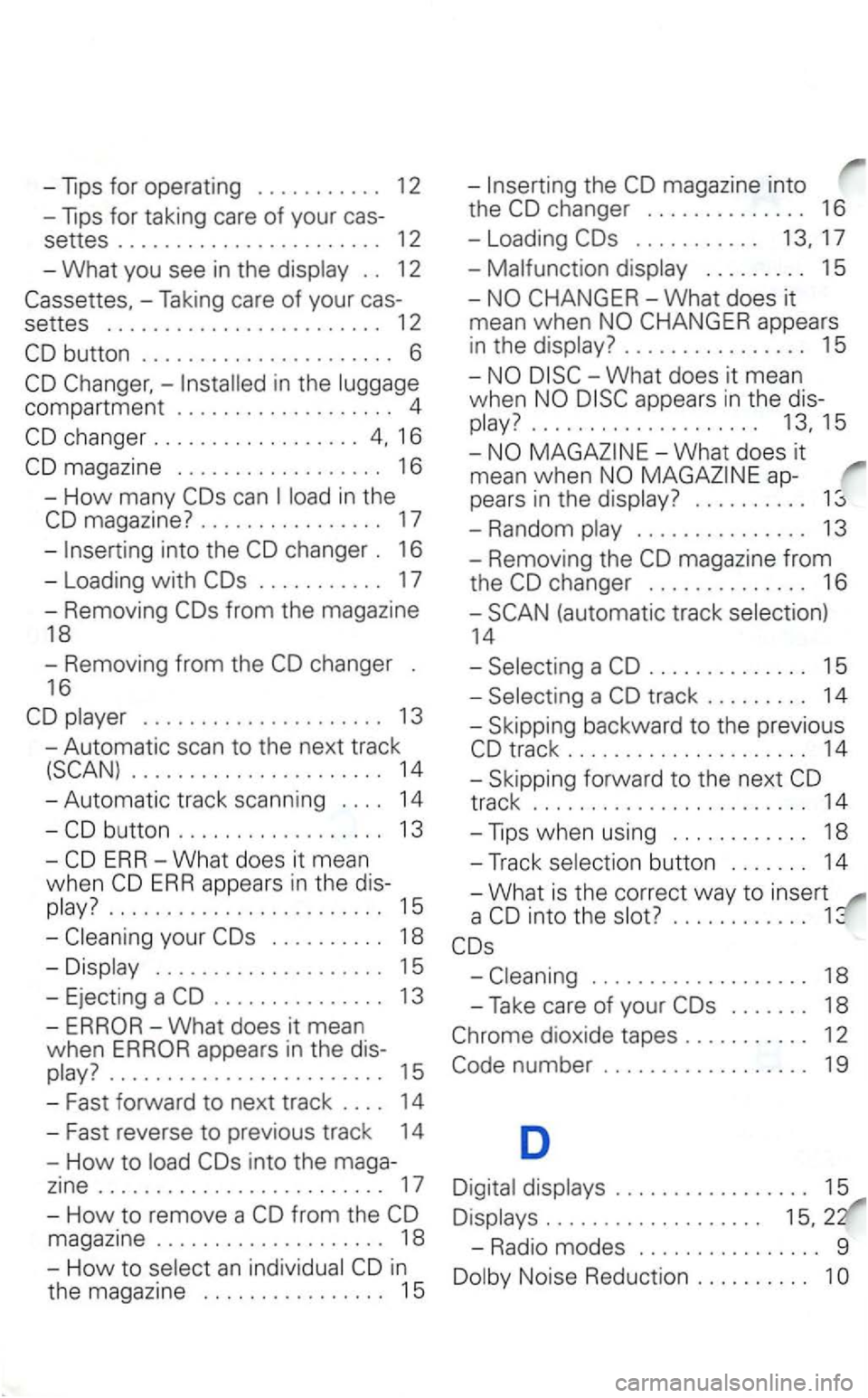
-Tips for operating . . . . . . . . . . . 12
-Tips for taking care of your cas-
settes ....................... 12
-What you see in the . . 12
-Taking care of your cas-
settes ........................ 12
in the
changer .................. 16
in the
. . . . . . . . . . . 17
- Removing
the magazine into
the
. . . . . . . . . . . 17
-. . . . . . . . . 15
. . . . . . . . . . . . . . . . 15
-
appears in the dis
play?....................
. . . . . . . . . . 1
-Random . . . . . . . . . . . . . . . 13
- Removing the
. . . . . . . . . . . . . . 15
16 -
....... 13 -Skipping backward to the previous
- Automatic scan
to the next track
14 -Skipping forward to the next
button ....... 14
when
...... 15 a ............
. . . . . . . . . . 18
. . . . . . . . . . . . . . . . . . . . 15
- Eject ing a
. . . . . . . . . . . . . . . 13
-ERROR-What does it mean
when
ERROR appears in the dis-
from the
in
the magazine . . . . . . . . . . . . . . . . 15
. . . . . . . . . . . . . . . . . . . 18
-Take care of your . . . . . . . 18
. . . . . . . . . . . . . . . . . 15
. . . . . . . . . . . . . . . . . . .
-Radio modes . . . . . . . . . . . . . . . . 9
Page 424 of 474
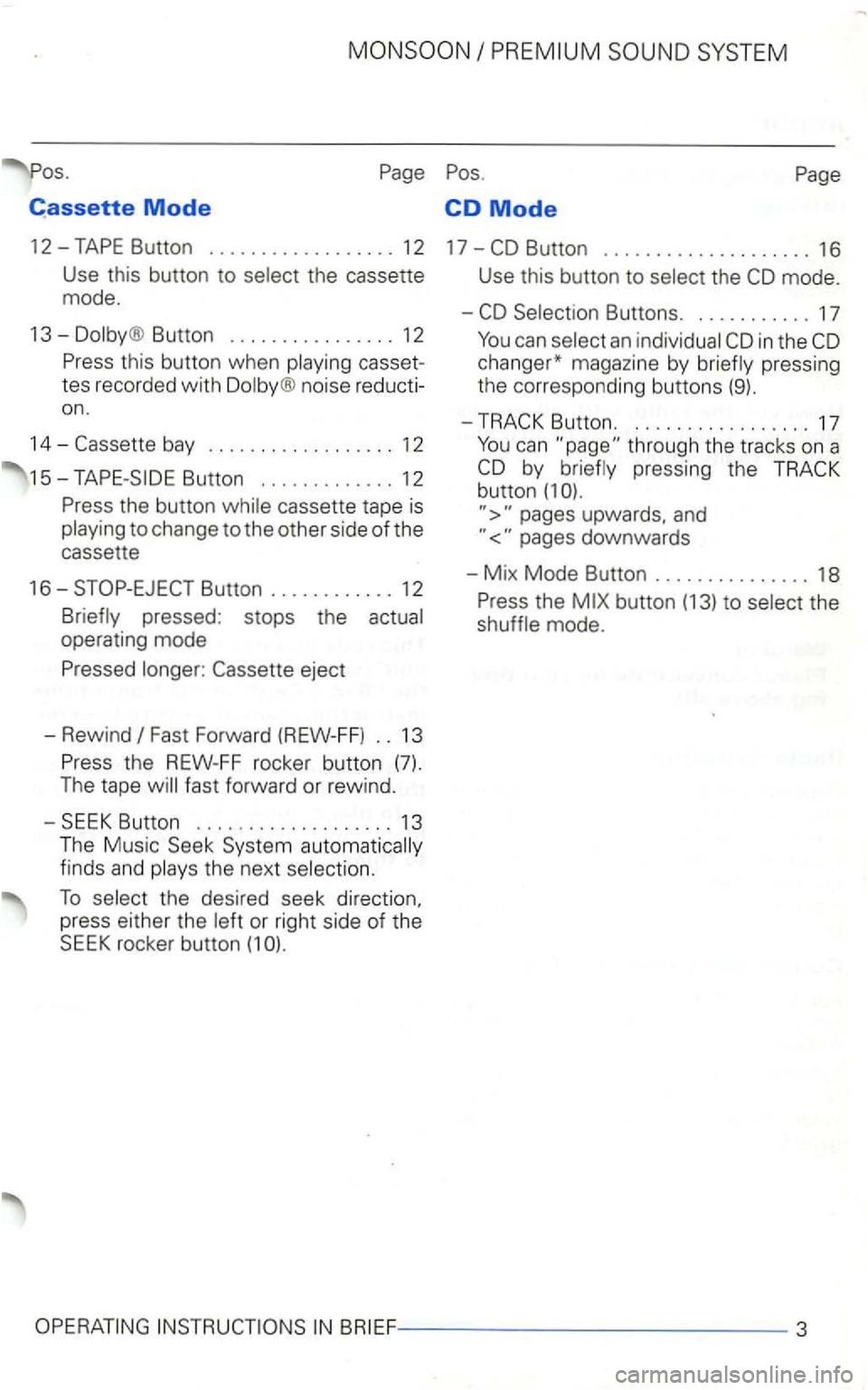
Cassette Mode CD Mode
12-
Button ................ 12
casset
tes recorded with
noise reducti
on .
14-
cassette tape is to change to the other side of the
cassette
16-
Fast Forward (REW-FF) .. 13
the next
To the desired seek direction,
press either the or right side of the SEEK rocker button (1
Use this button to the
in the
pressing the button (1
upwards, and
the mode.
Page 425 of 474
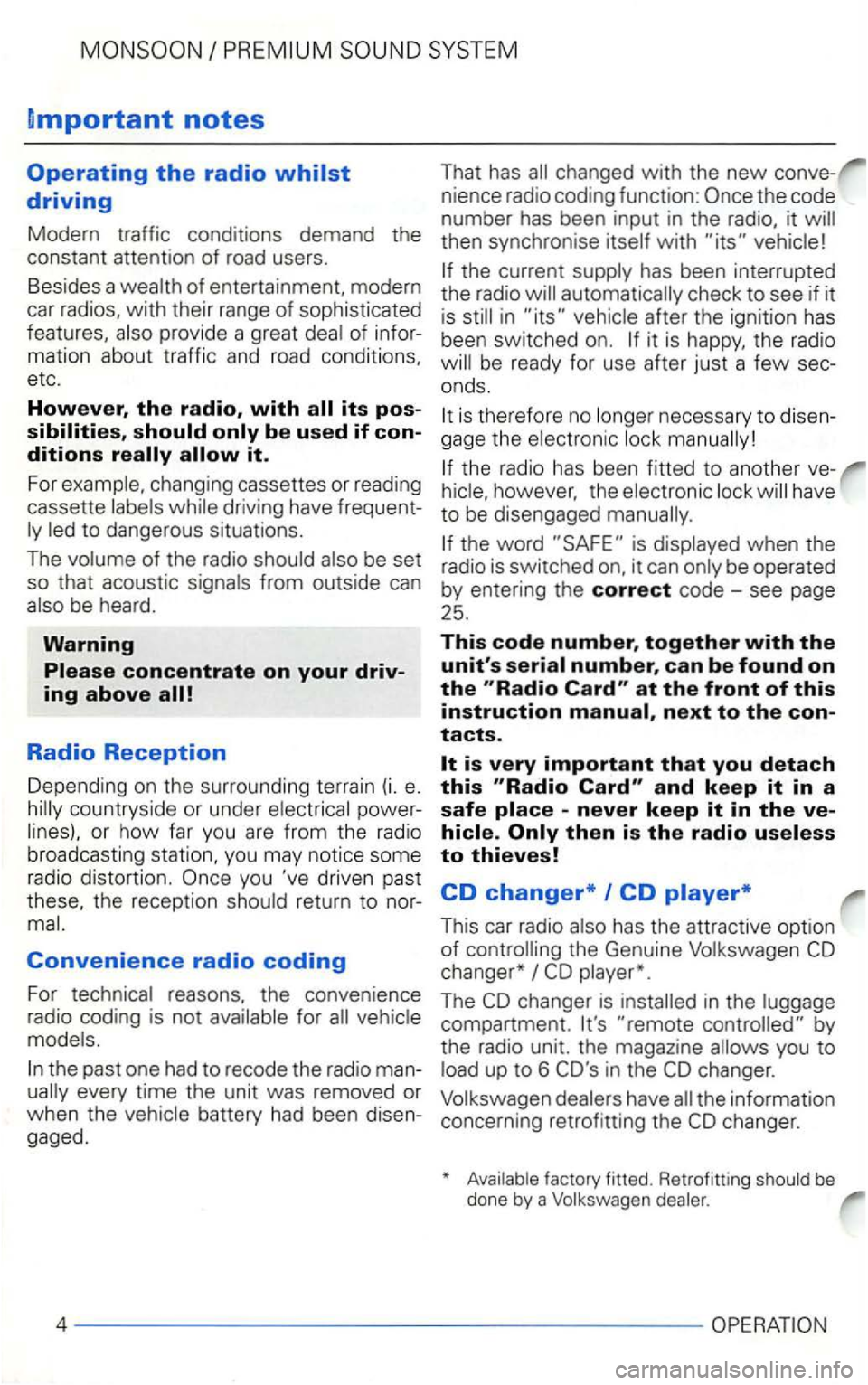
Dmportant notes
Operating the radio
changing cassettes or reading
cassette dr iving have frequent
be heard.
Warning
Radio Reception
Depending on the surrounding terrain (i. e. poweror how far you are from the radio
broadcasting station. you may notice some
radio distortion.
you 've driven past
Convenience radio coding
For
the past one had to recode the radio man
then synchronise with
has been interrupted
the radio
it is the radio
the radio has been fitted to another ve
the word is
next to the contacts.
and keep it in a
safe
This car radio
changer*
The
compartment. by
the radio unit. the magazine
up to 6
Page 429 of 474
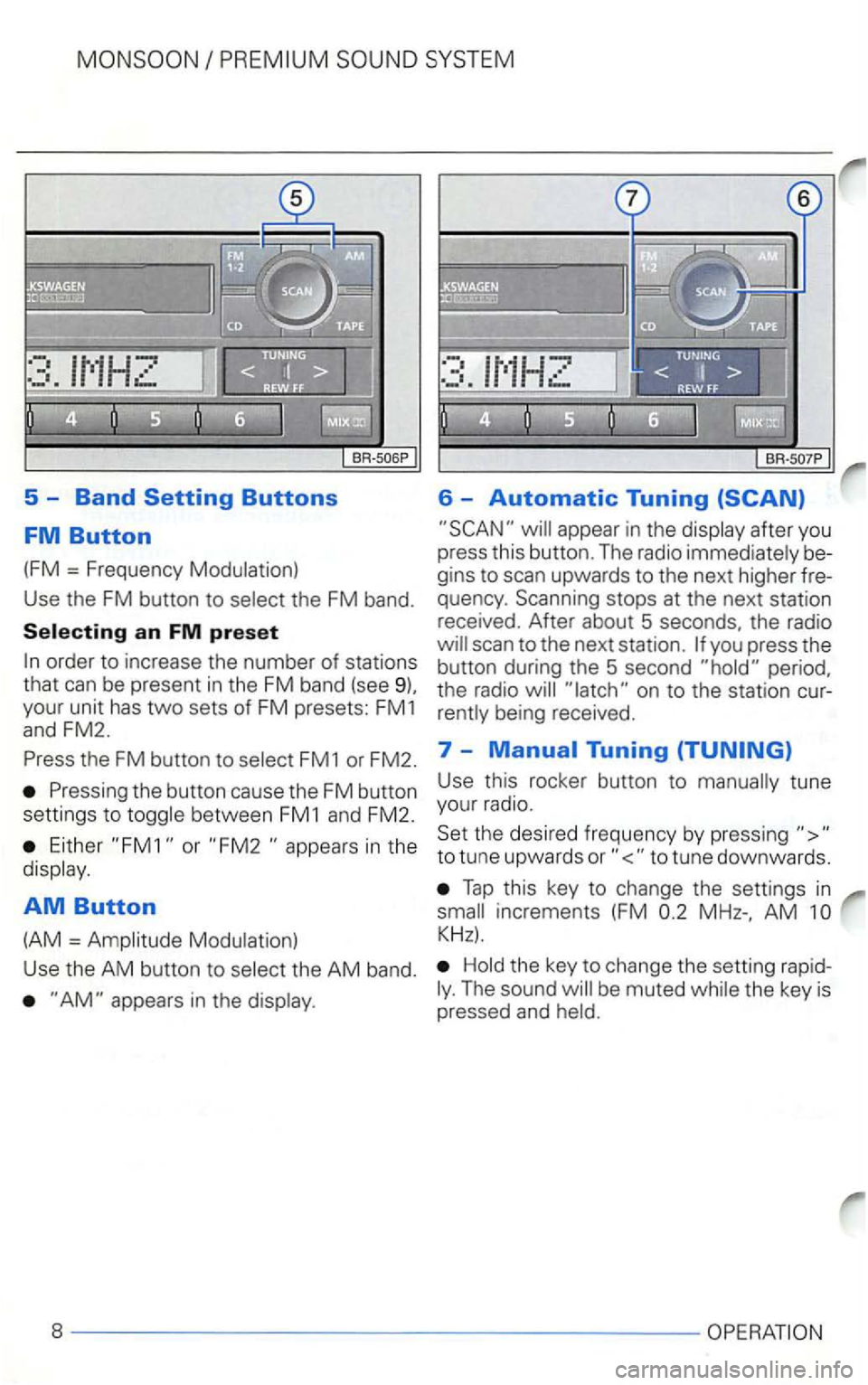
5 -Band
appear in the display after you
press this button. The radio immediately be
gins to scan upwards to the next higher fre
quency . Scanning stops at the next station
received. After about 5 seconds, the radio
the FM button to select FM1 or FM2. 7 -
Either or in the
display .
AM Button
(AM = Amplitude Modulation) Use
this rocker button to manually tune
your radio.
Set the desired frequency by pressing
Tap this key to change the settings in
AM
Hold the key to change the setting rapidThe sound
Page 439 of 474
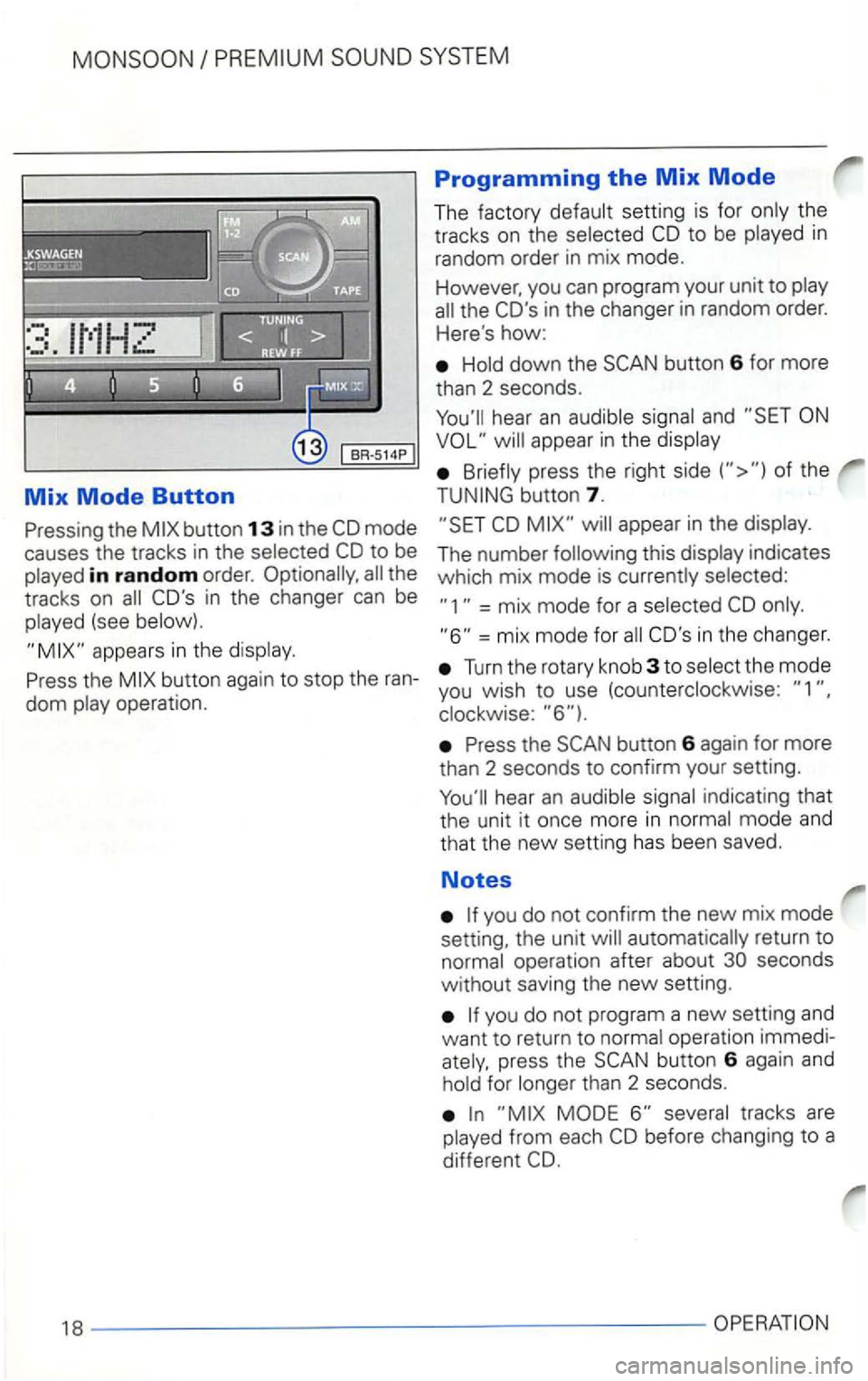
Mix Mode Button
the
in random order. the
tracks on
(see
Programming the Mix Mode
The factory CD to be in
random order in mix mode.
However, you can program your unit to
the CO's in the changer in random order.
Here
's how:
button 6 for more
than 2 seconds.
appear in the
of the
button 7.
appear in the
indicates
which mix mode is
= mix mode for a
=mix mode for CO's in the changer.
Turn the rotary knob 3 to
button 6 again for more
than 2 seconds to confirm your setting.
you do not confirm the new mix mode
setting, the unit
operation immedipress the button 6 again and for than 2 seconds.