change time VOLKSWAGEN GOLF 2012 User Guide
[x] Cancel search | Manufacturer: VOLKSWAGEN, Model Year: 2012, Model line: GOLF, Model: VOLKSWAGEN GOLF 2012Pages: 516, PDF Size: 105.12 MB
Page 74 of 516
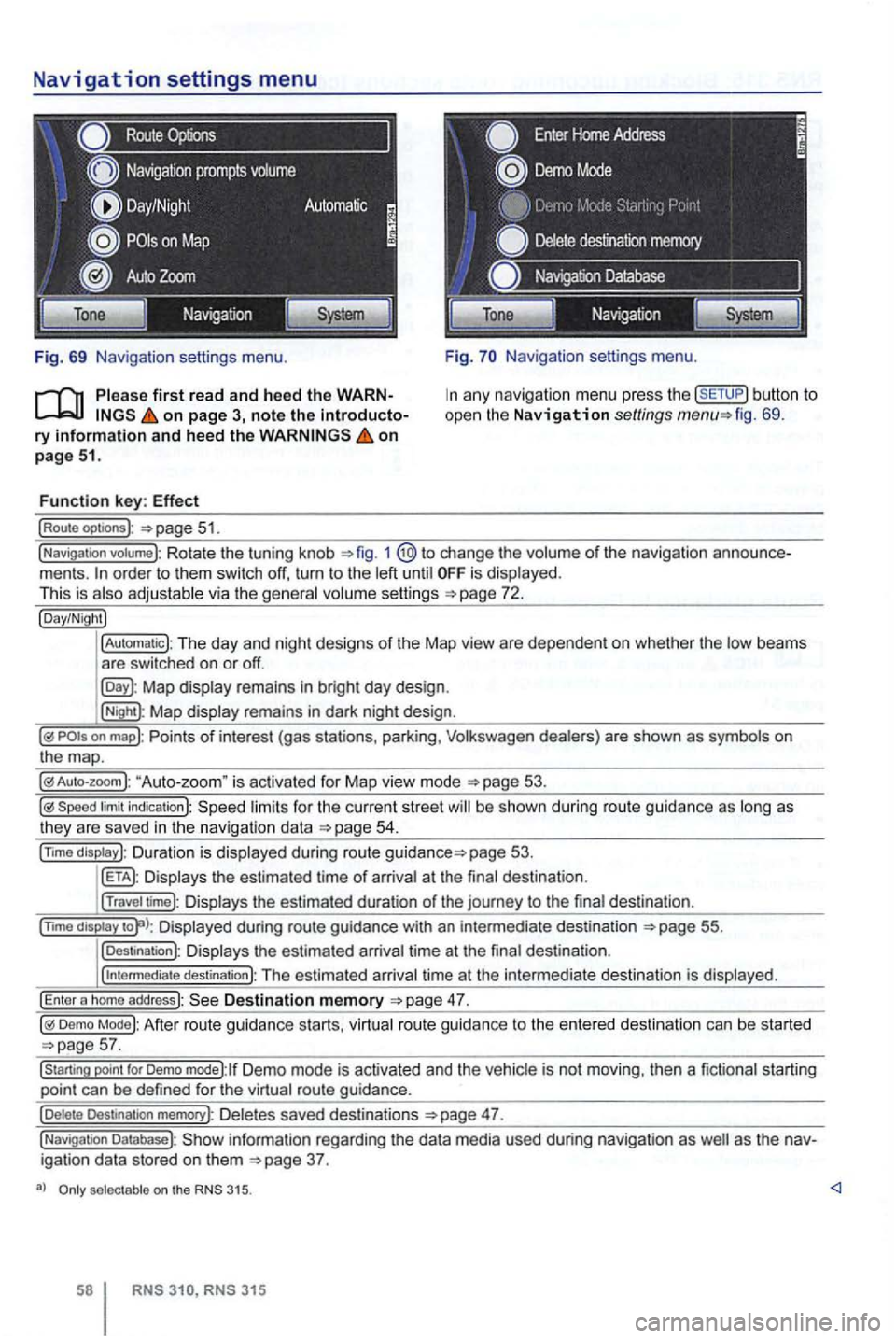
Navigation settings menu
Route
Fig. 69 Navigation settings menu.
on page 3, note the introductory information and heed the on page 51.
Function key: Effect
(Route optoons ):
Navigation settings menu.
any navigation menu press the (SETUP) button to
open the Navigation settings fig. 69.
(Navigation votume): Rotate the tuning knob 1 change the volume of the navigation order to them switch off, turn to the until is displayed.
This is
Map display remains in bright day design .
(Night): Map display remains in dark night design .
"Auto-zoom " is activated for Map vie w mode
Speed limit indication): limits for the current street be s hown duri ng route guidance as
page 53.
Displays the estimated time of arrival at the final des tination .
(Travel time): Displays the estimated duration of the journey to the final destina tion .
(nm o
display Displayed during route guidance with an intermedi ate destination 55.
(Destination): Displays the estimated arrival time at the final destination .
(
intermediate destination): The estimated arriva l time at the intermediate destination is displayed.
(Enter a homo address): Destination memory
Demo Mode): After route guidance starts, virtual route guidance to the entered destination can be started
Demo mode):lf Demo mode is activated and the vehicle is not moving , then a fictional starting
point can be defined for the virtual route guidance.
(Delete Destination memory): De letes saved destinations 47.
(Navigation Database): information regarding the data media used during navigation as igation data stored on them
selectable on the 315.
315
Page 89 of 516
Tum the tuning knob or press the
be
the maximum is se t to a very the navigation messages to this This can in the need for ad
justments to navigation every time the de
vice is switched on.
au toma ti
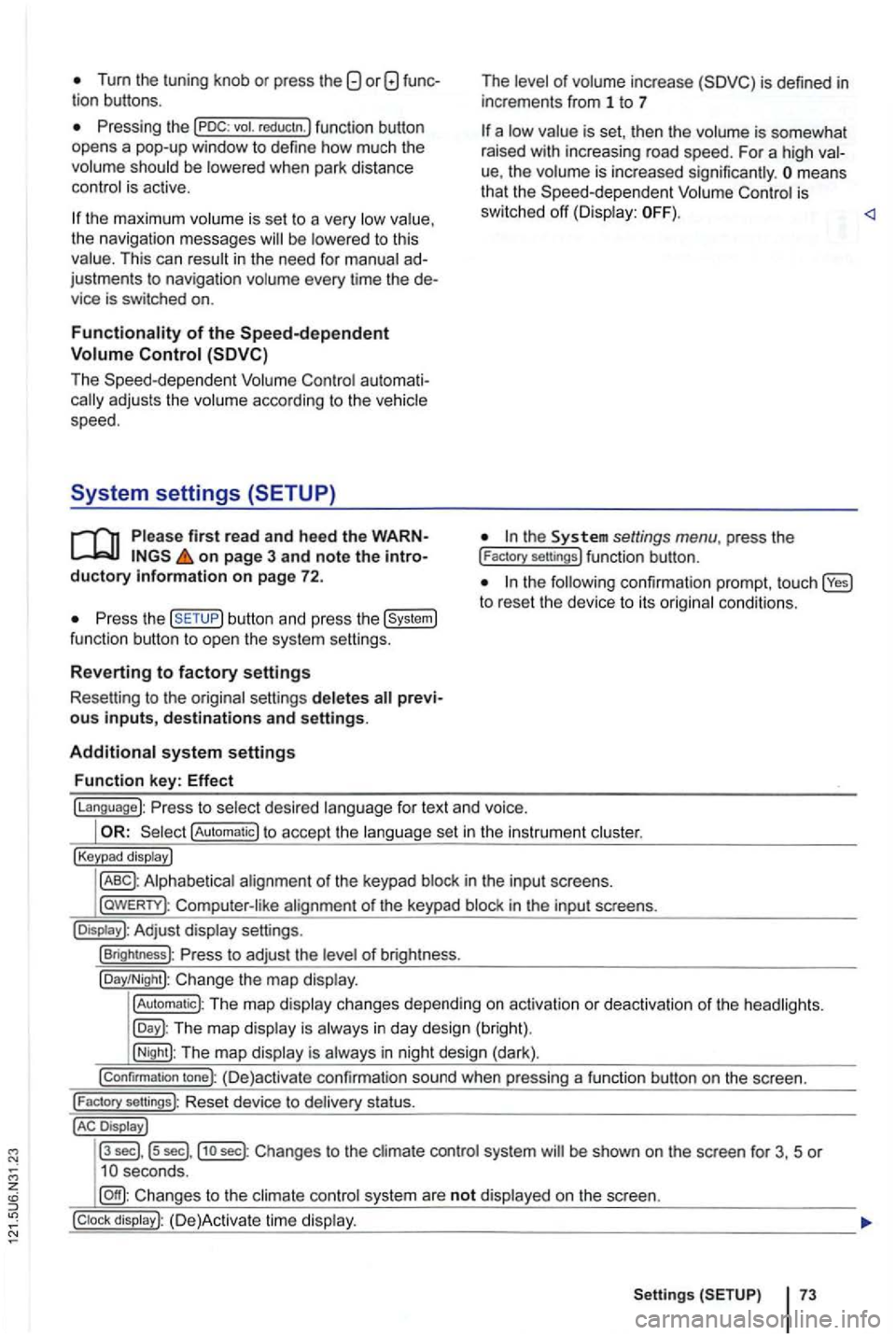
firs t read and heed the WARNon page 3 and note the introductory information on page 72.
the button and press the
of inc rease
is set , th en the is somewhat
rai sed with increasing road speed. For a high
ue, the means
that the is
sw itched off
the to reset the device to its
fo r text and voice.
!Automatic) to accept the set in the instru ment
!Keypad display)
in th e inpu t sc reens.
l
aWERTY) : in the input screens.
settings.
!Brightness): of br igh tness.
!Day/Night): Change the map
!Automatic): The map changes depending on activation or deactiva tion of th e head lights.
The map in day design (bright).
!Night): The map is in night design (dark).
!Confirmation tone): (D e)activate confirmation sound when pressing a function button on the screen.
!
Factory sellings): Reset dev ice to stat us.
Display J
l3
sec] , ls sec],j1o sec) : Changes to the system be shown on the screen for 3, 5 or
system are not on the screen.
Setting s 73
Page 123 of 516
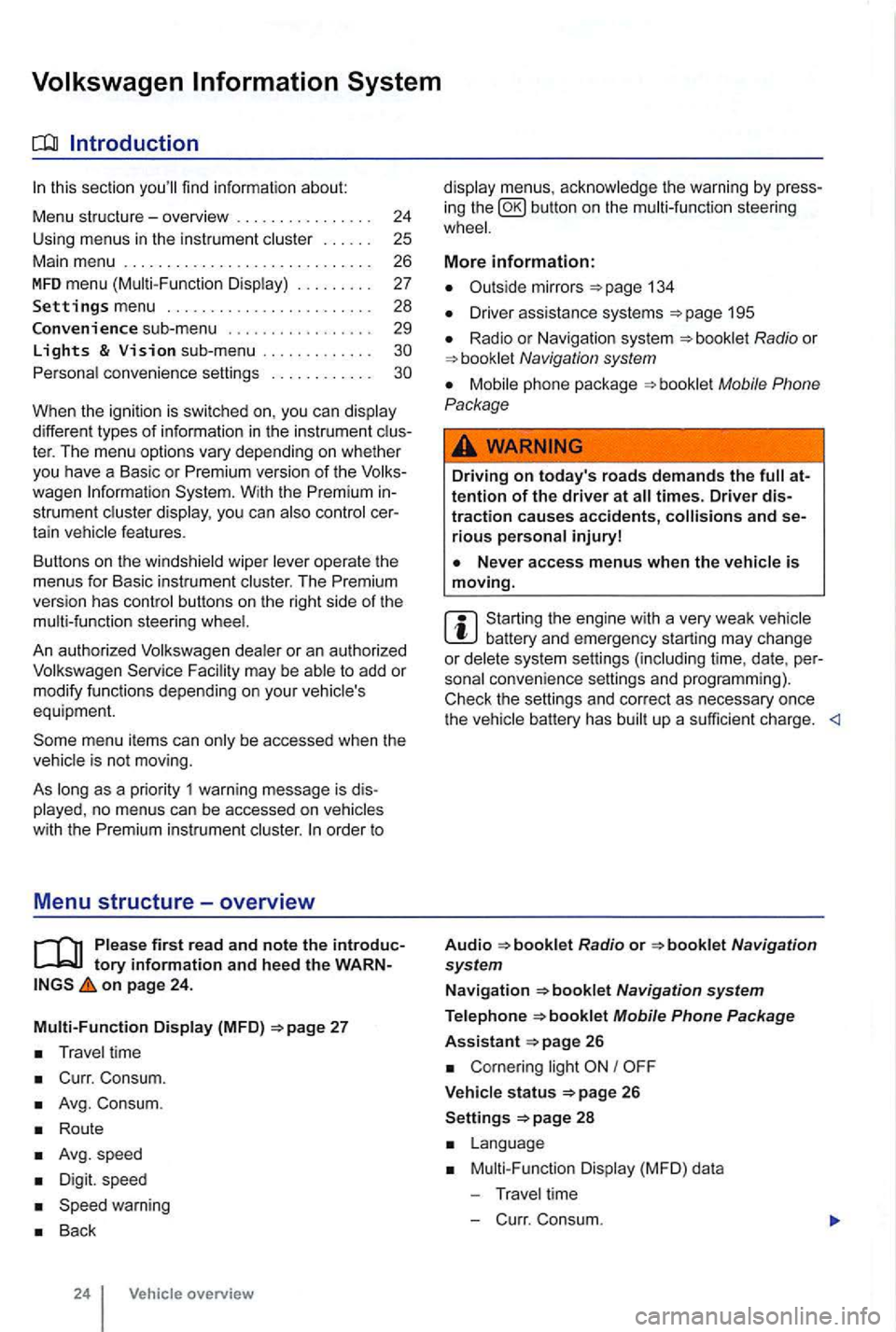
sectio n find informat ion about:
Menu structure-overv iew .......... .
U sing
menus in the instrument
..
Settings menu ................ .
Convenience sub-menu
Lights & Vision sub-menu ............ . convenience settings .. .
24
25 26
27
28
29
different types of information in the instrument ter. The menu options vary depending on whether you h ave a Basic or Premium version of th e
you can
operate the menus for Basic instrument The Premium version has con tro l buttons on the right side of the
An authorized to add or modify functio ns depending on you r vehicle's
equ ipment.
on page 24.
Multi-Function Display (MFD)
Travel time
Curr. Consum.
Avg. Consum.
Route
Avg.speed
Digit. speed
Back
24 Vehicle overview
menus, the warning by press
in g the button on the steeri ng
134
D river assistance systems 195
Radio or Navigation system
Mobile Phone
Package
Driving on today's roads demands the attention of the driver at times. Driver distraction causes accidents, and serious persona l injuryl
is moving.
Start ing the engine with a very weak battery and emergency starting may change or delete system settings (including time, date , per
sonal convenience settings and programming) .
Check the settings and correct as necessary once the
Radio or
26
Corn ering light I
V ehicle s tatus 26
Settings 2 8
Mult i-Functi on Displa y (MFD) da ta
T ravel time
- C urr. Consum.
Page 129 of 516
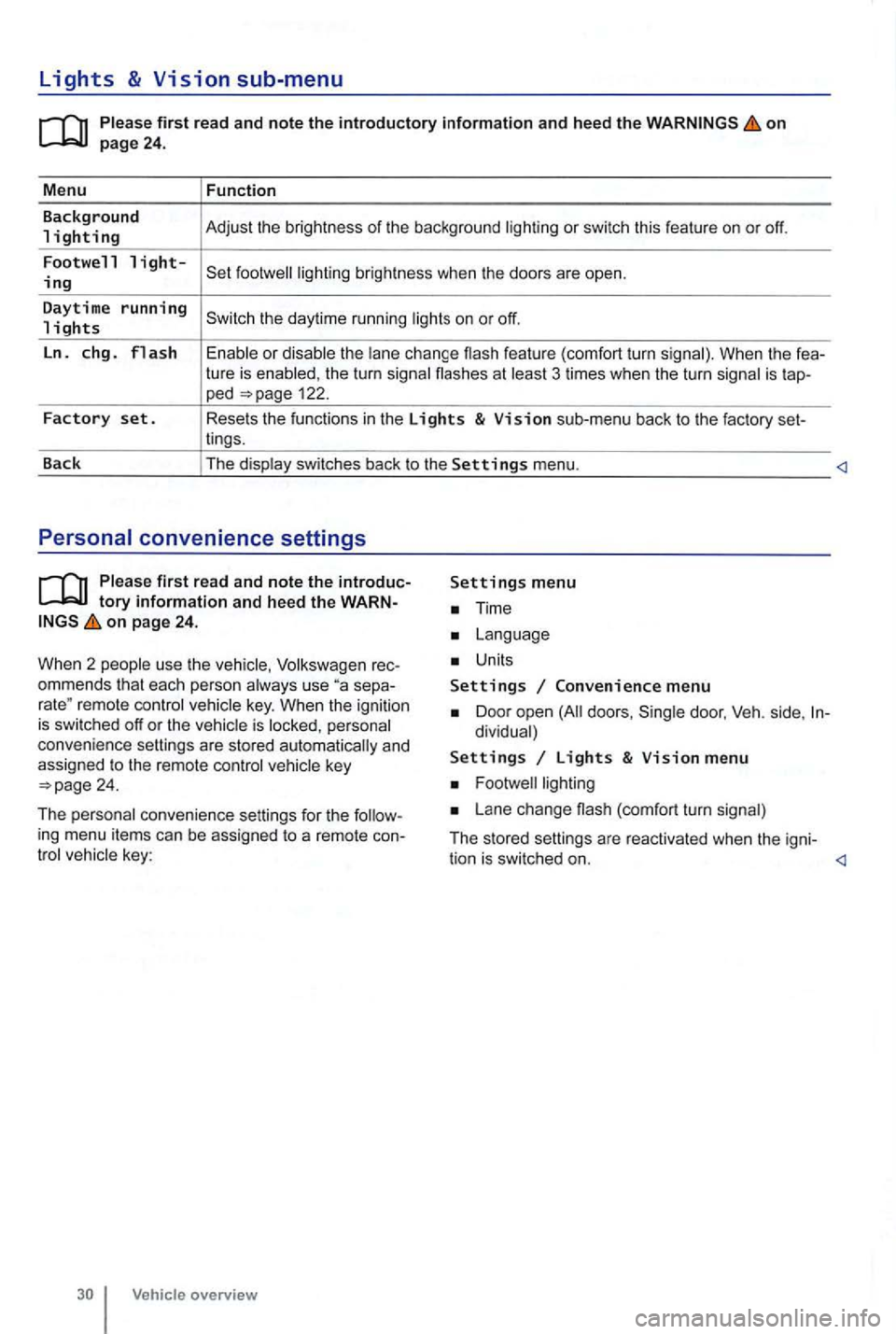
Lights & Vision sub-menu
on
the turn signa l flashes at 3 times when the turn signal is tap-ped 122.
Factory set. Resets the functions in the Lights & Vision sub-menu back to the factory set-
lings.
Back The display switches back to the
Settings menu.
tory information and heed the WARNon page 24.
W hen 2 people use th e
Volksw agen rec
ommends that each person always use separemote control veh icle key. When the ignition is switched off or the vehicle is personal
convenience settings are stored automatically and
assigned
to the remote control
Time
Units
Settings Convenience menu
Door open doors , dividual)
Settings Lights & Vision menu
Lane change (com fort turn signal)
The stored settings are reac tivated when the igni-
tion is switched on.
Page 182 of 516
between you and the airbag
things in your hands or on your
move into the area of the front airbags during braking or other sudden maneuvers and
Always make sure that the airbag times. Never anything, a pet, or a person, including an infant or
An airbag works only once. Airbags that have deployed in a crash must be replaced .
year.
er or authorized Volkswagen Facility. Authorized dealers and authorized Volkswagen Facilities have the required tools, diagnostic equipment, repair information, and trained personnel to proper
in your vehicle.
as cause breathing problems for people who suffer from asthma or other respiratory conditions.
solvents or other improper cleaning products on surfaces where airbags are cated can change the way airbags deploy in a
crash.
around when the airbag deploys in a crash, causing injury.
Advanced Airbag System, infants,
on page 82.
Be sure to read
the impor tant informat ion and the
The Advanc ed Airbag in your ve hi cle has
b ee n cert ified to com ply with the req uirement s of the United Federal Motor Sta ndard as well as Canada Motor
at the time your vehicle was manuf acture d . Ac
cord ing to requir e ments , the fron t Adv ance d Airbag
Sitting properly and safely 83
Page 249 of 516
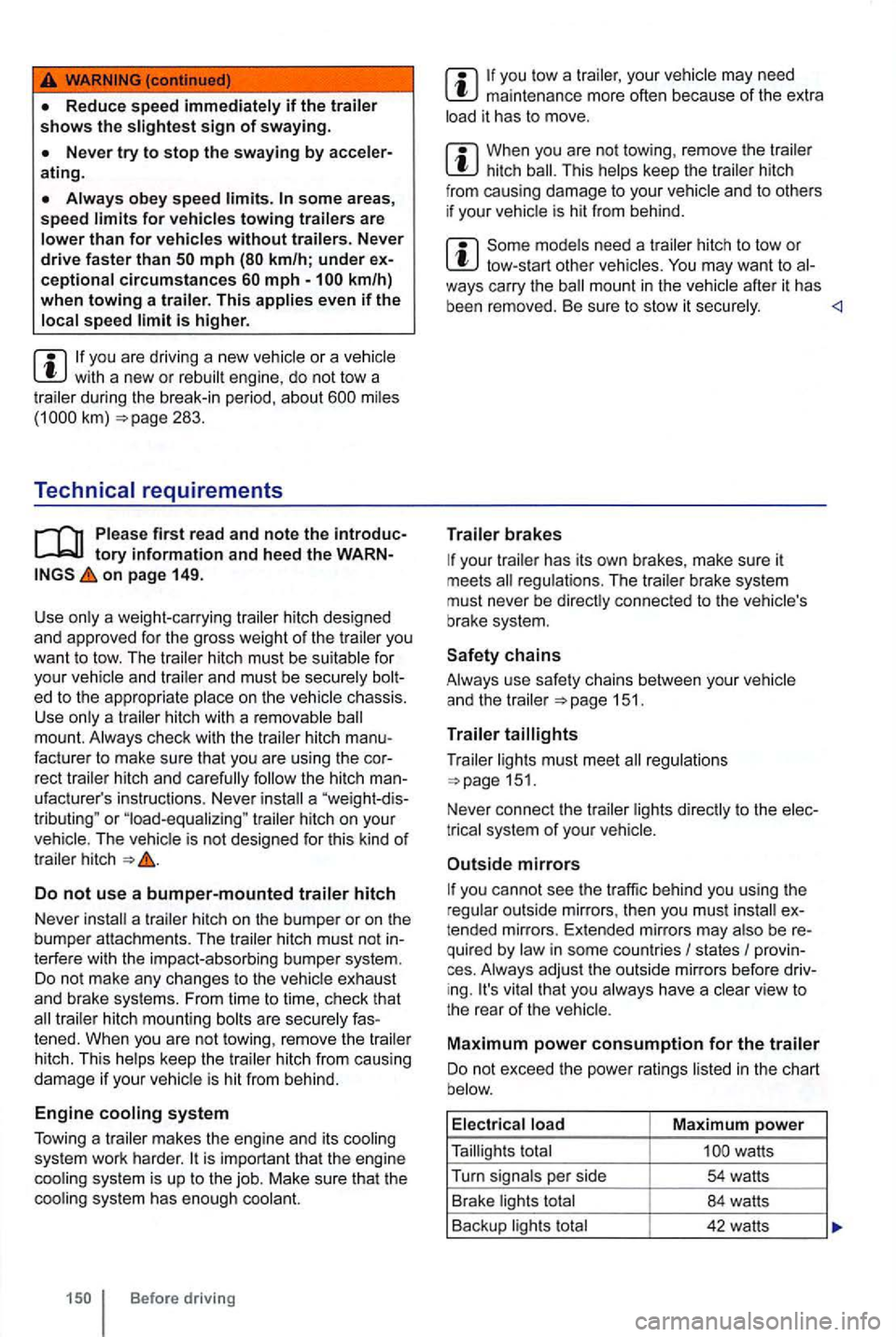
some area s, speed
is higher.
you are driv ing a new vehicle or a ve hicle with a new or rebui lt engine, do not tow a during the break-in period, about 283.
Technical requirements
tory informatio n an d heed the WARNon page 149.
Use only a weight-car rying
hitch must be suitable for
you r
a "weight -dis
tributing " or "load-equalizing " trailer hitch on your The vehicle is not designed for this kind of trailer hitch
Do not use a bumper-mounted traile r hitch
Never
a trailer hitch on the bumper or on the
bumper attachments. The trailer hitch must not in
terfe re with the impact-absorbing bumper system.
Do not make any changes to the vehicle exhaust
and brake systems. From time to time, check that trailer hitch mounting bolts are secure ly fas
tened. When you are not towing, remove the trailer
hitch. This
helps keep the trailer hitch from causing damage if your vehicle is hit from behind.
Engine cooling syste m
Tow i
ng a trailer makes the engine and its cooling
system work harder.
Before driving
maintenance more often because of the extra
load it has to move.
When you are not towing , remove the trailer hitch
Some models need a trailer hitch to tow or tow-start other vehicles. after it has
been removed. Be sure to stow it securely.
your trailer has its own brakes , make sure it
meets
151 .
T ra
iler
Trailer lights must meet regulations 151.
Never connect the trailer lights directly to the elec
t rical system
of your
Outside mirrors
you cannot see the traffic behind you using the
r egular outside mirrors, then you must ex
t ended mirrors. Extended mirrors may also be re
quired by law in some countries
I states I provin
ces . Always adjust the outside mirrors befo re dr iving. It's vital that you always have a clear view to
the rear of the veh icle .
Maximum po w er con sumption fo r the trailer
Do not exceed the power ratings listed in the chart
b elow.
E l
ectr ica l load Maximum power
Taillights total
Page 300 of 516
tires are identica l to those that were removed
and even if the tire pressure does not change 264.
WARNING
Improper use of the button can cause the tire sure
and tire wear.
Do not rely on the Tire Pressure Check your tires and have no
signs of damage , such as punctures , cuts , cracks ,
and Remove any objects that become
to the body of tire it self.
When you take delivery of the vehicle, the Tire Pressure Monitoring is calib ra ted
fo r the facto ry- recommended cold tire
pressure for the tires on your vehicle, as shown on
the label inside the driver door 138.
reinstalled or rep lacement wheels and tires are
identical to those that wer e removed and even if
the tire pressure does not change
you have to adjust the tire pressure on a
w arm tire ,
138 .
determines that the air pressure in at least one tire is too low, care fully check the sure in cannot be mined by looking at the tir e . This is especially true of low-profile tires .
you have work done on your wheels or tires, inform the workshop that the vehicle is
equ ipped with a Tire Pressure Monitoring
New tires may expand slightly the first time they are driven at high speeds, which can
trigger a tire pressure warning. Remember that lire
pressu re can only be pro perly measured when the
tire is "co ld "
repla ce old tires with tires that have been approved by Volkswagen for you r vehi-
cle type .
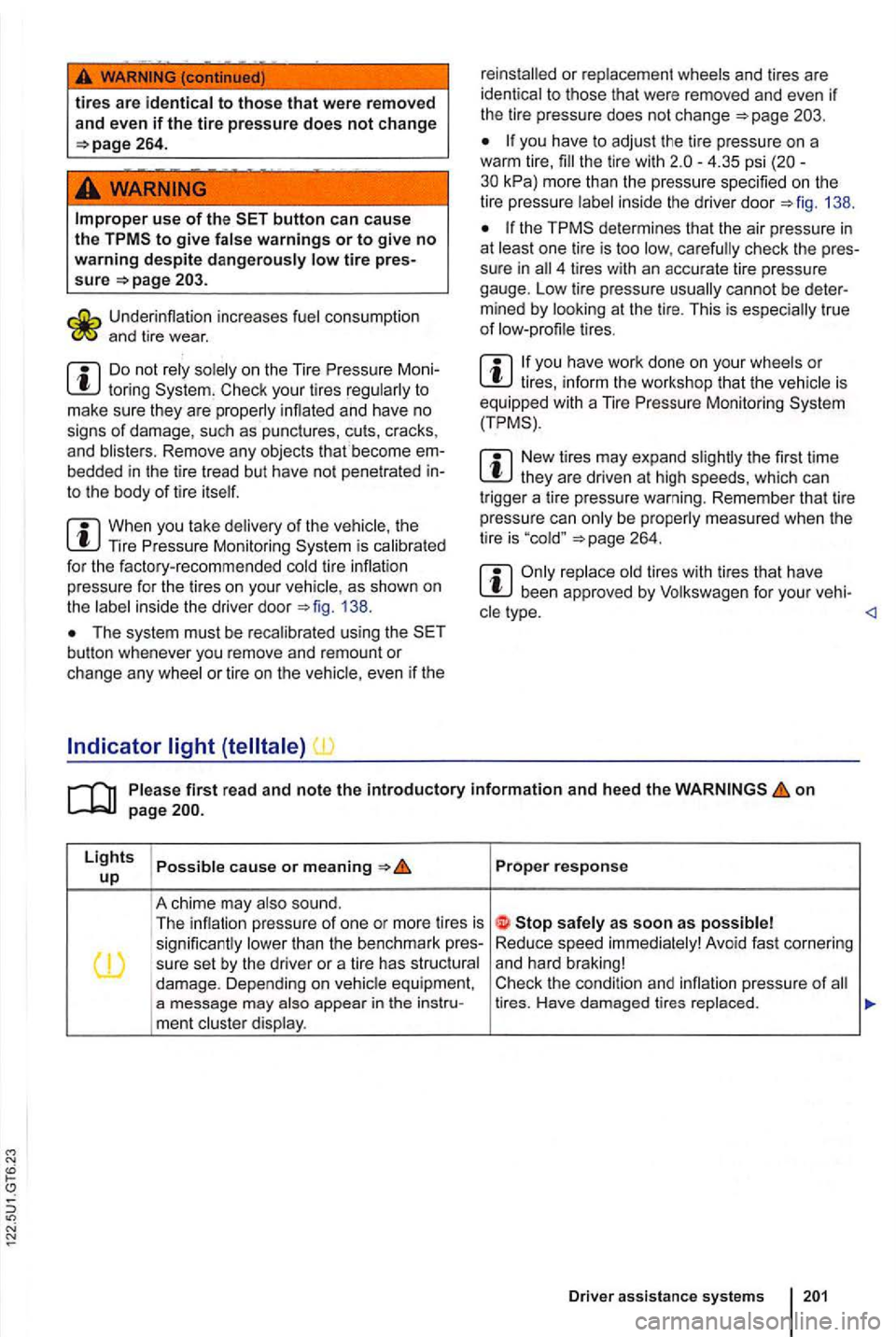
P up Proper response
A chime may also sound .
T he infl ation pressure of one or more tires is sign ifica ntly lower than the benchmark pres-Reduce
speed immediately! Avoid fast corne ring
su re set by the driver or a tire has structural and
hard braking! I damage. Depending on vehicle equipment , Check the
condition and pressure of a message may ment cluste r display.
D river assistance systems
Page 327 of 516
When the ignition is switched seve ra l warn ing
and indica tor lights come on for a function
check . They go out after a few seconds.
to break down in traffic and result in a sion and serious personal injury.
Engine
on page 227.
The engine oil used must conform to exact specifi
cations .
Using the proper engine oil is important for the
functionality and service life
of the engine.
engine was factory-filled with a high-qua lity ,
" synthe tic "
you need to add oil between oil changes, use on
l y a high quality oil that expressly complies with the Volksw age n oil quality sta ndard specified for your
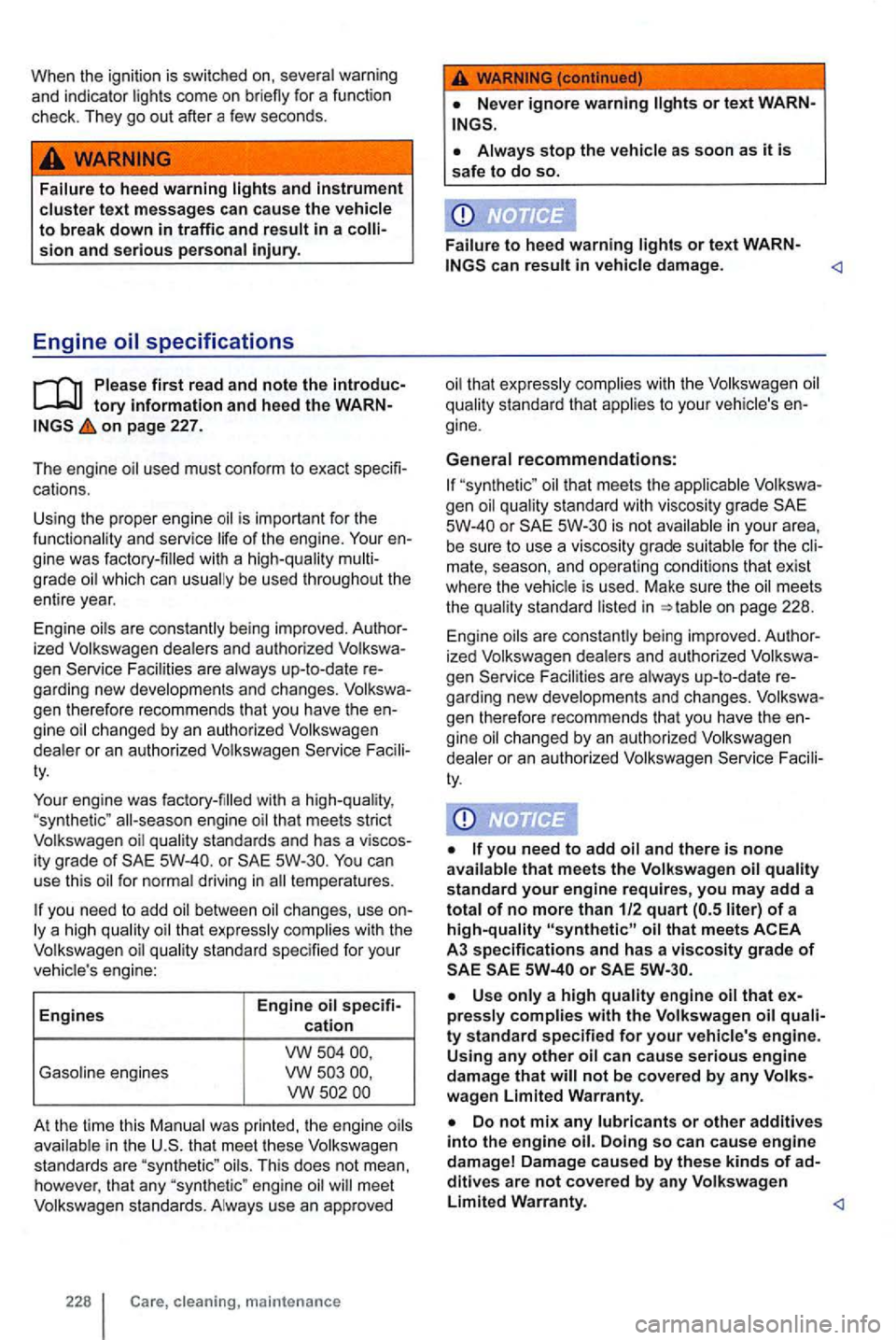
vehic le 's engine:
Engine s Engine
oil specifi-cation
vw Ga
soline engines vw vw
At the time this Manual was printed, the engine oils
avai lab le in the U.S. that meet these Volkswagen
standards are "syn thetic" oils. Th is does not mean,
howe ver, that any "synthetic " engine oil wi ll meet
Volkswagen standards. A lways use an app roved
228 cl eaning , m aint en ance
or text WARN
"synthetic" oil that meets the applicable Volkswa
gen oil quality standard with viscosi ty grade
or is not availab le in your area,
be sure to use a viscosity grade suitabl e for the cli
mate, season , and operating conditions th at exist
where the vehicle is used . Make sure the oil meets
the qual i
ty standard listed in on page 228.
Engine oils are cons tantly being improved. Author
ized Volkswagen dealers and
authorized Volkswa
gen Service Facilities are a lways up-to-da le re
garding new developments and changes. Volkswa
gen therefore recommends
tha t you have the en
gine oil changed by an authorized Volkswagen
deale r
or an authorized Volkswagen
that meets the Volk swage n oil standard your engine requires, you may add a total of no more than 1/2 quart liter) of a high-quality
or
not be covered by any Volkswagen Limited Warranty.
Do not mix any lubricants or other additives into the engine oil. Doing so can cause engine
damage! Damage caused by the se kinds of additives are not covered by any Volk swagen
Page 330 of 516
vehicle may consume engine
may consume more ove r the first k m) .
The
continues to fl ash , do not keep driving or let the engine idle , as damage may occur.
you yo ur engine uses too much we
r ecom mend that you your author ized
Volkswagen o r author ize d Volkswagen
Changing engine oil
on page 227.
Th e engine
at re g ular int ervals is very importa nt
because the lu br ica ting properties of dec rease d ur ing normal u se . ch anged , ask your a u
t horized Volk swage n de ale r or aut ho rized Volk swa
gen Service Faci lity .
Some times , engine
sho uld be changed more of
t e n tha n specified for no rm al use. Cha ng e more frequently if yo u often drive sh ort distances , in dus
t y a reas or in stop -and-go tr affic . o r if yo u use your
vehicle whe re te mpera tures stay bel
ow freezi ng for
and ch anged by an authorized Volkswagen
dea ler or an au tho rized Volkswage n Servic e F acili
t y T hey have th e re qui red expertise and s pe
cia l tools and dispose of the prope rly .
D ete rge nt addi tives in the
make fres h
mo re often. Service
Facilit y so th at th e
cause o f your concern
ca n be pro perly diag nosed . P lease keep in m ind
t h at accu rate meas uremen t of consumptio n re
qui res grea t care and may take some time.
Depending o n the way th e an d t he operat ing conditions, consu mption can be up to 1 quart per
km).
know where you can proper ly d ispose of t he
Page 355 of 516
Care and
on page 251.
Moisten a lint-free cloth wi th wa ter and clean the parts .
wood trim wit h a mild soap solution .
Please first rea d and note the tory on page 251.
a safety belt is dirty, this can prevent the belt
f r om working prope rly. Ke ep safety belts clean and
r eg ularl y check
ing .
Rem ove coarse dirt with a soft brush
the dirty safety belt out of the
After cleaning, always give the safety belts time to dry thorough ly before letting them retract. Thi s
helps prevent damage to the retractor .
Do not let the safe ty belts retract until they are
complete ly dry .
Damage to safety belts reduces their effectiveness and increases the risk of ous pers onal injury and death wh enever the
veh icle being use d .
256 cleaning, maintenance
Using solvents or other improper cleaning products on surfaces where airbags are cated can change the way alrbags deploy in a
c rash .
ment panel , use only a soft, dry cloth or a cloth moistened with pla in water.
N eve r use chemical cleaning agents,
After cleaning, always give the safety
belts time to dry completely before letting
them retract . The moisture can damage the retractor and keep it from working properly.
to the safety belt latch . This could prevent the belt buckles and safety belts from working properly.
any way.