radio VOLKSWAGEN GOLF 2012 User Guide
[x] Cancel search | Manufacturer: VOLKSWAGEN, Model Year: 2012, Model line: GOLF, Model: VOLKSWAGEN GOLF 2012Pages: 516, PDF Size: 105.12 MB
Page 41 of 516
first read and heed the on page 3 and note the ductory information on page
through an ed via (for a phone)
can be through the speakers. via the radio-navigation system is
audio source must support the
A2DP or AVRCP
in equipped with a factory -installed phone age that supports this function . To
responding owner's Cell
Phone Package.
Pairing and connec ting is done via the radio
audio
the directions in the owner 's
Redu ce
To change to
Bl uetooth function
button 26.
Aud io mode is indicated on the screen
by Bl uetooth Audio 25 .
The
o f t he be adjusted to match the of the other audio sources
activating audio
some devices ,
After the audio
transmission , a pop-up window opens.
Request fo r confir mation of aud io
BT-Audio Audio mode must be
swi tched to
Audio transmission, as
audio source is
started or s topped automatically by switc hing to
addition , track dio navigation system 's arrow keys 1
25.
the connection is broken . the radio
navigation system switches to
media source.
th e that dio ed .
Radio mode, press the sETUP) button .
Press the
Press the
Tag the device connected and press
the connect) funct ion butt on.
Read and manufacturer of the
Because of the number of audio sources , it canno t be teed that
audio source, warning and service tones, suc h as touch
tones on a
Do not connect radio nav igation system at the same time for
music
interface , as this to on the
ing the use of can be obtained from the
Page 46 of 516
Introduction
find information about:
for connect ing data media . . . . . .
th e multime
dia interf ace is
formats are referred
t o
data medium conn ected
v ia the interface can be back and controlled via the radio navigation
system.
this data media and contain such as MP3 as MDI (Med ia Device
multi media interface.
first read and h ee d the WARN on page 3 and note the introductory information on page
Adapter for connecting a data medium
An
RNS 3 15
The multimedia interface provides 5 used by
instructions
Device overview
Operation basics
Media page
multimedia interface
can be removed.
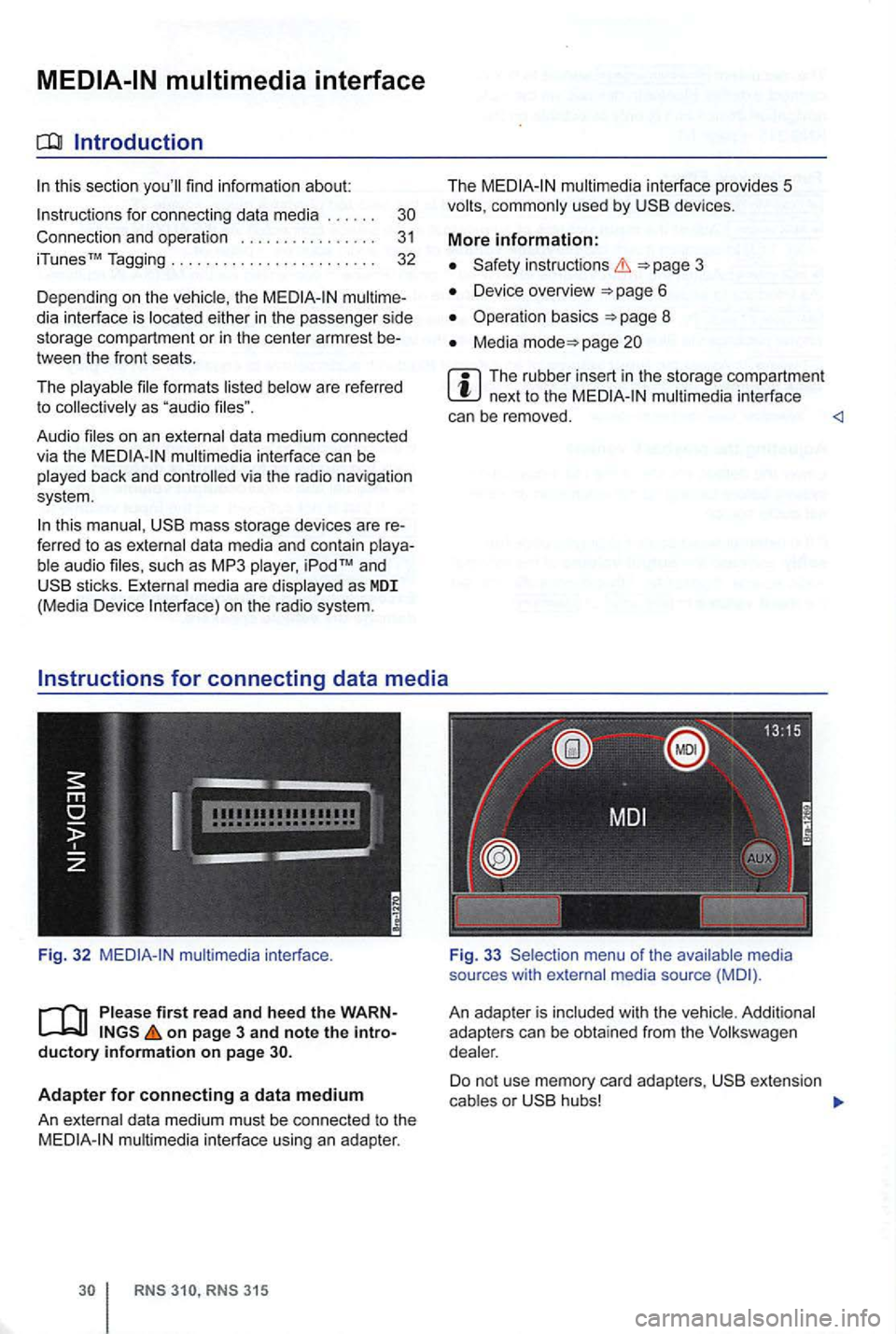
sou rces with med ia source
An adap te r is
D o no t use m em ory card adapter s, o r
Page 47 of 516
and requirements
system FAT16 (<2GB) or F A T32 (> 2 GB).
iPodsrM and iPhonesrM of different generations3>. MTP or Vista" trademark.
and formats
-Audio in OGG-Vor bis and AAC mat.
-i n
of the
are protec ted trademarks of Apple
it can take M TP they are ready to
For data media that are divided into tions . the first partition is recognized.
Read about
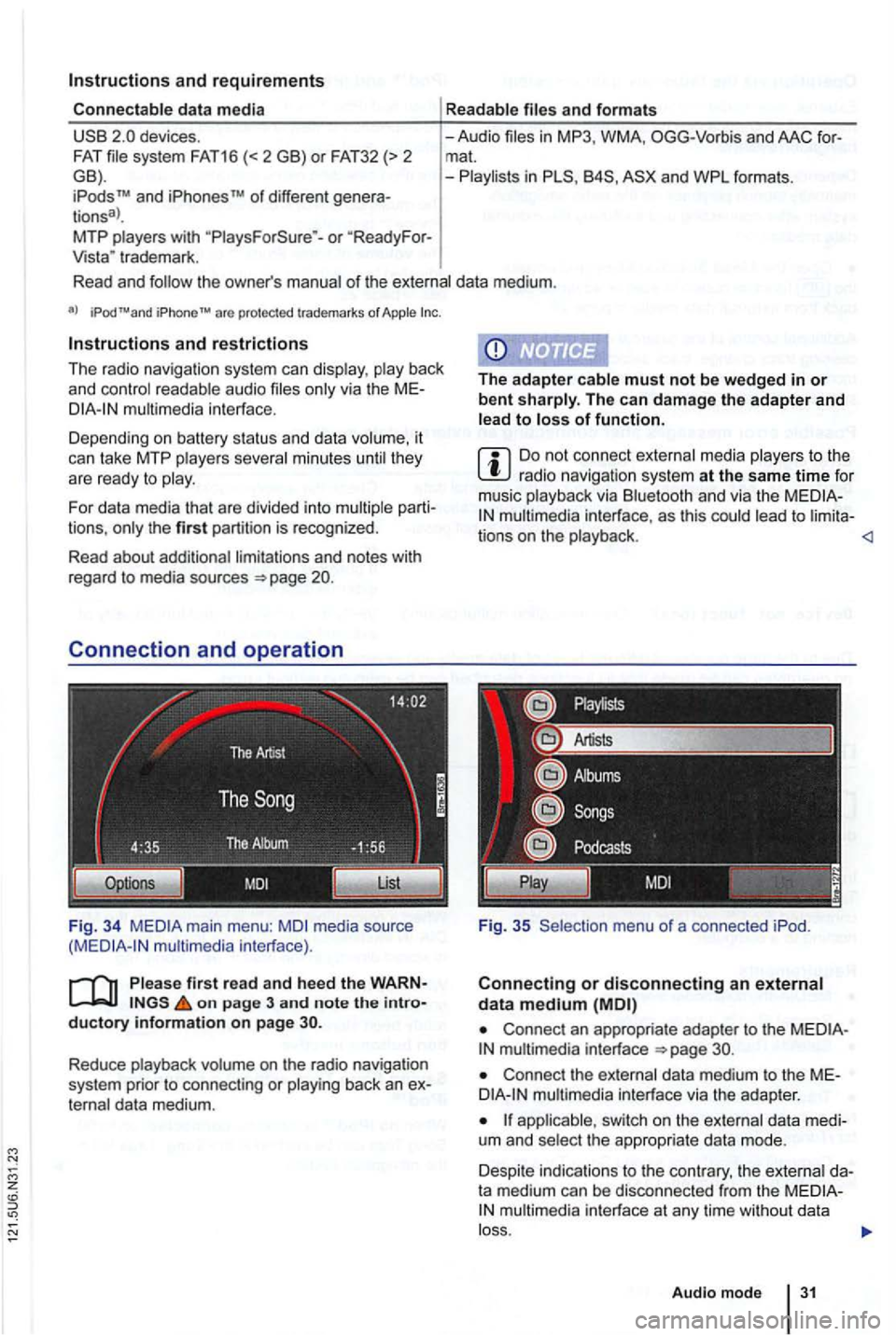
Fig. 34 media source interface).
on page 3 and note the
The can damage the adapter and of function.
Do not connect media to the radio navigatio n syste m at the same time fo r
musi c via a n d via the to
Connect an appropriate adapter to the interface
Connect the dat a medium t o the
switch on the the appropriate data mode.
Despite indica tions to th e contrary, the
Audio mode
Page 48 of 516
Operation via the radio navigation system
External data media con nec ted to the multimedia interface can be ope rated via the radio
navigation system.
D epend i
ng on th e de vic e, it m ay be necessary to launch playback on t he radio na vigat ion
s ys te m afte r co nn ec ting an d swi tch ing the extern al
d a ta medium on.
back from external data media
con trol of th e externa l data media (ac-
cessing tr ack change, track selectio n and playb ack
m odes) takes plac e as described in the corre-
spon ding ch apt ers
and
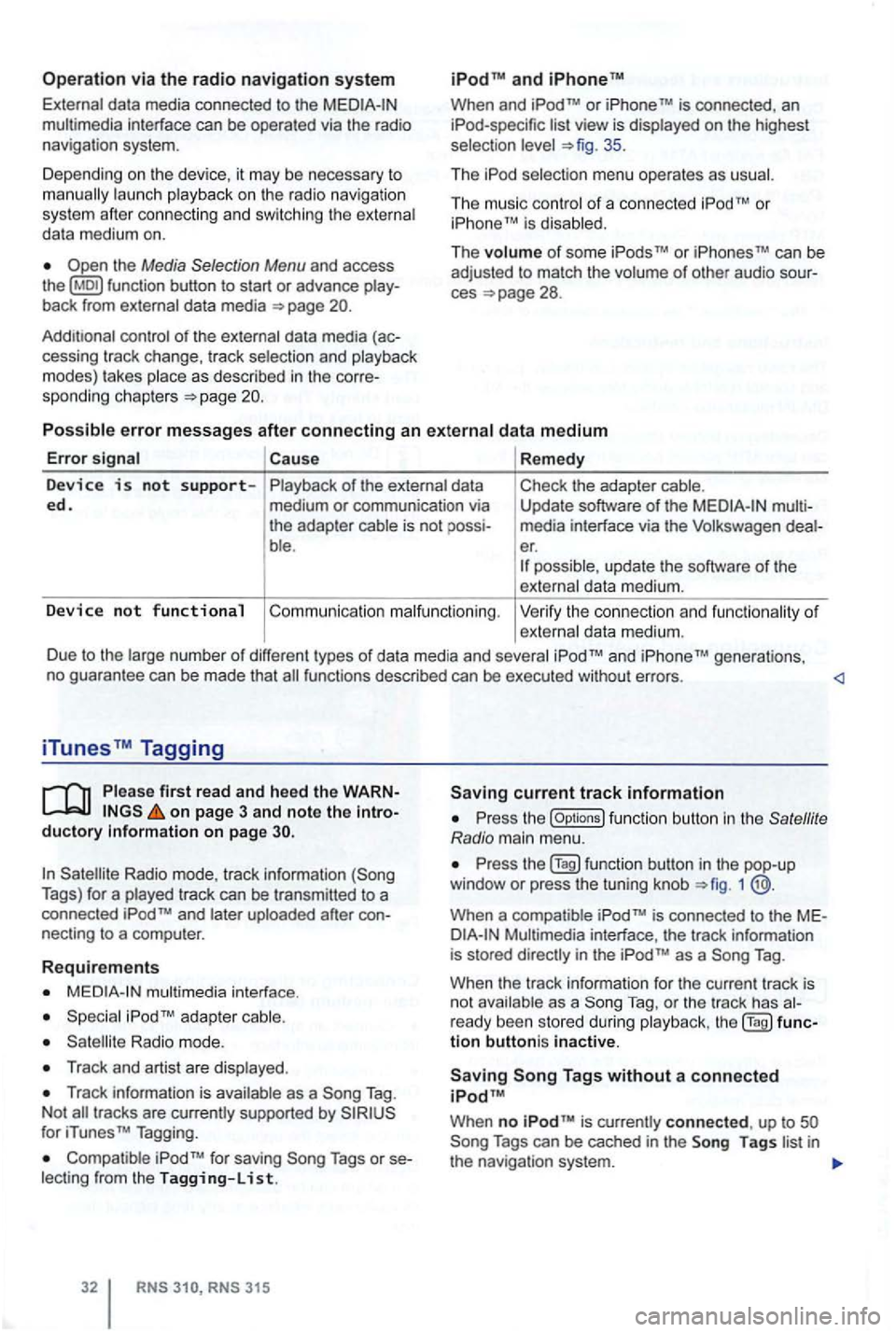
When and TM is connected , an list view is displayed on the highest
selec tion 35 .
Th e
The music co ntro l of a conn ected
Cause Remedy
Device is not s upp orted. of the external data
medium or communication via
the adap ter cable is not
ble . Check
the adapter cable.
Update software
of the media interfac e via t he Volkswage n er. possible , update th e software of th e
exte rnal data me diu m .
Device no t functional Co mmu nicatio n malfunctio nin g . Ve rify the con nect io n an d fu n ct ion ality of externa l data m ediu m.
D ue to the large num be r of different types
of d ata media and several gene rations,
no gua ran tee can be made that fu nctions described can be executed without errors.
iTunes Tagging
first read and heed th e on page 3 and note the ductory Information on page
Radio mode, track information Tags) for a played track can be tr ansm itted to a
connected
necting to a compu ter.
Requirements
multimedia interface .
Radio mode.
Track and artist are disp layed .
Track in forma tion is available as a Tag .
N ot
for iTunes TM Tagging.
Compatible Tags or
RNS 315
current track information
th e (Options ) function butt on in the
1
is conne cted to the
as a Tag .
When the track informa tion for the current track is
n ot ava ilab le as a
Tag, or th e tr ack has
tion buttoni s inactive.
When no is currently connect ed , up to
Page 53 of 516
Navigation
Introduction to navigation
Introduction
find infor ma tion about:
Navigation limitations . . . . . . . . . . . . . . . . . . . .
37
315: Using or
screens with on-screen keyboard
Gener a l information
The current driving posit ion is determined via the Positioning measu re d istances driven. men t gation data media maps and in accordance with
stored traffic routing. Based on this data , the
gation system
can be entered as a destinat ion.
Acoustic navigation messages and graphic
on the navigation system and in the instrument gu ide to t h e des tination 5 1.
Depending upon the country, some functions
of the
radio naviga tion system may not be
regulations.
Navigation limitations
first r ea d and heed the o n pa ge 3 and note th e ductory informatio n on page 37.
P
ossi b le navigation erro rs
the navigation system cannot receive data from
tized on lhe data medium (e.g. one-way streets
and street type not sufficiently cap tured) , the gation syst em route guidance.
Navigation da ta
different device generations are used in
contact a
necessary navigation data comes this data needs to be
updated , a memory card with the navigat ion
Device overview
Operation basics
Destination input
Destination memory 4 7
Destination guidance 51
the case of missing or incompl ete navigation ta, the posi tion may not be determined curalely. This may in naviga tion that is not as
accurate as
Navigatio n r egion and navigatio n d ata
r efresh r ate
The refore, route guidance can be inaccurate or
Page 55 of 516
Function key: Effect
the navigation
area and the version number of the navigation data stored in the device .
the navigation
a rea and the version number of the navigation data stored in the device.
so Datal:
Prepares the memory card for re
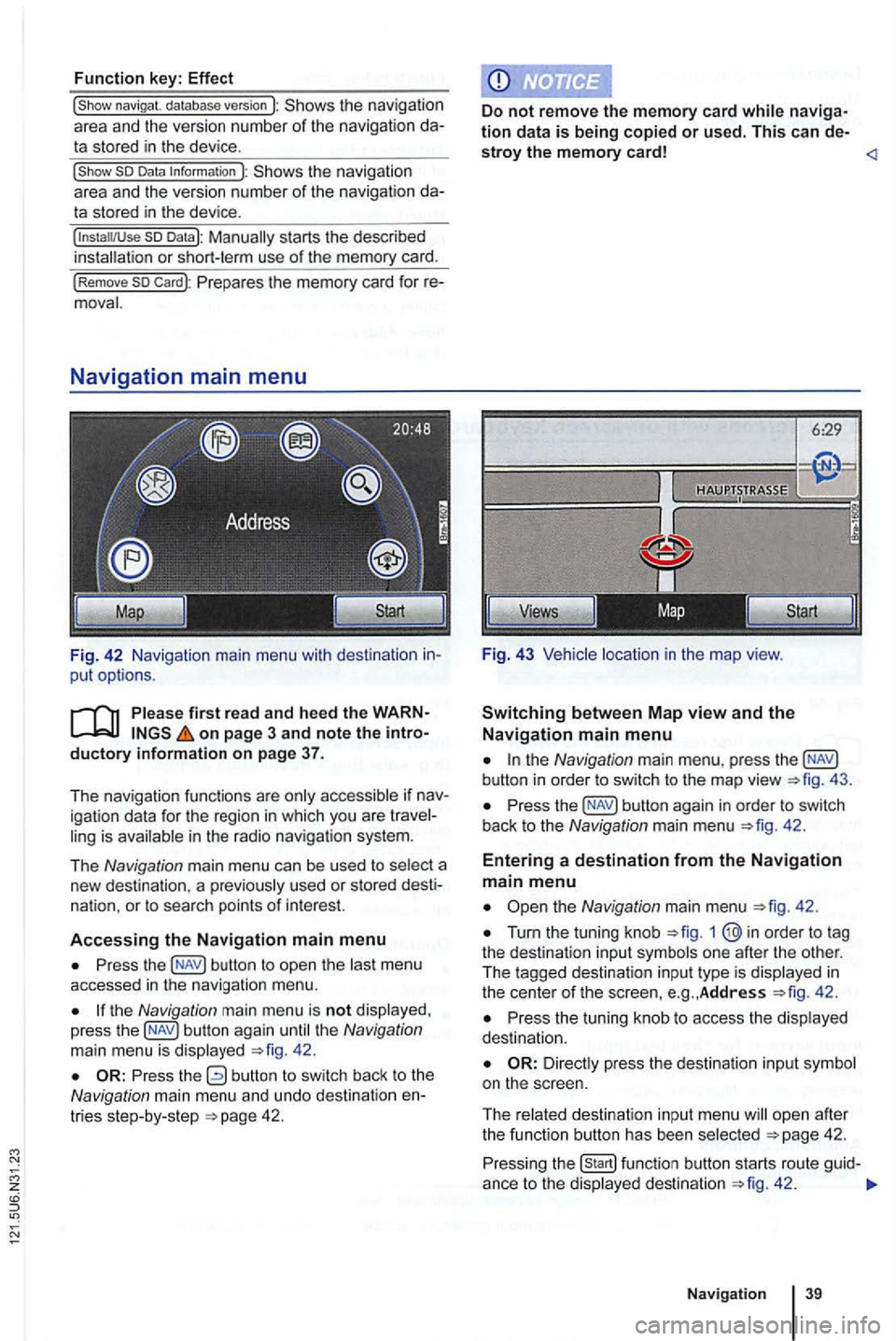
F ig. 42 Navigation main menu with destination in
put options.
on page 3 and note the introductory i nformation on page 37.
T he nav igation functions are only accessible if nav
igation data for the region in which you are travel
ling is available in the radio navigation system.
The
N avig ation main menu can be used to select a
new destina tion . a pr eviously used or stored desti
nat ion.
or to sea rch points of interest.
A
ccessing the Navigation main menu
Press the button to op en the las t menu
accessed in the navigation menu.
the Navigation main menu is not disp layed ,
press the 42.
the Navigation main menu , press the
Press the 42.
Entering a destination from the Navigation main menu
Turn the tuning knob 1
42 .
Press the tuning knob to access the disp layed
dest inatio n.
ope n afte r
t h e function butt on has been select ed 42.
Press ing the 42 .
Naviga tion
Page 61 of 516
Detailed view of a destination
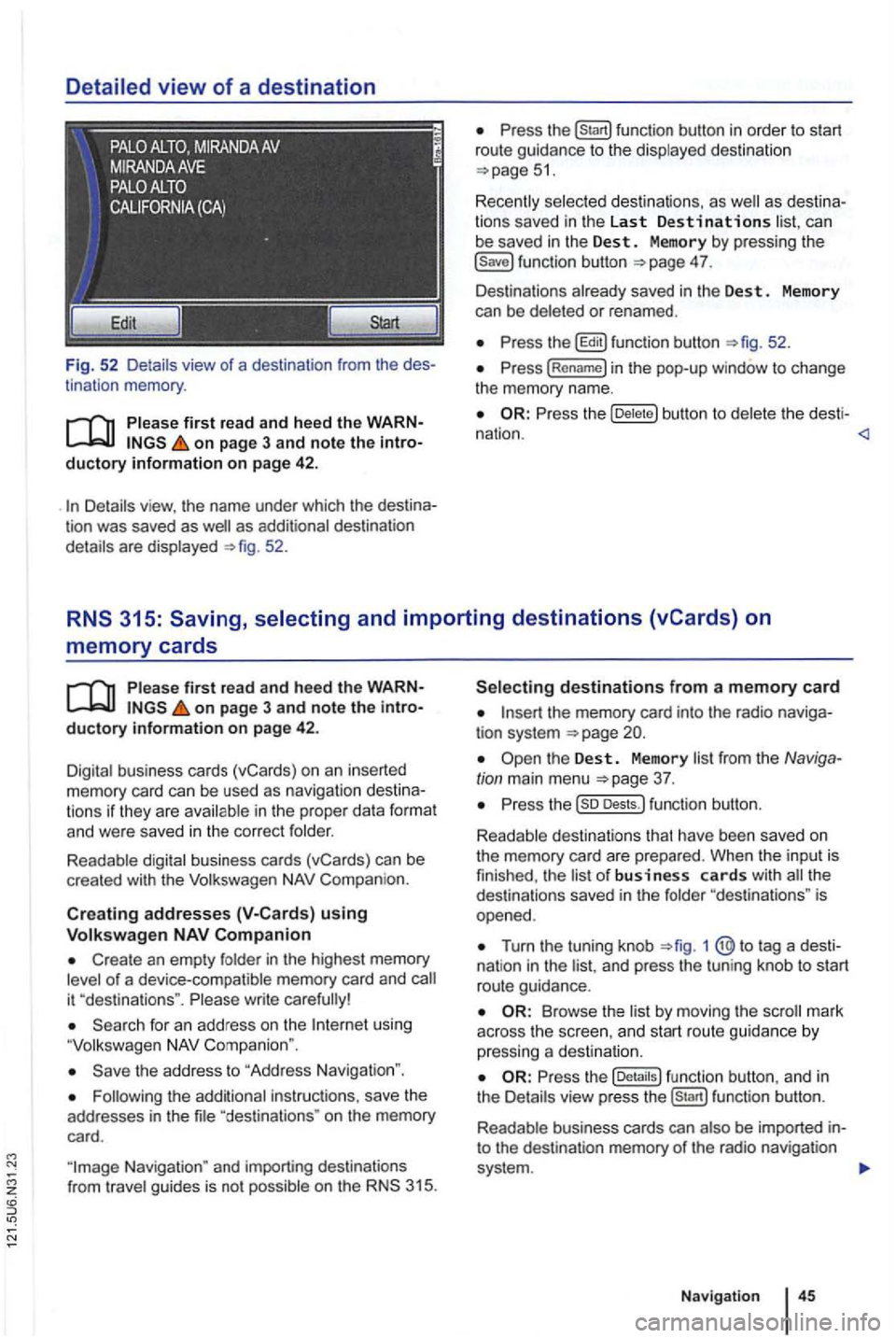
Fig. 52 Detail s view of a destination from the des
tinat ion memory .
first read and heed the WARNon page 3 and note the introductory information on page 42 .
as additional destination
details are displayed 52.
can
be saved in the Dest . Memory by pressing the 4 7.
Des tinations already saved in the Des t. Memory
can be deleted or renamed .
the b utton to del et e t he desti -
nation .
memory cards
on page 3 and note the introductory information on page 42.
Digital business cards (vCards) on an inserted memory card can be used as naviga tion des tin a
t ions if they are avai lable in th e proper data format and were saved in the cor rect folder.
Readable digital business cards (vCards) can be
crea ted with the
Compan ion.
Creat ing addresses using
Create an empty folder in the highest memory of a device-compatible memory card and
using
the address to "Address Navigation ".
"destina tions " on the memory
card.
the memory card into the radio naviga
tion system
Turn the tuning knob 1 @ to tag a dest i
nat ion in the and press the tun ing knob to start
route guidance.
Browse th e list by moving the
the fu nc tion button , a nd in
the Details view pre ss function button.
R eadab le business cards can also
be imported into the destination memory of the radio navigation
system .
Navigation
Page 75 of 516
main menu ... .
315: Voice command menu Telephone ...... .
60
60
61
63
63
64
64
The telephone fu nctions described in the
Connect the mobile phone to the radio
Pair an d connect mobile phone via the ment clus ter
there is no naviga tio n system . then phone control is not
phone in th e
More information:
instructions 3
Device overview 6
Operat ion basi cs page 8
Talking on the
phone and/or operating the
'
the sirens of emergency rescue
areas with no mobile network coverage or poor mobile network coverage, as as
in tunnels, garages and subways, phone versations may be interrupted, and it may be impossible to make phone ev en
cured ph one can be thrown around the
inside of the vehicle during a sudden braking maneuver , a cra sh or other accident and cause injury to vehicle occupants.
Always mount mobile phones properly
ference with a pacemaker , if worn
8 inch es tween the antenna s of the mobile phone and pacemakers , as mobile phones can affec t the functionality of a pacemaker .
phone in the breast pocket over a pa cemaker.
phone immediat ely .
The
cent e r armrest ca n interfere with the
dents and seve re injuries.
Always keep the armrest closed
Telephon e control
Page 77 of 516
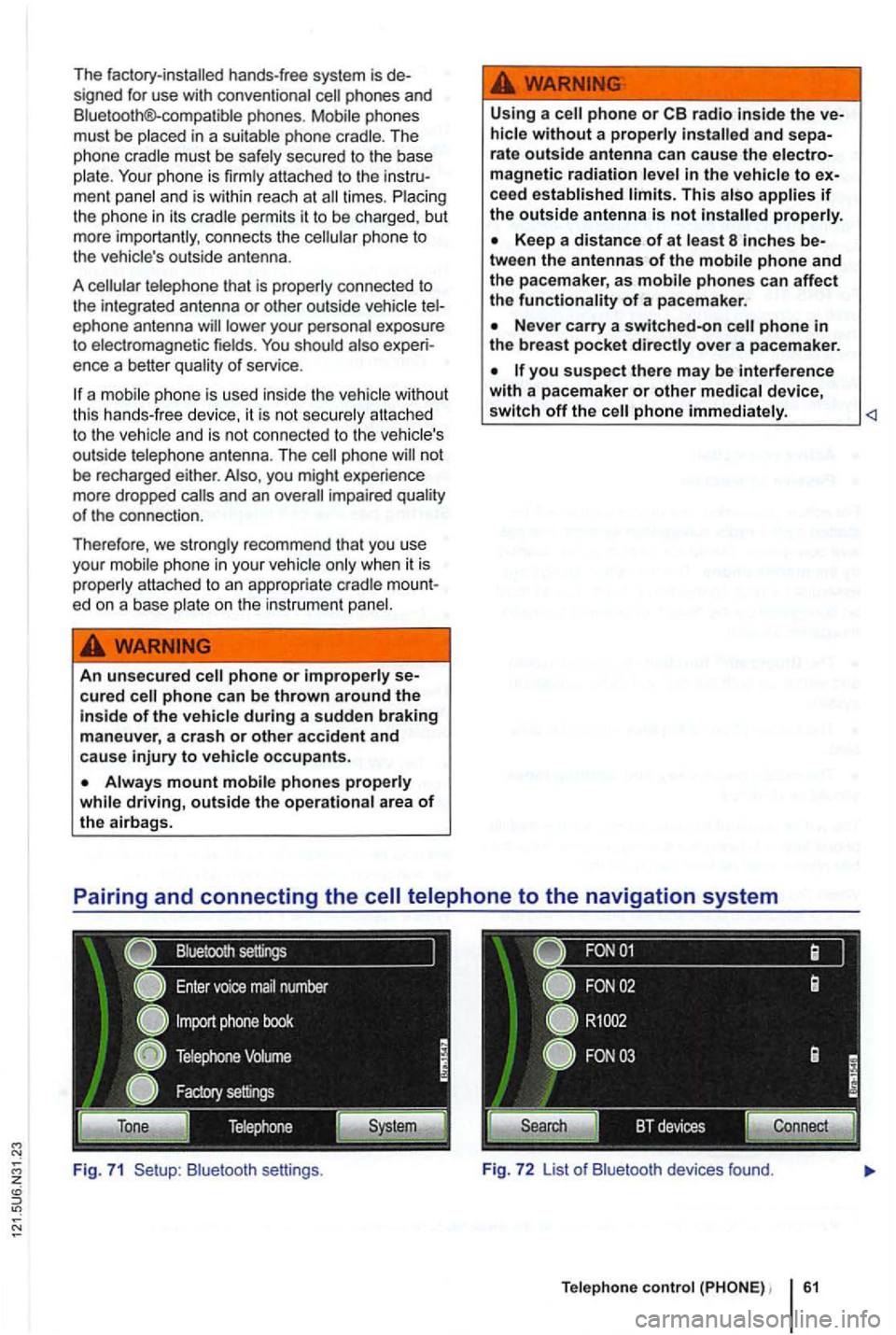
The factory-installed hands-free system is de
s igned for use with conven tional phones and
B luetooth®-co mpatible phones .
ment panel and i s w ithin reac h at times . the ph one in it s cradle pe rmits it to be cha rged, but
more import antly , con nects the phone to
the vehic le's out side antenna .
A
tel ephone that is prope rly co nnected to
the int egra ted ant enna or other outside vehicle ep hone antenna
ence a better qua lit y of serv ice.
a
phone not
be recharged either. you might experience
more dropped
ed on a base plate on the i nstrumen t
An unsecured cured
Always mount mobile phones properly
while driving, outside the operational area of the airbags. U
sing a
phone or radio inside the and sepa-
rate outside antenna can cause the magnetic radiation lev el in the ve hicle to ceed established limits. This a lso applies if the outside antenna is not properly.
Keep a distance of at least 8 inche s be -
tween the antennas of the mobile phone and
the pacemaker, a s mobile phones can affect the functionality of a pace maker.
Nev er carry a switched-on phone in the breast pocket directly over a pacemaker.
B lu etoot h se ttin gs . Fig. 7 2 List o f Bluetoo th devices found.
Te lephone control 61
Page 78 of 516
Please first read and note the introductory information and hee d the WARN on page 59.
A
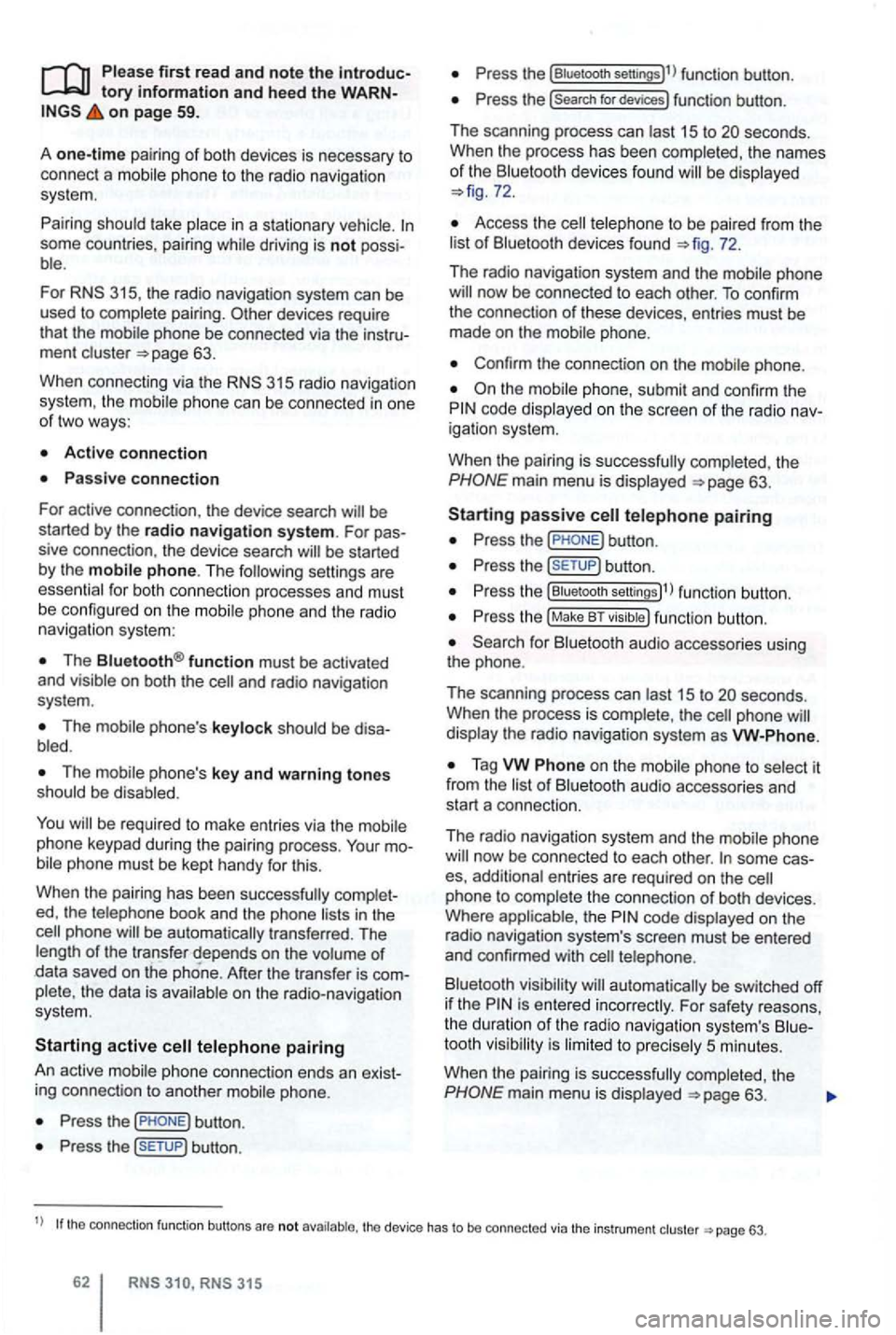
one-time pairi ng of both devices is necessary to
connect a
some countries , pairing driving is not possi
For 315, the radio navigation system can be
used to complete pairing.
63.
When connecting via the
315 radio navigation
system , the mobile ph one can be connected in one
of two ways :
Active connection
The Bluetooth® function must be activated
and v isible on both the
The should be disa
The phone's key and warning tones should be disabled .
You
phone be automatically transferred . T he
length of the transfer depends on the volume of data saved on the phone . After the transfer is com
p lete , the data is
active telephone pairing
An active mobile phone connection ends an exist
ing connection to anot her mobile phone.
Press the button.
Press the (SETUP ) button.
Press the [Biuetooth settings)l l func tion button .
Press the [search for devices) function button.
T he scan ning process can
15 to seconds .
When the process has bee n comple ted, the names
o f t he Bluetoot h devices f ound
72.
Access the telephone to be paired from the 72.
T he radio navigation system and the mobile phone
code displaye d on th e screen of th e rad io nav
i gation system.
When the pairing is successfully completed, the
63 .
passive telephone pairing
Press the button.
Press button.
Press th e [Biuetooth settings)1l funct ion button.
Press the (Make BT fu nc tion butto n .
15 to phone
of Bluetooth audio accesso ries and
start a connec tion.
T he radio naviga tio n system and the
some cases, additional entries are required on the phone to complete the connection of both devices.
Where the code displayed on the
radio navigation system's screen must be entered
and confirmed with
is entered inco rrectly. For safety reasons ,
t h e duration of the radio navigatio n system's toot h visibil ity is li m ited to precisely 5 min utes.
When the pairing is successfully completed, the
63 .
tho connection function butto ns are not the d evice has to be connected via the instrument p age 63.