start VOLKSWAGEN GOLF 2012 Owner's Manual
[x] Cancel search | Manufacturer: VOLKSWAGEN, Model Year: 2012, Model line: GOLF, Model: VOLKSWAGEN GOLF 2012Pages: 516, PDF Size: 105.12 MB
Page 102 of 516
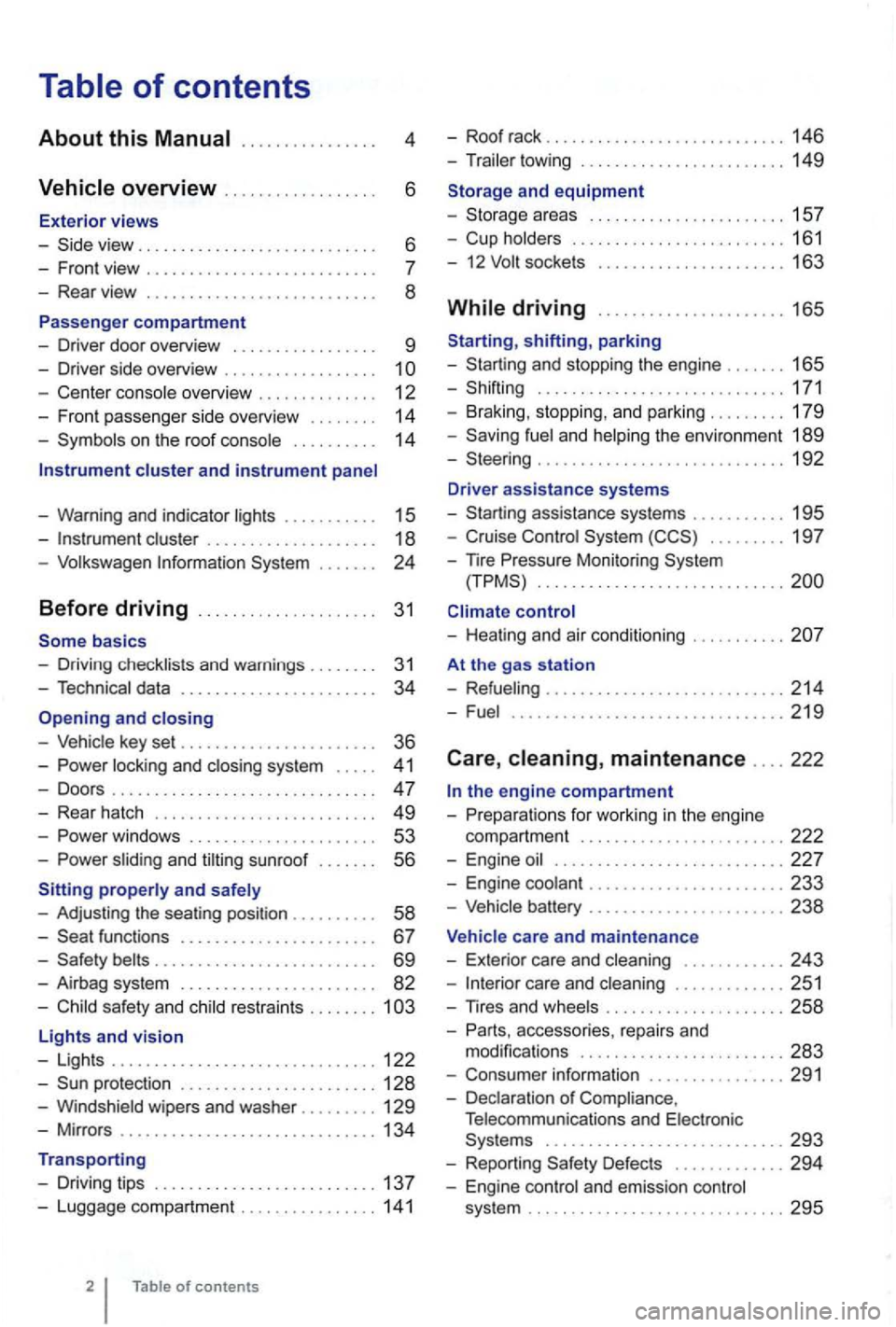
4
. . . . . . 6
- Front view . . . . . . . . . . . . . . . . . . . .
- Center console overview . . . . . . . . . . . . . . 12
- Fron t pa sse nger side overvi ew . . . . . . . .
14
- Symbo ls o n the roo f console . . . . . . . . . . 14
Instrument cluster and instrument panel
- Warning and indica tor
lights . . . . . . . . . . 15
-cluster . . . . . . . . . . . . . . . . . . . 18
-Volk swage n Information System . . .
basics
- Driv ing check lists and warnings .
....... 31
- Techn ical data . . . . . . . . . . . . . . . . . . . . . . . 34
and closing
- Vehic le key set . . . . . . . . . . . . . . . . . . . . . . . 36
-locking and closing system . . . . . 4 1
- Doo rs . . . . . . . . . . . . . . . . . . . . . . . . . . . . . . . 47
- Rear hatch . . . . . . . . . . . . . . . . . . . . . . . . . 49
-. . . 53
-s lidin g and sunroof . . . . . . . 56
properly and safely
- Adjusting the sea ting position . . . . . . .
. . 58
-functions . . . . . . . . . . . . . . . . . . . . . . 67
- Safety . . . . . . . . . . . . . . . . . . . . . . . . . . 69
- Airbag system . . . . . . . . . . . . . . . . . . . . . . . 82
-Child sa fety and child restraints ........ 1
Lights and vision
- Lights ............................... 122
-protectio n ....................... 128
-Windshield wipers and washer ......... 129
-Mir ro rs .............................. 134
Transporting
- Driving tips
.......................... 137
-Luggage compa rtment ................ 141
of contents
- Roof rack . . . . . . . . . . . . . . . . . . . . . . . . . 146
- Trailer towing ...... ............•. .... 149
1 5 7
- Cup holders
......................... 161
- 12
sockets . . . . . . . . . . . . . . . . . . . . . 163
shifting, park ing
- Sta rting and stoppin g
the engin e ....... 165
- Shifting ................... .......... 171
- Brak ing , stop ping , and park ing
......... 179
- Sav ing
fuel a nd helping the environm ent 189
-Steering ............................. 192
Driver assistance systems
- Starting assistance systems
........... 195
-Cruise Control System ......... 19 7
-
nre Mo nitori ng System .............................
control
- Healing and air cond itioning
At the gas station
- Refueling
........................ .... 214
-Fuel ...........................•.... 2 19
Care , maintenance .... 222
fo r work ing in the engin e
compartment
................... ..... 222
- Engine oil ........................... 227
- Engine coolant ....................... 233
-Vehicle battery ....................... 238
Vehicle care and maintenance
- Exteri or
care and cleaning ............ 243
-care and cleaning ............. 251
-
accesso ries, repa irs and
modi fications ........................ 283
- Consumer information ................ 291
- Declaration
of Complia nce,
T elecomm unicat ions and Electro nic
Systems
............................ 293
- Report ing Safe ty Defects ............. 294
- Engin e con trol and emission control
system .............................. 295
Page 110 of 516
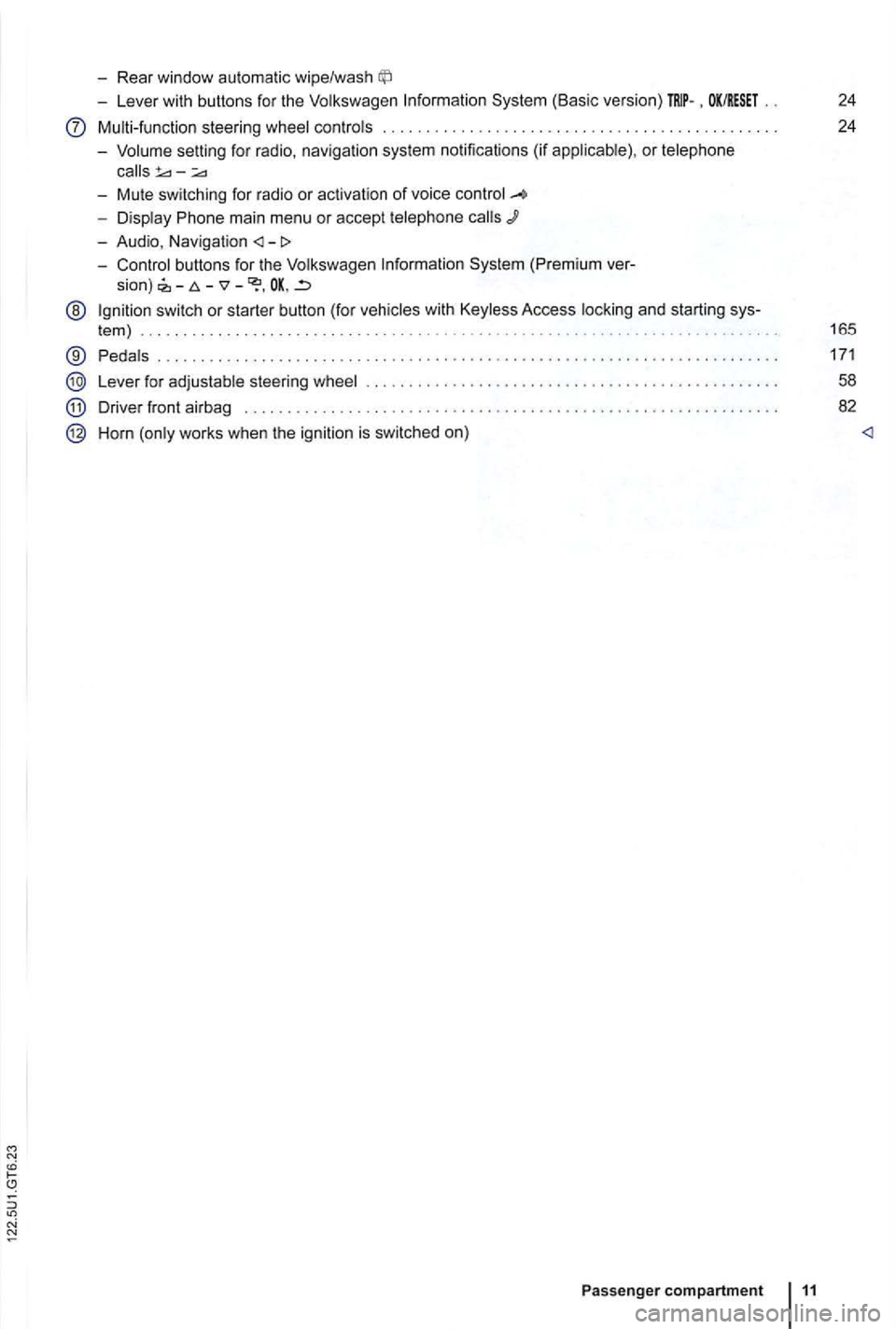
-Rear window automatic wipe/wash
-Lever with buttons for the Volkswagen Information System (Basic version) . OK/RESET 24
Multi-function steering wheel controls . . . . . . . . . . . . . . . . . . . . . . . . . 24
- Volume setting for radio , naviga
tion system notifications (if applicab le) , or telephone
- Display Phone main menu or accept telephone
- Audio, Navigation
sion) -
@ Ign ition switch or starter button (for vehicles with Keyless Access locking and starting sys-
tem ) . . . . . . . . . . . . . . . . . . . . . . . . . . . . . . . . . . . . . . . . . . . . . 165
® Pedals ............ .................................... ....................... .
Lever for adjustable steering wheel
Driver front airbag . . . . . . . . . .
.............................................. .
Horn (only works when the ignition is switched on)
Passenger compartment 11
171
58
82
Page 123 of 516
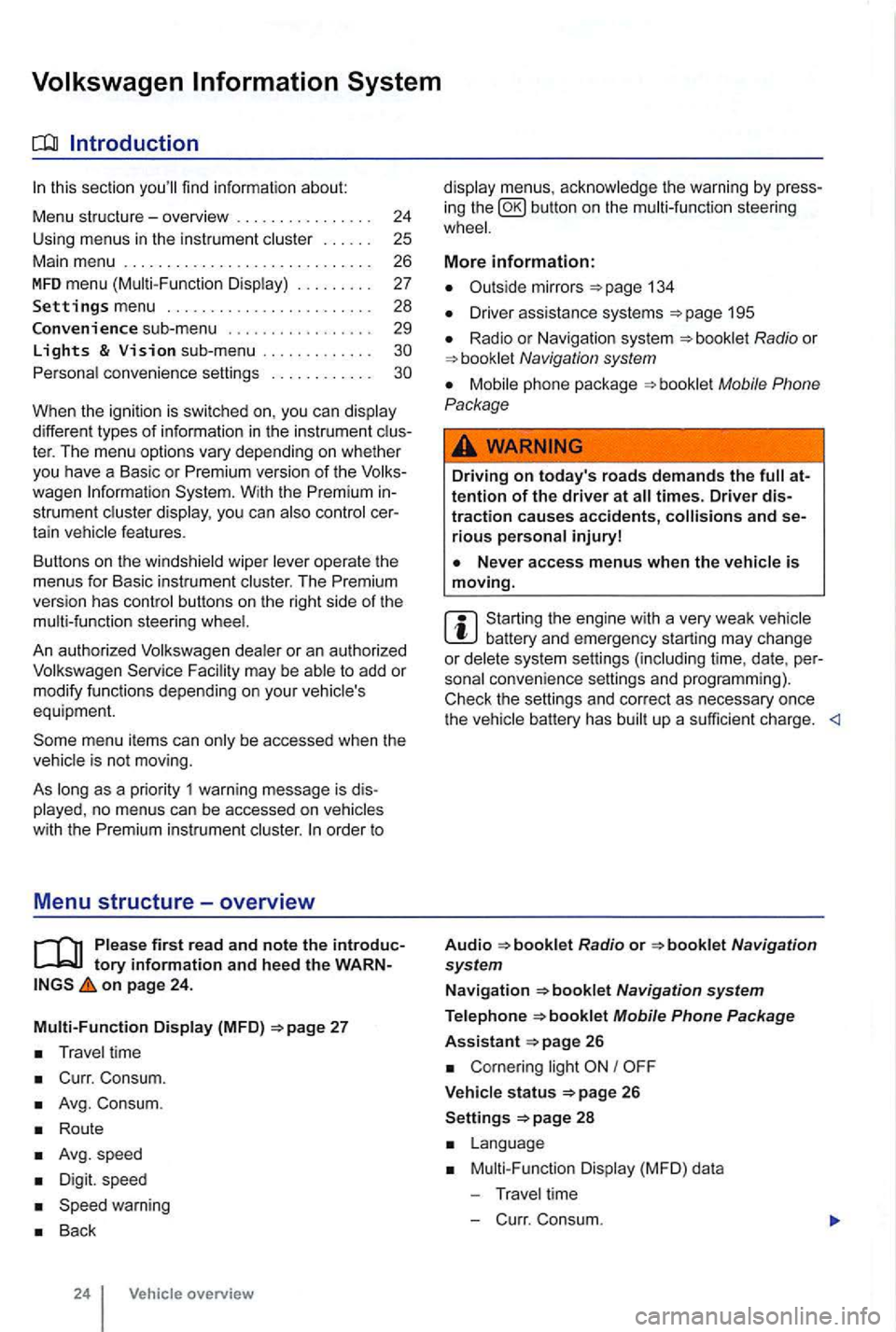
sectio n find informat ion about:
Menu structure-overv iew .......... .
U sing
menus in the instrument
..
Settings menu ................ .
Convenience sub-menu
Lights & Vision sub-menu ............ . convenience settings .. .
24
25 26
27
28
29
different types of information in the instrument ter. The menu options vary depending on whether you h ave a Basic or Premium version of th e
you can
operate the menus for Basic instrument The Premium version has con tro l buttons on the right side of the
An authorized to add or modify functio ns depending on you r vehicle's
equ ipment.
on page 24.
Multi-Function Display (MFD)
Travel time
Curr. Consum.
Avg. Consum.
Route
Avg.speed
Digit. speed
Back
24 Vehicle overview
menus, the warning by press
in g the button on the steeri ng
134
D river assistance systems 195
Radio or Navigation system
Mobile Phone
Package
Driving on today's roads demands the attention of the driver at times. Driver distraction causes accidents, and serious persona l injuryl
is moving.
Start ing the engine with a very weak battery and emergency starting may change or delete system settings (including time, date , per
sonal convenience settings and programming) .
Check the settings and correct as necessary once the
Radio or
26
Corn ering light I
V ehicle s tatus 26
Settings 2 8
Mult i-Functi on Displa y (MFD) da ta
T ravel time
- C urr. Consum.
Page 130 of 516
Before driving
this sectio n yo u'll find infor ma tion about
Gett ing ready and driving safely . . . . . . . . . . . 3 1
Driving in other countr ies . . . . . . . . . . . . . . . 32
Driving through
water on ro ads . . . . . . . . . . 33
More information:
S tarting , shift ing, pa rking 1 65
189
Consumer information
Driving under the influence of alcohol,
on
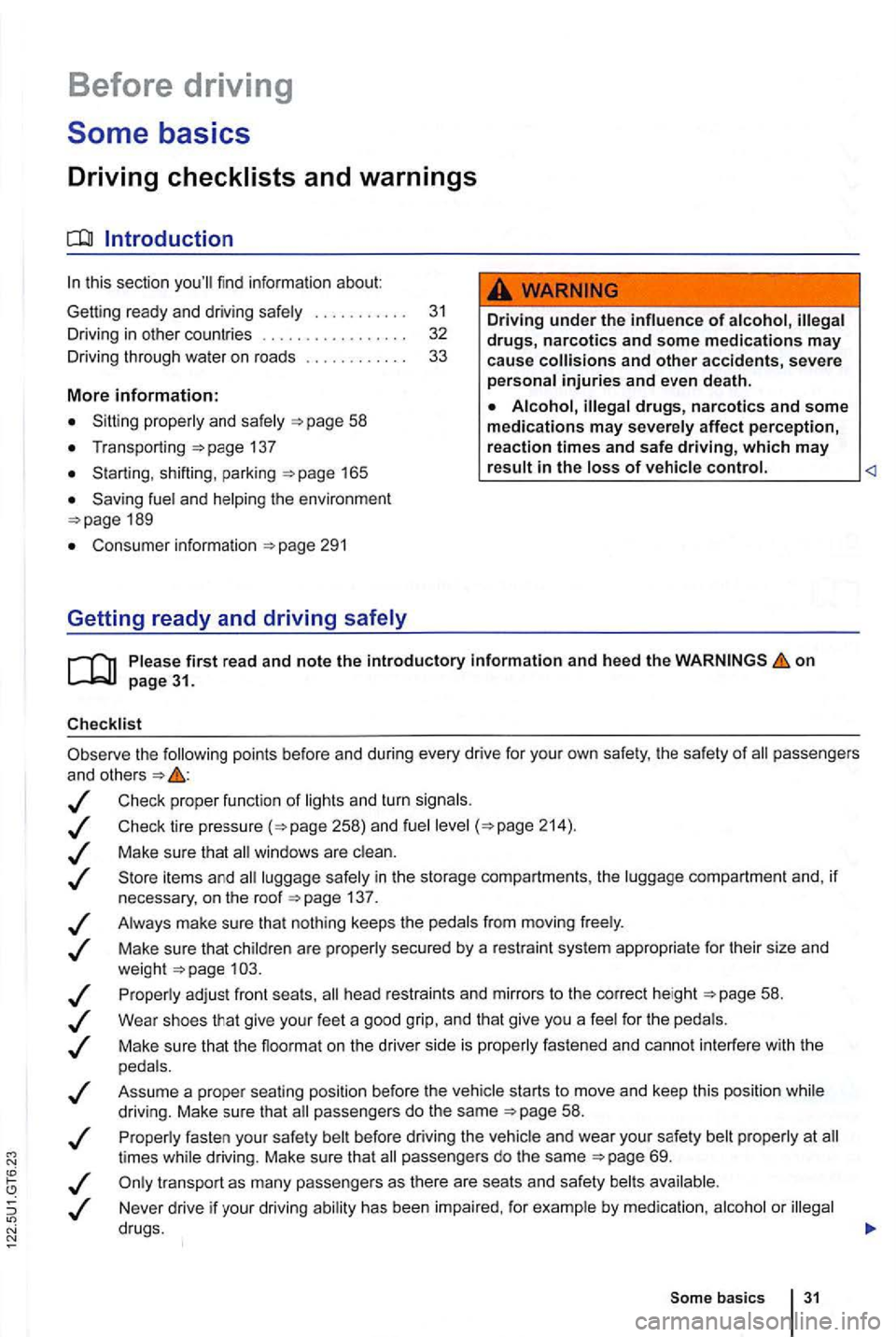
the following points be fore and during every drive for you r own safe ty, the safety of passengers
and other s
Check proper functio n of lights and turn signa ls .
Check tire pressu re
258) and fuel 214) .
Make su re that win dows are .
137 .
Always make sure tha t nothing keeps th e pedals from moving freely .
Make sure that children are properly sec
ured by a rest raint sys tem appropriate for their size and
weigh t .
Proper ly ad just front seats , head restraints and mirrors to the correct height
give your feet a good grip, and that give you a feel for the peda ls .
M ake sure that the floormat on the drive r side is properly fastened and canno t interfere with the
peda ls .
Assume a prope r sea ti
ng posi tion before the vehicle starts to move and keep this positio n whil e
driving. Make sure that passe ngers do the same 58 .
P roper ly fasten your safe ty bel t before
driving the vehic le and wear you r safety belt properly at times while driving. Make sure that passe ngers do the same
or
Som e basics 31
Page 135 of 516
Opening and closing
this section find info rmation about:
R em o
te control vehicle keys . . . . . . . . . . . . . . 37
Mec hanical key . . . . . . . . . . . . . . . . . . . . . . . . . 38
Volkswagen
Power locking and clos ing system 41
Starti ng and stopping the engine
Cons ume r inf ormat ion
Eme rgen cy closin g and opening
Always keep remote control vehicle key fobs with batteries, spare batterie s, as as
dead button mm batteries out of the reach of children.
Get medical attention immediately if you suspect that a battery has been swallowed .
use of vehicle key s can result in se-rious personal injury.
36 Before driving
Always take the key with you when you leave the vehicle . can be used to start the
engine and operate vehicle systems s uch as
the powe r windows, leading to se rious personal injury.
the vehicle is moving or to a stop. The steering wheel lock and you
Page 137 of 516
21 or the power locking buttons 22 are pushed repeatedly in quick succes
sion , the power locking system is switched off for a
br i
ef period to help keep it from being overloaded.
Mechanical key
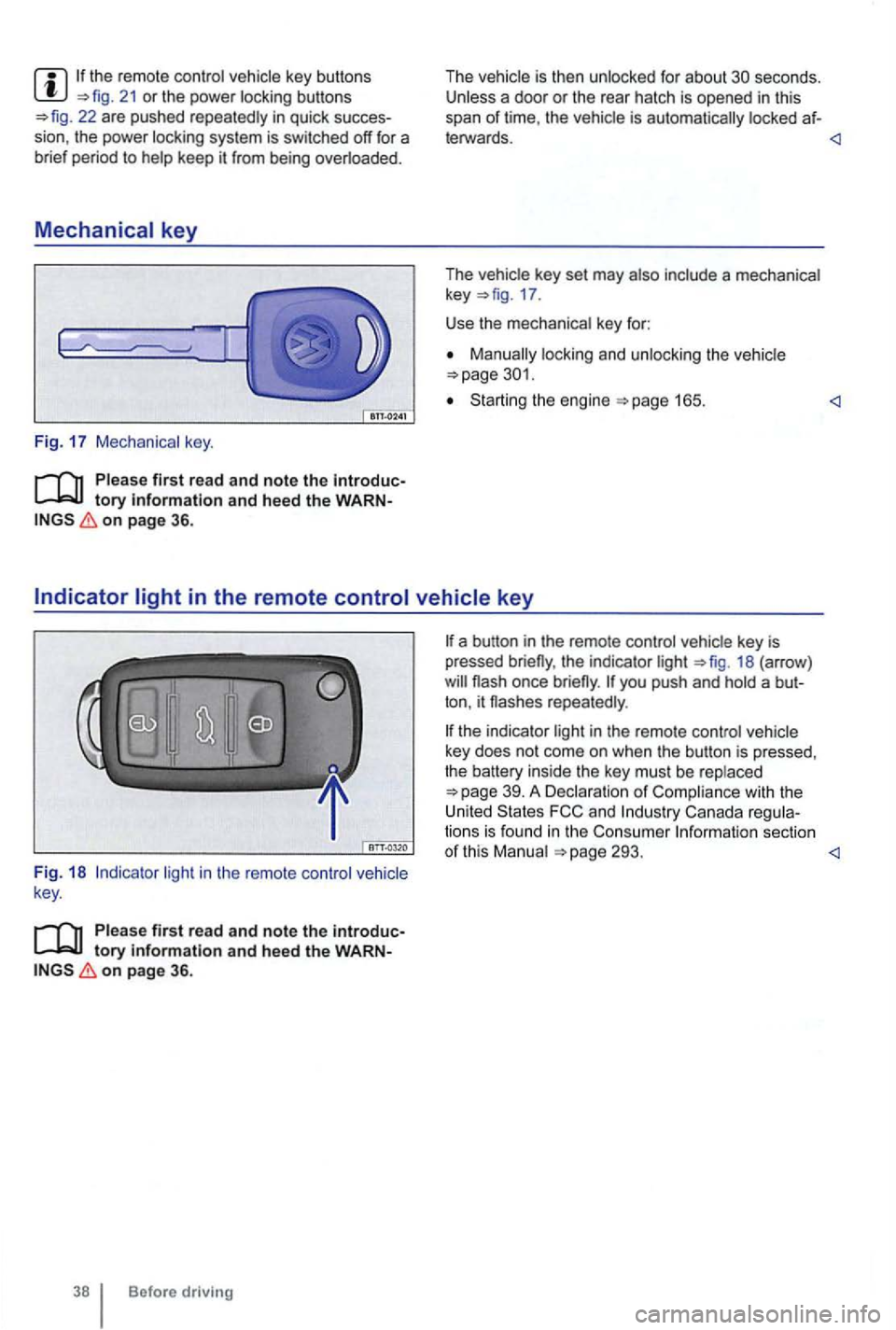
Fig. 17 Mechanical key.
tory information and heed the WARNon page 36.
The vehicle is then unlocked for about secon ds. Unless a door or the rear hatch is opened in this
span of lime , th e vehicle is automatically locked af-
leiWards.
key 17 .
Use the mechanical key for:
locking and unlocking the vehicle
Starting the engine
light in the remote control vehicle
key .
Please first read and note the introductory information and heed the WARNon page 36.
Before driving
the indicator light 18 (arrow )
repeatedly .
the indicator light in the remote control vehicle
key does not come on whe n the button is pressed,
t he battery inside
the key mus t be rep laced
293.
Page 143 of 516
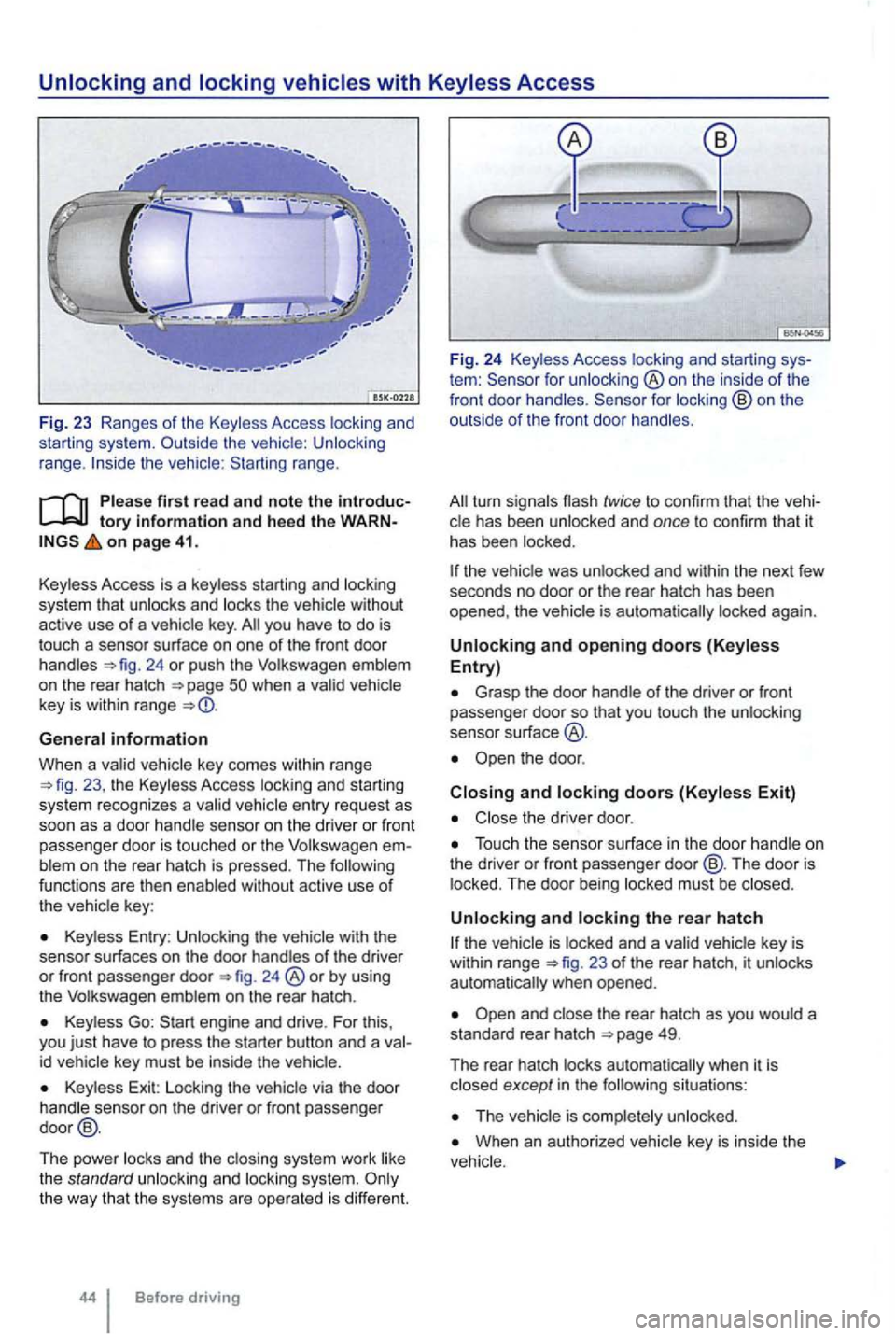
range.
tory information and heed th e o n page 41.
Key less Access is a key less starting and locking
system that
unlocks and locks the vehicle without
active use of a vehicle key. you have to do is
touch a sensor surface on one of the front door
handles 24 or push the Volkswagen emblem
on the rear hatch
General information
When a va lid ve hicl e key comes within range 23 , the Keyless Access locking an d starting
sys tem recognizes a va lid vehicle entry reques t as
soon as a doo r hand le se nso r on the driver or front
passenger door
is touched or the Volkswage n blem on the rear hatch is pressed. The functions are then enab led without active use of
the vehic le key :
Keyless Entry : Unlocking the with the
senso r surf aces on the door handles of the driver or front passenger door 24 ®or by using
the Volkswagen emblem on the rear hatch .
Keyless Go:
id vehicle key must be inside the vehic le.
Key less Exit: Locking the vehicle via the door
handle sensor on the driver or front passenger
door @.
The power locks and th e clos ing system work like
the standard unlocki
ng and locking system.
tem : for unlocking ®on the inside of the
front door handles .
the vehic le was unlocked and within the next few
seco nds no door or the rear hatch has been
opened , the vehic le is aut oma tically locked again.
Unlocking and opening doors (Keyless Entry)
Grasp the door handle o f the driver or fron t passe nger door so that you touch the unlocking
sensor su rface
the door .
Closing and locking doors (Keyless Exit)
Close the driver door .
Touch the sensor surface in the door handle on
the dri ver or front passenger door@ . The door is
locked . The door being locked must be closed .
Unlocking and locking the rear hatch
23 of the rear hatch, it unlocks
automatically when opened.
situations :
When an authorized vehicle key is inside the
Page 144 of 516
N
if a seco nd valid
by press ing a button on the deactivated key.
by pressing a door handle sensor when the de
activated key is outside of the vehicle , but with in
range .
by starting the engine with the starter butto n.
Automatic deactivation of sensors
deactivated .
is activated too often, for instance by a bush or hedge that rubs against the the sensors in the door handle on that side of the vehicle are
switched off for a short time.
T he door handle sensors become active again if
one of the even ts occurs:
A short time has passed.
The rear hatch is opened .
The key .
Anti-theft
tory information and hee d the WARN on page 41.
T he anti-theft alarm system makes it more difficult
for someon e to break into or steal the veh icle .
The anti-theft alarm system is
key i s within range of the vehicle.
T he door may not open if the outside and in side door handles are used at the same time.
the vehicle battery or the battery in the remote control vehicle key is weak or dead , it
might not be possible to unlock and using Keyless Access. The vehicle can locked or unlocked with the key bit
The driver message Key not in ra nge ap pears in the instrument cluster display if there
is no remote control vehicle key inside the vehicle
or if the system does not recognize the
key. The key may not be recognized , for example, if it is
covered by something that interferes with the sig
(such as a briefcase) , or if the remote control
vehicle key battery is weak. Electronic devices
such
as phones can interfere with the sig
Dirt on the door handles that conta ins a of in winter) can affect the way
the door handle sensors work.
with this problem .
Automatic transmissio n vehic les can
Opening a door that has been un
locked and not switching on the igni tion with in
about 15 seconds.
Forcibly opening a door.
Forcibly opening the engine hood.
Forcib ly opening the rea r hat ch.
and closi ng 45
Page 155 of 516
Power
protection for the power sunroof
More information:
Volkswagen 24
locking and closi ng system
Emergency closing and opening
56
57
57
cess to the vehicle key. Unsupervised use of the remote control vehicle key makes it sible to lock the vehicle, start the engine, turn on the ignition and operate the sliding and tilting roof.
Remove leaves and other objects from the sunroof guiderails regularly either by hand or
using a vacuum cleaner.
the powe r sunroof malfunctions, pinch tection may not function properly . an
Opening and
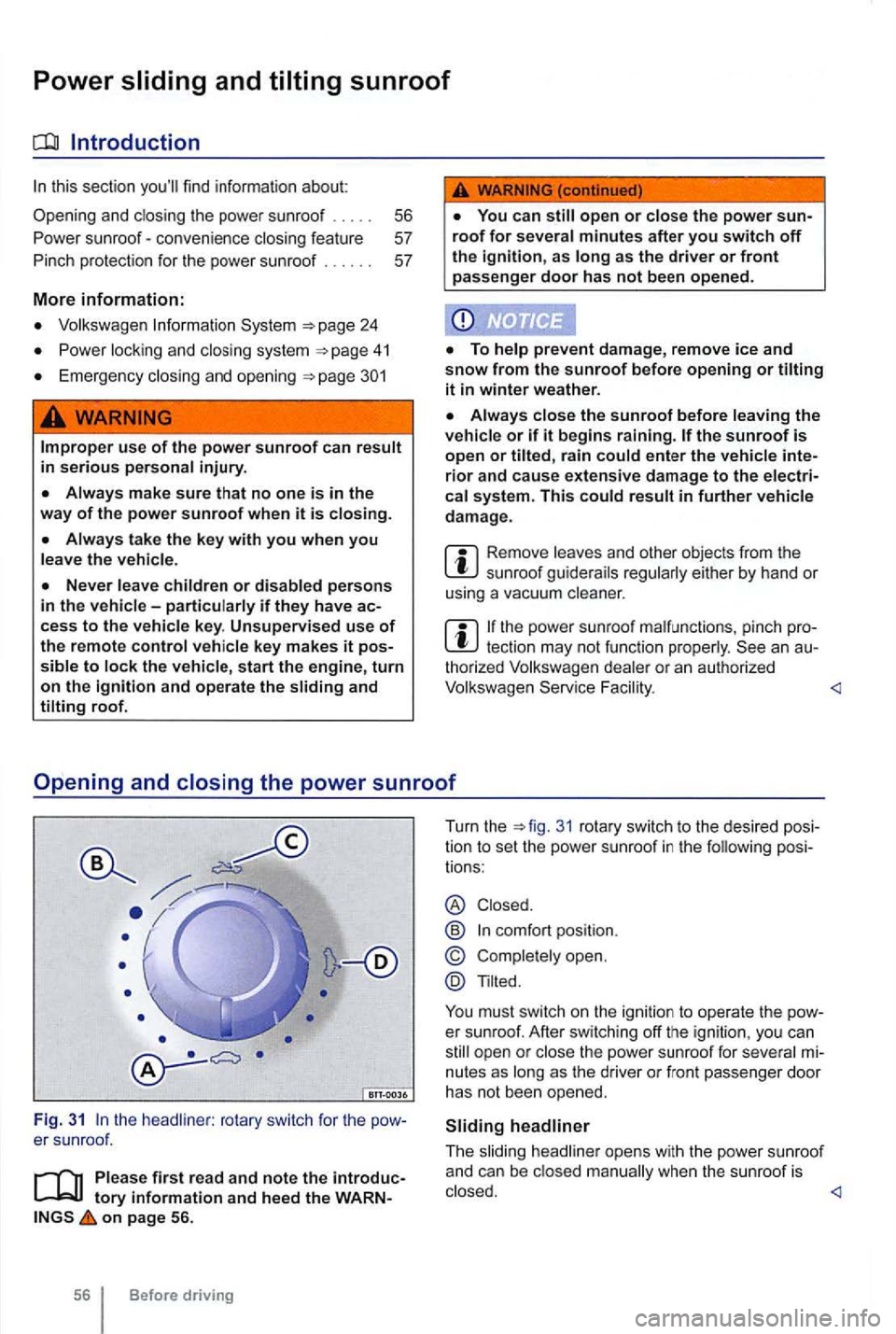
the headliner : rotary switch for the
on page 56.
56 Before driving Turn
the
31 rotary switch to the desi red pos i
tio n to set the power sunroof in the following posi
tions :
® Closed .
@
Tilted.
You must switch on the ignition to operate the
Page 156 of 516
Power sunroof-convenience closing feature
on page 56.
Convenience closing
The conven ience closing feature lets you the power sunroof as fo llows:
Turn the vehicle key bit in the lock of the driver door to the closi ng position and hold it there The power sunroof is key in order to stop the process.
Convenience clos ing first closes the windows and
t hen the power sunroof.
Convenience from the out side leaves the rotary switch in
the l ast selected position. The switch must be new-
ly positioned when starting to drive again .
on page 56.
P inch protection
can help reduce the risk of If
the power sunroof clo sing meets resistance or
th ere is something in the way, the power sunroof opens again immedia te ly.
Check why the p ower sunroof did not close.
the power sunroof er sunroof close the next time without pinch protection .
31 ® and down th e rear part of the switch un til the power sunroof closes completely .
the power sunroof not close, please see an authorized Volkswagen dealer or an
Without pinc h protection, the power sunroof close with enoug h force t o cause serious personal injury.
Pinch protection is also active durin g ience
tection may not fu nction properly. thorized Volkswagen dealer or an authorized Volkswagen Service F acility for assis tance.