navigation system VOLKSWAGEN GOLF MK6 2012 Owner's Manual
[x] Cancel search | Manufacturer: VOLKSWAGEN, Model Year: 2012, Model line: GOLF MK6, Model: VOLKSWAGEN GOLF MK6 2012Pages: 516, PDF Size: 105.12 MB
Page 123 of 516
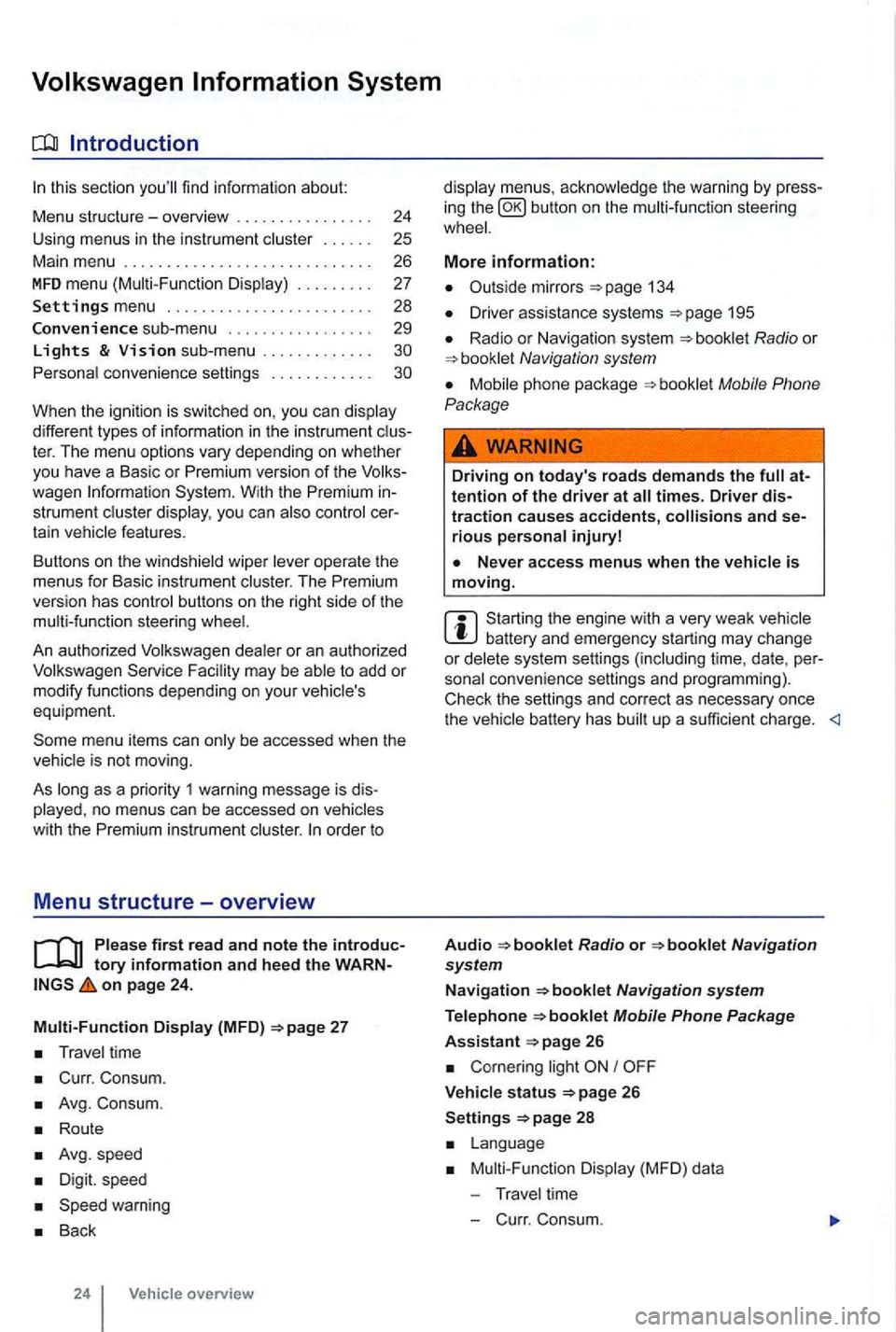
sectio n find informat ion about:
Menu structure-overv iew .......... .
U sing
menus in the instrument
..
Settings menu ................ .
Convenience sub-menu
Lights & Vision sub-menu ............ . convenience settings .. .
24
25 26
27
28
29
different types of information in the instrument ter. The menu options vary depending on whether you h ave a Basic or Premium version of th e
you can
operate the menus for Basic instrument The Premium version has con tro l buttons on the right side of the
An authorized to add or modify functio ns depending on you r vehicle's
equ ipment.
on page 24.
Multi-Function Display (MFD)
Travel time
Curr. Consum.
Avg. Consum.
Route
Avg.speed
Digit. speed
Back
24 Vehicle overview
menus, the warning by press
in g the button on the steeri ng
134
D river assistance systems 195
Radio or Navigation system
Mobile Phone
Package
Driving on today's roads demands the attention of the driver at times. Driver distraction causes accidents, and serious persona l injuryl
is moving.
Start ing the engine with a very weak battery and emergency starting may change or delete system settings (including time, date , per
sonal convenience settings and programming) .
Check the settings and correct as necessary once the
Radio or
26
Corn ering light I
V ehicle s tatus 26
Settings 2 8
Mult i-Functi on Displa y (MFD) da ta
T ravel time
- C urr. Consum.
Page 127 of 516
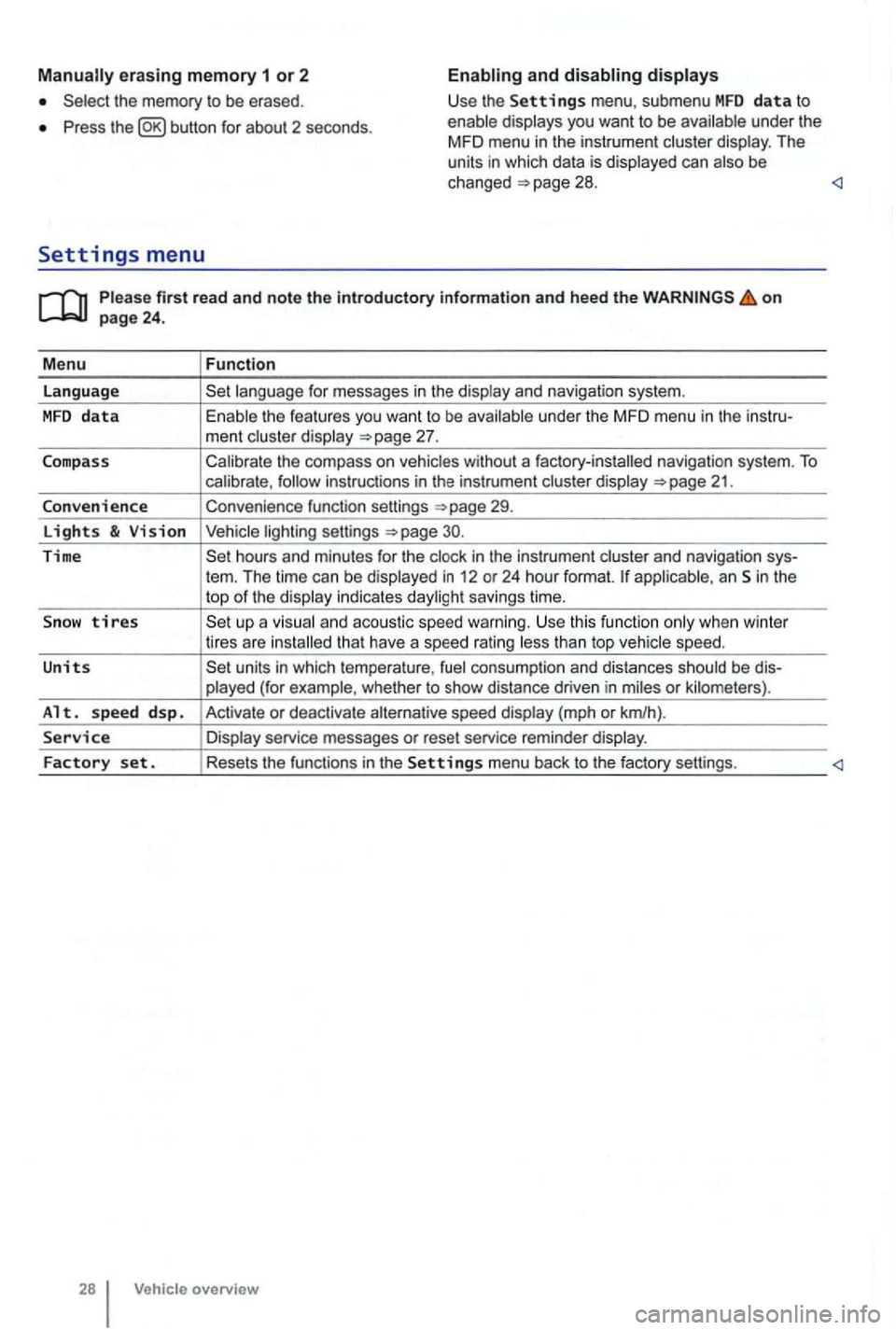
erasing memory 1 or 2
Press button for about 2 seconds.
and
Please firs t r ead and note t he i ntrodu ctory infor ma tion an d heed th e o n page 24 .
M enu
Function
language
unde r the MFD menu in the instru-
ment cluste r display
Calibrate the compass on vehicles without a factory-installed navigation system. To calibrate ,
Convenience function settings
30.
Time hours and minutes for the and navigation sys-
tern. The time can be displayed in 12 or 24 hour format. applicab le, an Sin the
top of the disp lay indicates daylight savings time.
S
now tires t han top vehicle speed.
Units units in which tempera ture , consumption and distances should be dis-
p layed (for example , whet her to show distance driven in miles or kilomete rs).
Alt. s p ee d d sp. Activate or deactiva te speed display (mph or km/h).
Service Display service messages or reset service reminder display.
Factory set . Resets the functions in the Se tting s menu back to the factory settings.
Vehicle overv ie w
Page 131 of 516
Checklist (continued)
Neve r let passe ngers or phone calls dist ract you while driving , and neve r take your attention off the
r oad while using vehicle software or adjusting vehicle equipment or accessories .
Always adapt your speed and driving style
to visibility , weather, road, and traffic conditions .
Always obey tr affic laws and speed limits .
WARNING
Alway s observe posted speed limits and use common sense. Your good judgment can
m ean the difference between arriving safely at your destination and being seriously jured in a cras h or other kind of accide nt.
Regular service and main te na n ce of you r hic le is important bot h f or ope rational and
driving safe ty and to help prolo ng yo ur veh icle's
Driving in other countries
service lif e . Always follow the sched uled mainte
nance intervals in the
iced more frequently . Ask an authori zed Volkswa
gen dealer or an author ized Volkswagen Faci lity for more info rmation.
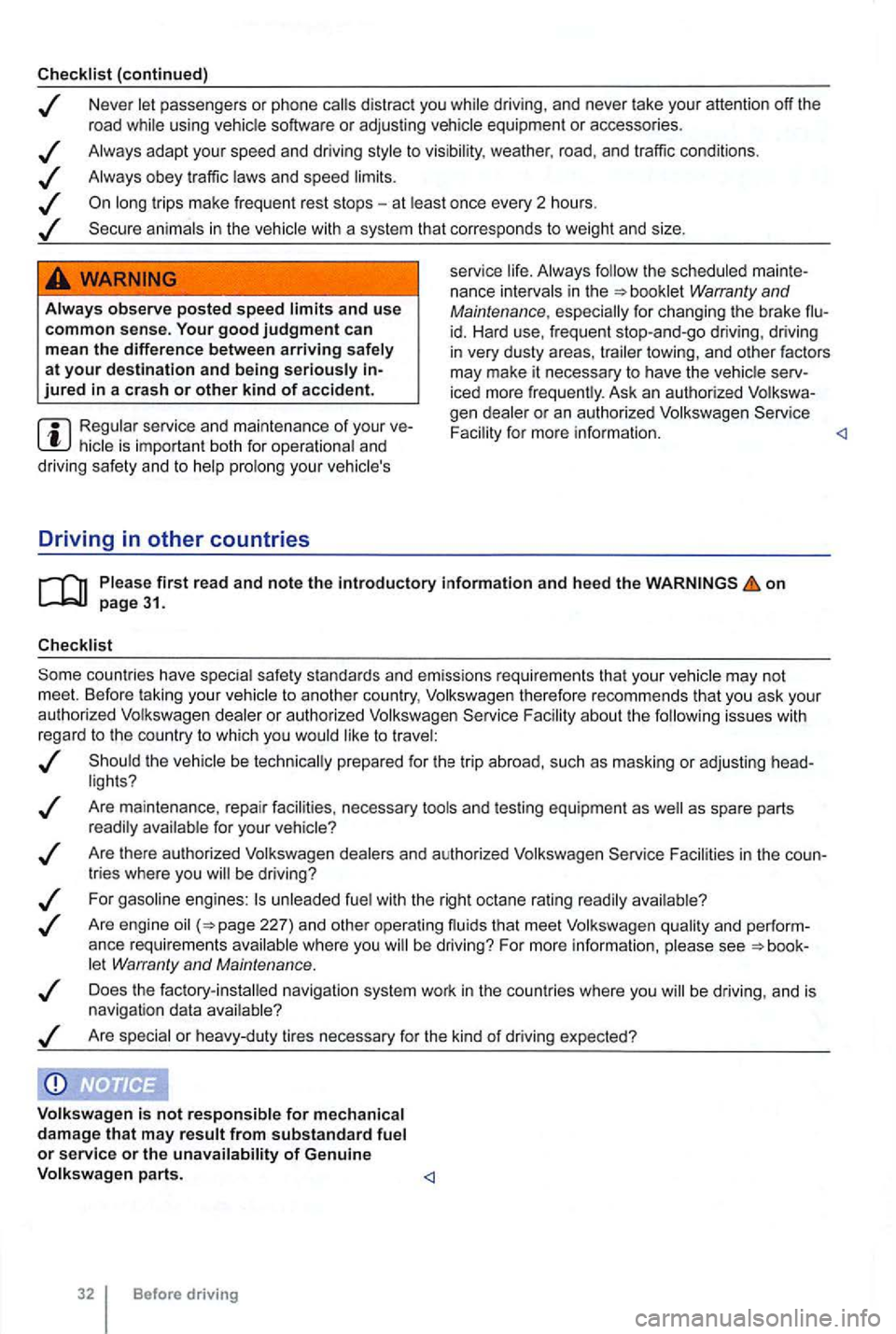
F acil ity about th e fo llowing issues with
r ega rd to the country to which you would like to t rave l:
Are mainte nance , repa ir facilities , necessary tools and testing equipme nt as
Facilities in the
let Warran ty and Maintenance .
Does the factory -ins ta lled navigation system work in the countries where you
Page 192 of 516
on page 82.
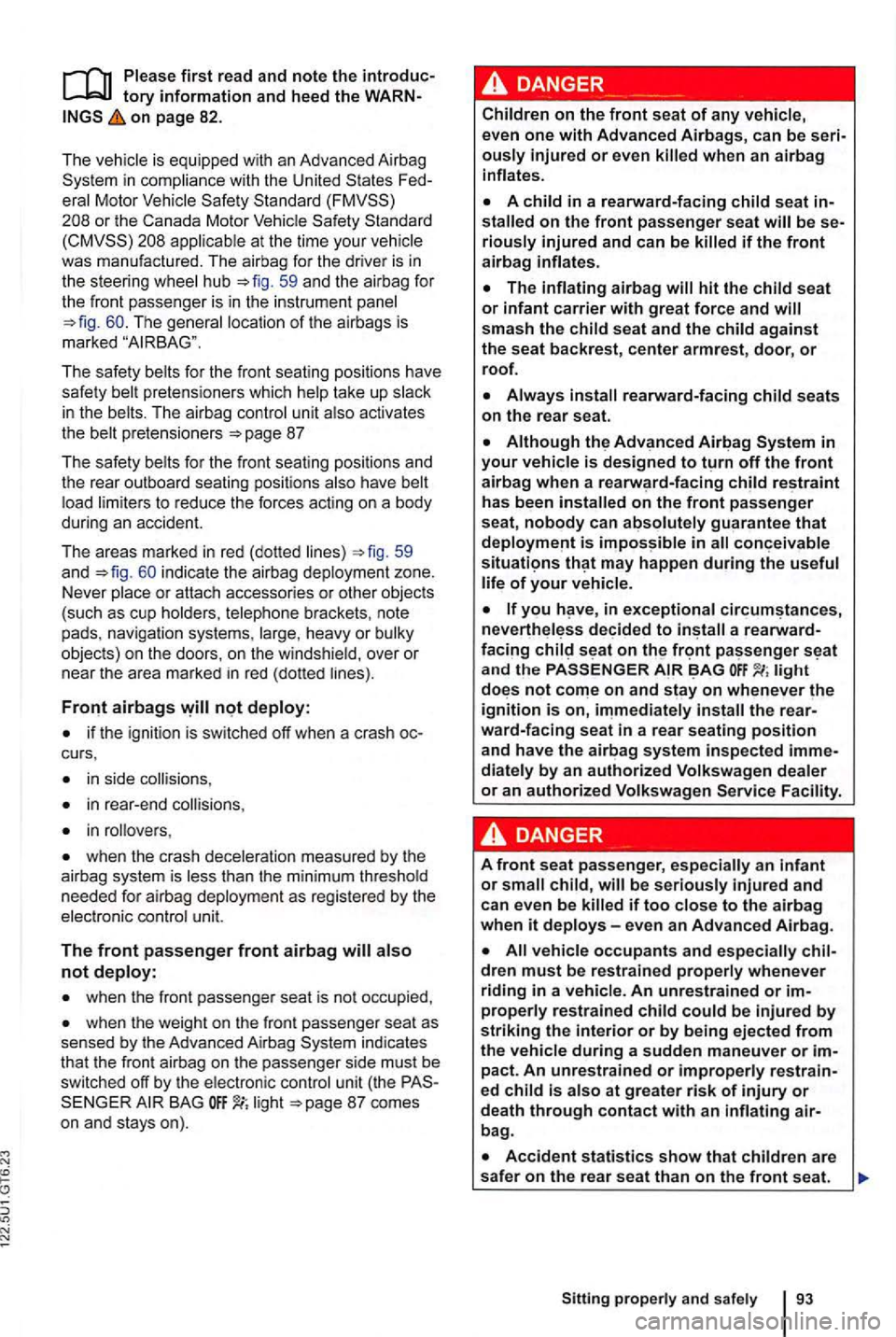
The is equipped with an Advanced Airbag
Standard
appl icable at the time your
The safe ty belts for the front seating positions have
safety belt pretensioners which help take up slack
i n the belts. The airbag contro l u nit also activates
the belt pretensioners
59
and i ndicate the airbag deployment zone.
Never place or attach accessories or other objects (such as cup holders , telephone brackets, note
pads, navigation systems, large , heavy or bu lky
objects) on the doors , on the windshie ld, over or
near the area
marked in red (dotted lines).
if the ignition is switched off when a crash
in side collisions ,
in rear -end
in rollovers ,
when the crash deceleration measured by the
ai rb ag system is less than the minimum threshold
needed for airbag deployment as regis te red by the
elec tronic cont
rol unit.
The front passenger front airbag
when the front passenger seat is not occupied ,
when the weight on the front passenger seat as sensed by the Advanced Airbag indicates
that the front airb ag on the passenger side must be
s witched o ff by the electronic control unit (the BAG li g ht
ously injured or even
stalled on the front passenger seat will be riously injured and can be killed if the front airbag inflates.
has been installed on the front passenger
seat, nobody can absolutely guarant ee that
you in exceptional a
light not on and stay on whenever the ignition is on,
dren must be restrained properly whenever
riding in a vehicle. An unrestrain ed or
bag .
Page 258 of 516
Never l et a passenger, espec ially a child, ride
o n the center armrest.
jack, a multimedia jack
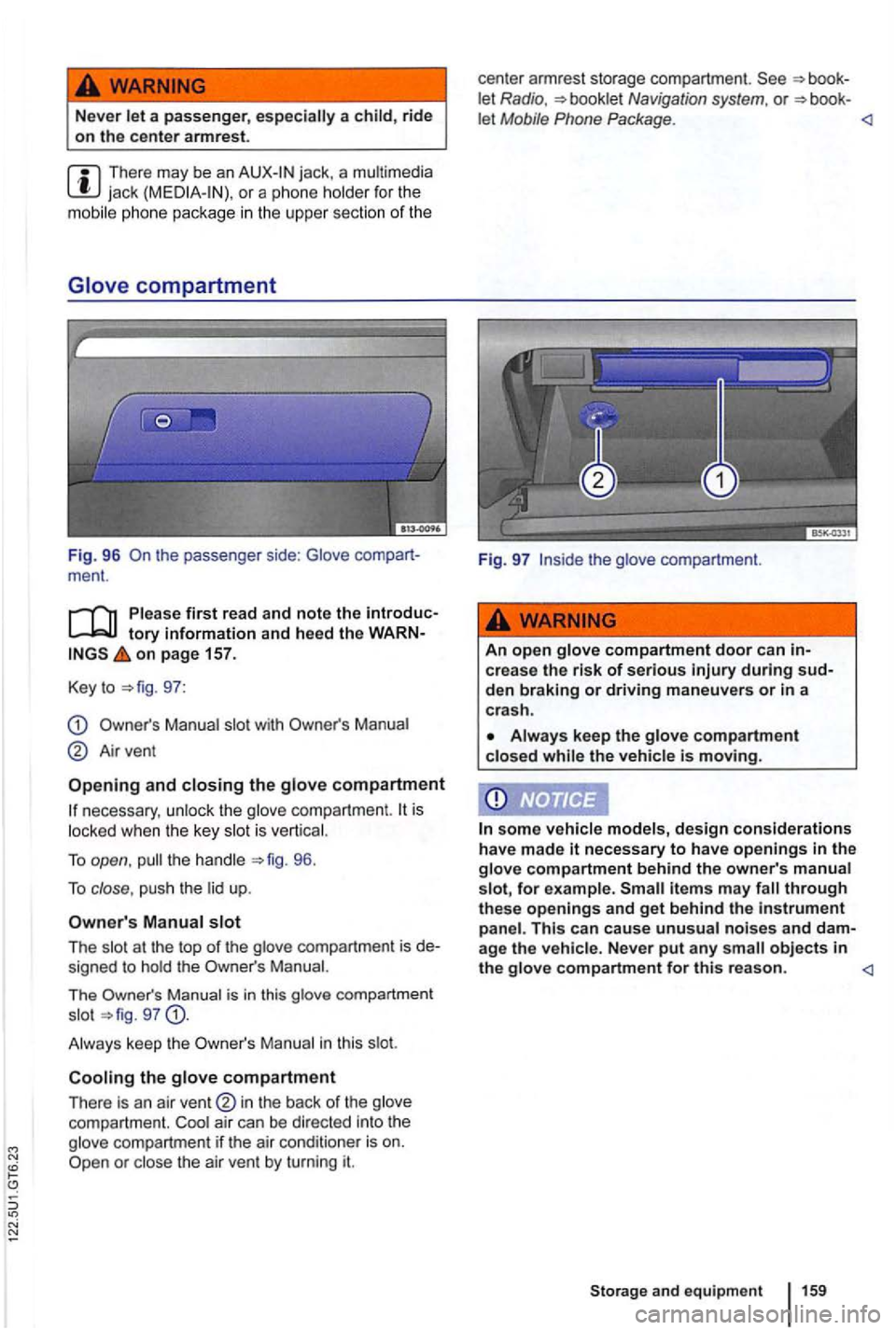
t he passenger side: Glove ment.
on page 157.
Key to
97:
Manual slot with
Airvent
and closing the glove compartment
necessary , unl ock th e glove compartme nt. is
l ocked when th e key slot is ve rtical.
To open , 96.
To close , push th e lid up .
Manual slot
The slot at the top of the glove compartmen t is signed to hold th e Manual.
Th e
Man ua l i s in this glove compartment
s lo t g7
Man ual in this slot.
Cooling the glove compartment
There is an air in the back of the glove
compartment. Coot air can be directed into the
g love compartment if the air conditio ner is on.
let Radio , Navigation system. or let Mobile Phone Package .
Fig. 97
crea s e the risk of serious during
Always keep the glove compartment closed while the vehicle is moving.
some vehicle models, design considerations
have made it necessary to have openings in the glove compartment behind the owne r's manua l
s lot, for e xample.
a ge the vehicle. Never put any small objec ts in the glove compartment for this re a son.
Page 382 of 516
Parts, accessories, repairs and modifications
this section find information about:
Break-in period ..
..... .
283
Parts and accesso ries . . . . . . . . . . 284
Operating fluids and equipment . . . 284
Repairs and technical modifications . . . . . . . . 285
Repairs and other things that can affect
Advanced Airbag performance . . . . . . 285
radio equipment . . . . . . . . . . . . . . . . . . . . . 287
Notice about data recorded by vehicle control
modules . . . . . . . . . . . . 287
a phone in a motor vehicle
when it is not connected to the
telephone antenna -some importa nt things to
know .................................. 288
Lift points for the vehicle . . . . . . . . . . . 289
More information:
69
Airbag system
towing
12 163
Braking , stoppi ng and parkin g 179
assistance systems 195
control system 197
Pressure Monitoring
Preparations for working in the eng ine compart
ment page 222
Engine
Engine coolant 233
Vehicle battery 238
243
on page 283.
Not e
requirements for breaking in new
parts .
Cons umer information
booklet Radio
Navigation system
Package
Inappropriate spare parts and accesso ries as
Breaking in a new engine
A new engine must be (1
Vehicle care and maintenanc e 283
Page 391 of 516
Operating your vehic le outside of the United
tory information and heed the on page 291.
Government regulations in the Unit
ed and Canada require that automobiles meet speci fic
emission regulations an d safely standards . for the and Canada differ
f rom vehicles sold in other coun tr ies.
to take your vehicle outside the or Canada , there is the possibility that:
Unl eaded for vehicles with catalytic
Fuel may have a co nsiderably lower octane ing and may cause engine damage.
may be inadequate due to
tory information and heed the on page 291.
the ra dio and navigation systems were installed
at the fac tory, the radio a ntenn a may be insta lled in differe nt locations in the vehic le:
the inside of th e rea r window w ith the rear
wi nd ow defroste r,
the inside of the rear side win dows,
the inside of the windshie ld ,
the vehic le roof.
An te nna s on the insides of windows are thin wires .
UTQG classification
on page 291.
Unif orm Tir e Quality Grading (UTQG) : Quality
grades can be found where applicab le on the tire
sidewa ll between the tread shou lder and maxim um
sec tion width . E xample :
Replaceme nt parts may not be read ily
DVD navigation systems for
tries outside of N orth Ame rica.
Volksw agen
is not responsible for mechanical
damage that may result from substandard fuel or service or the of Genuine
Volkswagen parts.
Volkswagen is not responsible if the does not meet the respective
icals. Do not place any stickers on the
agents or other ch emica ls.
to the integrated windshield antenn a, interference
w it h AM radio receptio n may occur .
Traction: AA, B or
Tempera ture : A , B or
Fo r example: Treadwear Tr ac tion AA, pera tur e A.
passenger car ti res must conform to Federal R equ iremen ts in add ition to these grades .
Page 455 of 516
lists
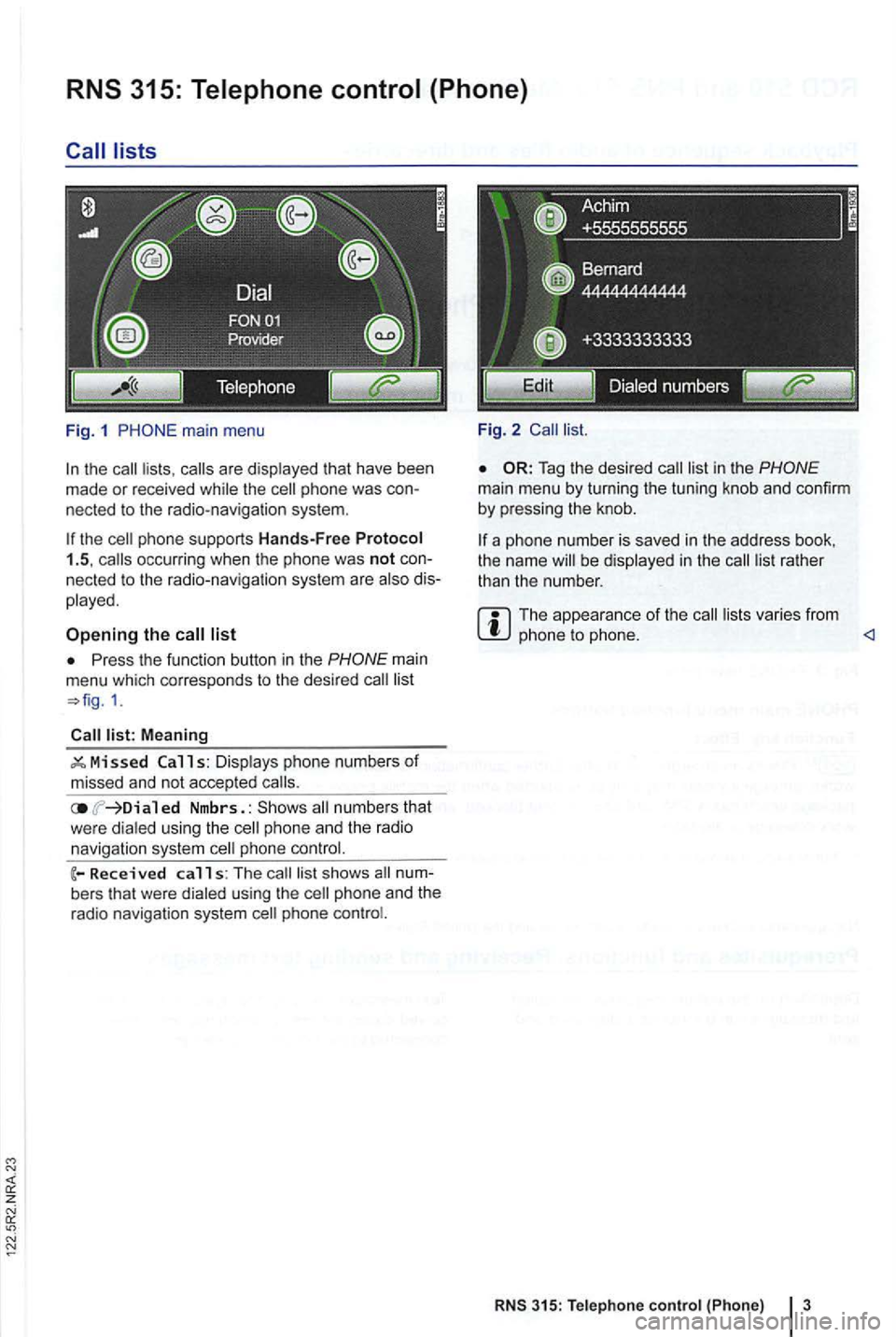
Fig. 1
the the
list
Press the function button in the
Meaning
ed Nmbrs. : numbers that
w ere dialed using th e phone an d the radio
navigation system phone
calls: The s hows
phone
Fi g. 2
Tag the desired
the name be displayed in the
The appea ra nce of the varies from phone to phone.
RNS 315: Tele phone control {Phone) 3
Page 457 of 516
z
in
this section find information about:
Devi ce and function overview . . . . . . . . . . . . . 6
Deviating from the
scribed in a separate Exbox II, Navigation System with DMB & tooth . Th
e description
of identica ll y-named functions in
the
spondingly ignored.
The
cates the where the functi ons fo r
Page 458 of 516
Valid only in Korea
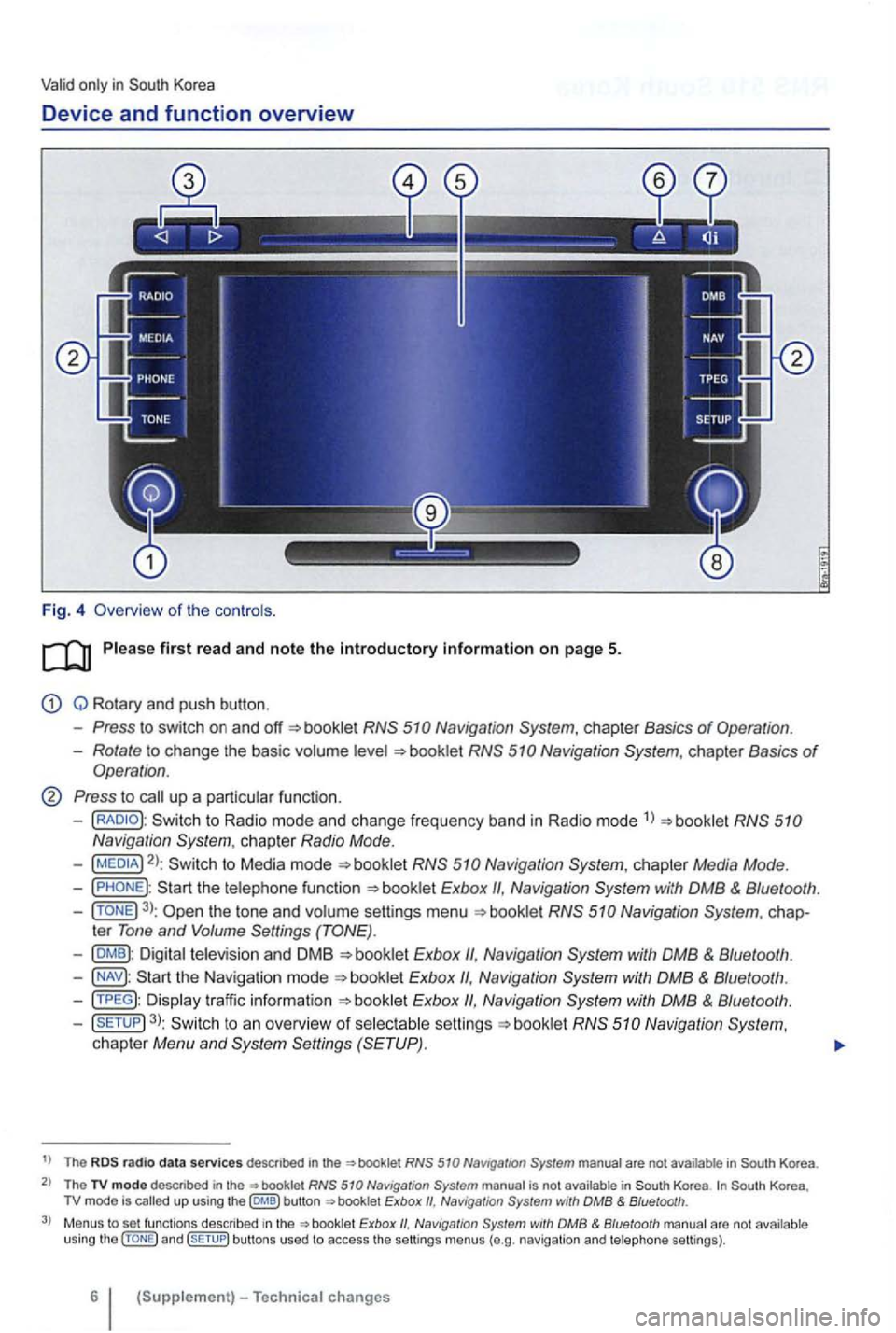
Device and function overview
Fig. 4 Overv iew of the controls .
Q Rotary and push button .
Press to switch on and booklet
Rotate to change the basic volume
Press to call up a particular function.
-to Radio mode and change frequency band in Radio mode 1
)
2): to Media mode
Navigation
3): the tone and volume settings menu
Exbox Navigation
Exbox
Exbox Navigation
3): to an overview of selectable booklet Navigation System, chapter Menu and
t) The radio d ata services descnbed in the in
The TV modo descr ibed in the not Korea up using the button Naviga tion with DMB & Bluetooth .
Menus to set functions described Exbox with DMB & Bluetooth arc not u sing and bu ttons used to access the settings menus (e.g . navig ation and telephone settings).
6