light VOLKSWAGEN GOLF SPORTWAGEN 2015 5G / 7.G User Guide
[x] Cancel search | Manufacturer: VOLKSWAGEN, Model Year: 2015, Model line: GOLF SPORTWAGEN, Model: VOLKSWAGEN GOLF SPORTWAGEN 2015 5G / 7.GPages: 439, PDF Size: 6.16 MB
Page 36 of 439

Menu Submenu Setting options See
Interior
lighting
Adjust the following
features:
– Door ambient light-
ing
– Footwell lighting
Coming/Leaving
home function
Set the following:
– Duration that the
Coming Home fea-
ture is switched on
– Duration that the
Leaving Home fea-
ture is switched on
Mirrors and
wipers
Windshield
wipers
Turn the following
features on or off:
– Automatic wiping
during rain (rain
sensor)
– Wipe rear window
in reverse gear
Open and
close
Window opera-
tion
Turn convenience
opening feature for
the power windows
on or off (if
equipped)
Central lock-
ing
Set door unlocking.
Turn the following
features on or off:
– Lock automatically
(Auto lock feature)
– Acoustic confirma-
tion (horn beep after
the vehicle is locked
from outside)
Page 37 of 439

Menu Submenu Setting options See
Multifunction
display (MFD)
– Display or hide the
following data in the
Multifunction display:
– Current fuel con-
sumption
– Average fuel con-
sumption
– Convenience con-
sumers
– Eco tips
– Travel time
– Distance traveled
– Average speed
– Digital speed dis-
play
– Speed warning
– Reset the following
data in the Multifunc-
tion display:
– Driving data for
“Since start” trip
memory
– Driving data for
“Extended period”
trip memory
Time and date – Select and set the
following data:
– Clock time source
(manual, GPS)
– Time
– Daylight savings
time
– Time zone
– Time format (12
hour, 24 hour)
– Date
– Date format
–
Page 38 of 439

Menu Submenu Setting options See
Units – Set the units for the
following:
– Distance
– Speed
– Temperature
– Volume
– Consumption
– Pressure
–
Service – Display the following
data:
– Vehicle identifica-
tion number (VIN)
– Date of next in-
spection service
– Date of next oil
change service
Factory set-
tings
– Reset the following
features:
– All settings
– Parking aids
– Lights
– Mirrors and wipers
– Open and close
– Multifunction dis-
play
–
Page 41 of 439
WARNING
Vehicle health reports do not replace the information provided by the vehicle warning and indicator lights. Failure to heed warning lights and instrument cluster text messages can cause the vehicle to break down in traffic and result in a collision and serious personal injury.
x Never ignore warning lights or text WARNINGS.
x Always stop the vehicle as soon as it is safe to do so.
x Park the vehicle at a safe distance from moving traffic and where no part of the hot cata-lytic converter and exhaust system can come into contact with flammable materials under the vehicle, such as dry grass, brush, spilled fuel, etc.
x A broken down vehicle presents a high accident risk for itself and others. Switch on emergency flashers and set up a warning triangle to warn oncoming traffic.
x Before opening the engine hood, always switch off the engine and let the engine cool down.
x Always be very careful when working in the engine compartment, which is a potentially dangerous area in any motor vehicle and can cause serious personal injury.
NOTICE
Failure to heed warning lights or text WARNINGS can result in vehicle damage.
Volkswagen collects, processes, transmits, uses and shares information about you and your vehicle in accordance with the Volkswagen Car-Net Terms of Service and Privacy Policy. See the Volkswagen Car-Net Terms of Service and Privacy Policy at http://www.vw.com/carnet for more de-tails.
Volkswagen Car-Net services use a system based on a wireless communication network. If all technical and other conditions are met and Volkswagen Car-Net still does not work properly, please try using the service again later.
Features
Page 43 of 439

Family Guardian:
Feature Description
Boundary
Alert
By logging on to your Volkswagen Car-Net account, you
can designate an area on a map as a “virtual fence.” The
vehicle owner can then choose notification channels (text
message or email) for receiving alerts when the vehicle
crosses the defined boundary (texts and data rates apply).
Speed Alert
Volkswagen Car-Net can be configured to inform the vehi-
cle owner whenever the vehicle exceeds a speed set by
the owner. The owner can select to be informed through
multiple channels, including text messages and email (text
and data rates apply).
Remote Vehicle Access:
Feature Description
Remote Door
Unlock
You can send a request to unlock the vehicle doors
through your Volkswagen Car-Net iPhone® or Android®
app, the Volkswagen Car-Net website or by calling the
Volkswagen Car-Net Response Center (text and data rates
apply). If none of the vehicle doors are opened within
about 30 seconds, the car will lock again.
Remote Honk
and Flash
You can send a honk and flash signal to the car using the
Volkswagen Car-Net website or the VW Car-Net iPhone®
or Android® app (text and data rates apply). The car will
honk the horn and blink the headlights and emergency
flashers for up to 10 seconds.
Last Parked
Location
You can locate your last parked location using your
Volkswagen Car-Net iPhone® or Android® app (text and
data rates apply).
Page 44 of 439

Remote Vehicle Access:
Feature Description
Destinations
Only applica-
ble for vehi-
cles
equipped
with a facto-
ry-installed
navigation
system.
Points of Interest (POIs) or other destinations can be im-
ported remotely into the factory-installed navigation system
(if equipped) from a computer or the Volkswagen Car-Net
iPhone® or Android® app (text and data rates apply). These
destinations can be called up and used by the navigation
system.
Destination
Download
Only applica-
ble for vehi-
cles
equipped
with a facto-
ry-installed
navigation
system.
Press the button in the 3-button module: The vehicle will
connect directly to the Volkswagen Car-Net Response
Center where a Volkswagen Car-Net Customer Specialist
will assist with destinations. The address of a dealer’s loca-
tion can also be sent by the Customer Specialist to your
factory-installed navigation system (if equipped).
Remote Sta-
tus Check
Current information about the vehicle can be viewed
through a computer or your Volkswagen Car-Net iPhone®
or Android® app (text and data rates apply). You can find
out if the doors, luggage compartment and engine hood
are open or closed, whether the car lights are on or off, the
level of fuel in the tank, when the vehicle needs to be ser-
viced next and more.
Diagnostics & Maintenance:
Feature Description
Page 45 of 439
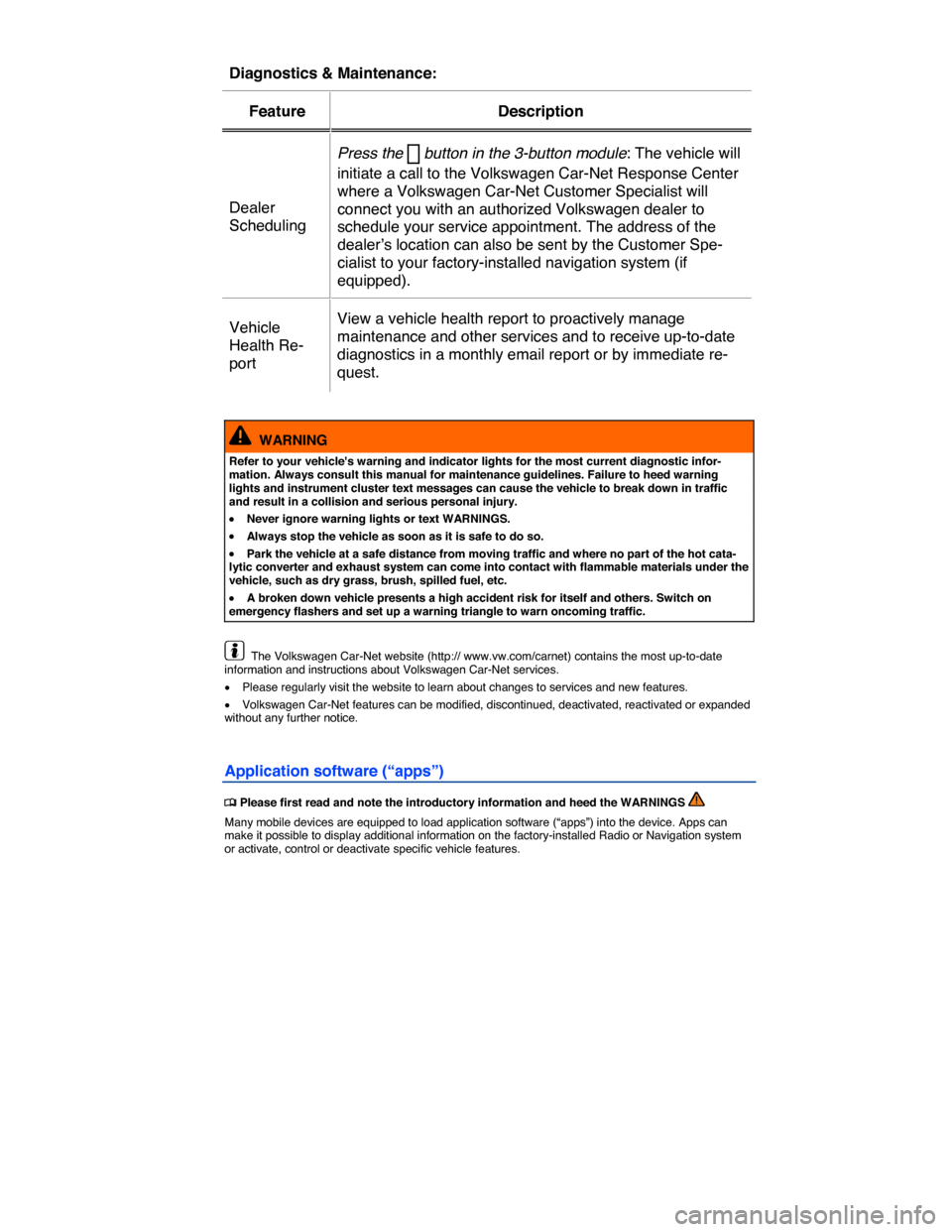
Diagnostics & Maintenance:
Feature Description
Dealer
Scheduling
Press the button in the 3-button module: The vehicle will
initiate a call to the Volkswagen Car-Net Response Center
where a Volkswagen Car-Net Customer Specialist will
connect you with an authorized Volkswagen dealer to
schedule your service appointment. The address of the
dealer’s location can also be sent by the Customer Spe-
cialist to your factory-installed navigation system (if
equipped).
Vehicle
Health Re-
port
View a vehicle health report to proactively manage
maintenance and other services and to receive up-to-date
diagnostics in a monthly email report or by immediate re-
quest.
WARNING
Refer to your vehicle's warning and indicator lights for the most current diagnostic infor-mation. Always consult this manual for maintenance guidelines. Failure to heed warning lights and instrument cluster text messages can cause the vehicle to break down in traffic and result in a collision and serious personal injury.
x Never ignore warning lights or text WARNINGS.
x Always stop the vehicle as soon as it is safe to do so.
x Park the vehicle at a safe distance from moving traffic and where no part of the hot cata-lytic converter and exhaust system can come into contact with flammable materials under the vehicle, such as dry grass, brush, spilled fuel, etc.
x A broken down vehicle presents a high accident risk for itself and others. Switch on emergency flashers and set up a warning triangle to warn oncoming traffic.
The Volkswagen Car-Net website (http:// www.vw.com/carnet) contains the most up-to-date information and instructions about Volkswagen Car-Net services.
x Please regularly visit the website to learn about changes to services and new features.
x Volkswagen Car-Net features can be modified, discontinued, deactivated, reactivated or expanded without any further notice.
Application software (“apps”)
Page 47 of 439
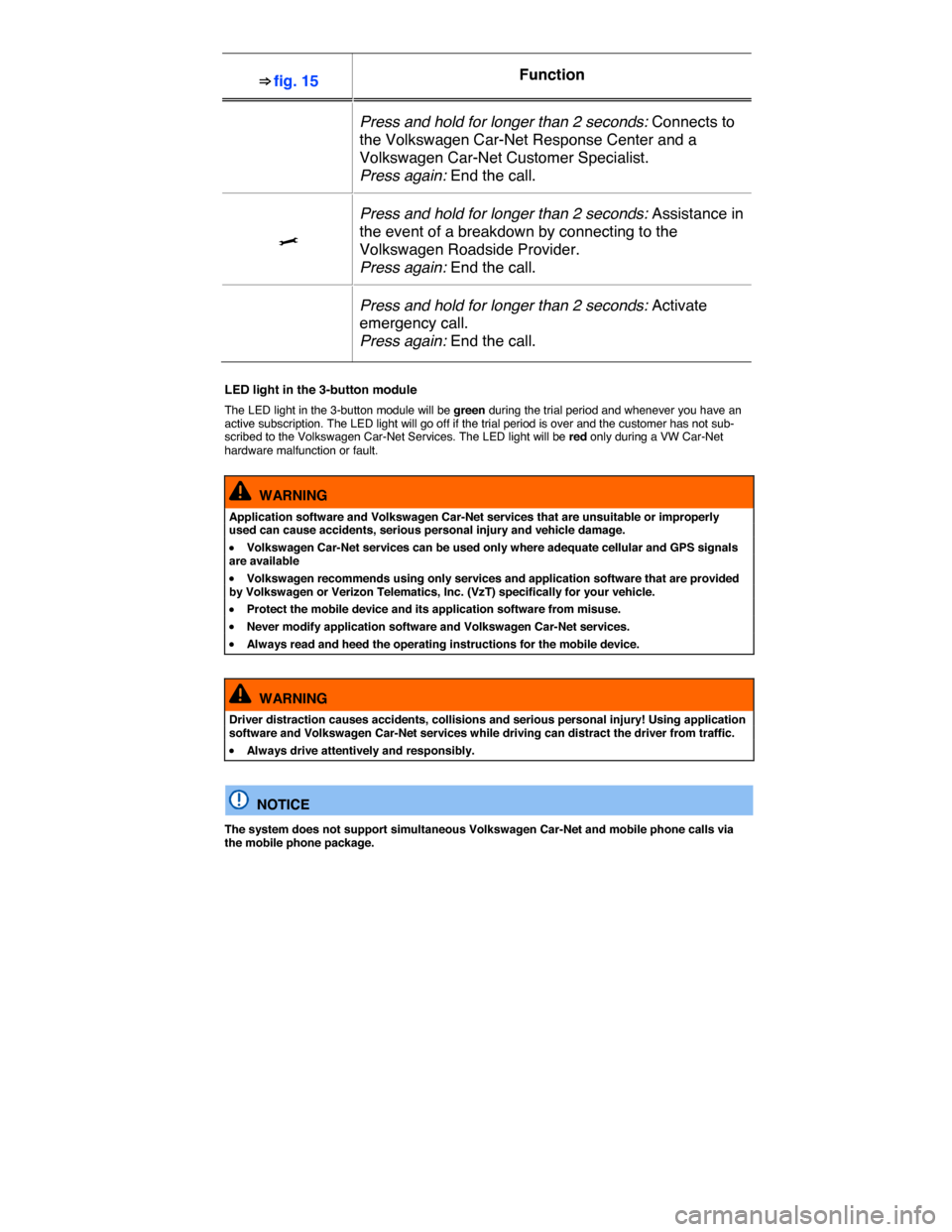
⇒ fig. 15 Function
Press and hold for longer than 2 seconds: Connects to
the Volkswagen Car-Net Response Center and a
Volkswagen Car-Net Customer Specialist.
Press again: End the call.
>
Press and hold for longer than 2 seconds: Assistance in
the event of a breakdown by connecting to the
Volkswagen Roadside Provider.
Press again: End the call.
Press and hold for longer than 2 seconds: Activate
emergency call.
Press again: End the call.
LED light in the 3-button module
The LED light in the 3-button module will be green during the trial period and whenever you have an active subscription. The LED light will go off if the trial period is over and the customer has not sub-scribed to the Volkswagen Car-Net Services. The LED light will be red only during a VW Car-Net hardware malfunction or fault.
WARNING
Application software and Volkswagen Car-Net services that are unsuitable or improperly used can cause accidents, serious personal injury and vehicle damage.
x Volkswagen Car-Net services can be used only where adequate cellular and GPS signals are available
x Volkswagen recommends using only services and application software that are provided by Volkswagen or Verizon Telematics, Inc. (VzT) specifically for your vehicle.
x Protect the mobile device and its application software from misuse.
x Never modify application software and Volkswagen Car-Net services.
x Always read and heed the operating instructions for the mobile device.
WARNING
Driver distraction causes accidents, collisions and serious personal injury! Using application software and Volkswagen Car-Net services while driving can distract the driver from traffic.
x Always drive attentively and responsibly.
NOTICE
The system does not support simultaneous Volkswagen Car-Net and mobile phone calls via the mobile phone package.
Page 62 of 439
Canadian customers can contact an authorized Volkswagen dealer or Volkswagen Service Facility or call the Volkswagen Canada Customer CARE Center at 1-800-822-8987.
NOTICE
The remote control vehicle keys contain electrical components. Protect them from damage, moisture and rough handling.
Do not press the buttons on the remote control vehicle key unless you actually want to use the function in question. Since terrain and conditions vary, pressing a button on the remote control vehicle key when it is not necessary may unlock the vehicle or set off the panic alarm, even if you think you are out of range.
Remote control vehicle key functions can be temporarily disrupted by interference from transmit-ters near the vehicle that use the same frequency range (such as radio equipment or mobile phones).
Things between the remote control vehicle key and vehicle, bad weather, as well as a weak battery can reduce the operating range.
If the remote control vehicle key buttons ⇒ Unlocking or locking the vehicle from the outside or
the power locking buttons ⇒ Unlocking or locking the vehicle from the inside are pushed repeatedly in quick succession, the power locking system is switched off for a brief period to help keep it from being overloaded. The vehicle is then unlocked for about 30 seconds. Unless a door or the rear hatch is opened in this span of time, the vehicle is automatically locked afterwards.
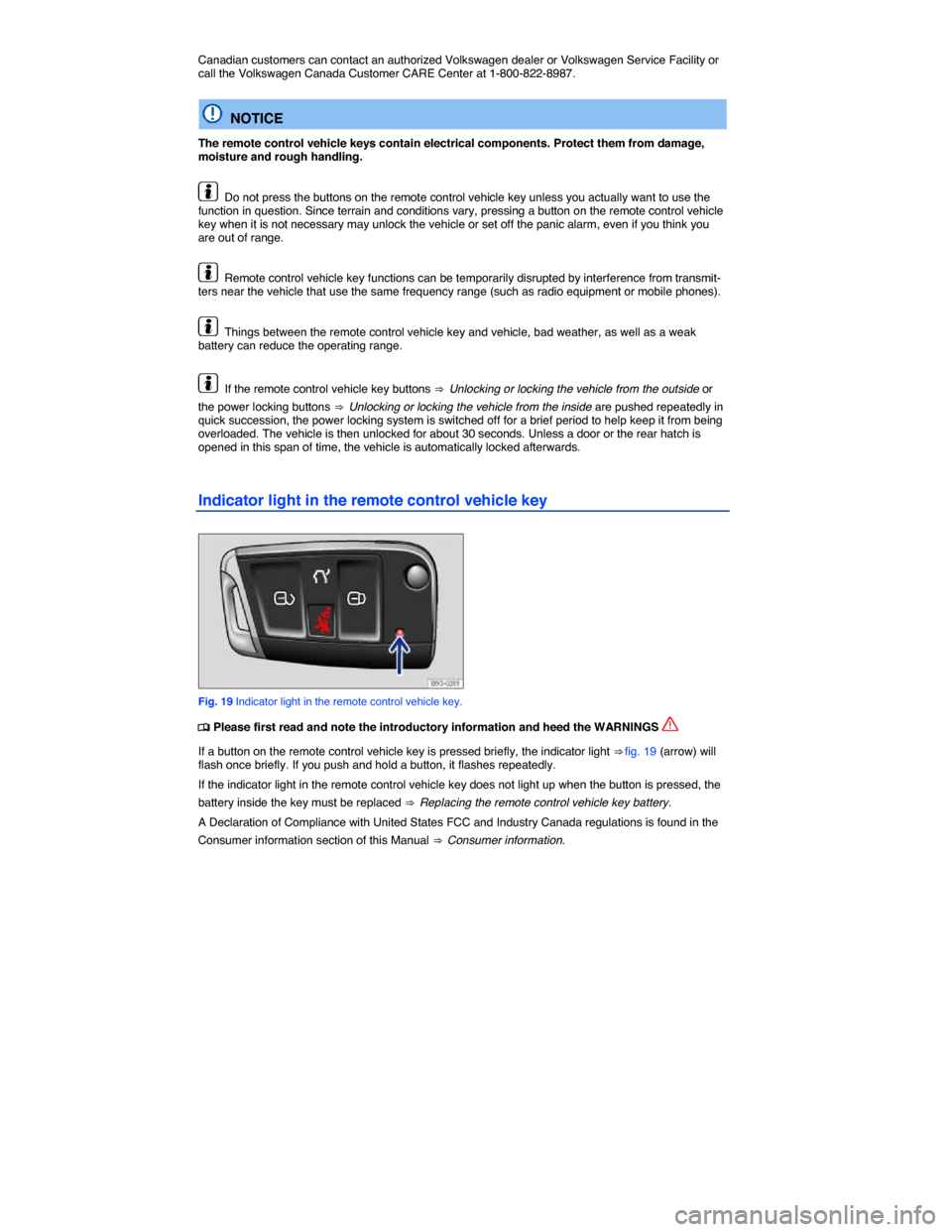
Indicator light in the remote control vehicle key
Fig. 19 Indicator light in the remote control vehicle key.
Page 66 of 439
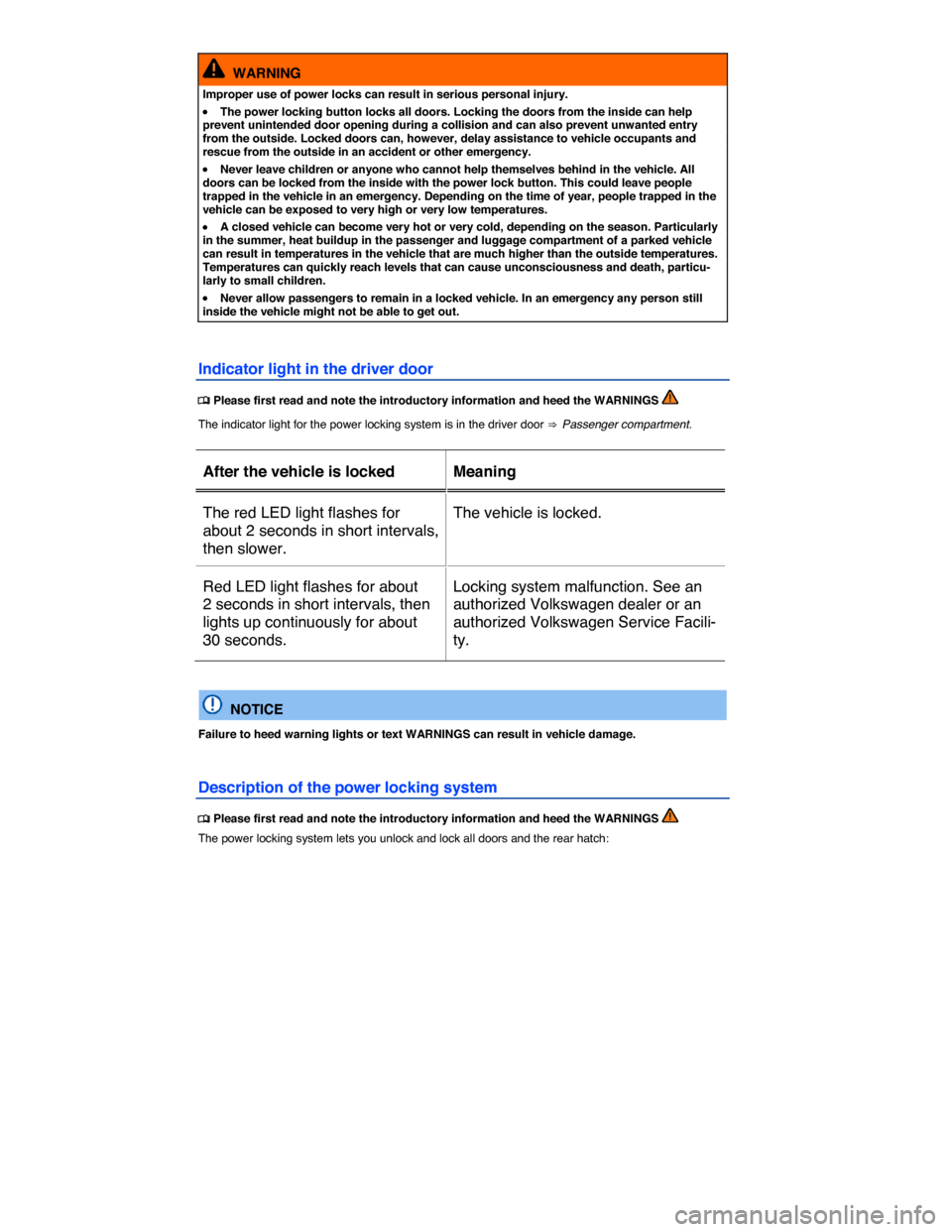
WARNING
Improper use of power locks can result in serious personal injury.
x The power locking button locks all doors. Locking the doors from the inside can help prevent unintended door opening during a collision and can also prevent unwanted entry from the outside. Locked doors can, however, delay assistance to vehicle occupants and rescue from the outside in an accident or other emergency.
x Never leave children or anyone who cannot help themselves behind in the vehicle. All doors can be locked from the inside with the power lock button. This could leave people trapped in the vehicle in an emergency. Depending on the time of year, people trapped in the vehicle can be exposed to very high or very low temperatures.
x A closed vehicle can become very hot or very cold, depending on the season. Particularly in the summer, heat buildup in the passenger and luggage compartment of a parked vehicle can result in temperatures in the vehicle that are much higher than the outside temperatures. Temperatures can quickly reach levels that can cause unconsciousness and death, particu-larly to small children.
x Never allow passengers to remain in a locked vehicle. In an emergency any person still inside the vehicle might not be able to get out.
Indicator light in the driver door