level 1 VOLKSWAGEN ID.4 2020 Owner´s Manual
[x] Cancel search | Manufacturer: VOLKSWAGEN, Model Year: 2020, Model line: ID.4, Model: VOLKSWAGEN ID.4 2020Pages: 417, PDF Size: 6.31 MB
Page 138 of 417
Position engaged and ECO assistance deac-
tiv
ated: no brake energy recuperation.
Position engaged and ECO assistance acti-
v
ated: automatic brake energy recuperation.
The energy recovery level is selected auto-
matically depending on the navigation data
and traffic situation.
Position engaged: high brake energy recu-
peration
The v
ehicle also performs recuperation when
the brake pedal is pressed.
Eco assistance
The ECO assistance function helps the driver
to use the engine braking effect of the vehi-
cle efficiently. It selects the energy recovery
level depending on the navigation data and
traffic situation.
The ECO assistance function can be switched
on and off in the vehicle settings in the Info-
tainment system.
Driving down hills
When driving down hills, you should drive in
position B if possible.
Never allow the vehicle to roll down moun-
tains or hills in the neutral position N. WARNING
The higher the charge level of the high-
v
oltage battery, the lower the engine brak-
ing effect, to the point where no engine
braking effect may be generated at all. This
puts more strain on the vehicle brake.
x Never fully charge the high-voltage bat-
tery at high elevations, e.g. at the top of
a pass, in order to facilitate a braking ef-
fect by means of recuperation when de-
scending.
x Reduce your speed before driving down
a long, steep gradient.
x When driving down a long, steep gradi-
ent, slow the vehicle using the vehicle
brake. Troubleshooting
Deactivation of the drive is imminent
The charge level of the high-voltage battery
is too low.
The indicator lamp lights up during v
ehicle
operation.
The indicator lamp lights up red.
A text message is shown on the ID. Cockpit
Page 154 of 417
(depending on equipment and not available in
all countries).
Ov
ertaking
If you indicate left (left-hand traffic: indicate
right) to overtake, ACC will accelerate the ve-
hicle and reduce the distance from the vehi-
cle in front. Your set speed will not be excee-
ded.
If ACC does not detect any vehicle in front af-
ter you have changed lane, ACC will acceler-
ate the vehicle up to the set speed.
Overtaking assistance is not available in all
countries.
Stop-and-go traffic
ACC can brake the vehicle to a standstill and
keep it stationary. ACC remains active and
the instrument cluster display shows
ACC ready
to start for a few seconds.
On vehicles with Travel Assist, you can extend
this time by continuing to hold the steering
wheel.
As long as ACC remains active, the vehicle
will move off again automatically as soon as
the vehicle in front moves off (depending on
the vehicle equipment level and not available
in all countries).
Extending or reactivating readiness to drive:
Page 169 of 417
within the system limits (system status ac-
tiv
e).
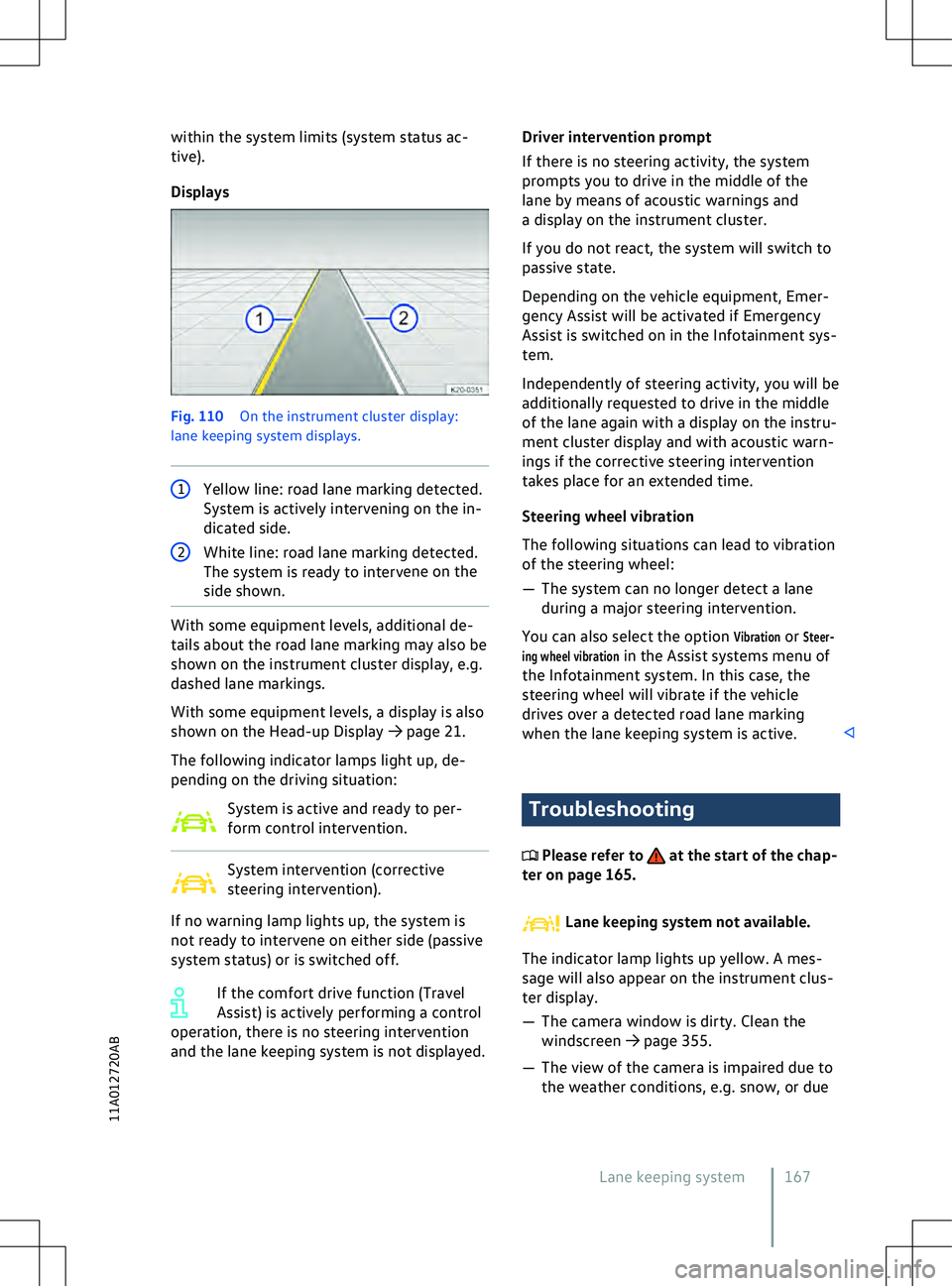
Displays Fig. 110
On the instrument cluster display:
lane keeping system displays. 1
Yellow line: road lane marking detected.
System is activ
ely intervening on the in-
dicated side. 2
White line: road lane marking detected.
The system is ready to interv
ene on the
side shown. With some equipment levels, additional de-
tails about the road lane marking may also be
shown on the instrument cluster display, e.g.
dashed lane markings.
With some equipment le
vels, a display is also
shown on the Head-up Display
Page 171 of 417
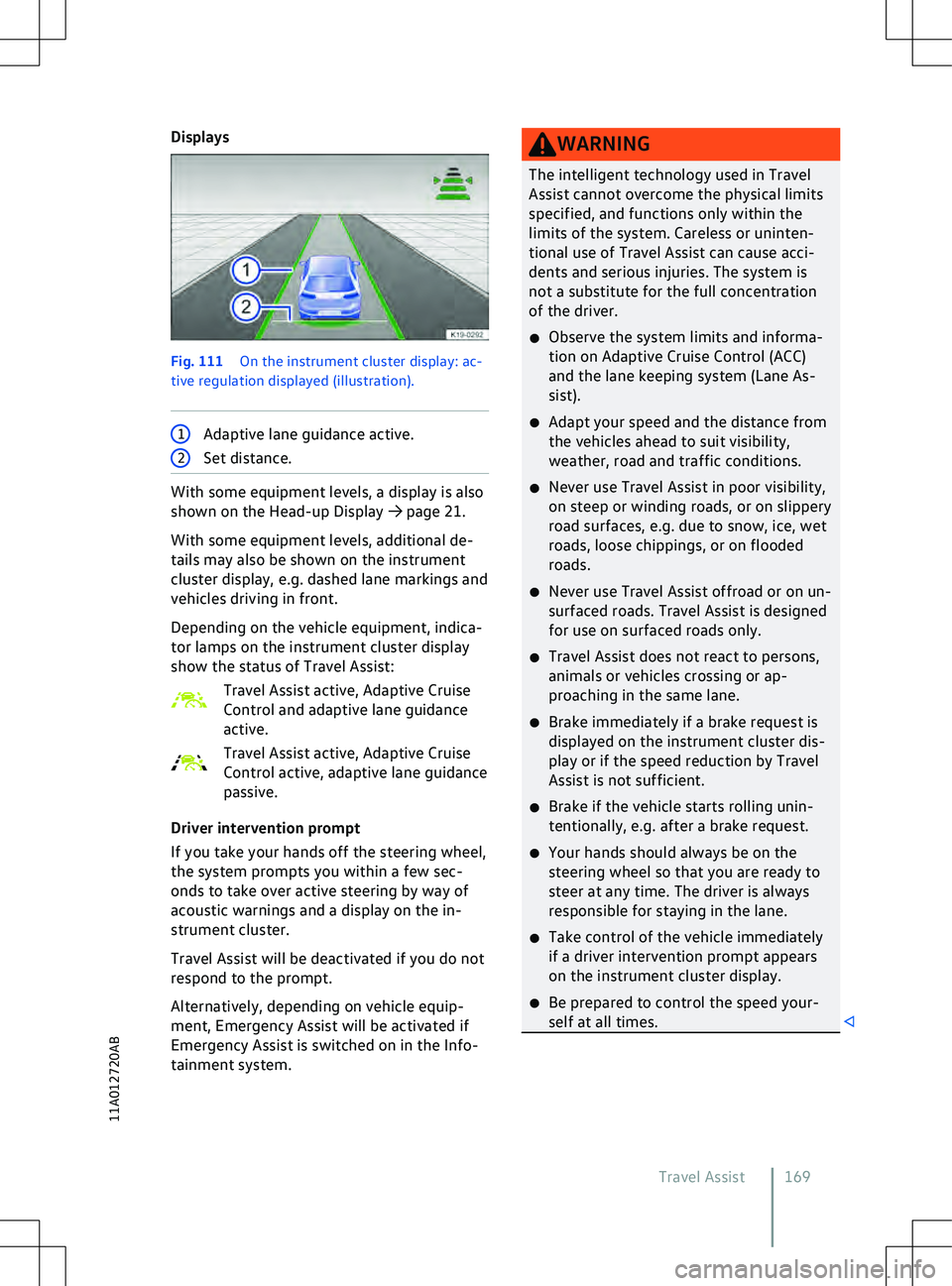
Displays
Fig. 111
On the instrument cluster display: ac-
tiv e regulation displayed (illustration). 1
Adaptive lane guidance active. 2
Set distance. With some equipment levels, a display is also
shown on the Head-up Display
Page 176 of 417
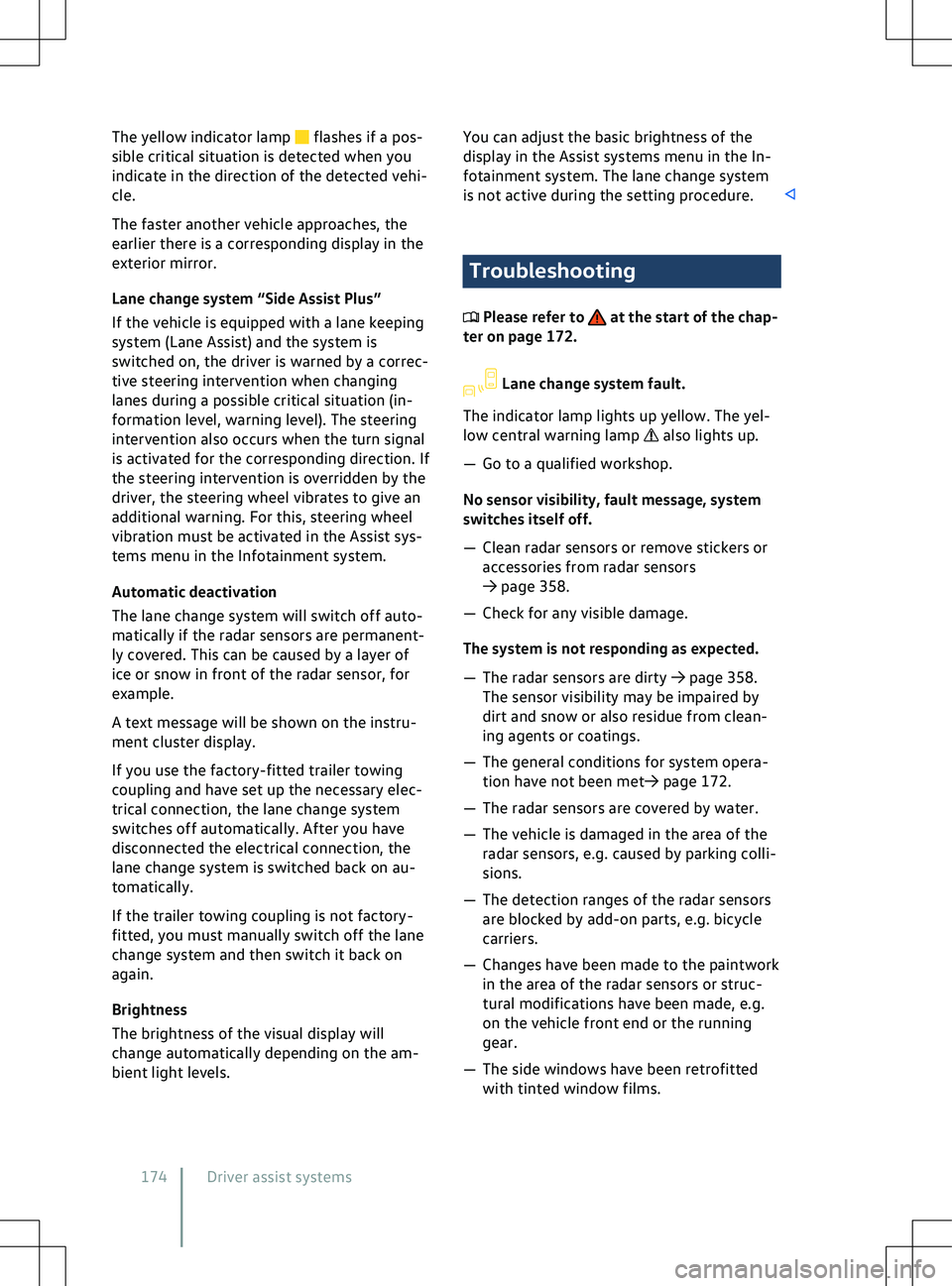
The yellow indicator lamp flashes if a pos-
sible critical situation is detected when you
indicate in the direction of the detected v
ehi-
cle.
The faster another vehicle approaches, the
earlier there is a corresponding display in the
exterior mirror.
Lane change system “Side Assist Plus”
If the vehicle is equipped with a lane keeping
system (Lane Assist) and the system is
switched on, the driver is warned by a correc-
tive steering intervention when changing
lanes during a possible critical situation (in-
formation level, warning level). The steering
intervention also occurs when the turn signal
is activated for the corresponding direction. If
the steering intervention is overridden by the
driver, the steering wheel vibrates to give an
additional warning. For this, steering wheel
vibration must be activated in the Assist sys-
tems menu in the Infotainment system.
Automatic deactivation
The lane change system will switch off auto-
matically if the radar sensors are permanent-
ly covered. This can be caused by a layer of
ice or snow in front of the radar sensor, for
example.
A text message will be shown on the instru-
ment cluster display.
If you use the factory-fitted trailer towing
coupling and have set up the necessary elec-
trical connection, the lane change system
switches off automatically. After you have
disconnected the electrical connection, the
lane change system is switched back on au-
tomatically.
If the trailer towing coupling is not factory-
fitted, you must manually switch off the lane
change system and then switch it back on
again.
Brightness
The brightness of the visual display will
change automatically depending on the am-
bient light levels. You can adjust the basic brightness of the
display in the Assist systems menu in the In-
f
otainment system. The lane change system
is not active during the setting procedure. Troubleshooting
Please refer to at the start of the chap-
ter on page 172. Lane change system fault.
The indicator lamp lights up yellow. The yel-
low central warning lamp also lights up.
Page 193 of 417
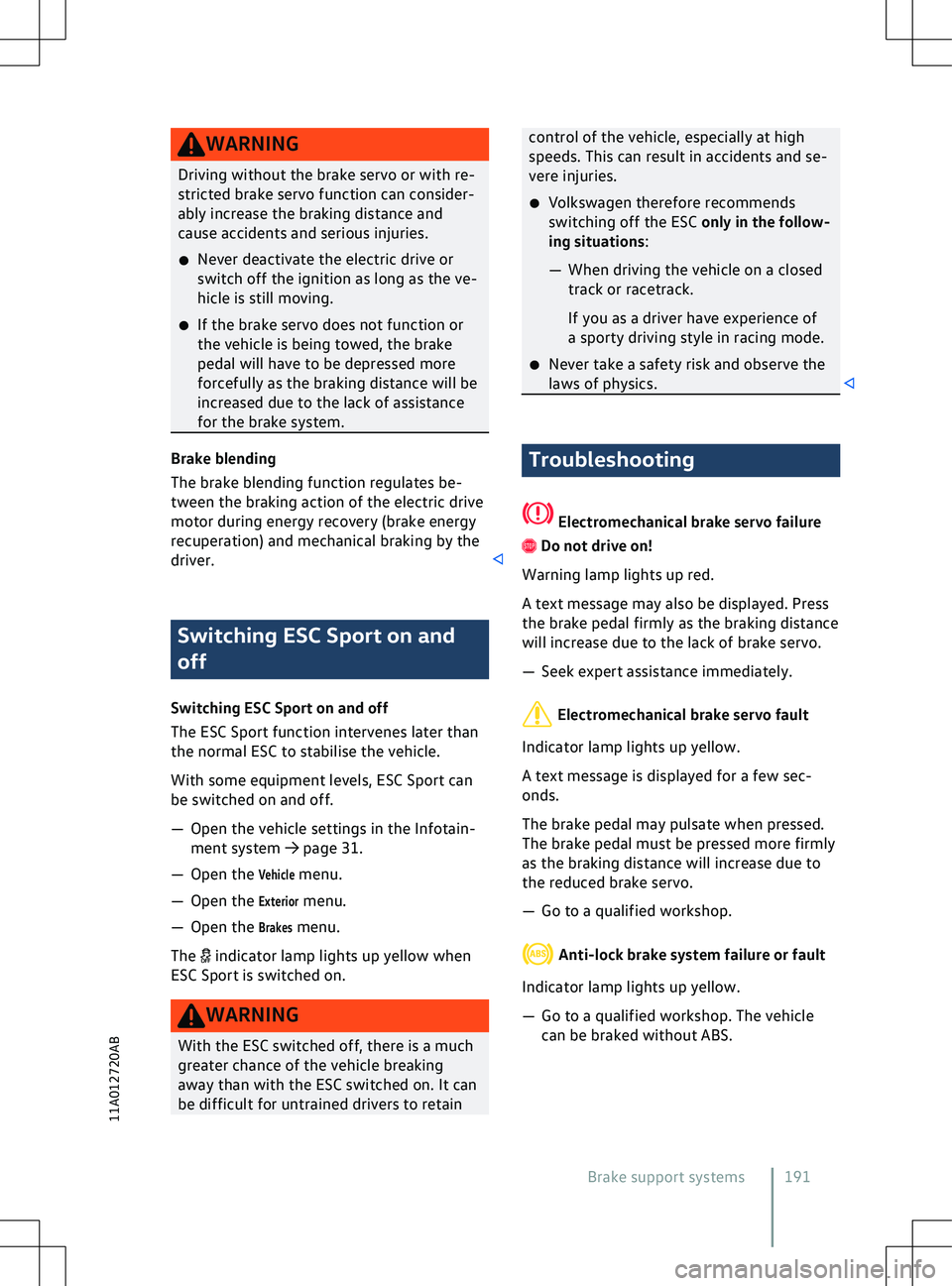
WARNING
Driving without the brake servo or with re-
stricted brake serv o function can consider-
ably increase the braking distance and
cause accidents and serious injuries.
x Never deactivate the electric drive or
switch off the ignition as long as the ve-
hicle is still moving.
x If the brake servo does not function or
the vehicle is being towed, the brake
pedal will have to be depressed more
forcefully as the braking distance will be
increased due to the lack of assistance
for the brake system. Brake blending
The brake blending function regulates be-
tween the braking action of the electric driv
e
motor during energy recovery (brake energy
recuperation) and mechanical braking by the
driver. Switching ESC Sport on and
off
Switching ESC Sport on and off
The ESC Sport function interv
enes later than
the normal ESC to stabilise the vehicle.
With some equipment levels, ESC Sport can
be switched on and off.
Page 237 of 417
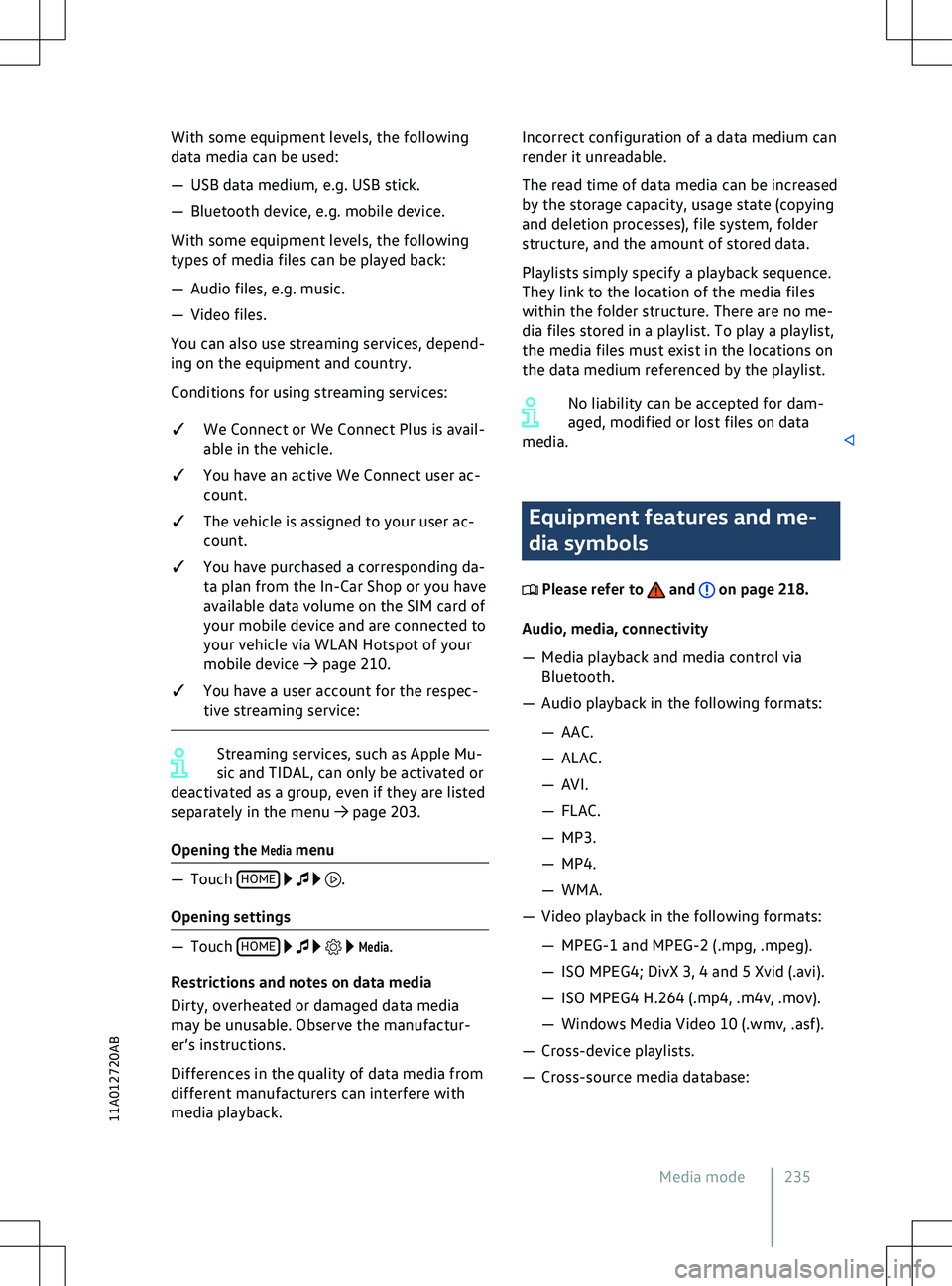
With some equipment levels, the following
data media can be used:
Page 239 of 417
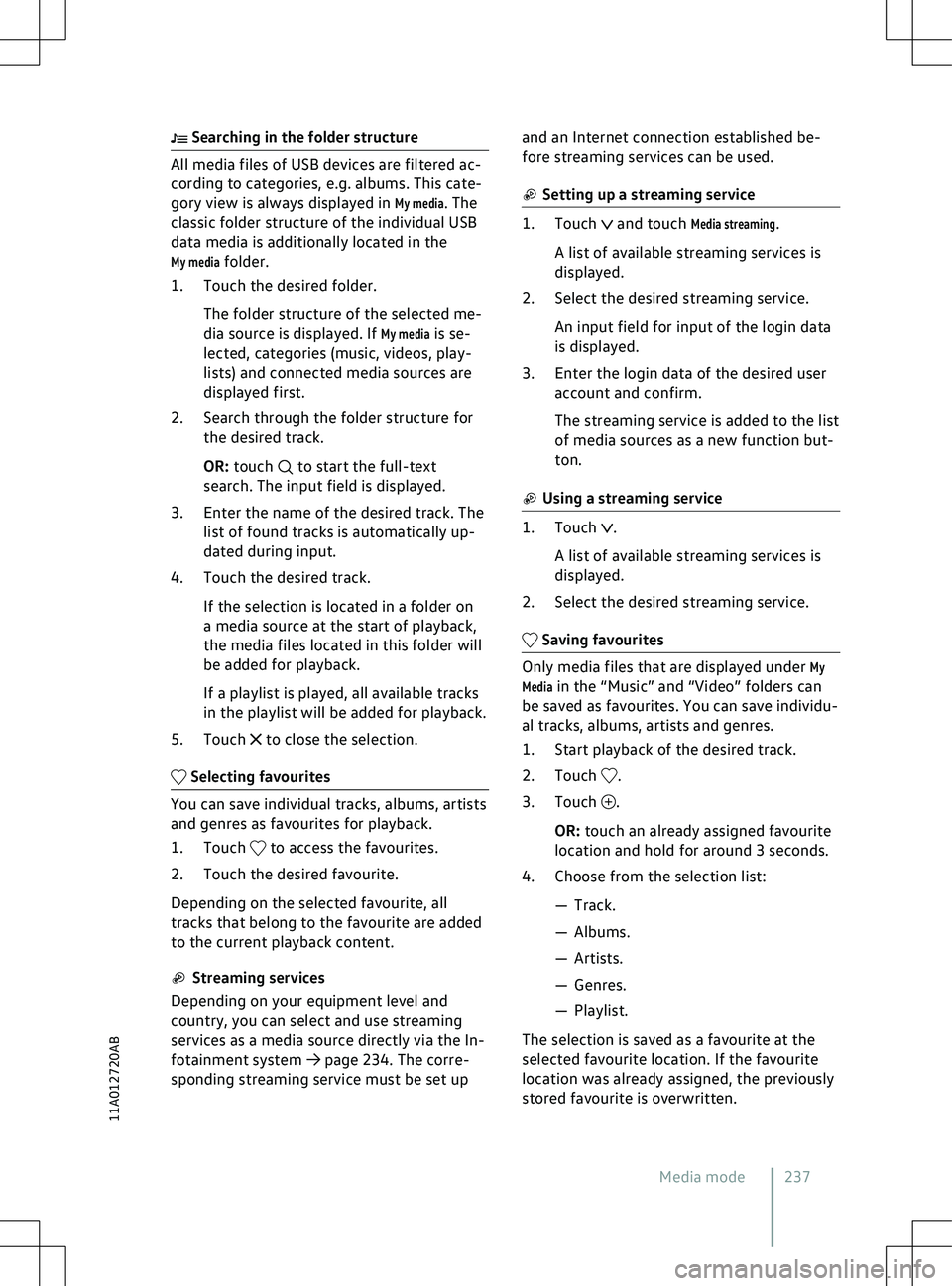
Searching in the folder structure
All media files of USB devices are filtered ac-
cording to categories, e.g. albums. This cate-
gory view is always displayed in My media. The
classic folder structure of the individual USB
data media is additionally located in the
My media folder.
1. Touch the desired folder.
The folder structure of the selected me-
dia source is displayed. If
My media is se-
lected, categories (music, videos, play-
lists) and connected media sources are
displayed first.
2. Search through the folder structure for the desired track.
OR: touch to start the full-text
search. The input field is displayed.
3.
Enter the name of the desired track. The
list of found tracks is automatically up-
dated during input.
4. Touch the desired track.
If the selection is located in a folder on
a media source at the start of playback,
the media files located in this folder will
be added for playback.
If a playlist is played, all available tracks
in the playlist will be added for playback.
5. Touch to close the selection.
Selecting favourites
You can save individual tracks, albums, artists
and genres as fa
vourites for playback.
1. Touch to access the favourites.
2.
Touch the desired favourite.
Depending on the selected favourite, all
tracks that belong to the favourite are added
to the current playback content. Streaming services
Depending on your equipment level and
country, you can select and use streaming
services as a media source directly via the In-
f
otainment system
Page 242 of 417
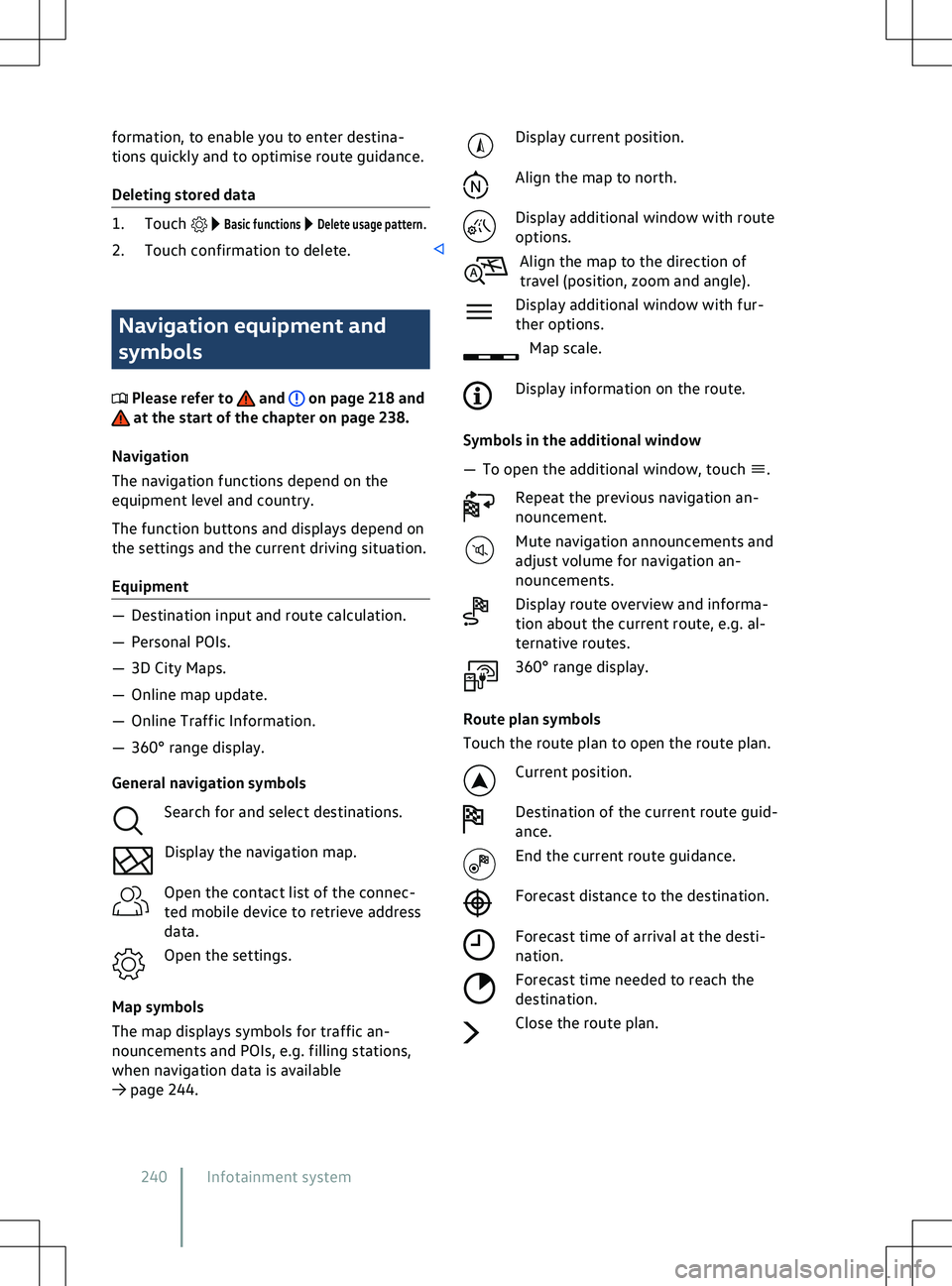
formation, to enable you to enter destina-
tions quickly and to optimise route guidance.
Deleting stored data
1. Touch Basic functions Delete usage pattern.
2. Touch confirmation to delete. Navigation equipment and
symbols
Please refer to and on page 218 and
at the start of the chapter on page 238.
Na
vigation
The navigation functions depend on the
equipment level and country.
The function buttons and displays depend on
the settings and the current driving situation.
Equipment
Page 280 of 417
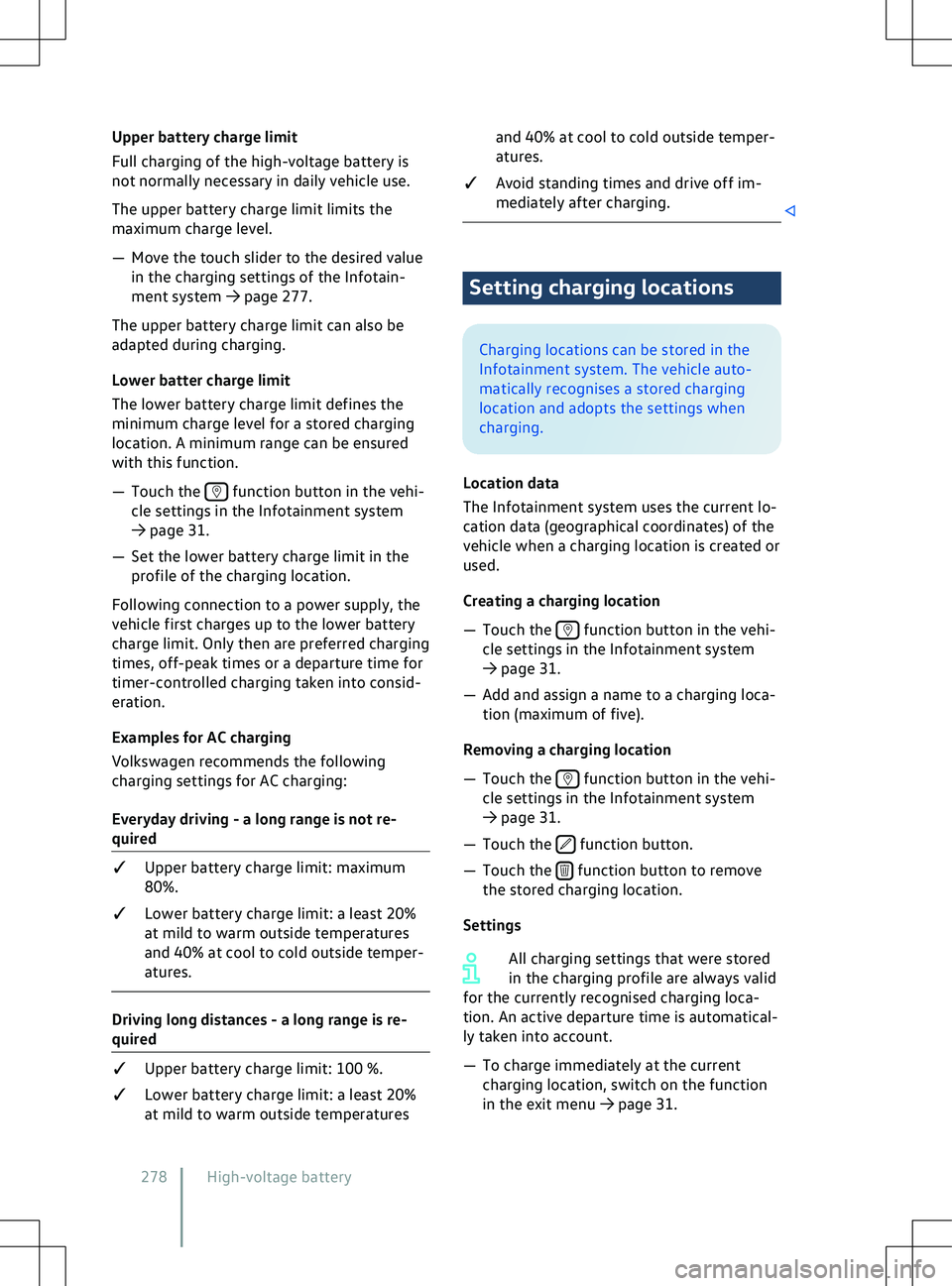
Upper battery charge limit
F
ull charging of the high-voltage battery is
not normally necessary in daily vehicle use.
The upper battery charge limit limits the
maximum charge level.