belt VOLKSWAGEN ID.4 2020 Owner´s Manual
[x] Cancel search | Manufacturer: VOLKSWAGEN, Model Year: 2020, Model line: ID.4, Model: VOLKSWAGEN ID.4 2020Pages: 417, PDF Size: 6.31 MB
Page 410 of 417
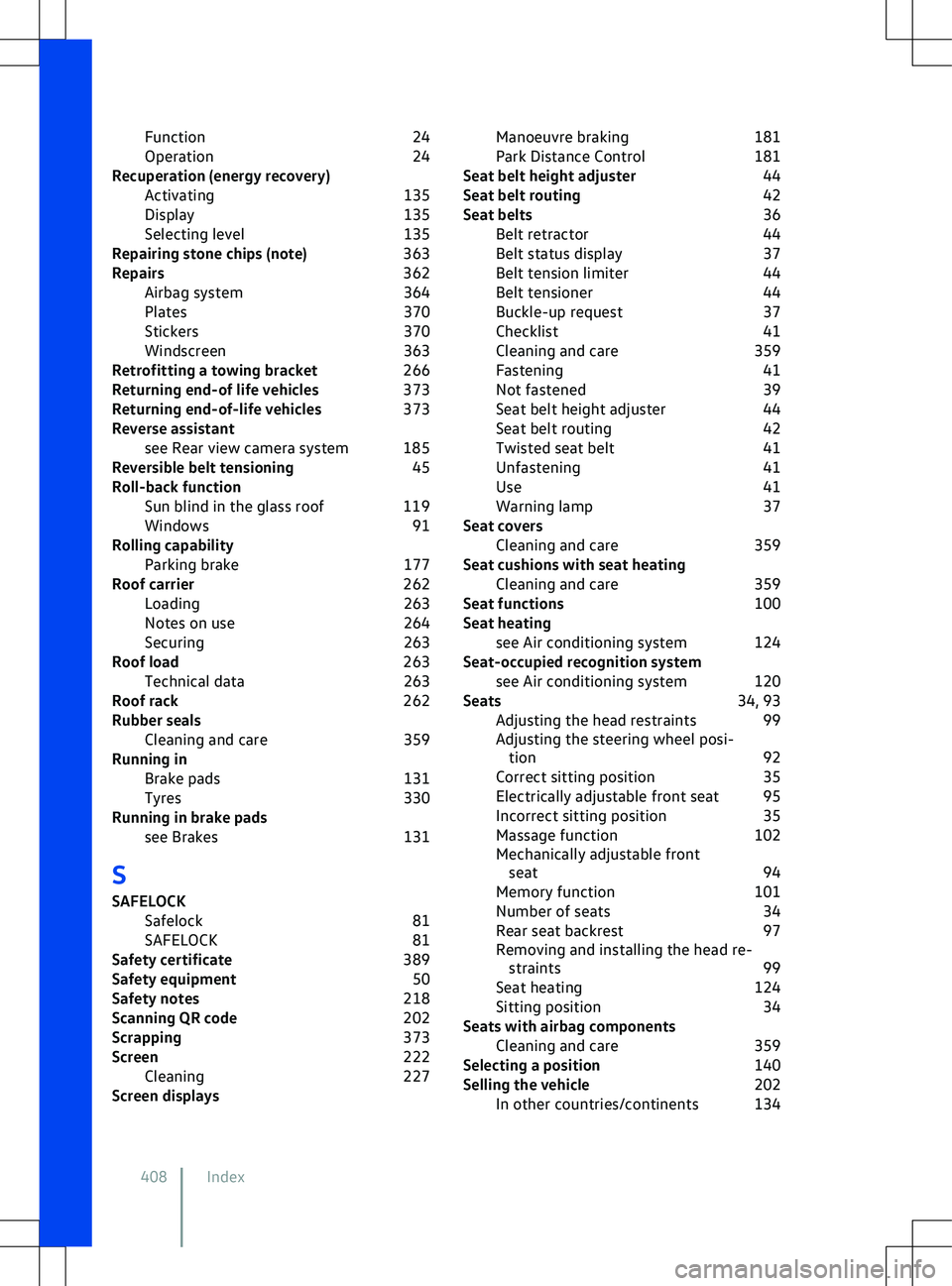
Function
24
Operation 24
Recuperation (energy recovery) Activating 135
Display 135
Selecting level 135
Repairing stone chips (note) 363
Repairs 362
Airbag system 364
Plates 370
Stickers 370
Windscreen 363
Retrofitting a towing bracket 266
Returning end-of life vehicles 373
Returning end-of-life vehicles 373
Reverse assistant see Rear view camera system 185
Reversible belt tensioning 45
Roll-back function Sun blind in the glass roof 119
Windows 91
Rolling capability Parking brake 177
Roof carrier 262
Loading 263
Notes on use 264
Securing 263
Roof load 263
Technical data 263
Roof rack 262
Rubber seals Cleaning and care 359
Running in Brake pads 131
Tyres 330
Running in brake pads see Brakes 131
S
SAFELOCK Safelock 81
SAFELOCK 81
Safety certificate 389
Safety equipment 50
Safety notes 218
Scanning QR code 202
Scrapping 373
Screen 222
Cleaning 227
Screen displays Manoeuvre braking
181
Park Distance Control 181
Seat belt height adjuster 44
Seat belt routing 42
Seat belts 36
Belt retractor 44
Belt status display 37
Belt tension limiter 44
Belt tensioner 44
Buckle-up request 37
Checklist 41
Cleaning and care 359
Fastening 41
Not fastened 39
Seat belt height adjuster 44
Seat belt routing 42
Twisted seat belt 41
Unfastening 41
Use 41
Warning lamp 37
Seat covers Cleaning and care 359
Seat cushions with seat heating Cleaning and care 359
Seat functions 100
Seat heating see Air conditioning system 124
Seat-occupied recognition system see Air conditioning system 120
Seats 34, 93
Adjusting the head restraints 99
Adjusting the steering wheel posi- tion 92
Correct sitting position 35
Electrically adjustable front seat 95
Incorrect sitting position 35
Massage function 102
Mechanically adjustable front seat 94
Memory function 101
Number of seats 34
Rear seat backrest 97
Removing and installing the head re- straints 99
Seat heating 124
Sitting position 34
Seats with airbag components Cleaning and care 359
Selecting a position 140
Selling the vehicle 202
In other countries/continents 134
408 Index
Page 415 of 417
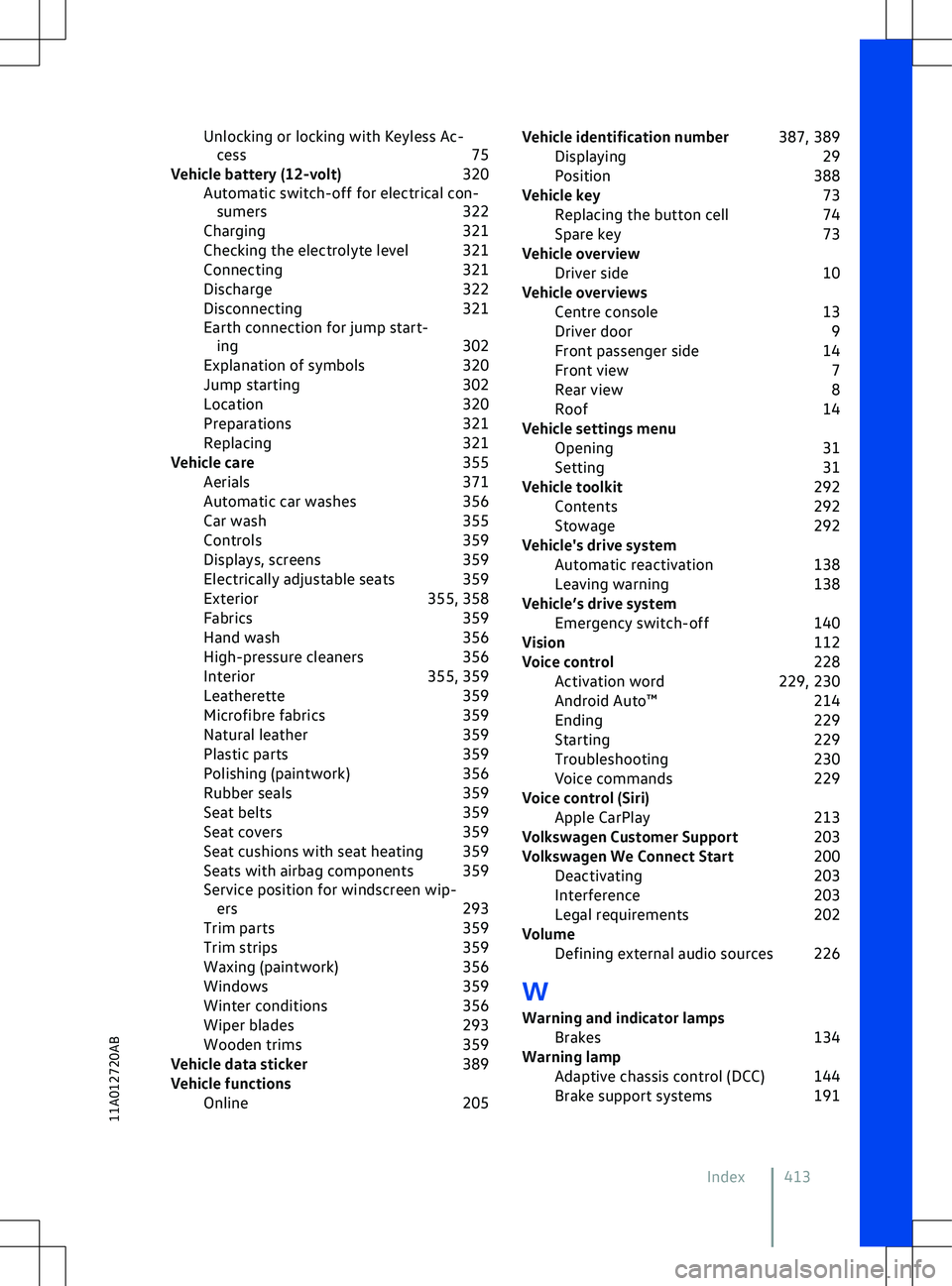
Unlocking or locking with Keyless Ac-
cess 75
Vehicle battery (12-volt) 320
Automatic switch-off for electrical con- sumers 322
Charging 321
Checking the electrolyte level 321
Connecting 321
Discharge 322
Disconnecting 321
Earth connection for jump start- ing 302
Explanation of symbols 320
Jump starting 302
Location 320
Preparations 321
Replacing 321
Vehicle care 355
Aerials 371
Automatic car washes 356
Car wash 355
Controls 359
Displays, screens 359
Electrically adjustable seats 359
Exterior 355, 358
Fabrics 359
Hand wash 356
High-pressure cleaners 356
Interior 355, 359
Leatherette 359
Microfibre fabrics 359
Natural leather 359
Plastic parts 359
Polishing (paintwork) 356
Rubber seals 359
Seat belts 359
Seat covers 359
Seat cushions with seat heating 359
Seats with airbag components 359
Service position for windscreen wip- ers 293
Trim parts 359
Trim strips 359
Waxing (paintwork) 356
Windows 359
Winter conditions 356
Wiper blades 293
Wooden trims 359
Vehicle data sticker 389
Vehicle functions Online 205Vehicle identification number
387, 389
Displaying 29
Position 388
Vehicle key 73
Replacing the button cell 74
Spare key 73
Vehicle overview Driver side 10
Vehicle overviews Centre console 13
Driver door 9
Front passenger side 14
Front view 7
Rear view 8
Roof 14
Vehicle settings menu Opening 31
Setting 31
Vehicle toolkit 292
Contents 292
Stowage 292
Vehicle
Page 416 of 417
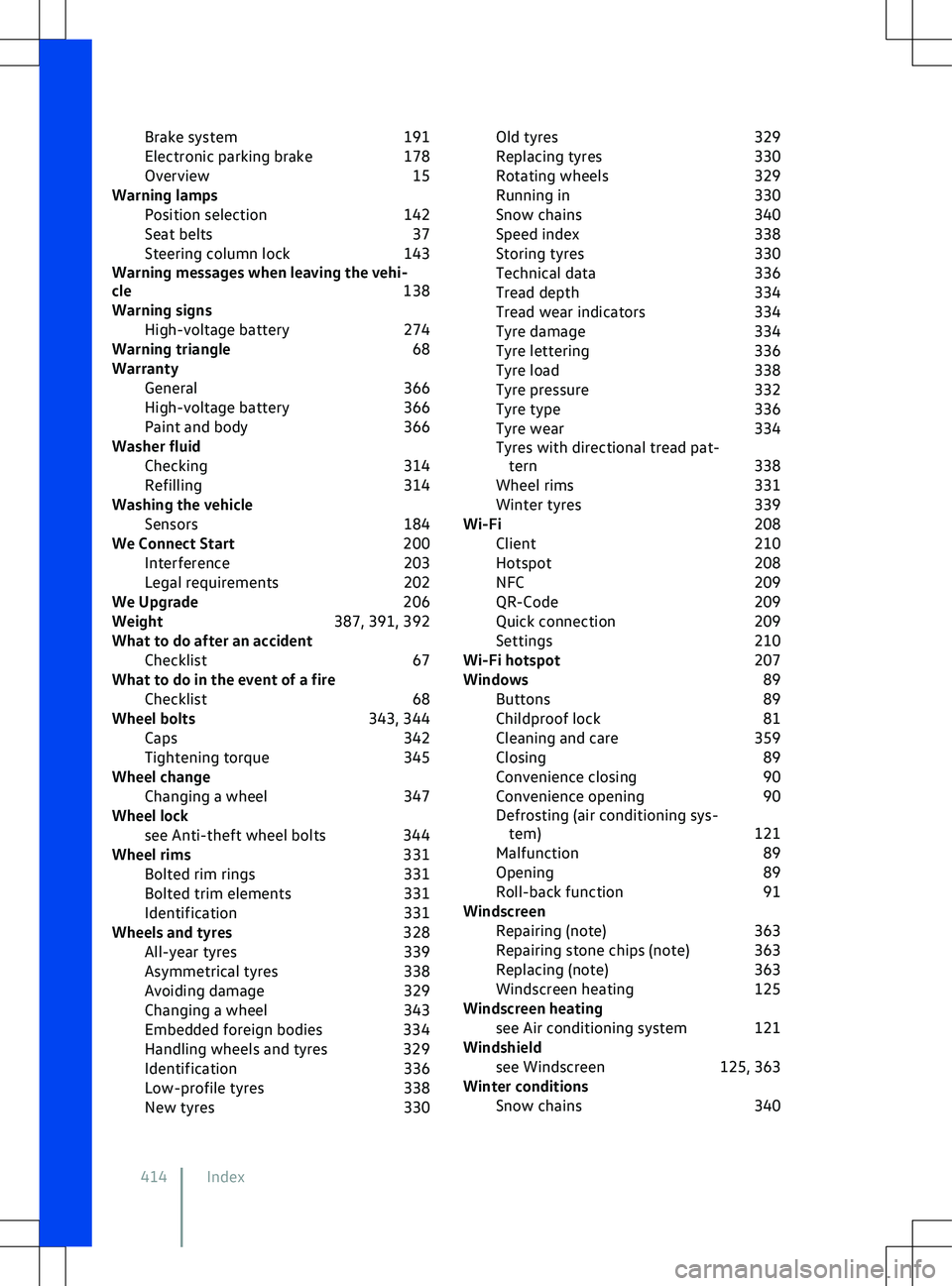
Brake system
191
Electronic parking brake 178
Overview 15
Warning lamps Position selection 142
Seat belts 37
Steering column lock 143
Warning messages when leaving the vehi-
cle 138
Warning signs High-voltage battery 274
Warning triangle 68
Warranty General 366
High-voltage battery 366
Paint and body 366
Washer fluid Checking 314
Refilling 314
Washing the vehicle Sensors 184
We Connect Start 200
Interference 203
Legal requirements 202
We Upgrade 206
Weight 387, 391, 392
What to do after an accident Checklist 67
What to do in the event of a fire Checklist 68
Wheel bolts 343, 344
Caps 342
Tightening torque 345
Wheel change Changing a wheel 347
Wheel lock see Anti-theft wheel bolts 344
Wheel rims 331
Bolted rim rings 331
Bolted trim elements 331
Identification 331
Wheels and tyres 328
All-year tyres 339
Asymmetrical tyres 338
Avoiding damage 329
Changing a wheel 343
Embedded foreign bodies 334
Handling wheels and tyres 329
Identification 336
Low-profile tyres 338
New tyres 330Old tyres
329
Replacing tyres 330
Rotating wheels 329
Running in 330
Snow chains 340
Speed index 338
Storing tyres 330
Technical data 336
Tread depth 334
Tread wear indicators 334
Tyre damage 334
Tyre lettering 336
Tyre load 338
Tyre pressure 332
Tyre type 336
Tyre wear 334
Tyres with directional tread pat- tern 338
Wheel rims 331
Winter tyres 339
Wi-Fi 208
Client 210
Hotspot 208
NFC 209
QR-Code 209
Quick connection 209
Settings 210
Wi-Fi hotspot 207
Windows 89
Buttons 89
Childproof lock 81
Cleaning and care 359
Closing 89
Convenience closing 90
Convenience opening 90
Defrosting (air conditioning sys- tem) 121
Malfunction 89
Opening 89
Roll-back function 91
Windscreen Repairing (note) 363
Repairing stone chips (note) 363
Replacing (note) 363
Windscreen heating 125
Windscreen heating see Air conditioning system 121
Windshield see Windscreen 125, 363
Winter conditions Snow chains 340
414 Index