turn signal VOLKSWAGEN ID.4 2020 Owner´s Manual
[x] Cancel search | Manufacturer: VOLKSWAGEN, Model Year: 2020, Model line: ID.4, Model: VOLKSWAGEN ID.4 2020Pages: 417, PDF Size: 6.31 MB
Page 69 of 417
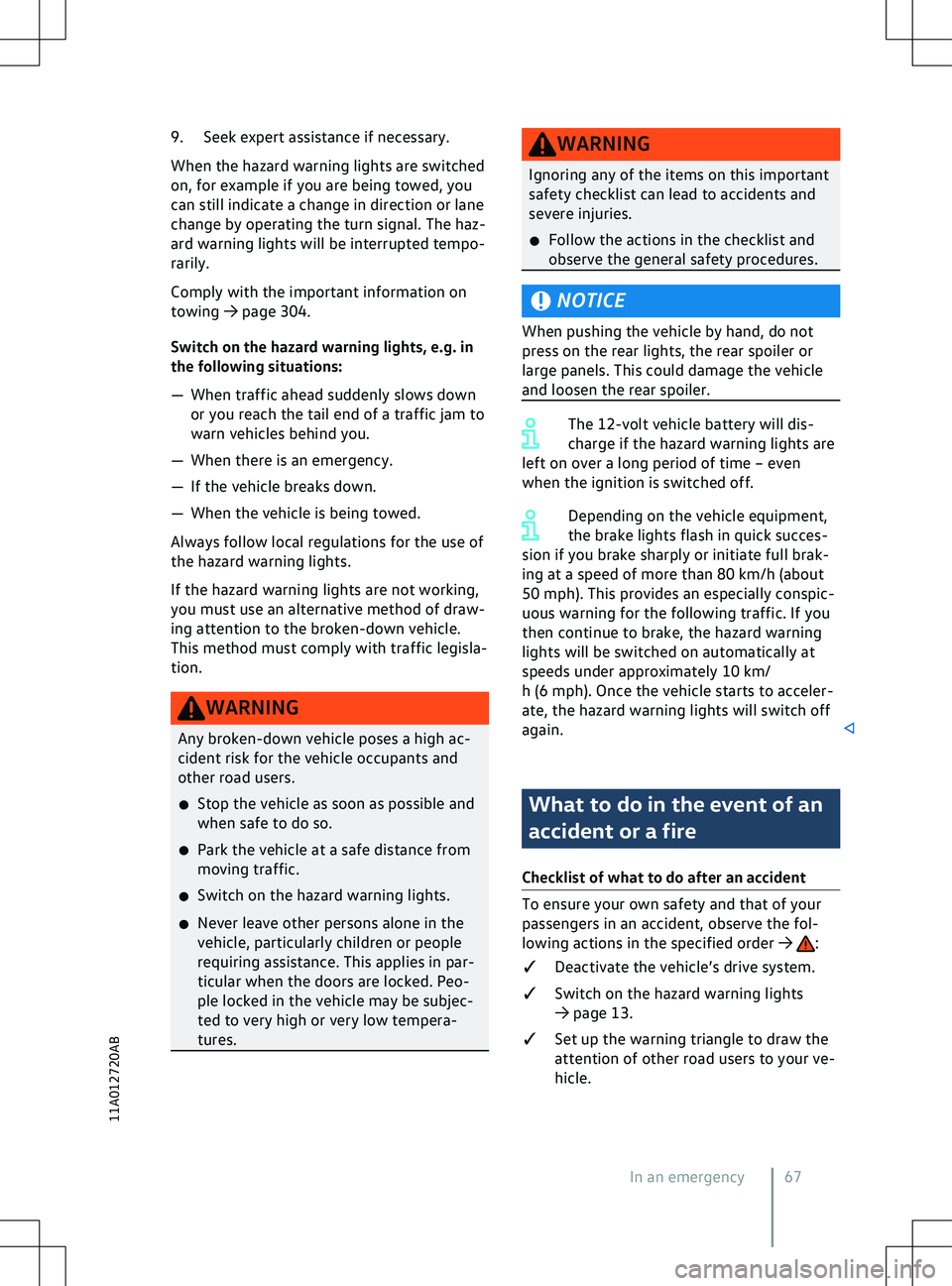
9. Seek expert assistance if necessary.
When the hazard warning lights are switched
on, f
or example if you are being towed, you
can still indicate a change in direction or lane
change by operating the turn signal. The haz-
ard warning lights will be interrupted tempo-
rarily.
Comply with the important information on
towing
Page 75 of 417
Opening and closing
V ehicle key Functions of the vehicle key
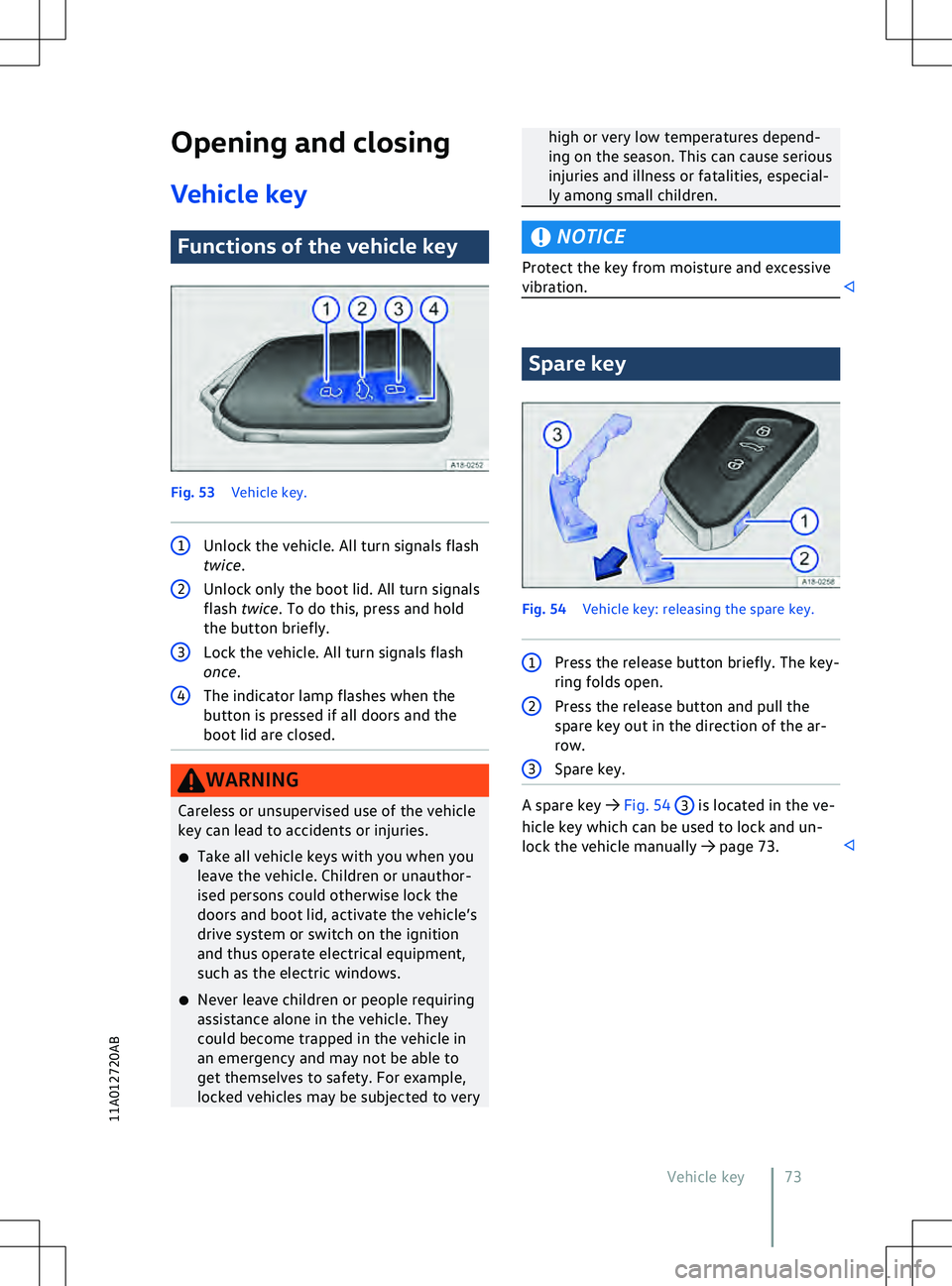
Fig. 53
V
ehicle key. 1
Unlock the vehicle. All turn signals flash
twice. 2
Unlock only the boot lid. All turn signals
flash twice . To do this, press and hold
the button briefly. 3
Lock the vehicle. All turn signals flash
once. 4
The indicator lamp flashes when the
button is pressed if all doors and the
boot lid are closed. WARNING
Careless or unsupervised use of the vehicle
key can lead to accidents or injuries.
x Take all v
ehicle keys with you when you
leave the vehicle. Children or unauthor-
ised persons could otherwise lock the
doors and boot lid, activate the vehicle
Page 79 of 417
All turn signals flash four times
The v
ehicle key used last is still in the vehicle.
Page 105 of 417
The convenience turn signal can be activated
and deactiv ated in the vehicle settings in the
Infotainment system
Page 176 of 417
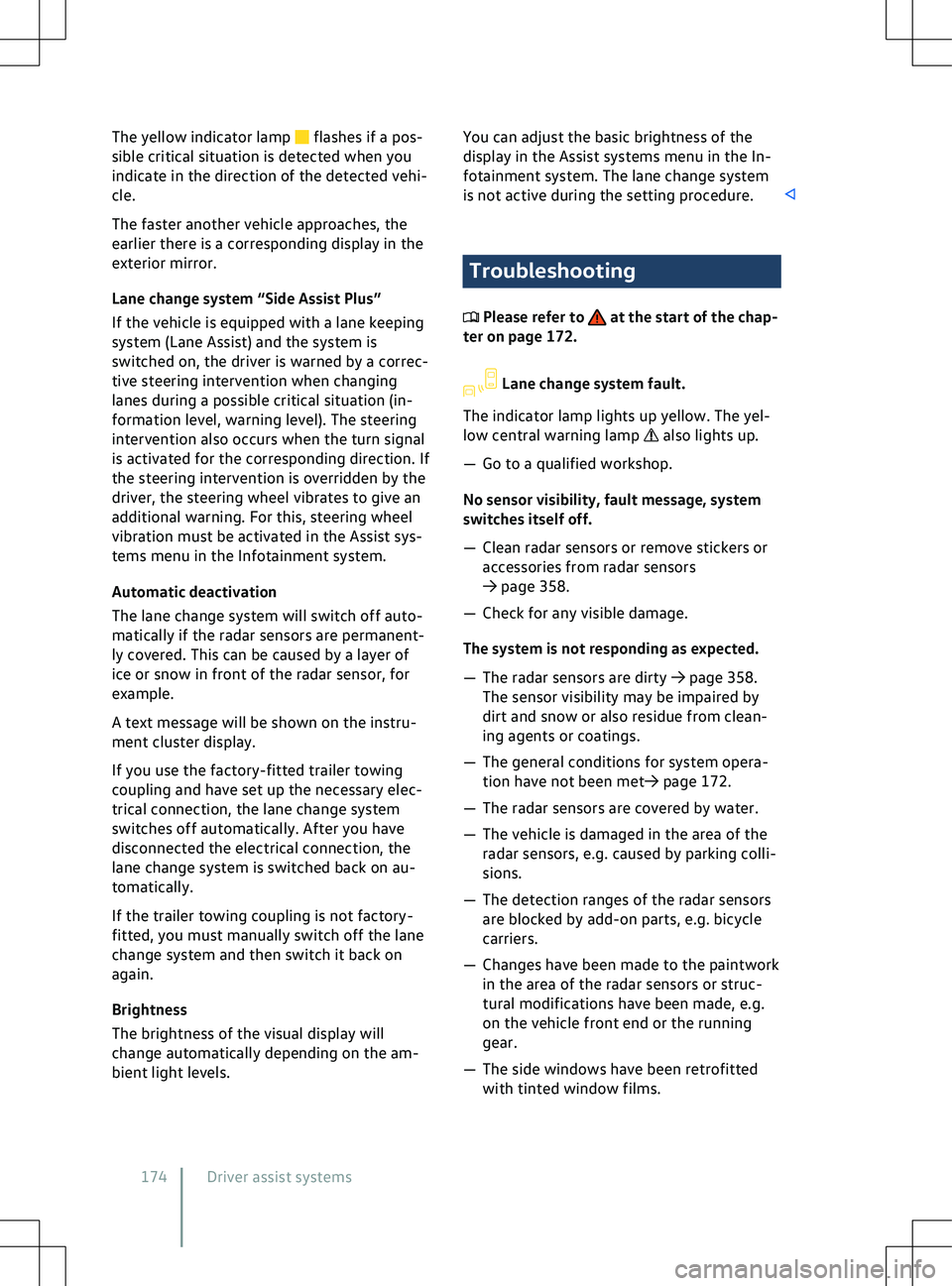
The yellow indicator lamp flashes if a pos-
sible critical situation is detected when you
indicate in the direction of the detected v
ehi-
cle.
The faster another vehicle approaches, the
earlier there is a corresponding display in the
exterior mirror.
Lane change system “Side Assist Plus”
If the vehicle is equipped with a lane keeping
system (Lane Assist) and the system is
switched on, the driver is warned by a correc-
tive steering intervention when changing
lanes during a possible critical situation (in-
formation level, warning level). The steering
intervention also occurs when the turn signal
is activated for the corresponding direction. If
the steering intervention is overridden by the
driver, the steering wheel vibrates to give an
additional warning. For this, steering wheel
vibration must be activated in the Assist sys-
tems menu in the Infotainment system.
Automatic deactivation
The lane change system will switch off auto-
matically if the radar sensors are permanent-
ly covered. This can be caused by a layer of
ice or snow in front of the radar sensor, for
example.
A text message will be shown on the instru-
ment cluster display.
If you use the factory-fitted trailer towing
coupling and have set up the necessary elec-
trical connection, the lane change system
switches off automatically. After you have
disconnected the electrical connection, the
lane change system is switched back on au-
tomatically.
If the trailer towing coupling is not factory-
fitted, you must manually switch off the lane
change system and then switch it back on
again.
Brightness
The brightness of the visual display will
change automatically depending on the am-
bient light levels. You can adjust the basic brightness of the
display in the Assist systems menu in the In-
f
otainment system. The lane change system
is not active during the setting procedure. Troubleshooting
Please refer to at the start of the chap-
ter on page 172. Lane change system fault.
The indicator lamp lights up yellow. The yel-
low central warning lamp also lights up.
Page 307 of 417
x
If the power supply of the towed v ehicle
fails, stop towing immediately and seek
expert assistance. NOTICE
Towing with a tow-rope or tow-bar can dam-
age the v
ehicle.
x Tow the vehicle carefully with a tow-rope
or tow-bar.
x If possible, have the broken-down vehicle
transported by a breakdown truck. NOTICE
When pushing the vehicle by hand, the tail
light clusters, side spoilers on the rear win-
dow and large panels can be damaged and
the rear spoiler may become detached.
x When pushing the v
ehicle by hand, do not
press on the tail light clusters, side spoilers
on the rear window, large panels and the
rear spoiler. NOTICE
The vehicle can be damaged, e.g. the vehicle
paintwork, when remo
ving and fitting the
cover and towing eye.
x Remove and install the cover and the tow-
ing eye carefully so as to avoid damage to
the vehicle. NOTICE
Use of a towing eye that is not suitable for
the v
ehicle can damage the vehicle.
x Always use the towing eye supplied in the
vehicle toolkit of your vehicle or a towing
eye that is suitable for the vehicle for tow-
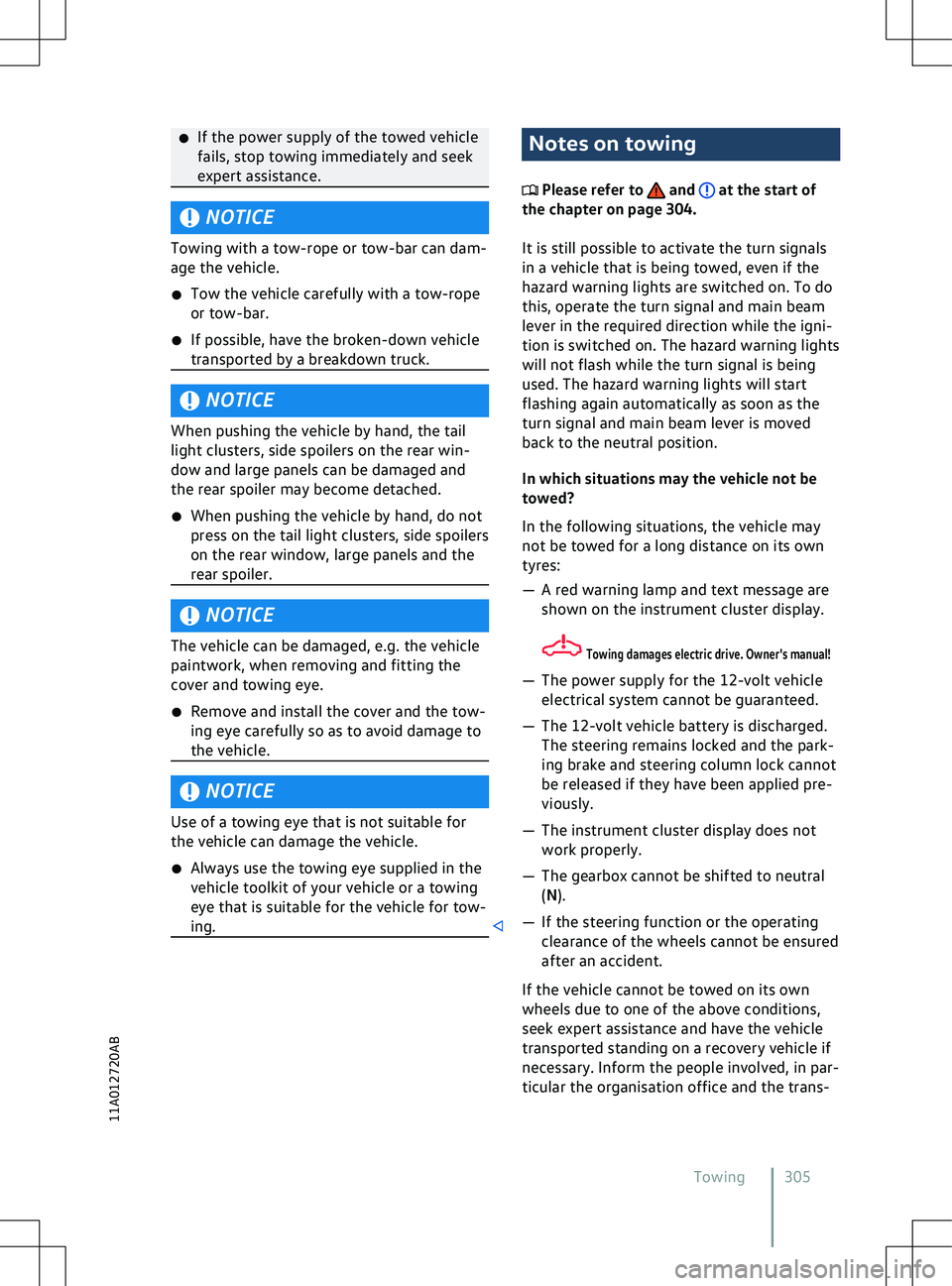
ing. Notes on towing
Please refer to and at the start of
the chapter on page 304.
It is still possible to activ
ate the turn signals
in a vehicle that is being towed, even if the
hazard warning lights are switched on. To do
this, operate the turn signal and main beam
lever in the required direction while the igni-
tion is switched on. The hazard warning lights
will not flash while the turn signal is being
used. The hazard warning lights will start
flashing again automatically as soon as the
turn signal and main beam lever is moved
back to the neutral position.
In which situations may the vehicle not be
towed?
In the following situations, the vehicle may
not be towed for a long distance on its own
tyres:
Page 401 of 417
Securing with a seat belt
65
Securing with i-Size 62
Securing with ISOFIX 62
Securing with the top tether 64
Standards 58
Switching off the front passenger front airbag 53
Weight classes 58
Childproof lock Electrical 81
Cleaning see Vehicle care 355
Climatronic see Air conditioning system 120
Clock 29
Closing Doors 77
Sun blind in the glass roof 119
Windows 89
Cockpit 10
Comfort drive (Travel Assist) see Travel Assist 168
Comfort tyre pressure 333
Coming home and Leaving home function see entry and exit lighting 109
Commercial vehicle registration 373
Component protection 372
Connection Bluetooth 216
Cable 215
USB 215
Wireless 215, 216
Connectivity components 195
Consumables 313
Continuous parking light 108
Control elements 222
Control units Reprogramming 368
System update 196
Controls Cleaning and care 359
Electrically adjustable front seat 95
Mechanically adjustable front seat 94
Convenience closing Windows 90
Convenience functions Reprogramming 368
Convenience opening Windows 90
Convenience turn signal 102Conversions
362, 370
Coolant 315
Checking the coolant level 316
Filler opening 316
Refilling 316
Specification 315
Copyright law 227
Cornering light 105
Dynamic 105
Things to note 111
Counter steering assistance 142
Cruise control system 145
Displays 145
Operating 146
Cruise control system (CCS) Troubleshooting 147
Curtain airbags see Airbag system 55
Customer Care - Call Centre 203
Customer information 366
Customer Interaction Centre 203
Customer Support 203
Cybersecurity 195
Cyclist Monitoring 163
D
Dash panel 10
Airbag system 47
Data connection see Internet 208
Data Link Connector (DLC) 367
Data memory Data services 366
Infotainment functions 368
Data storage Control units 366
Disclosure of data 367
Event data recorder 369
Event memory 367
Integration of mobile devices 368
On-board diagnostic system ( OBD) 367
Online services 369
Operating data in the vehicle 367
Personal reference 367
Rights 367
Data transfer 195
Blocking 204
Unblocking 204
Daytime running lights 103
DC charging
Index 399
11A012720AB
Page 406 of 417
Carrying out functions
224
Inspection 30, 354
Inspection now! 30
Instrument cluster 18
Service interval display 30
Symbols 15
Warning and indicator lamps 15
Interior mirror 116
Interior monitoring system 83
Risk of false alarm 84
Internet Quick connection 209
Setting up a data connection 208
Wi-Fi Client 210
Wi-Fi hotspot 208
Internet Radio 234
ISOFIX 62
see Child seat 57
J
Jack 343
Jump starting Earth connection 302
Jump leads 302
Jump-start connection point (earth con- nection) 302
Procedure 302
K Kerb weight 391, 392
Key Vehicle key 73
Key-operated switch Switching off front passenger front air-bag 53
Keyless Access 75
Emergency switch-off 140
Steering column lock 142
Keyless locking and starting system Keyless
Access
see Keyless Access 75
L
Lane Assist see Lane keeping system (Lane As-sist) 165
Lane change system (Side Assist) 172
Side Assist Plus 174
Switching on and off 173
System limits 172Troubleshooting
174
Lane keeping system (Lane Assist) 165
Displays 167
Switching on and off 166
System limits 165
Troubleshooting 167
Leatherette Cleaning and care 359
Leaving the vehicle 138
LED lights 295
Legal requirements 202
Licences 227
Lifting the vehicle Checklist 346
Jack 345
With the jack 345
Light Entry and exit lighting 109
Light Assist see Main-beam control 105
Lights 102
Advanced main-beam control (Dynamic Light Assist) 107
AUTO 105
Automatic switch-off of side lights and parking lights 108
Background lighting 112
Continuous parking light on both sides of the v ehicle 108
Cornering light 105
Daytime running lights 103
Dynamic headlight range con- trol 110
Functions 104
Headlight range control 109
Instrument and switch lighting 111
Interior and reading lights 111
Main-beam control 105
Poor weather light 104
Rear fog light 104
Side lights 104
Switching on and off 103
Turn signals 102
Vehicle lighting 103
Limiter see Speed limiter 147
Load carrier 262
Load compartment net 260
Load-through hatch 261
Loading Driving with an open boot lid 133
404 Index
Page 411 of 417
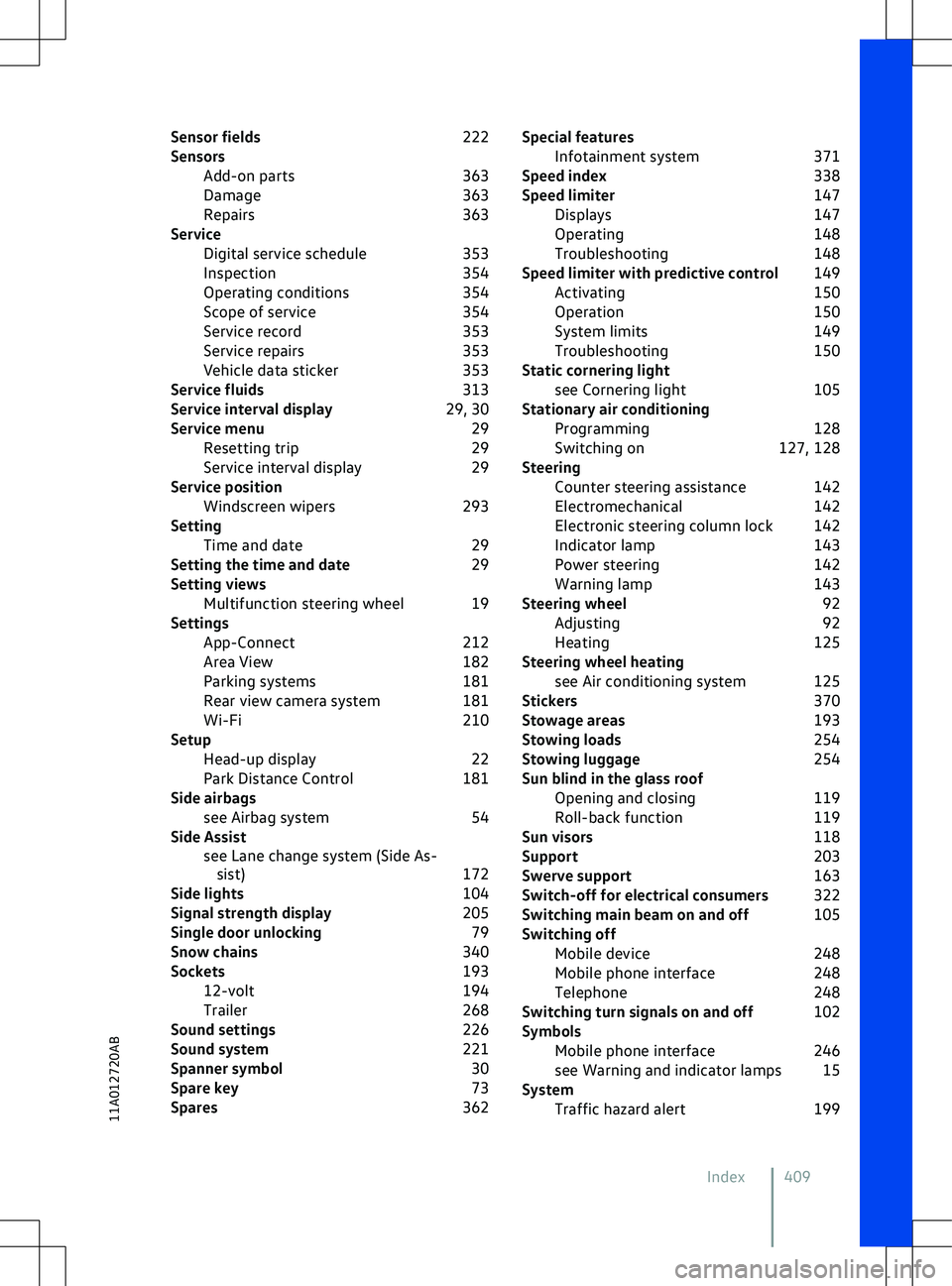
Sensor fields
222
Sensors Add-on parts 363
Damage 363
Repairs 363
Service Digital service schedule 353
Inspection 354
Operating conditions 354
Scope of service 354
Service record 353
Service repairs 353
Vehicle data sticker 353
Service fluids 313
Service interval display 29, 30
Service menu 29
Resetting trip 29
Service interval display 29
Service position Windscreen wipers 293
Setting Time and date 29
Setting the time and date 29
Setting views Multifunction steering wheel 19
Settings App-Connect 212
Area View 182
Parking systems 181
Rear view camera system 181
Wi-Fi 210
Setup Head-up display 22
Park Distance Control 181
Side airbags see Airbag system 54
Side Assist see Lane change system (Side As-sist) 172
Side lights 104
Signal strength display 205
Single door unlocking 79
Snow chains 340
Sockets 193
12-volt 194
Trailer 268
Sound settings 226
Sound system 221
Spanner symbol 30
Spare key 73
Spares 362Special features
Infotainment system 371
Speed index 338
Speed limiter 147
Displays 147
Operating 148
Troubleshooting 148
Speed limiter with predictive control 149
Activating 150
Operation 150
System limits 149
Troubleshooting 150
Static cornering light see Cornering light 105
Stationary air conditioning Programming 128
Switching on 127, 128
Steering Counter steering assistance 142
Electromechanical 142
Electronic steering column lock 142
Indicator lamp 143
Power steering 142
Warning lamp 143
Steering wheel 92
Adjusting 92
Heating 125
Steering wheel heating see Air conditioning system 125
Stickers 370
Stowage areas 193
Stowing loads 254
Stowing luggage 254
Sun blind in the glass roof Opening and closing 119
Roll-back function 119
Sun visors 118
Support 203
Swerve support 163
Switch-off for electrical consumers 322
Switching main beam on and off 105
Switching off Mobile device 248
Mobile phone interface 248
Telephone 248
Switching turn signals on and off 102
Symbols Mobile phone interface 246
see Warning and indicator lamps 15
System Traffic hazard alert 199
Index 40911A012720AB
Page 414 of 417
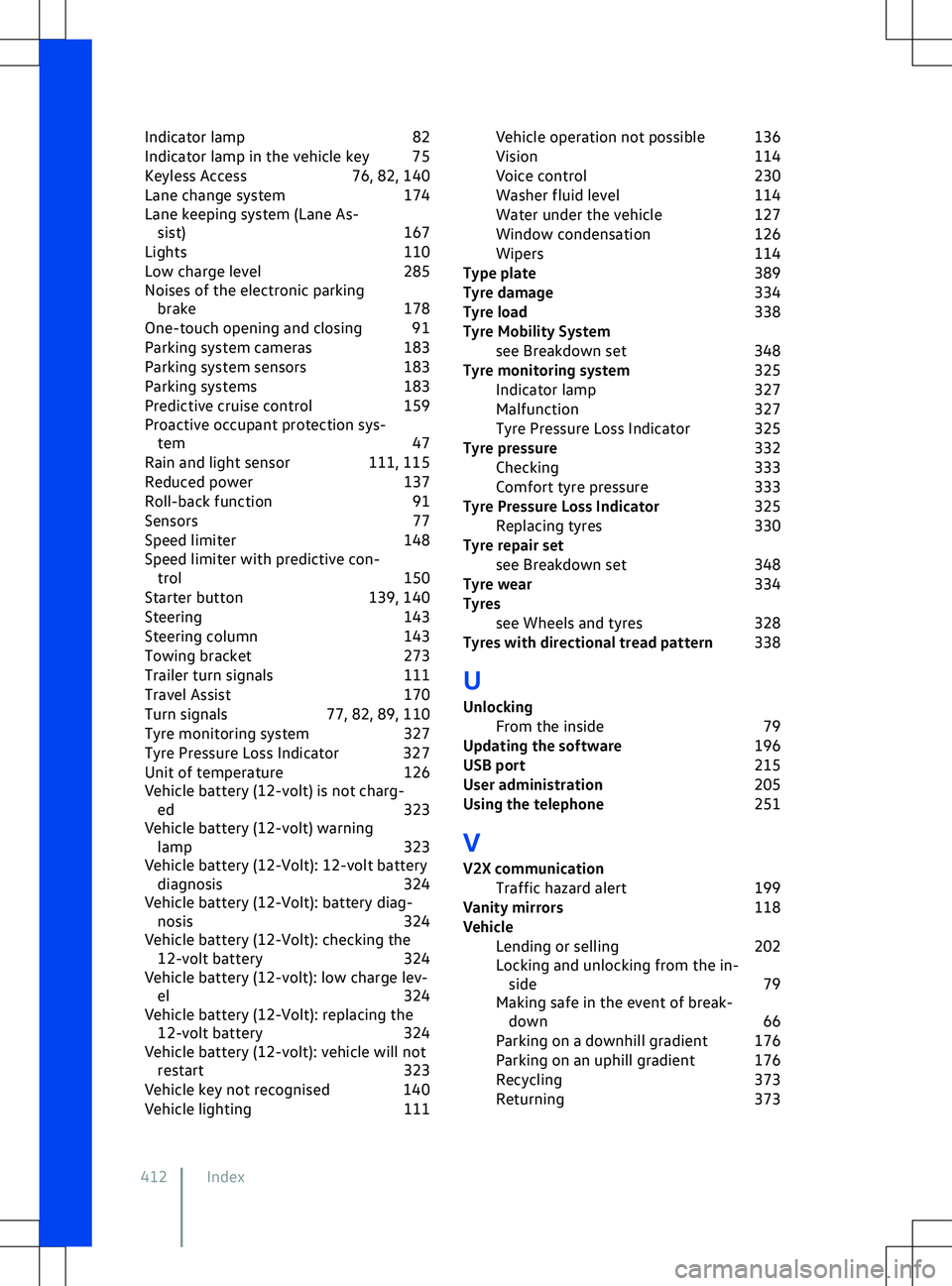
Indicator lamp
82
Indicator lamp in the vehicle key 75
Keyless Access 76, 82, 140
Lane change system 174
Lane keeping system (Lane As- sist) 167
Lights 110
Low charge level 285
Noises of the electronic parking brake 178
One-touch opening and closing 91
Parking system cameras 183
Parking system sensors 183
Parking systems 183
Predictive cruise control 159
Proactive occupant protection sys- tem 47
Rain and light sensor 111, 115
Reduced power 137
Roll-back function 91
Sensors 77
Speed limiter 148
Speed limiter with predictive con- trol 150
Starter button 139, 140
Steering 143
Steering column 143
Towing bracket 273
Trailer turn signals 111
Travel Assist 170
Turn signals 77, 82, 89, 110
Tyre monitoring system 327
Tyre Pressure Loss Indicator 327
Unit of temperature 126
Vehicle battery (12-volt) is not charg- ed 323
Vehicle battery (12-volt) warning lamp 323
Vehicle battery (12-Volt): 12-volt battery diagnosis 324
Vehicle battery (12-Volt): battery diag- nosis 324
Vehicle battery (12-Volt): checking the 12- volt battery 324
Vehicle battery (12-volt): low charge lev- el 324
Vehicle battery (12-Volt): replacing the 12-
volt battery 324
Vehicle battery (12-volt): vehicle will not restart 323
Vehicle key not recognised 140
Vehicle lighting 111Vehicle operation not possible 136
Vision
114
Voice control 230
Washer fluid level 114
Water under the vehicle 127
Window condensation 126
Wipers 114
Type plate 389
Tyre damage 334
Tyre load 338
Tyre Mobility System see Breakdown set 348
Tyre monitoring system 325
Indicator lamp 327
Malfunction 327
Tyre Pressure Loss Indicator 325
Tyre pressure 332
Checking 333
Comfort tyre pressure 333
Tyre Pressure Loss Indicator 325
Replacing tyres 330
Tyre repair set see Breakdown set 348
Tyre wear 334
Tyres see Wheels and tyres 328
Tyres with directional tread pattern 338
U
Unlocking From the inside 79
Updating the software 196
USB port 215
User administration 205
Using the telephone 251
V
V2X communication Traffic hazard alert 199
Vanity mirrors 118
Vehicle Lending or selling 202
Locking and unlocking from the in- side 79
Making safe in the event of break- down 66
Parking on a downhill gradient 176
Parking on an uphill gradient 176
Recycling 373
Returning 373
412 Index