charge VOLKSWAGEN ID.4 2022 User Guide
[x] Cancel search | Manufacturer: VOLKSWAGEN, Model Year: 2022, Model line: ID.4, Model: VOLKSWAGEN ID.4 2022Pages: 417, PDF Size: 5.39 MB
Page 210 of 417
always using WPA2 encryption. Observe
country-specific requirements.
The necessary data transf
er may be
subject to charges. Due to the poten-
tially high volume of data in use, Volkswagen
recommends using a mobile phone tariff
which includes a data flat rate. For more in-
formation contact your mobile telephone
provider.
Depending on your mobile telephone
tariff, additional costs (such as roam-
ing charges) may be charged for loading and
using online data packages, especially if you
use these services abroad. Setting up a data connection
Wi-Fi
Page 248 of 417
A forecast arrival time will be displayed.
You can activ
ate or deactivate the function at
any time and also delete the stored data for
the function.
Activating and deactivating “Learn usage
pattern”
Basic functions to open the set-
tings for this function.
2. To activate the function, activate
Learn us-
age pattern.
3. To deactivate the function, deactivate
Learn usage pattern.
Deleting stored data
.
If the charge le
vel is too low, the oper-
ating range display is automatically
hidden. When the battery has recharged, the
range display will reappear.
To show the complete range display
on the map, you may need to adjust
the map view
Page 253 of 417
Qi-capable mobile devices with larger dimen-
sions cannot be charged wirelessly.
Bef
ore charging, remove any foreign objects
with metallic components such as coins from
the stowage compartment and observe the
operating instructions for the mobile device.
To charge a Qi-enabled mobile device, re-
move the protective cover and place the en-
tire surface of the device flat in the centre of
the stowage area with the display facing up-
wards. The charging process starts automati-
cally.
The factory-fitted Infotainment system will
provide information about the start of the
charging operation and, where applicable,
about any foreign objects with metallic com-
ponents that are detected in the stowage
compartment. Remove foreign objects im-
mediately.
If the mobile device has not been positioned
correctly in the stowage area or is too large,
it cannot be detected or cannot be detected
correctly. In certain circumstances, the Info-
tainment system will report that there is
a foreign object in the stowage compart-
ment. The fault can be rectified if a suitable
mobile device is used and its position is cor-
rected.
Stowage compartment cover
The storage compartment for the wireless
charging function has a cover for the mobile
device
Page 279 of 417
ordinates of the vehicle have been
recognised.
Timer-controlled charging Menu f
or a departure time. First open
the Overview
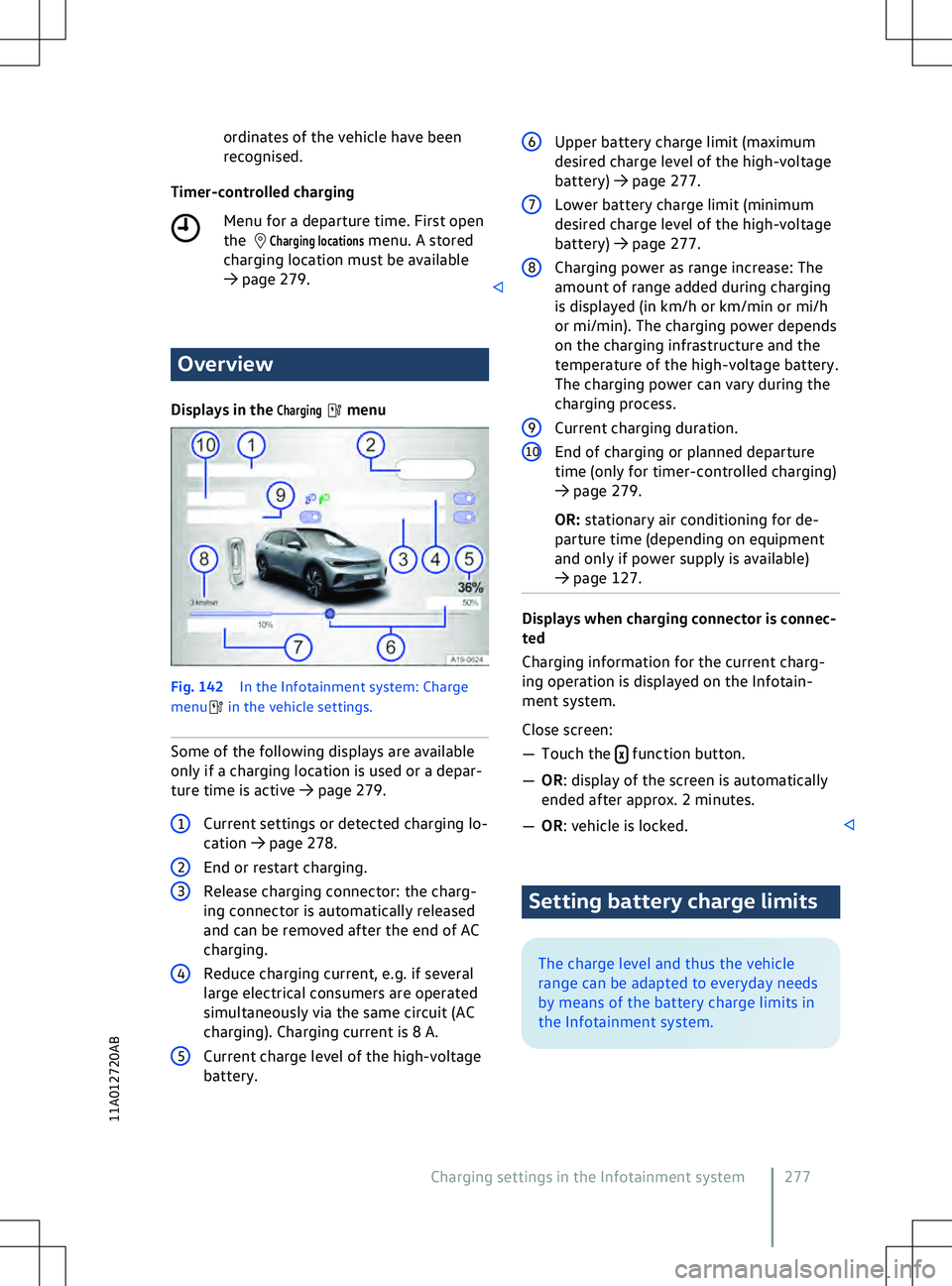
Displays in the
Charging menu
Fig. 142
In the Inf
otainment system: Charge
menu in the vehicle settings.
Some of the f ollowing displays are available
only if a charging location is used or a depar-
ture time is active
Page 280 of 417
Upper battery charge limit
F
ull charging of the high-voltage battery is
not normally necessary in daily vehicle use.
The upper battery charge limit limits the
maximum charge level.
Page 283 of 417
WARNING
Driving when the charge level of the high-
v oltage battery is too low can lead to the
vehicle breaking down when in traffic, and
can lead to accidents and serious injuries. The high-voltage battery can only be
charged at charging stations that meet
the requirements of the corresponding coun-
try and at least the f
ollowing standards:
Page 304 of 417
x
Ne ver charge a 12-volt vehicle battery
which is frozen or has been frozen. Dis-
charged 12-volt vehicle batteries can al-
ready freeze at temperatures of around
0
Page 305 of 417
1
Vehicle with discharged 12-volt vehicle
battery that is being jump-started. NOTICE
Observe the instructions for jump starting in
the owner
Page 323 of 417
x
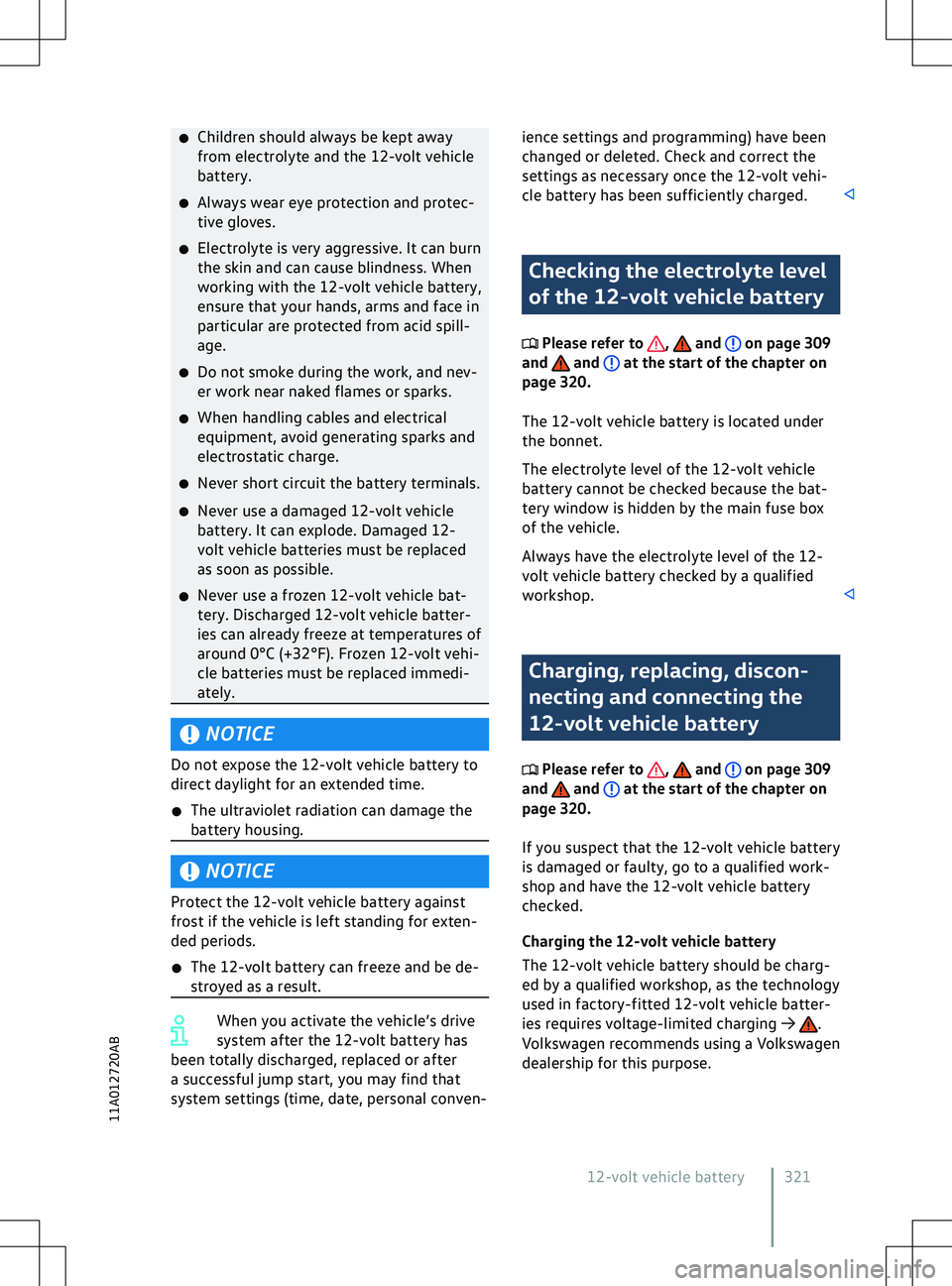
Children should always be kept away
from electrolyte and the 12-
volt vehicle
battery.
x Always wear eye protection and protec-
tive gloves.
x Electrolyte is very aggressive. It can burn
the skin and can cause blindness. When
working with the 12-volt vehicle battery,
ensure that your hands, arms and face in
particular are protected from acid spill-
age.
x Do not smoke during the work, and nev-
er work near naked flames or sparks.
x When handling cables and electrical
equipment, avoid generating sparks and
electrostatic charge.
x Never short circuit the battery terminals.
x Never use a damaged 12-volt vehicle
battery. It can explode. Damaged 12-
volt vehicle batteries must be replaced
as soon as possible.
x Never use a frozen 12-volt vehicle bat-
tery. Discharged 12-volt vehicle batter-
ies can already freeze at temperatures of
around 0
Page 399 of 417
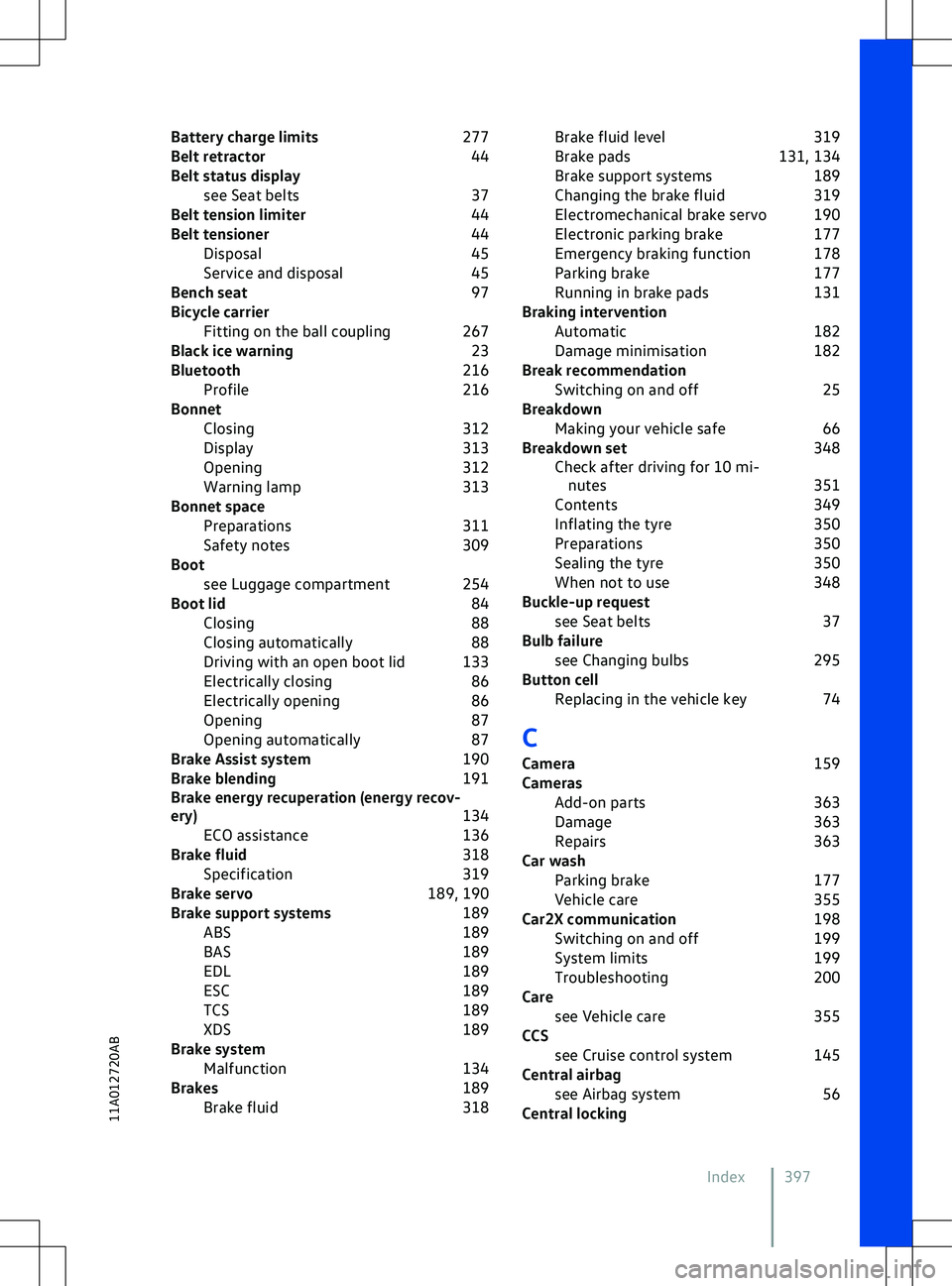
Battery charge limits
277
Belt retractor 44
Belt status display see Seat belts 37
Belt tension limiter 44
Belt tensioner 44
Disposal 45
Service and disposal 45
Bench seat 97
Bicycle carrier Fitting on the ball coupling 267
Black ice warning 23
Bluetooth 216
Profile 216
Bonnet Closing 312
Display 313
Opening 312
Warning lamp 313
Bonnet space Preparations 311
Safety notes 309
Boot see Luggage compartment 254
Boot lid 84
Closing 88
Closing automatically 88
Driving with an open boot lid 133
Electrically closing 86
Electrically opening 86
Opening 87
Opening automatically 87
Brake Assist system 190
Brake blending 191
Brake energy recuperation (energy recov-
ery) 134
ECO assistance 136
Brake fluid 318
Specification 319
Brake servo 189, 190
Brake support systems 189
ABS 189
BAS 189
EDL 189
ESC 189
TCS 189
XDS 189
Brake system Malfunction 134
Brakes 189
Brake fluid 318Brake fluid level
319
Brake pads 131, 134
Brake support systems 189
Changing the brake fluid 319
Electromechanical brake servo 190
Electronic parking brake 177
Emergency braking function 178
Parking brake 177
Running in brake pads 131
Braking intervention Automatic 182
Damage minimisation 182
Break recommendation Switching on and off 25
Breakdown Making your vehicle safe 66
Breakdown set 348
Check after driving for 10 mi- nutes 351
Contents 349
Inflating the tyre 350
Preparations 350
Sealing the tyre 350
When not to use 348
Buckle-up request see Seat belts 37
Bulb failure see Changing bulbs 295
Button cell Replacing in the vehicle key 74
C
Camera 159
Cameras Add-on parts 363
Damage 363
Repairs 363
Car wash Parking brake 177
Vehicle care 355
Car2X communication 198
Switching on and off 199
System limits 199
Troubleshooting 200
Care see Vehicle care 355
CCS see Cruise control system 145
Central airbag see Airbag system 56
Central locking
Index 39711A012720AB