eco VOLKSWAGEN ID.4 2022 Owners Manual
[x] Cancel search | Manufacturer: VOLKSWAGEN, Model Year: 2022, Model line: ID.4, Model: VOLKSWAGEN ID.4 2022Pages: 417, PDF Size: 5.39 MB
Page 3 of 417
Thank you for choosing Volkswagen
By purchasing this Volkswagen, you have become the owner of a vehicle fitted with the most
up-to-date technology and a multitude of con venience functions for your use and enjoyment.
Before using your vehicle for the first time, please read and observe the information in this
owner
Page 8 of 417
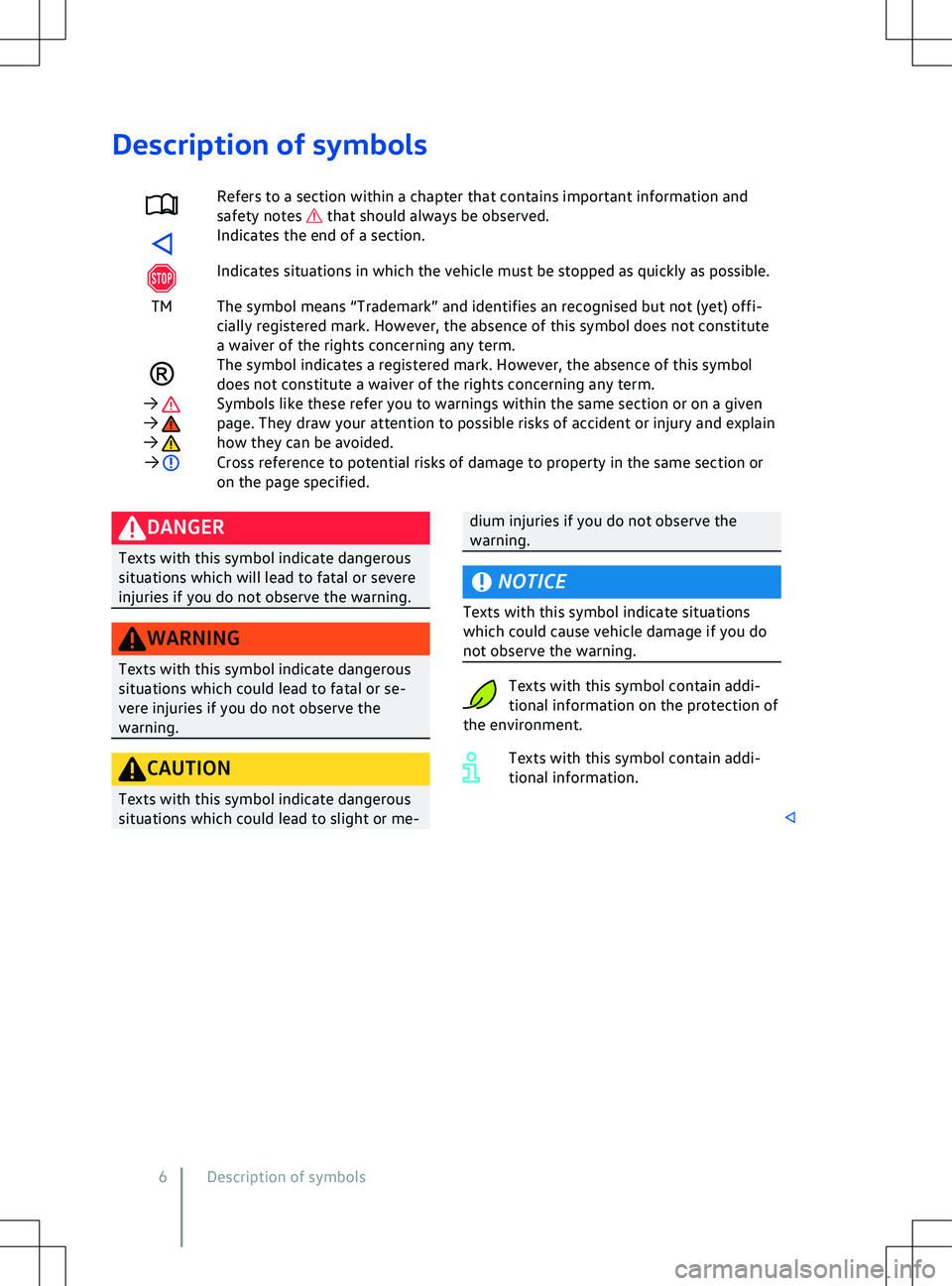
Description of symbols
Refers to a section within a chapter that contains important information and
saf ety notes that should always be observed.
Indicates the end of a section.
Indicates situations in which the vehicle must be stopped as quickly as possible.
TM The symbol means “Trademark” and identifies an recognised but not (yet) offi- cially registered mark. Howe
ver, the absence of this symbol does not constitute
a waiver of the rights concerning any term. The symbol indicates a registered mark. However, the absence of this symbol
does not constitute a waiv
er of the rights concerning any term.
Page 26 of 417
and symbols can vary depending on the ver-
sion of the instrument cluster.
Do not
driv
e on! Danger. Check the fault. Seek expert
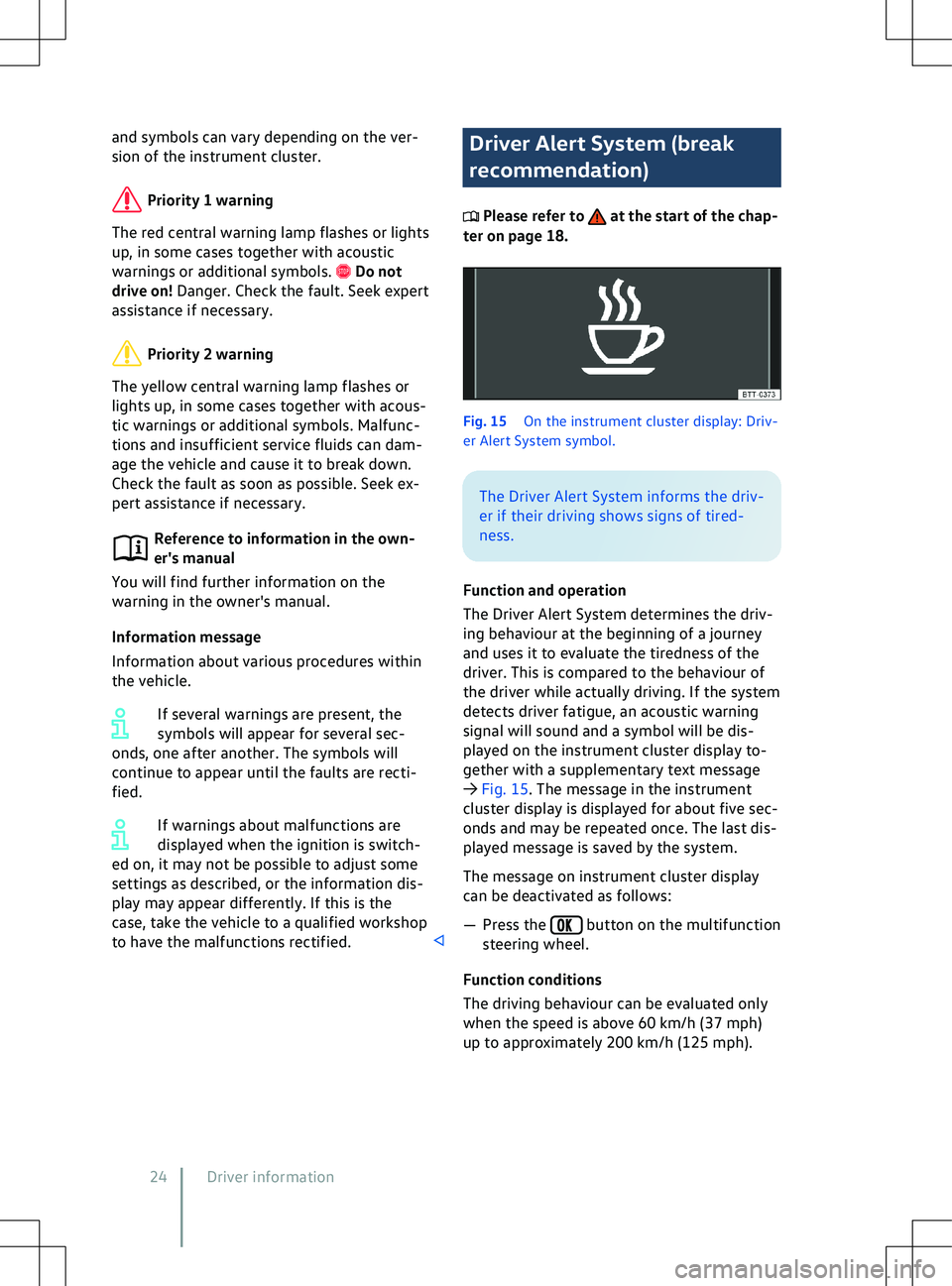
assistance if necessary. Driver Alert System (break
recommendation)
Please refer to at the start of the chap-
ter on page 18. Fig. 15
On the instrument cluster display: Driv
-
er Alert System symbol. button on the multifunction
steering wheel.
F
unction conditions
The driving behaviour can be evaluated only
when the speed is above 60 km/h (37 mph)
up to approximately 200 km/h (125 mph).
24 Driver information
Page 28 of 417
tional sign in the head-up display and in the
instrument cluster.
Displays
In addition to speed limits and o
vertaking re-
strictions, Dynamic Road Sign Display also
detects the road sign which indicates that all
restrictions have been lifted on motorways
and main roads in Germany. In all other coun-
tries in which the system is operated, the
current speed limit is displayed instead.
The road signs detected by the Dynamic Road
Sign Display system are displayed on the in-
strument cluster. Road signs may also be dis-
played in the Infotainment system, depend-
ing on the system installed in the vehicle.
With some equipment levels, a display is also
shown on the Head-up Display.
The system is in the initial-
isation phase. OR: the camera has not
detected any regulatory or warning
signs.
System fault. Go to
a qualified workshop.
Fault in the Dy-
namic Road Sign Display system
speed warning. Go to a qualified
workshop.
The
windscreen is dirty in the area of the
camera or the camera view is im-
paired due to the weather conditions.
Clean the windscreen.
No data
transmission from the Infotainment
system. Check whether valid map da-
ta is loaded in the Infotainment sys-
tem. OR: the vehicle is located in an
area that is not covered by the map
stored in the Infotainment system.
Dynamic Road Sign Display is
not supported in the country in which
you are currently travelling.
No road signs available.
Error: Dynamic Road Sign Display
Speed warning currently not available.
Dynamic Road Sign Display: Clean the windscreen!
Dynamic Road Sign Display is currently restricted.
No data available.
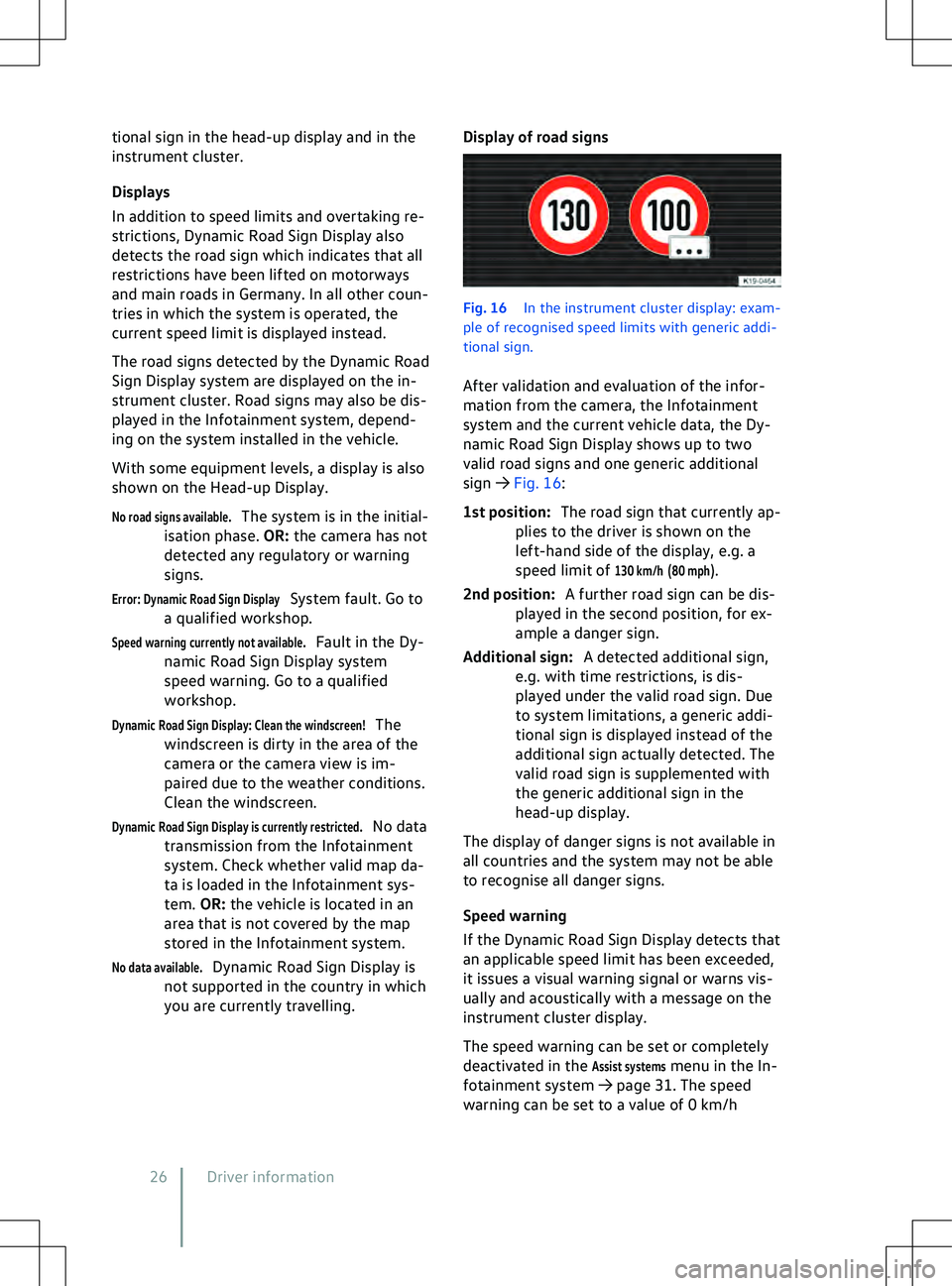
Display of road signs Fig. 16
In the instrument cluster display: e
xam-
ple of recognised speed limits with generic addi-
tional sign.
After validation and evaluation of the infor-
mation from the camera, the Infotainment
system and the current vehicle data, the Dy-
namic Road Sign Display shows up to two
valid road signs and one generic additional
sign
Page 30 of 417
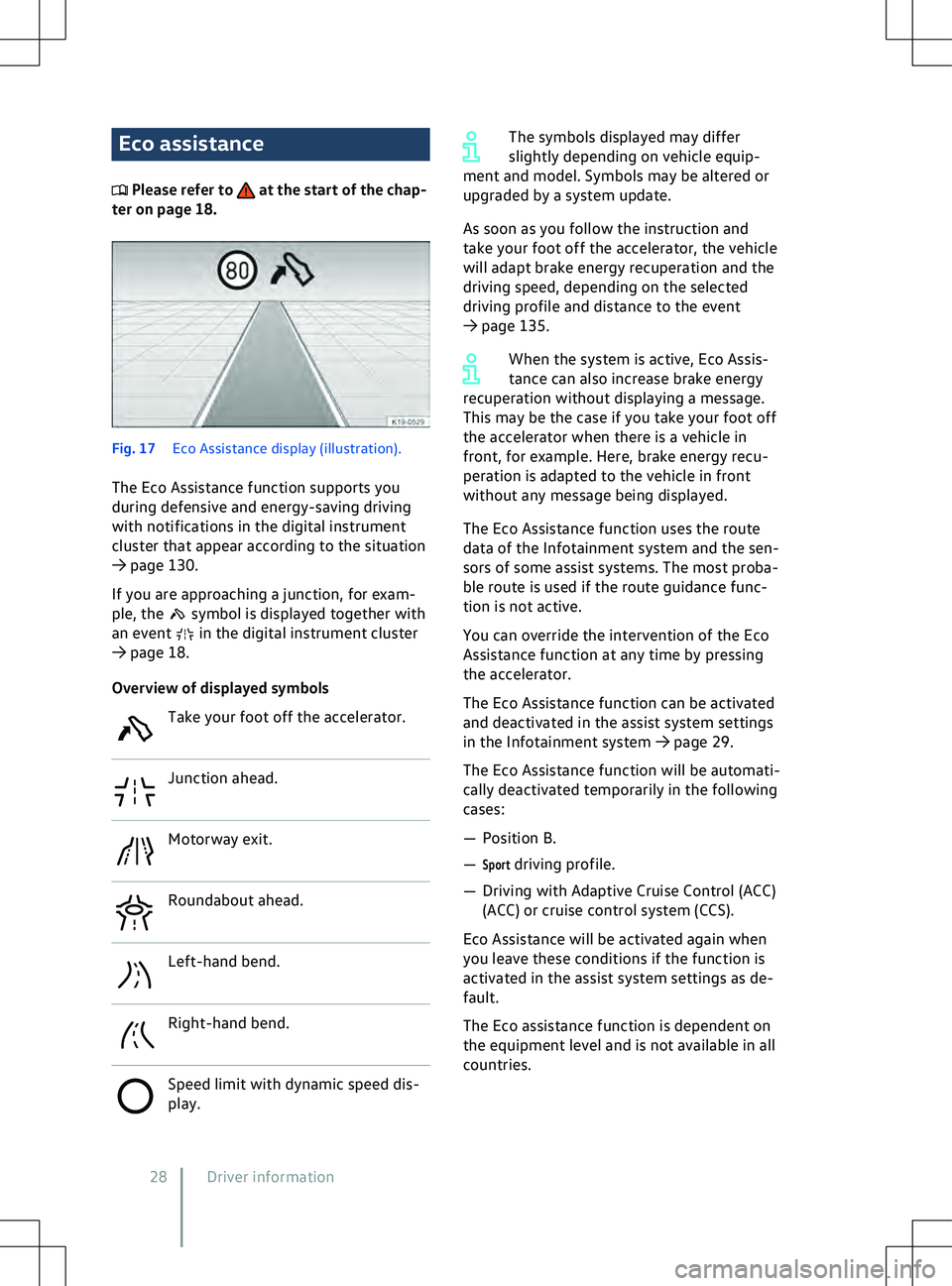
Eco assistance
Please refer to at the start of the chap-
ter on page 18. Fig. 17
Eco Assistance display (illustration).
The Eco Assistance function supports you
during def
ensive and energy-saving driving
with notifications in the digital instrument
cluster that appear according to the situation
Page 32 of 417
Service interval display
Please refer to at the start of the chap-
ter on page 18.
Service e
vents are displayed on the instru-
ment cluster and in the Infotainment system.
Service notification
When an inspection is due, a service an-
nouncement will appear on the instrument
cluster display when the ignition is switched
on.
The number of kilometres or amount of time
shown correspond to the maximum number
of kilometres or maximum time that can still
be driven before the next inspection.
Service event
For a scheduled inspection, an acoustic signal
will be given when the ignition is switched on
and the spanner symbol will be displayed
f
or several seconds on the instrument cluster
display. One of the following displays will al-
so appear:
Page 38 of 417
shop to find out about possible special modi-
fications. The seat belts and airbags can only
pro
vide a maximum level of protection if
a correct sitting position is assumed. Volks-
wagen recommends using a Volkswagen
dealership for this purpose.
Volkswagen recommends the following seat-
ing position for your own safety and to re-
duce the level of injury in the event of a sud-
den braking manoeuvre or an accident:
The following applies to all vehicle occu-
pants:
Page 46 of 417
seat belts and airbags can provide the opti-
mum le
vel of protection. Volkswagen recom-
mends using a Volkswagen dealership for this
purpose. Seat belt height adjuster
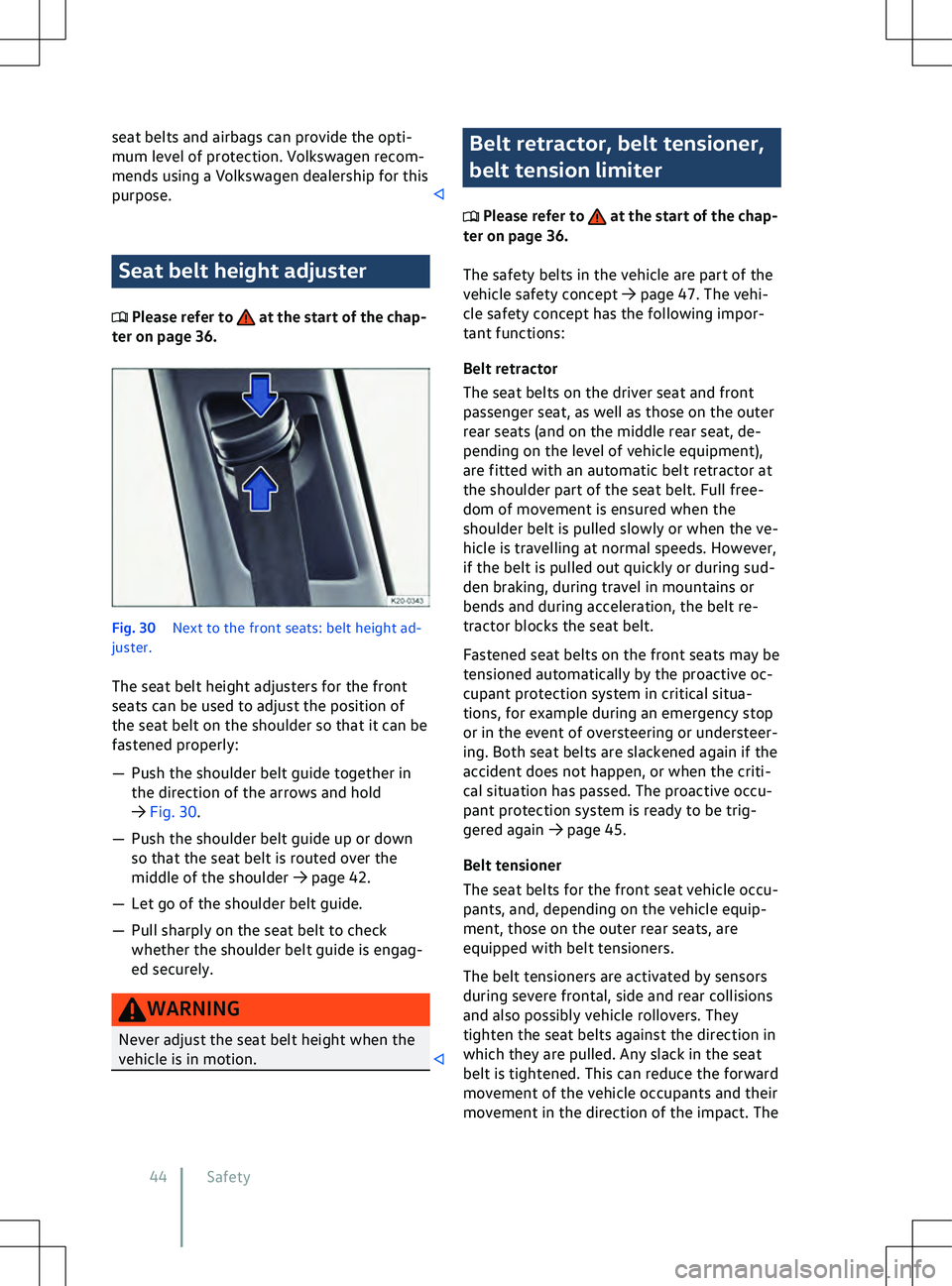
Please refer to at the start of the chap-
ter on page 36. Fig. 30
Ne
xt to the front seats: belt height ad-
juster.
The seat belt height adjusters for the front
seats can be used to adjust the position of
the seat belt on the shoulder so that it can be
fastened properly:
Page 58 of 417
WARNING
Once triggered, the airbag inflates in frac-
tions of a second at v ery high speed.
x Always leave the deployment zones of
the curtain airbags clear.
x Never secure any items to the cover or in
the deployment zone of the curtain air-
bag.
x There must be no other persons, animals
or objects between the vehicle occu-
pants sitting on the front seats and rear
outer seats and the deployment zones of
the airbags. Ensure that children and
passengers keep to this rule.
x The coat hooks in the vehicle should on-
ly be used for lightweight clothing. Do
not leave any heavy or sharp objects in
the pockets.
x Do not fit any accessories to the doors.
x Do not install any sun blinds onto the
side windows unless they have been ex-
pressly approved for use in your vehicle.
x Only push the sun visors over to the side
windows if no items are attached to the
visors (e.g. pens or a garage door open-
er). Central airbag
Please refer to at the start of the chap-
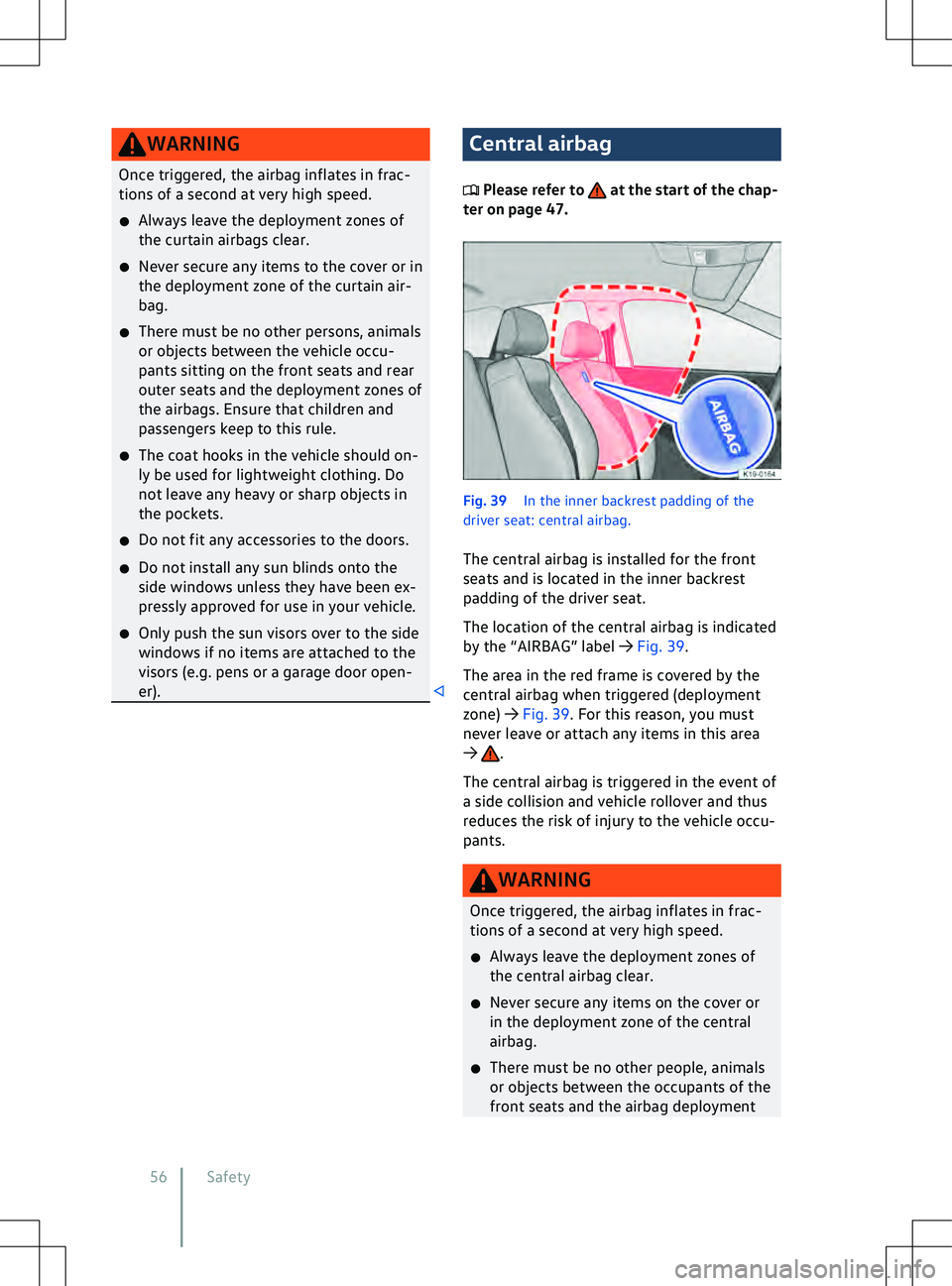
ter on page 47. Fig. 39
In the inner backrest padding of the
driv
er seat: central airbag.
The central airbag is installed for the front
seats and is located in the inner backrest
padding of the driver seat. The location of the central airbag is indicated
by the “AIRBAG” label
Page 92 of 417
If the electric windows in the rear
windows are not operated after oper-
ation has been activ
ated, operation of
the electric windows in the front
doors will be activated again after
around ten seconds.
Press the