vehicle status VOLKSWAGEN ID.4 2022 Owners Manual
[x] Cancel search | Manufacturer: VOLKSWAGEN, Model Year: 2022, Model line: ID.4, Model: VOLKSWAGEN ID.4 2022Pages: 417, PDF Size: 5.39 MB
Page 207 of 417
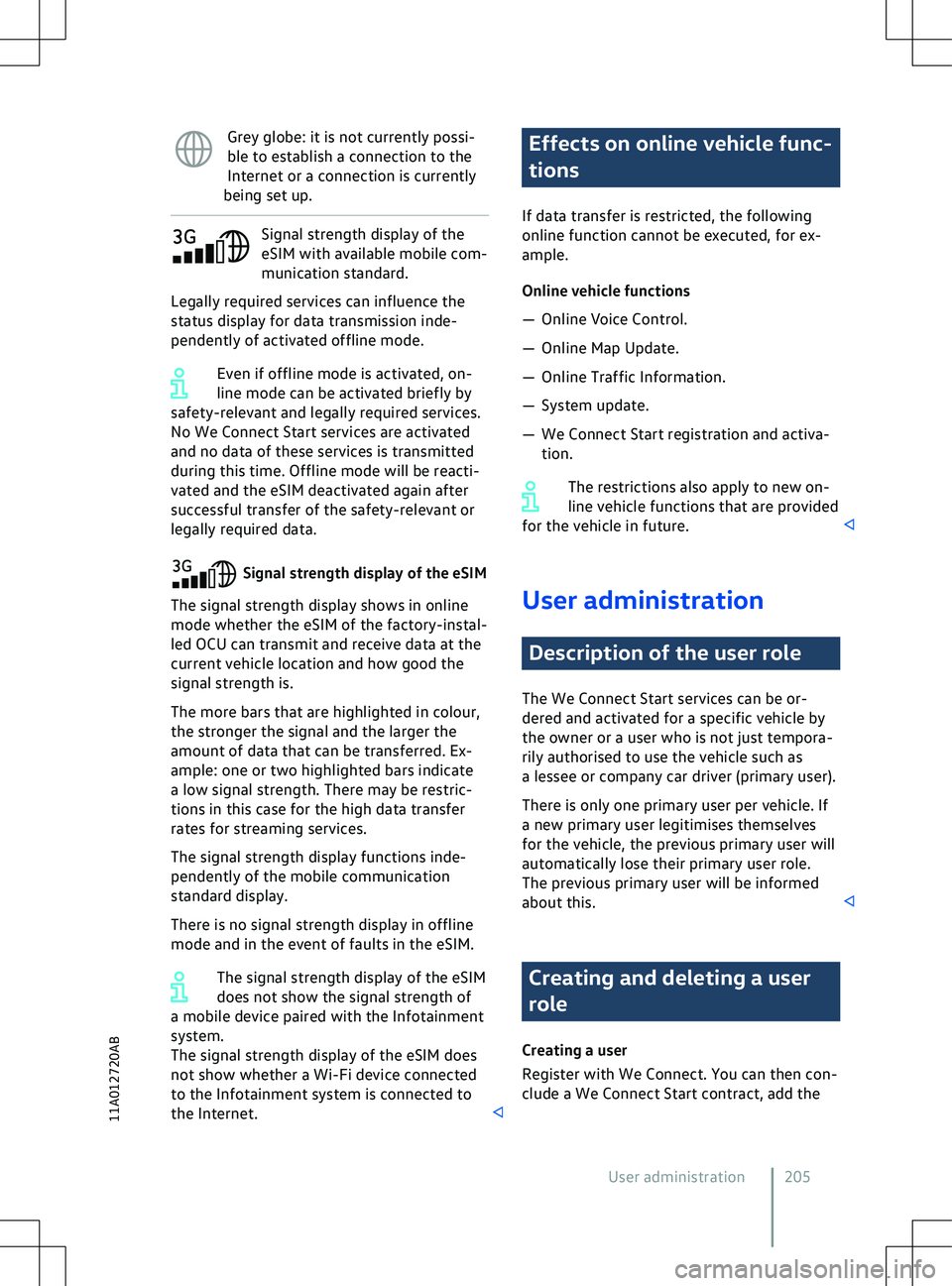
Grey globe: it is not currently possi-
ble to establish a connection to the
Internet or a connection is currently
being set up. Signal strength display of the
eSIM with a
vailable mobile com-
munication standard.
Legally required services can influence the
status display for data transmission inde-
pendently of activated offline mode.
Even if offline mode is activated, on-
line mode can be activated briefly by
safety-relevant and legally required services.
No We Connect Start services are activated
and no data of these services is transmitted
during this time. Offline mode will be reacti-
vated and the eSIM deactivated again after
successful transfer of the safety-relevant or
legally required data. Effects on online vehicle func-
tions
If data transf
er is restricted, the following
online function cannot be executed, for ex-
ample.
Online vehicle functions
Page 208 of 417
vehicle to your user account and authenticate
yourself as the user.
Deleting a user
Step 1: set priv
acy settings to “Offline mode
deactivated (online mode)”.
Step 2: either restore the factory settings of
the Infotainment system or a new user must
authenticate themselves in the vehicle.
The user cannot be deleted on the
server if the Infotainment system is re-
set to the factory settings in offline mode. Activating functions
(We Upgrade)
Introduction to the topic
After deliv
ery, the vehicle can be permanent-
ly or temporarily 1)
extended by certain func-
tions.
Depending on the vehicle model, you can
generally activate (unlock) comfort and Info-
tainment system functions and also driver as-
sistance systems.
The ability to activate functions depends on
the build status of the vehicle. Function acti-
vation is possible only for some vehicle mod-
els and is not possible in all markets.
Before using an activated function, read and
observe the relevant information and warn-
ings in the owner
Page 399 of 417
Battery charge limits
277
Belt retractor 44
Belt status display see Seat belts 37
Belt tension limiter 44
Belt tensioner 44
Disposal 45
Service and disposal 45
Bench seat 97
Bicycle carrier Fitting on the ball coupling 267
Black ice warning 23
Bluetooth 216
Profile 216
Bonnet Closing 312
Display 313
Opening 312
Warning lamp 313
Bonnet space Preparations 311
Safety notes 309
Boot see Luggage compartment 254
Boot lid 84
Closing 88
Closing automatically 88
Driving with an open boot lid 133
Electrically closing 86
Electrically opening 86
Opening 87
Opening automatically 87
Brake Assist system 190
Brake blending 191
Brake energy recuperation (energy recov-
ery) 134
ECO assistance 136
Brake fluid 318
Specification 319
Brake servo 189, 190
Brake support systems 189
ABS 189
BAS 189
EDL 189
ESC 189
TCS 189
XDS 189
Brake system Malfunction 134
Brakes 189
Brake fluid 318Brake fluid level
319
Brake pads 131, 134
Brake support systems 189
Changing the brake fluid 319
Electromechanical brake servo 190
Electronic parking brake 177
Emergency braking function 178
Parking brake 177
Running in brake pads 131
Braking intervention Automatic 182
Damage minimisation 182
Break recommendation Switching on and off 25
Breakdown Making your vehicle safe 66
Breakdown set 348
Check after driving for 10 mi- nutes 351
Contents 349
Inflating the tyre 350
Preparations 350
Sealing the tyre 350
When not to use 348
Buckle-up request see Seat belts 37
Bulb failure see Changing bulbs 295
Button cell Replacing in the vehicle key 74
C
Camera 159
Cameras Add-on parts 363
Damage 363
Repairs 363
Car wash Parking brake 177
Vehicle care 355
Car2X communication 198
Switching on and off 199
System limits 199
Troubleshooting 200
Care see Vehicle care 355
CCS see Cruise control system 145
Central airbag see Airbag system 56
Central locking
Index 39711A012720AB
Page 400 of 417
Anti-theft alarm
83
Central locking button 77, 79
Central locking touch control 79
Description 79
Locking and unlocking from the in- side 79
Single door unlocking 79
Central locking system SAFELOCK 81
Centre armrest 100
Changing a wheel 343
Lifting the vehicle 345
Preparations 343
Wheel bolts 344
Changing bulbs 295
Checklist 295
Preparations 295
Changing gear see Selecting a position 140
Changing lights see Changing bulbs 295
Charge level Display 19
Charging Charging process display 284
Charging station (AC) 281
Connecting the charging ca- ble 281, 283
Fast charging station 283
High-voltage battery 279
LED light unit on the charging sock- et 284
Mains socket 281
Manually releasing the charging connec- tor 286
Setting a departure time 279
Wall box 281
With alternating current (AC) 281
With direct current (DC) 283
Charging cable Charging station with alternating current(AC) 289
Cleaning 287
General information 287
Mains socket 290
Charging cable for mains sockets Fault displays 291
Operation 290
Overheating 291
Setting the charging current 291
Status indicators 290Charging connector
Current identification 281
Lever for manual release 286
Manual releasing 286
Unlocking 281
Charging infrastructure Current identification 281
Charging power 391, 392
Charging process display 284
Charging settings Overview 277
Charging socket Illumination 285
Charging stations Navigation 244
Chassis see Driving profile selection 143
Checklist Before working in the bonnetspace 311
Breakdown 66
Breakdown set 350
Changing bulbs 295
Charging the high-voltage bat- tery 279
Checks when charging 33
Driving abroad 33
Driving safety 32
Emergency 66, 67
Lifting the vehicle with the jack 346
Park Distance Control 180
Preparation for changing a wheel 343
Preparing for a journey 32
Rear view camera system 180
Releasing the charging connec- tor 286
Requirements for Android Au- to
Page 410 of 417
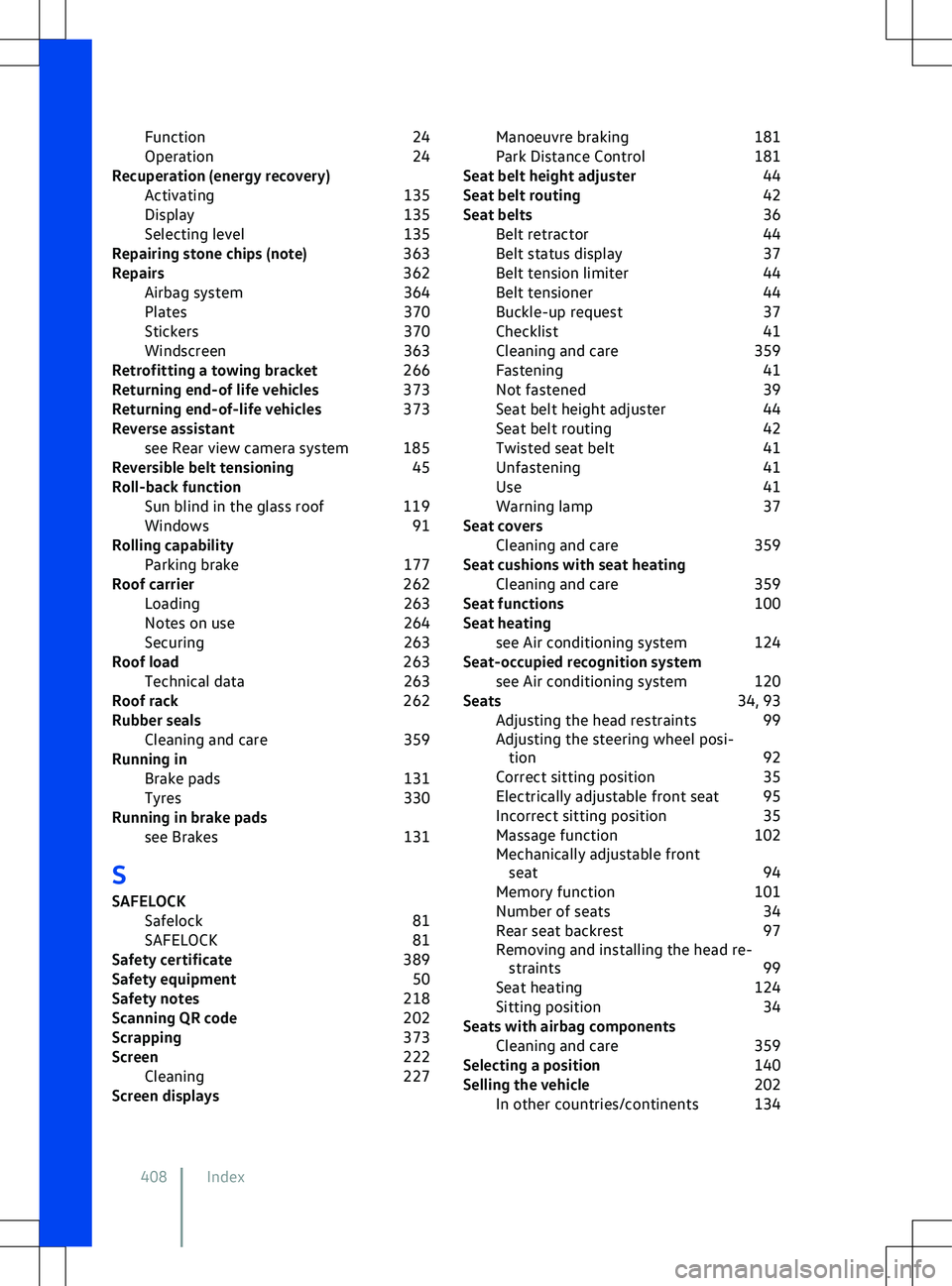
Function
24
Operation 24
Recuperation (energy recovery) Activating 135
Display 135
Selecting level 135
Repairing stone chips (note) 363
Repairs 362
Airbag system 364
Plates 370
Stickers 370
Windscreen 363
Retrofitting a towing bracket 266
Returning end-of life vehicles 373
Returning end-of-life vehicles 373
Reverse assistant see Rear view camera system 185
Reversible belt tensioning 45
Roll-back function Sun blind in the glass roof 119
Windows 91
Rolling capability Parking brake 177
Roof carrier 262
Loading 263
Notes on use 264
Securing 263
Roof load 263
Technical data 263
Roof rack 262
Rubber seals Cleaning and care 359
Running in Brake pads 131
Tyres 330
Running in brake pads see Brakes 131
S
SAFELOCK Safelock 81
SAFELOCK 81
Safety certificate 389
Safety equipment 50
Safety notes 218
Scanning QR code 202
Scrapping 373
Screen 222
Cleaning 227
Screen displays Manoeuvre braking
181
Park Distance Control 181
Seat belt height adjuster 44
Seat belt routing 42
Seat belts 36
Belt retractor 44
Belt status display 37
Belt tension limiter 44
Belt tensioner 44
Buckle-up request 37
Checklist 41
Cleaning and care 359
Fastening 41
Not fastened 39
Seat belt height adjuster 44
Seat belt routing 42
Twisted seat belt 41
Unfastening 41
Use 41
Warning lamp 37
Seat covers Cleaning and care 359
Seat cushions with seat heating Cleaning and care 359
Seat functions 100
Seat heating see Air conditioning system 124
Seat-occupied recognition system see Air conditioning system 120
Seats 34, 93
Adjusting the head restraints 99
Adjusting the steering wheel posi- tion 92
Correct sitting position 35
Electrically adjustable front seat 95
Incorrect sitting position 35
Massage function 102
Mechanically adjustable front seat 94
Memory function 101
Number of seats 34
Rear seat backrest 97
Removing and installing the head re- straints 99
Seat heating 124
Sitting position 34
Seats with airbag components Cleaning and care 359
Selecting a position 140
Selling the vehicle 202
In other countries/continents 134
408 Index