display VOLKSWAGEN ID.5 2022 User Guide
[x] Cancel search | Manufacturer: VOLKSWAGEN, Model Year: 2022, Model line: ID.5, Model: VOLKSWAGEN ID.5 2022Pages: 417, PDF Size: 5.39 MB
Page 33 of 417
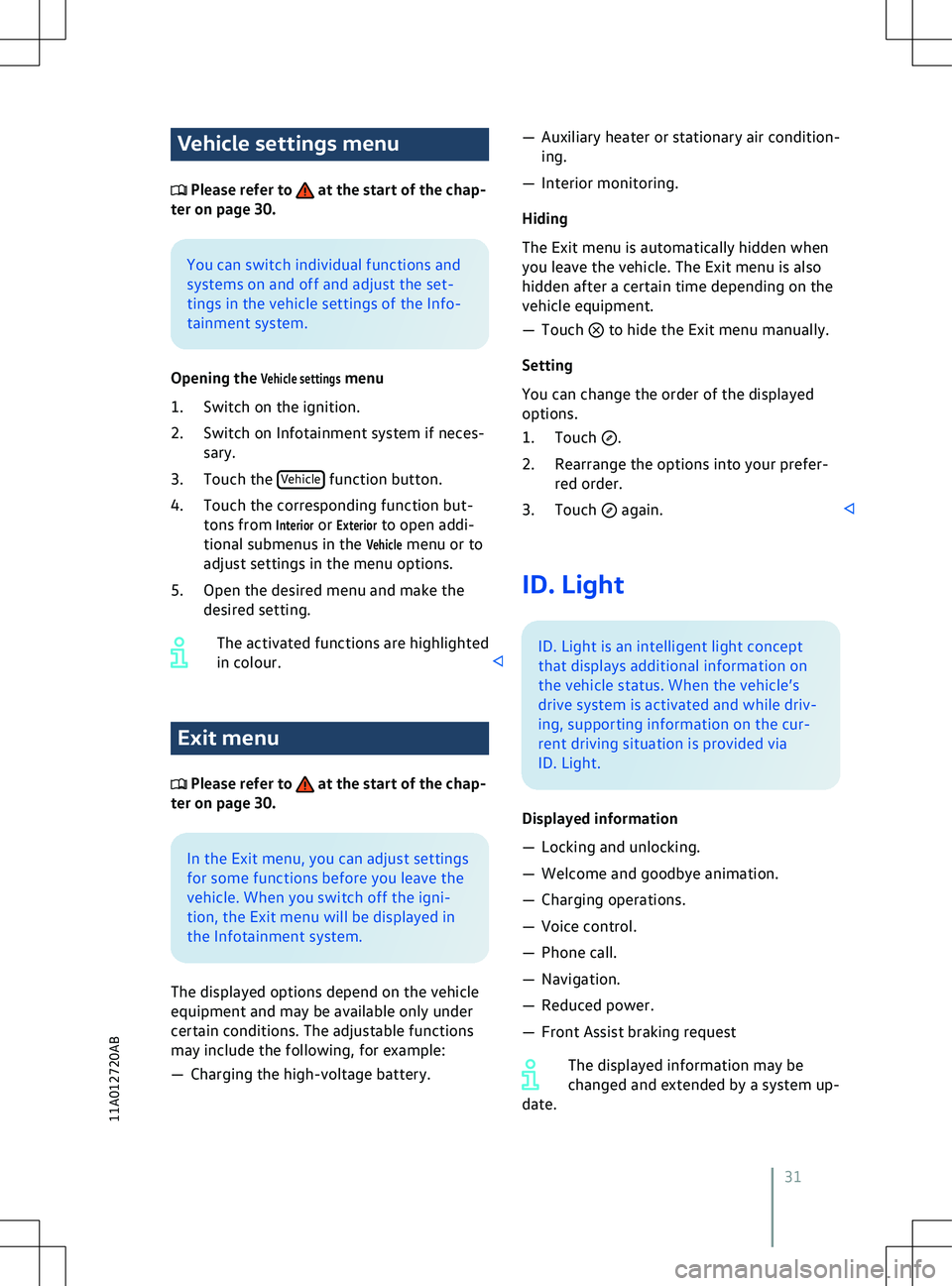
Vehicle settings menu
Please refer to at the start of the chap-
ter on page 30. You can switch individual functions and
systems on and off and adjust the set-
tings in the v
ehicle settings of the Info-
tainment system.
Opening the
Vehicle settings menu
1. Switch on the ignition.
2. Switch on Infotainment system if neces- sary.
3. Touch the Vehicle Exit menu
Please refer to at the start of the chap-
ter on page 30. In the Exit menu, you can adjust settings
f
or some functions before you leave the
vehicle. When you switch off the igni-
tion, the Exit menu will be displayed in
the Infotainment system.
The displayed options depend on the vehicle
equipment and may be available only under
certain conditions. The adjustable functions
may include the following, for example:
Page 40 of 417
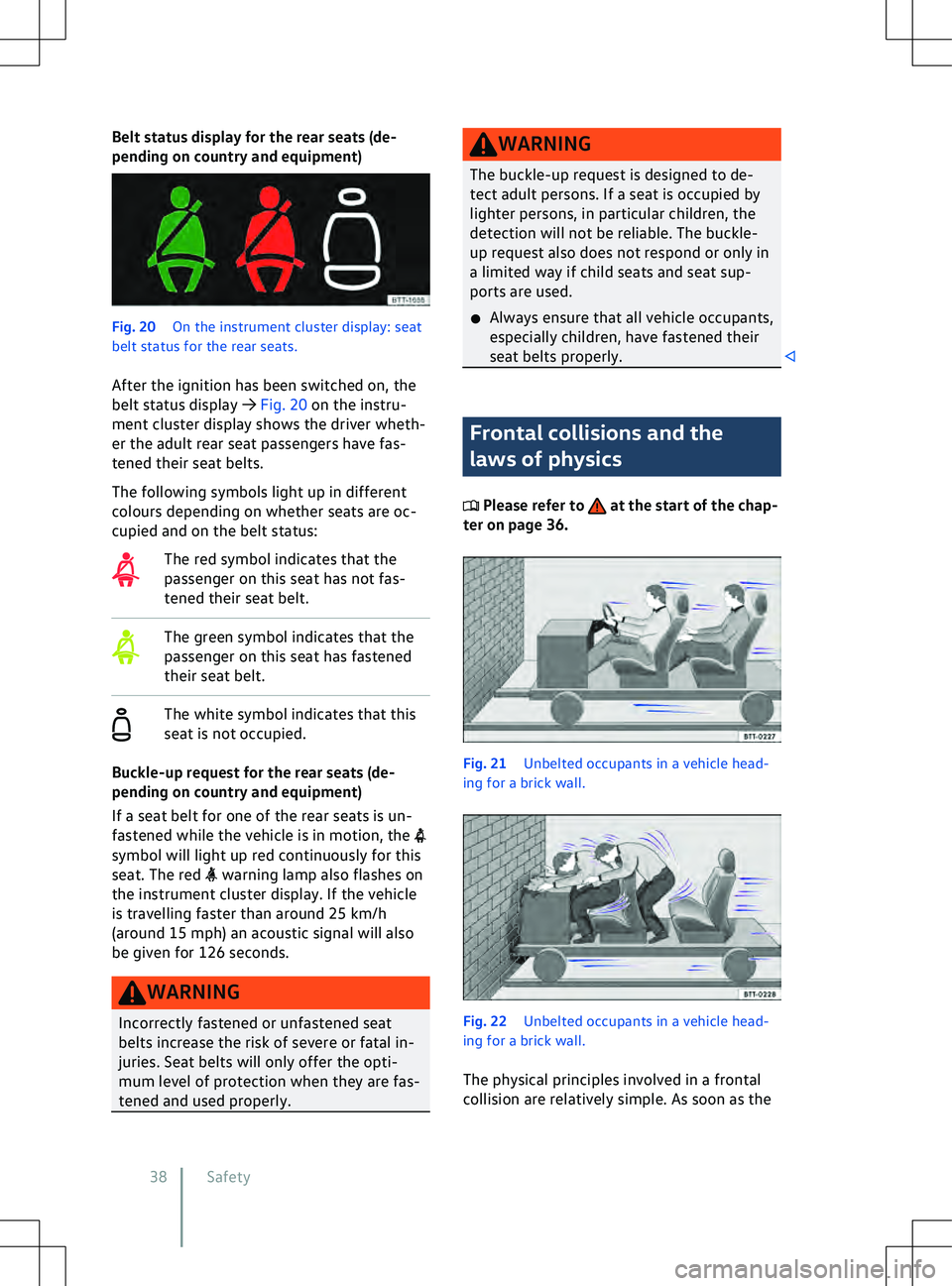
Belt status display for the rear seats (de-
pending on country and equipment)
Fig. 20
On the instrument cluster display: seat
belt status f or the rear seats.
After the ignition has been switched on, the
belt status display
Page 48 of 417
Speed range
The basic function of the proactiv
e occupant
protection system is available when driving
forwards at speeds from approx. 30 km/h
(19 mph).
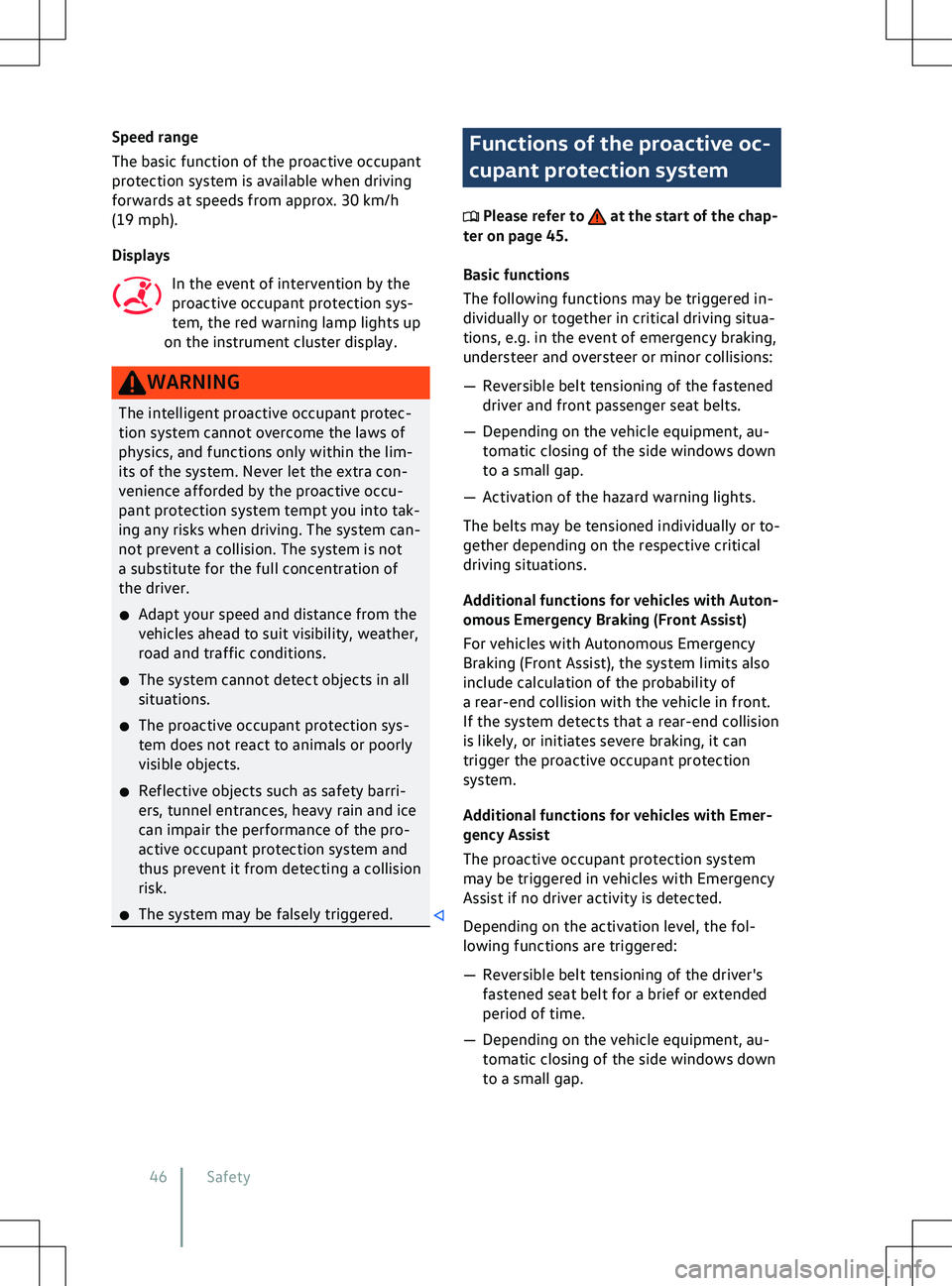
Displays
In the event of intervention by the
proactive occupant protection sys-
tem, the red warning lamp lights up
on the instrument cluster display. Functions of the proactive oc-
cupant protection system
Please refer to at the start of the chap-
ter on page 45.
Basic functions
The f
ollowing functions may be triggered in-
dividually or together in critical driving situa-
tions, e.g. in the event of emergency braking,
understeer and oversteer or minor collisions:
Page 122 of 417
WARNING
Closing the sun blind without the roll-back
function can cause serious injuries.
x Always close the sun blind carefully.
x Ensure that nobody obstructs the path
of the sun blind, especially if the roll-
back function is not activ
e when it is
closed.
x The roll-back function does not prevent
fingers or other body parts from being
pressed against the roof frame and sus-
taining injury. Introduction to the topic
The Climatronic is an automatic air condi-
tioning system that heats, cools and dehu-
midifies the air. Automatic mode enables the
Climatronic to control the air temperature, air
distribution and air v
olume automatically.
The air conditioning system will work most
effectively if the vehicle interior is kept
closed. Opening the windows and glass roof
to provide fresh air may accelerate cooling
down the vehicle if high temperatures have
built up in the vehicle interior.
Display of active functions
Illuminated symbols on the sensor buttons
indicate that the function is switched on.
Colour-coded function buttons display an ac-
tivated function in the climate settings on
the Infotainment system.
Operating the air conditioning system with
voice commands
Depending on the vehicle equipment, some
functions of the air conditioning system can
be operated with the voice control function
Page 123 of 417
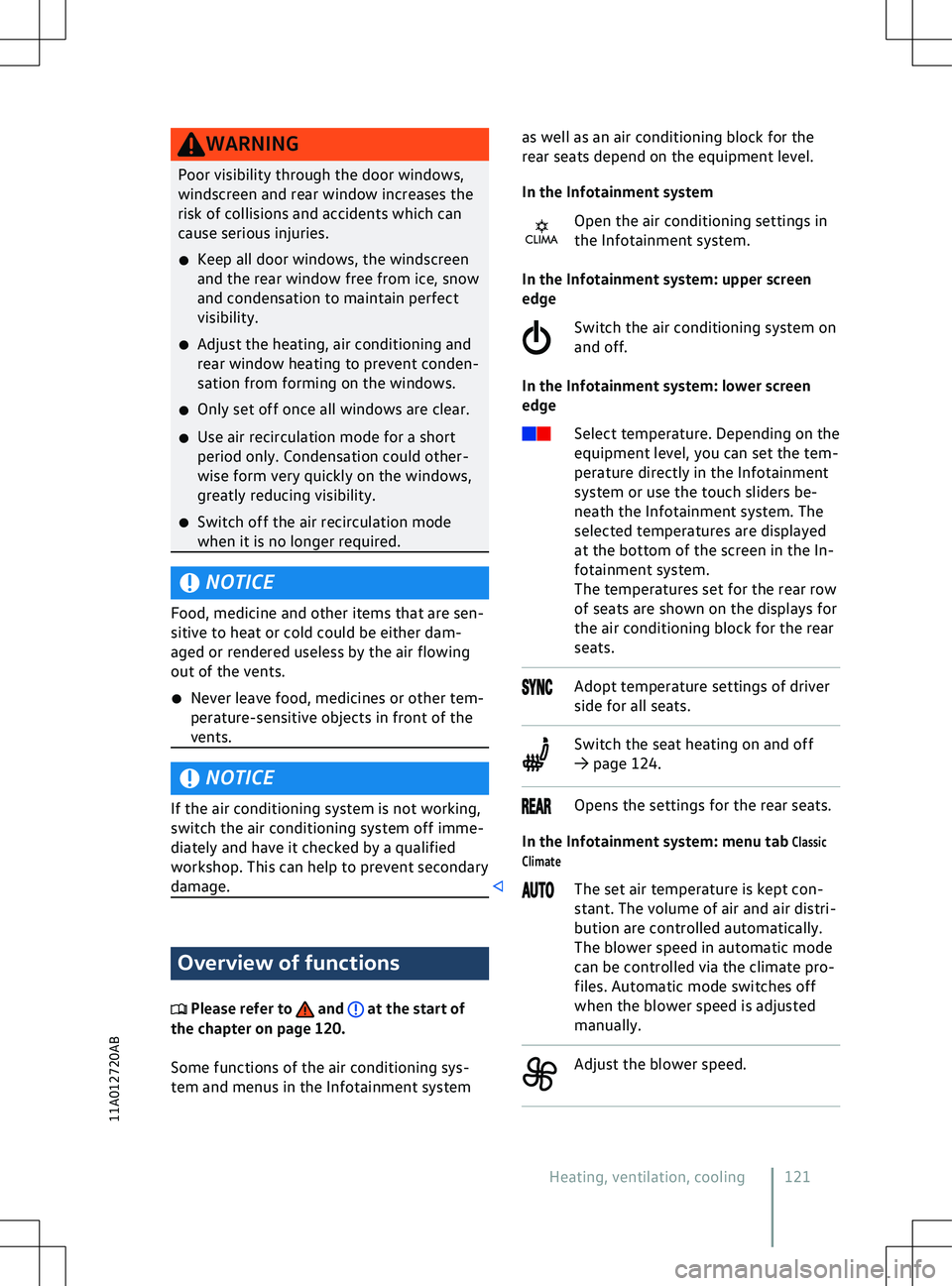
WARNING
Poor visibility through the door windows,
windscreen and rear window increases the
risk of collisions and accidents which can
cause serious injuries.
x Keep all door windows, the windscreen
and the rear window free from ice, snow
and condensation to maintain perf
ect
visibility.
x Adjust the heating, air conditioning and
rear window heating to prevent conden-
sation from forming on the windows.
x Only set off once all windows are clear.
x Use air recirculation mode for a short
period only. Condensation could other-
wise form very quickly on the windows,
greatly reducing visibility.
x Switch off the air recirculation mode
when it is no longer required. NOTICE
Food, medicine and other items that are sen-
sitiv
e to heat or cold could be either dam-
aged or rendered useless by the air flowing
out of the vents.
x Never leave food, medicines or other tem-
perature-sensitive objects in front of the
vents. NOTICE
If the air conditioning system is not working,
switch the air conditioning system off imme-
diately and ha
ve it checked by a qualified
workshop. This can help to prevent secondary
damage. Overview of functions
Please refer to and at the start of
the chapter on page 120.
Some functions of the air conditioning sys-
tem and menus in the Inf
otainment system as well as an air conditioning block for the
rear seats depend on the equipment le
vel.
In the Infotainment system Open the air conditioning settings in
the Infotainment system.
In the Infotainment system: upper screen
edge
Switch the air conditioning system on
and off.
In the Infotainment system: lower screen
edge Select temperature. Depending on the
equipment level, you can set the tem-
perature directly in the Infotainment
system or use the touch sliders be-
neath the Infotainment system. The
selected temperatures are displayed
at the bottom of the screen in the In-
fotainment system.
The temperatures set for the rear row
of seats are shown on the displays for
the air conditioning block for the rear
seats. Adopt temperature settings of driver
side f
or all seats. Switch the seat heating on and off
Page 142 of 417
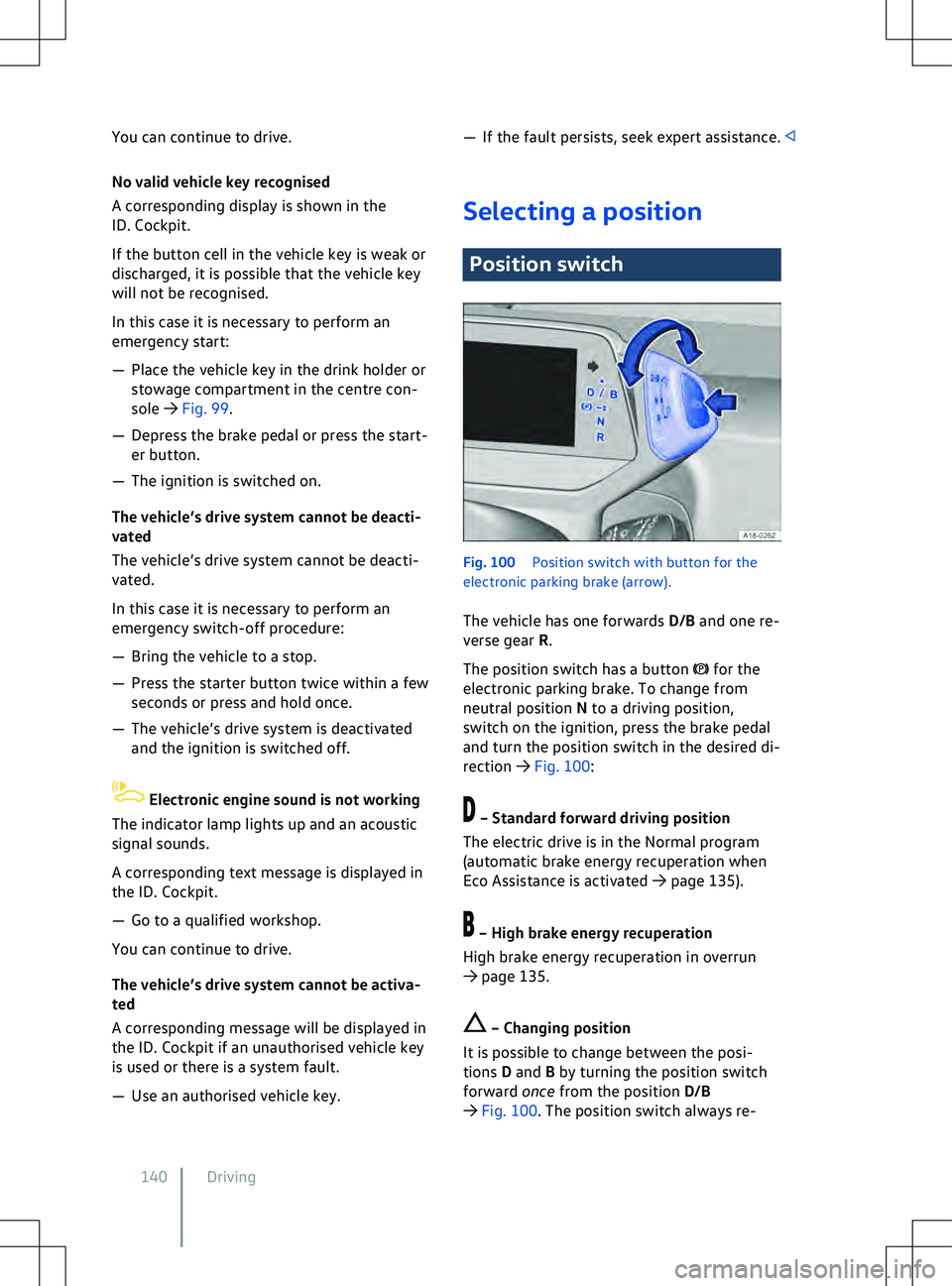
You can continue to drive.
No v
alid vehicle key recognised
A corresponding display is shown in the
ID. Cockpit.
If the button cell in the vehicle key is weak or
discharged, it is possible that the vehicle key
will not be recognised.
In this case it is necessary to perform an
emergency start:
Page 146 of 417
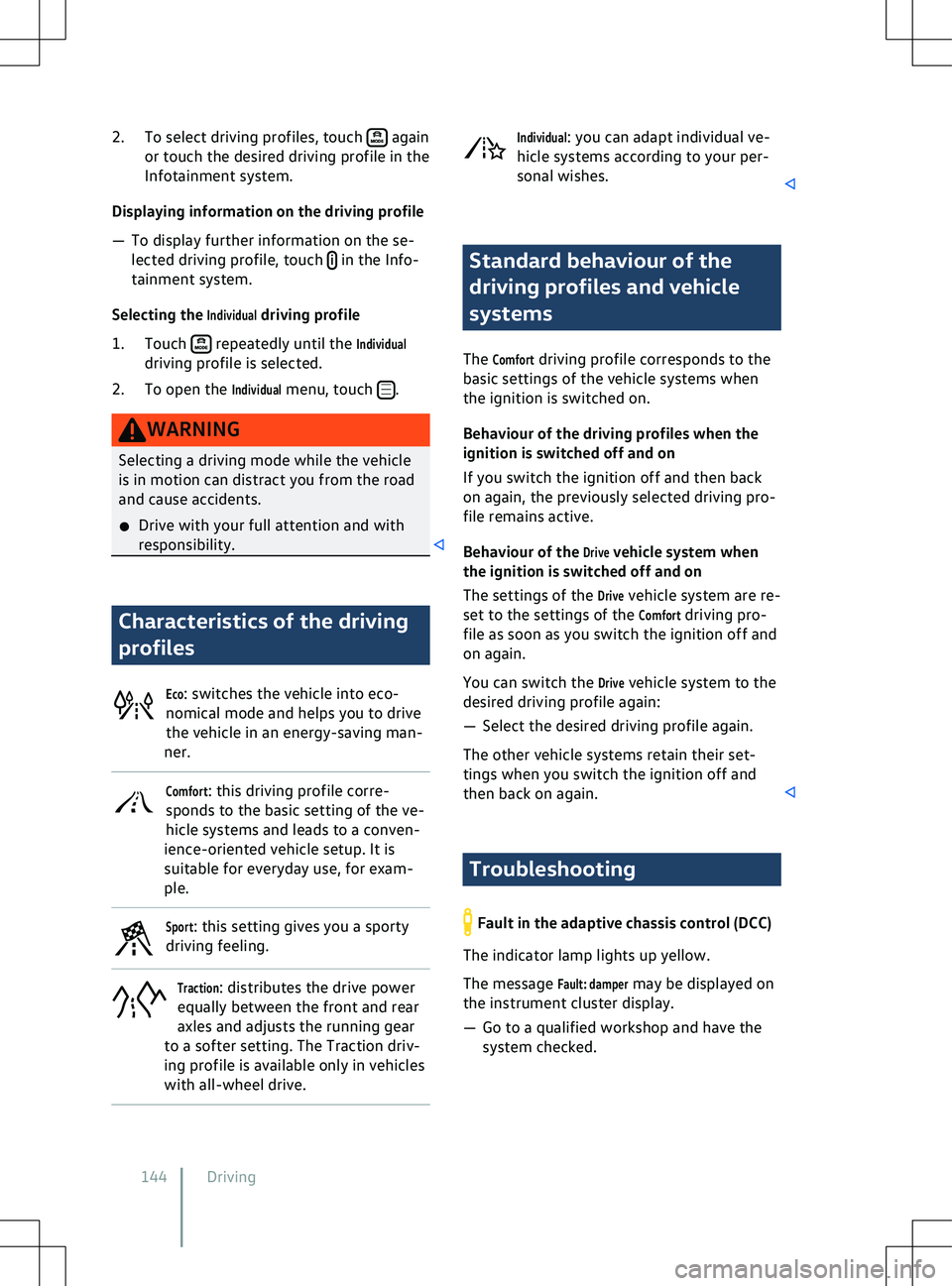
2. To select driving profiles, touch again
or touch the desired driving profile in the
Inf
otainment system.
Displaying information on the driving profile
Page 153 of 417
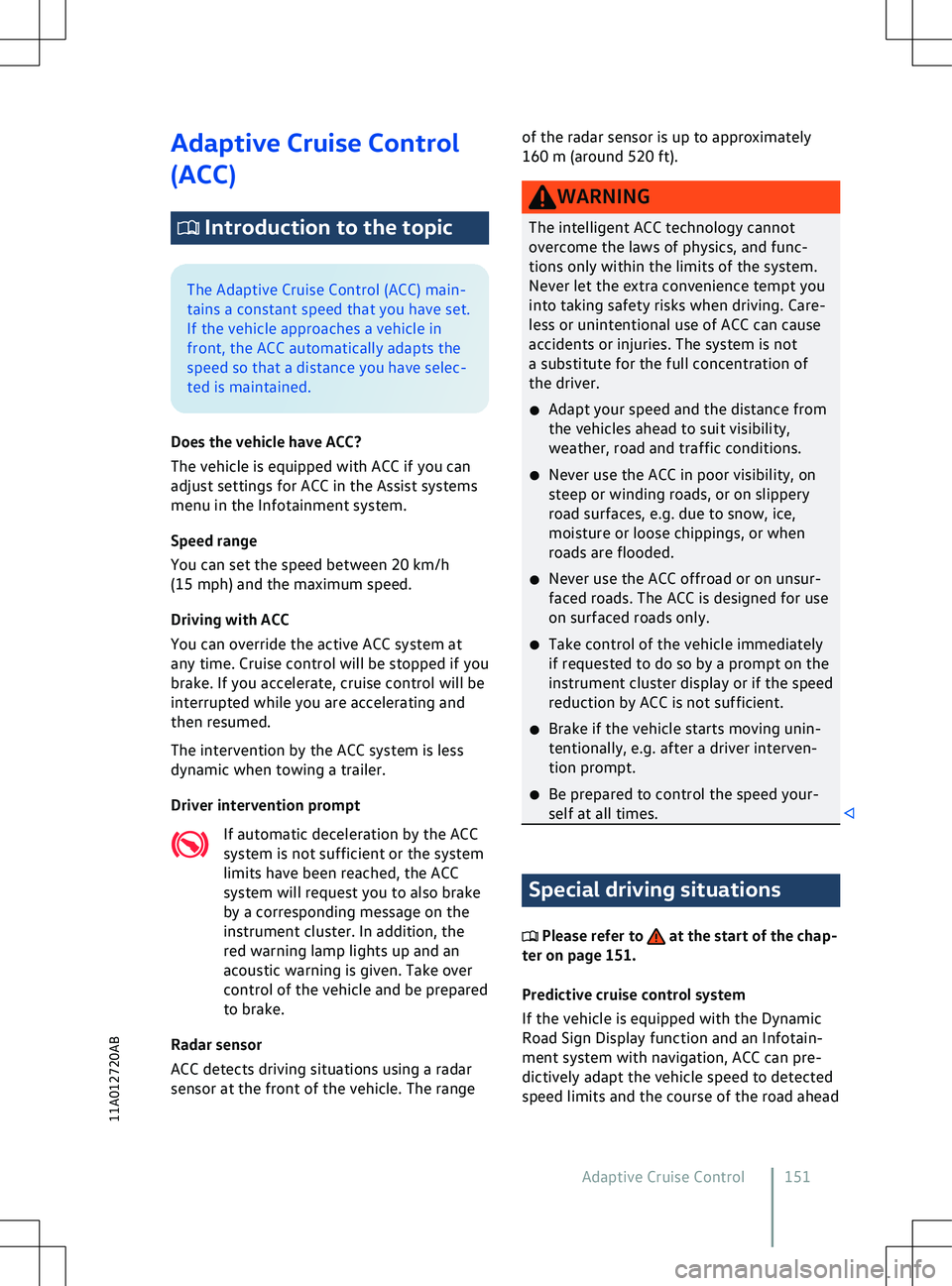
Adaptive Cruise Control
(ACC)
Introduction to the topic
The Adaptive Cruise Control (ACC) main-
tains a constant speed that you ha
ve set.
If the vehicle approaches a vehicle in
front, the ACC automatically adapts the
speed so that a distance you have selec-
ted is maintained.
Does the vehicle have ACC?
The vehicle is equipped with ACC if you can
adjust settings for ACC in the Assist systems
menu in the Infotainment system.
Speed range
You can set the speed between 20 km/h
(15 mph) and the maximum speed.
Driving with ACC
You can override the active ACC system at
any time. Cruise control will be stopped if you
brake. If you accelerate, cruise control will be
interrupted while you are accelerating and
then resumed.
The intervention by the ACC system is less
dynamic when towing a trailer.
Driver intervention prompt
If automatic deceleration by the ACC
system is not sufficient or the system
limits have been reached, the ACC
system will request you to also brake
by a corresponding message on the
instrument cluster. In addition, the
red warning lamp lights up and an
acoustic warning is given. Take over
control of the vehicle and be prepared
to brake.
Radar sensor
ACC detects driving situations using a radar
sensor at the front of the vehicle. The range of the radar sensor is up to approximately
160 m (
around 520 ft). Special driving situations
Please refer to at the start of the chap-
ter on page 151.
Predictiv
e cruise control system
If the vehicle is equipped with the Dynamic
Road Sign Display function and an Infotain-
ment system with navigation, ACC can pre-
dictively adapt the vehicle speed to detected
speed limits and the course of the road ahead
Adaptive Cruise Control 151
11A012720AB
Page 154 of 417
(depending on equipment and not available in
all countries).
Ov
ertaking
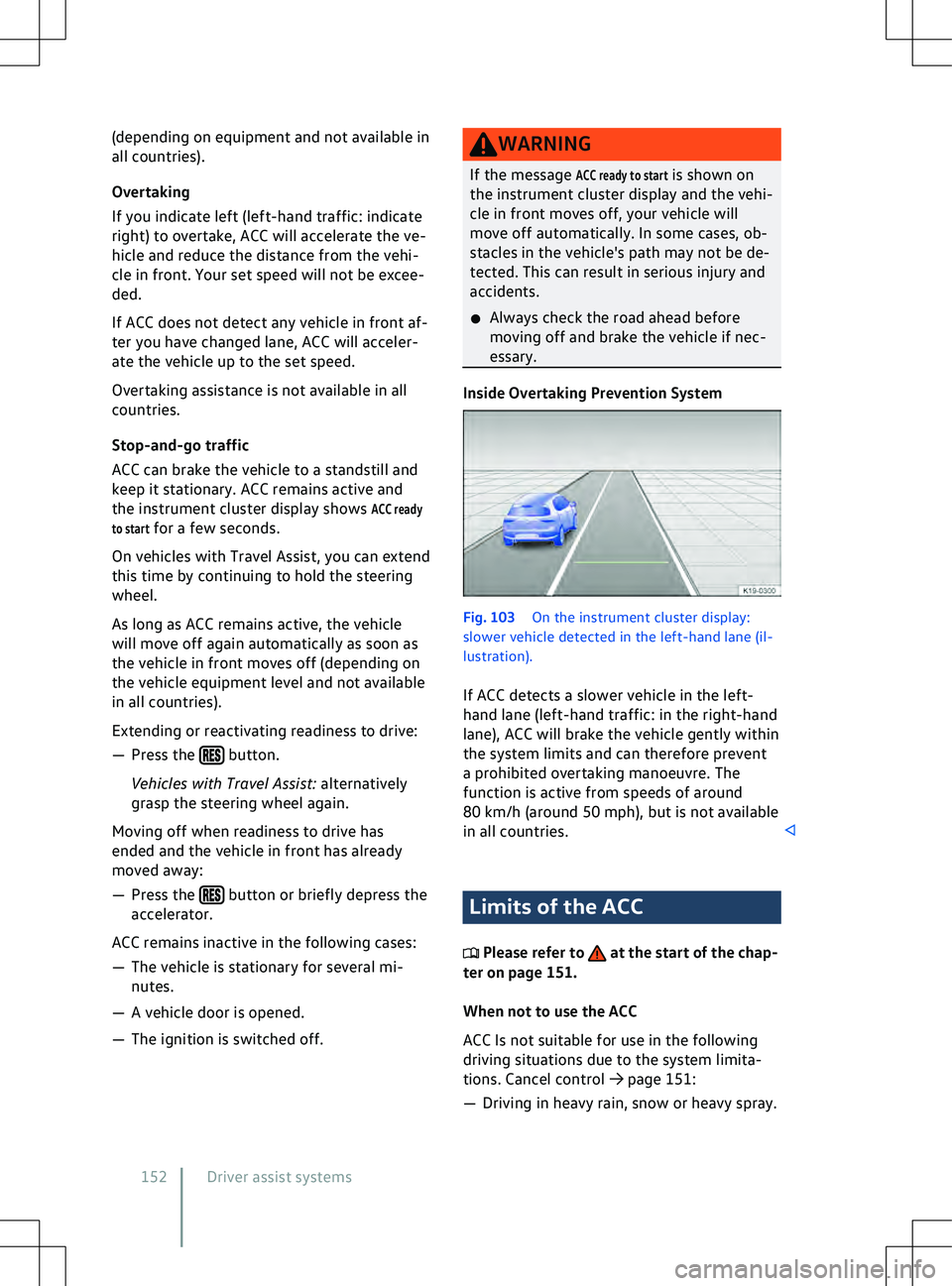
If you indicate left (left-hand traffic: indicate
right) to overtake, ACC will accelerate the ve-
hicle and reduce the distance from the vehi-
cle in front. Your set speed will not be excee-
ded.
If ACC does not detect any vehicle in front af-
ter you have changed lane, ACC will acceler-
ate the vehicle up to the set speed.
Overtaking assistance is not available in all
countries.
Stop-and-go traffic
ACC can brake the vehicle to a standstill and
keep it stationary. ACC remains active and
the instrument cluster display shows
ACC ready
to start for a few seconds.
On vehicles with Travel Assist, you can extend
this time by continuing to hold the steering
wheel.
As long as ACC remains active, the vehicle
will move off again automatically as soon as
the vehicle in front moves off (depending on
the vehicle equipment level and not available
in all countries).
Extending or reactivating readiness to drive:
Page 159 of 417
Display