parking VOLKSWAGEN ID.5 2022 Owners Manual
[x] Cancel search | Manufacturer: VOLKSWAGEN, Model Year: 2022, Model line: ID.5, Model: VOLKSWAGEN ID.5 2022Pages: 417, PDF Size: 5.39 MB
Page 111 of 417
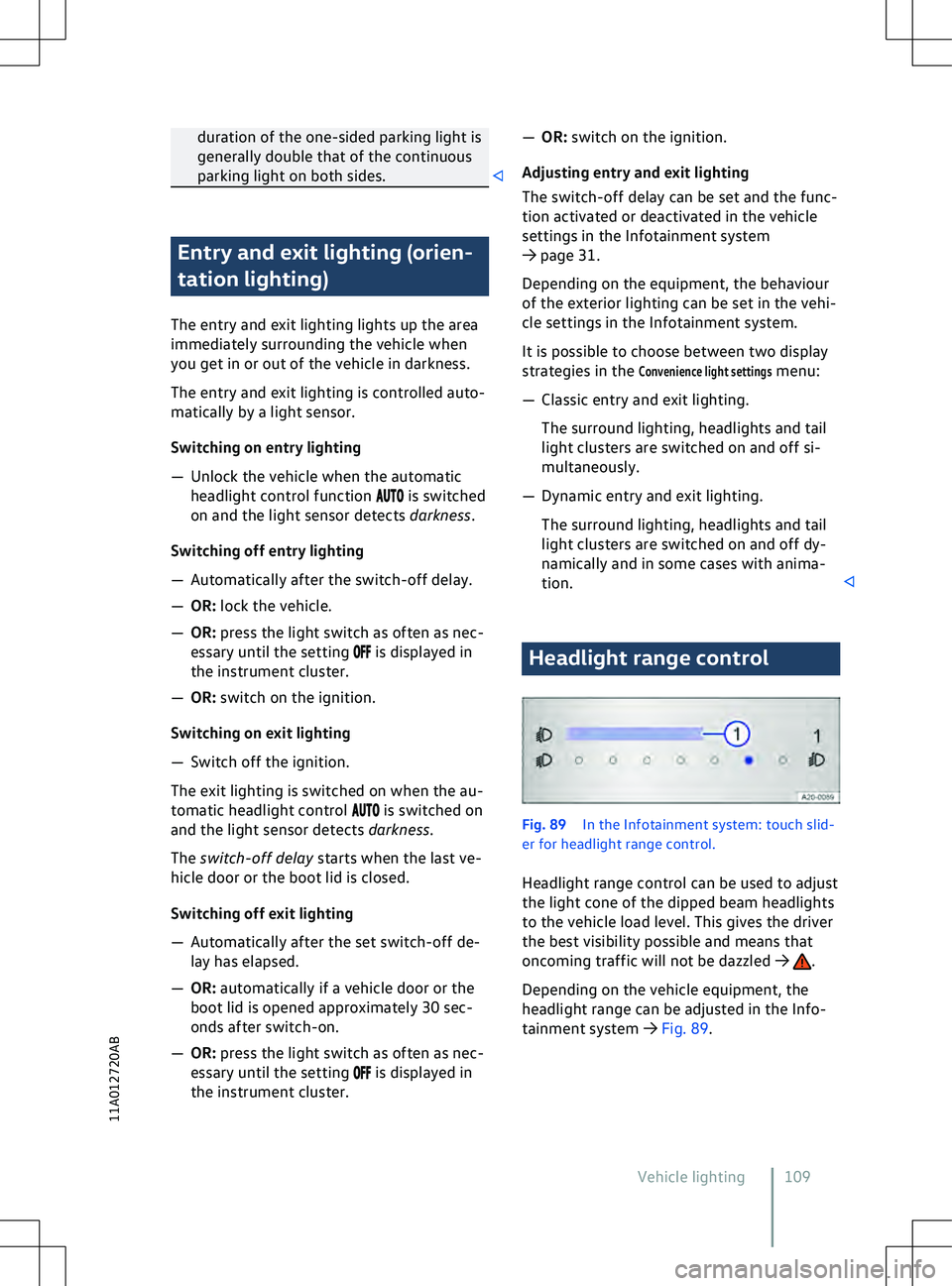
duration of the one-sided parking light is
generally double that of the continuous
parking light on both sides. Entry and exit lighting (orien-
tation lighting)
The entry and e
xit lighting lights up the area
immediately surrounding the vehicle when
you get in or out of the vehicle in darkness.
The entry and exit lighting is controlled auto-
matically by a light sensor.
Switching on entry lighting
Page 178 of 417
Parking and manoeu-
vring
P
arking
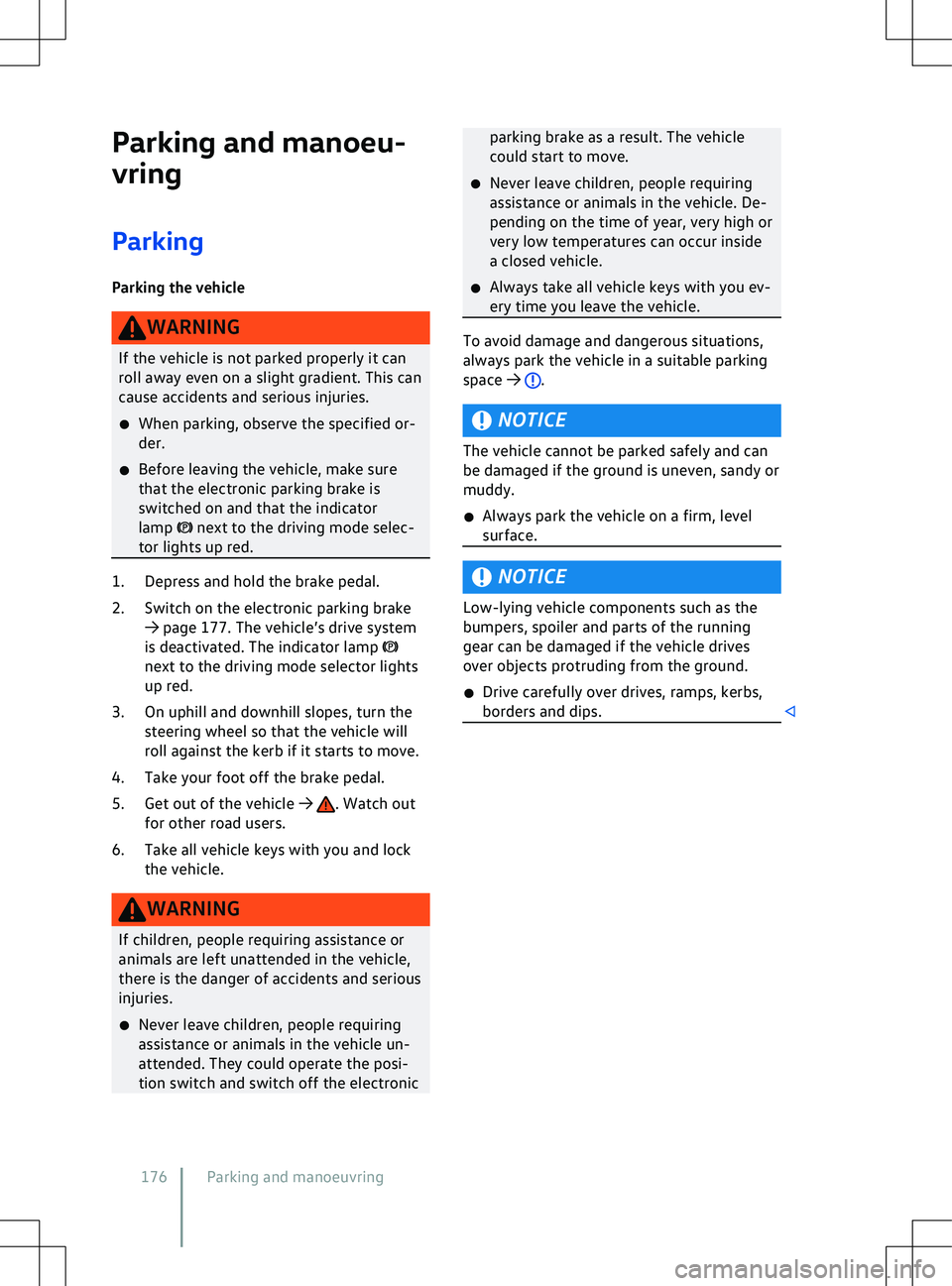
Parking the vehicle next to the driving mode selec-
tor lights up red. 1. Depress and hold the brake pedal.
2.
Switch on the electronic parking brake
Page 179 of 417
Electronic parking brake
Operating the electronic park-
ing brake
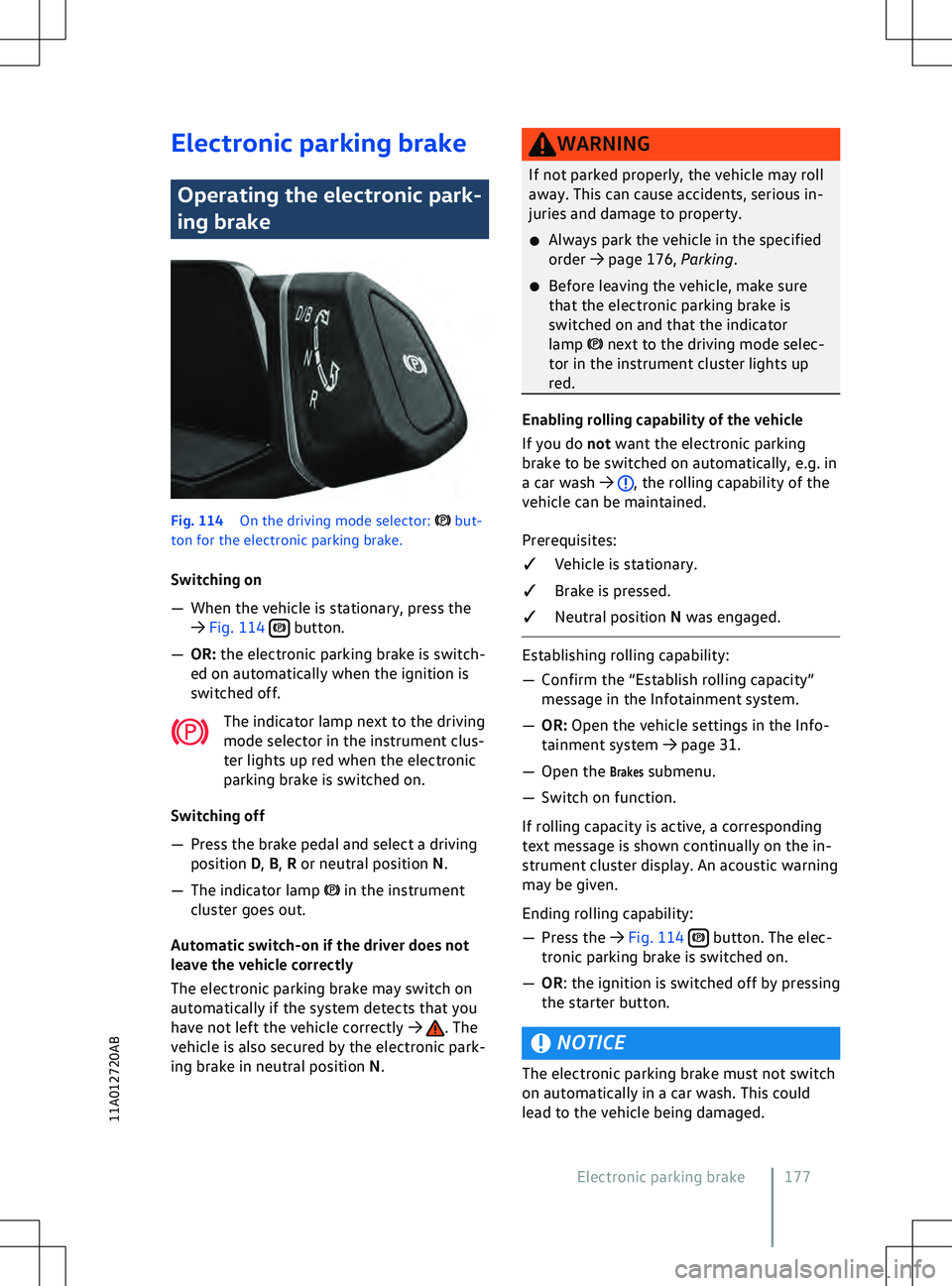
Fig. 114
On the driving mode selector: but-
ton f
or the electronic parking brake.
Switching on
Page 183 of 417
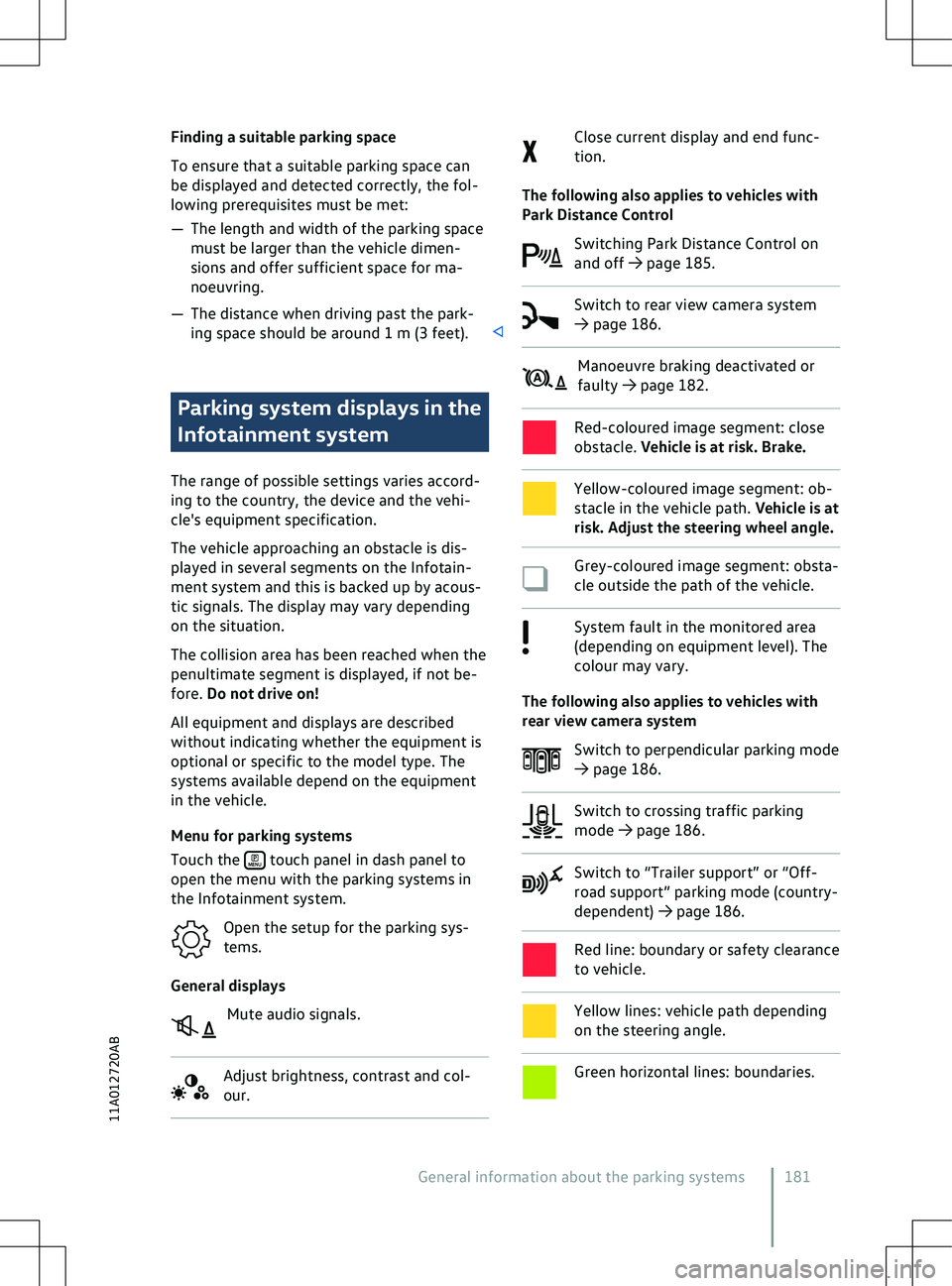
Finding a suitable parking space
To ensure that a suitable parking space can
be displayed and detected correctly, the f
ol-
lowing prerequisites must be met:
Page 184 of 417
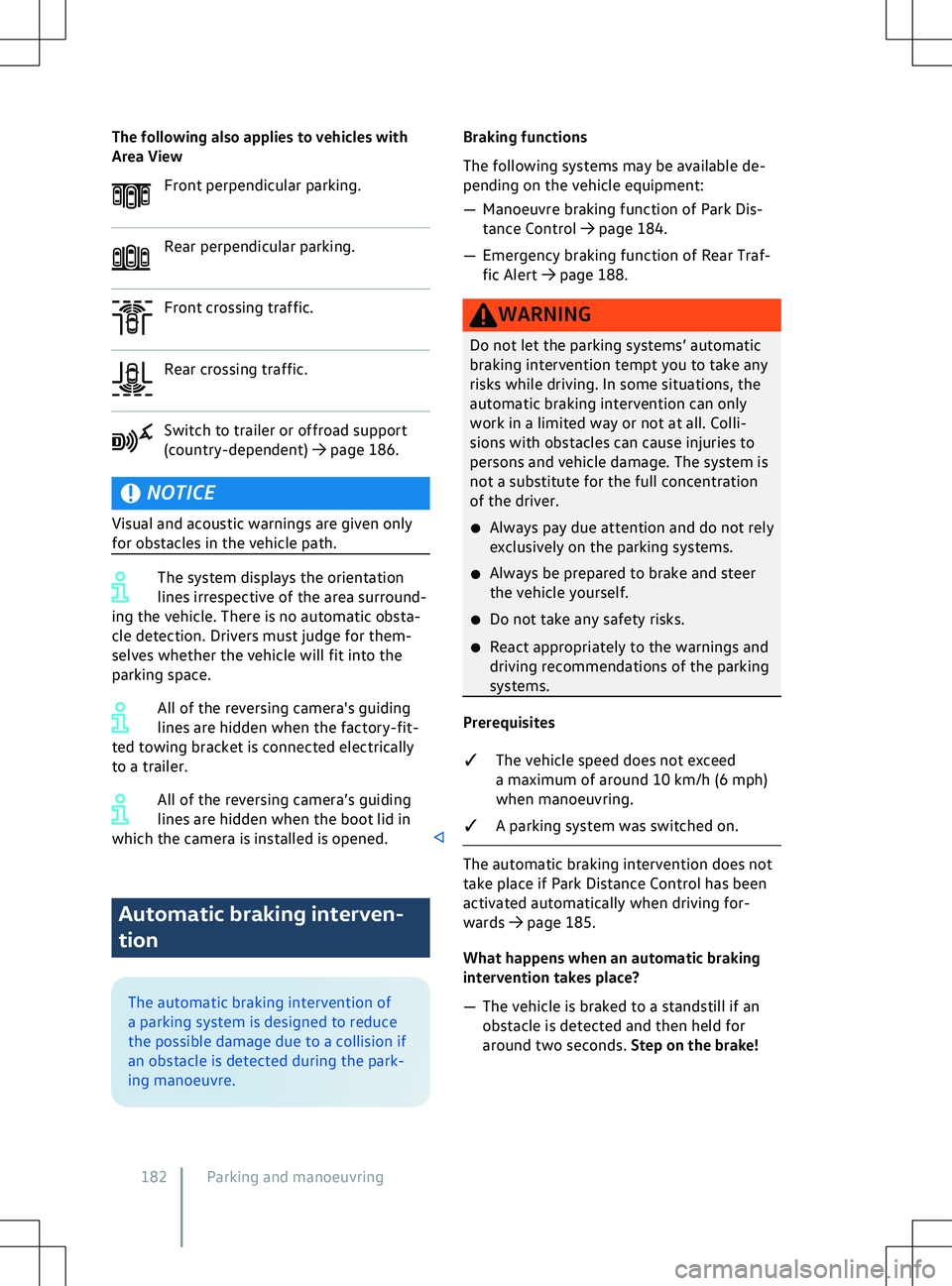
The following also applies to vehicles with
Area View
F
ront perpendicular parking. Rear perpendicular parking.
Front crossing traffic.
Rear crossing traffic.
Switch to trailer or offroad support
(
country-dependent)
Page 190 of 417
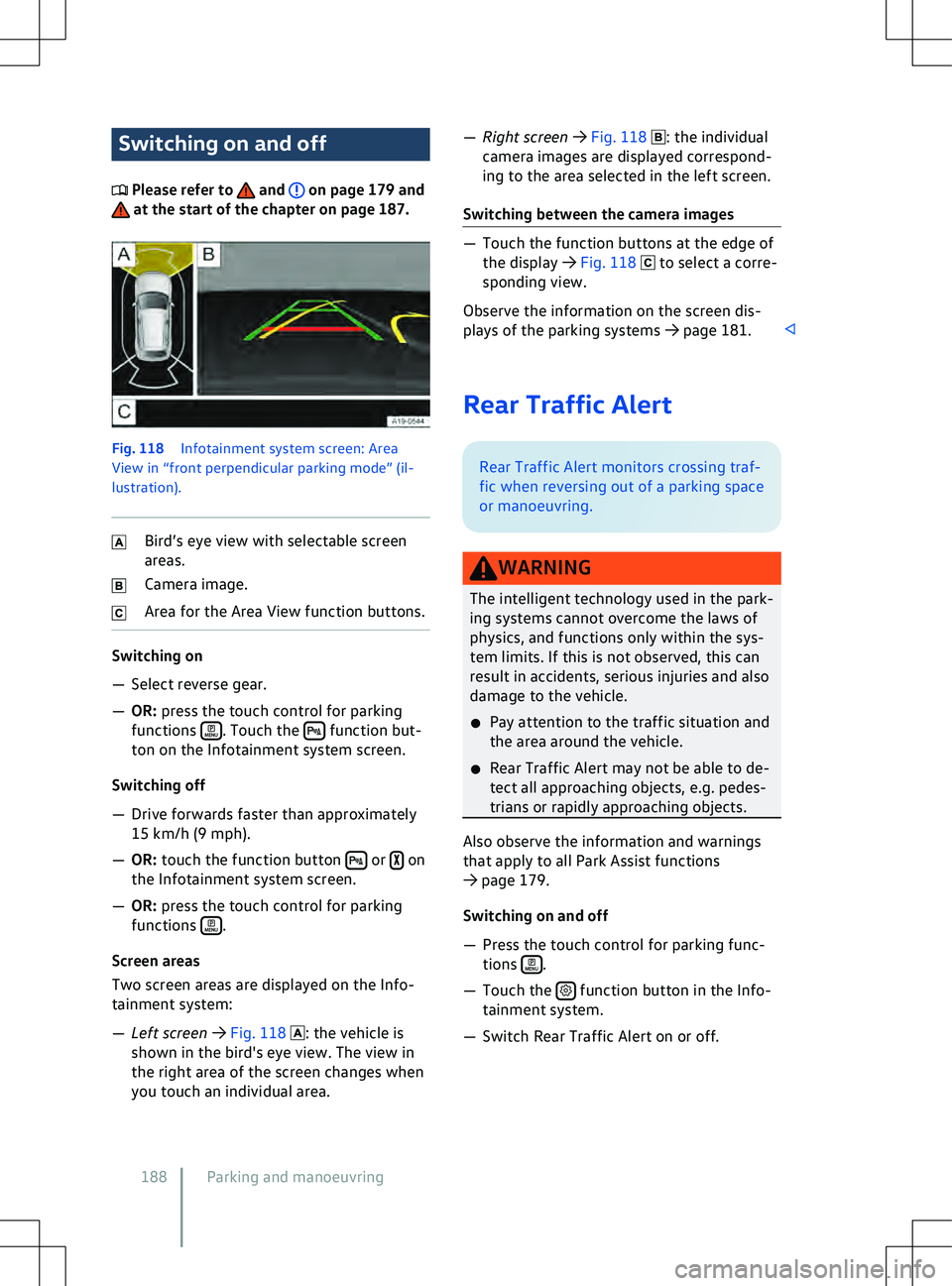
Switching on and off
Please refer to and on page 179 and
at the start of the chapter on page 187.
Fig. 118
Inf otainment system screen: Area
View in “front perpendicular parking mode” (il-
lustration). Bird
Page 191 of 417
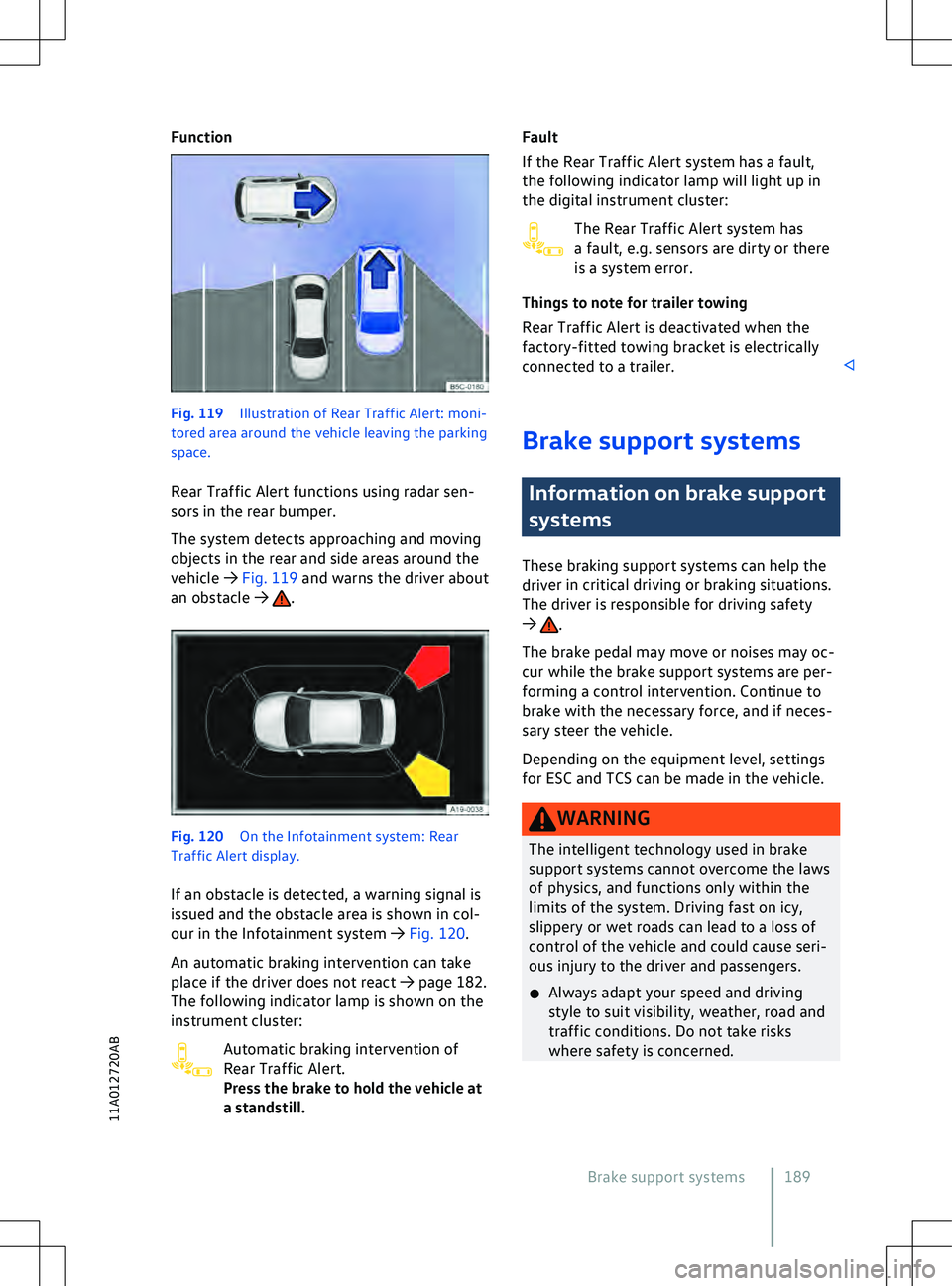
Function
Fig. 119
Illustration of Rear Traffic Alert: moni-
tored area around the v ehicle leaving the parking
space.
Rear Traffic Alert functions using radar sen-
sors in the rear bumper.
The system detects approaching and moving
objects in the rear and side areas around the
vehicle
Page 194 of 417
ESC or TCS is performing control inter-
v
ention
Indicator lamp flashes yellow. continues to light
up, seek e
xpert assistance.
The brake support systems make noises
Noises may be heard when the brake support
systems are performing control interventions. lights up
together with the ABS indicator lamp the control function of the ABS may
ha
ve failed. This can cause the rear
wheels to lock relatively quickly when
you brake. Locked rear wheels can lead
to a loss of control of the vehicle. If pos-
sible, reduce your speed and drive care-
fully at low speed to the nearest quali-
fied workshop in order to have the brake
system tested. Avoid sudden braking and
driving manoeuvres on the way.
x If the ABS indicator lamp does not go
out or comes on while the v
ehicle is in
motion, the ABS is not working properly.
The vehicle can be stopped using the
normal brakes only (without the anti-
lock brake system). The protection pro-
vided by the anti-lock brake system is no longer available. Go to a qualified work-
shop as soon as possible.
192 Parking and manoeuvring
Page 345 of 417
Changing a wheel
Introduction to the topic
You should carry out a wheel change yourself
only when the v
ehicle is parked safely, you
are familiar with the safety procedures and
have access to the correct equipment. Some
models are delivered from the factory with-
out a jack or box spanner. If this is the case,
wheels should be changed by a qualified
workshop.
The jack supplied with the vehicle is only de-
signed for changing a wheel when one vehi-
cle tyre is damaged and has to be replaced. If
both tyres on one side of the vehicle, both
tyres on one axle, or all tyres are damaged,
seek expert assistance. to the P position to reduce the risk of
unintended v
ehicle movement.
x Switch on the electronic parking brake.
x The wheel bolt tightening torque should
be checked with a correctly functioning
torque wrench immediately after chang-
ing a wheel.
x In the case of vehicles with a Tyre Pres-
sure Loss Indicator, the system must be
re-synchronised immediately after
a wheel change
Page 365 of 417
Customers in Europe, Asia, Australia, Africa,
Central and South America:
Please contact a V
olkswagen dealership or
qualified workshop or register on the erWin
online portal (electronic repair and workshop
information):
https://erwin.volkswagen.de
Customers in North America and Canada:
To order printed service information please
contact:
Volkswagen Technical Literature Ordering
Center
literature.vw.com
You can also register online in the erWin in-
ternet portal:
https://erwin.vw.com
Vehicles with special auxiliary equipment or
body parts
Auxiliary equipment and second stage manu-
facturers must ensure that the equipment
and bodies (conversions) adhere to the stipu-
lated environmental laws and regulations,
particularly the EU directive 2000/53/EC con-
cerning end-of-life vehicles and EU directive
2003/11/EC concerning the restriction on the
marketing and use of certain dangerous sub-
stances and preparations.
The vehicle owner must keep all assembly
documentation for these conversions and
pass it on to the scrapping company upon ve-
hicle handover if the vehicle is scrapped. This
is intended to facilitate environmentally re-
sponsible disposal for all vehicles, including
refitted vehicles.
Windscreen repairs
To function properly, some items of equip-
ment require an electrical or electronic mod-
ule, which is located on the inside of the
windscreen near the interior mirror. If the
windscreen has been damaged in the viewing
field of the electrical or electronic module,
e.g. by stone impact, the windscreen must be
replaced. Repairing the crack can lead to mal-
function or functional faults in the equip-
ment. After changing the windscreen, the camera
and sensors must be adjusted and calibrated
by a qualified workshop.
Impairment or damage to sensors and cam-
eras
Incorrectly perf
ormed repairs, structural
changes to the vehicle, e.g. lowering the sus-
pension, retrofitted add-on parts or changes
to the trim can lead to sensors and cameras
being displaced or damaged. This can also be
caused by collisions when parking, or also
even by minor damage such as stone impacts
on the windscreen.
The area in front of and around the sensors
and cameras must not be covered by stickers,
additional headlights, trim frames for number
plates or similar. Observe the position of sen-
sors and cameras on the vehicle